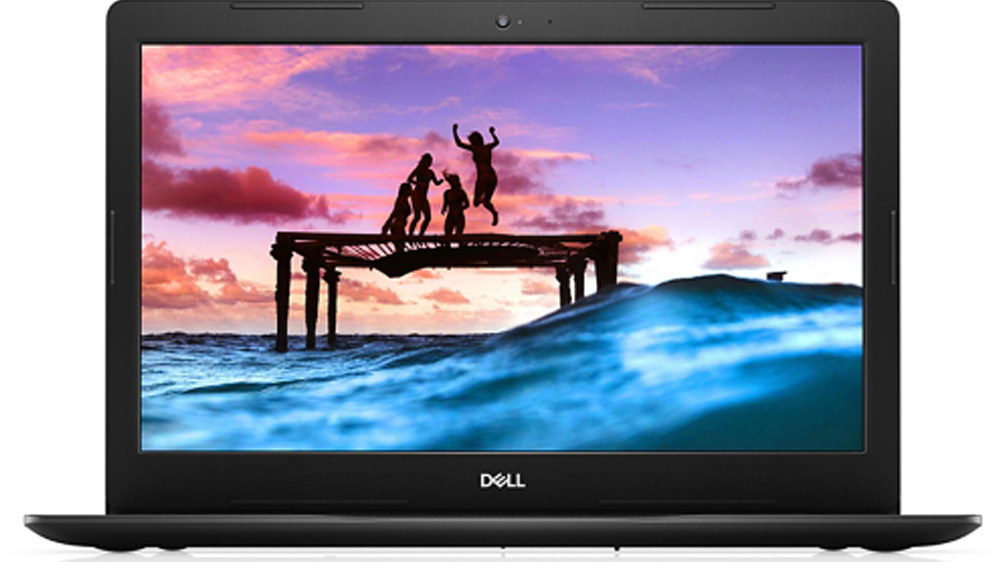
Dell Inspiron 15 3580
Dell Inspiron 15 3580 - Specs
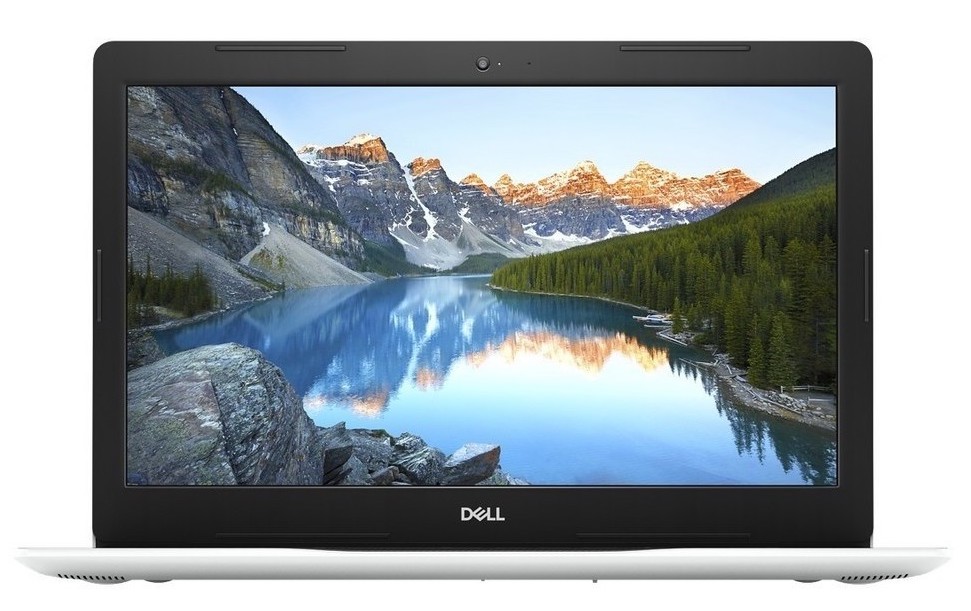
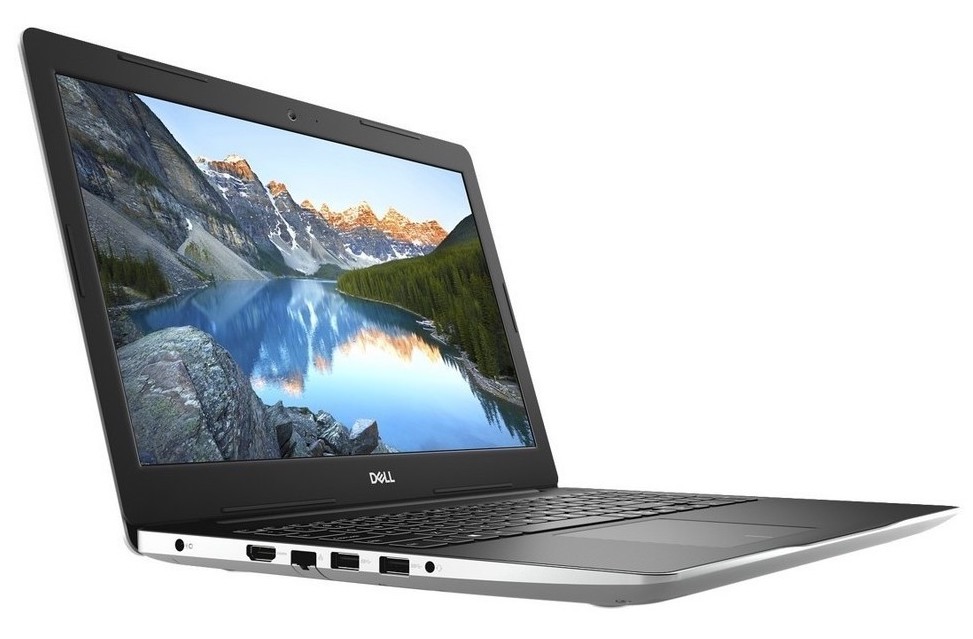
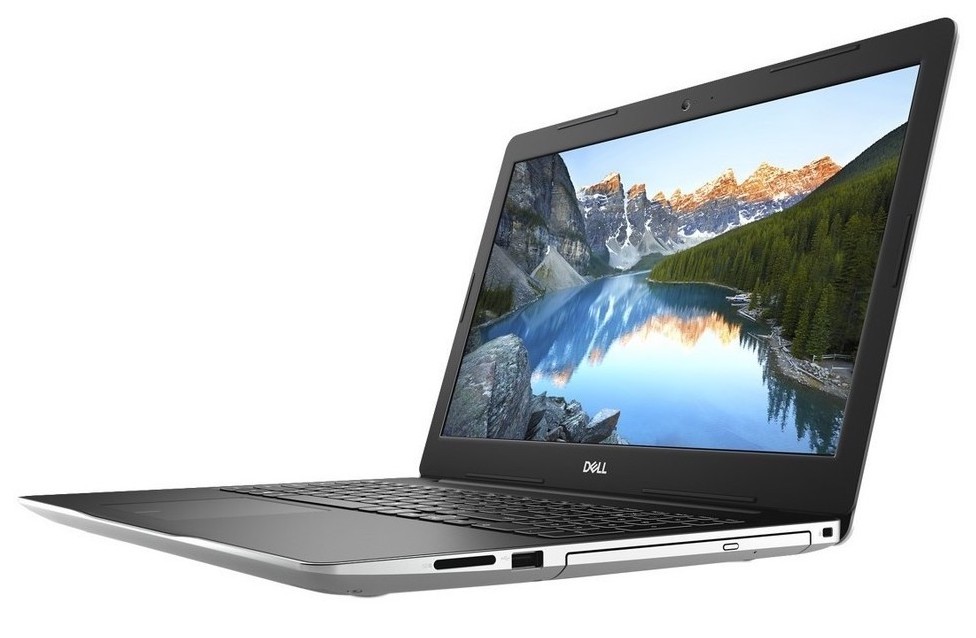
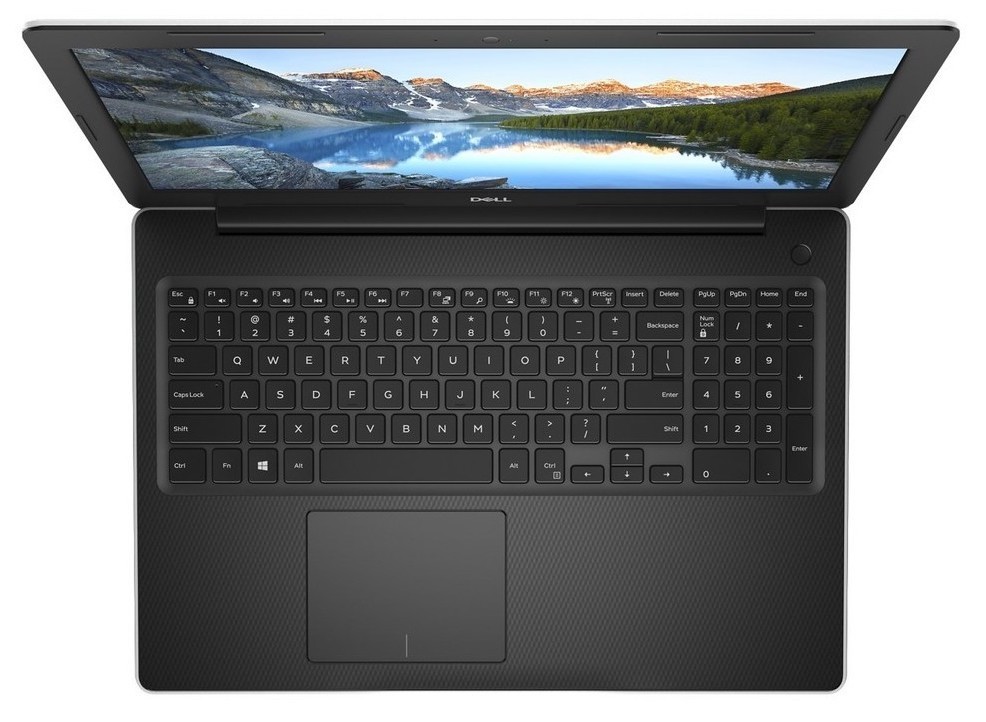
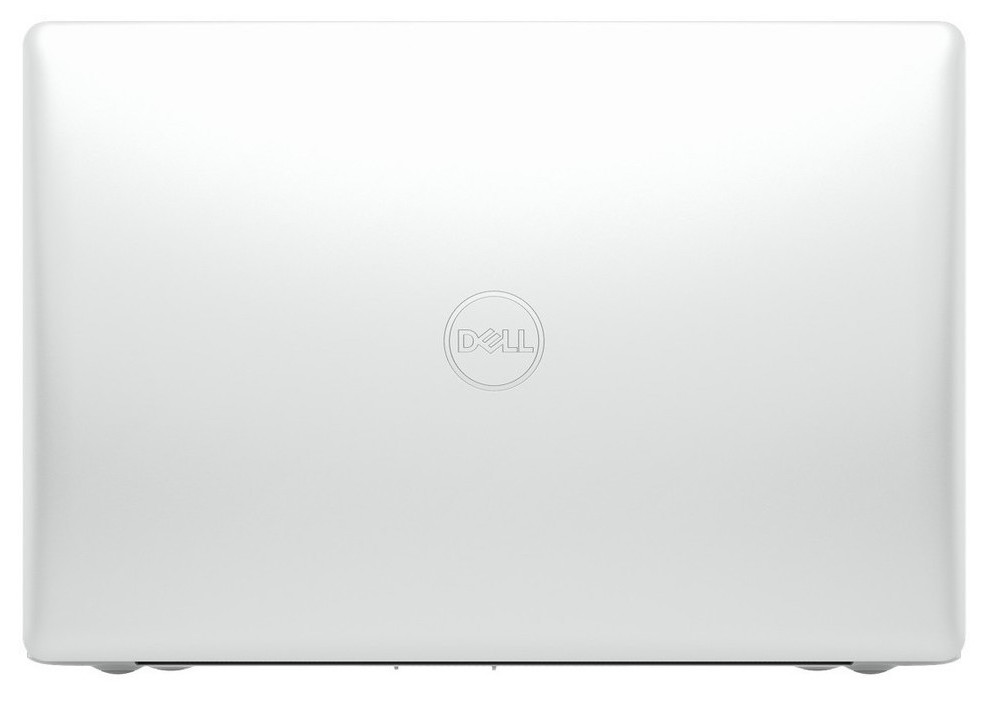
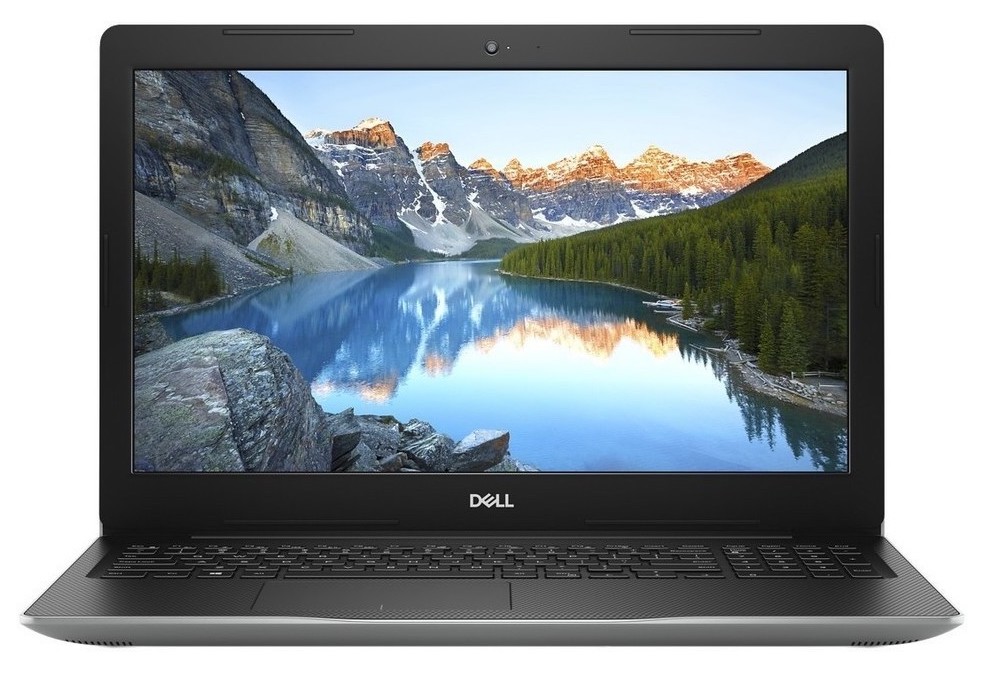
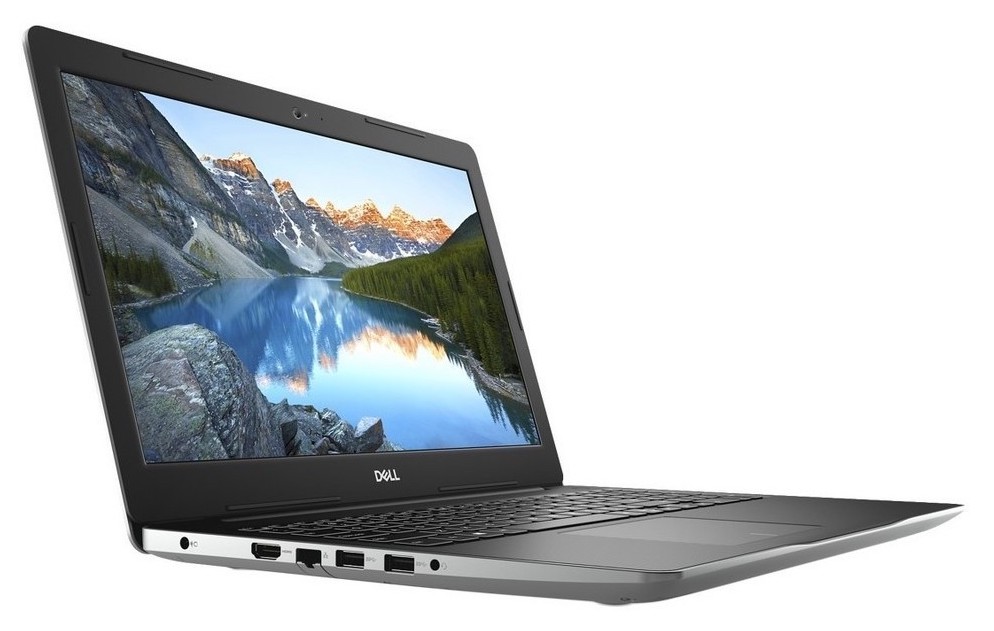
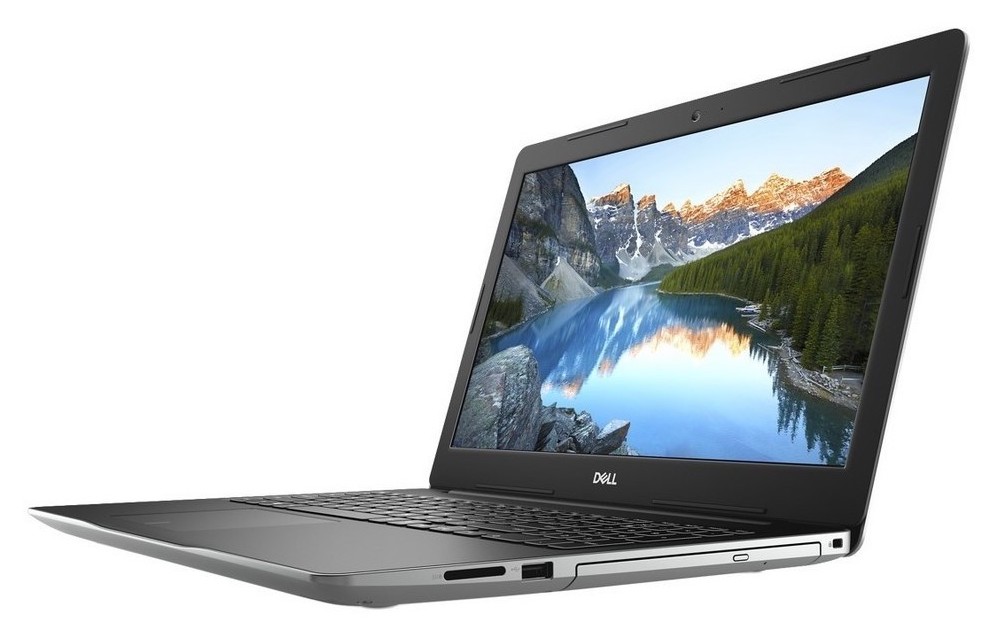
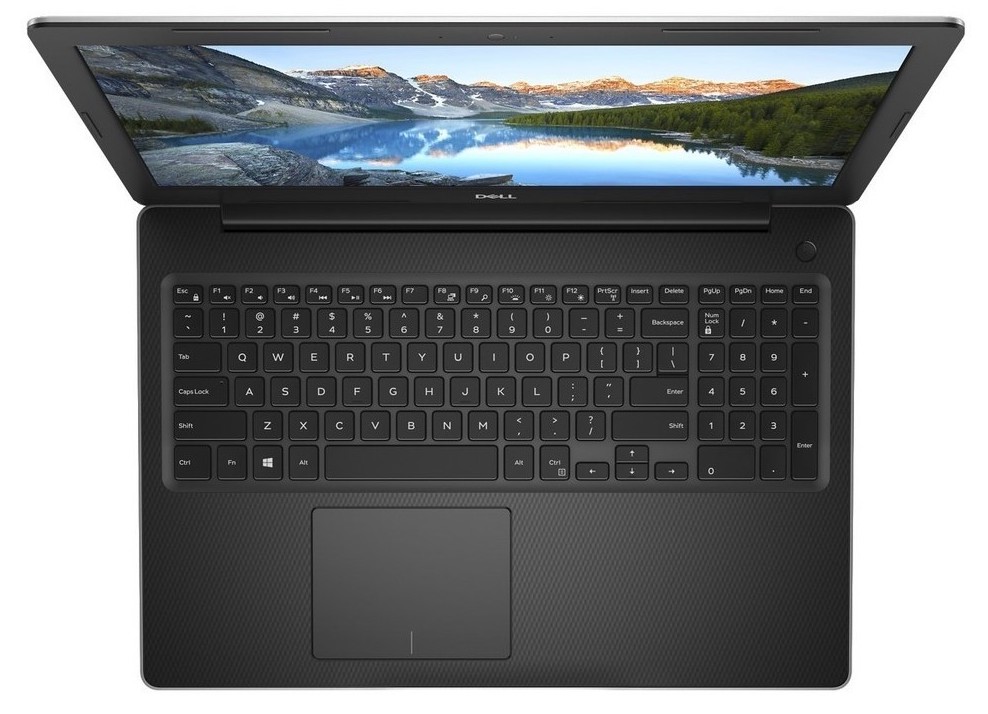
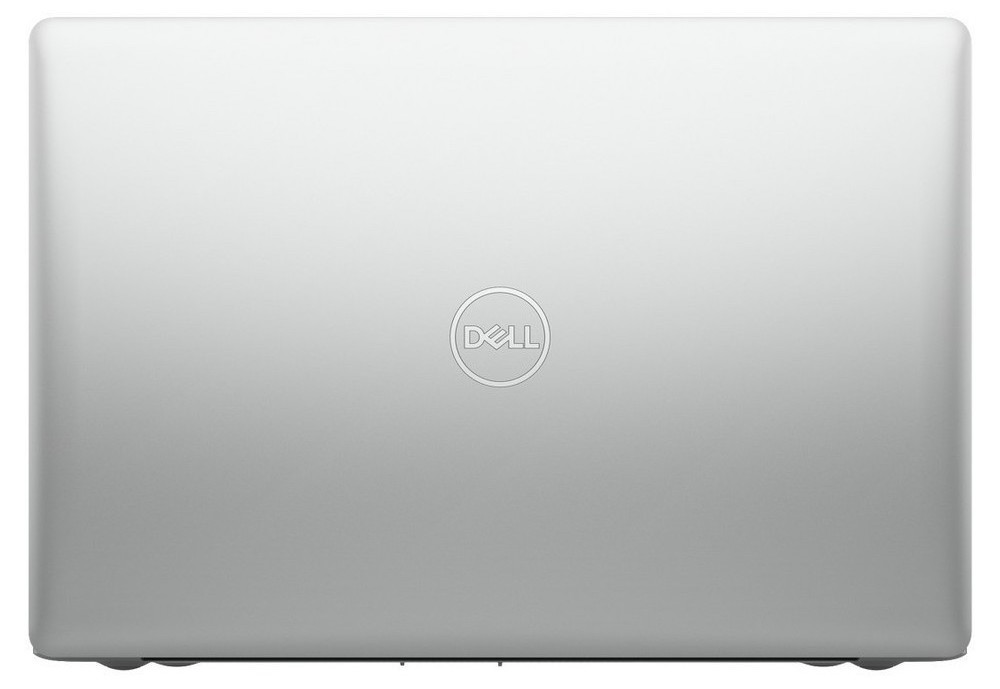
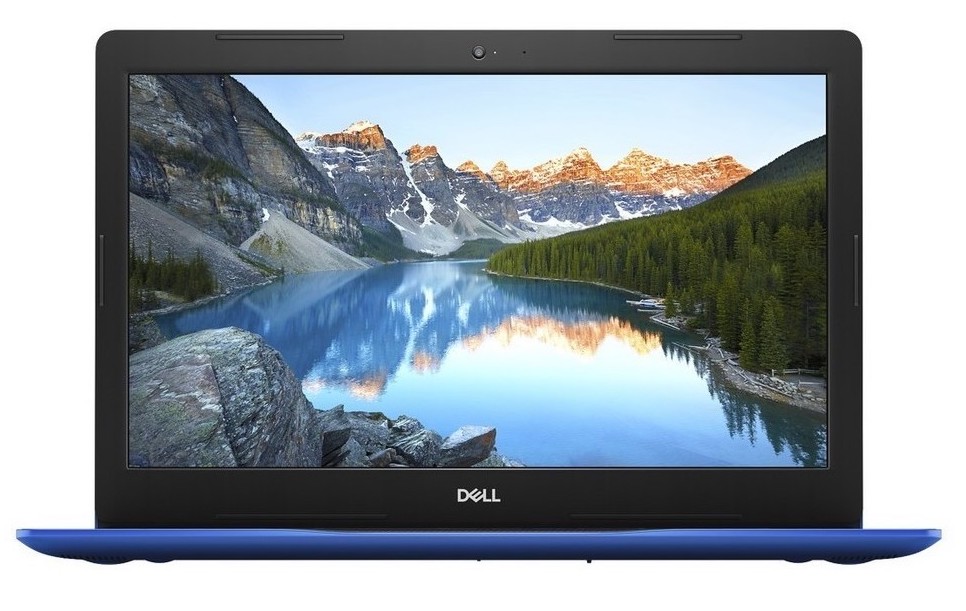
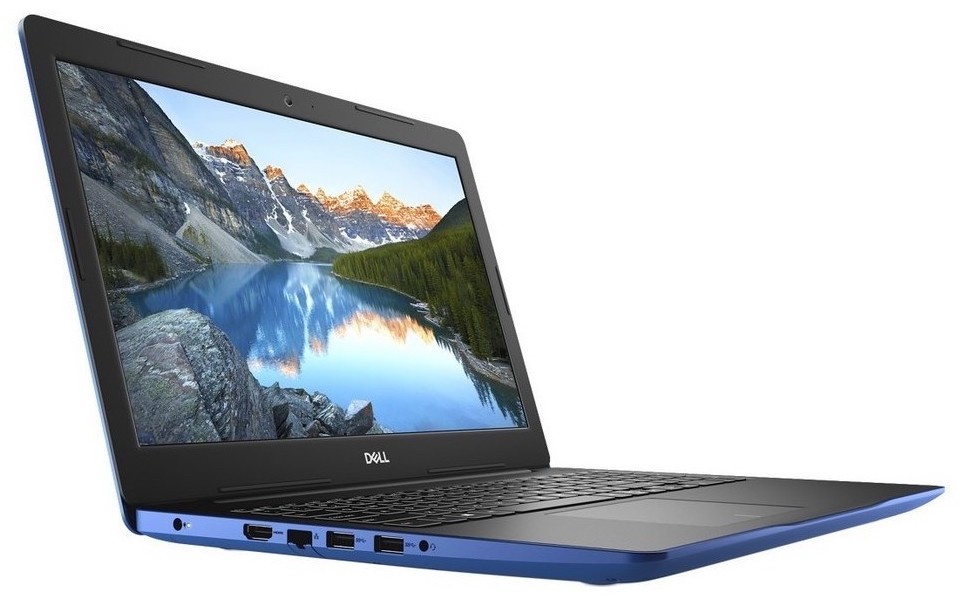
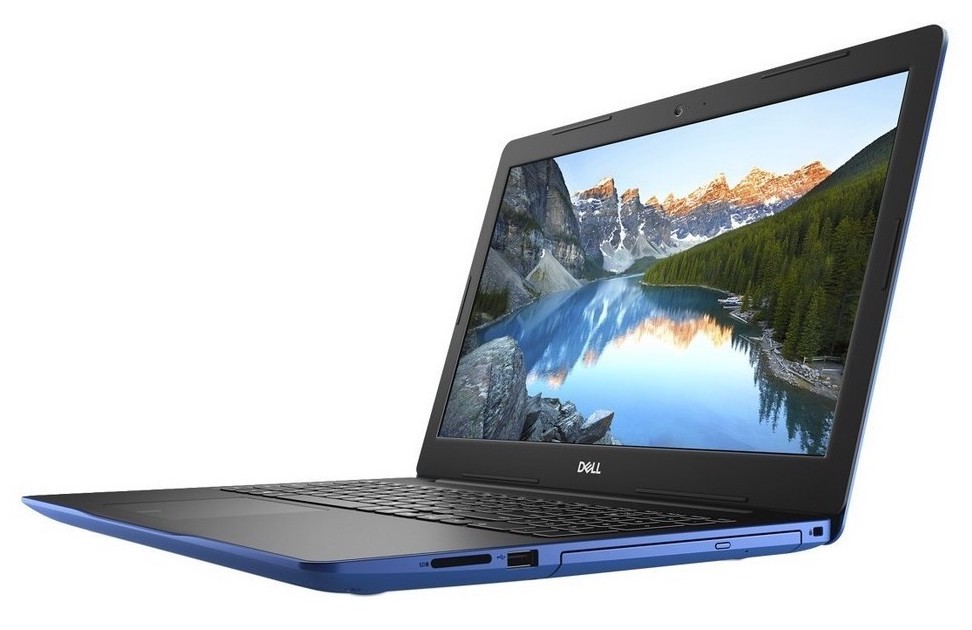
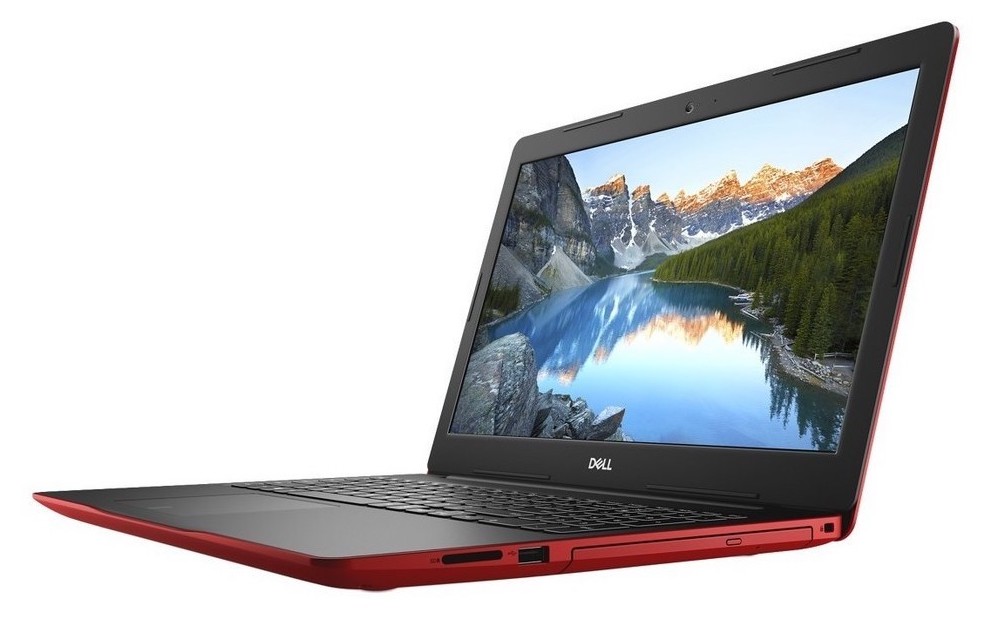
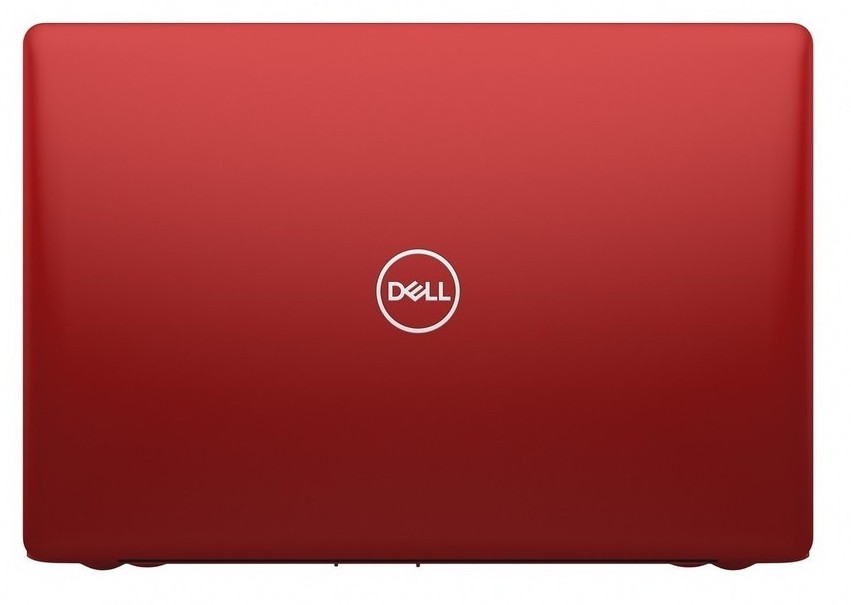
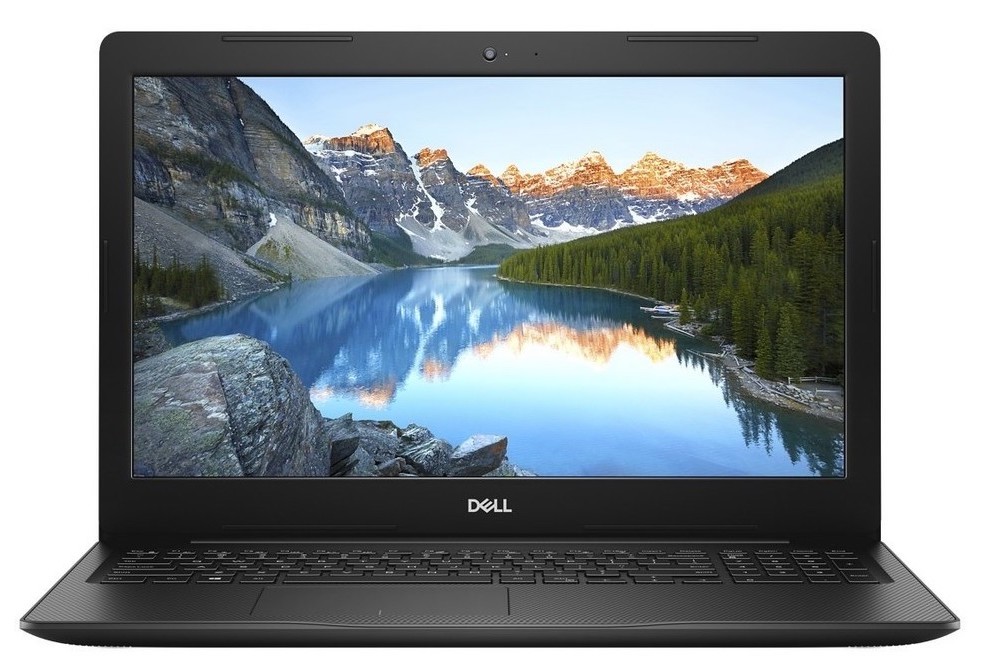
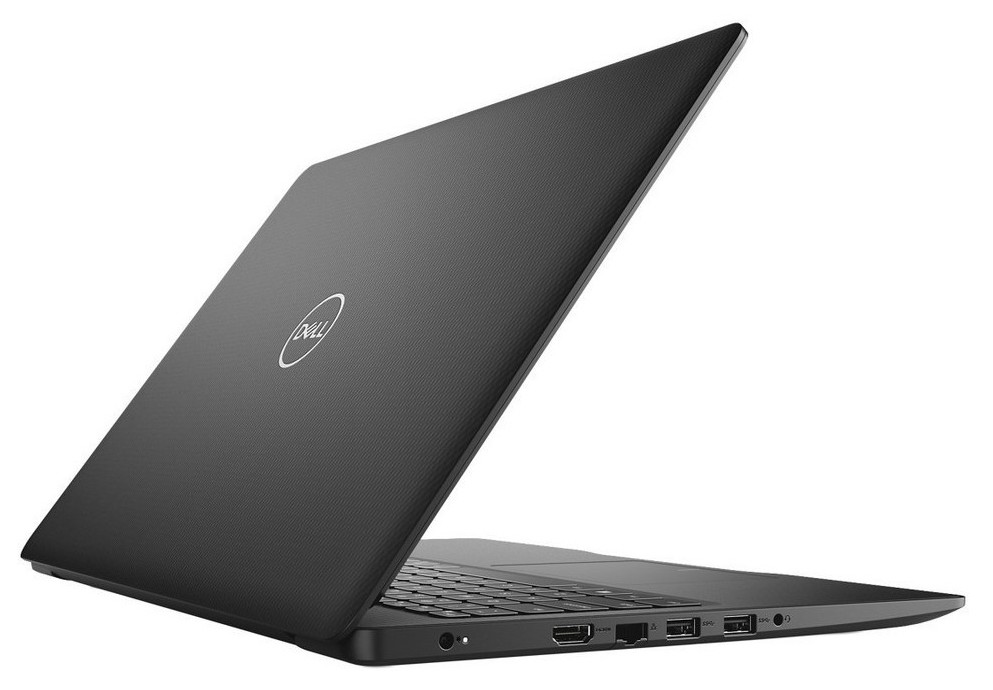
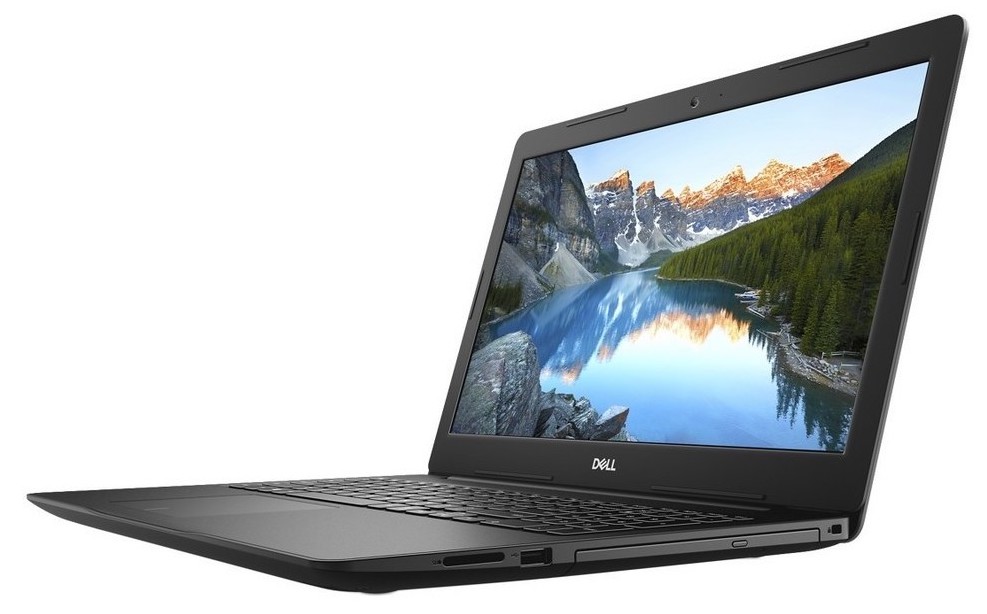
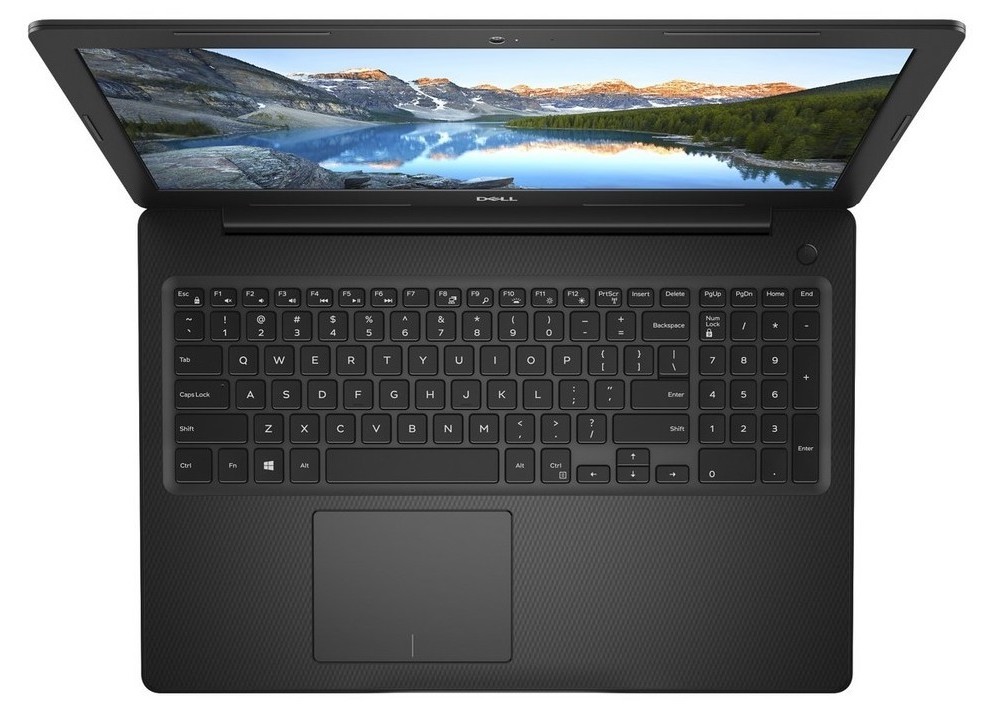

- HDD/SSD
- tot 2016GB SSD + tot 2000GB HDD
- M.2 Sleuf
- 1x 2280 M.2 NVMe slot Zie foto
- RAM
- up to 32GB
- OS
- Windows 10 Home, Windows 10 S, Windows 10 Pro, Linux
- Accu
- 41Wh, 3-cell, 42Wh, 3-cell, 42Wh
- Materiaal behuizing
- Plastic / Polycarbonate
- Afmetingen
- 380 x 258 x 20.66 - 20.70 mm (14.96" x 10.16" x 0.81")
- Gewicht
- 2.28 kg (5 lbs)
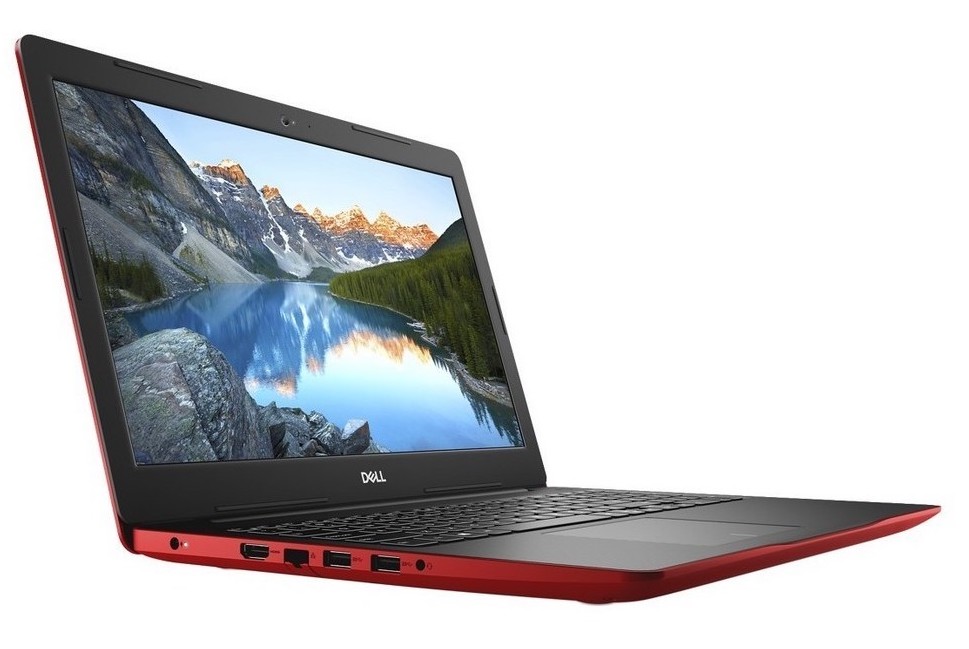
- Poorten en connectiviteit
- 2x USB Type-A
- 3.2 Gen 1 (5 Gbps)
- 1x USB Type-A
- 2.0
- HDMI
- 1.4
- Kaartlezer
- SD, SDHC, SDXC
- Ethernet LAN
- 10/100 Mbps
- Wi-Fi
- Bluetooth
- Audio-aansluiting
- 3.5mm audio jack
- Functies
- Vingerafdruklezer
- optional
- Webcamera
- HD 720p@30fps (78.6 degrees)
- Verlicht toetsenbord
- optional
- Microfoon
- Luidsprekers
- 2x 2W
- Optische drive
- optional
- Sleuf voor veiligheidsslot
Alle Dell Inspiron 15 3580 configuraties
Koop onze profielen voor BOE NT15N41-M9P74 (BOE0802) / 15.6”, Full HD (1920 x 1080), TN
Naast het ontvangen van efficiënte en gezondheidsvriendelijke profielen, ondersteunt u door het kopen van LaptopMedia's producten ook de ontwikkeling van onze labs, waar we apparaten testen om zo objectief mogelijke reviews te produceren.

Office Work
Office Work is voornamelijk bedoeld voor gebruikers die de meeste tijd besteden aan het bekijken van teksten, tabellen of gewoon surfen. Dit profiel streeft naar een betere onderscheidbaarheid en helderheid door een vlakke gammacurve (2.20), native kleurtemperatuur en perceptueel accurate kleuren te behouden.

Design and Gaming
Dit profiel is bedoeld voor ontwerpers die professioneel met kleuren werken, maar ook voor games en films. Design and Gaming haalt het uiterste uit beeldschermen, waardoor ze zo nauwkeurig mogelijk zijn in de sRGB IEC61966-2-1 norm voor Web en HDTV, met witpunt D65.

Health-Guard
Health-Guard elimineert de schadelijke Pulsbreedtemodulatie (PWM) en vermindert het negatieve Blauwe Licht dat onze ogen en lichaam beïnvloedt. Omdat het op maat gemaakt is voor elk paneel, slaagt het erin de kleuren perceptueel accuraat te houden. Health-Guard simuleert papier zodat de druk op de ogen sterk wordt verminderd.
Krijg alle 3 profielen met 33% korting

CPU Prestaties
Hier vindt u het prijs/prestatieverschil tussen alle CPU's die in de Dell Inspiron 15 3580 Series.
De resultaten zijn afkomstig van de Cinebench R23 CPU-test (hoe hoger de score, hoe beter)
GPU Prestaties
Hier vindt u het prijs/prestatieverschil tussen alle GPU's die in de Dell Inspiron 15 3580 Series.
De resultaten zijn van 3DMark Time Spy (Graphics). Hoger is beter.

Dell Inspiron 15 3580 uitgebreide review
Inspiron 15 3000 series has long been one of the most popular budget laptops out there. And why wouldn't they be - they are sold an extremely low price and offer wide customizability. CPU-wise the Inspiron 15 3580 is available either with the low-end Pentium N4000 and Pentium Silver N5000 or with the slightly more powerful Core i3-7020U. It is even offered with the Core i5-8265U and the Core i7-8565U.However, cost-cutting requires the common sacrifices - no IPS panel (it tops out at a 1080p TN option), all plastic build quality and dated design. On the other side, like last year with the [...]
Pros
- Starts at a very low price
- Doesn't use aggressive PWM to adjust screen brightness (BOE NT15N4-MP974 (BOE0802))
- Supports M.2 PCIe NVMe/SATA SSDs
- Adequate battery life
- Rigid body
Minpunten
- Plastic all the way
- Covers only 50% of sRGB (BOE NT15N4-MP974 (BOE0802))
- Poor contrast ratio and uncomfortable viewing angles (BOE NT15N4-MP974 (BOE0802))
- Shallow keyboard (though with a tactile feedback)
- Gets a little warm on the inside


![[Mei 2026] Wereldwijde ranglijst van best verkochte laptop-GPU’s op Amazon – Apple domineert met 45% aandeel, veegt top 3 plaatsen weg; NVIDIA’s RTX 5060 leidt het peloton toegewijde GPU’s](https://laptopmedia.com/wp-content/uploads/2026/06/Best-Selling-GPUs-GLOBAL-Top-10-400x225.jpg)
![[Mei 2026] Wereldwijde ranglijst van best verkochte laptop CPU’s op Amazon – Apple verplettert concurrentie met 45,2% marktaandeel, M5 domineert](https://laptopmedia.com/wp-content/uploads/2026/06/Best-Selling-CPUs-GLOBAL-Top-10-400x225.jpg)
![[May 2026] Amazon Germany: Top 7 Best-Selling Gaming Laptops – Lenovo Legion 5i Crowned Champion Amidst Fierce Mid-Range Competition](https://laptopmedia.com/wp-content/uploads/2026/06/Best-Selling-Gaming-Laptops-DE-Top-10-1-400x225.jpg)
![[May 2026] Amazon Italy: Top 10 Best-Selling Laptops – Apple MacBook Neo Reigns Supreme, Premium Models Capture Dominant Revenue Share](https://laptopmedia.com/wp-content/uploads/2026/06/Best-Selling-Laptops-IT-Top-10-400x225.jpg)
![[May 2026] Best-Selling Laptop Brands on Amazon Italy – Apple Dominates Across All Metrics](https://laptopmedia.com/wp-content/uploads/2026/06/IT-Best-Brands-400x225.jpg)

