Dell Precision 15 7560

- Publicatiedatum: 08 May 2025
- Intel Core i7-11850H
- NVIDIA T1200
- 15.6”, Full HD (1920 x 1080), IPS
- 2000GB SSD
- 64GB RAM
- 2.49 kg (5.5 lbs)
Review
Dell Precision 15 7560 uitgebreide review
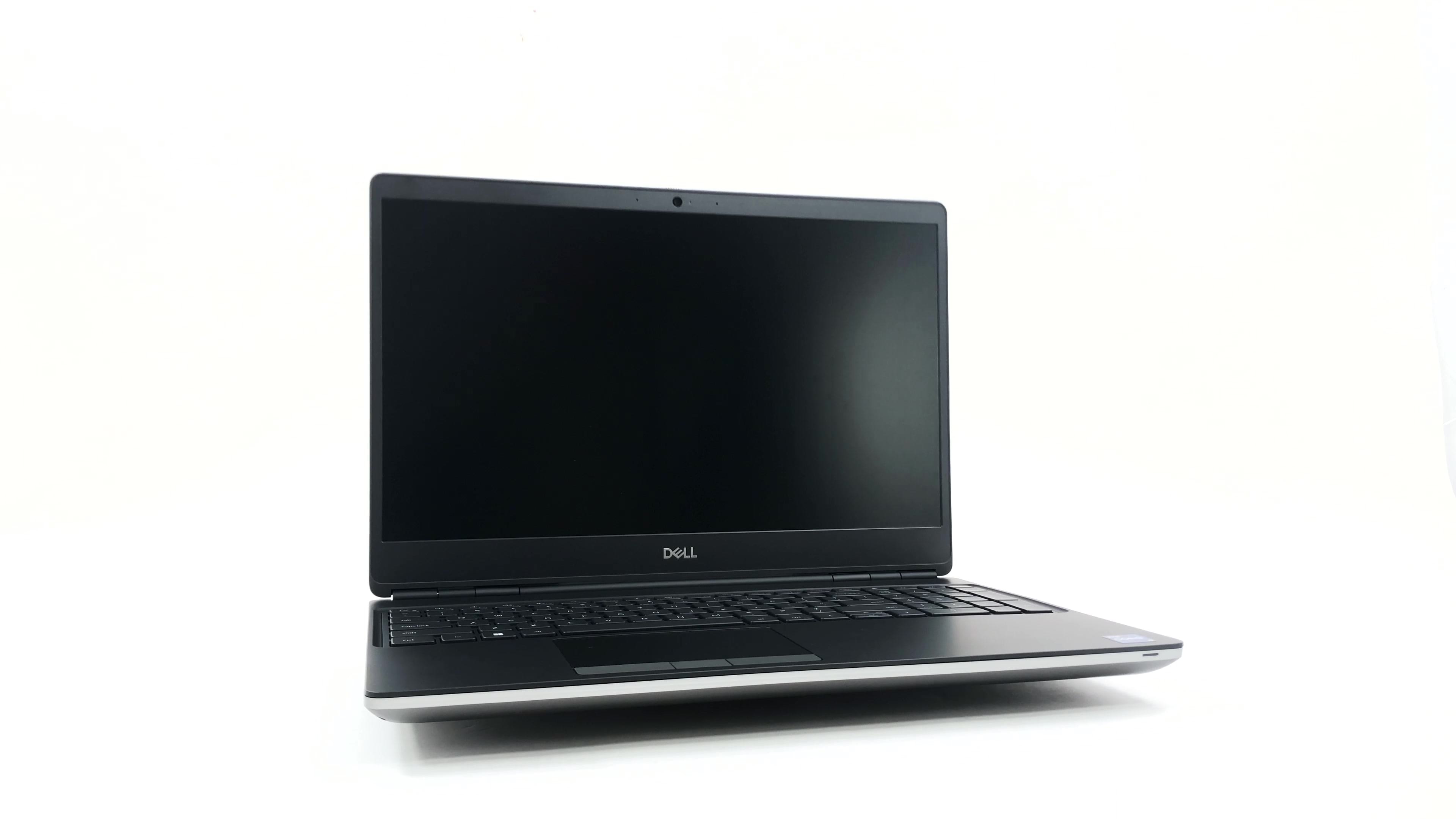
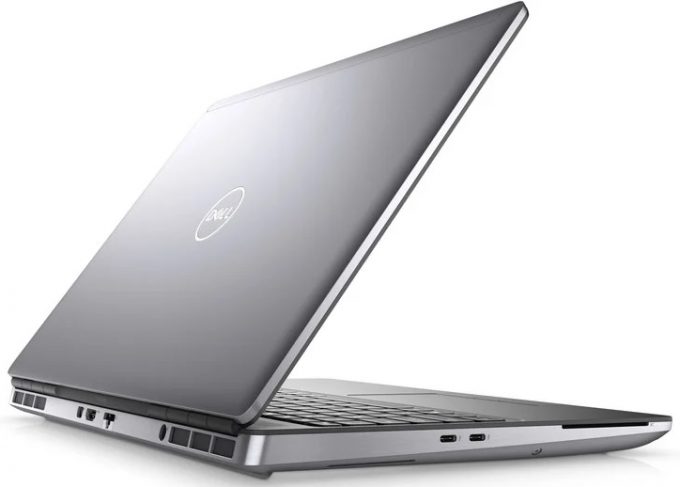
Better late than never, right? We have finally gotten ourselves a proper workstation from Dell. It is called the Precision 15 7560, and it is a very special specimen. For once, it resembles the old-fashion two-color finish and the cylindrical hinges. Yet, it incorporates some modern features like sharp edges and narrow side bezels.On the other hand, it is quite obvious that the visuals are the least important thing about this device. It is meant to do work. To make sure you get the best experience in this regard, Dell provides you with a ton of processor options. They come from the Tiger Lake-H45 family and offer a choice between Core and Xeon processors.Usually, heavy-duty workstations are being used for stuff spanning large data analysis, 3D modeling, or rendering huge files. To[...]
Lees de volledige review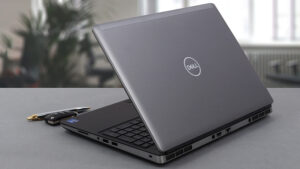
Pros
- Up to 128GB of DDR4 (with ECC support) + three M.2 slots (Up to 10TB max)
- Capable hardware
- Fingerprint reader + optional IR face recognition and 5G connectivity
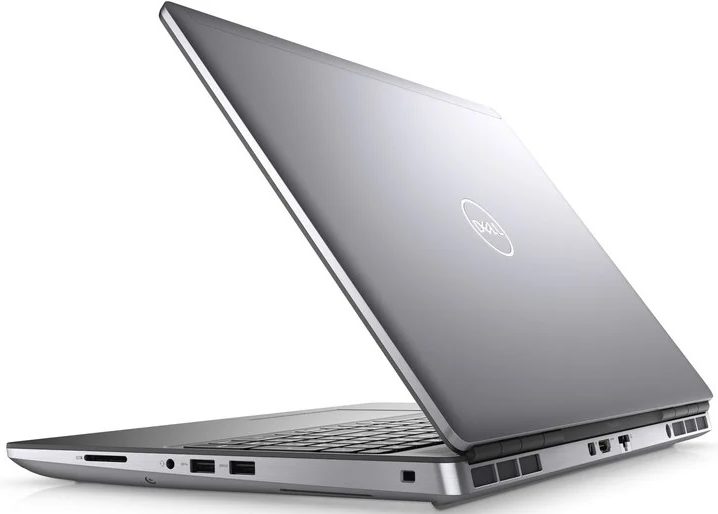
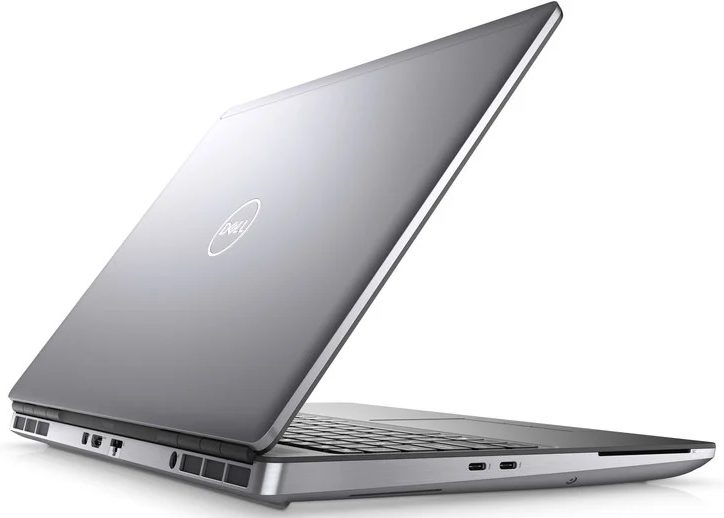
- SD card reader + 2x Thunderbolt 4 + HDMI 2.1
- Packs good security features
- Great input devices
- Fantastic battery life
Minpunten
- Slightly larger footprint than usual
- Uses PWM for brightness adjustment
Demontage, onderhoud en upgrade-opties
The Precision 15 7560 is a proper workstation. As such, it has a ton of memory and storage expansion potential. Take a look!Check out all Dell Precision 15 7560 prices and configurations in our Specs System or read more in our In-Depth review.1. Service door Interestingly, you can access one of the M.2 ports via a service door. To take the SSD out, flick the security bracket and undo two Phillips-head screws.2. Remove the bottom plate If you need to go even further, undo all 8 captive Phillips-head screws, and pop the bottom panel open.3. Battery Inside, you will s[...]
Lees meer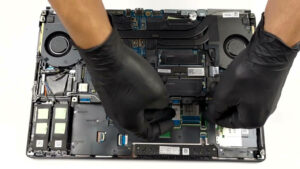
Scherm: 15.6-inch, 1920 x 1080, IPS
- Naam
- BOE 66XPP-NV15N4R (BOE08CF)
- Diagonaal
- 15.6"
- Pixeldichtheid
- 141.21 ppi
- Refresh rate
- 60 Hz
- Helderheid
- 440 cd/m2
- sRGB
- 99%
- Paneeltype
- IPS
- Resolutie
- 1920 x 1080
- Wordt "Retina" vanaf
- 24 inches (62 cm)
- Contrast
- 830:1
- dE Color Checker
- 8.0 2.0

Koop onze profielen voor BOE 66XPP-NV15N4R (BOE08CF)
Naast het ontvangen van efficiënte en gezondheidsvriendelijke profielen, ondersteunt u door het kopen van LaptopMedia's producten ook de ontwikkeling van onze labs, waar we apparaten testen om zo objectief mogelijke reviews te produceren.

Office Work
Office Work is voornamelijk bedoeld voor gebruikers die de meeste tijd besteden aan het bekijken van teksten, tabellen of gewoon surfen. Dit profiel streeft naar een betere onderscheidbaarheid en helderheid door een vlakke gammacurve (2.20), native kleurtemperatuur en perceptueel accurate kleuren te behouden.

Design and Gaming
Dit profiel is bedoeld voor ontwerpers die professioneel met kleuren werken, maar ook voor games en films. Design and Gaming haalt het uiterste uit beeldschermen, waardoor ze zo nauwkeurig mogelijk zijn in de sRGB IEC61966-2-1 norm voor Web en HDTV, met witpunt D65.

Health-Guard
Health-Guard elimineert de schadelijke Pulsbreedtemodulatie (PWM) en vermindert het negatieve Blauwe Licht dat onze ogen en lichaam beïnvloedt. Omdat het op maat gemaakt is voor elk paneel, slaagt het erin de kleuren perceptueel accuraat te houden. Health-Guard simuleert papier zodat de druk op de ogen sterk wordt verminderd.