HP 470 G7


- Publicatiedatum: 13 Nov 2020
- Intel Core i7-10510U
- AMD Radeon 530 (2GB GDDR5)
- 17.3”, Full HD (1920 x 1080), IPS
- 4000GB SSD
- 64GB DDR4
- 2.36 kg (5.2 lbs)
Review
HP 470 G7 uitgebreide review
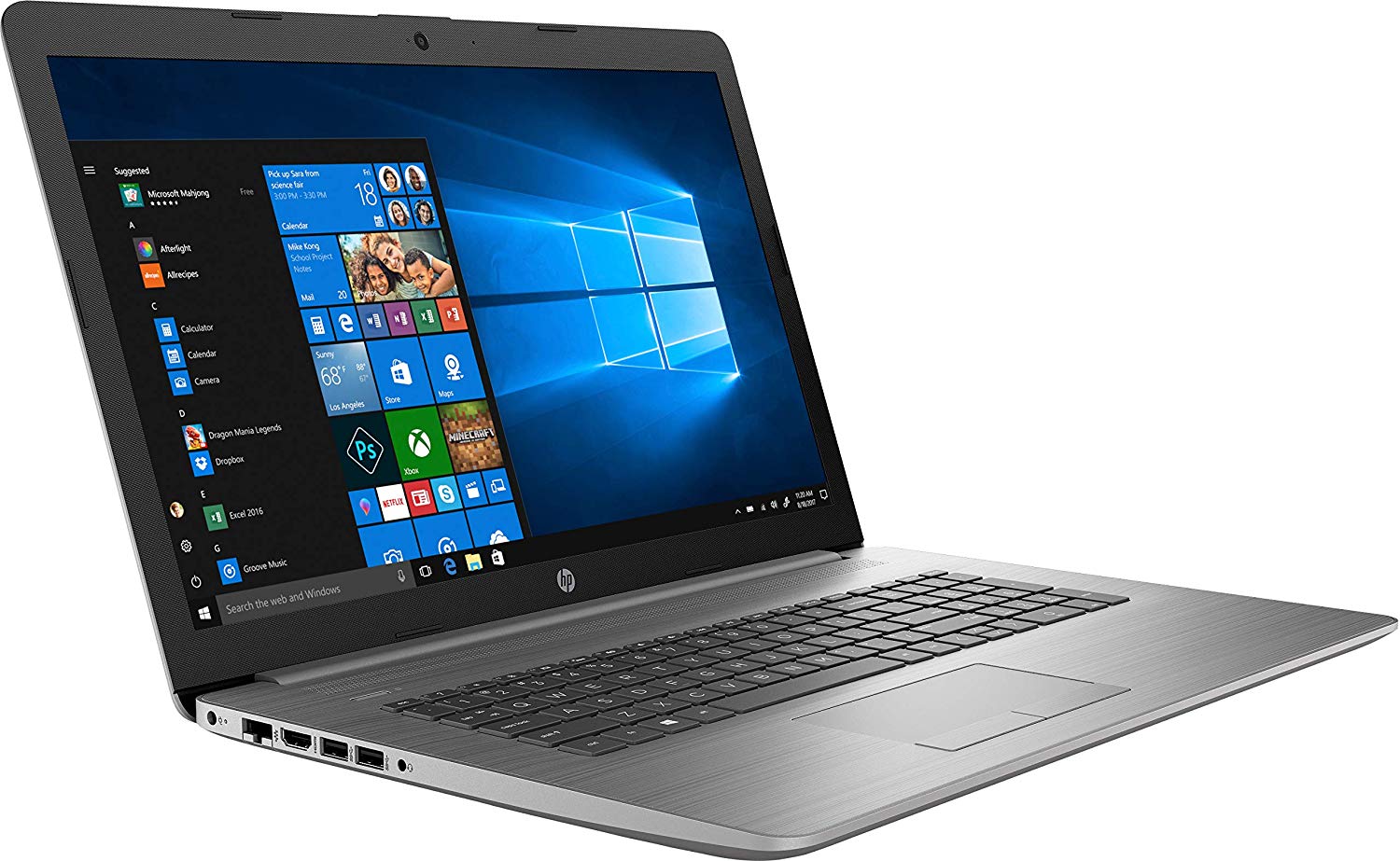
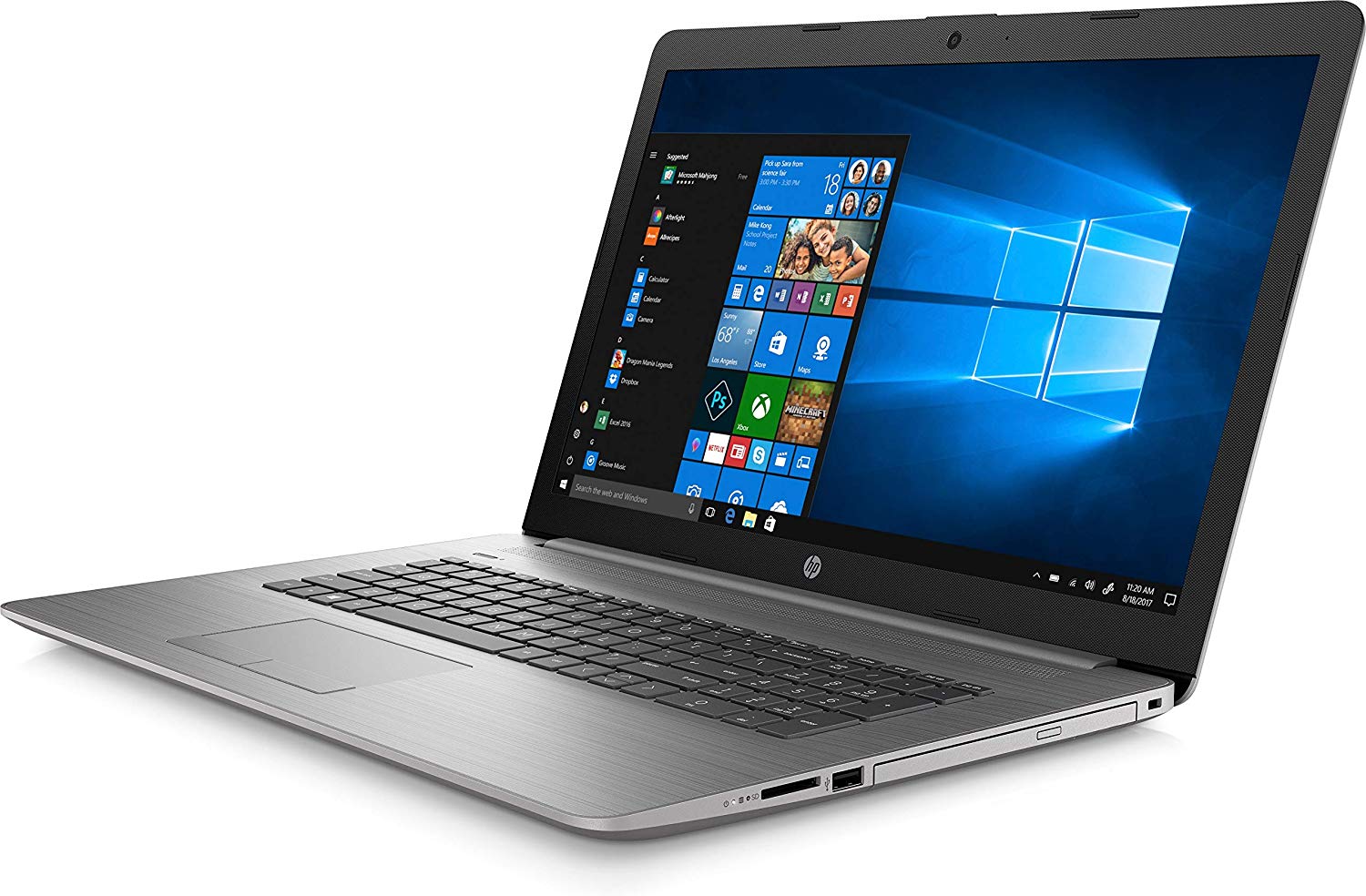
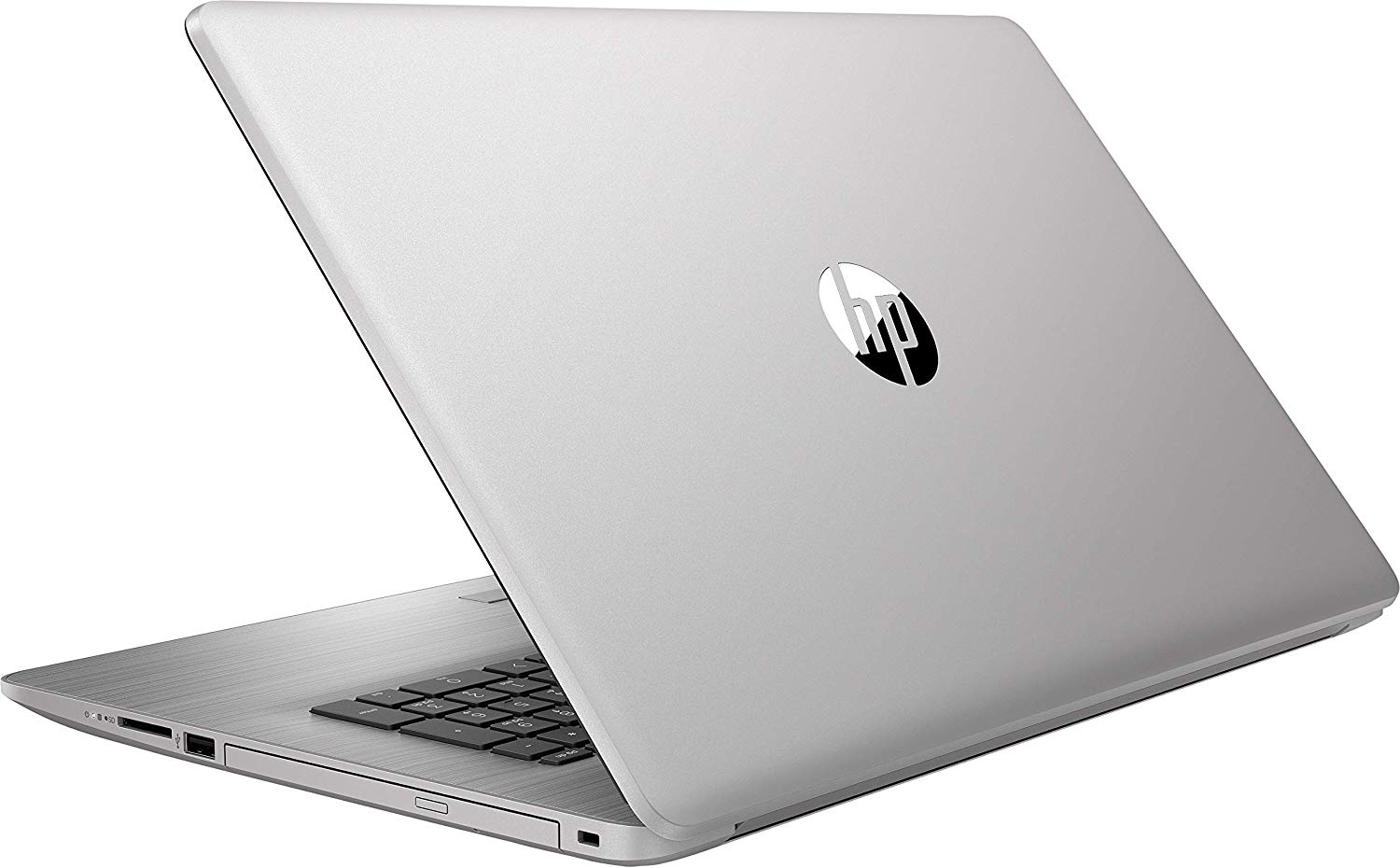
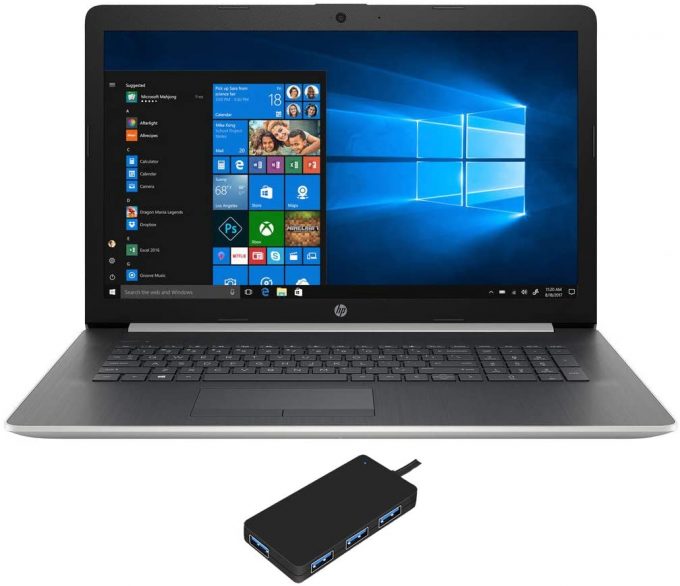
A laptop that is poised to look like a budget offering. Interestingly enough, it isn't really budget-conscious, whatsoever. With a starting price of $880 (as of the moment of writing this review), this is a comparable price to the ProBook series - an "official" business notebook from HP. So, what are the intentions of HP with this one?Well, if you close your eyes for the obvious lack of visual appeal, and look solely beneath the surface, you'll see a pretty decent package. We are talking about a 1080p IPS option for the 17-inch display, a 10th Generation Comet Lake processor from Intel, as well as an AMD Radeon 530 optional graphics card. All of that is providing some decent performance with great energy efficiency. Let's unbox this product, have some time with it, and see what exactl[...]
Lees de volledige review
Pros
- Energy-efficient hardware
- Covers 90% of sRGB and our Gaming and Web design profile helps it to an Average dE of 1.8
- Good contrast ratio and comfortable viewing angles (BOE NV140FHM-N49)
- Doesn't use PWM to adjust its brightness (BOE NV140FHM-N49)
- SD card reader on board
- Dual-channel memory and NVMe drive support
Minpunten
- Poor build quality
- Lacks a USB Type-C port
- Dated design
- High price for what it offers
Demontage, onderhoud en upgrade-opties
Once again, HP has tried to hide most of its precious screws with the help of the rubber strips. However, they are easily removable with a flat-head screwdriver, or preferably a plastic tool.Check out all HP 470 G7 prices and configurations in our Specs System or read more in our In-Depth review.1. Remove the bottom plate After you take out the rubber feet, remove all of the Phillips-head screws you see. Then, turn the laptop around and open the lid. This is where the prying process happens. Next, make your way around with a guitar pick, and remove the bottom panel from the chas[...]
Lees meer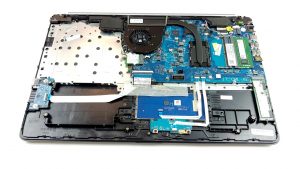
Scherm: 17.3-inch, 1920 x 1080, IPS
- Naam
- BOE BOE077B
- Diagonaal
- 17.3"
- Pixeldichtheid
- 127.34 ppi
- Helderheid
- 283 cd/m2
- sRGB
- 90%
- Paneeltype
- IPS
- Resolutie
- 1920 x 1080
- Wordt "Retina" vanaf
- 27 inches (69 cm)
- Contrast
- 1270:1
- dE Color Checker
- 4.5 1.8

Koop onze profielen voor BOE BOE077B
Naast het ontvangen van efficiënte en gezondheidsvriendelijke profielen, ondersteunt u door het kopen van LaptopMedia's producten ook de ontwikkeling van onze labs, waar we apparaten testen om zo objectief mogelijke reviews te produceren.

Office Work
Office Work is voornamelijk bedoeld voor gebruikers die de meeste tijd besteden aan het bekijken van teksten, tabellen of gewoon surfen. Dit profiel streeft naar een betere onderscheidbaarheid en helderheid door een vlakke gammacurve (2.20), native kleurtemperatuur en perceptueel accurate kleuren te behouden.

Design and Gaming
Dit profiel is bedoeld voor ontwerpers die professioneel met kleuren werken, maar ook voor games en films. Design and Gaming haalt het uiterste uit beeldschermen, waardoor ze zo nauwkeurig mogelijk zijn in de sRGB IEC61966-2-1 norm voor Web en HDTV, met witpunt D65.

Health-Guard
Health-Guard elimineert de schadelijke Pulsbreedtemodulatie (PWM) en vermindert het negatieve Blauwe Licht dat onze ogen en lichaam beïnvloedt. Omdat het op maat gemaakt is voor elk paneel, slaagt het erin de kleuren perceptueel accuraat te houden. Health-Guard simuleert papier zodat de druk op de ogen sterk wordt verminderd.