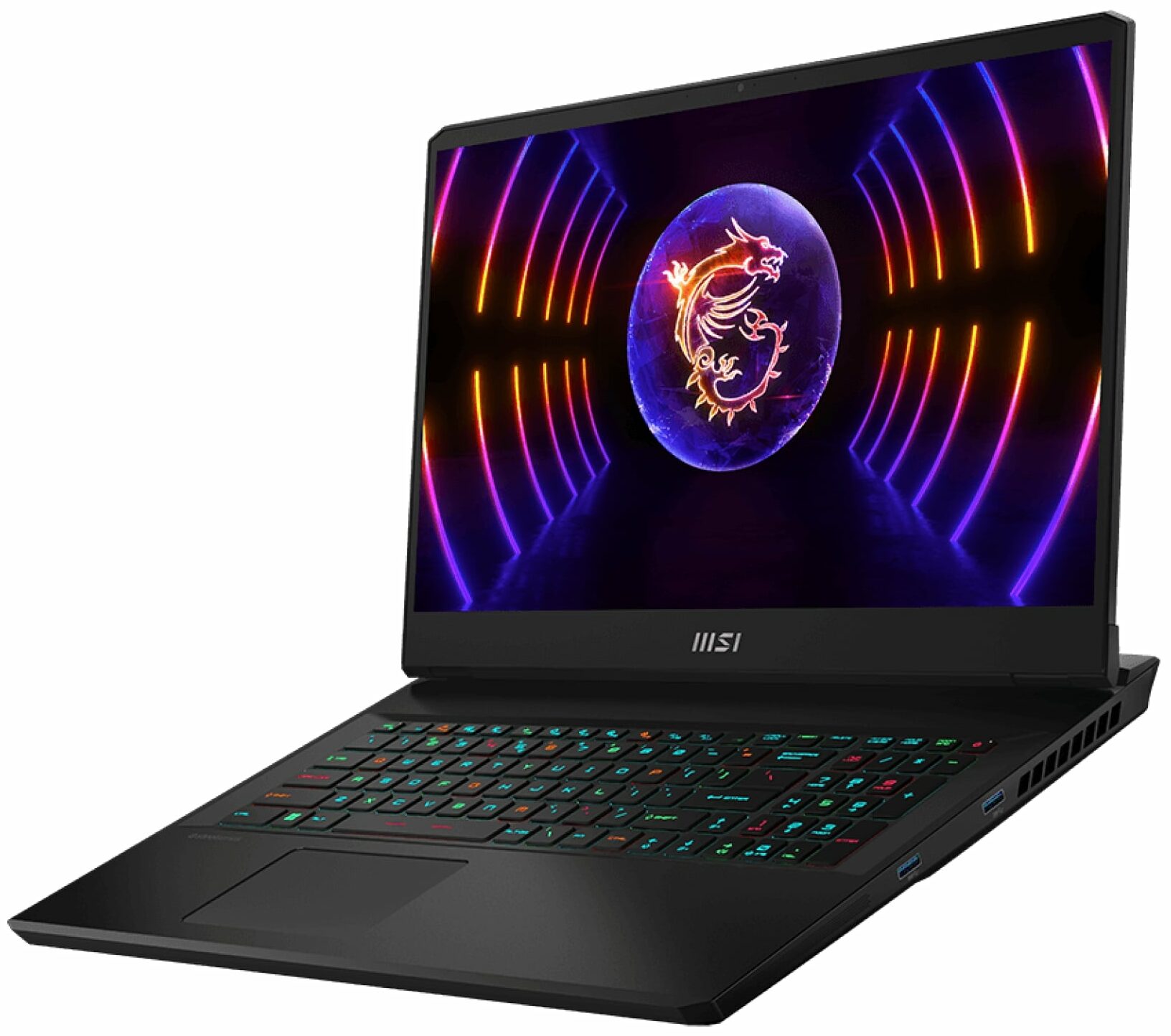
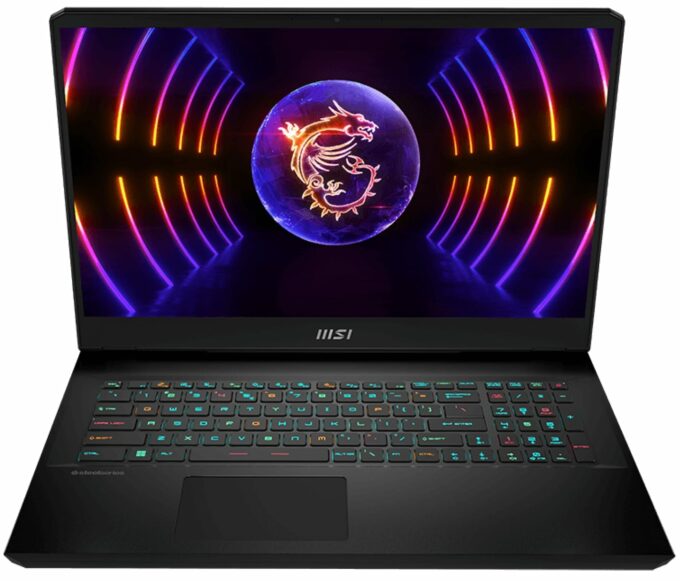
MSI Vector GP77




- Publicatiedatum: 22 May 2024
- Intel Core i9-13900H
- NVIDIA GeForce RTX 4070 (Laptop, 140W)
- 17.3”, QHD+ (2560 x 1600), 240 Hz, IPS
- 2000GB SSD
- 64GB RAM
- 2.80 kg (6.2 lbs)
Specs

- HDD/SSD
- 2000GB SSD
- M.2 Sleuf
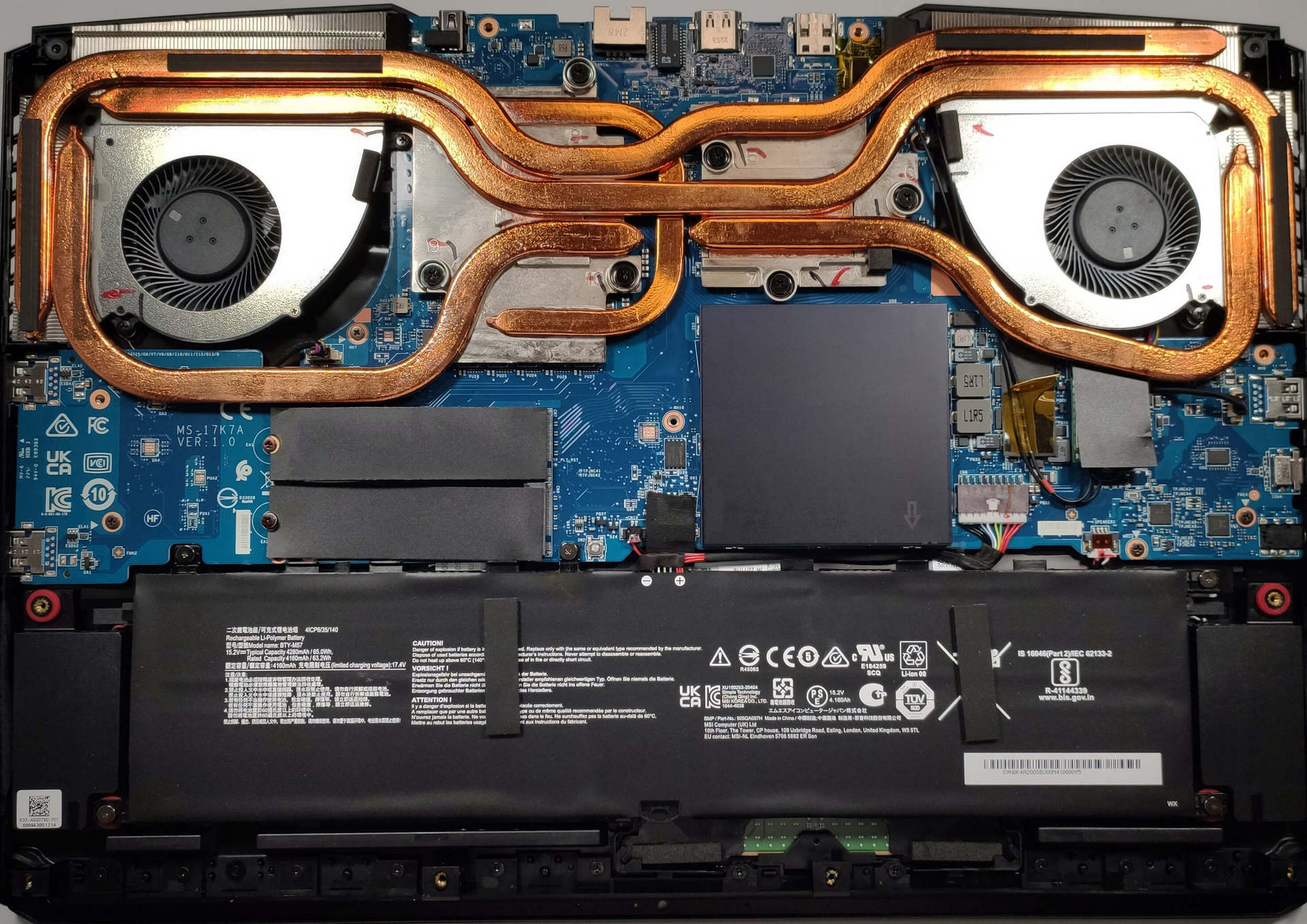
- 2x 2280 M.2 PCIe 4.0 x4 Zie foto
- RAM
- 64GB RAM
- OS
- Windows 11 Pro
- Materiaal behuizing
- Kunststof / Polycarbonaat, Aluminum
- Afmetingen
- 397 x 284 x 25.9 mm (15.63" x 11.18" x 1.02")
- Gewicht
- 2.80 kg (6.2 lbs)
- Poorten en connectiviteit
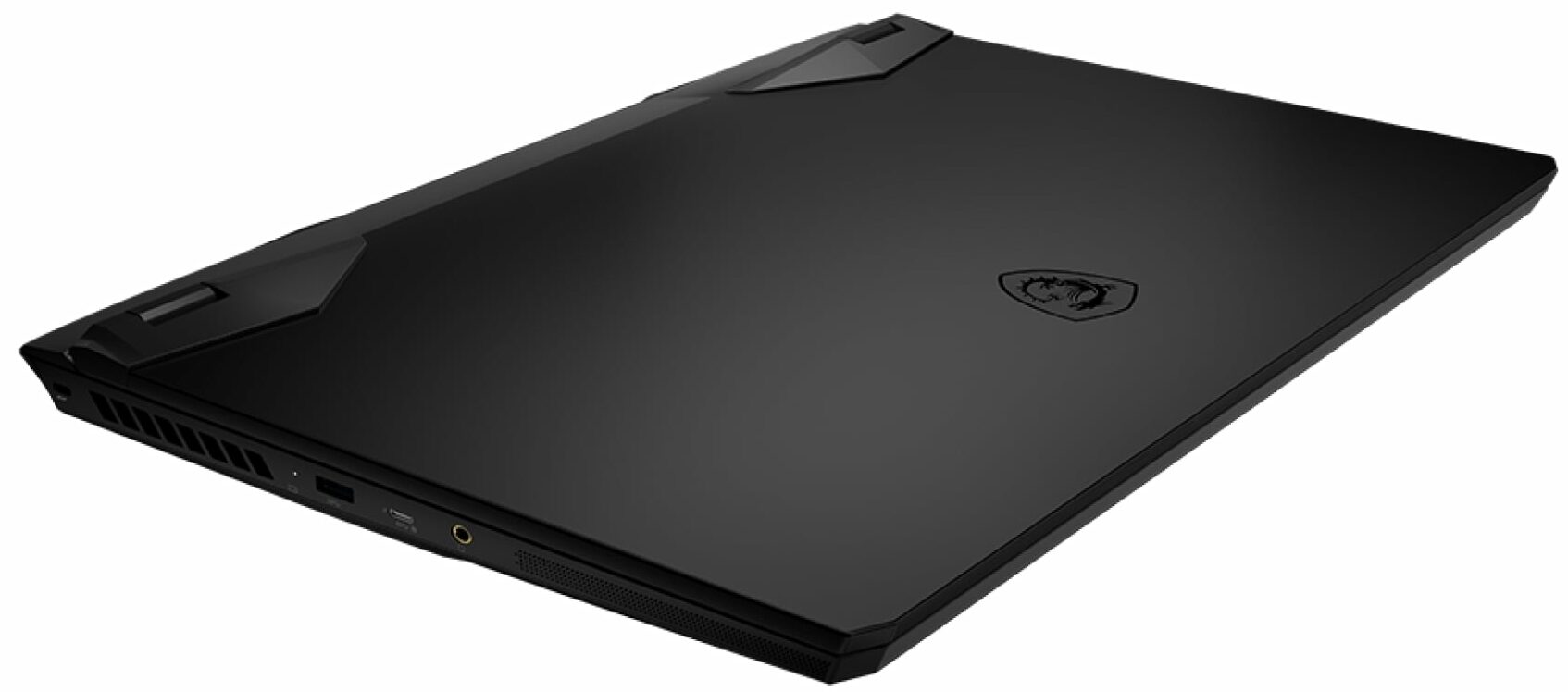
- 3x USB Type-A
- 3.2 Gen 2 (10 Gbps)
- 1x USB Type-C
- 3.2 Gen 2 (10 Gbps), Power Delivery (PD), DisplayPort
- HDMI
- 2.1 (8K@60Hz / 4K@120Hz)
- Mini DisplayPort
- Kaartlezer
- Ethernet LAN
- 10, 100, 1000, 2500 Mbit/s
- Wi-Fi
- 802.11ax
- Bluetooth
- 5.3
- Audio jack
- 3.5mm Combo Jack
- Functies
- Vingerafdruklezer
- Webcamera
- HD
- Verlicht toetsenbord
- Microfoon
- Luidsprekers
- 2x 2W Speakers, Nahimic Audio
- Sleuf voor veiligheidsslot
Draagbaarheid
Review
MSI Vector GP77 uitgebreide review
De gloednieuwe op RTX 4000 gebaseerde laptops zijn er al en aangezien we een aantal echte beesten met RTX 4090 (175W) en RTX 4080 (175W) hebben beoordeeld, is het tijd om te kijken hoe krachtig de mobiele RTX 4070 is. Hiervoor gaan we de prestaties van de MSI Vector GP77 (13VG) uitgerust met de RTX 4070 (140W) bekijken. Deze laatste zou wel eens de nieuwe sweet spot kunnen zijn voor vermogende gamers.De MSI Vector GP77 brengt alle knallen en toeters die nodig zijn om een 2023 gaming apparaat genoemd te worden. Onder de motorkap vind je krachtige 13e generatie Intel Raptor Lake-H CPU's, gloednieuwe NVIDIA Ada Lovelace GPU's en een indrukwekkend uitziende koeling. Natuurlijk is dit een duur apparaat, dus het krijgt ook de DDR5-behandeling, wat de algehele prestaties een boost zal geven.[...]
Lees de volledige review
Pros
- Veel RGB-opties
- Topprestaties voor zijn hardware
- 99,3% DCI-P3-dekking en nauwkeurige kleurweergave met ons Gaming- en webdesignprofiel (BOE NE173QHM-NZ1 (BOE09F9))
- Gebruikt geen PWM voor helderheidsaanpassing (BOE NE173QHM-NZ1 (BOE09F9))
- 240Hz-paneel heeft zeer snelle pixelreactietijden (BOE NE173QHM-NZ1 (BOE09F9))
- Goede thermiek en klokken onder belasting
- Wi-Fi 6E en 2,5Gbit Ethernet ondersteuning
- Geweldig toetsenbord en touchpad
- 2x DDR5 SODIMM + 2x M.2 PCIe x4-sleuven
- Stil tijdens het gamen
- De MSI Center app biedt een goede hoeveelheid aanpassingsmogelijkheden
Minpunten
- De eindprijs is niet prettig
Demontage, onderhoud en upgrade-opties
The MSI Vector GP77 13V is a beast of a laptop and now it's time to take a look under the hood.Check out all MSI Vector GP77 13V prices and configurations in our Specs System, or read more in our In-Depth review.1. Remove the bottom plate To remove the bottom panel, you need to undo 13 Phillips-head screws. You need to start prying the panel with a plastic tool from the back and then from the sides. Then, you need to push the plate slightly from the back in order to remove it safely without breaking something.2. Remove the battery The battery is a 65Wh unit. It lasts arou[...]
Lees meer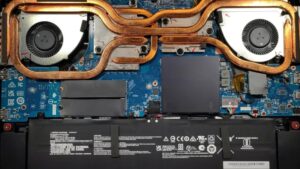


![[september 2026] Bestverkochte laptopmerken op Amazon Global – Apple domineert de markt met een omzetaandeel van meer dan 70%](https://laptopmedia.com/wp-content/uploads/2026/10/GLOBAL-Best-Brands-400x225.jpg)
![[september 2026] Amazon Global: Top 10 bestverkochte laptops – Apple’s MacBook Neo staat op nummer 1, terwijl budget- en premiummodellen de markt domineren](https://laptopmedia.com/wp-content/uploads/2026/10/Best-Selling-Laptops-GLOBAL-Top-10-400x225.jpg)
![[september 2026] Amazon Global: Top 10 van best verkochte gaminglaptops – ASUS ROG Strix G16 domineert de markt met een recordaantal verkochte exemplaren](https://laptopmedia.com/wp-content/uploads/2026/10/Best-Selling-Gaming-Laptops-GLOBAL-Top-10-400x225.jpg)
![[september 2026] Wereldwijde ranglijst van bestverkochte laptop-GPU’s op Amazon – De M5-chip van Apple laat NVIDIA ver achter zich in de categorie premium-laptops, maar de RTX 5060 is de enige speciale GPU die de top 10 weet te halen](https://laptopmedia.com/wp-content/uploads/2026/10/Best-Selling-GPUs-GLOBAL-Top-10-400x225.jpg)
![[september 2026] Wereldwijde ranglijst van bestverkochte laptop-CPU’s op Amazon – Apple’s M5 verslaat Intel ruimschoots nu de premiummarkt een eenzijdige strijd is geworden](https://laptopmedia.com/wp-content/uploads/2026/10/Best-Selling-CPUs-GLOBAL-Top-10-400x225.jpg)