Преглед на Lenovo IdeaPad Slim 3 (16″, 2023) – достъпен и изключително ефективен
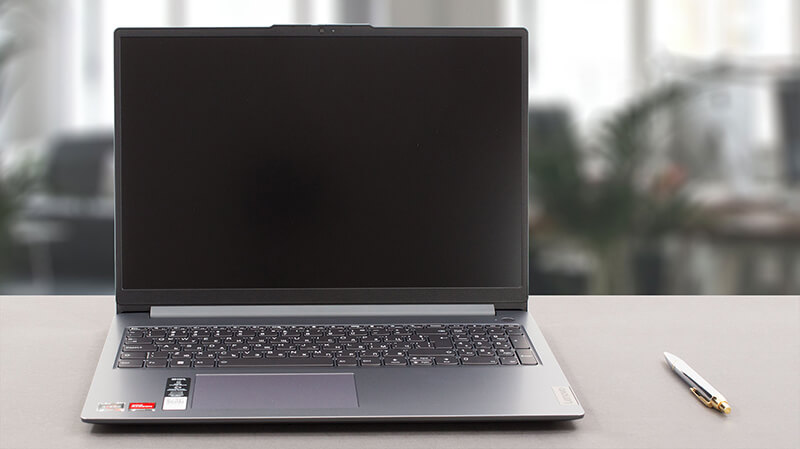 Днес имаме тънката версия на един от най-популярните преносими компютри на пазара – Lenovo IdeaPad 3. Официално той се нарича Lenovo IdeaPad Slim 3 (16″, 2023 г.) или Lenovo IdeaPad Slim 3 16ABR8 (или просто Gen 8).
Всъщност прозвището “Slim” показва, че става въпрос за общ модел – за разлика от сериите IdeaPad Gaming и IdeaPad Flex, които са доста разбираеми. Нашата конфигурация се предлага с един от трите процесора AMD Ryzen – Ryzen 3 7330U, Ryzen 5 7530U или Ryzen 7 7730U.
Те са базирани на чиповете 5х25U – например Ryzen 7 7730U е почти като прикрит Ryzen 7 5825U. Това означава, че сте “ограничени” до поддръжка на PCIe Gen 3, както и на памет DDR4.
От друга страна, очакваме машината да бъде наистина ефективна и достатъчно мощна за ежедневна работа и консумация на мултимедия – нещо, за което в крайна сметка е предназначена тази машина. Освен това сме щастливи да видим, че единствената опция за дисплей включва 16-инчов IPS панел с резолюция 1200p – никакви глупости с TN устройство с ниска резолюция.
Можете да проверите цените и конфигурациите в нашата система със спецификации: https://laptopmedia.com/series/lenovo-ideapad-slim-3-16-2023/
Contents
- Спецификации, Драйвери, Какво има в кутията
- Дизайн и конструкция
- Качество на дисплея, въздействие върху здравето (ШИМ), звук
- Купете нашите профили
- Изпълнение: В момента се работи с профили, които се използват в България: CPU, GPU, гейминг тестове
- [Е-Книга + Инструменти] Как да ИЗВЛЕЧЕТЕ МАКСИМУМА от Вашия Лаптоп
- Температури и комфорт, живот на батерията
- Разглобяване, опции за надграждане и поддръжка
- Присъда
Спецификации, Драйвери, Какво има в кутията
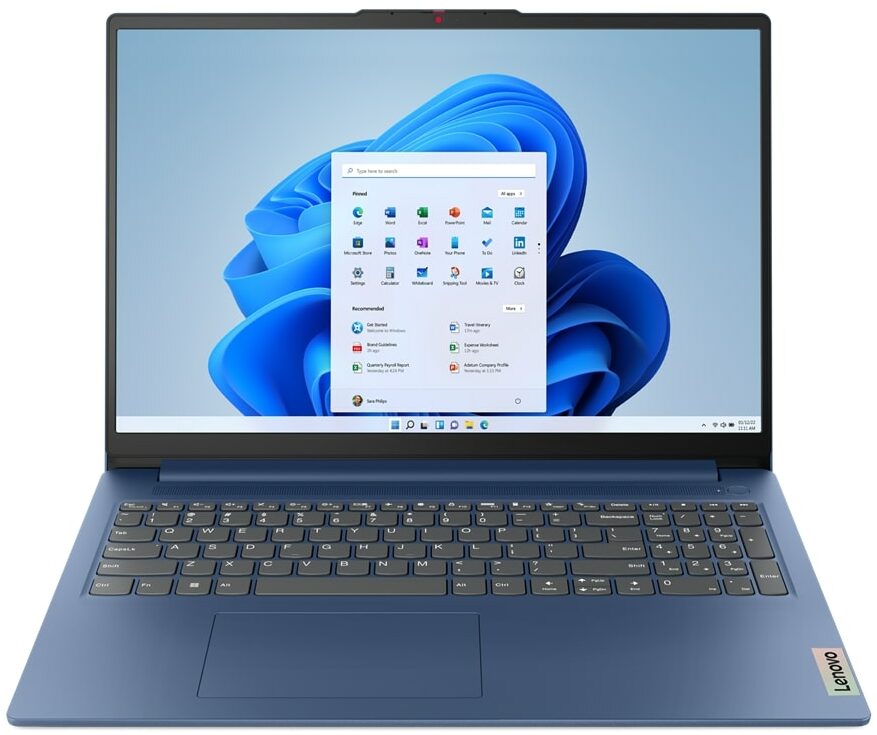
Lenovo IdeaPad Slim 3 (16", 2023) - Спецификации


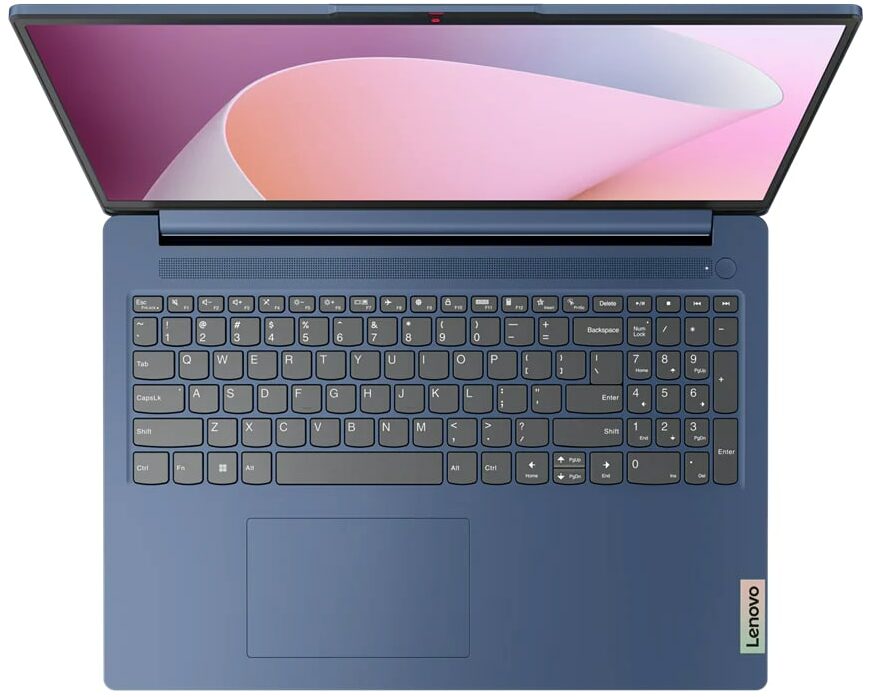
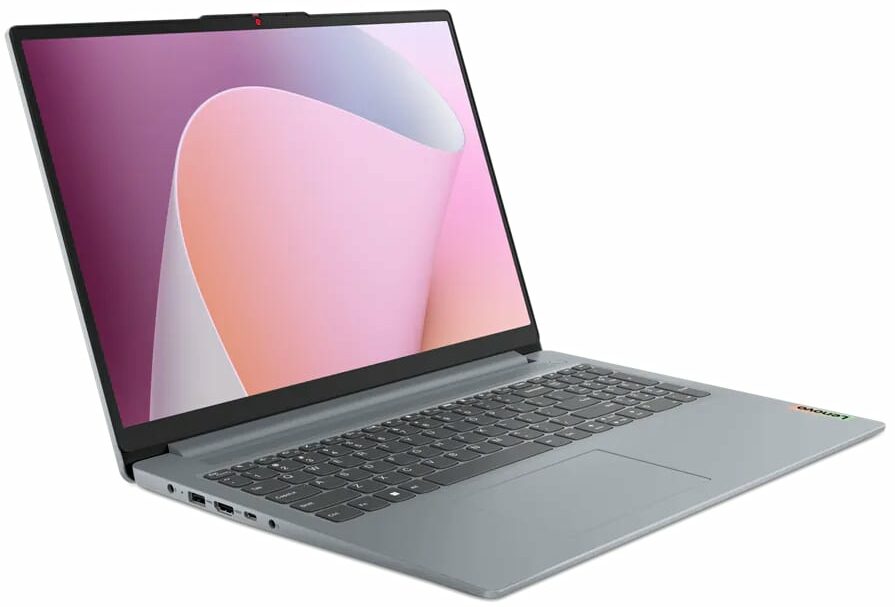


- Дисплей
- 16.0”, WUXGA (1920 x 1200), IPS

- HDD/SSD
- до 4000GB SSD
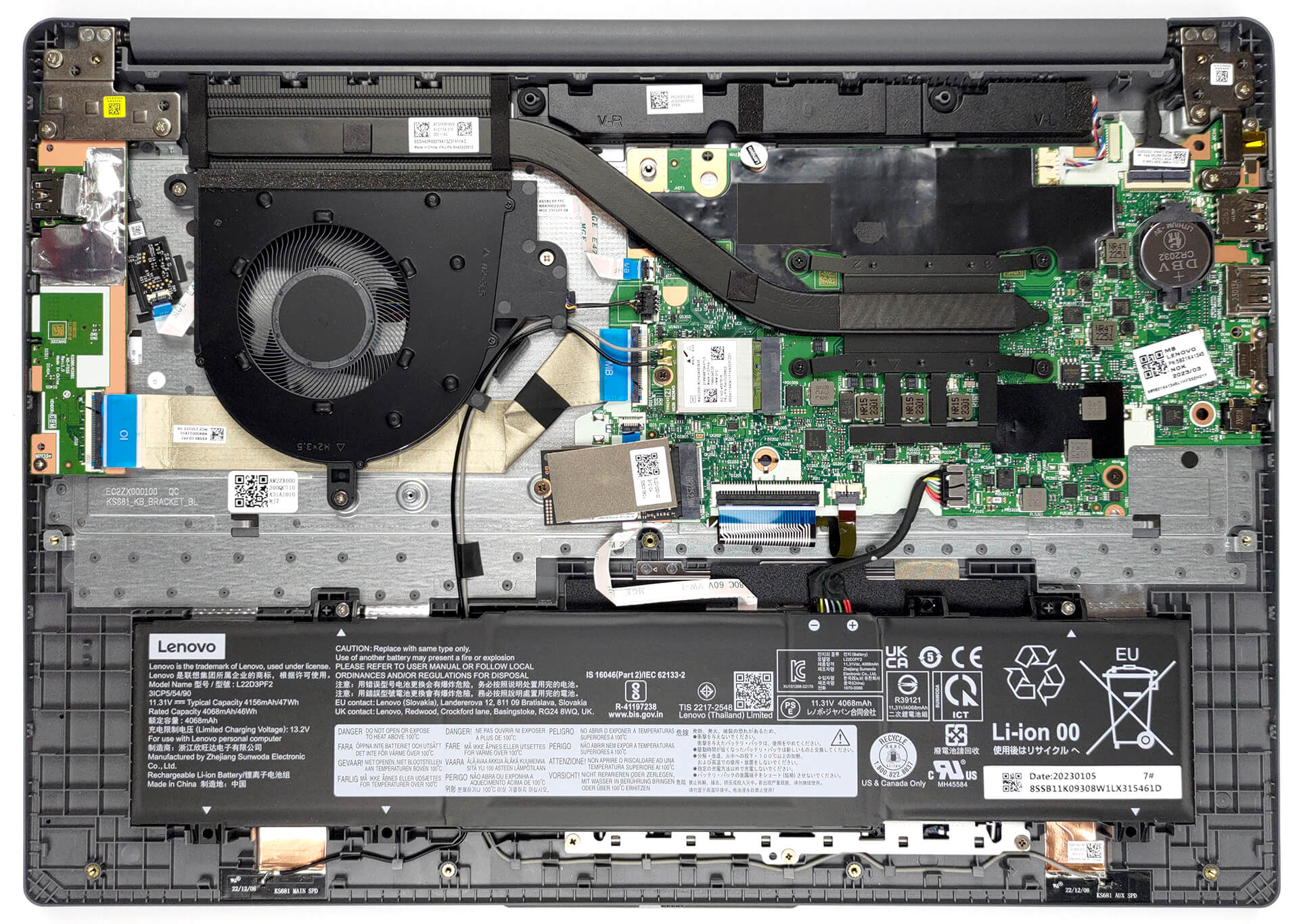
- M.2 Слот
- 1x 2242 M.2 NVMe PCIe 3.0 x4 Виж снимка
- RAM
- up to 16GB
- ОС
- Windows 11 Home, Windows 11 Pro, Linux, Windows 10 Pro, DOS, Windows 10 Home, No OS
- Батерия
- 47Wh
- Материал на Корпуса
- Plastic / Polycarbonate
- Размери
- 359.2 x 257 x 17.9 - 18.4 mm (14.14" x 10.12" x 0.70")
- Тегло
- 1.74 kg (3.8 lbs)
- Портове и свързаност
- 2x USB Type-A
- 3.2 Gen 1 (5 Gbps)
- 1x USB Type-C
- 3.2 Gen 1 (5 Gbps), Power Delivery (PD), DisplayPort
- HDMI
- 1.4
- Четец на Карти
- SD (SD, SDHC, SDXC, MMC)
- Ethernet LAN
- Wi-Fi
- 802.11ax
- Bluetooth
- 5.1
- Аудио жак
- 3.5mm Combo Jack
- Характеристики
- Четец на пръстови отпечатъци
- optional
- Уеб камера
- HD / FHD with Privacy Shutter, Fixed Focus
- Клавиатура с подсветка
- optional
- Микрофон
- Dual-microphone array with noise-cancelling
- Високоговорители
- 2x 1.5W User-facing stereo speakers, optimized by Dolby Audio
- Оптично устройство
- Слот за заключване
Всички Lenovo IdeaPad Slim 3 (16″, 2023) конфигурации
Драйвери
Всички драйвери и помощни програми за този преносим компютър можете да намерите тук: https://pcsupport.lenovo.com/us/en/products/laptops-and-netbooks/ideapad-s-series-netbooks/ideapad-slim-3-16abr8/downloads/driver-list
Какво има в кутията?
Вътре се намират самият лаптоп, някои документи и 65W захранващ адаптер, който е снабден с щепсел тип “бъчва”.

 Author: Alex Iliev
 Author: eng. Kroum NikolovHead of Engineering at LaptopMedia.com, inventor and innovator with 40+ years of experience in electronics and high technology.

![[юни 2026 г.] Най-продаваните марки лаптопи в Amazon Global – безпрецедентното господство на Apple по брой продадени бройки и приходи](https://laptopmedia.com/wp-content/uploads/2026/07/GLOBAL-Best-Brands-400x225.jpg)
![[юни 2026 г.] Amazon Global: Топ 10 на най-продаваните лаптопи – новият MacBook Neo на Apple се изкачва на първо място и променя пазара с достъпната си цена](https://laptopmedia.com/wp-content/uploads/2026/07/Best-Selling-Laptops-GLOBAL-Top-10-400x225.jpg)
![[юни 2026 г.] Amazon Global: Топ 10 на най-продаваните геймърски лаптопи – моделът Nitro V 16S AI на Acer доминира в продажбите, докато ASUS е начело по общи приходи](https://laptopmedia.com/wp-content/uploads/2026/07/Best-Selling-Gaming-Laptops-GLOBAL-Top-10-400x225.jpg)
![[юни 2026 г.] Световна класация на най-продаваните графични процесори за лаптопи в Amazon – NVIDIA RTX 5060 е най-продаваният специализиран графичен процесор](https://laptopmedia.com/wp-content/uploads/2026/07/Best-Selling-GPUs-GLOBAL-Top-10-400x225.jpg)
![[юни 2026 г.] Световна класация на най-продаваните процесори за лаптопи в Amazon – Apple M5 доминира, а AMD Ryzen 7 260 заема солиден дял в премиум сегмента](https://laptopmedia.com/wp-content/uploads/2026/07/Best-Selling-CPUs-GLOBAL-Top-10-400x225.jpg)

BUYER BEWARE. The touchpad is placed very far to the left of center and is VERY uncomfortable. I have also had too many times where the cursor scrolls over something and either opens or closes the page. I have adjusted the settings without any help. Very annoying when something you are working on closes or a website closes and you need to try to go back and figure out where you were. I have had this over 6 months and plan on looking for another brand during the after xmas sales. Too bad as this is my 3rd Lenovo laptop… Прочети още »
If your work is important, turn on the radio mouse and don’t bother with touchpads. especially in the initial series of laptops, where all the components are entry-level. I basically don’t use them, except for rare cases when I find myself somewhere with a laptop without a radio mouse.
It’s much worse that there is no RJ45 here; it’s simply impossible to get a stable and fast network without buying an external usb2lan adapter (with which there are often various problems, unlike built-in rj45). And this is especially strange for a business/office series. And in reality, bringing this port outside costs a penny – +$5. The second significant problem is the poor video ports. Lenovo claims Display Port v1.2 Alt Mode in usb-c is outdated 15 years ago and HDMI 1.4b is 13 years outdated. You will not be able to display HDR images on TV/projectors/monitors from this laptop… Прочети още »
The third, possible problem – in the review checked the screen panel from BOE, but Lenovo often imstall Innolux n160jce-ell in this series, which may have low-frequency PWM. And Lenovo does not indicate Flicker Free panels for this series in psref, as for other series. Therefore, you need to be careful with this, especially when buying a model without Windows, because if there is no OS included, you can check the flickering only by booting from a WinPE flash drive with pre-integrated video drivers for this series or from some Linux distribution that understands the SoC of this series and… Прочети още »