Inside ASUS VivoBook S14 S430 – disassembly and upgrade options
ASUS VivoBook S14 S430 is a budget-friendly multimedia notebook that comes in a good variety of configurations aimed to please almost every need. In addition to that it is fairly easy to get inside and upgrade – take a look.
Check out all ASUS VivoBook S14 S430 prices and configurations in our Specs System or read more in our In-depth Review.
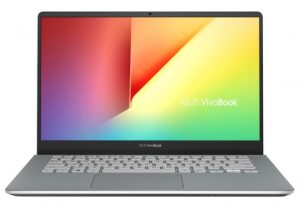
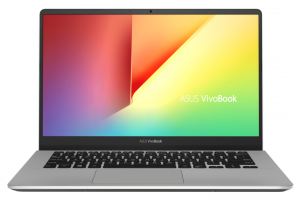
1. Remove the bottom plate
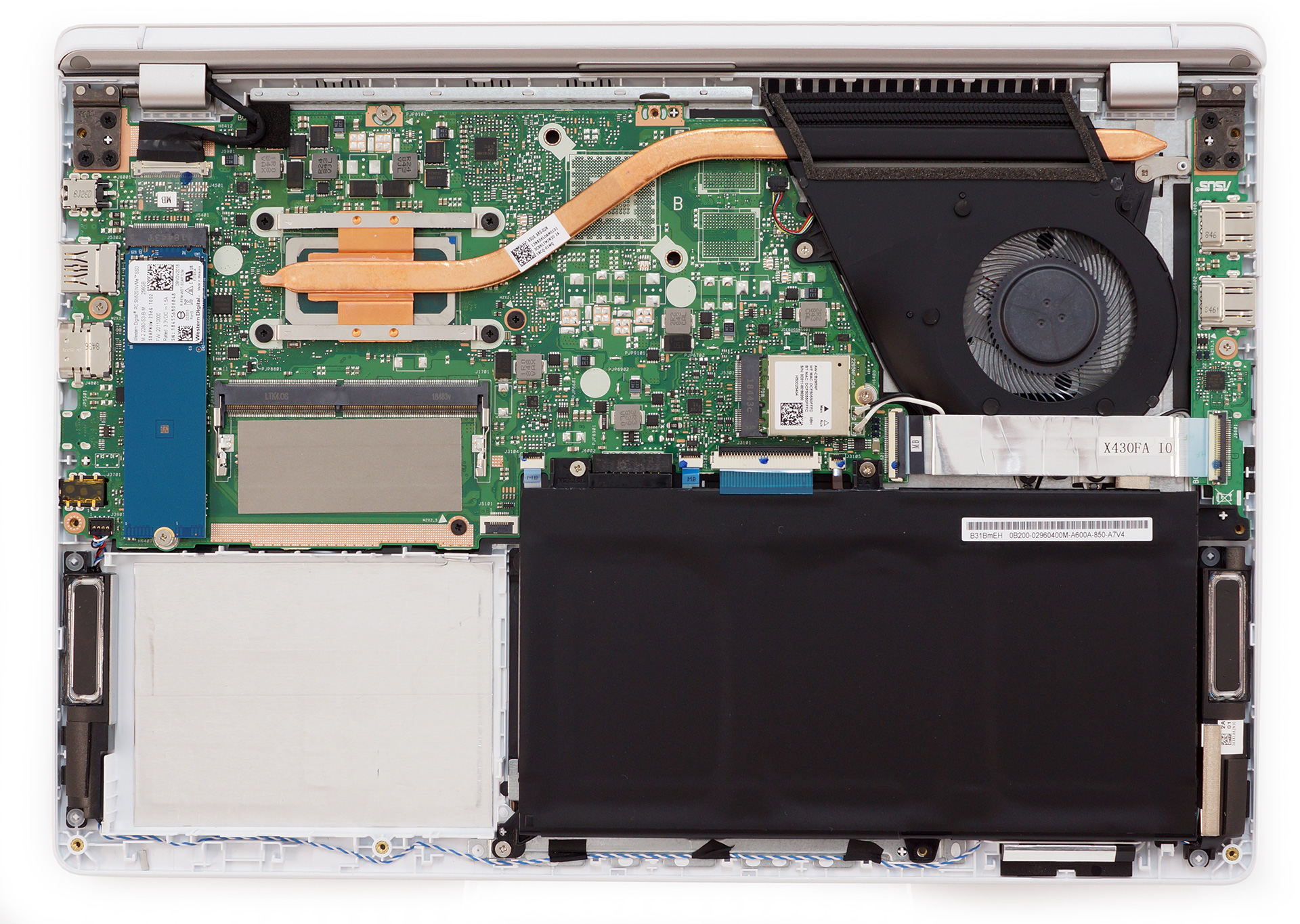
Removing the bottom plate is as casual as ever – remove all 9 Phillips-head screws and pry it up, using a plastic tool, a guitar pick or the Force. Taking a look at the insides shows us a neatly packaged product with almost no loss of usable space.
2. Battery
VivoBook S14 S430 is equipped with a 42Wh battery unit. It is secured by three Phillips-head screws and uses an embedded connector. This makes sure you won’t tare any cable when removing the battery as it just slots into place. Additionally, we were able to extract around 11 hours of web browsing and 10 hours of video playback from it, which is certainly not bad for a laptop of this price range.

Brightness: 180 nits; Display Mode: SDR
Time to Full Discharge: Higher is Better
In order to simulate real-life conditions, we used our own script for automatic web browsing through over 70 websites.
We use F1 2017’s built-in benchmark on loop in order to simulate real-life gaming.
3. Memory and storage
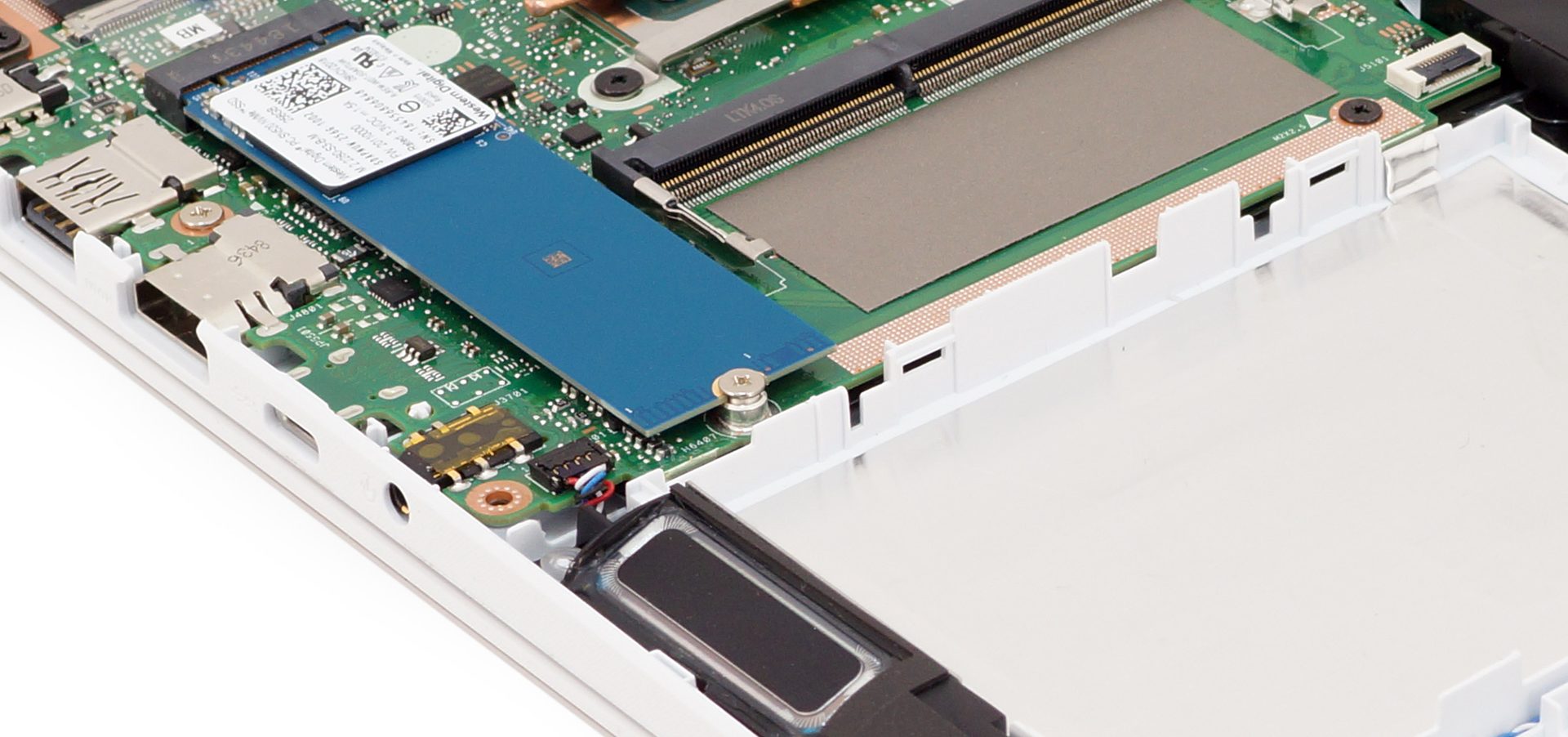
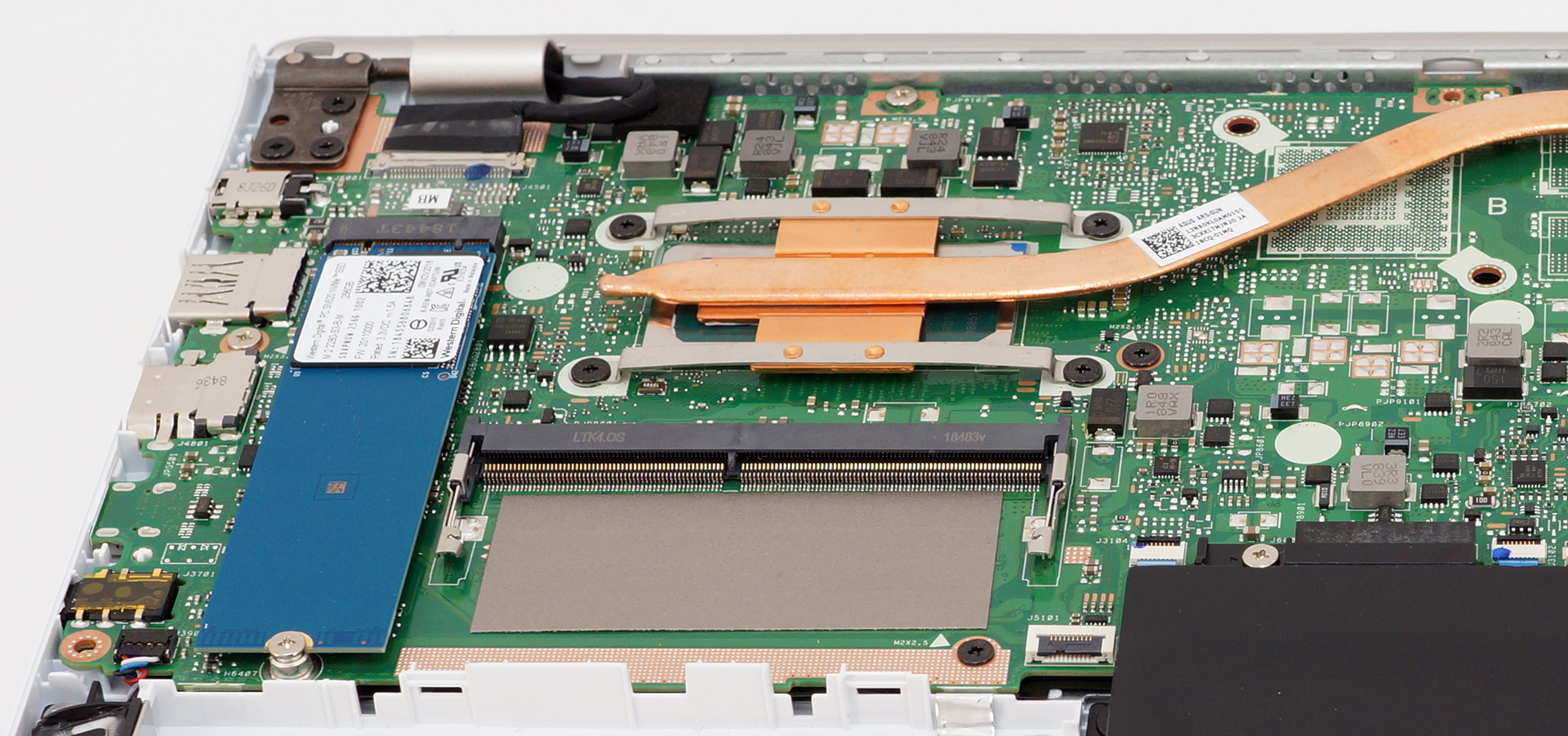
Memory-wise there is only one RAM DIMM open for upgrades. However, this laptop comes with 4 GB already soldered to the motherboard. On the other hand, the storage compartment consists of a single M.2 PCIe x2 slot and a dedicated space for a SATA device.
4. Cooling system
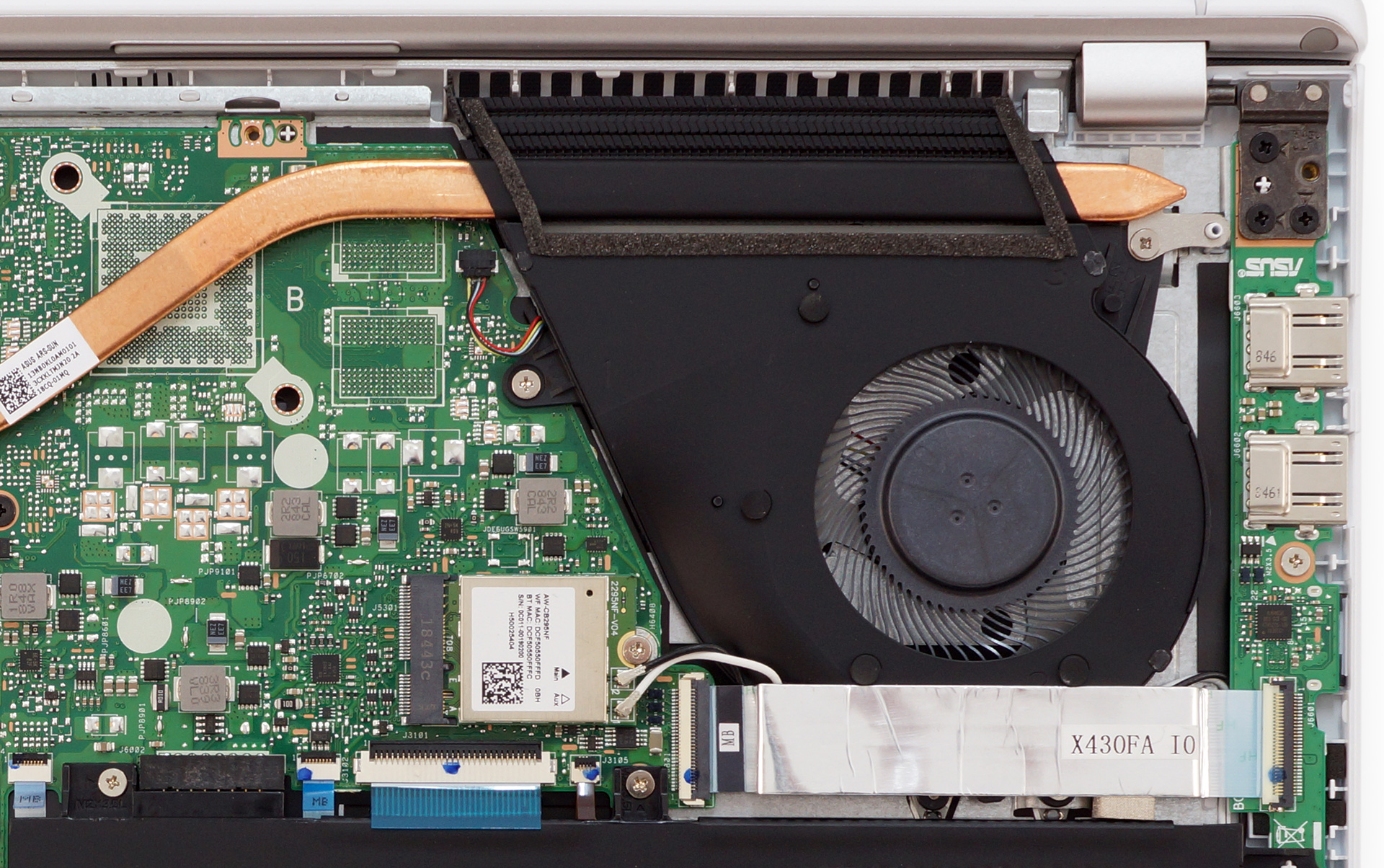
Its cooling comprises a single heat pipe leading to a single heatsink and cooled off by a regularly-sized fan. It is a pretty common design and we reckon that the versions of the laptop that come with a dedicated GPU are going to feature two, rather than one heat pipes.

| Intel Core i3-8145U (15W TDP) | 0:02 – 0:10 sec | 0:15 – 0:30 sec | 10:00 – 15:00 min |
|---|---|---|---|
| ASUS VivoBook S14 S430 | 3.34 GHz (B+59%)@ 68°C | 3.24 GHz (B+54%)@ 83°C | 1.97 GHz @ 56°C |
Check out all ASUS VivoBook S14 S430 prices and configurations in our Specs System or read more in our In-depth Review.
 Author: Alex Iliev

![[May 2026] Global Ranking of Best-Selling Laptop GPUs on Amazon – Apple Dominates with 45% Share, Sweeps Top 3 Spots; NVIDIA’s RTX 5060 Leads the Dedicated GPU Pack](https://laptopmedia.com/wp-content/uploads/2026/06/Best-Selling-GPUs-GLOBAL-Top-10-400x225.jpg)
![[May 2026] Global Ranking of Best-Selling Laptop CPUs on Amazon – Apple Crushes Competition with 45.2% Market Share, M5 Dominates](https://laptopmedia.com/wp-content/uploads/2026/06/Best-Selling-CPUs-GLOBAL-Top-10-400x225.jpg)
![[May 2026] Amazon Germany: Top 7 Best-Selling Gaming Laptops – Lenovo Legion 5i Crowned Champion Amidst Fierce Mid-Range Competition](https://laptopmedia.com/wp-content/uploads/2026/06/Best-Selling-Gaming-Laptops-DE-Top-10-1-400x225.jpg)
![[May 2026] Amazon Italy: Top 10 Best-Selling Laptops – Apple MacBook Neo Reigns Supreme, Premium Models Capture Dominant Revenue Share](https://laptopmedia.com/wp-content/uploads/2026/06/Best-Selling-Laptops-IT-Top-10-400x225.jpg)
![[May 2026] Best-Selling Laptop Brands on Amazon Italy – Apple Dominates Across All Metrics](https://laptopmedia.com/wp-content/uploads/2026/06/IT-Best-Brands-400x225.jpg)

Can we install 16gb RAM (single) on this laptop?
no, can be up to 16gb in s14 with i7
can we install 8gb ram (means make total 16gb memory) in i5 8thgen
can we add with 8gb or 16gb ram in s14 with i5?
i’m planning to upgrade my S14 ssd from 128gb SATA III to SSD 256 GB nvme, is it possible??
hi i have the s 14 with the i7 proccessor and 8 gb ram i was wondering i can uograde my gpu mine is mx 250 2gb ram and i wanted something like 4gb ram gpu is it possible ?
Can you upgrade the wifi card to a wifi 6 one? Assume that’s easily removable? Also I read someone say that the 2.5″ sata drive slot has no connectors and no connectors available from Asus for it to attach to the Motherboard. Did you see any connectors?