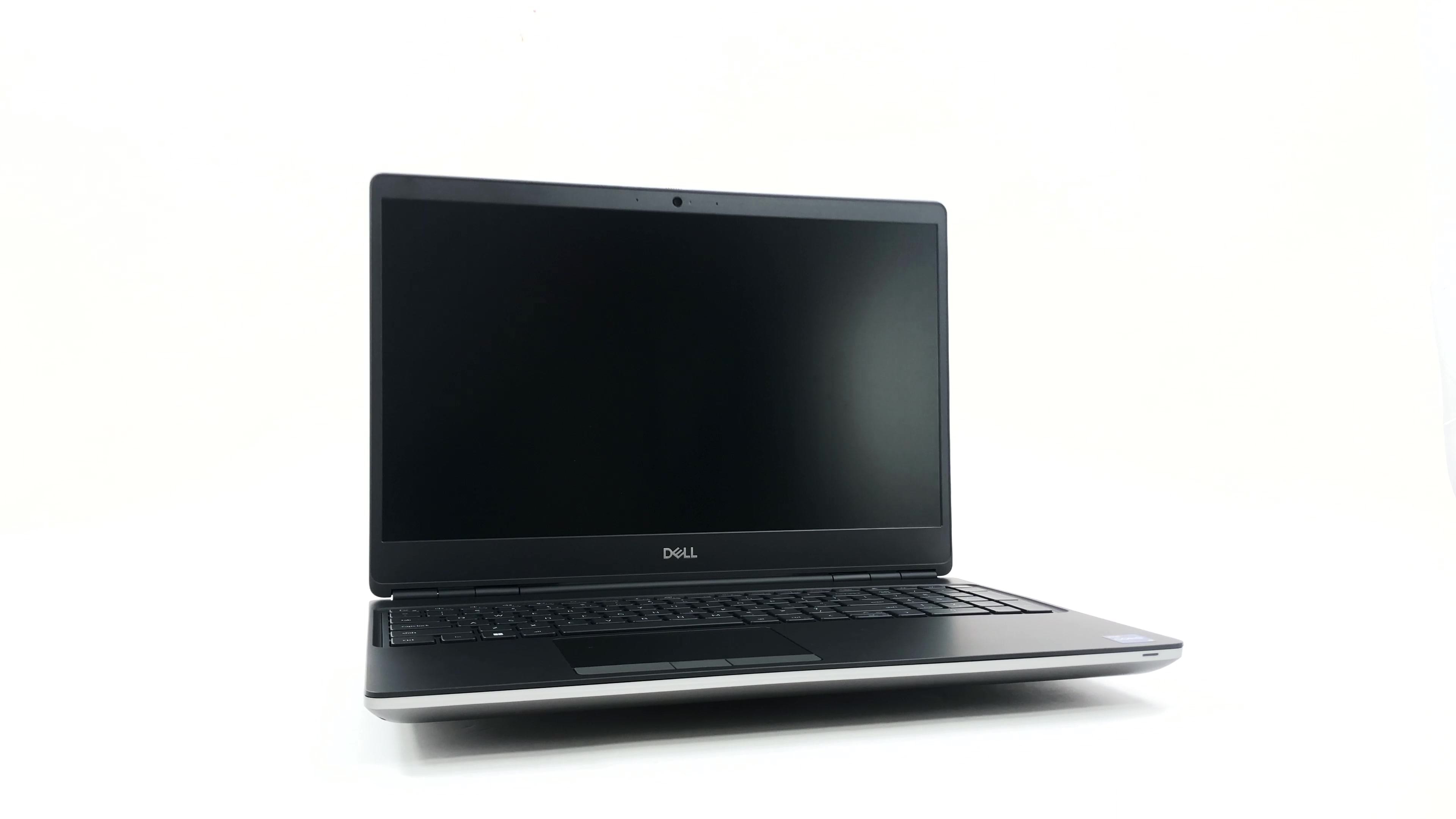
Dell Precision 7560

- Date Published: 14 Dec 2021
- Intel Core i9-11950H
- NVIDIA RTX A2000 (Laptop)
- 15.6”, Full HD (1920 x 1080), IPS
- 512GB SSD
- 2x 8GB DDR4, 3200 MHz
- 2.49 kg (5.5 lbs)
Review
Dell Precision 7560 in-depth review
Better late than never, right? We have finally gotten ourselves a proper workstation from Dell. It is called the Precision 15 7560, and it is a very special specimen. For once, it resembles the old-fashion two-color finish and the cylindrical hinges. Yet, it incorporates some modern features like sharp edges and narrow side bezels.On the other hand, it is quite obvious that the visuals are the least important thing about this device. It is meant to do work. To make sure you get the best experience in this regard, Dell provides you with a ton of processor options. They come from the Tiger Lake-H45 family and offer a choice between Core and Xeon processors.Usually, heavy-duty workstations are being used for stuff spanning large data analysis, 3D modeling, or rendering huge files. To[...]
Read the full review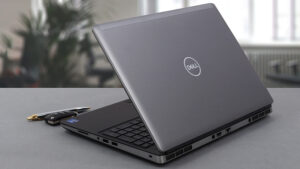
Pros
- Up to 128GB of DDR4 (with ECC support) + three M.2 slots (Up to 10TB max)
- Capable hardware
- Fingerprint reader + optional IR face recognition and 5G connectivity
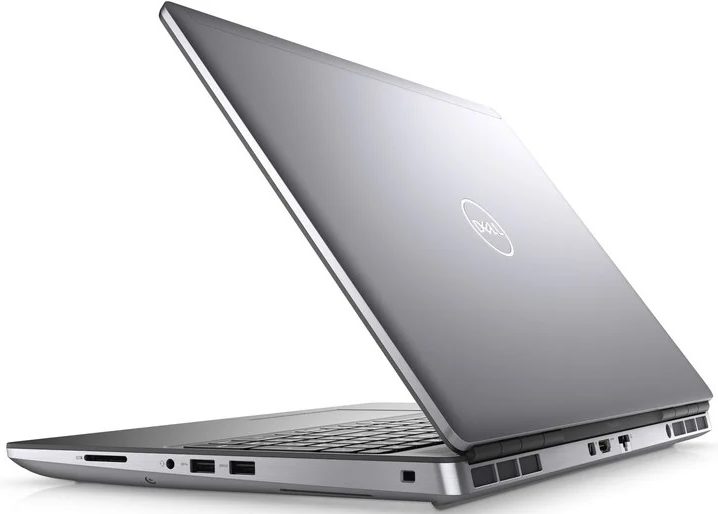
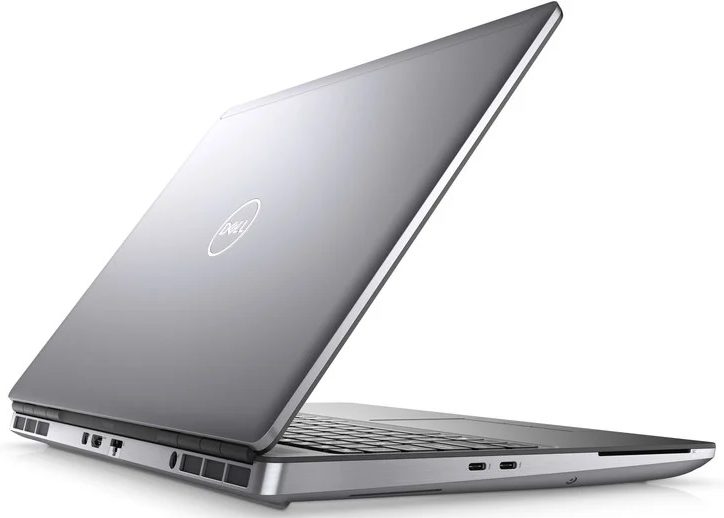
- SD card reader + 2x Thunderbolt 4 + HDMI 2.1
- Packs good security features
- Great input devices
- Fantastic battery life
Cons
- Slightly larger footprint than usual
- Uses PWM for brightness adjustment
Disassembly, maintenance and upgrade options
The Precision 15 7560 is a proper workstation. As such, it has a ton of memory and storage expansion potential. Take a look!Check out all Dell Precision 15 7560 prices and configurations in our Specs System or read more in our In-Depth review.1. Service door Interestingly, you can access one of the M.2 ports via a service door. To take the SSD out, flick the security bracket and undo two Phillips-head screws.2. Remove the bottom plate If you need to go even further, undo all 8 captive Phillips-head screws, and pop the bottom panel open.3. Battery Inside, you will s[...]
Read more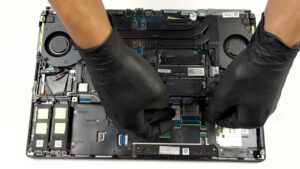
DISPLAY: 15.6-inch, 1920 x 1080, IPS
- Name
- BOE 66XPP-NV15N4R (BOE08CF)
- Diagonal
- 15.6"
- Pixel density
- 141.21 ppi
- Refresh rate
- 60 Hz
- Brightness
- 440 cd/m2
- sRGB
- 99%
- Panel Type
- IPS
- Resolution
- 1920 x 1080
- Becomes "Retina" from
- 24 inches (62 cm)
- Contrast
- 830:1
- dE Color Checker
- 8.0 2.0

Buy our profiles for BOE 66XPP-NV15N4R (BOE08CF)
In addition to receiving efficient and health-friendly profiles, by buying LaptopMedia's products you also support the development of our labs, where we test devices in order to produce the most objective reviews possible.

Office Work
Office Work should be used mostly by users who spend most of the time looking at pieces of text, tables or just surfing. This profile aims to deliver better distinctness and clarity by keeping a flat gamma curve (2.20), native color temperature and perceptually accurate colors.

Design and Gaming
This profile is aimed at designers who work with colors professionally, and for games and movies as well. Design and Gaming takes display panels to their limits, making them as accurate as possible in the sRGB IEC61966-2-1 standard for Web and HDTV, at white point D65.

Health-Guard
Health-Guard eliminates the harmful Pulse-Width Modulation (PWM) and reduces the negative Blue Light which affects our eyes and body. Since it’s custom tailored for every panel, it manages to keep the colors perceptually accurate. Health-Guard simulates paper so the pressure on the eyes is greatly reduced.



![[September 2026] Best-Selling Laptop Brands on Amazon Global – Apple Dominates the Market with Over 70% Revenue Share](https://laptopmedia.com/wp-content/uploads/2026/10/GLOBAL-Best-Brands-400x225.jpg)
![[September 2026] Amazon Global: Top 10 Best-Selling Laptops – Apple’s MacBook Neo Claims the #1 Spot as Budget and Premium Devices Dominate](https://laptopmedia.com/wp-content/uploads/2026/10/Best-Selling-Laptops-GLOBAL-Top-10-400x225.jpg)
![[September 2026] Amazon Global: Top 10 Best-Selling Gaming Laptops – ASUS ROG Strix G16 Dominates the Market with Record-Breaking Unit Sales](https://laptopmedia.com/wp-content/uploads/2026/10/Best-Selling-Gaming-Laptops-GLOBAL-Top-10-400x225.jpg)
![[September 2026] Global Ranking of Best-Selling Laptop GPUs on Amazon – Apple’s M5 Chip Obliterates NVIDIA in Premium Laptops, But the RTX 5060 Is the Only Dedicated GPU to Crack the Top 10](https://laptopmedia.com/wp-content/uploads/2026/10/Best-Selling-GPUs-GLOBAL-Top-10-400x225.jpg)
![[September 2026] Global Ranking of Best-Selling Laptop CPUs on Amazon – Apple’s M5 Crushes Intel as Premium Market Becomes a One-Horse Race](https://laptopmedia.com/wp-content/uploads/2026/10/Best-Selling-CPUs-GLOBAL-Top-10-400x225.jpg)
