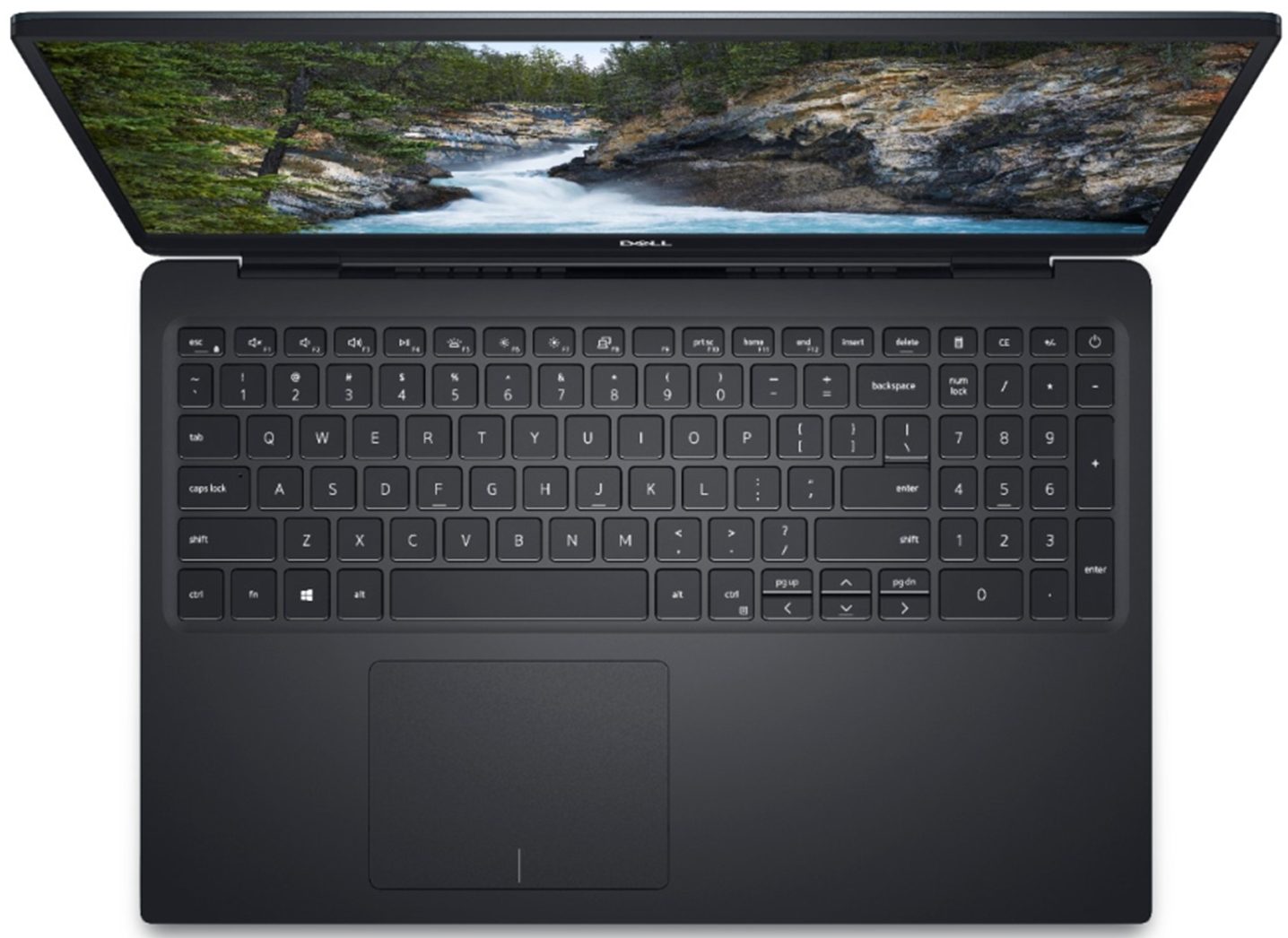
Dell Vostro 5590



- Date Published: 10 Mar 2020
- Intel Core i7-10510U
- NVIDIA GeForce MX250 (25W)
- 15.6”, Full HD (1920 x 1080), IPS
- 256GB SSD + 1000GB HDD
- 8GB DDR4
- 1.82 kg (4 lbs)

Specs

- HDD/SSD
- 256GB PCIe SSD + 1TB HDD
- RAM
- 8GB DDR4
- OS
- Windows 10 Pro
- Dimensions
- 356.5 x 237.1 x 18.7 mm (14.04" x 9.33" x 0.74")
- Weight
- 1.82 kg (4 lbs)
- Ports and connectivity
- 2x USB Type-A
- 3.2 Gen 1 (5 Gbps)
- 1x USB Type-A
- 2.0
- 1x USB Type-C
- 3.2 Gen 1 (5 Gbps), DisplayPort
- HDMI
- 1.4b
- Card Reader
- MicroSD
- Ethernet LAN
- 10, 100, 1000 Mbit/s
- Wi-Fi
- 802.11ac
- Bluetooth
- 5.0
- Audio jack
- 3.5 mm combo
- Features
- Web camera
- HD RGB
- Microphone
- Dual-Array Microphone
- Speakers
- 2x 2.5W Speakers
- Optical drive
- Security Lock slot
Portability
Review
Dell Vostro 5590 in-depth review
Ladies and gentlemen, boys and girls. It is a pleasure to us to share with you, our somewhat professional thoughts, on a great looking device, which most surely doubles as a business notebook. Moreover, despite we are talking about Dell, there isn't any expensive Latitude lying around in our office. The laptop of today's review can boast with quite the opposite - a low price, especially for what it offers.So what is exactly what it gives it the hype we are unintentionally trying to build. First of all - it is a brand new model, that came to the market no more than a couple of weeks ago. Secondly, it features the 10th Gen. Intel ULV processors, better known as Comet Lake. Additionally, it can be bought with a dedicated MX250, but what got us more is its design. If you look closely it l[...]
Read the full review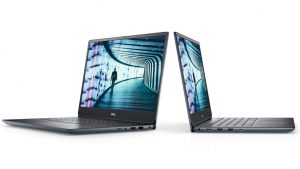
Pros
- Stylish outlook
- 10th Gen Intel CPUs
- Good battery life
- Supports PCIe x4 SSDs
- Comfortable keyboard
- Doesn't use PWM to adjust its brightness (AUO AUO23ED)
Cons
- Covers only 52% of sRGB (AUO AUO23ED)
- We couldn't get the touchpad to work (driver issues)
- Not the sturdiest of materials on the base
Disassembly, maintenance and upgrade options
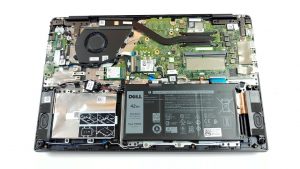
Dell Vostro 5590 is an incredibly good looking device, that is somewhat resembling the design features of the premium XPS line up. However, the affordable price tag makes this notebook incredibly appealing to students and business people.Check out all Dell Vostro 5590 prices and configurations in our Specs System or read more in our In-Depth review.1. Remove the bottom plate Like most of the laptops that come to the market lately, the Vostro 5590 is not equipped with a service lid compartment. Hence, you need to remove the entire back panel in order to access its internals. Neve[...]
Read more