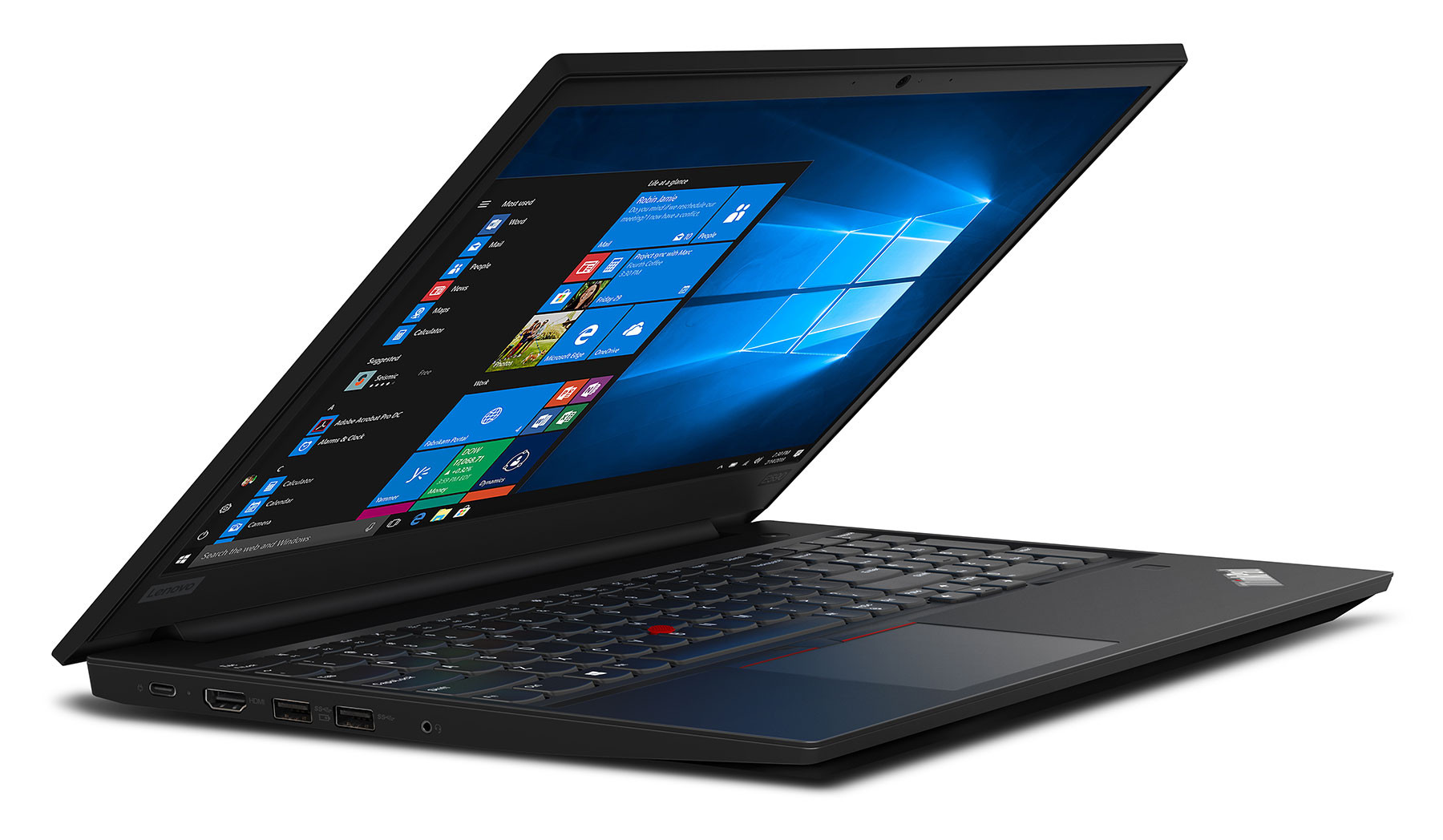
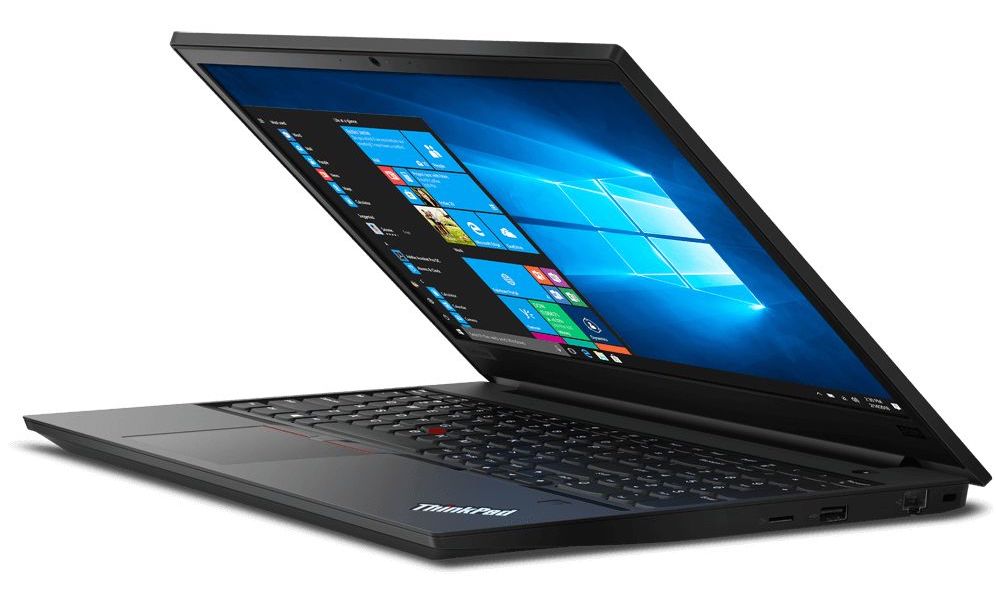
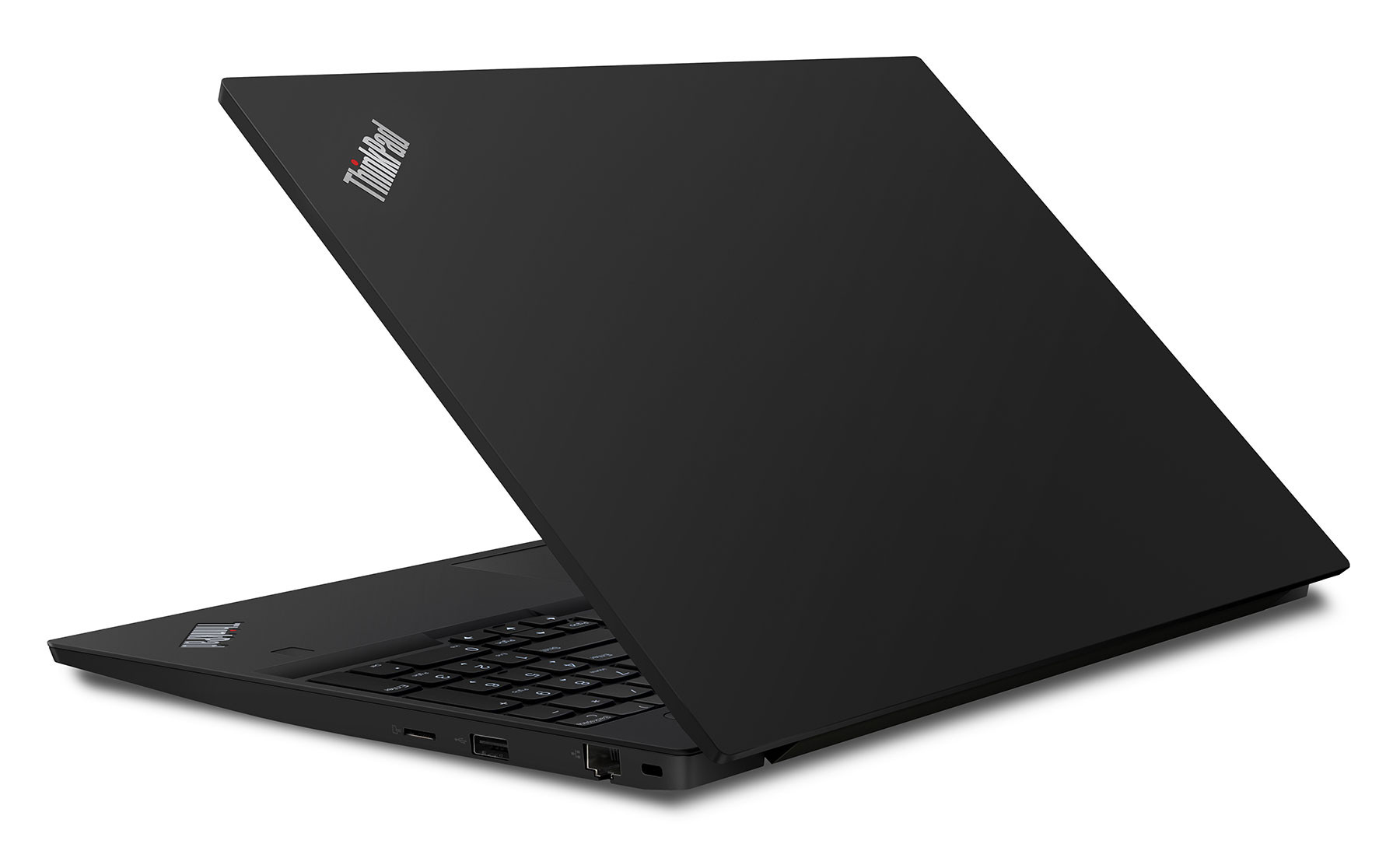
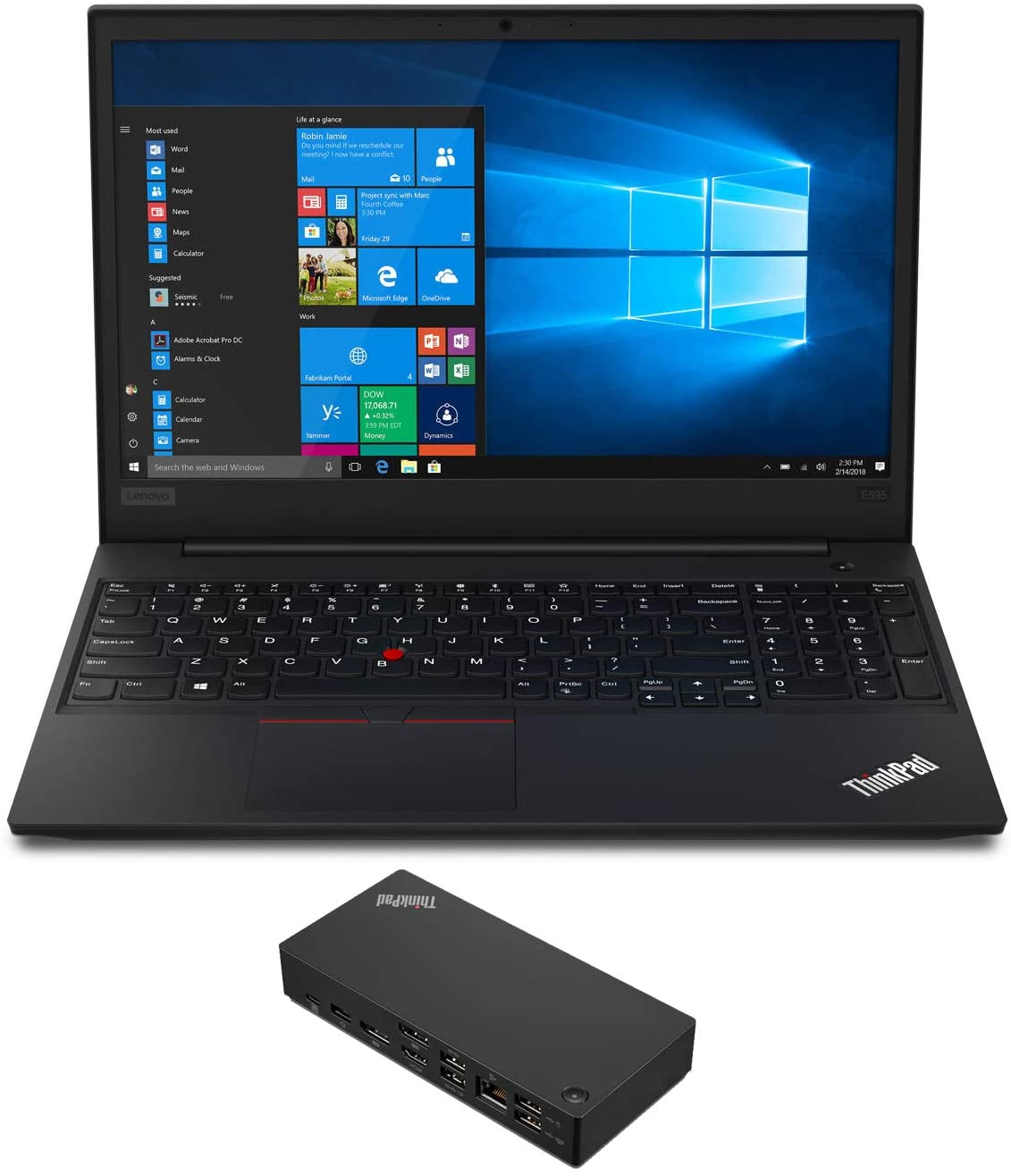
Lenovo ThinkPad E595
- Date Published: 30 Dec 2020
- AMD Ryzen 5 3500U
- AMD Radeon RX Vega 8 (R2000/3000, 15W)
- 15.6”, Full HD (1920 x 1080), IPS
- 256GB SSD + 500GB HDD
- 16GB DDR4
- 2.12 kg (4.7 lbs)
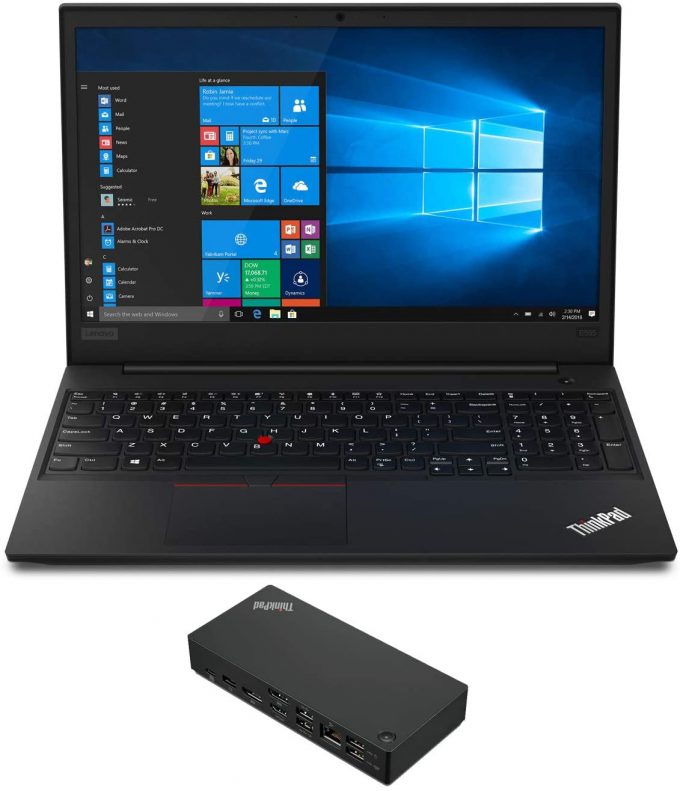
Review
Lenovo ThinkPad E595 in-depth review
Today's hero - the ThinkPad E590 is a direct successor, if not just a refresh, to the ThinkPad E580 series. As we found the latter to be a pretty decent device, we are placing our expectations high with this model as well. It is aimed at small to medium business market, which is not very sensitive about raw performance. However, security, usability and battery life are the more important features.Now equipped with Whiskey Lake CPU and the choice of a dedicated GPU in the form of an AMD Radeon RX 550X, it should even suffice some mild gaming and graphically intensive work. On the other side, there is the dated, but beloved ThinkPad design, which not only is exactly the same as the one on the previous model but also stays true to the legacy, dating all the way back to IBM.You can ch[...]
Read the full review
Pros
- Incredible keyboard
- Doesn't use PWM to adjust screen brightness (LG LP156WFC-SPDB (LEN40BA))
- Supports M.2 PCIe NVMe/SATA SSDs
- Simplistic design folowing the well known legacy
- Very good battery life
- Business-grade security features
Cons
- Covers only 54% of sRGB (LG LP156WFC-SPDB (LEN40BA))
- Doesn't offer anything significant over the last-years model
- Radeon RX 550X-equipped model produces excessive heat on the outside
Disassembly, maintenance and upgrade options
As usual for a ThinkPad device, even if it's a budget-oriented one, we are looking at a well-built chassis. Additionally, it is easier than ever to upgrade and quite frankly the options are more than enough.Check out all Lenovo ThinkPad E590 prices and configurations in our Specs System or read more in our In-depth Review.1. Remove the bottom plate There are a total of 9 Phillips-head screws that are separating you from the insides of this laptop. After you undo them carefully pry the bottom plate up, with the help of a plastic pry tool.2. Battery First, let's take a look[...]
Read more
DISPLAY: 15.6-inch, 1920 x 1080, IPS
- Name
- LG LP156WFC-SPDB
- Diagonal
- 15.6"
- Pixel density
- 141.21 ppi
- Brightness
- 280 cd/m2
- sRGB
- 54%%
- Panel Type
- IPS
- Resolution
- 1920 x 1080
- Becomes "Retina" from
- 24 inches (62 cm)
- Contrast
- 1300:1
- dE Color Checker
- 4.8 3.9

Buy our profiles for LG LP156WFC-SPDB
In addition to receiving efficient and health-friendly profiles, by buying LaptopMedia's products you also support the development of our labs, where we test devices in order to produce the most objective reviews possible.

Office Work
Office Work should be used mostly by users who spend most of the time looking at pieces of text, tables or just surfing. This profile aims to deliver better distinctness and clarity by keeping a flat gamma curve (2.20), native color temperature and perceptually accurate colors.

Design and Gaming
This profile is aimed at designers who work with colors professionally, and for games and movies as well. Design and Gaming takes display panels to their limits, making them as accurate as possible in the sRGB IEC61966-2-1 standard for Web and HDTV, at white point D65.

Health-Guard
Health-Guard eliminates the harmful Pulse-Width Modulation (PWM) and reduces the negative Blue Light which affects our eyes and body. Since it’s custom tailored for every panel, it manages to keep the colors perceptually accurate. Health-Guard simulates paper so the pressure on the eyes is greatly reduced.



![[August 2026] Global Ranking of Best-Selling Laptop GPUs on Amazon – Apple Reigns Supreme, NVIDIA’s RTX 5060 Tops Dedicated Chart](https://laptopmedia.com/wp-content/uploads/2026/09/Best-Selling-GPUs-GLOBAL-Top-10-400x225.jpg)
![[August 2026] Global Ranking of Best-Selling Laptop CPUs on Amazon – Apple Dominates Both Budget and Premium: A18 Pro and M5 Crush Intel and AMD in August 2026](https://laptopmedia.com/wp-content/uploads/2026/09/Best-Selling-CPUs-GLOBAL-Top-10-400x225.jpg)
![[August 2026] Amazon Global: Top 10 Best-Selling Laptops – Apple MacBook Neo Dominates the Charts as Budget and Mid-Range Windows Portables Fight for Volume](https://laptopmedia.com/wp-content/uploads/2026/09/Best-Selling-Laptops-GLOBAL-Top-10-400x225.jpg)
![[August 2026] Best-Selling Laptop Brands on Amazon Global – Apple Dominates Revenue While HP Leads in Model Variety](https://laptopmedia.com/wp-content/uploads/2026/09/GLOBAL-Best-Brands-400x225.jpg)
![[August 2026] Amazon Global: Top 10 Best-Selling Gaming Laptops – HP Victus 15 Captures the Crown as Budget-Friendly Models Dominate the Charts](https://laptopmedia.com/wp-content/uploads/2026/09/Best-Selling-Gaming-Laptops-GLOBAL-Top-10-400x225.jpg)
