- 发布日期: 21 Oct 2020
- Intel Core i7-8750H
- NVIDIA GeForce GTX 1060 (6GB GDDR5)
- 17.3”, Full HD (1920 x 1080), 144 Hz, IPS
- 1000GB HDD
- 8GB DDR4, 2666 MHz
- 2.90 kg (6.4 lbs)
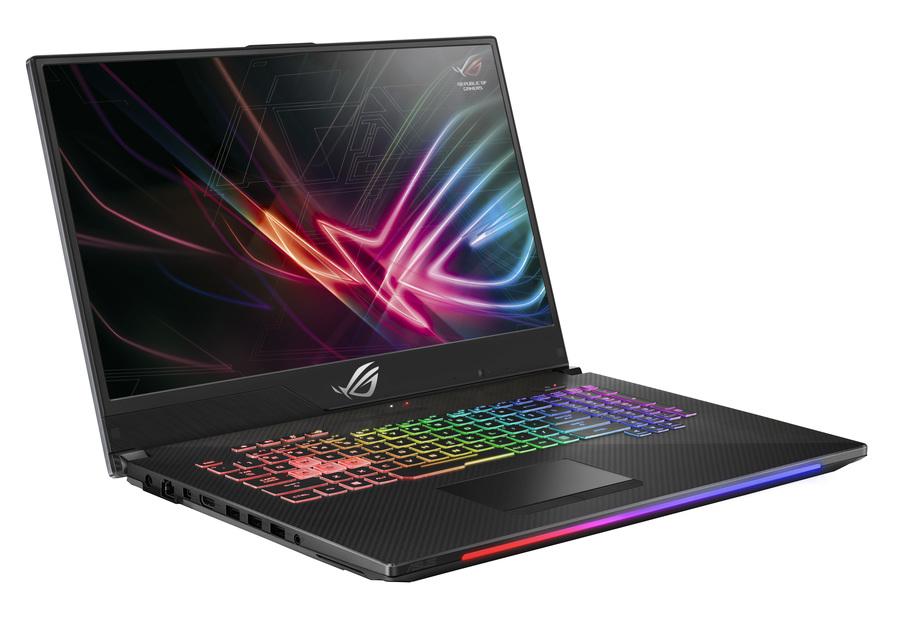
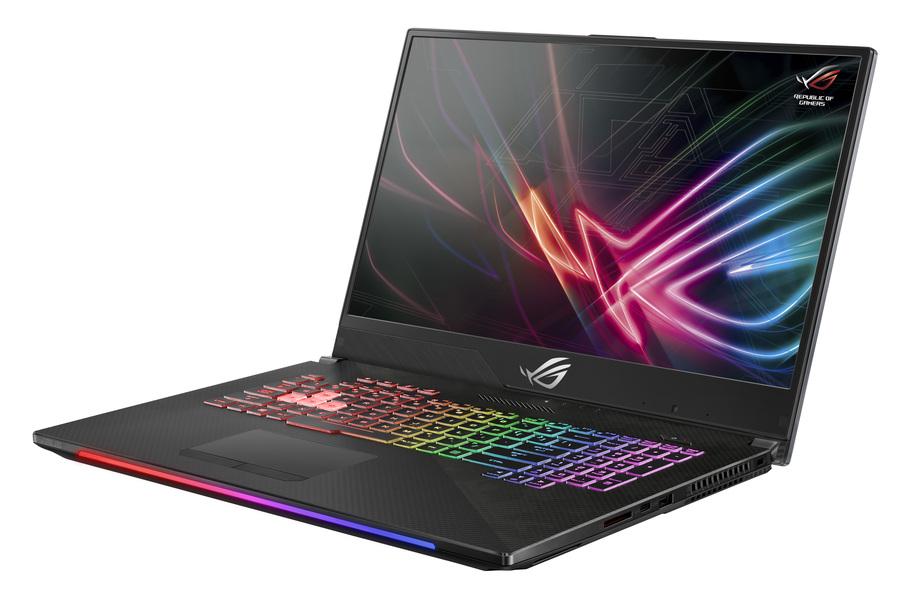
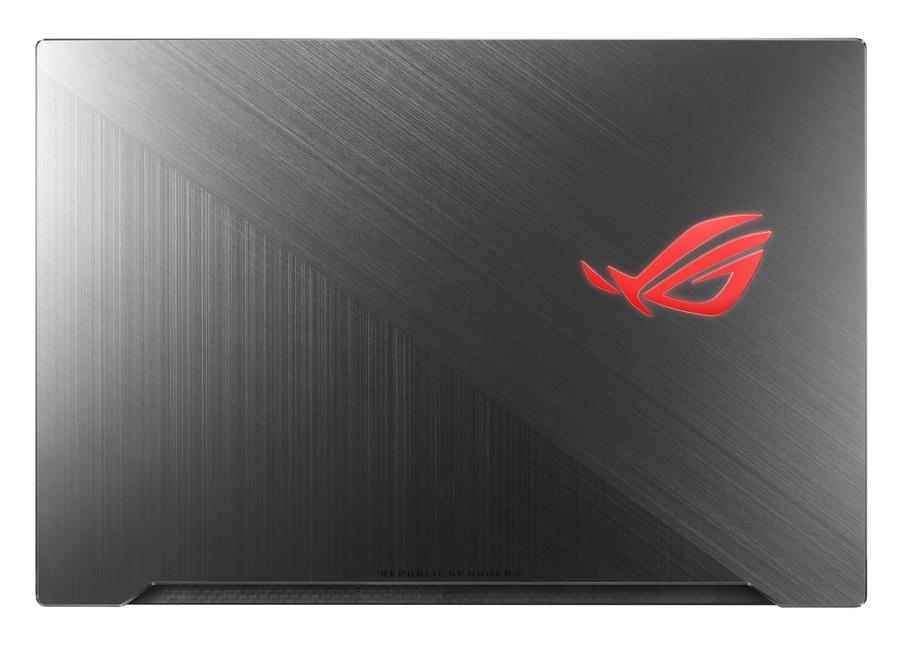
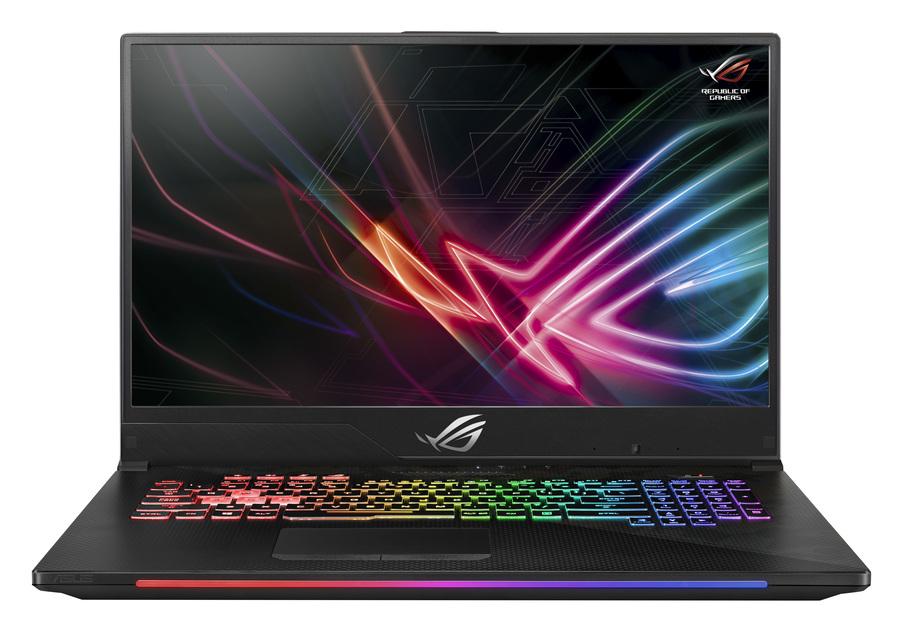
ASUS ROG Strix GL704 深度评测
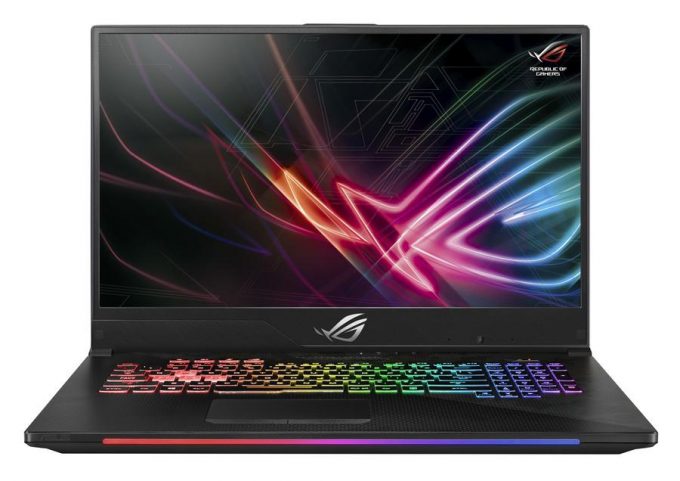
There we go, guys. We have our hands on the first laptop (for us) with an RTX graphics card. This 17-inch fella' is equipped with the NVIDIA GeForce RTX 2070. ASUS was fast to react and implemented the new GPUs from NVIDIA into their ROG GL704G. The notebook itself is not your ordinary large and [...]
阅读完整评测
回顾
ASUS GL704 深度评测
There we go, guys. We have our hands on the first laptop (for us) with an RTX graphics card. This 17-inch fella' is equipped with the NVIDIA GeForce RTX 2070. ASUS was fast to react and implemented the new GPUs from NVIDIA into their ROG GL704G. The notebook itself is not your ordinary large and bulky monster. It follows closely the trends from last year and incorporates 26 mm design with a weigh just under 3 kg.As you are soon about to see, the RTX version of the laptop is just a refresh, as it keeps the same design as the older GTX devices. It still comes in two options - SCAR and Hero, with the first aimed at FPS gaming (transparent WASD keys) while the latter one is aimed at MOBAs (transparent QWER keys).You can check the prices and configurations in our Specs System: https://[...]
阅读完整评测优点
- Adequate cooling
- Lots of upgrade options
- 92% sRGB coverage (144 Hz AUO B173HAN04.0)
- CPU maintains high frequencies even during extreme load
- Weighs less than 3 kg
- Customizable RGB lighting and two keyboard layout options
- Great input devices
弊端
- Underperforming RTX 2070 with early drivers
- Loud noise during gaming
拆卸、维护和升级选项
One of the first devices with an RTX GPU available to the market. That's the ASUS ROG GL704 (SCAR II / HERO II) in all its shine. Cooling a hexa-core CPU and an RTX 2070 simultaneously is never going to be an easy job, but the ROG GL704 manages its temperatures pretty well.Check out all ASUS ROG GL704 (SCAR II / HERO II) prices and configurations in our Specs System or read more in our In-depth Review.1. Remove the bottom plate ASUS follows the latest trends of not including a service lid, which means if you want to upgrade your RAM or storage, you'll need to remove the whole [...]
阅读更多
显示屏: 17.3-inch, 1920 x 1080, IPS
- 名称
- AUO B173HAN04.0 (AUO409D)
- 对角线
- 17.3"
- 像素密度
- 127.34 ppi
- 亮度
- 302 cd/m2
- sRGB
- 92%%
- 面板类型
- IPS
- 分辨率
- 1920 x 1080
- 从...成为“Retina”
- 27 inches (69 cm)
- 对比度
- 1000:1
- dE Color Checker
- 6.2 2.4

购买我们的配置文件 AUO B173HAN04.0 (AUO409D)
除了获得高效且有益健康的配置文件外,购买 LaptopMedia 的产品也是对我们实验室发展的支持,我们在实验室中测试设备,以提供最客观的评测。

办公工作
Office Work 主要适用于大部分时间在查看文本、表格或上网的用户。此配置文件旨在通过保持平坦的伽马曲线 (2.20)、原始色温和感知上准确的颜色来提供更好的清晰度。

设计和游戏
此配置文件适用于专业处理色彩的设计师,以及游戏和电影。Design and Gaming 将显示面板推向极限,使其在 Web 和 HDTV 的 sRGB IEC61966-2-1 标准中尽可能准确,白点为 D65。






