Lenovo ThinkPad E14
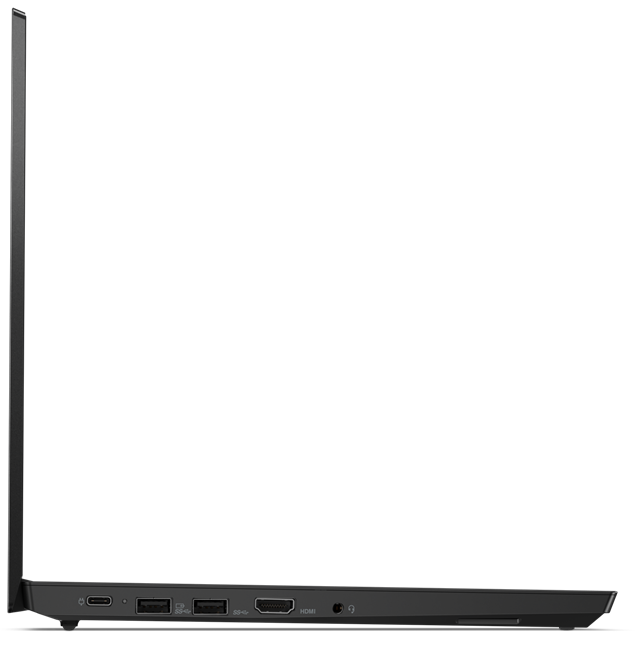
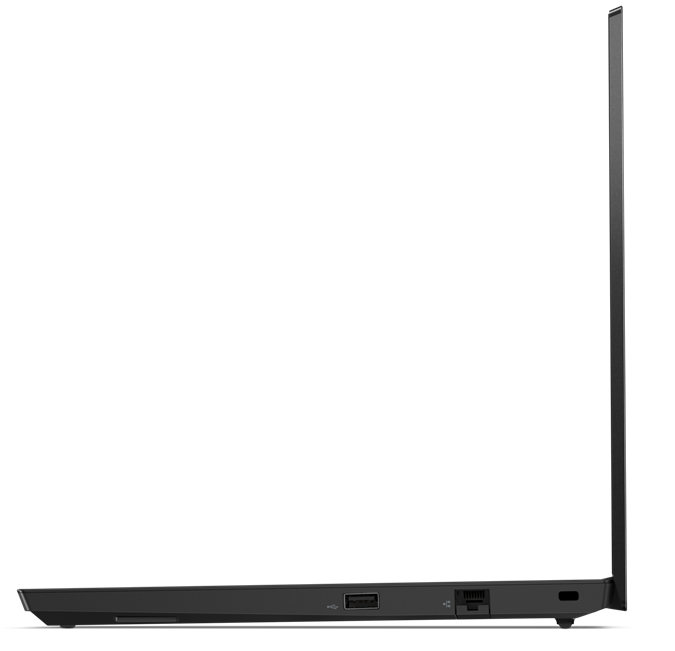
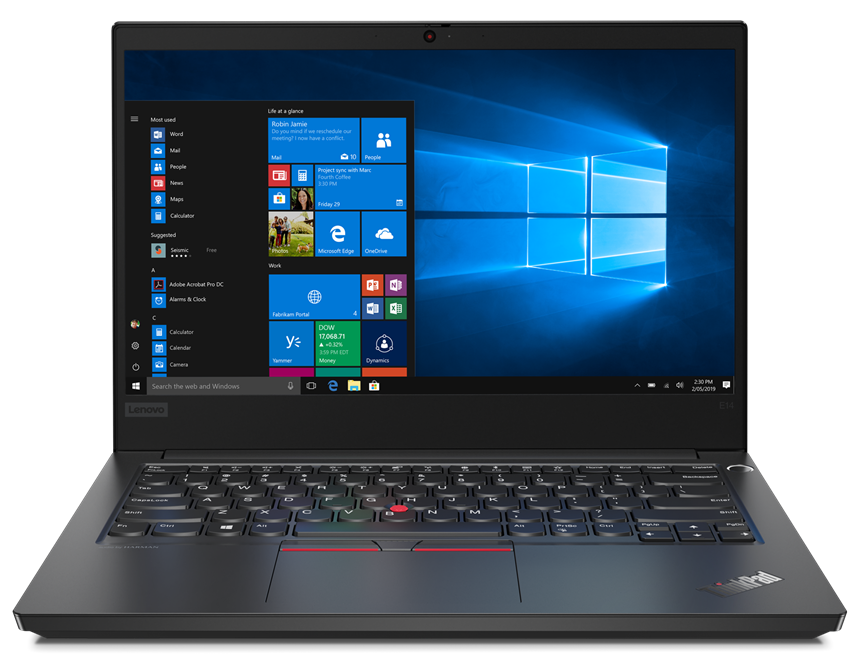
- 发布日期: 22 Apr 2020
- Intel Core i5-10210U
- Intel UHD Graphics
- 14.0”, Full HD (1920 x 1080), IPS
- 1000GB HDD
- 8GB DDR4
- 1.69 kg (3.7 lbs)
Lenovo ThinkPad E14 深度评测
Lenovo is trying to deliver a good performance and decent versatility with its latest business machines. This one, in particular, is the ThinkPad E14 - a successor to the E490. Ultimately, it is the same good old, rigid design that Lenovo fancies to use on their ThinkPad devices. Of course, it is [...]
阅读完整评测

回顾
Lenovo ThinkPad E14 深度评测
Lenovo is trying to deliver a good performance and decent versatility with its latest business machines. This one, in particular, is the ThinkPad E14 - a successor to the E490. Ultimately, it is the same good old, rigid design that Lenovo fancies to use on their ThinkPad devices. Of course, it is legacy to the IBM ThinkPad series, and the industrial package is something people look for when shopping for these laptops.Another thing that keeps people attracted, is the security devices all around. You've got a privacy shutter on top of the camera, a fingerprint reader inside of the Power button, a TPM chip soldered to the motherboard, and of course, all of the software goodies Lenovo provides.As of the hardware of the notebook - it comes with a Comet Lake processor, which depending o[...]
阅读完整评测优点
- Its keyboard is backlit and great for typing
- Has a Fingerprint reader that stores your finger's print upon pressing the power button
- Good contrast ratio and comfortable viewing angles
- Supports PCIe x4 SSDs, and some models feature a WiFi 6 card
- It is able to maintain its 25W TDP limit for quite a while
- Great battery life
- Charges via USB Type-C
弊端
- Lacks a Thunderbolt connector
- Uses harmful PWM for all brightness levels except the maximum (our Health-Guard profile fixes the issue)
- Covers only 52% of sRGB
- Lacks an SD card reader
拆卸、维护和升级选项
This device is equipped with some exciting features, like the Power button/fingerprint reader combo, which stores the print of your finger upon startup, and then sends it towards the OS for seamless logins. However, how easy it is to maintain and upgrade the ThinkPad E14? Let's take a look.Check out all Lenovo ThinkPad E14 prices and configurations in our Specs System or read more in our In-Depth review.1. Remove the bottom plate This device's bottom plate is held up in a place by 7 Phillips-head screws. Fortunately for clumsy people like us, they stay attached to the panel even[...]
阅读更多
显示屏: 14.0-inch, 1920 x 1080, IPS
- 名称
- BOE NV140FHM-N48
- 对角线
- 14.0"
- 像素密度
- 157.35 ppi
- Refresh rate
- 60 Hz
- 亮度
- 279 cd/m2
- sRGB
- 54%%
- 面板类型
- IPS
- 分辨率
- 1920 x 1080
- 从...成为“Retina”
- 22 inches (56 cm)
- 对比度
- 1180:1
- dE Color Checker
- 4.4 3.7

购买我们的配置文件 BOE NV140FHM-N48
除了获得高效且有益健康的配置文件外,购买 LaptopMedia 的产品也是对我们实验室发展的支持,我们在实验室中测试设备,以提供最客观的评测。

办公工作
Office Work 主要适用于大部分时间在查看文本、表格或上网的用户。此配置文件旨在通过保持平坦的伽马曲线 (2.20)、原始色温和感知上准确的颜色来提供更好的清晰度。

设计和游戏
此配置文件适用于专业处理色彩的设计师,以及游戏和电影。Design and Gaming 将显示面板推向极限,使其在 Web 和 HDTV 的 sRGB IEC61966-2-1 标准中尽可能准确,白点为 D65。






