Dell Precision 5540
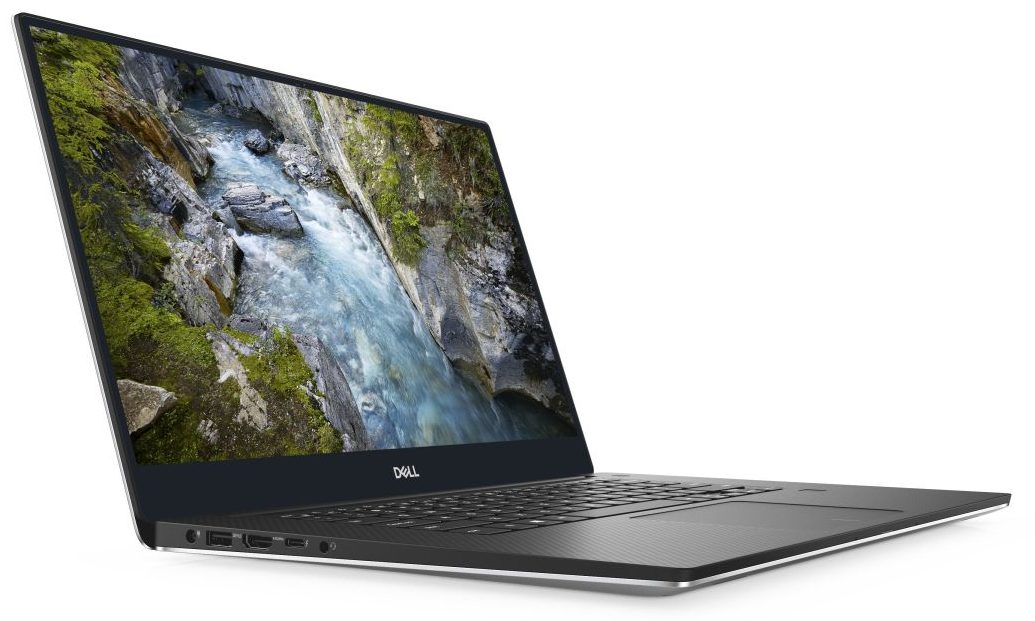
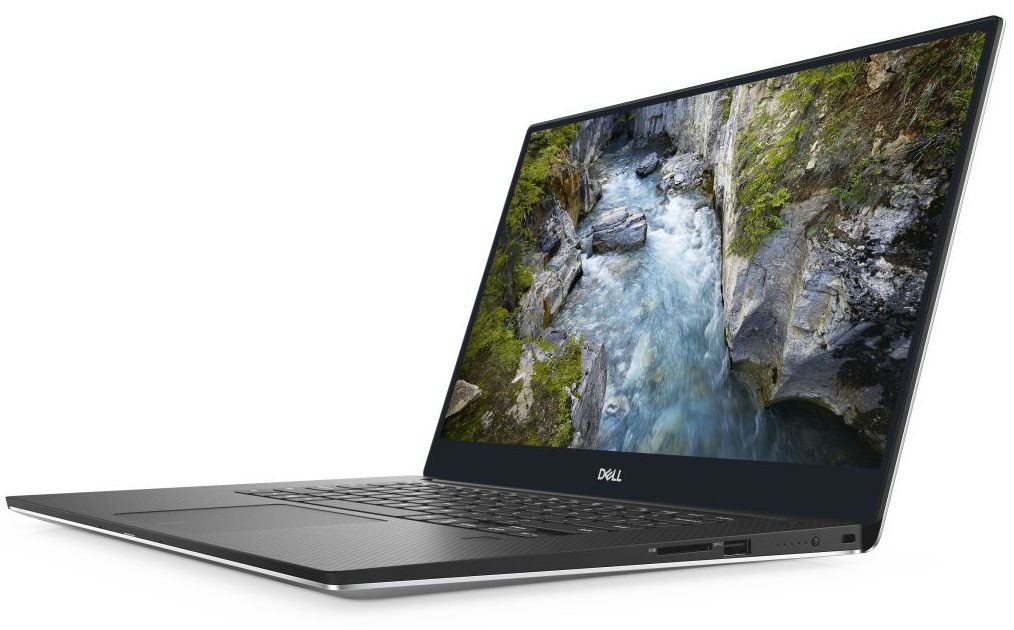
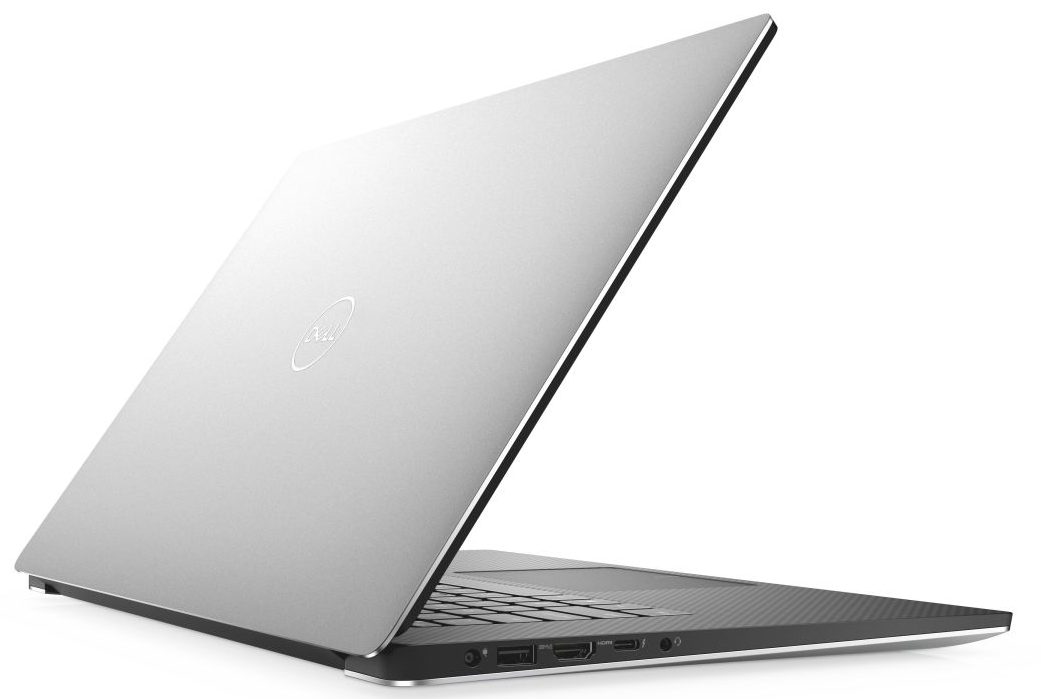
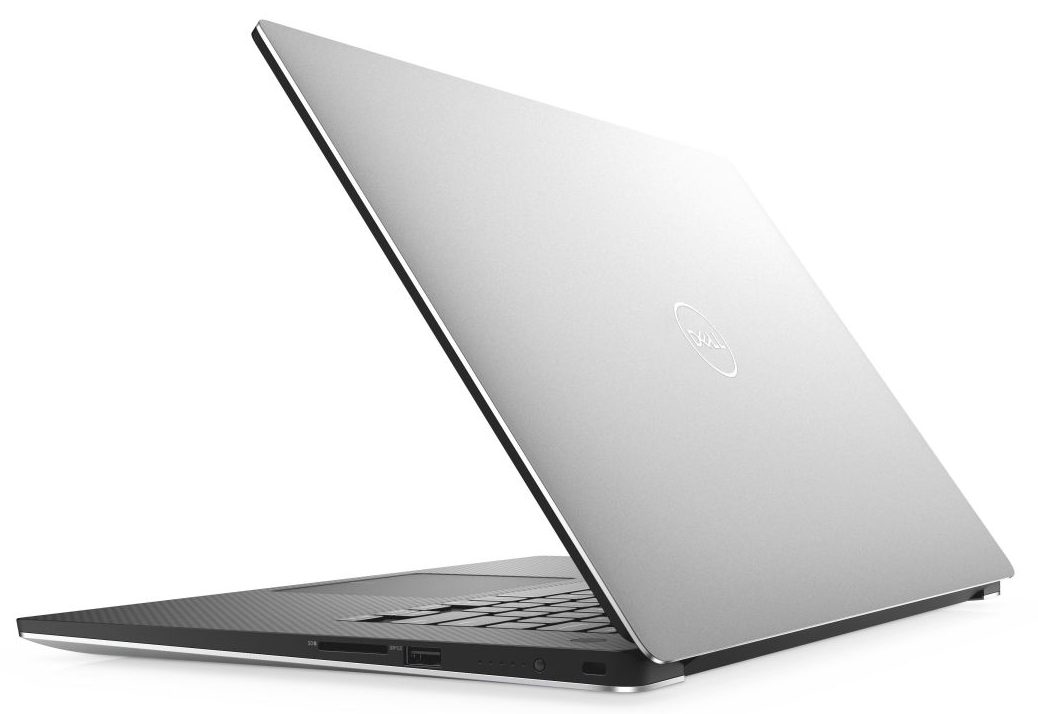
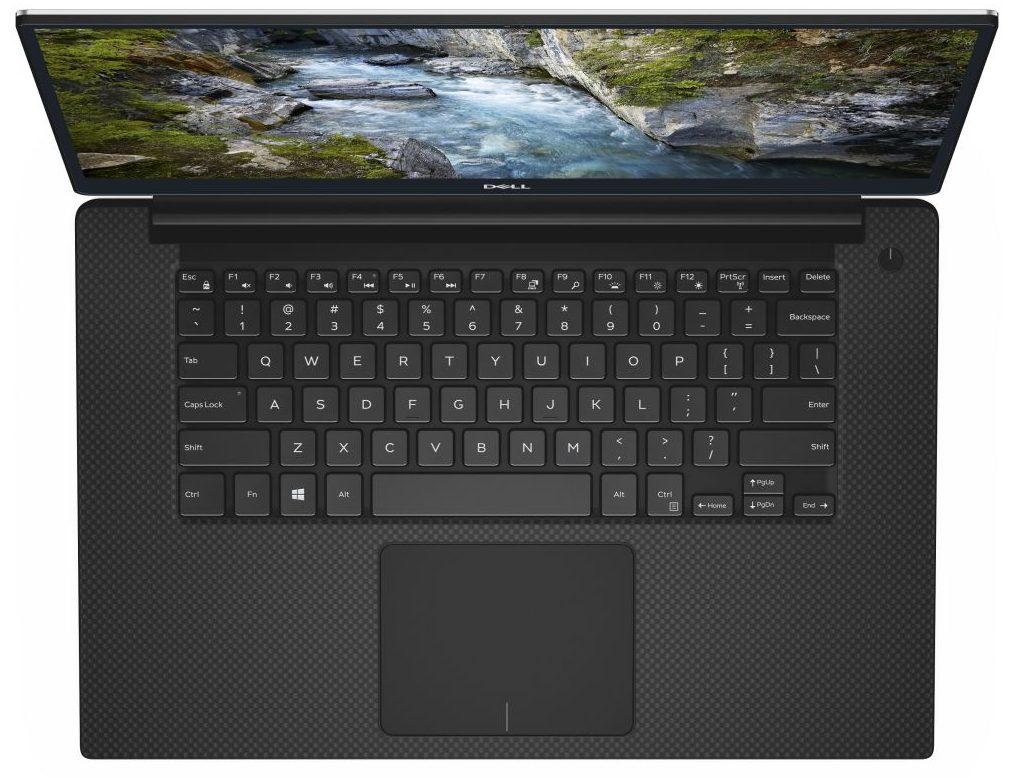
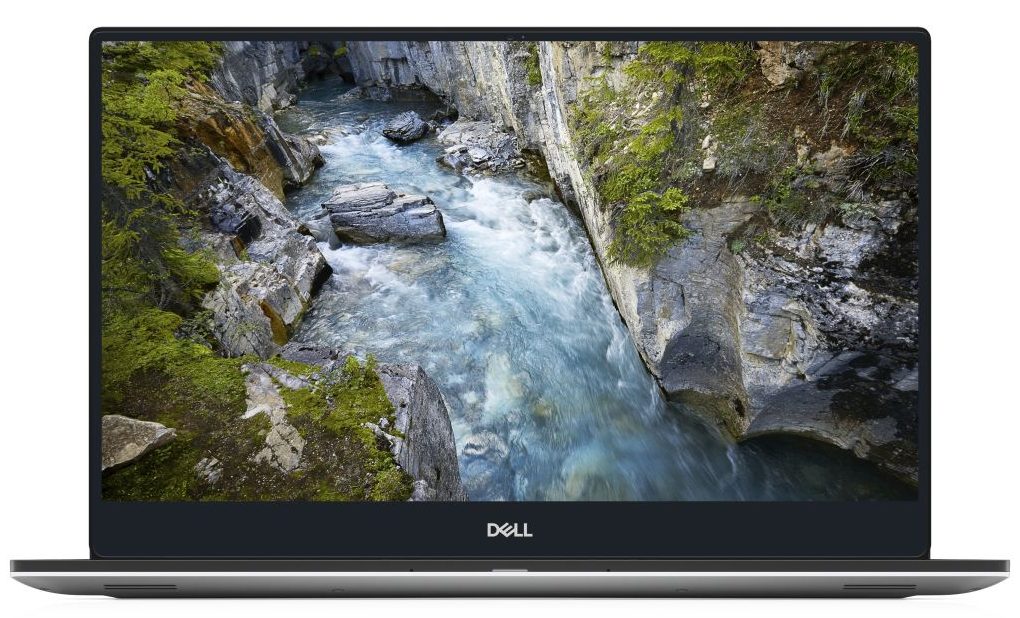
- Veröffentlichungsdatum: 14 Nov 2019
- Intel Core i5-9400H
- NVIDIA Quadro T2000 (4GB GDDR5)
- 15.6”, Full HD (1920 x 1080), IPS
- 256GB SSD
- 8GB DDR4
- 1.80 kg (4 lbs)
Dell Precision 15 5540 ausführliche Bewertung
Dell seems to be really proud of its 15-inch XPS laptop design, as they not only used it for the XPS 15 7590 for the fifth year in a row, but they also use it do build the Precision 5540 around it. As they did for the Precision 5520 before that. No need for further ranting, however, because we are [...]
Lesen Sie die vollständige Bewertung
Überprüfung
Dell Precision 5540 ausführliche Bewertung
Dell seems to be really proud of its 15-inch XPS laptop design, as they not only used it for the XPS 15 7590 for the fifth year in a row, but they also use it do build the Precision 5540 around it. As they did for the Precision 5520 before that. No need for further ranting, however, because we are not here to discuss the internal politics of manufacturers, but to focus on the specific device and give you our honest take on it.So, what is the Precision 5540 and who is it for? Well, this notebook is a professional tool, for people that work with CAD software, video editors, programmers, designers and much more. It can be configured with a Core i9-9880H or Core i9-9980HK, as well as a Quadro T2000 graphics card. Now if that is not the Thor hammer of thin and light laptops, we don't know [...]
Lesen Sie die vollständige BewertungProfis
- Sturdy premium design, combining aluminum with carbon fiber
- Powerful hardware and a professional Quadro GPU inside
- M.2 supports PCIe x4 drives
- Easy to upgrade
- Covers 94% of sRGB and our Gaming and Web design profile makes it appropriate for color-sensitive work (SHP14BA (MWP1T-LQ156M1))
- Our Gaming and Web design profile helps it reach an Average dE of 0.7 (SHP14BA (MWP1T-LQ156M1))
- Optional IR face recognition and fingerprint reader
- Has an SD card slot and a Thunderbolt 3 port onboard
Nachteile
- High price
- Gets warm on the outside under heavy load
- Uses aggressive PWM to adjust the brightness until 140 nits (our Health-Guard profile fixes that) (SHP14BA (MWP1T-LQ156M1))
Demontage, Wartung und Upgrade-Optionen
The Precision series has always been a symbol of Dell's workstation machines. However, their latest 5000-devices share the same design as the XPS lineup. So, a question arises - are they the same on the inside as well?Check out all Dell Precision 5540 prices and configurations in our Specs System or read more in our In-Depth review.1. Remove the bottom plate Unsurprisingly, getting inside of this device is pretty much the same job as disassembling the XPS 15 7590. Remove 10 Torx-headed screws, then lift the little lid and remove two Phillips-head ones. After that, gently pry the[...]
Mehr lesen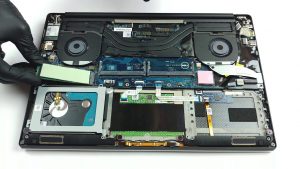
Display: 15.6-inch, 1920 x 1080, IPS
- Name
- SHP14BA (MWP1T-LQ156M1)
- Diagonale
- 15.6"
- Pixeldichte
- 141.21 ppi
- Refresh rate
- 60 Hz
- Helligkeit
- 584 cd/m2
- sRGB
- 94%
- Panel-Typ
- IPS
- Auflösung
- 1920 x 1080
- Wird "Retina" ab
- 24 inches (62 cm)
- Kontrast
- 1350:1
- dE Color Checker
- 3.8 1.1

Kaufen Sie unsere Profile für SHP14BA (MWP1T-LQ156M1)
Zusätzlich zum Erhalt effizienter und gesundheitsfreundlicher Profile unterstützen Sie durch den Kauf von LaptopMedia-Produkten auch die Entwicklung unserer Labore, in denen wir Geräte testen, um möglichst objektive Bewertungen zu erstellen.

Office Work
Office Work sollte hauptsächlich von Benutzern verwendet werden, die die meiste Zeit mit Texten, Tabellen oder dem Surfen im Internet verbringen. Dieses Profil zielt darauf ab, eine bessere Deutlichkeit und Klarheit zu liefern, indem es eine flache Gammakurve (2.20), eine native Farbtemperatur und wahrnehmungsgetreue Farben beibehält.

Design und Gaming
Dieses Profil richtet sich an Designer, die professionell mit Farben arbeiten, sowie für Spiele und Filme. Design und Gaming bringt Displays an ihre Grenzen und macht sie im sRGB IEC61966-2-1 Standard für Web und HDTV am Weißpunkt D65 so genau wie möglich.

Health-Guard
Health-Guard eliminiert die schädliche Pulsweitenmodulation (PWM) und reduziert das negative blaue Licht, das sich auf unsere Augen und unseren Körper auswirkt. Da es für jedes Panel maßgeschneidert ist, gelingt es, die Farben wahrnehmungsgetreu zu halten. Health-Guard simuliert Papier, so dass die Belastung für die Augen stark reduziert wird.





