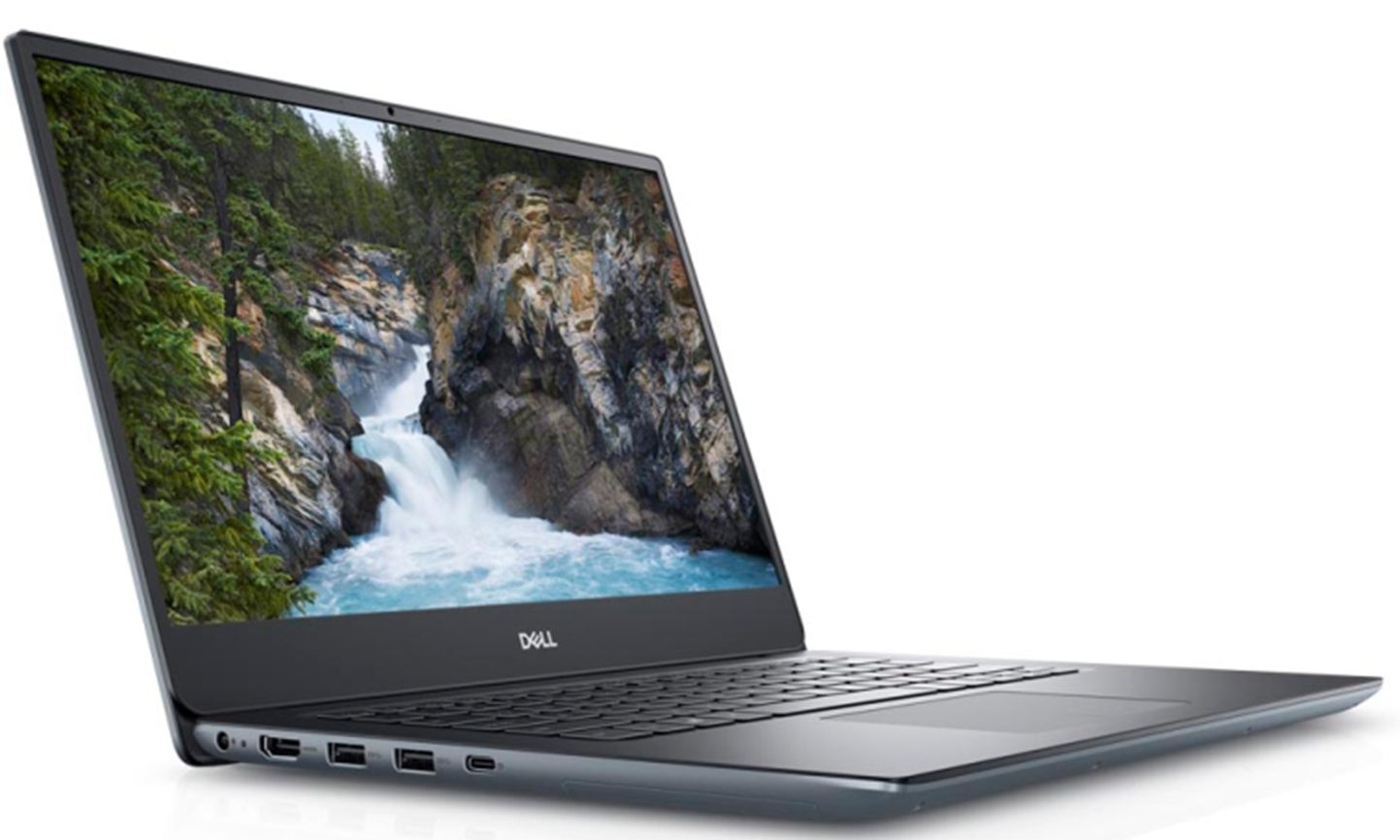
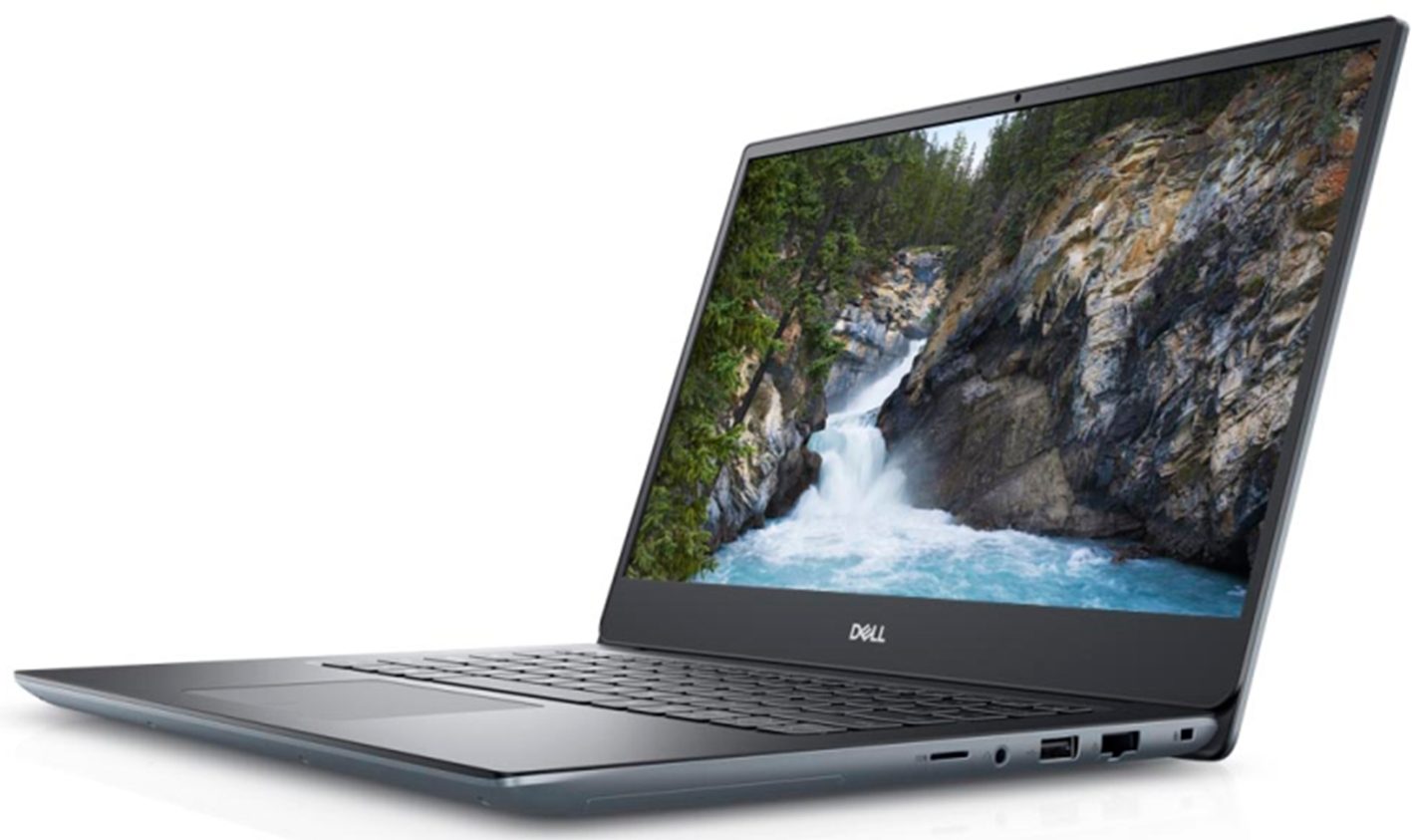
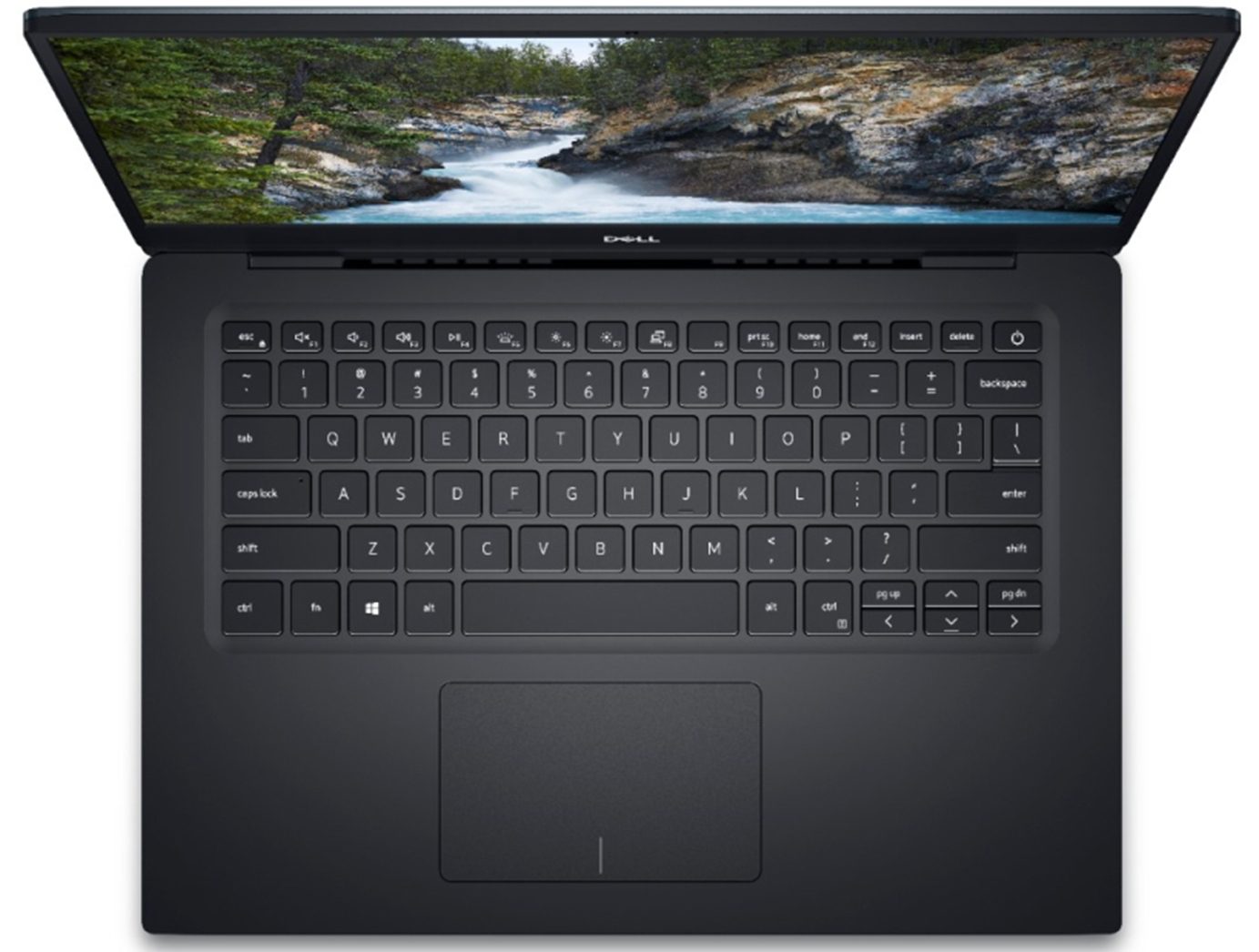
Dell Vostro 5490
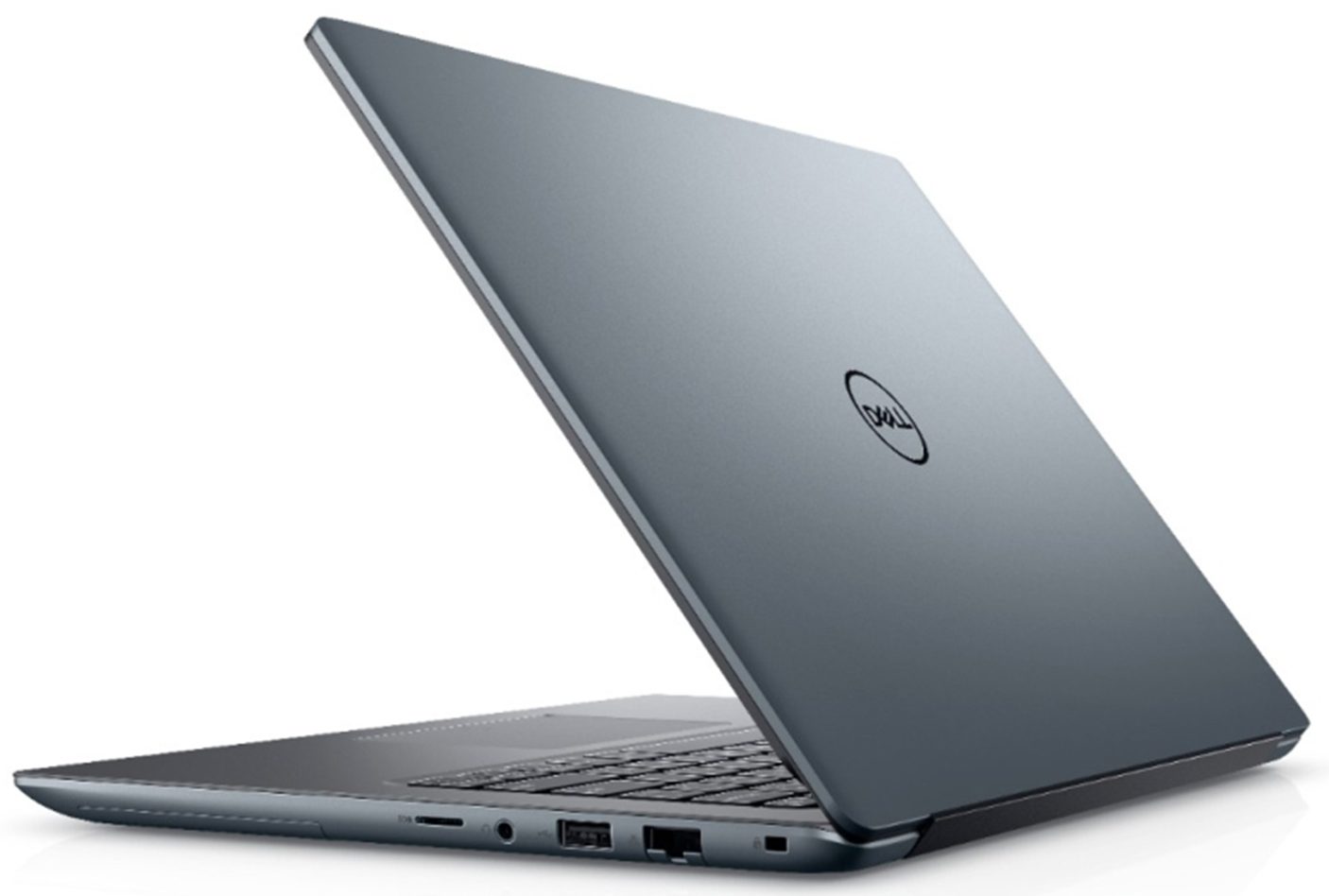

- Veröffentlichungsdatum: 05 Aug 2020
- Intel Core i7-10510U
- NVIDIA GeForce MX250 (25W)
- 14.0”, Full HD (1920 x 1080), IPS
- 1000GB SSD
- 24GB DDR4
- 1.49 kg (3.3 lbs)

Überprüfung
Dell Vostro 5490 ausführliche Bewertung
Maybe you remember the Vostro 5590? We tried it out recently, and it was a heck of a deal! Great looks, good performance, and versatility - both at a good price. Well, nowhere is its smaller brother. Since we've tested the big one with only the integrated graphics card, now we've decided to max out the Vostro 5490 in terms of computational and graphics performance.Currently, the max out configuration includes the Core i7-10510U in a combination with the GeForce MX250 (25W). All of this is hidden inside of a chassis that resembles the more premium XPS (and previously Precision) brands of Dell. So, to put it clearly, this notebook is not a budget offering by any means, but more like a compromise between quality and cost-efficiency.You can check the prices and configurations in our S[...]
Lesen Sie die vollständige Bewertung
Profis
- Minimal stylish looks
- Nice performance/efficiency ratio + 25W GeForce MX250
- Good battery life
- Supports PCIe x4 SSDs
- Good contrast ratio and comfortable viewing angles
- Doesn't use aggressive PWM to adjust its brightness
- Wide upgradability options
Nachteile
- We got some driver issues with the touchpad
- Lacks Thunderbolt connection
- Covers only 54% of sRGB
- Gets warm on the outside while under pressure
Demontage, Wartung und Upgrade-Optionen
A laptop that keeps your budget from flying off to the moon, but yet looks like it ... comes from the moon. Yep, this is the Vostro 5490.Check out all Dell Vostro 5490 prices and configurations in our Specs System or read more in our In-Depth review.1. Remove the bottom plate This laptop's bottom panel is held in place by 9 Phillips-head screws. After that start the prying process from the hinge side or the front side, where you can see some little creases.2. Battery When you are inside, first unplug the battery connector. By the way, it has a 42Wh capacity and you can re[...]
Mehr lesen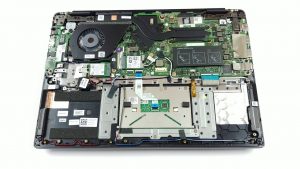
Display: 14.0-inch, 1920 x 1080, IPS
- Name
- Innolux N140HCA-EAC
- Diagonale
- 14.0"
- Pixeldichte
- 157.35 ppi
- Helligkeit
- 265 cd/m2
- sRGB
- 52%
- Panel-Typ
- IPS
- Auflösung
- 1920 x 1080
- Wird "Retina" ab
- 22 inches (56 cm)
- Kontrast
- 1300:1
- dE Color Checker
- 5.8 3.5

Kaufen Sie unsere Profile für Innolux N140HCA-EAC
Zusätzlich zum Erhalt effizienter und gesundheitsfreundlicher Profile unterstützen Sie durch den Kauf von LaptopMedia-Produkten auch die Entwicklung unserer Labore, in denen wir Geräte testen, um möglichst objektive Bewertungen zu erstellen.

Office Work
Office Work sollte hauptsächlich von Benutzern verwendet werden, die die meiste Zeit mit Texten, Tabellen oder dem Surfen im Internet verbringen. Dieses Profil zielt darauf ab, eine bessere Deutlichkeit und Klarheit zu liefern, indem es eine flache Gammakurve (2.20), eine native Farbtemperatur und wahrnehmungsgetreue Farben beibehält.
Design und Gaming
Dieses Profil richtet sich an Designer, die professionell mit Farben arbeiten, sowie für Spiele und Filme. Design und Gaming bringt Displays an ihre Grenzen und macht sie im sRGB IEC61966-2-1 Standard für Web und HDTV am Weißpunkt D65 so genau wie möglich.

Health-Guard
Health-Guard eliminiert die schädliche Pulsweitenmodulation (PWM) und reduziert das negative blaue Licht, das sich auf unsere Augen und unseren Körper auswirkt. Da es für jedes Panel maßgeschneidert ist, gelingt es, die Farben wahrnehmungsgetreu zu halten. Health-Guard simuliert Papier, so dass die Belastung für die Augen stark reduziert wird.