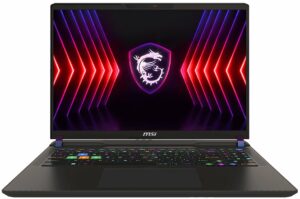
MSI Vector 16 HX

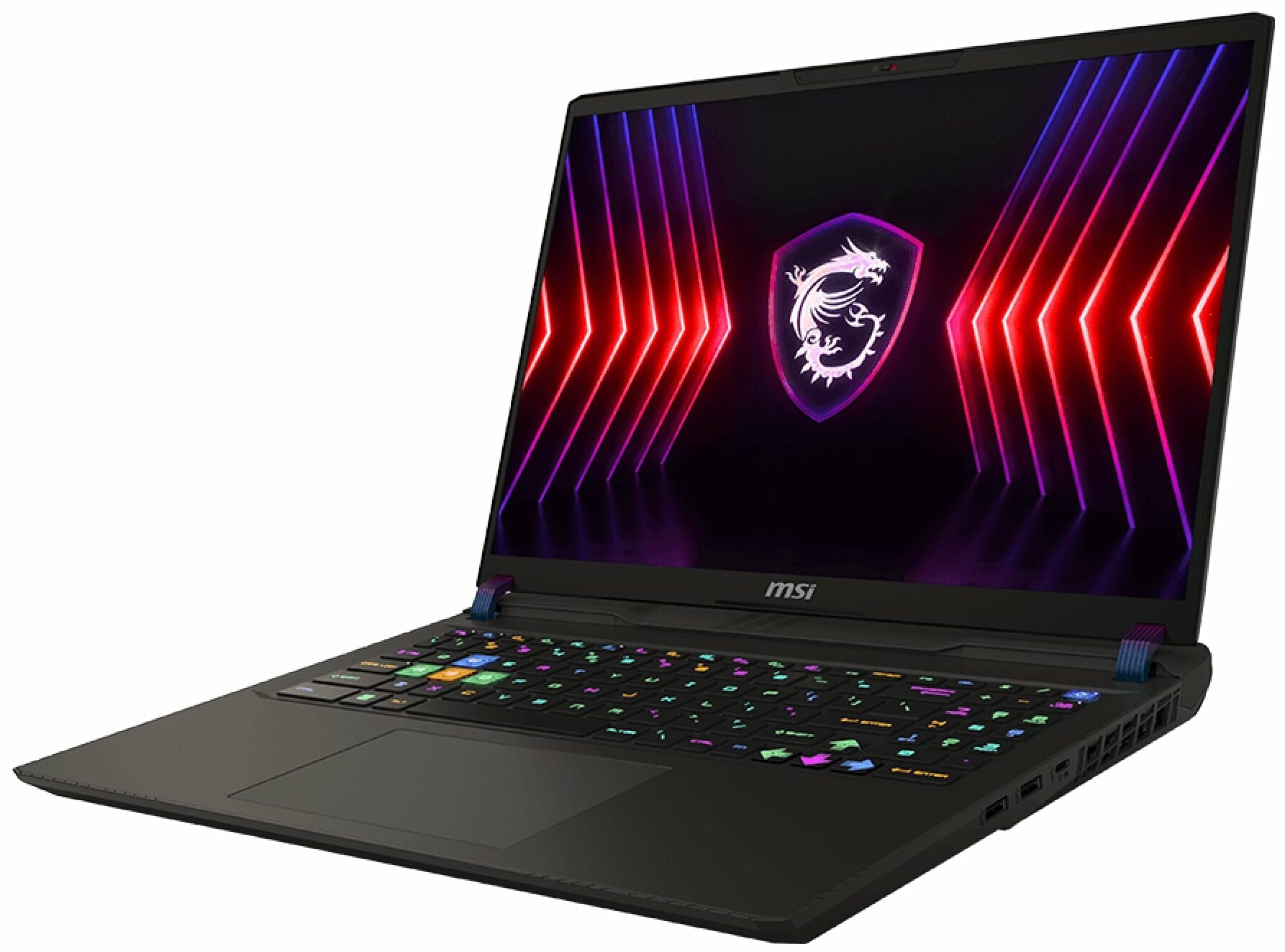


- Veröffentlichungsdatum: 09 Jan 2024
- Intel Core i9-14900HX
- NVIDIA GeForce RTX 4080 (Laptop, 175W)
- 16.0", WQXGA (2560 x 1600), 240 Hz, IPS
- 1000GB SSD
- 64GB DDR5
- 2.70 kg (6 lbs)
MSI Vector 16 HX (A13Vx / A14Vx) ausführliche Bewertung
Heutzutage gibt es viele High-End-Geräte im 17-Zoll- oder 18-Zoll-Formfaktor. Auf der anderen Seite, wenn Sie ein kleineres Gerät mit Top-End-Hardware wollen, ist Ihre Auswahl ziemlich begrenzt. Dennoch versucht MSI mit dem Vector 16 HX A13V zu beweisen, dass ein 16-Zoller genauso gut sein kann wie [...]
Lesen Sie die vollständige Bewertung
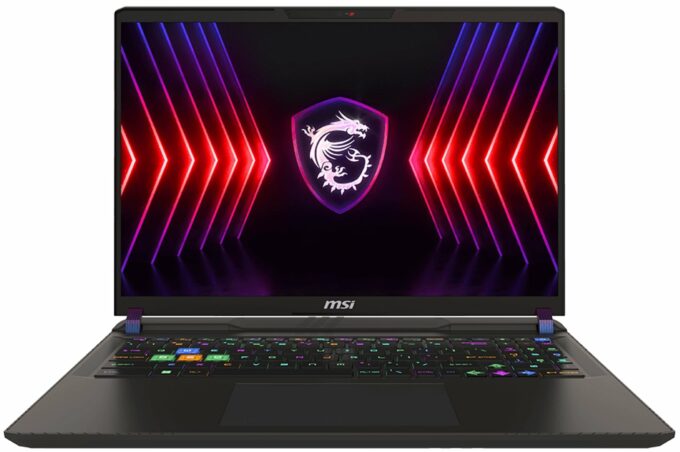
Für die Arbeit
CPU-Leistung: Intel Core i9-14900HX
Die Single-Core-Leistung sorgt für einen reibungslosen Betrieb und eine hohe Reaktionsfähigkeit des Betriebssystems und bietet so ein besseres Benutzererlebnis.
Die Ergebnisse stammen vom Geekbench 6 Single-Core-Test (höher ist besser).

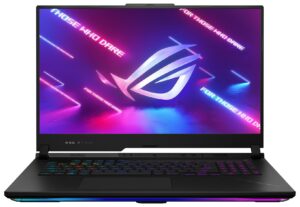
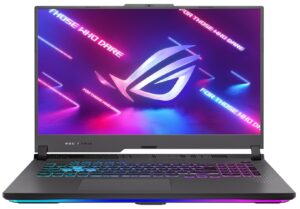


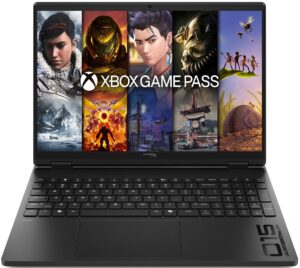
Die Multi-Core-Leistung ist für komplexe und anspruchsvolle Aufgaben wie Videobearbeitung, CAD und wissenschaftliche Simulationen unerlässlich.
Die Ergebnisse stammen vom Geekbench 6 Multi-Core-Test (höher ist besser).
Hier bewerten wir die CPU-Leistung anhand einer realen 3D-Rendering-Aufgabe und beurteilen ihre Fähigkeit, komplexe Berechnungen und Rendering-Workloads effizient zu bewältigen.
Die Ergebnisse stammen vom Cinebench 2024 Multi-Core-Test (höher ist besser).

Für Spiele
GPU Leistung: NVIDIA GeForce RTX 4080 (Laptop, 175W)
Die Ergebnisse stammen vom 3DMark: Time Spy (Grafik) Benchmark (ein höherer Wert ist besser).

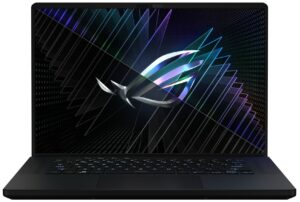
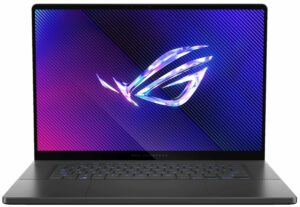
Einige Spiele, die Sie auf diesem Laptop spielen können

Resolution: 1920 x 1080 (Full HD) |
NORMAL |
HIGH |
VERY HIGH |
MAX |
|---|---|---|---|---|
| NVIDIA GeForce RTX 4080 (Laptop, 175W) | 186 FPS VIDEO ABLAUFEN | 185 FPS VIDEO ABLAUFEN | 147 FPS VIDEO ABLAUFEN | 120 FPS VIDEO ABLAUFEN |

Resolution: 1920 x 1080 (Full HD) |
MIN |
MAX |
|---|---|---|
| NVIDIA GeForce RTX 4080 (Laptop, 175W) | 3514 FPS VIDEO ABLAUFEN | 225 FPS VIDEO ABLAUFEN |

Resolution: 1920 x 1080 (Full HD) |
LOW |
MED |
HIGH |
ULTRA |
|---|---|---|---|---|
| NVIDIA GeForce RTX 4080 (Laptop, 175W) | 178 FPS VIDEO ABLAUFEN | 153 FPS VIDEO ABLAUFEN | 141 FPS VIDEO ABLAUFEN | 140 FPS VIDEO ABLAUFEN |

Resolution: 1920 x 1080 (Full HD) |
VERY LOW |
MED |
MAX |
|---|---|---|---|
| NVIDIA GeForce RTX 4080 (Laptop, 175W) | 860 FPS VIDEO ABLAUFEN | 747 FPS VIDEO ABLAUFEN | 666 FPS VIDEO ABLAUFEN |

Resolution: 1920 x 1080 (Full HD) |
MIN |
MED |
HIGH |
ULTRA |
|---|---|---|---|---|
| NVIDIA GeForce RTX 4080 (Laptop, 175W) | 165 FPS VIDEO ABLAUFEN | 148 FPS VIDEO ABLAUFEN | 100 FPS VIDEO ABLAUFEN | 55 FPS VIDEO ABLAUFEN |

Resolution: 1920 x 1080 (Full HD) |
LOW |
NORMAL |
HIGH |
MAX |
|---|---|---|---|---|
| NVIDIA GeForce RTX 4080 (Laptop, 175W) | 281 FPS VIDEO ABLAUFEN | 247 FPS VIDEO ABLAUFEN | 237 FPS VIDEO ABLAUFEN | 219 FPS VIDEO ABLAUFEN |

Resolution: 1920 x 1080 (Full HD) |
LOW |
MED |
MAX |
|---|---|---|---|
| NVIDIA GeForce RTX 4080 (Laptop, 175W) | 769 FPS VIDEO ABLAUFEN | 732 FPS VIDEO ABLAUFEN | 660 FPS VIDEO ABLAUFEN |

Resolution: 1920 x 1080 (Full HD) |
LOW |
MED |
HIGH |
EPIC |
|---|---|---|---|---|
| NVIDIA GeForce RTX 4080 (Laptop, 175W) | 272 FPS VIDEO ABLAUFEN | 237 FPS VIDEO ABLAUFEN | 199 FPS VIDEO ABLAUFEN | 122 FPS VIDEO ABLAUFEN |

Resolution: 1920 x 1080 (Full HD) |
MIN |
MED |
ULTRA |
|---|---|---|---|
| NVIDIA GeForce RTX 4080 (Laptop, 175W) | 755 FPS VIDEO ABLAUFEN | 563 FPS VIDEO ABLAUFEN | 388 FPS VIDEO ABLAUFEN |

Resolution: 1920 x 1080 (Full HD) |
LOW |
MED |
U.NIGHT |
|---|---|---|---|
| NVIDIA GeForce RTX 4080 (Laptop, 175W) | 395 FPS VIDEO ABLAUFEN | 381 FPS VIDEO ABLAUFEN | 360 FPS VIDEO ABLAUFEN |




