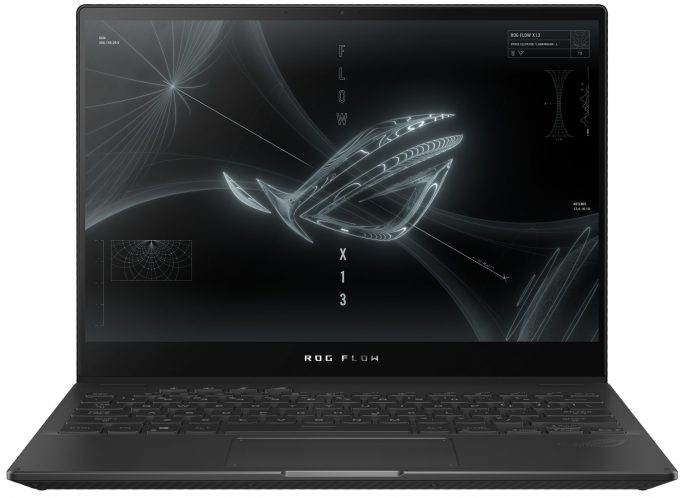
ASUS ROG Flow X13
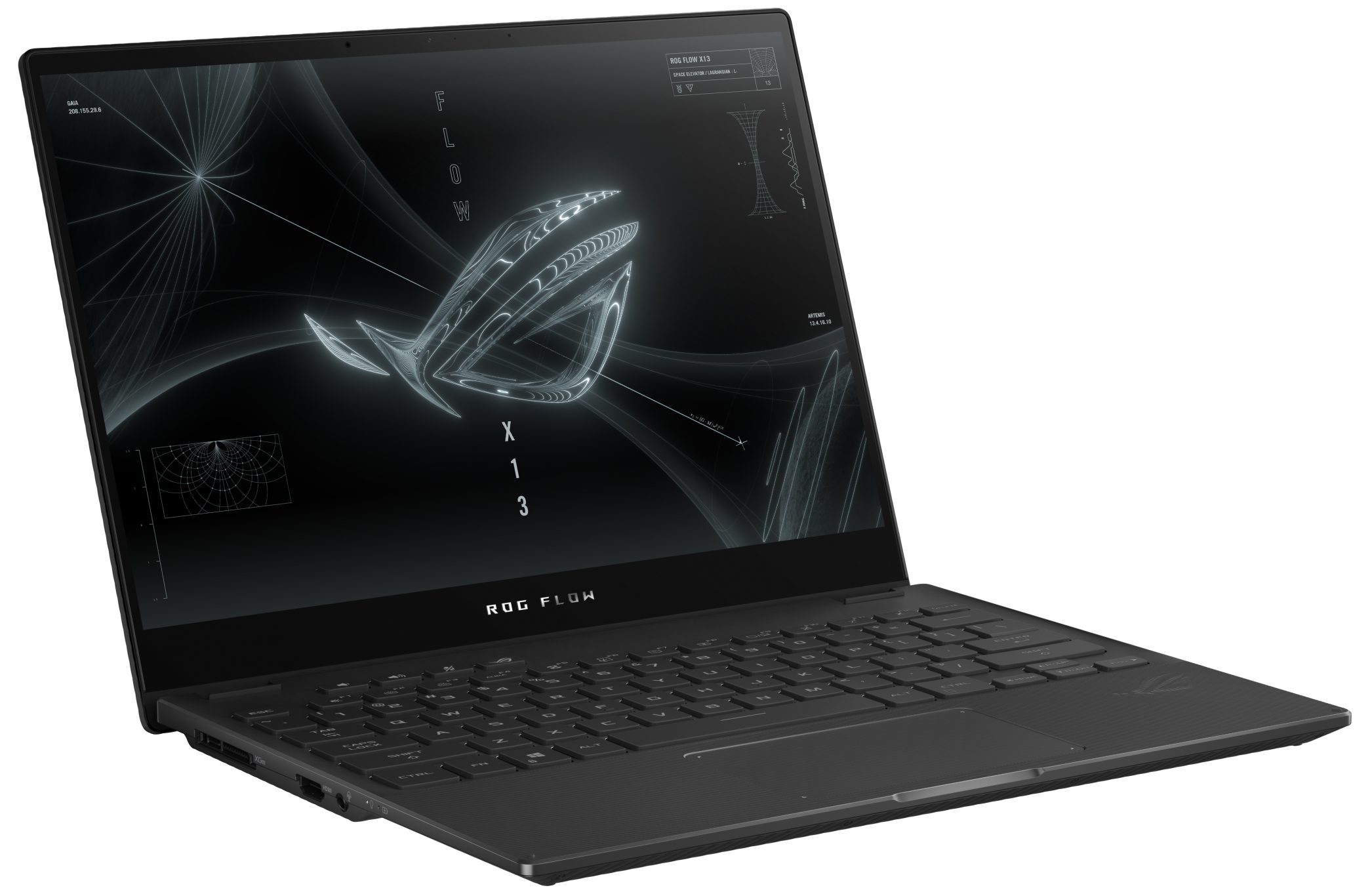
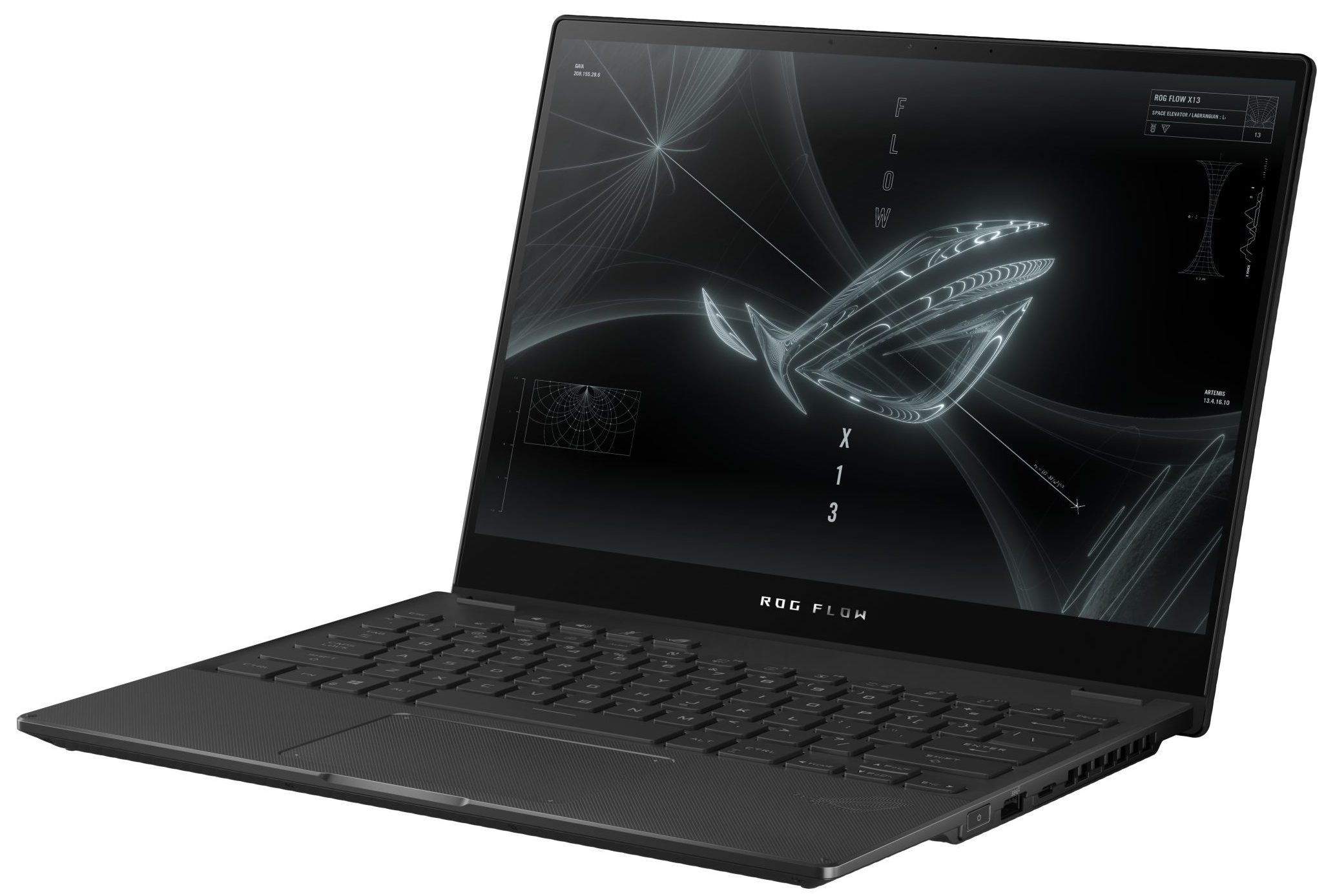

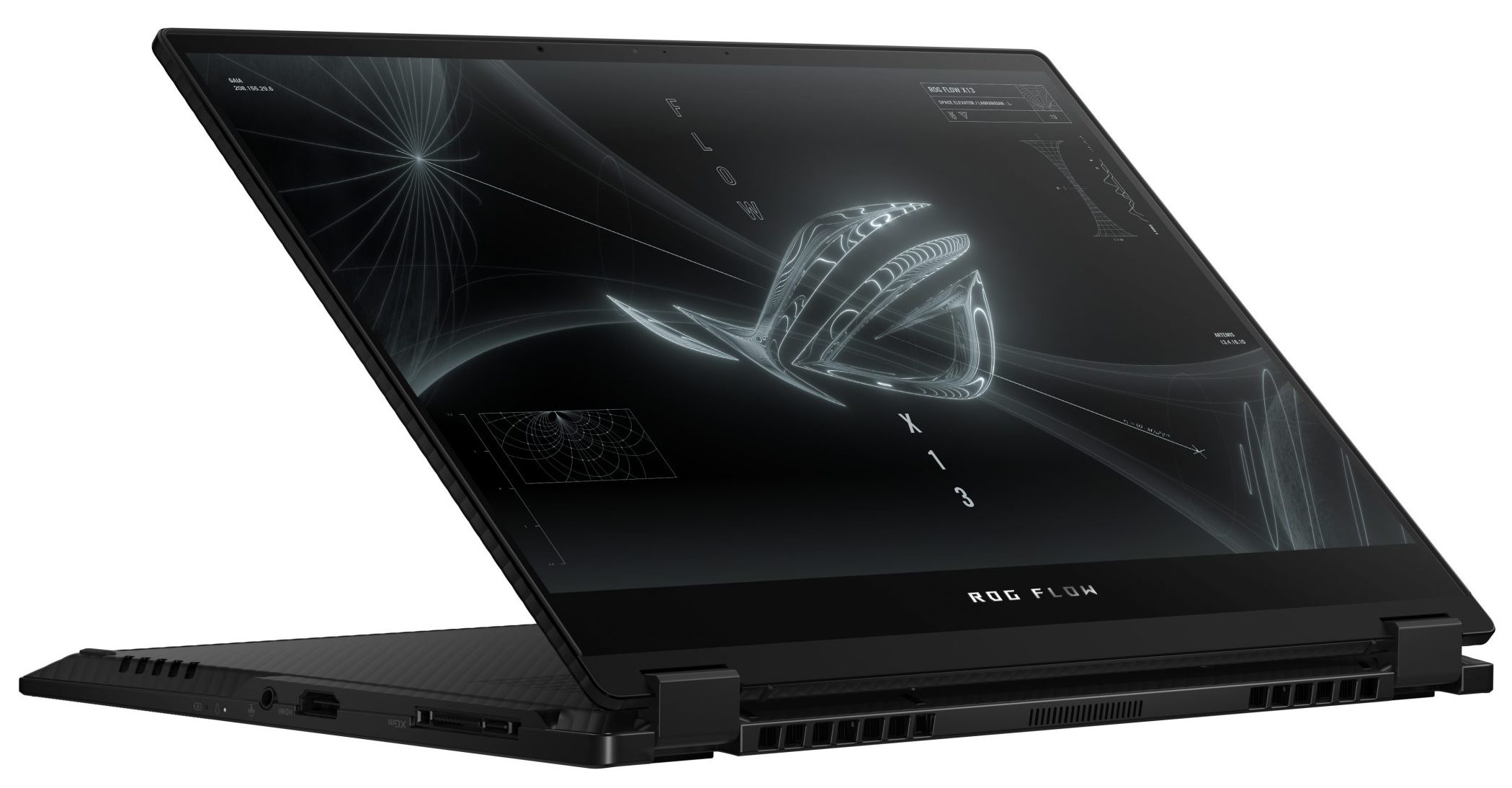

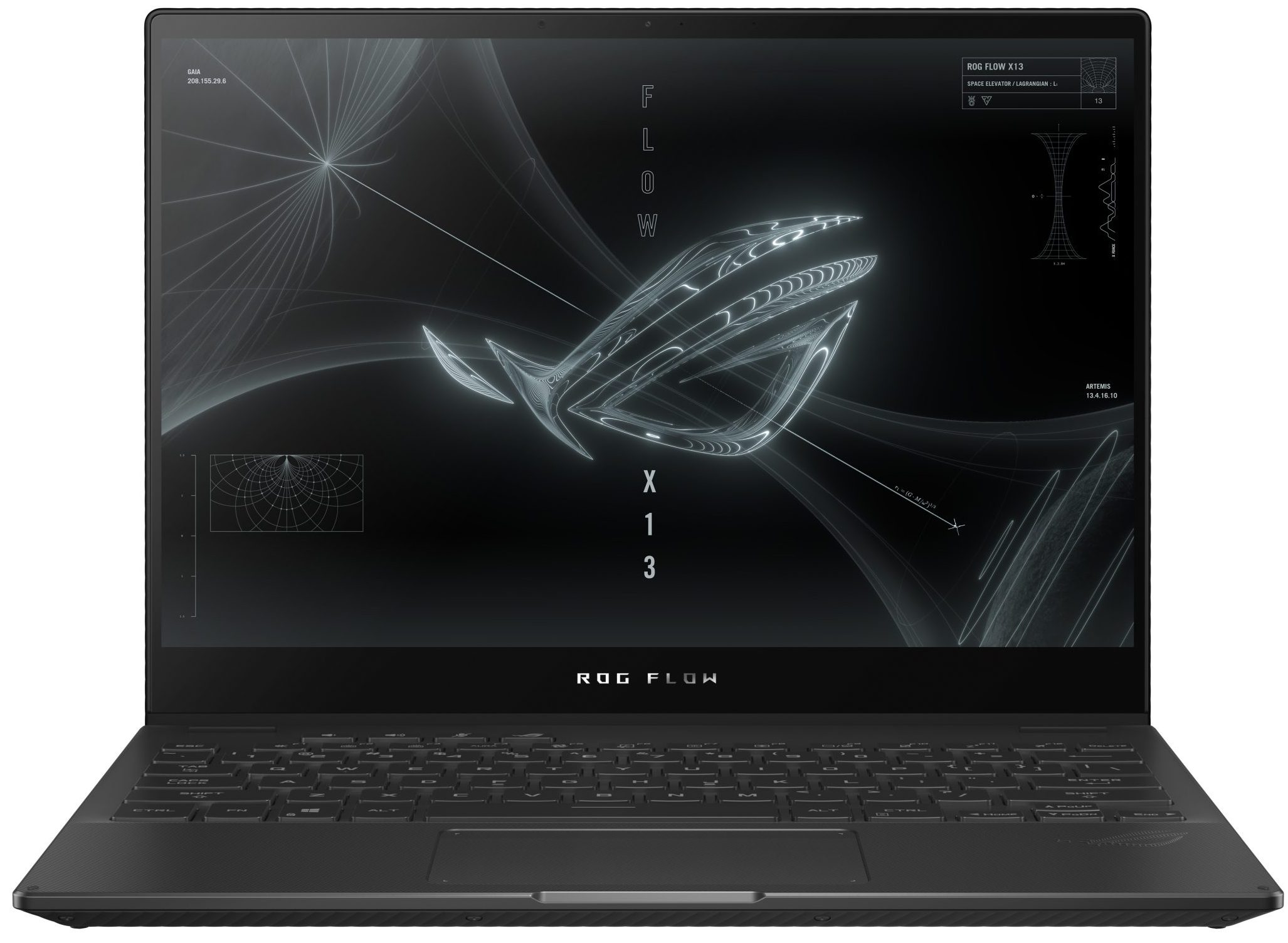
- Fecha de publicación: 05 Feb 2021
- AMD Ryzen 9 5900HS
- NVIDIA GeForce GTX 1650 (Laptop, 40W)
- 13.4", FHD+ (1920 x 1200), 120 Hz, IPS + FreeSync
- 1000GB SSD
- 16GB LPDDR4x, 4266 MHz
- 1.30 kg (2.9 lbs)
ASUS ROG Flow X13 (GV301 / PV301) reseña en profundidad
At this year's CES (2021), ASUS brought a lot of firsts to the world. It was one of the first manufacturers to introduce a mainstream laptop equipped with the Zen 3 processors, as well as the RTX 3000 series graphics cards. However, one of the notebooks there caught our eye. Although they released a [...]
Leer la reseña completa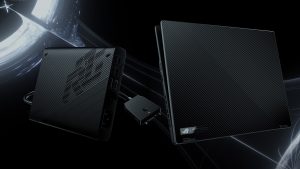
Revise
ASUS ROG Flow X13 reseña en profundidad
At this year's CES (2021), ASUS brought a lot of firsts to the world. It was one of the first manufacturers to introduce a mainstream laptop equipped with the Zen 3 processors, as well as the RTX 3000 series graphics cards. However, one of the notebooks there caught our eye. Although they released a super-powerful ROG Strix G733 and the ROG Zephyrus Duo, we were interested in their smallest challenger - the ROG Flow X13 (GV301). Why? Because, if it's done right, it might revolutionize the market. Not only the gamer one but the entire laptop world, based on very strong foundations.So, what is so special about this device. Well first, it comes in a convertible form factor. So far we've seen very few 360° gaming machines. Then comes the hardware - you get up to the Ryzen 9 5980HS 35W pro[...]
Leer la reseña completaPros
- The most powerful convertible on the market
- Decent cooling, considering the size of the laptop
- 16:10 aspect ratio is great for work and the 1200p panel has a 120Hz refresh rate (Sharp LQ134N1JW52)
- Covers 97% of sRGB and our Gaming and Web design profile helps it reach an Average dE of <2.0 (Sharp LQ134N1JW52)
- Doesn't use PWM for brightness adjustment (Sharp LQ134N1JW52)
- Optional RTX 3080 (150W) upgrade with an I/O hub
- Great build quality and revolutionary design
- Very high CPU performance
Contras
- Pricey
- Soldered memory
- Limited I/O and no SD card reader
Opciones de desmontaje, mantenimiento y actualización
Once again, ASUS has been on the front end of innovation at this year's CES. This laptop has behemoth specs and has the size of a small convertible.Check out all ASUS ROG Flow X13 (GV301) prices and configurations in our Specs System or read more in our In-Depth review.1. Remove the bottom plate There are 11 Phillips head screws keeping the bottom panel in place. After you undo them, pry the panel with a plastic tool and you should be able to lift it from the chassis.2. Battery In terms of battery, this laptop is supplied with a 62Wh unit.3. Memory and storage Unfo[...]
Leer más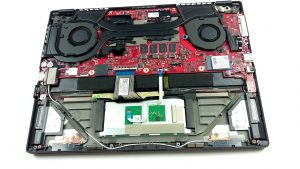
Pantalla: 13.4-inch, 1920 x 1200, IPS + FreeSync
- Nombre
- Sharp LQ134N1JW52 (SHP151E)
- Diagonal
- 13.4"
- Densidad de píxeles
- 168.97 ppi
- Brillo
- 320 cd/m2
- sRGB
- 98%
- Tipo de panel
- IPS
- Resolución
- 1920 x 1200
- Se convierte en "Retina" desde
- 20 inches (52 cm)
- Contraste
- 1800:1
- dE Color Checker
- 1.9 0.9

Compra nuestros perfiles para Sharp LQ134N1JW52 (SHP151E)
Además de recibir perfiles eficientes y saludables, al comprar los productos de LaptopMedia también apoyas el desarrollo de nuestros laboratorios, donde probamos los dispositivos para producir las reseñas más objetivas posibles.

Trabajo de Oficina
Office Work debe ser utilizado principalmente por usuarios que pasan la mayor parte del tiempo mirando textos, tablas o simplemente navegando. Este perfil tiene como objetivo ofrecer una mejor distinción y claridad manteniendo una curva gamma plana (2.20), una temperatura de color nativa y colores perceptualmente precisos.

Diseño y Juegos
Este perfil está dirigido a diseñadores que trabajan con colores profesionalmente, así como para juegos y películas. Design and Gaming lleva los paneles de visualización a sus límites, haciéndolos tan precisos como sea posible en el estándar sRGB IEC61966-2-1 para Web y HDTV, en el punto blanco D65.

Health-Guard
Health-Guard elimina la dañina Modulación por Ancho de Pulsos (PWM) y reduce la Luz Azul negativa que afecta a nuestros ojos y cuerpo. Al estar hecho a medida para cada panel, consigue mantener los colores perceptualmente precisos. Health-Guard simula el papel, por lo que la presión sobre los ojos se reduce considerablemente.





