Dell P2723QE monitor – Specs, Pros / Cons: 4K And a 1.2 dE? Shut Up And Take My Money!
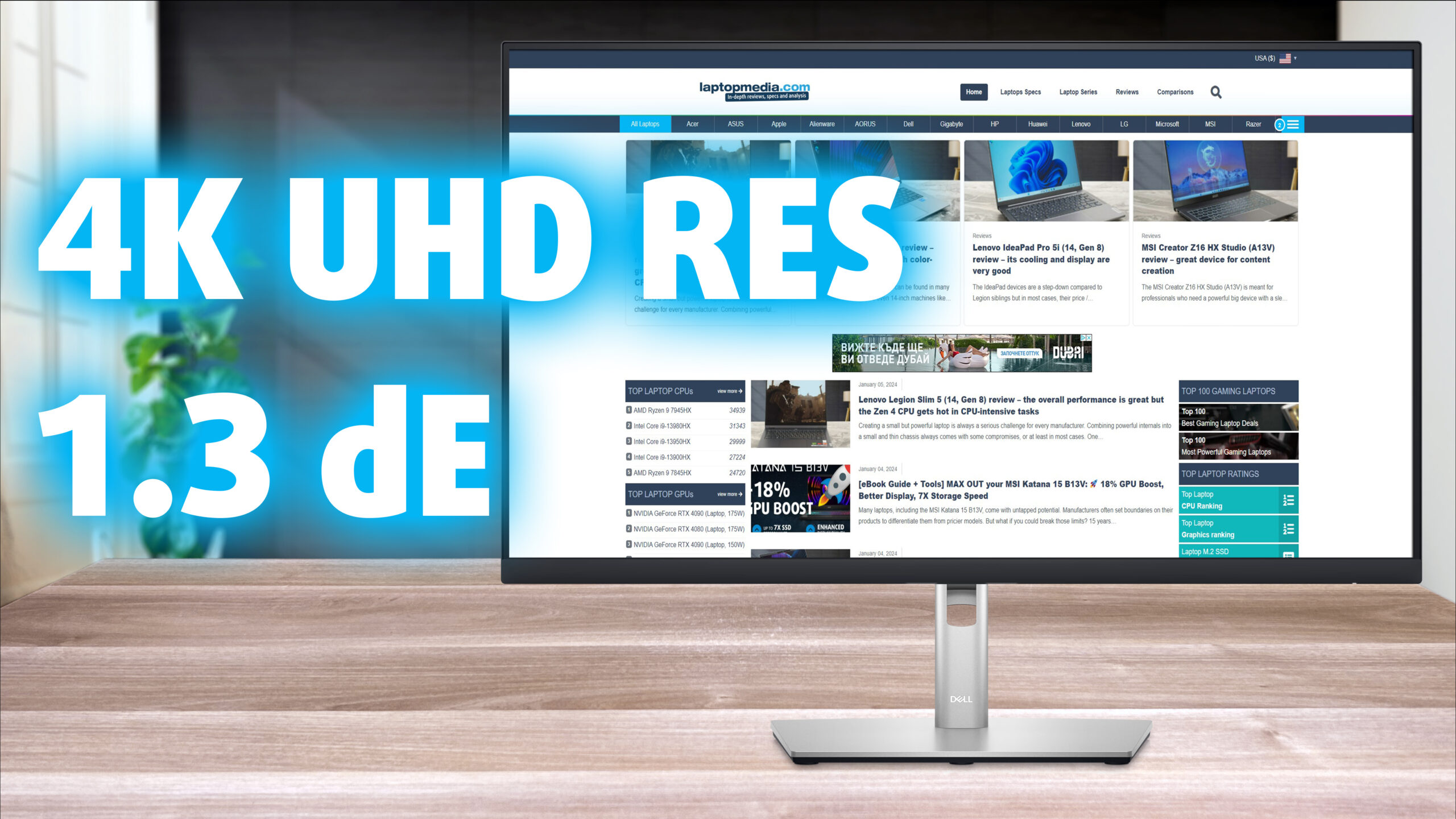 What do designers and productivity nerds need in large quantities? Pixels, a lot of pixels! The Dell P2723QE provides pixels in spades, thanks to a 4K UHD IPS panel. It spans across a 27-inch frame, which means that you get a high pixel density, so the image coming off the monitor is super crisp and detailed. The monitor is also full of ports, as you’ll see once we get to check out the connectivity.
With the monitor, you’re getting a strong Creator device, with great color coverage and fantastic accuracy. The whole package is quite attractive, however, the pricing is too. Currently, the monitor retails for around $400, so let’s see what exactly you get for that money.
You can check the current price of the Dell P2723QE here: Αγοράστε από το Amazon.com (#CommissionsEarned)
Contents
Specs sheet, Assembly, Drivers, OSD, Design, Connectivity
| Screen size | 27 inch (68.58 cm) |
|---|---|
| Refresh rate | 60Hz |
| Response time | 5ms |
| Panel type | IPS |
| Backlight type | LED |
| Screen finish | Matte |
| Resolution | 3840 x 2160 (4K UHD) |
| Technologies |
|
| I/O |
|
What’s in the box? Assembly

Drivers and Software
All the drivers and software packages are available on Dell’s Support Page. You have the driver itself, as well as the Dell Display Manager, which does two things. First, you get synchronized OSD control over all the Dell monitors in your setup (in case you’ve got more than one). Second, you can create layouts for multitasking purposes, splitting your screen, or multiple screens for that matter.
OSD Menu




Design and Connectivity
From the front, you can see the thin bezels on the frame and the slightly thicker chin. The Dell logo has been placed on the stand, for a cleaner look. On the back, we see a black plastic finish with a silver Dell logo. The stand brings 4 types of adjustment (Tilt, Swivel, Pivot, and Height), which gets you covered in pretty much every plane of movement. This is absolutely crucial for getting the best position possible, as sitting for long hours in front of a PC requires a good posture. It also has a cable channel for better cable management and less clutter. The button for the OSD menu is also on the back.


The port selection is at the bottom and consists of one HDMI 2.0 port, one DisplayPort 1.4 port, 4 USB Type-A 3.0 ports, one USB Type-C port, and a LAN port of all things. As you know, laptops nowadays often forget to include a LAN connection, so this way, you can have your monitor connected to your network, and then transfer the connection to your laptop through the Type-C port.

Display quality, Buy our profiles, Verdict
The Dell P2723QE has a super detailed 4K screen, and with the color coverage and accuracy that we’ll demonstrate below, it also gets the title of a productivity and a Creator beast. Let’s get you more familiar with color gamuts and our testing methods.
The correlated color temperature on a white screen after a Factory Reset in sRGB mode is 6630K (Luminance 150 cd/m2 at 20% Brightness). The average gamma value is 2.18.
Color coverage
Here’s an illustration (Fig. 1). The whole “sail-shaped” map below consists of all the colors we can see, while the black crooked line shows all the colors from real-world scenes and nature around us.
Then, we’ve drawn some of the most important and interesting color spaces, compared to the colors the panel of Dell P2723QE can show:
Standard/For Web: sRGB – widely used color space for most consumer devices, ideal for Web design and development
For Print: AdobeRGB – used in professional photo editing, graphic design, and print
For Photographers/Video Editors: DCI-P3 – used in high-end film production, post-production, and digital cinema
Premium HDR: Rec.2020 – the widest consumer ITU color standard, covering a massive 75.8% of the visible spectrum, a benchmark for premium HDR content
Dell P2723QE: the yellow dashed triangle (– – – – – –) represents the range of colors this monitor can display. In our tests, we calculated the total color coverage of the monitor at 98% of the sRGB color gamut.

(Fig.1) Dell P2723QE covers 98% of the Web colors (sRGB)
This means that if the Dell P2723QE tries to show any color outside of its triangle, it will show the closest color to it that’s inside the triangle.
Color accuracy
Now let’s see how big is the difference between the real colors and the one you’ll see on the Dell P2723QE. We measure that distance in DeltaE – the bigger the number, the more different they look.
For the next illustration, we’ve chosen 24 common colors like dark and light skin, blue sky, green grass, etc.
Values below 2.0 are considered suitable for color-sensitive work. Before our calibration of the Dell P2723QE, the Average color accuracy was 3.6 dE (Fig. 2), and with our Web Design and Office Work profile, it lowered to 1.2 dE (Fig. 3). This is way below the 2.0 mark, so you can be sure that the monitor is ready for all sorts of creator work, considering the 3X increase in accuracy.
 (Fig. 2) Dell P2723QE in its factory condition
 (Fig. 3) Dell P2723QE with our display profiles
Comparison in the sRGB color space (primaries and D65 white point specified in ITU-R BT.709, sRGB encoding curve).
Left: No Profile | Drag the slider to see the difference | Right: Design & Gaming Profile


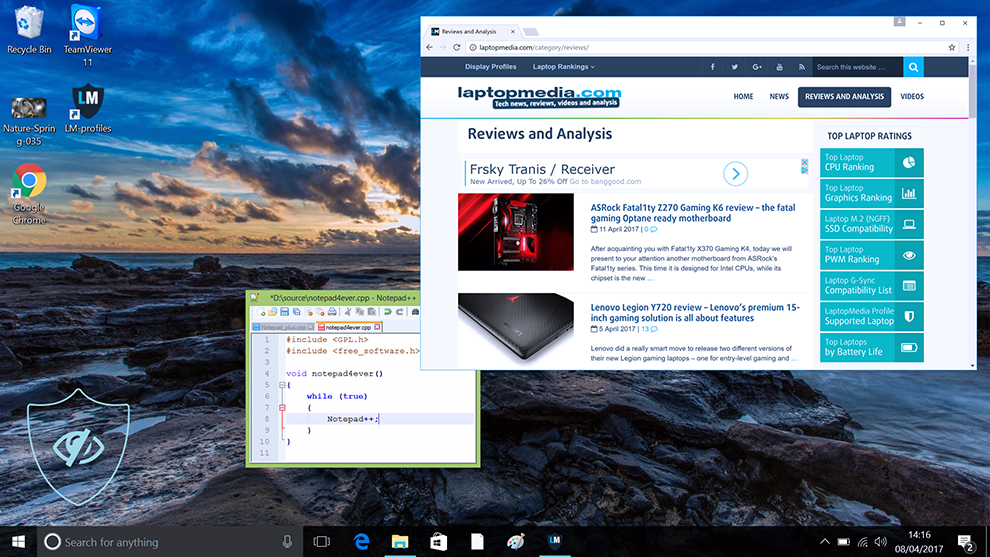
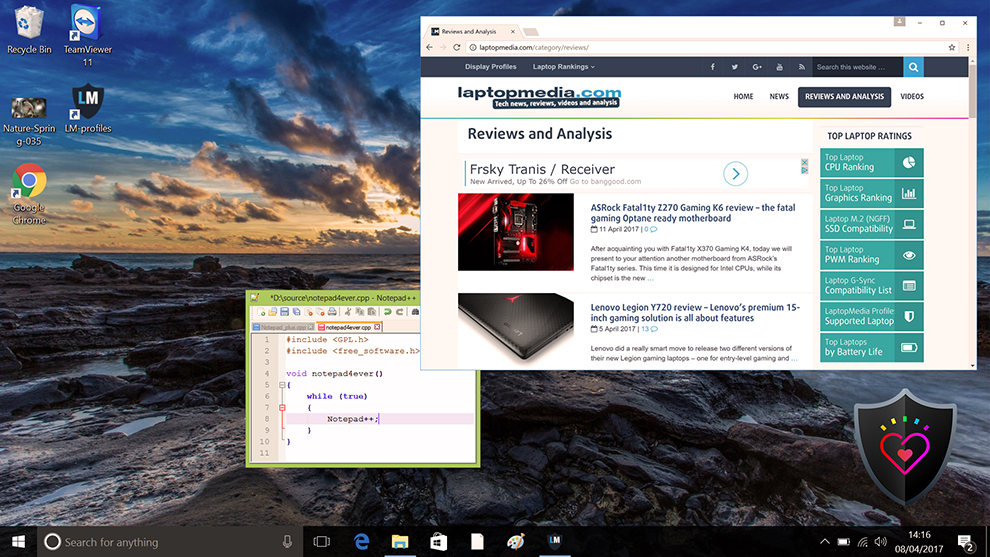
Health-Guard eliminates the harmful Pulse-Width Modulation (PWM) and reduces the negative Blue Light which affects our eyes and body. Since it’s custom-tailored for every panel, it manages to keep the colors perceptually accurate (they may seem strange at first but after a few minutes our brain will start recognizing them as accurate ones – that’s how Health-Guard differs from alternatives like f.lux).
Pro Tip: As the Health-Guard profile simulates paper and has as accurate as possible colors, it could be a great tool for prepress designers!
Left: No Profile | Drag the slider to see the difference | Right: Health-Guard Profile
Gaming and Movies
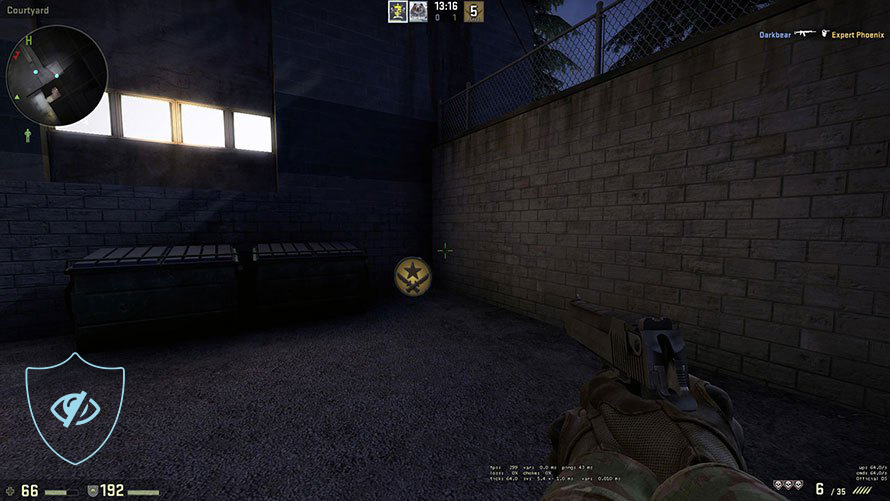
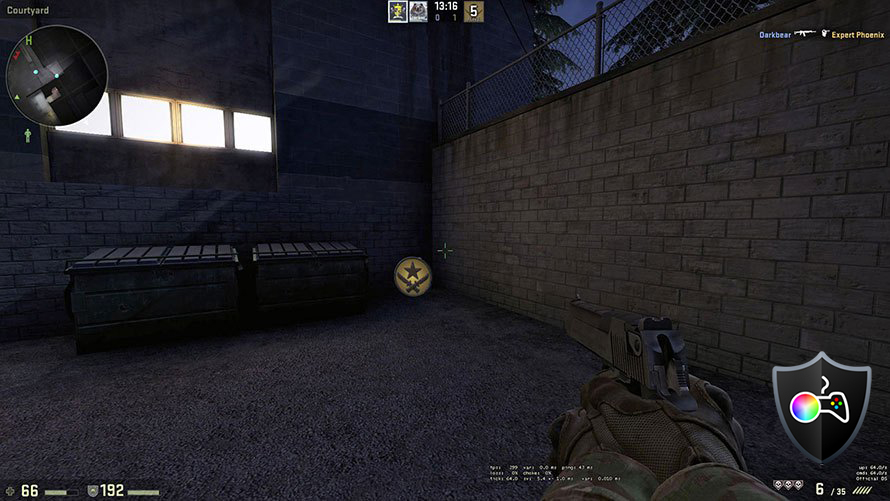
We also have a third Gaming and Movies profile, which regulates the black colors, making dark areas in games and movies appear more visible, thus giving you a better viewing experience. Shooting at your opponent first can be a make-or-break moment, so make sure you’re best prepared with our profile.
Left: No Profile | Drag the slider to see the difference | Right: Design & Gaming Profile
BUY OUR DISPLAY PROFILES
Since our profiles are tailored for each individual display model, this article and its respective profile package are meant for the Dell P2723QE.
*Should you have problems with downloading the purchased file, try using a different browser to open the link you’ll receive via e-mail. If the download target is a .php file instead of an archive, change the file extension to .zip or contact us at [email protected].
Read more about the profiles HERE.
Here’s how to prepare thе monitor for our profiles:
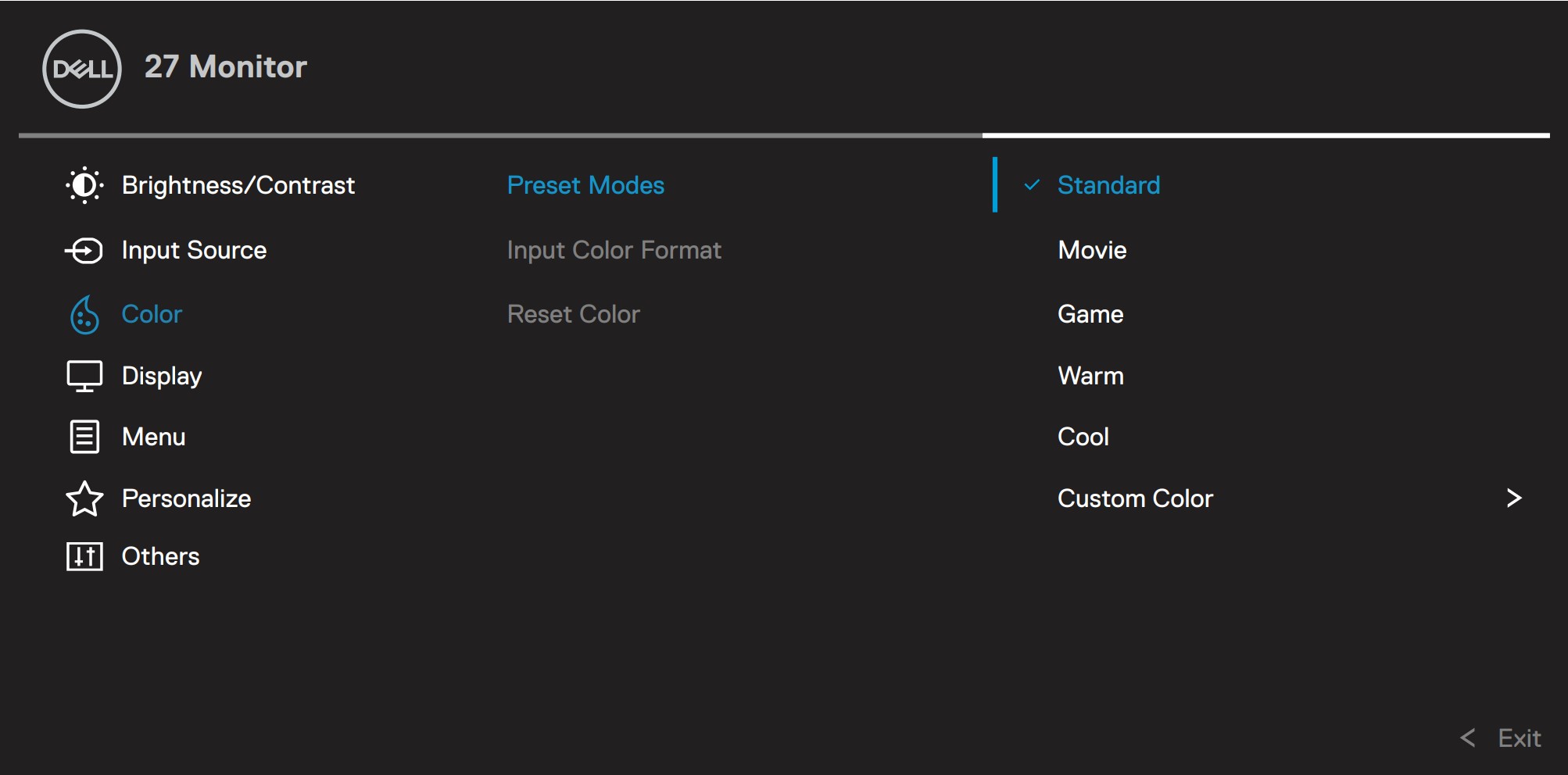
1. Open the OSD menu (On-Screen Display)
2. Others: Go to the ‘Others’ tab.
3. Factory Reset: Choose the ‘Yes’ option.
4. Brightness: Navigate to Image ➡️ Brightness and set it to 55% for optimal viewing.
Εκτός από τη λήψη αποδοτικών και φιλικών προς την υγεία προφίλ, αγοράζοντας τα προϊόντα της LaptopMedia υποστηρίζετε επίσης την ανάπτυξη των εργαστηρίων μας, όπου δοκιμάζουμε συσκευές για να παράγουμε τις πιο αντικειμενικές δυνατές αξιολογήσεις.

Office Work
Το Office Work πρέπει να χρησιμοποιείται κυρίως από χρήστες που περνούν τον περισσότερο χρόνο τους κοιτάζοντας κείμενα, πίνακες ή απλώς σερφάροντας. Αυτό το προφίλ στοχεύει στην παροχή καλύτερης ευκρίνειας και σαφήνειας διατηρώντας μια επίπεδη καμπύλη γάμμα (2.20), εγγενή θερμοκρασία χρώματος και αντιληπτικά ακριβή χρώματα.

Design and Gaming
Αυτό το προφίλ απευθύνεται σε σχεδιαστές που εργάζονται επαγγελματικά με χρώματα, καθώς και για παιχνίδια και ταινίες. Το Design and Gaming ωθεί τα πάνελ οθόνης στα όριά τους, καθιστώντας τα όσο το δυνατόν πιο ακριβή στο πρότυπο sRGB IEC61966-2-1 για Web και HDTV, σε λευκό σημείο D65.

Health-Guard
Το Health-Guard εξαλείφει την επιβλαβή διαμόρφωση πλάτους παλμού (PWM) και μειώνει το αρνητικό Μπλε Φως που επηρεάζει τα μάτια και το σώμα μας. Δεδομένου ότι είναι ειδικά προσαρμοσμένο για κάθε πάνελ, καταφέρνει να διατηρεί τα χρώματα αντιληπτικά ακριβή. Το Health-Guard προσομοιώνει το χαρτί, οπότε η πίεση στα μάτια μειώνεται σημαντικά.
Αποκτήστε και τα 3 προφίλ με 33% έκπτωση

Verdict
 A capable screen for any professional, the Dell P2723QE is more than a monitor. It combines the functionality of a USB hub, thanks to its wide port selection, going as far as to offer a LAN port, which has many use cases. The USB ports are very useful too, so overall great stuff from Dell in terms of features. The stand and overall build quality are great, as you can adjust the monitor in all four planes of movement that monitors offer.
Now, going to the color coverage and accuracy, the monitor does a great job. The 98% sRGB coverage means deep and punchy colors that pop on your screen, while our profiles make them super accurate. With the Web Design and Office Work profile, we get a 3X Increase in accuracy, with a dE value of 1.3. This means that all of those pixels on the 4K panel will be super accurate. This resolution and this accuracy mean that you can spot the smallest imperfection when zoomed in and fix it on the spot. Our other profiles improve the monitor outside the Creator field. The Gaming and Movies profile calibrates the black levels, making sure you see what’s in dark scenes and environments when looking at games and movies. Lastly, the Health-Guard keeps your eyes healthy, getting rid of any Blue Light or Flickering (PWM).
You can check the current price of the Dell P2723QE: Αγοράστε από το Amazon.com (#CommissionsEarned)
Pros
- 98% sRGB coverage
- Three times more accurate using our profile
- Very adjustable stand
- Tons of ports
- Super high resolution for incredible detail
Cons
- Pricy
 Author: Severin Kolakov

![[Μάιος 2026] Παγκόσμια κατάταξη των GPU για φορητούς υπολογιστές με τις καλύτερες πωλήσεις στο Amazon – Η Apple κυριαρχεί με μερίδιο 45% και κατακτά τις 3 πρώτες θέσεις- η RTX 5060 της NVIDIA ηγείται της ομάδας των GPU για εξειδικευμένους υπολογιστές](https://laptopmedia.com/wp-content/uploads/2026/06/Best-Selling-GPUs-GLOBAL-Top-10-400x225.jpg)
![[Μάιος 2026] Παγκόσμια κατάταξη των επεξεργαστών laptop με τις καλύτερες πωλήσεις στο Amazon – Η Apple συντρίβει τον ανταγωνισμό με μερίδιο αγοράς 45,2%, η M5 κυριαρχεί](https://laptopmedia.com/wp-content/uploads/2026/06/Best-Selling-CPUs-GLOBAL-Top-10-400x225.jpg)
![[May 2026] Amazon Germany: Top 7 Best-Selling Gaming Laptops – Lenovo Legion 5i Crowned Champion Amidst Fierce Mid-Range Competition](https://laptopmedia.com/wp-content/uploads/2026/06/Best-Selling-Gaming-Laptops-DE-Top-10-1-400x225.jpg)
![[May 2026] Amazon Italy: Top 10 Best-Selling Laptops – Apple MacBook Neo Reigns Supreme, Premium Models Capture Dominant Revenue Share](https://laptopmedia.com/wp-content/uploads/2026/06/Best-Selling-Laptops-IT-Top-10-400x225.jpg)
![[May 2026] Best-Selling Laptop Brands on Amazon Italy – Apple Dominates Across All Metrics](https://laptopmedia.com/wp-content/uploads/2026/06/IT-Best-Brands-400x225.jpg)
