Dell Precision 3490
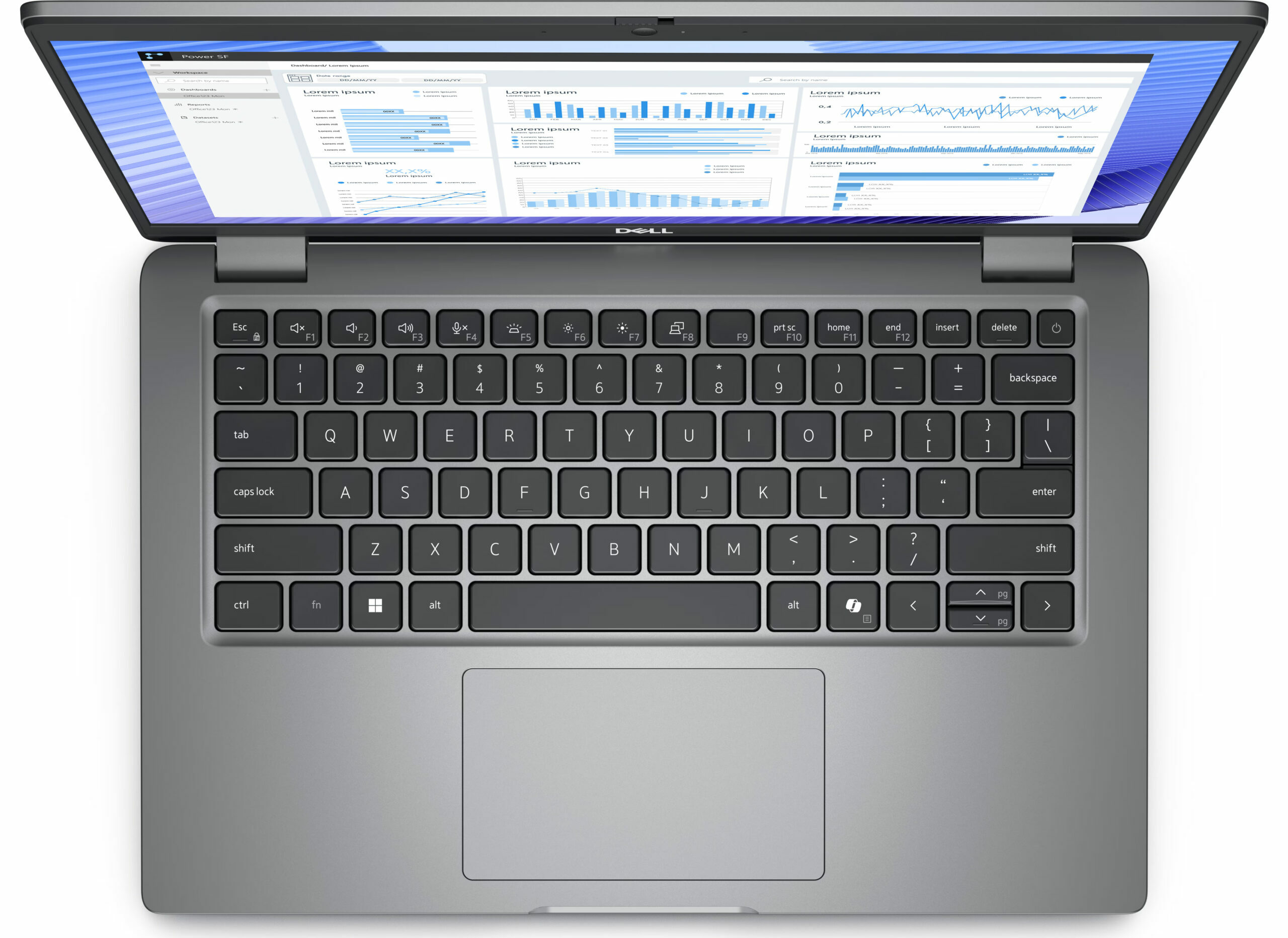
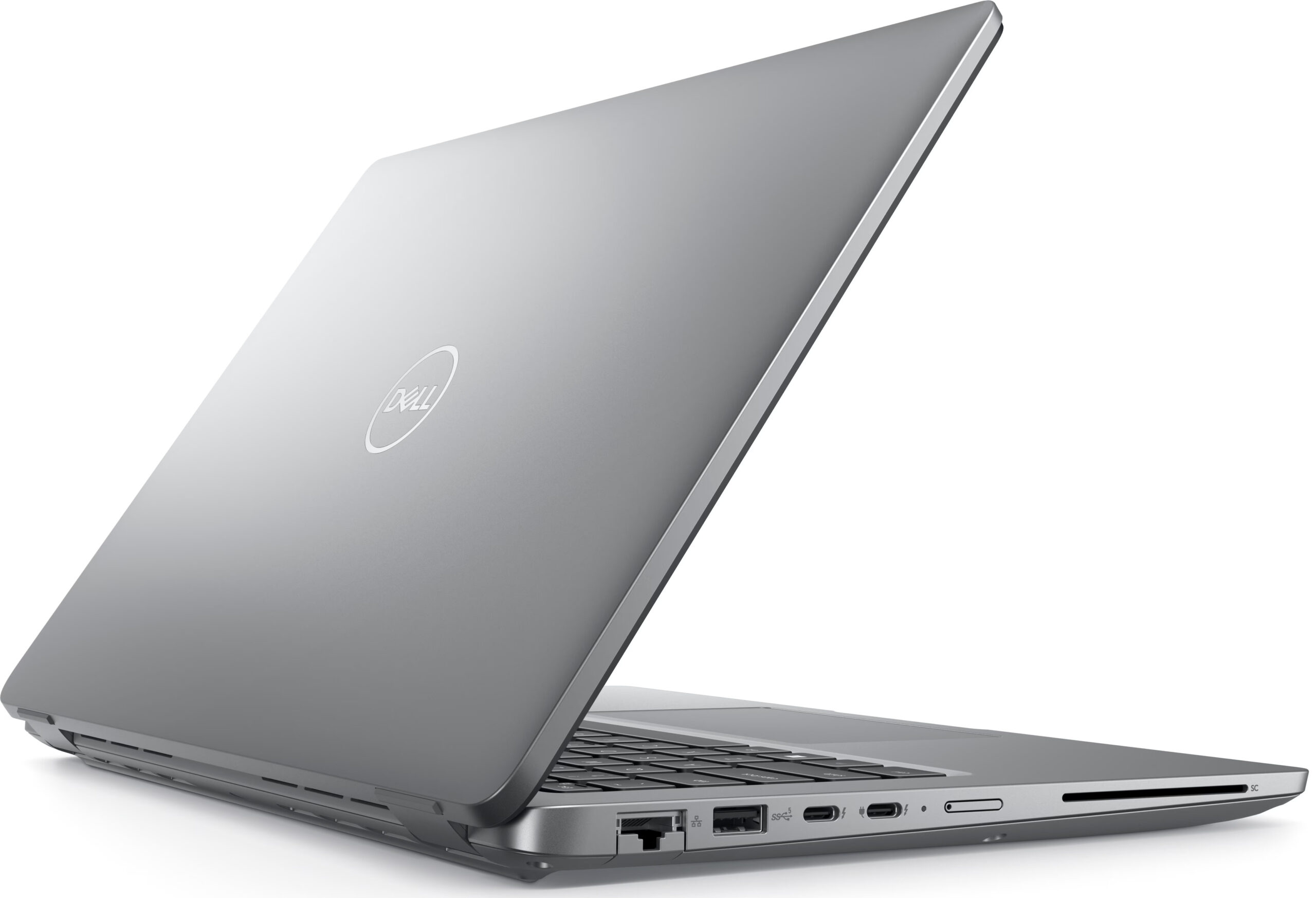
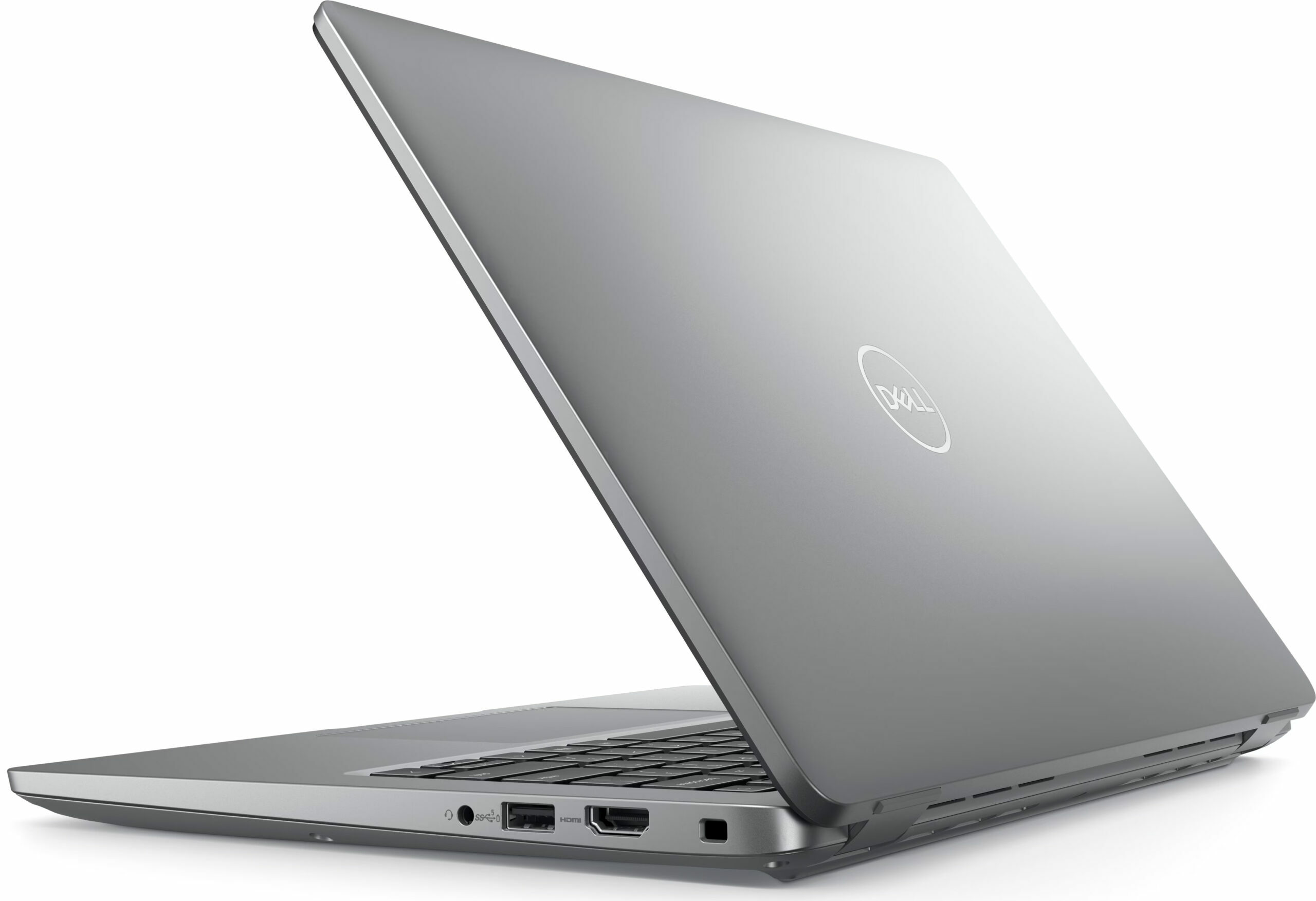
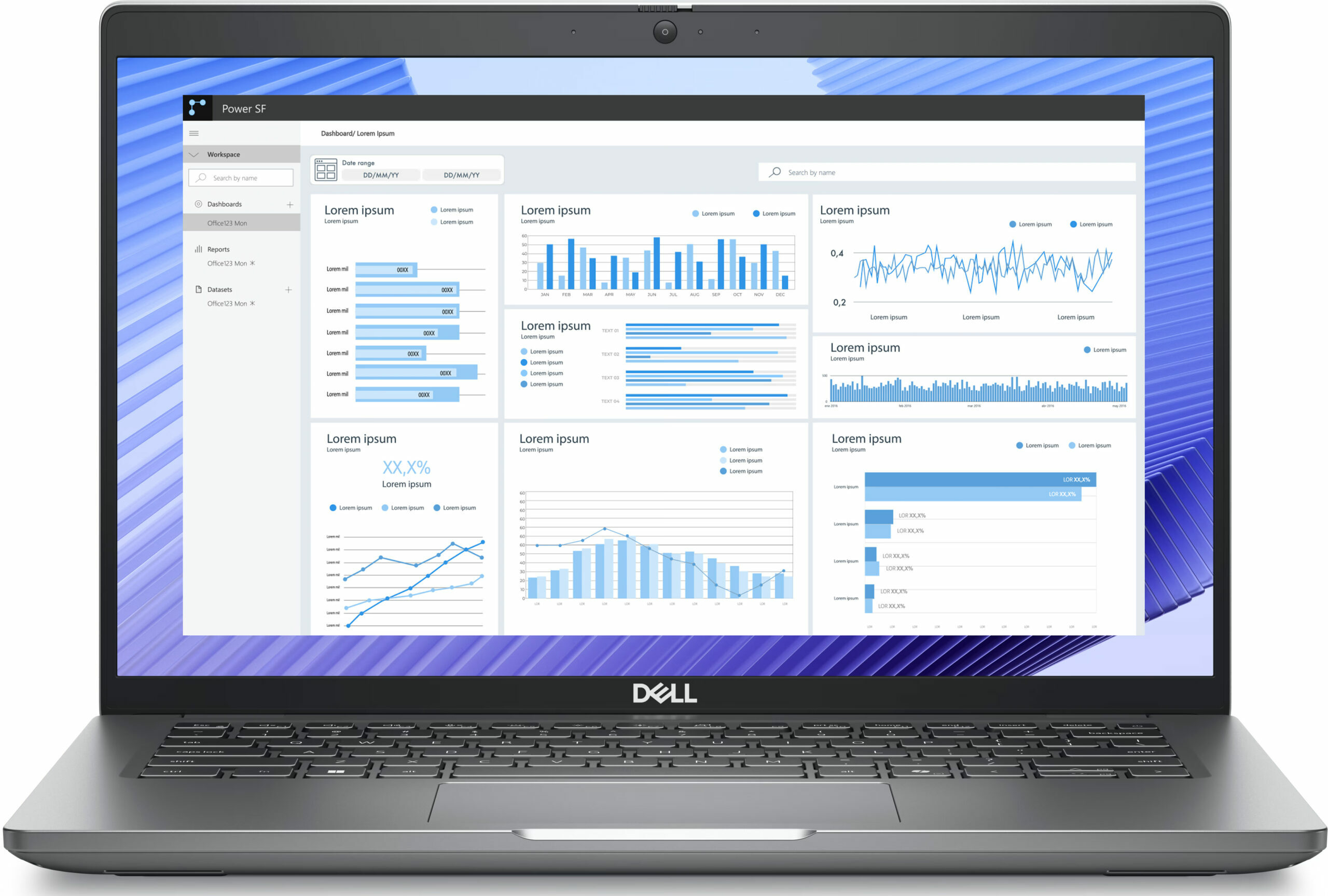
- Ημερομηνία Δημοσίευσης: 28 Jun 2024
- Intel Core Ultra 5 125U
- Intel Graphics (4-Cores)
- 14.0”, Full HD (1920 x 1080), IPS
- 2000GB SSD
- 1.40 kg (3.1 lbs)
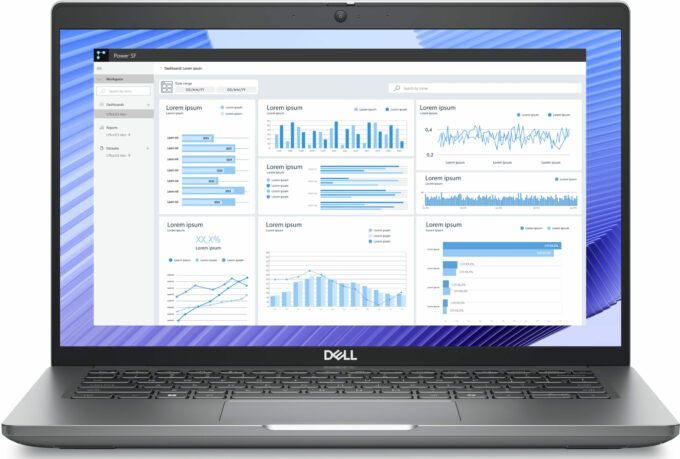
Προδιαγραφές

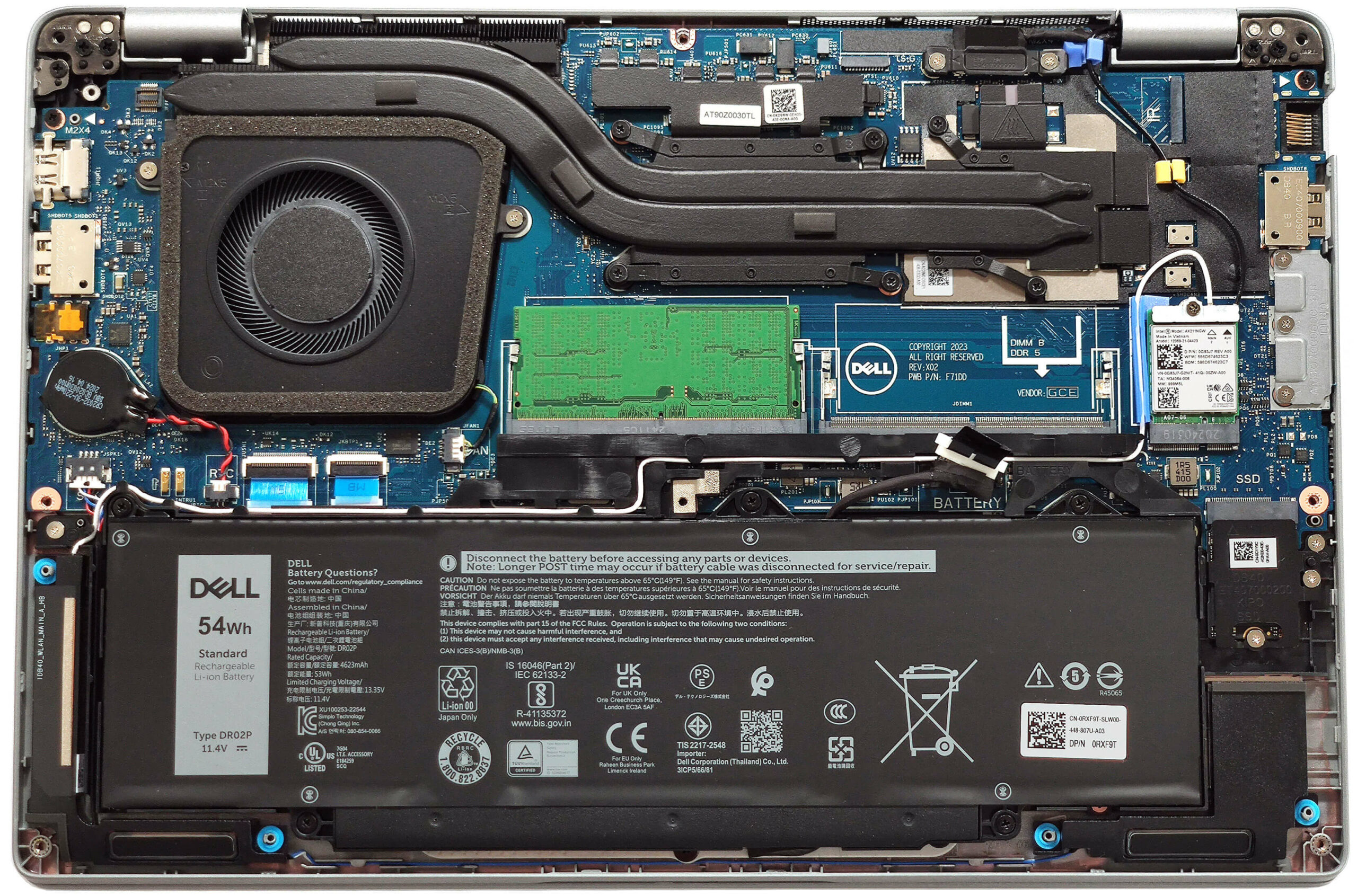
- Υποδοχή M.2
- 1x 2230 M.2 NVMe PCIe 4.0 x4 Δείτε τη φωτογραφία
- OS
- Windows 11 Home
- Υλικό Σώματος
- Πλαστικό / Πολυκαρβονικό, Άνθρακας
- Διαστάσεις
- 321.35 x 212 x 19.06 - 21.04 mm (12.65" x 8.35" x 0.75")
- Βάρος
- 1.40 kg (3.1 lbs)
- Θύρες και συνδεσιμότητα
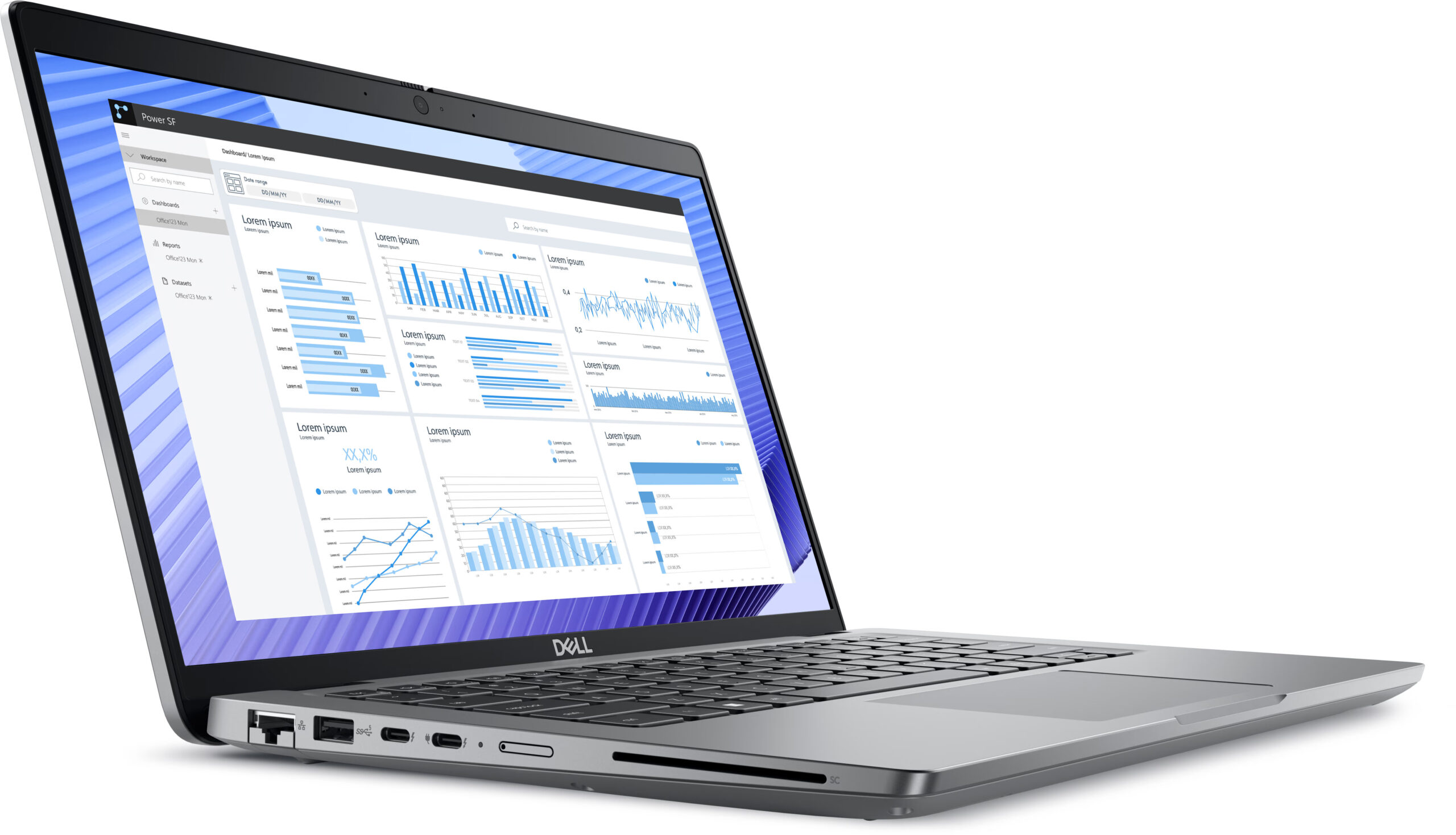
- 1x USB Type-A
- 3.2 Gen 1 (5 Gbps)
- 1x USB Type-A
- 3.2 Gen 1 (5 Gbps), Sleep and Charge
- 2x USB Type-C
- 4.0, Thunderbolt 4, Power Delivery (PD), DisplayPort
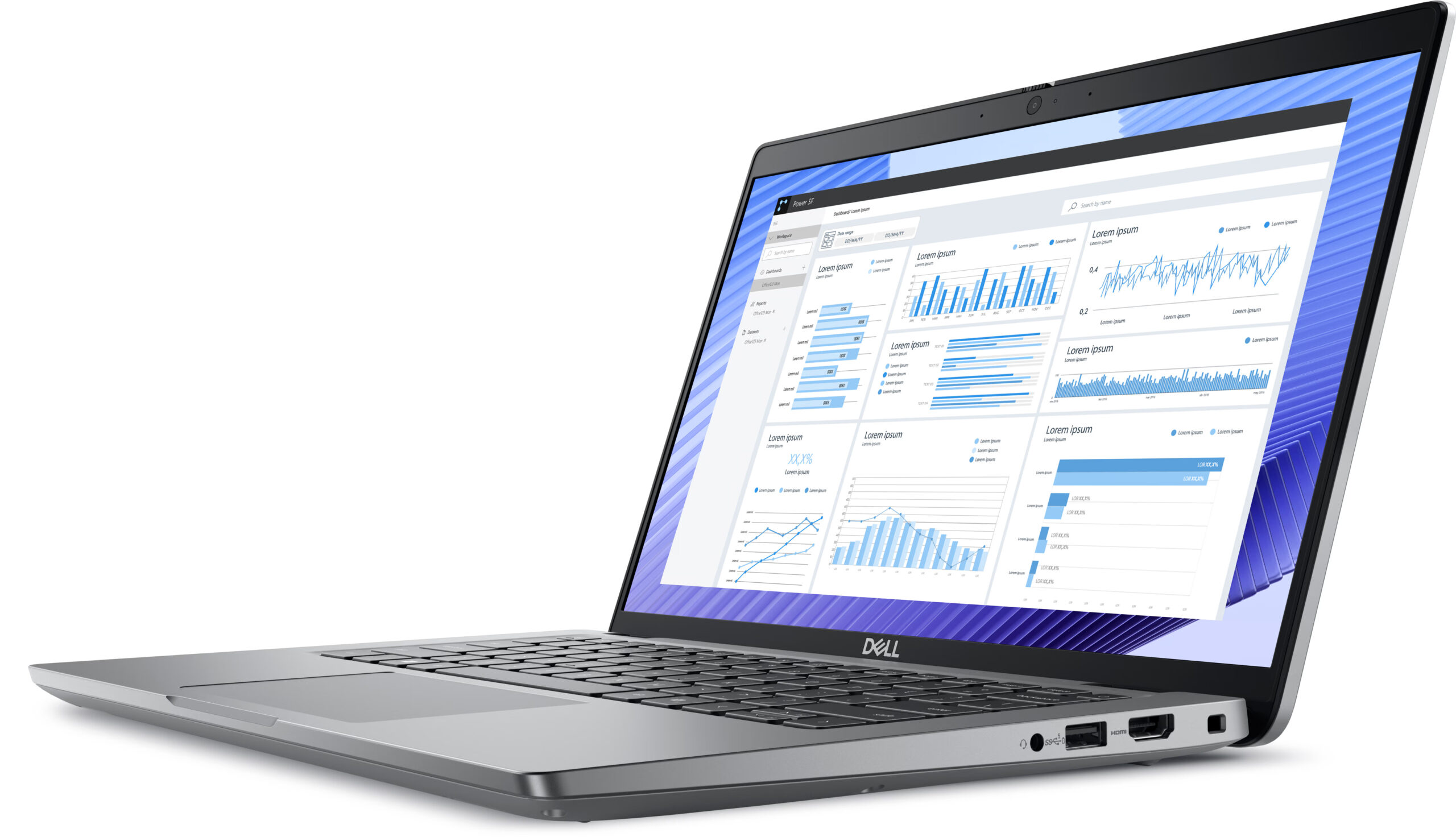
- HDMI
- 2.1
- Αναγνώστης καρτών
- microSD (microSD, microSDHC, microSDXC)
- Ethernet LAN
- 10, 100, 1000 Mbit/s
- Wi-Fi
- Wi-Fi 6E
- Bluetooth
- 5.3
- Audio jack
- 3.5mm Combo Jack
- Χαρακτηριστικά
- Αναγνώστης δακτυλικών αποτυπωμάτων
- Κάμερα web
- FHD IR with Ambient Light Sensor, Express Sign-In with Presence Detection and Intelligent Privacy
- Φωτιζόμενο πληκτρολόγιο
- Μικρόφωνο
- Digital Array Microphones
- Ηχεία
- 2x 2.5W Stereo Speakers, Waves MaxxAudio
- Οπτικός δίσκος
- Υποδοχή κλειδαριάς ασφαλείας
- Wedge Lock
Φορητότητα
Αξιολόγηση
Dell Precision 3490 σε βάθος αξιολόγηση
The Dell Precision 14 3490 is the smaller version of the Precision 3590 that we already reviewed. The latter is a good office machine with pleasant comfort under load. The 3490 model is offered with the same hardware as its bigger sibling. This means Intel Meteor Lake processors with 15W or 28W base power and an optional NVIDIA RTX 500 Ada Generation dGPU. We picked a laptop with the latter plus a Core Ultra 7 155H - that sounds like a pretty potent combination for such a small notebook. We are curious to see how good the cooling will be when it has to tame such internals fitted into a compact chassis.When it comes to displays, you have a choice of three 60Hz 1080p 16:9 panels with an anti-glare coating. There is also a touchscreen in the mix. The port selection looks great for this ki[...]
Διαβάστε την πλήρη αξιολόγηση
Πλεονεκτήματα
- The fan is almost quiet under long CPU loads ()
- Pretty solid chassis
- Comfortable keyboard
- PWM-free (BOE0A95)
- Wide viewing angles (BOE0A95)
- 2x SODIMMs
- Up-to-date port selection with 2x Thunderbolt 4 ports + HDMI 2.1 + LAN
- Long battery life (around 9 hours of videos on a single charge)
- Web camera with a privacy shutter
- Optional Fingerprint reader, IR camera, keyboard backlight, NFC, Nano SIM slot, and SmartCard reader
- Good comfort under max CPU loads
- The CPU can sustain high clocks in short and medium loads (~3.00 GHz / 2.45 GHz for the P and E cores)
- The bottom plate can be easily pried
- The 1TB Samsung PM9C1a is fast for a 2230 NVMe drive
Μειονεκτήματα
- Pricey
- The NVMe gets hot during benchmarking - 79°C
- Too many optional goodies
Επιλογές αποσυναρμολόγησης, συντήρησης και αναβάθμισης
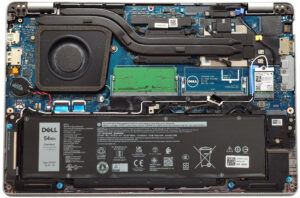
Άνοιγμα της συσκευήςΞεβιδώστε τις 8 βίδες Phillips που ασφαλίζουν το κάτω μέρος της συσκευής. Χρησιμοποιήστε ένα εργαλείο μοχλού για να ανοίξετε τις περιοχές πίσω από τους μεντεσέδες. Στη συνέχεια, χρησιμοποιήστε ένα λεπτό πλαστικό εργαλείο για να ανοίξετε τις πλευρές και το μπροστινό μέρος, αφήνοντας το πίσω μέρος για το τέλος.Περισσότερες πληροφορίες: Εδώ είναι πώς φαίνεται η κάτω πλάκα από μέσα.Αφαίρεση μπαταρίαςΤραβήξτε τον σύνδεσμο της μπαταρίας από την κεντρική πλακέτα. Ξεβιδώστε τις 5 βίδες Phillips που ασφαλίζουν την μπαταρία στη βάση. Σηκώστ[...]
Διαβάστε περισσότερα