Alienware m16 R2

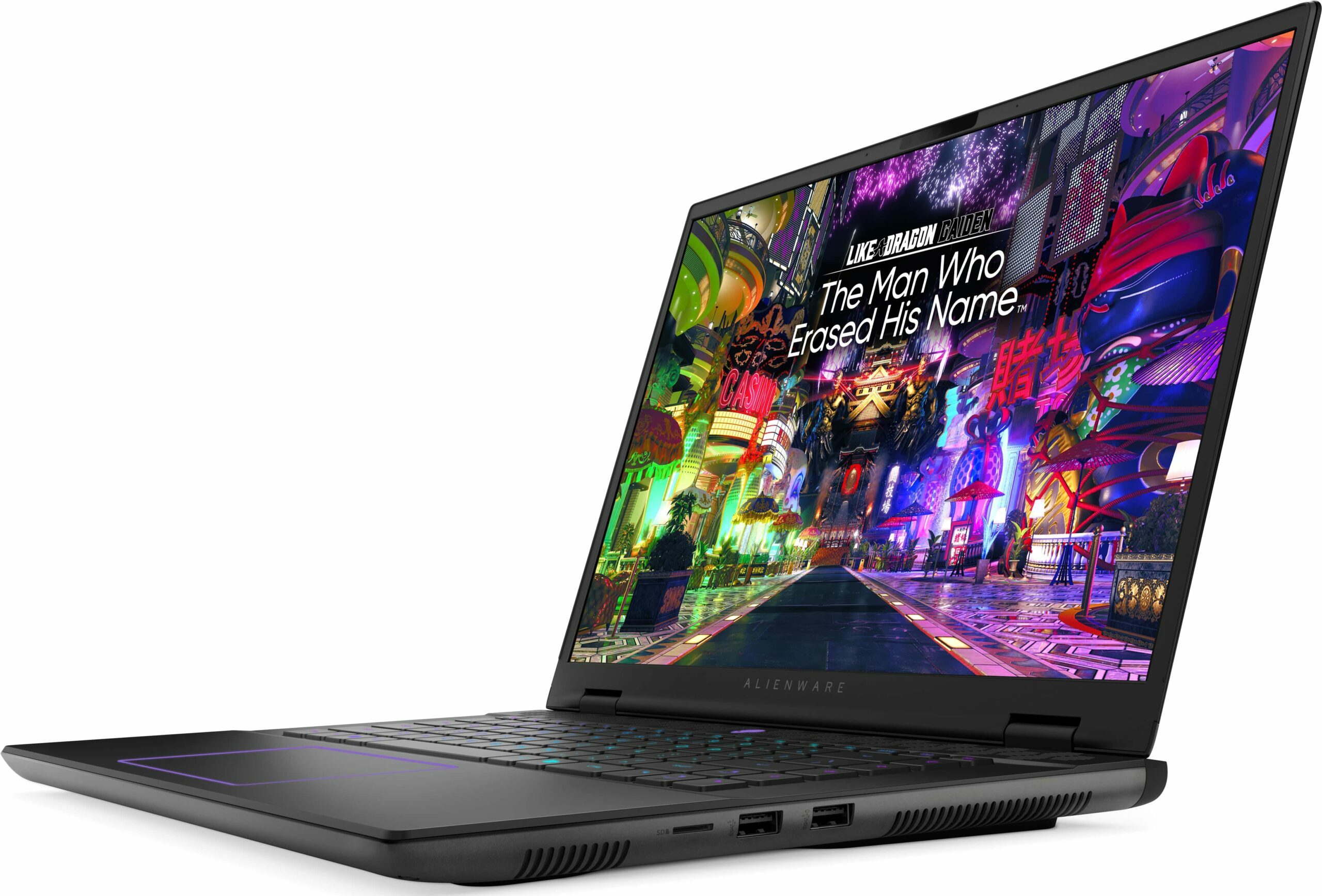

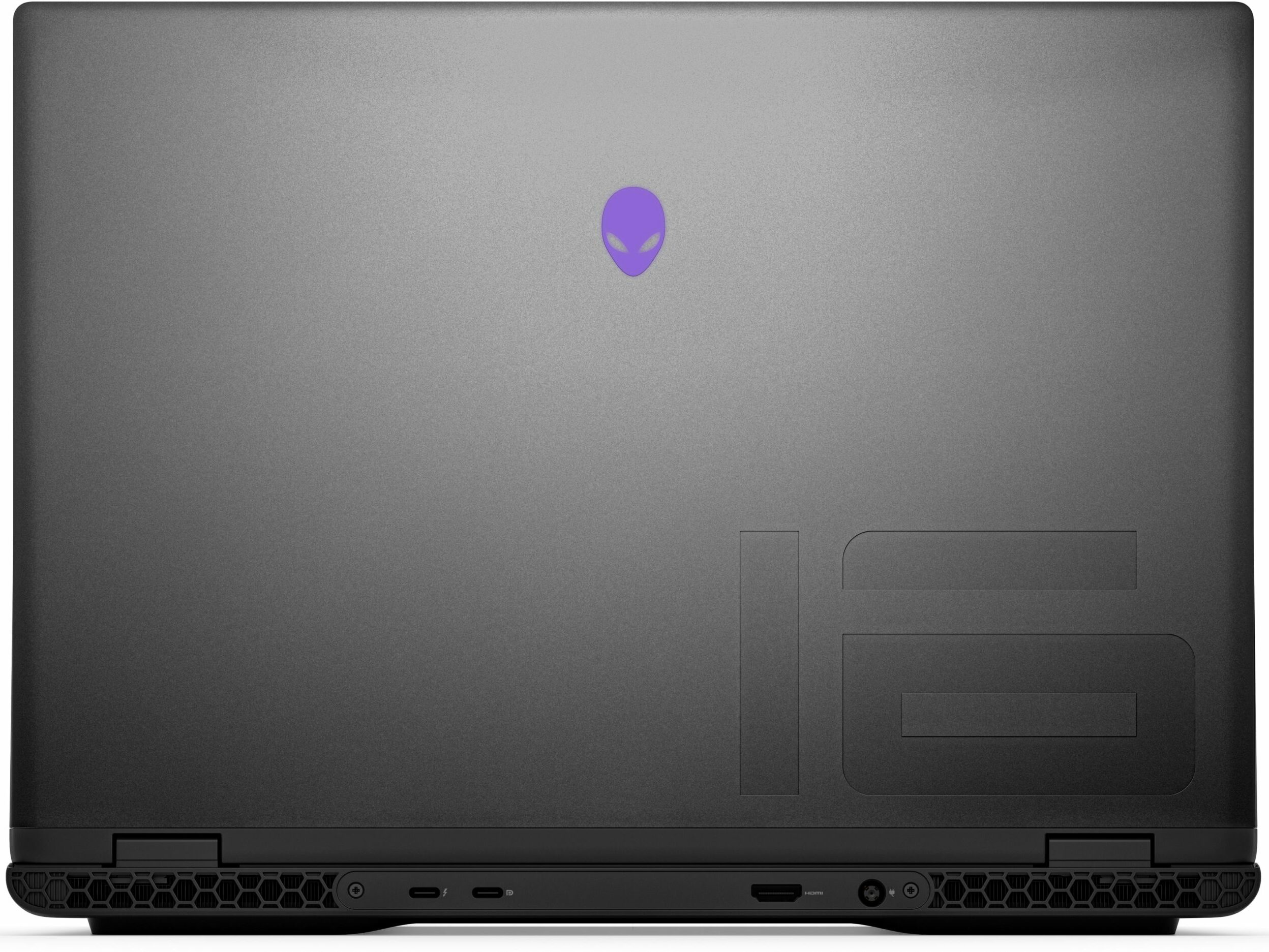
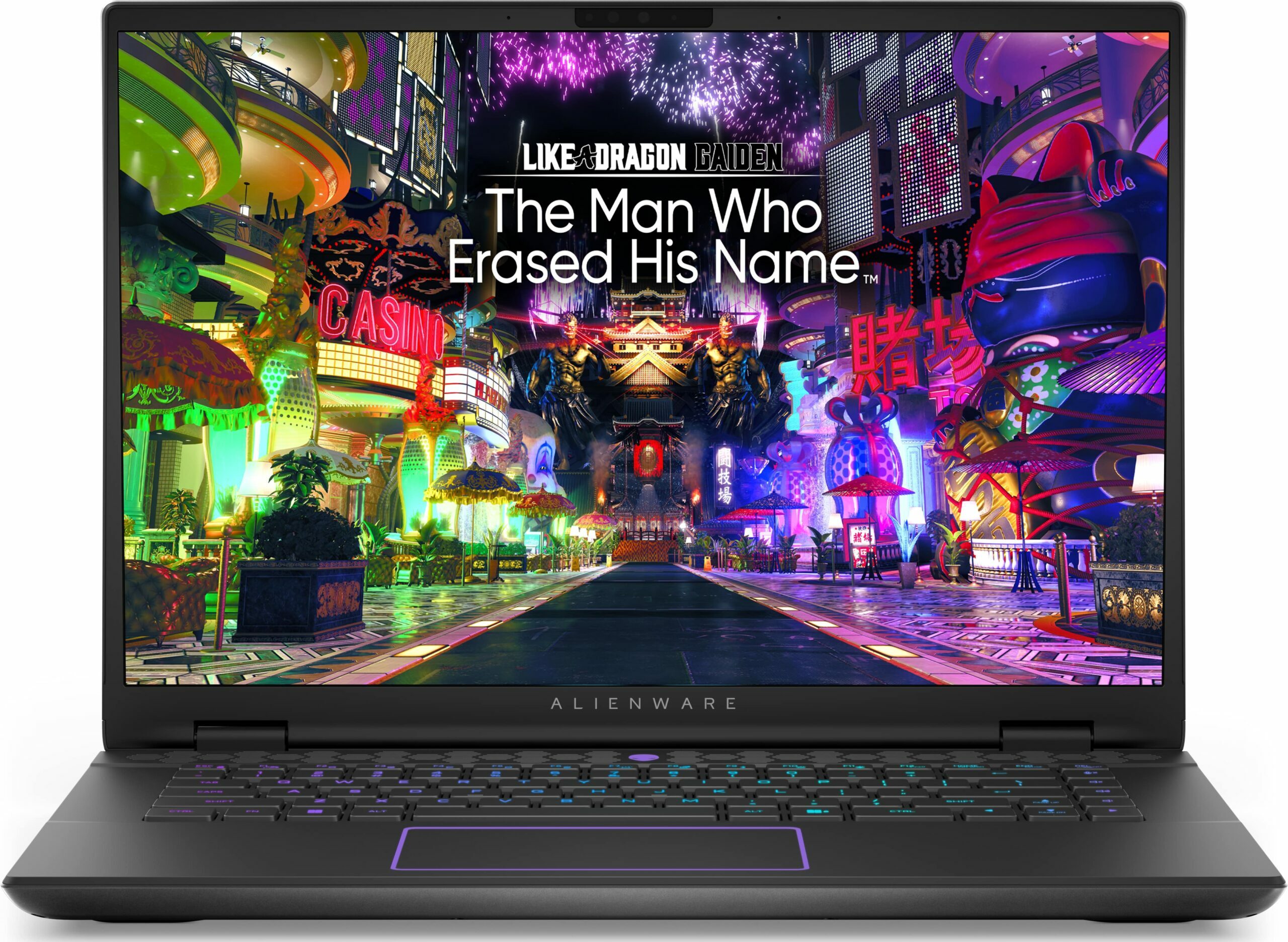
- Megjelenés dátuma: 05 Nov 2024
- Intel Core Ultra 7 155H
- NVIDIA GeForce RTX 4070 (Laptop, 140W)
- 16.0", WQXGA (2560 x 1600), 240 Hz, IPS
- 8000GB SSD
- 64GB RAM
- 2.60 kg (5.7 lbs)
Felülvizsgálat
Alienware m16 R2 részletes értékelés
These days, 16-inchers are on the rise and some of them (like the ASUS G634 or MSI Vector 16 HX A13V) offer the same performance as their 18-inch versions. The Alienware m16 R2 is the smaller variant of the behemoth-looking Alienware m18 R2. The latter offers great overall power and comfort under load. It'll be interesting to see if the m16 R2 can achieve the same result.For starters, this laptop relies on 28W Intel Meteor Lake chips while the bigger version has Raptor Lake-HX CPU options that are definitely more powerful and thirsty at the same time. Alienware has fitter a big thermal system inside the chassis so we can probably expect good clocks under heavy loads. You can choose from three NVIDIA Ada Lovelace GPUs, the top dog is the RTX 4070 with a max TGP of 140W.The display i[...]
A teljes értékelés elolvasása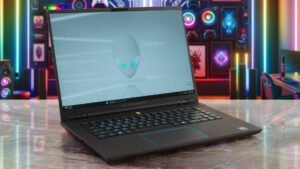
Előnyök
- Rigid premium build
- Thin profile for such hardware
- Capable thermal solution
- High CPU frequencies under max load (3.45 GHz / 2.92 GHz P and E-core clock)
- Wide viewing angles (AUO75AB)
- Snappy pixel response times of 7 ms (AUO75AB)
- PWM-free (AUO75AB)
- 100% sRGB coverage + accurate colors with our "Design and Gaming" profile (AUO75AB)
- 2x SODIMMs + 2x M.2 slots
- Comfortable keyboard
- Good port selection
- The fans aren't loud in "Performance" mode
- Low noise and a 115W GPU TGP in "Balanced" mode
- Decent battery life given the 1600p display and the powerful hardware
- The Alienware Command Center app is full of useful extras
- Offers NVIDIA Advanced Optimus, G-Sync + MUX switch
Hátrányok
- High price
- Some competitors offer HX-series CPUs
- No Gen 5 SSD slots
- The touchpad isn't something special
Szétszerelés, karbantartás és bővítési lehetőségek
Opening the DeviceUndo the 8 Phillips-head screws securing the bottom panel. The captive screws in the front corners will slightly raise the panel up, providing a good starting point. Place a thin plastic tool between the base and the panel and start popping the plate slowly, step by step. Avoid prying the back. Lift the front of the metal plate, push it forward, and lift it away from the chassis.More info: Here's how the bottom plate looks on the inside.Battery RemovalPull out the battery connector from the mainboard. Undo the 8 Phillips-head screws se[...]
Tovább olvasom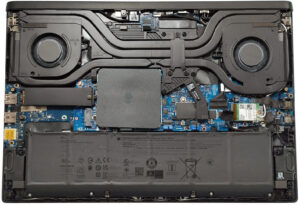
Kijelző: 16.0-inch, 2560 x 1600, IPS
- Név
- AUO XC0PX-B160QAN (AUO75AB)
- Átló
- 16.0"
- Pixelesűrűség
- 188.68 ppi
- Fényerő
- 320 cd/m2
- sRGB
- 100%
- Panel Típus
- IPS
- Felbontás
- 2560 x 1600
- "Retina" ettől a távolságtól:
- 18 inches (46 cm)
- Kontraszt
- 1330:1
- dE Color Checker
- 2.3 1.3

Vásárolja meg profiljainkat ehhez: AUO XC0PX-B160QAN (AUO75AB)
A hatékony és egészségbarát profilok mellett a LaptopMedia termékeinek megvásárlásával laboratóriumaink fejlesztését is támogatja, ahol eszközöket tesztelünk a lehető legobjektívebb értékelések elkészítése érdekében.

Irodai Munka
Az Irodai Munka profilt elsősorban azoknak a felhasználóknak ajánljuk, akik idejük nagy részét szövegek, táblázatok nézegetésével vagy böngészéssel töltik. Ez a profil jobb megkülönböztethetőséget és tisztaságot biztosít egyenletes gamma-görbe (2.20), natív színhőmérséklet és érzékelhetően pontos színek mellett.

Dizájn és Játék
Ez a profil a színekkel hivatásszerűen dolgozó tervezőknek, valamint játékokhoz és filmekhez készült. A Dizájn és Játék a kijelzőpaneleket a határaikra juttatja, a lehető legpontosabbá téve őket az sRGB IEC61966-2-1 szabvány szerint a webre és a HDTV-re, D65 fehérpont mellett.

Health-Guard
A Health-Guard kiküszöböli a káros impulzusszélesség-modulációt (PWM) és csökkenti a negatív kék fényt, amely hatással van a szemünkre és a testünkre. Mivel minden panelhez egyedileg van szabva, a színeket érzékelhetően pontosan tartja. A Health-Guard a papírt szimulálja, így a szemre nehezedő nyomás jelentősen csökken.