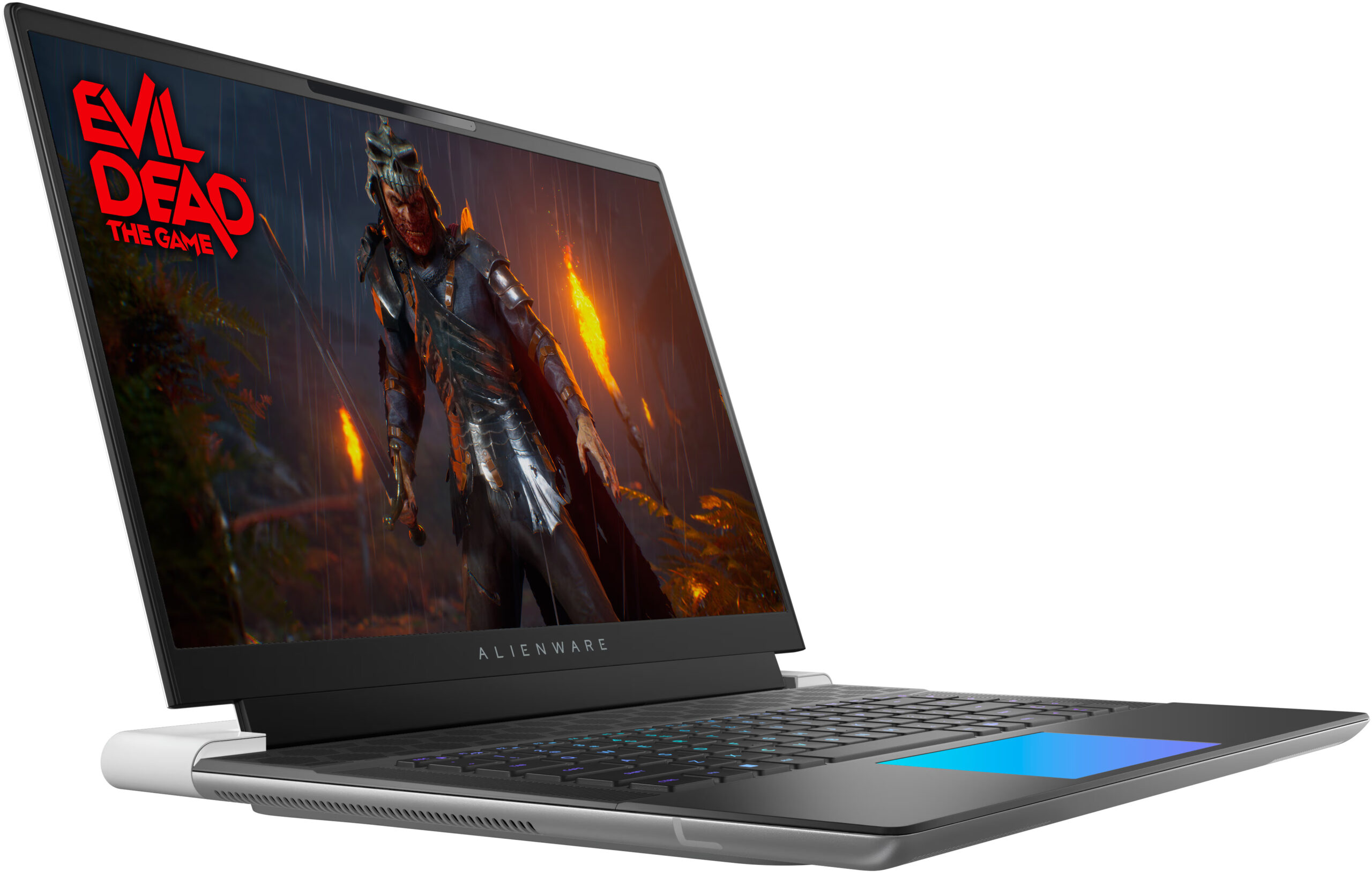
Alienware x16 R2

- Megjelenés dátuma: 21 Oct 2024
- Intel Core Ultra 9 185H
- NVIDIA GeForce RTX 4080 (Laptop, 175W)
- 16.0", WQXGA (2560 x 1600), 240 Hz, IPS
- 2000GB SSD
- 32GB RAM
- 2.66 kg (5.9 lbs)

Specifikációk

- HDD/SSD
- 2000GB SSD
- M.2 Slot
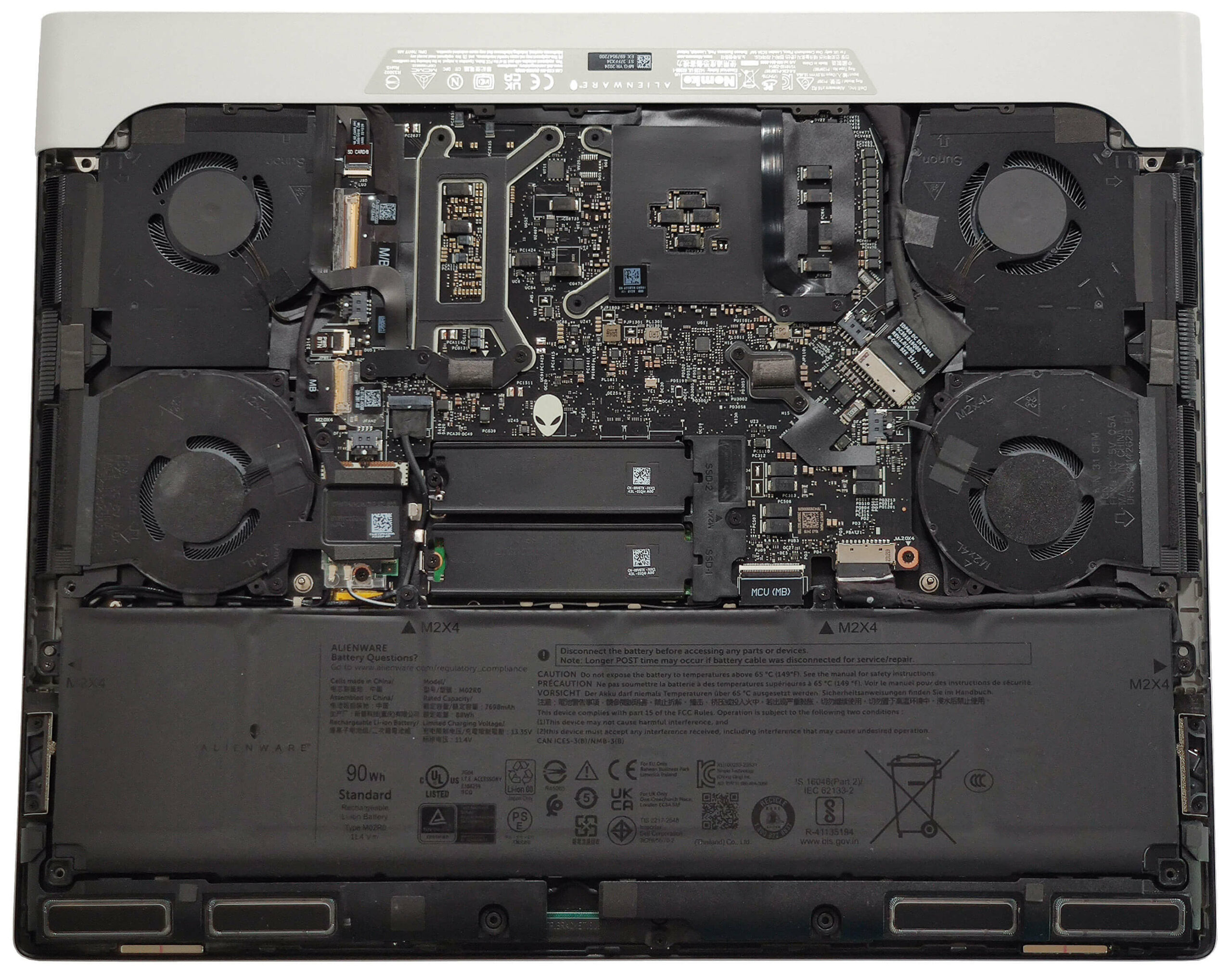
- 2x 2230 / 2280 M.2 NVMe PCIe 4.0 x4 Kép megtekintése
- RAM
- 32GB RAM
- OS
- Windows 11 Home
- Ház anyaga
- Alumínium, Magnézium ötvözet
- Méretek
- 364.81 x 289.98 x 18.57 mm (14.36" x 11.42" x 0.73")
- Súly
- 2.66 kg (5.9 lbs)
- Portok és csatlakozás
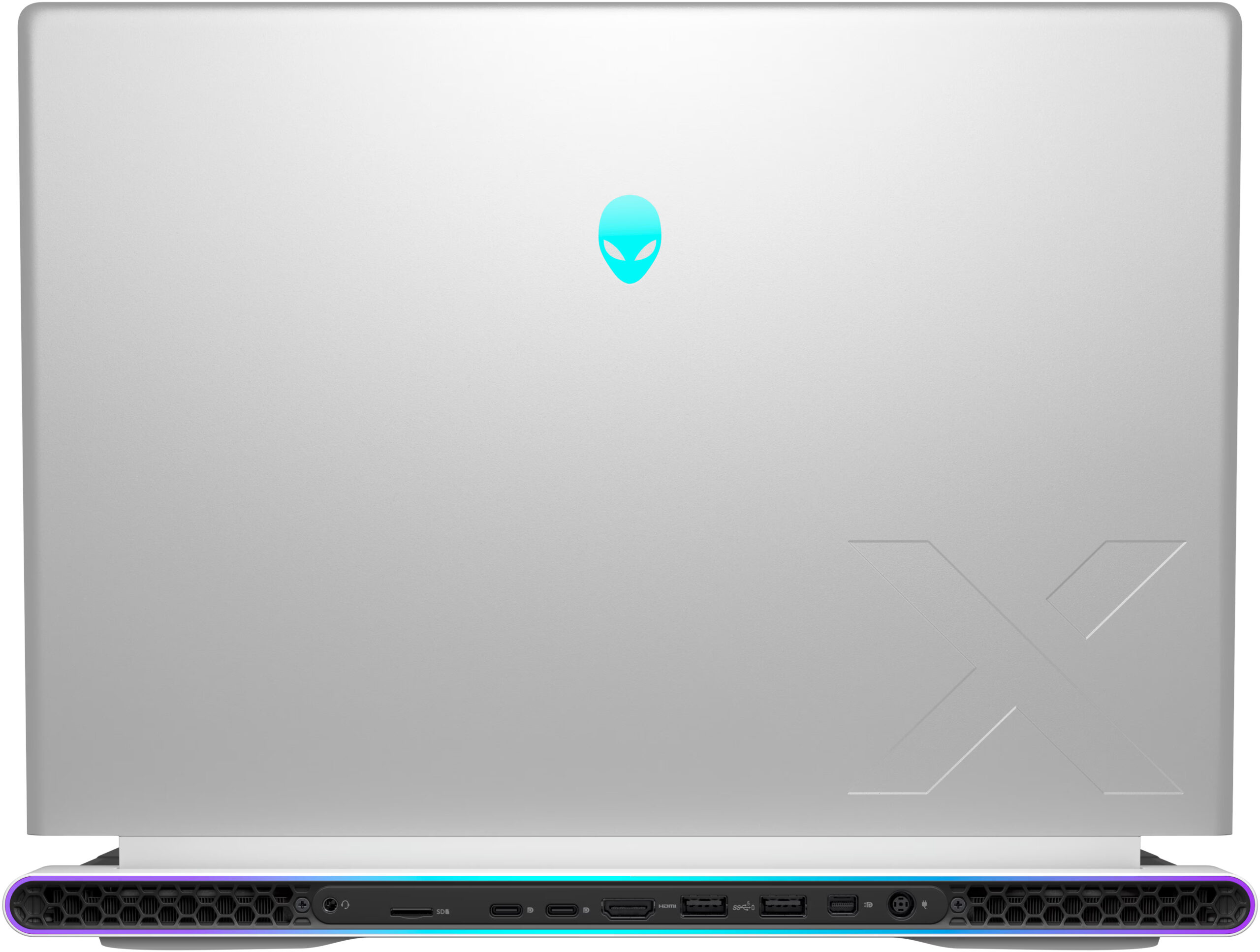
- 2x USB Type-A
- 3.2 Gen 1 (5 Gbps), Sleep and Charge
- 1x USB Type-C
- 3.2 Gen 2 (10 Gbps), DisplayPort
- 1x USB Type-C
- Thunderbolt 4, Power Delivery (PD), DisplayPort
- HDMI
- 2.1
- Mini DisplayPort
- Kártyaolvasó
- microSD (microSD, microSDHC, microSDXC)
- Ethernet LAN
- Wi-Fi
- 802.11be
- Bluetooth
- 5.4
- Audio jack
- 3.5mm Combo Jack
- Jellemzők
- Ujjlenyomat-olvasó
- Webkamera
- FHD IR
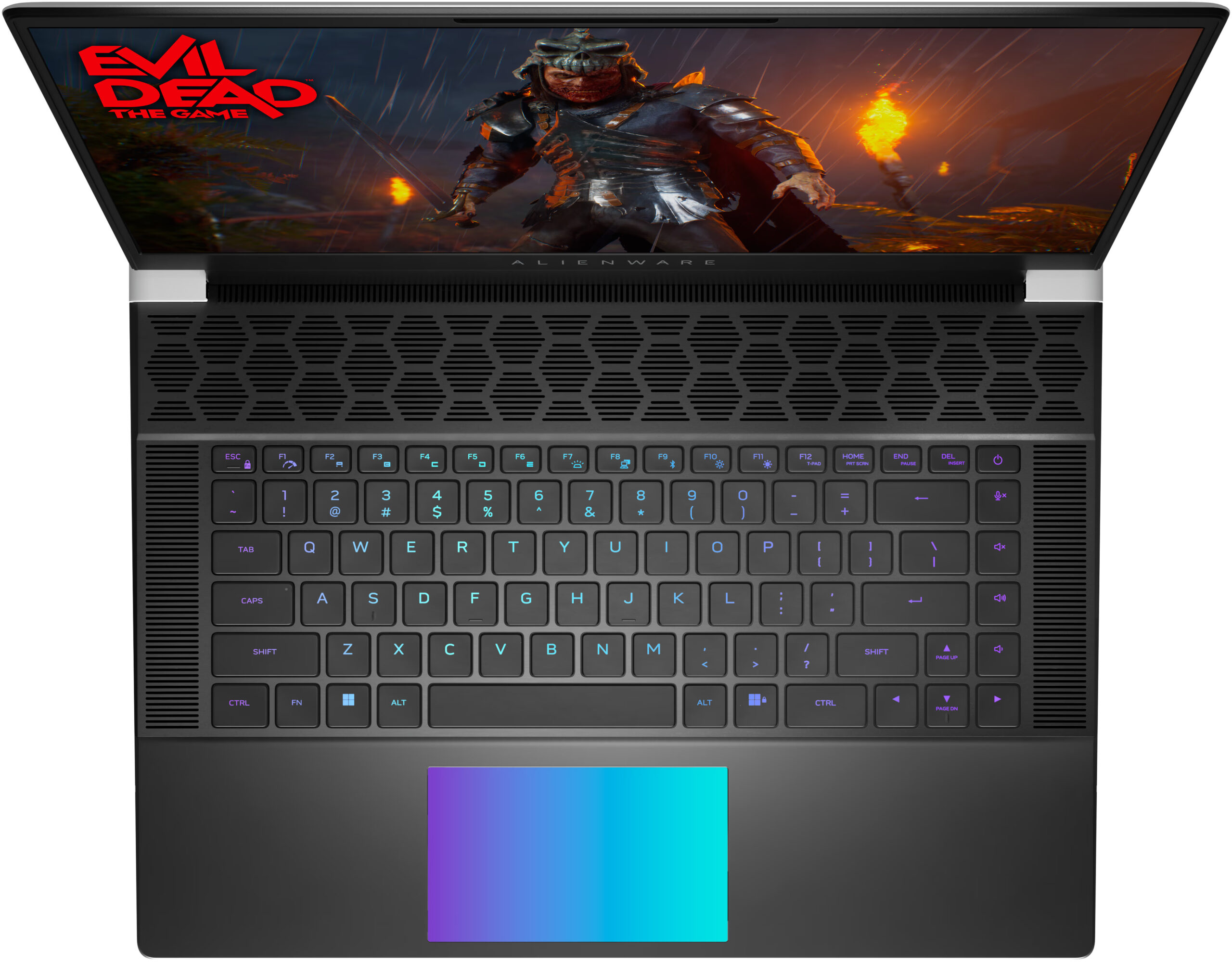
- Háttérvilágítású billentyűzet
- Mikrofon
- Digital Array Microphones
- Hangszórók
- 6x 3W Stereo Speakers
- Biztonsági zár helye
Hordozhatóság
Felülvizsgálat
Alienware x16 R2 részletes értékelés
There is a high demand for thin laptops in every price class. Nowadays, many users want to own a compact and powerful laptop. Alienware has tried to make one, with their x16 R2 model. This is an incredibly thin and unique-looking machine and you can also order it with up to GeForce RTX 4090.But there's a nuance. Since the 13th and 14th Gen Raptor Lake-H and HX CPUs dissipate tons of heat they aren't suitable for such a slim profile. That's why this notebook can be found with Meteor Lake-H processors. These efficient chips are a preferable choice for slim notebooks. You can choose between a 28W Core Ultra 7 155H, and 45W Core Ultra 9 185H. Based on our previous tests, we don't find 28W CPUs suitable for GPUs like RTX 4080 so we chose the more powerful option.Alienware x16 R2 is a ve[...]
A teljes értékelés elolvasása
Előnyök
- Solid premium build
- Thin profile (18.57 mm)
- Vapor chamber cooling + liquid metal for the CPU and GPU dies (for RTX 4080 and 4090-based laptops)
- High CPU frequencies under long load (3.44 GHz / 3.29 GHz P and E-core clock)
- Wide viewing angles + 1600p resolution (AUO3CA2)
- Snappy pixel response times of 7 ms (AUO3CA2)
- PWM-free (AUO3CA2)
- 338 nit max brightness + 240Hz refresh rate (AUO3CA2)
- 100% sRGB and DCI P3 coverage + accurate colors with our "Design and Gaming" profile (AUO3CA2)
- 2x M.2 slots
- Thermal pads for the SSDs and the Wi-Fi card
- Great Cherry keyboard (option)
- Precise illuminated glass touchpad (option)
- Modern port selection that is entirely placed on the back
- The fans aren't loud in "Performance" mode
- Low noise and a 118W GPU TGP in "Quiet" mode
- The Alienware Command Center app is full of useful extras
- NVIDIA Advanced Optimus, G-Sync + MUX switch
- Optional fingerprint reader and IR Web camera
- Fast Gen 4 NVMe (1TB SK Hynix PC811)
Hátrányok
- High price
- Soldered RAM and no Gen 5 SSD slots
- Super High VRAM temperatures - 110ºC, which lead to TGP throttle
- Short battery life
Szétszerelés, karbantartás és bővítési lehetőségek
A készülék megnyitásaOldja ki az alsó panelt rögzítő 6 Phillips-fejű csavart. A középső és az alsó csavarok rögzíthetők, és kissé megemelik a panel majdnem felét, megkönnyítve ezzel a szétszerelési folyamatot. Teljesen feszítse ki a panel oldalait és elejét. Kerülje a hátlap felpattintását. Emelje fel a fémlemez elejét, csúsztassa előre, és emelje el az alvázról.További információk: Így néz ki az alsó lemez belülről.Az akkumulátor eltávolításaVegye le az akkumulátort az alaplapról a csatlakozó kihúzásával. Oldja ki az akkumulátort az alaplaphoz rögzítő [...]
Tovább olvasom