MSI Katana 17 (B12V) review – affordable notebook with a MUX switch
- 1. परिचय, स्पेक्स, ड्राइवर्स, बॉक्स में क्या है
- 2. Design and construction
- 3. Display quality, Health impact (PWM), Sound
- 4. Buy our profiles
- 5. Performance: CPU, GPU, Gaming Tests
- 6. [eBook Guide + Tools] How to MAX OUT your Laptop
- 7. Temperatures and comfort, Battery Life
- 8. Disassembly, Upgrade options, and Maintenance
- 9. Verdict
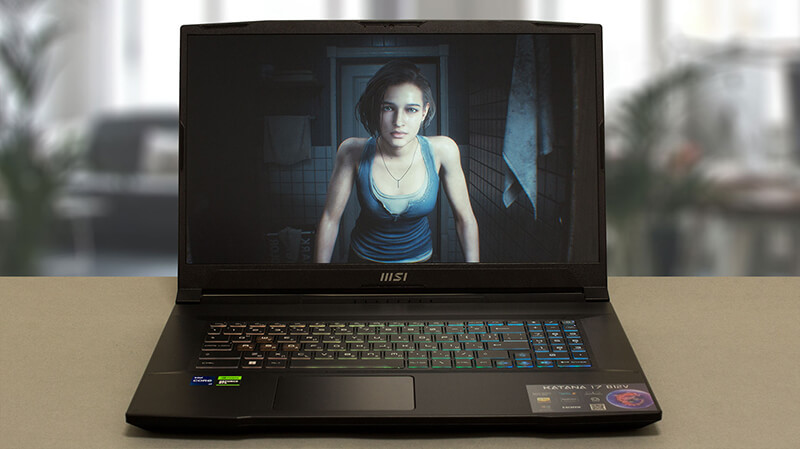 MSI Katana’s super budget characteristics are now part of history. The manufacturer has somewhat successfully converted the machine from an affordable to a mid-range product. While the main contributor to this is really NVIDIA, we have a thing or two to say about MSI’s own participation.
Today, our office smells like a freshly-baked MSI Katana 17 (B12V). Intuitively, the (B12V) part of the name indicates that it has a 12th Gen Intel processor. This means that some cost-cutting is becoming evident only by looking at the specs sheet.
In addition to that, the Katana 17 (B12V) can be maxed out with the Intel Core i7-12650H. This is a CPU, that has a lower E-core count. At the end of the day, this provides less computational performance, but also generates less heat, without harming the gaming performance.
As a typical gaming notebook, it provides you with a 144Hz refresh rate. Later in the review, you will learn its color coverage, pixel response time, and more.
You can check the prices and configurations in our Specs System: https://laptopmedia.com/series/msi-katana-17-b12ux-b12vx-b13ux-b13vx/
Contents
Specs, Drivers, What’s in the box
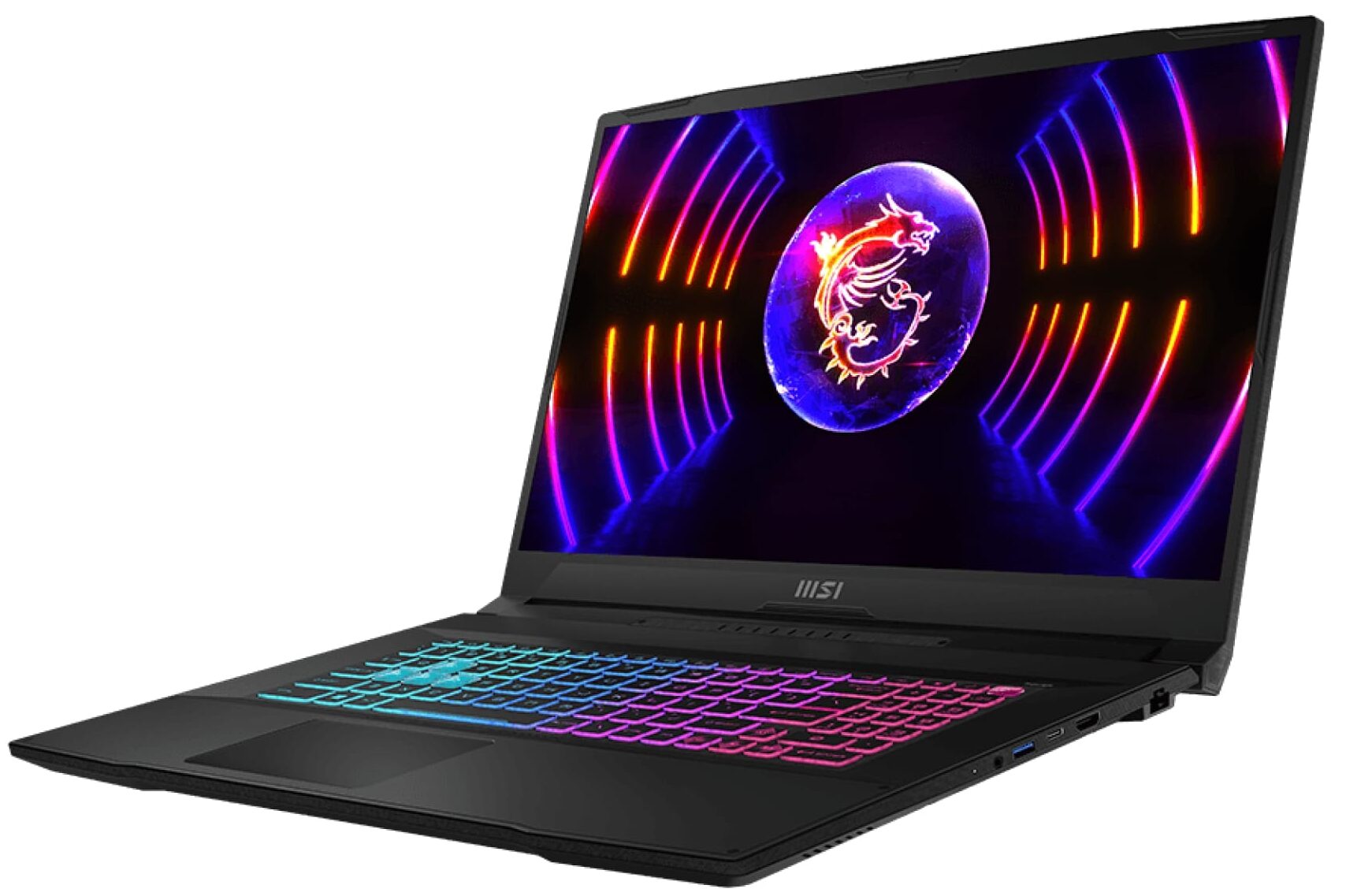
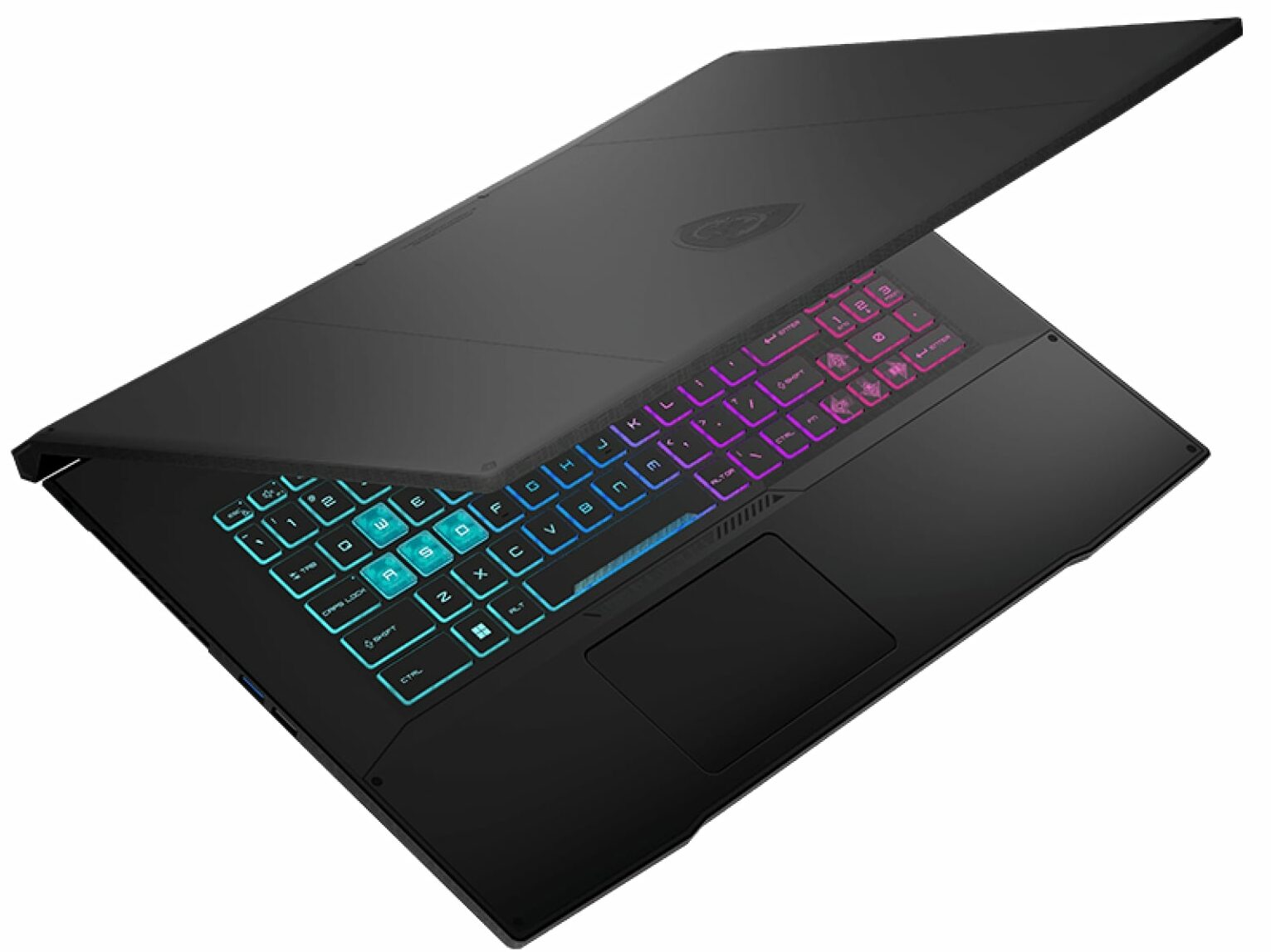
MSI Katana 17 (B12Ux / B12Vx / B13Ux / B13Vx) - स्पेक्स
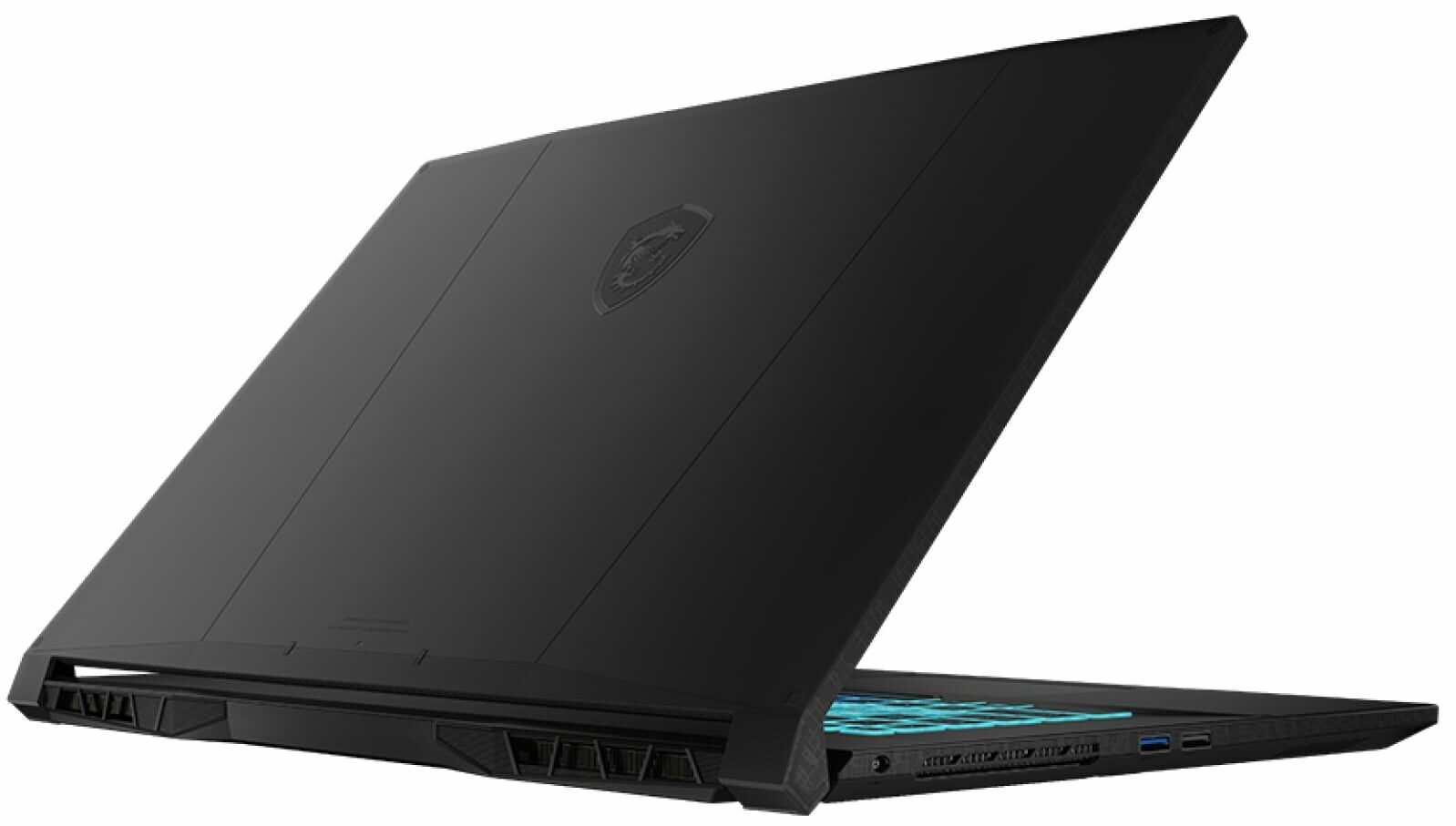

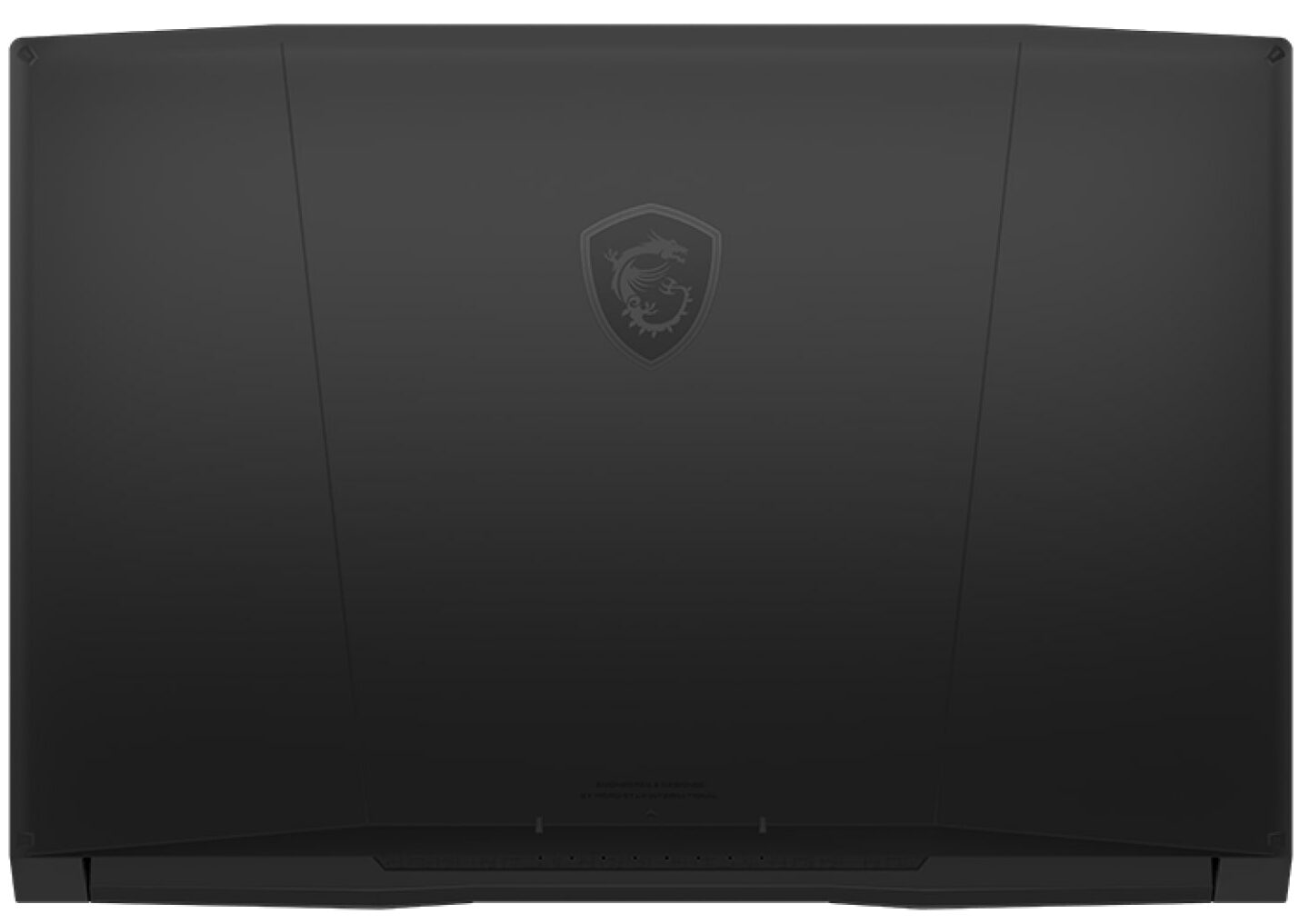

- HDD/SSD
- तक 8000GB SSD
- M.2 स्लॉट
- 1x 2280 PCIe NVMe 4.0 x4 + 1x M.2 PCIe x4 फोटो देखें
- RAM
- up to 64GB
- OS
- Windows 11 Home, Windows 11 Pro, DOS, Windows 10 Pro, Windows 10 Home, No OS, Windows 11
- बैटरी
- 53.5Wh, 3-cell, 53.5Wh, 3-cell
- बॉडी मटीरियल
- Plastic / Polycarbonate
- आयाम
- 398 x 273 x 25.2 mm (15.67" x 10.75" x 0.99")
- वजन
- 2.60 kg (5.7 lbs)
- पोर्ट और कनेक्टिविटी
- 1x USB Type-A
- 2.0
- 2x USB Type-A
- 3.2 Gen 1 (5 Gbps)
- 1x USB Type-C
- 3.2 Gen 1 (5 Gbps), DisplayPort
- HDMI
- 2.1 (8K@60Hz / 4K@120Hz)
- कार्ड रीडर
- ईथरनेट लैन
- 10, 100, 1000 Mbit/s
- वाई-फाई
- 802.11ax
- ब्लूटूथ
- 5.2
- ऑडियो जैक
- 3.5mm Combo Jack
- विशेषताएँ
- फिंगरप्रिंट रीडर
- वेब कैमरा
- HD
- बैकलिट कीबोर्ड
- optional
- माइक्रोफोन
- स्पीकर
- 2x 2W Stereo Speakers, Nahimic Audio
- ऑप्टिकल ड्राइव
- सुरक्षा लॉक स्लॉट
सभी MSI Katana 17 (B12Ux / B12Vx / B13Ux / B13Vx) कॉन्फ़िगरेशन
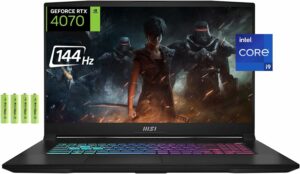
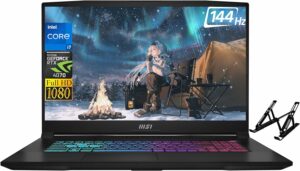
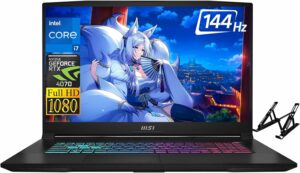

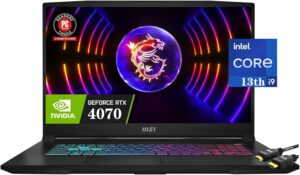
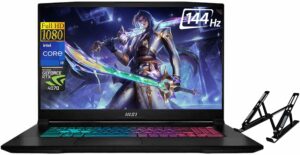
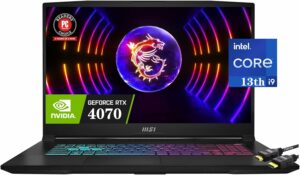
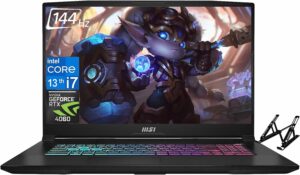
Drivers
All drivers and utilities for this notebook can be found here: https://www.msi.com/Laptop/Katana-17-B12VX/support?sub_product=Katana-17-B12VFK
What’s in the box?
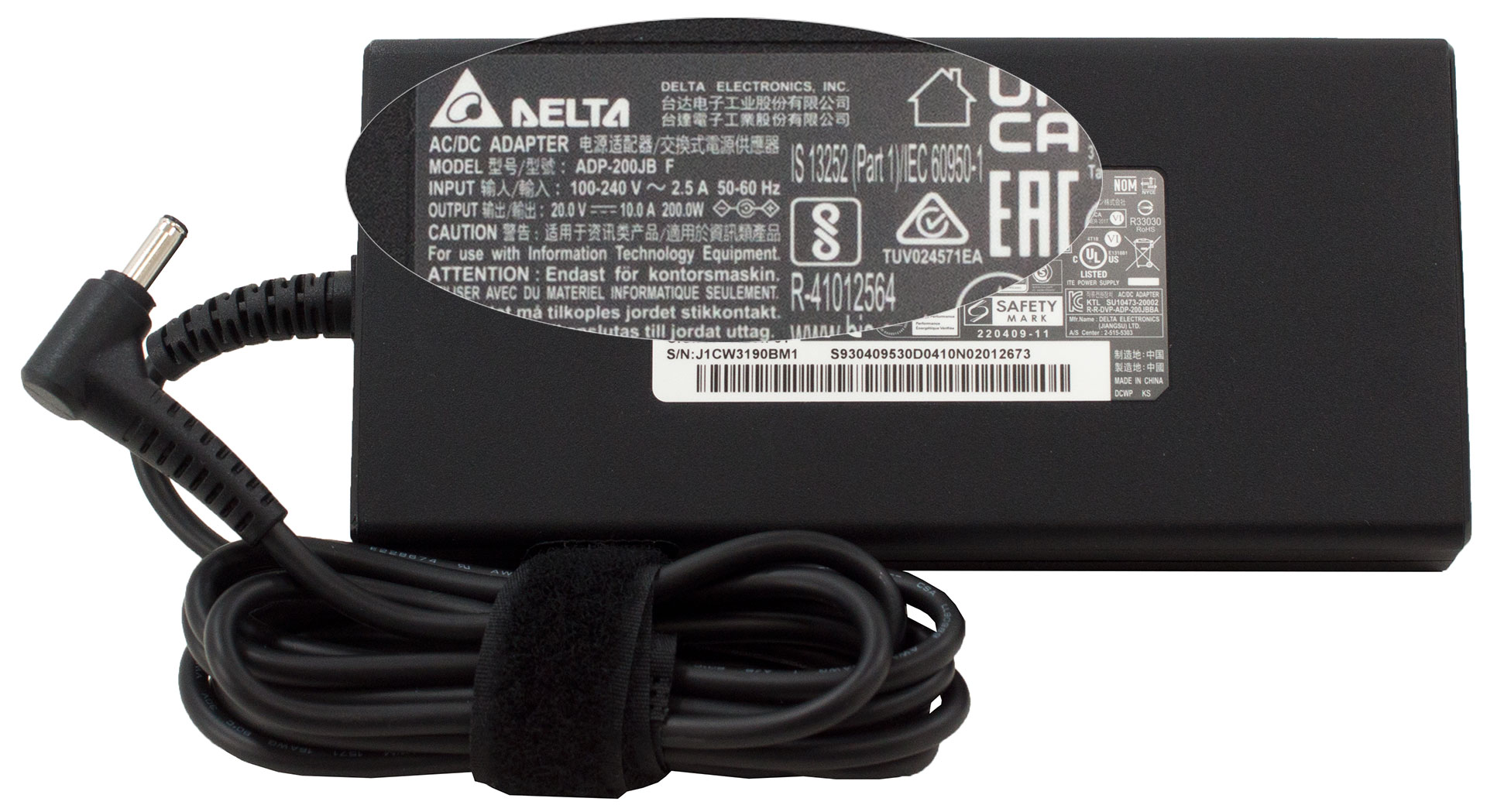
Inside the package, there is some paperwork, as well as a 200W charger.
- 1. परिचय, स्पेक्स, ड्राइवर्स, बॉक्स में क्या है
- 2. Design and construction
- 3. Display quality, Health impact (PWM), Sound
- 4. Buy our profiles
- 5. Performance: CPU, GPU, Gaming Tests
- 6. [eBook Guide + Tools] How to MAX OUT your Laptop
- 7. Temperatures and comfort, Battery Life
- 8. Disassembly, Upgrade options, and Maintenance
- 9. Verdict
 Author: Alex Iliev
 Author: eng. Kroum NikolovHead of Engineering at LaptopMedia.com, inventor and innovator with 40+ years of experience in electronics and high technology.

![[May 2026] Global Ranking of Best-Selling Laptop GPUs on Amazon – Apple Dominates with 45% Share, Sweeps Top 3 Spots; NVIDIA’s RTX 5060 Leads the Dedicated GPU Pack](https://laptopmedia.com/wp-content/uploads/2026/06/Best-Selling-GPUs-GLOBAL-Top-10-400x225.jpg)
![[May 2026] Global Ranking of Best-Selling Laptop CPUs on Amazon – Apple Crushes Competition with 45.2% Market Share, M5 Dominates](https://laptopmedia.com/wp-content/uploads/2026/06/Best-Selling-CPUs-GLOBAL-Top-10-400x225.jpg)
![[May 2026] Amazon Germany: Top 7 Best-Selling Gaming Laptops – Lenovo Legion 5i Crowned Champion Amidst Fierce Mid-Range Competition](https://laptopmedia.com/wp-content/uploads/2026/06/Best-Selling-Gaming-Laptops-DE-Top-10-1-400x225.jpg)
![[May 2026] Amazon Italy: Top 10 Best-Selling Laptops – Apple MacBook Neo Reigns Supreme, Premium Models Capture Dominant Revenue Share](https://laptopmedia.com/wp-content/uploads/2026/06/Best-Selling-Laptops-IT-Top-10-400x225.jpg)
![[May 2026] Best-Selling Laptop Brands on Amazon Italy – Apple Dominates Across All Metrics](https://laptopmedia.com/wp-content/uploads/2026/06/IT-Best-Brands-400x225.jpg)

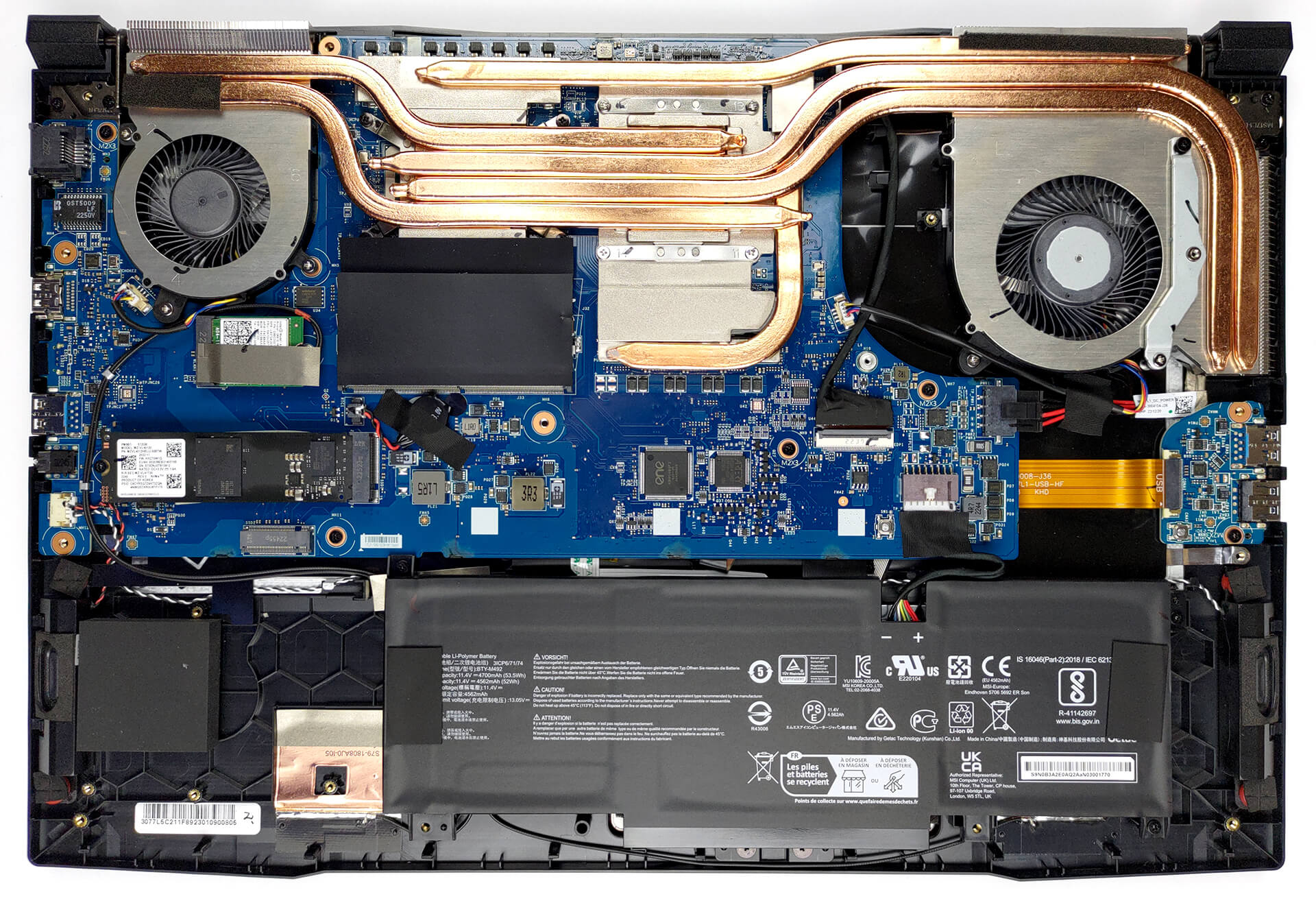
Où se procurer le support de fixation pour un second SSD ? Merci
Il faut en faire la demande auprès du support MSI ils appellent ça un kit upgrade for SSD
Je l’ai créé moi-même avec une plaque d’alu 1mm coupée à la bonne taille, percée et SSD vissé dessus. Car la fixation du SSD arrive entre 2 trous vides et le support MSI ne répond pas par rapport à ce 2ème port SSD inutilisable en l’état.