ASUS Vivobook Pro 15 OLED (N6506) review – Killer Display, Lasting Battery, Minor Compromises
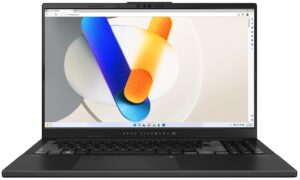
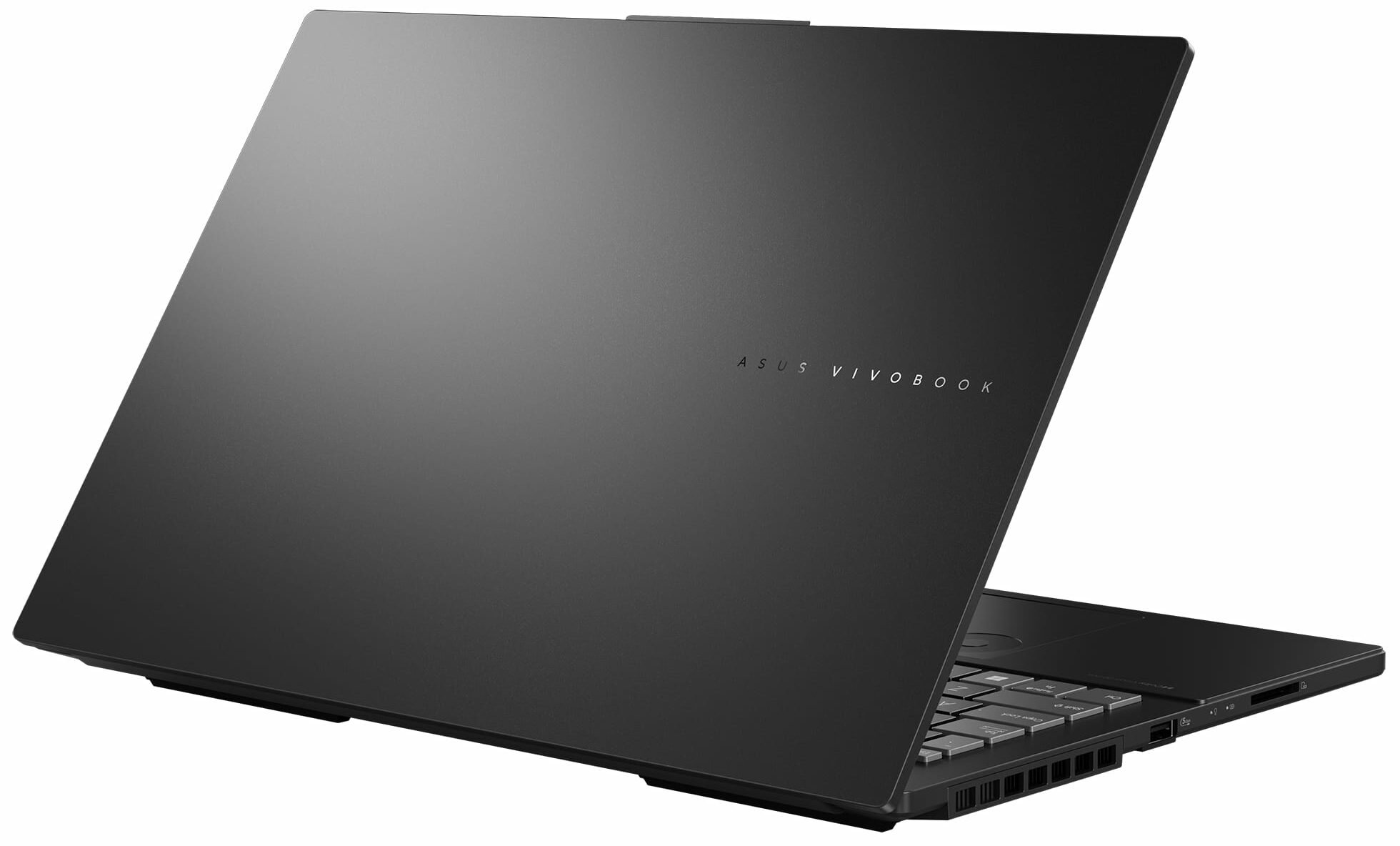
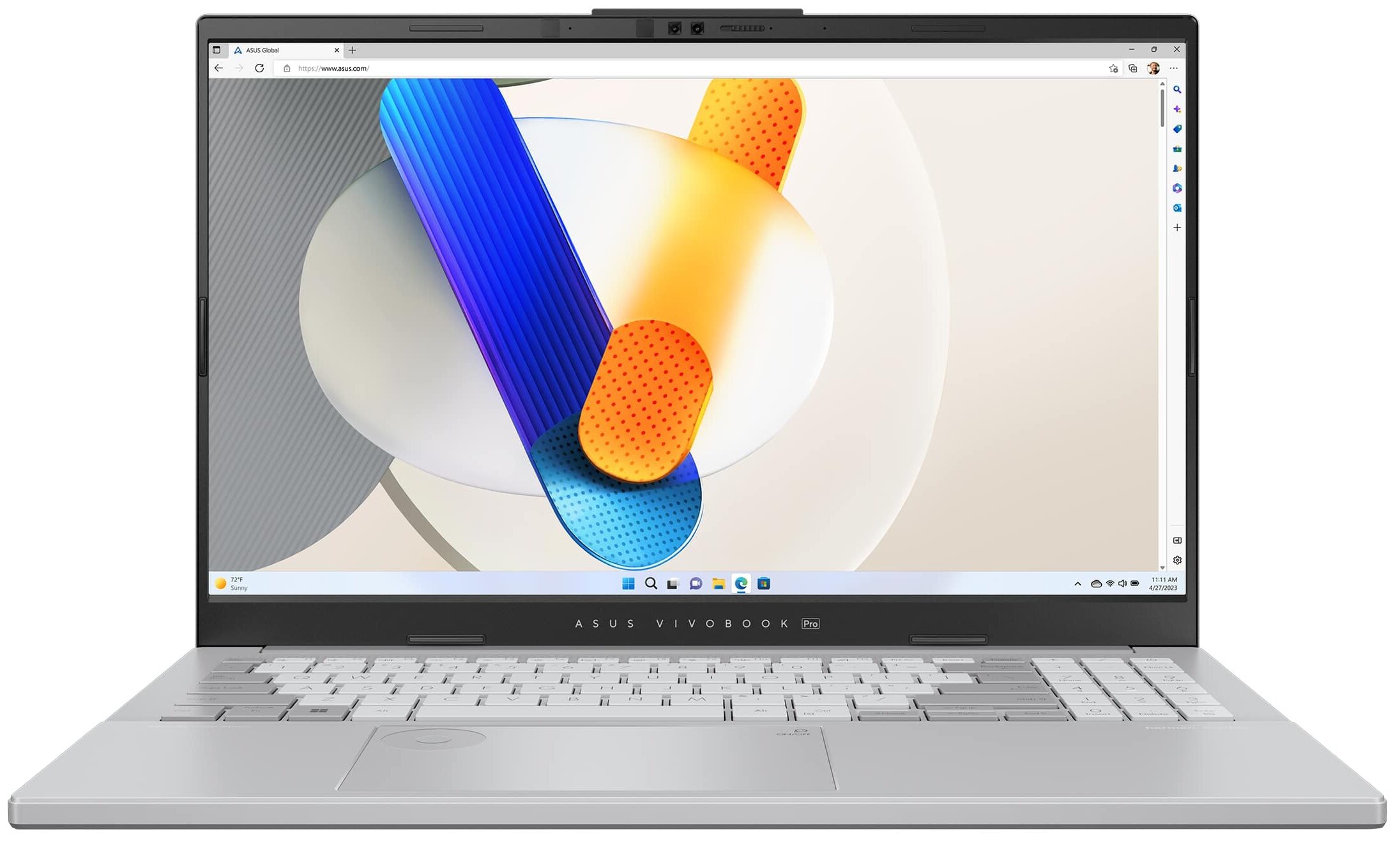
 The ASUS Vivobook Pro 15 OLED (N6506) is a device that is suitable for content creation and gaming thanks to its powerful hardware and useful features. The well-known ASUS DialPad is here and as always, it’s built into the touchpad. You can use it while working with Adobe apps such as Photoshop to change the size of the brush and the font, or you may just increase or decrease the volume of the speakers. It looks pretty fancy and in reality, this feature is very handy when you get used to it.
After work, you can play some games with this device. The hardware is modern and up to the standards for a capable multipurpose machine. You can choose between two Intel Meteor Lake-H CPUs and two NVIDIA RTX 4000 GPUs. The most powerful combo for the series is the Core Ultra 9 185H plus the GeForce RTX 4060 (Laptop). There is just one display model but you don’t need more than that (or at least we think so) because it is a 3K (2880 x 1620) OLED panel with a 120hz refresh rate.
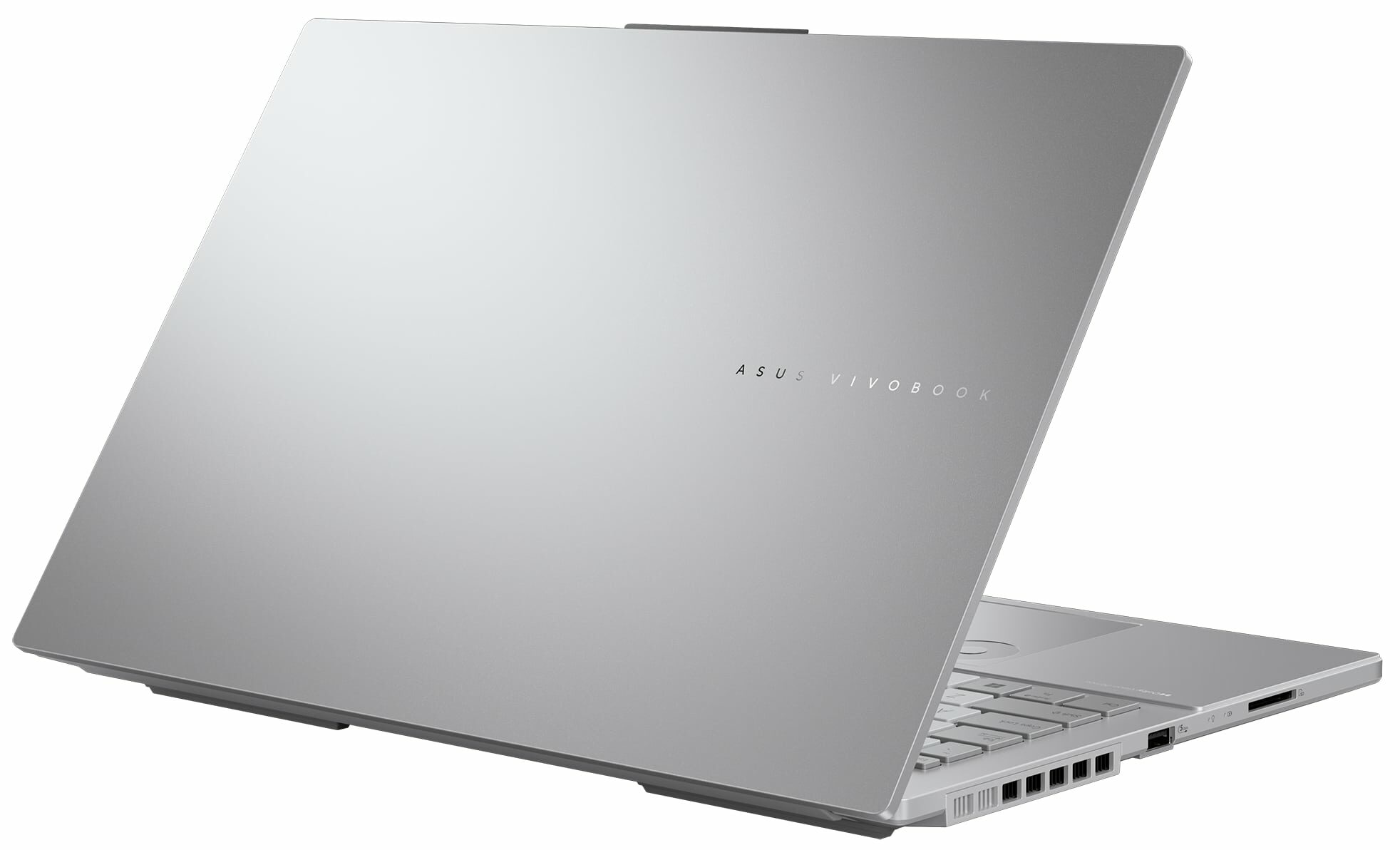
The laptop offers a MUX switch which is a typical gaming feature that unleashes the full potential of the GPU when the power adapter is plugged in. The port selection is modern and it has a Thunderbolt 4 port and an SD 4.0 card reader that should be a valuable extra for the artist and the content creators out there. The connectivity options are good (Wi-Fi 6E + Bluetooth 5.3) and you can find many extras in the MyASUS app such as different GPU and fan modes as well as a ”Flicker-Free Dimming” function.
You can check the prices and configurations in our Specs System: https://laptopmedia.com/series/asus-vivobook-pro-15-oled-n6506/
Contents
- Specs, Drivers, What’s in the box
- Design and construction
- Display quality, Health impact (PWM), Sound
- Buy our profiles
- Performance: CPU, GPU, Gaming Tests
- [eBook Guide + Tools] How to MAX OUT your Laptop
- Temperatures and comfort, Battery Life, Performance presets comparison
- Disassembly, Upgrade options, and Maintenance
- Storage performance
- Verdict
Specs, Drivers, What’s in the box
ASUS Vivobook Pro 15 OLED (N6506) - स्पेक्स






- HDD/SSD
- तक 8000GB SSD
- M.2 स्लॉट
- 2x 2280 M.2 NVMe PCIe 4.0 x4 फोटो देखें
- RAM
- up to 40GB
- OS
- Windows 11 Pro, Windows 11 Home, DOS, Windows 11
- बैटरी
- 75Wh, 4-cell, 75Wh, 4-cell
- बॉडी मटीरियल
- Plastic / Polycarbonate, Aluminum
- आयाम
- 355.7 x 235.3 x 19.9 mm (14.00" x 9.26" x 0.78")
- वजन
- 1.80 kg (4 lbs)
- पोर्ट और कनेक्टिविटी
- 2x USB Type-A
- 3.2 Gen 1 (5 Gbps)
- 1x USB Type-C
- 3.2 Gen 2 (10 Gbps), Power Delivery (PD), DisplayPort
- 1x USB Type-C
- 4.0, Thunderbolt 4, Power Delivery (PD), DisplayPort
- HDMI
- 2.1
- कार्ड रीडर
- SD (SD, SDHC, SDXC)
- ईथरनेट लैन
- 10, 100, 1000 Mbit/s
- वाई-फाई
- Wi-Fi 6E
- ब्लूटूथ
- 5.3
- ऑडियो जैक
- 3.5mm Combo Jack
- विशेषताएँ
- फिंगरप्रिंट रीडर
- optional
- वेब कैमरा
- 5.0MP with privacy shutter
- बैकलिट कीबोर्ड
- माइक्रोफोन
- Array Microphone with Cortana Support
- स्पीकर
- Speaker, Smart Amp Technology, harman/kardon
- ऑप्टिकल ड्राइव
- सुरक्षा लॉक स्लॉट
सभी ASUS Vivobook Pro 15 OLED (N6506) कॉन्फ़िगरेशन

Drivers
All drivers and utilities for this notebook can be found here: https://www.asus.com/laptops/for-home/vivobook/asus-vivobook-pro-15-oled-n6506/helpdesk_knowledge/
What’s in the box?
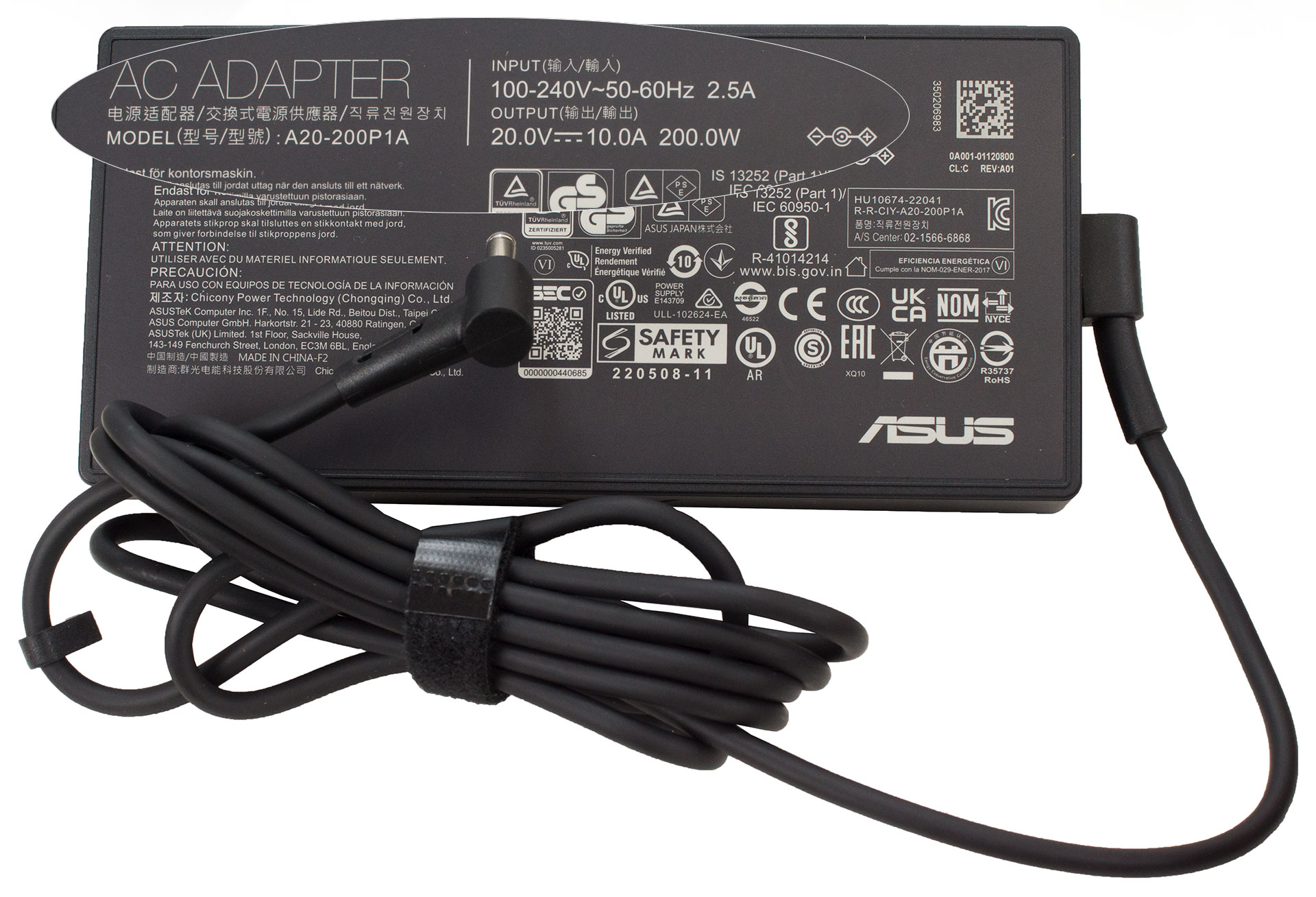
The box contains some manuals and a 200W barrel plug adapter. In some regions, you can also find in the package a wired optical mouse or a backpack.
 Author: Nikolay Palaozov
 Author: eng. Kroum NikolovHead of Engineering at LaptopMedia.com, inventor and innovator with 40+ years of experience in electronics and high technology.

![[May 2026] Global Ranking of Best-Selling Laptop GPUs on Amazon – Apple Dominates with 45% Share, Sweeps Top 3 Spots; NVIDIA’s RTX 5060 Leads the Dedicated GPU Pack](https://laptopmedia.com/wp-content/uploads/2026/06/Best-Selling-GPUs-GLOBAL-Top-10-400x225.jpg)
![[May 2026] Global Ranking of Best-Selling Laptop CPUs on Amazon – Apple Crushes Competition with 45.2% Market Share, M5 Dominates](https://laptopmedia.com/wp-content/uploads/2026/06/Best-Selling-CPUs-GLOBAL-Top-10-400x225.jpg)
![[May 2026] Amazon Germany: Top 7 Best-Selling Gaming Laptops – Lenovo Legion 5i Crowned Champion Amidst Fierce Mid-Range Competition](https://laptopmedia.com/wp-content/uploads/2026/06/Best-Selling-Gaming-Laptops-DE-Top-10-1-400x225.jpg)
![[May 2026] Amazon Italy: Top 10 Best-Selling Laptops – Apple MacBook Neo Reigns Supreme, Premium Models Capture Dominant Revenue Share](https://laptopmedia.com/wp-content/uploads/2026/06/Best-Selling-Laptops-IT-Top-10-400x225.jpg)
![[May 2026] Best-Selling Laptop Brands on Amazon Italy – Apple Dominates Across All Metrics](https://laptopmedia.com/wp-content/uploads/2026/06/IT-Best-Brands-400x225.jpg)

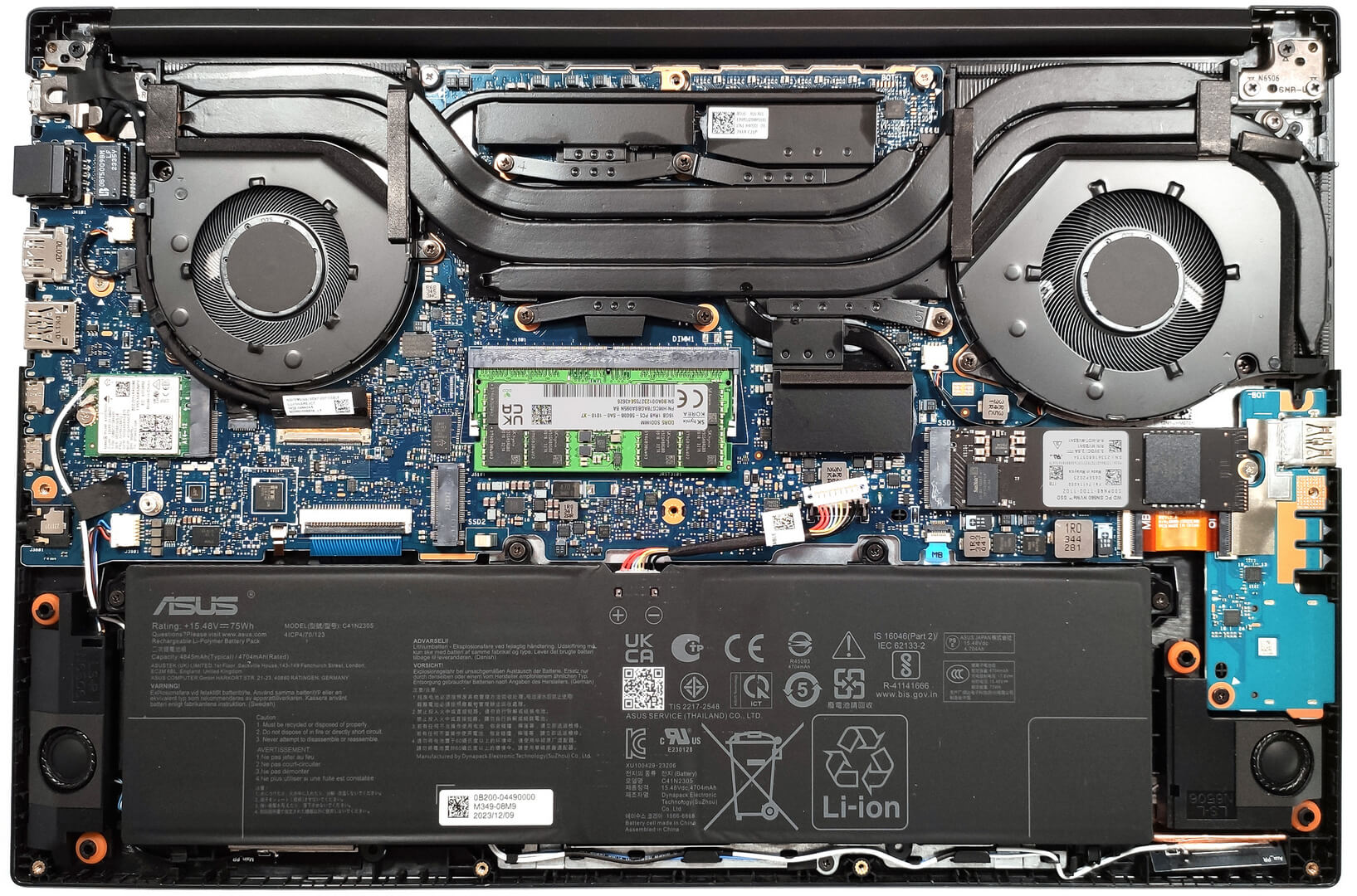
Does the laptop support the installing of a 32GB stick of memory in the sodimm slot or intalling it results in the system not booting up, not recognize the memory or behave strangely? On the zephyrus g14 2022 Asus claims a maximum memory of 32GB but I knew of people reaching 48GB with no problem changing the 16GB stick with a 32GB one.
Thank you in advance.
According to ASUS, the maximum amount of RAM supported is 24GB. However, since the CPU can support up to 96GB, the Vivobook Pro 15 OLED likely wouldn’t have issues running with up to 56GB of DDR5-5600MHz RAM (8GB soldered + 48GB in the SODIMM slot).
Yes. But 32GB is a 2 rank memory, so the frequency will be lowered to 4800 and the total speed will be around 40GB/s.
Thank you for such a comprehensive review. I would really appreciate if you could incorporate the fan noise for a normal workload – web browsing, movies, etc. This is often left out in favor of fan noise at full load, which is seldom relevant.
How would you categorize the fan noise under normal office work, please?
It’s basically silent, occasionally there is some fan noise but it’s very quiet. Does get very loud sometimes during intensive workloads, but silent mode should do the trick in most cases.
Is the GPU eco mode disabled when the laptop is connected via the power brick? 🙁
With my current asus laptop I usually always have eco mode on even when connected to power to keep my laptop cool (often have it my lap or chest)
For the display what is the max brightness in HDR (small window and full screen)? Also what is the colour accuracy like in HDR?
Measuring color accuracy in HDR mode is more complex and influenced by various external and internal factors, which is why our current measurements are limited to SDR mode. Additionally, manufacturers typically prioritize more attractive picture over color accuracy in HDR. If you aim for the most realistic colors, working in SDR mode is the better option.
Regarding the size of the white window when measuring screen brightness, we’ve conducted tests with both 10% fill and fullscreen fill. In both cases, the max brightness was similar, just below 400 nits.
Did you really get 25 hours of browser time or is that a mistake?
I have this laptop at idle on minimum brightness consumes about 9 watts, that is about 8 hours of idle time with no applications running.
Any activity increases the consumption and the actual browser time is about 6 hours.
But I have a second module 32 GB, maybe the reason is this, or the drivers are not installed correctly. Installed different Windows builds several times, different drivers – nothing helps.
Hi,
I have this laptop, and with browsing on chrome, I only get 2-3 hours. Could you tell me what settings you are using?
Even though they said 25 hours, 6 hours is still better than the 3 hours that I’m getting.
I’m on silent mode, and it’s fairly new. I usually just use google docs and some other websites like amazon, makerworld, but nothing super power intensive.
Thank you!!
Just use Optimal Operation mode to disconnect Nvidia from the battery (this is crucial) and Standard or Quiet cooler mode.
If only 2-3 hours in this case as well,
1. Look in Task Manager to see which applications are loading the CPU and/or graphics card
2. Install drivers for your laptop from the official Asus website, because other, even newer drivers not from Asus may not work correctly.
Thank you so much for your helpful response! I looked in the Task Manager and found that a few background apps like steam were using a lot of resources, so I just closed out of them, and with a few chrome tabs, I also let MyASUS auto install some drivers, and I’m getting much better battery life! (Nvidia was already disconnected and quiet mode was on before.)
Thanks for your help! I’m getting around an estimate of around 5 hours, seeing that I lost around 50 percent after 3 hours.
Hi,
Please tell me how you got it to 25 hours of battery life!!! I can’t even get 3 hours on this thing and I’m just doing basic web browsing with google docs!
Anything helps!!
Thank you so much!