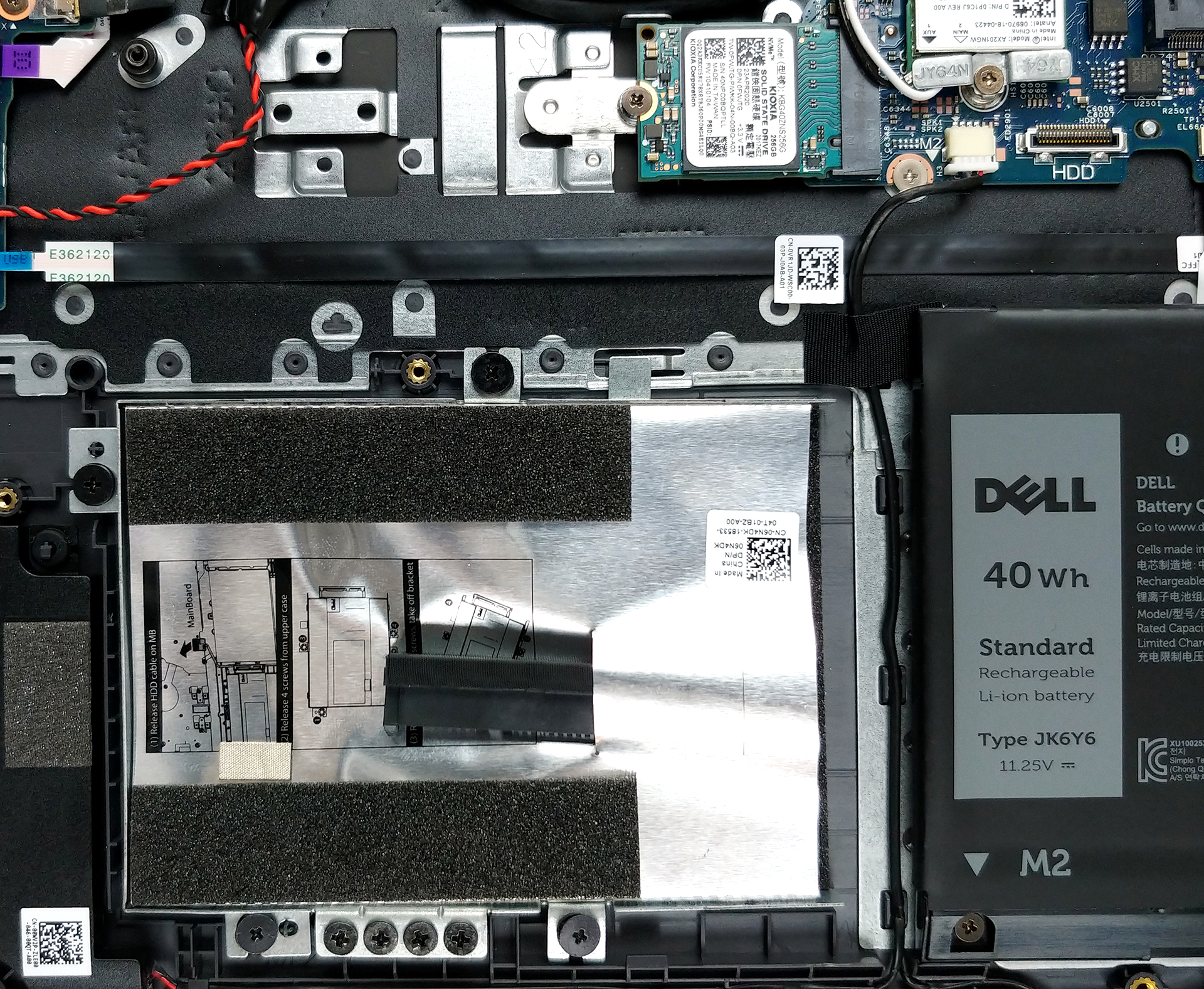
Dell Latitude 15 3510
Dell Latitude 15 3510 - स्पेक्स
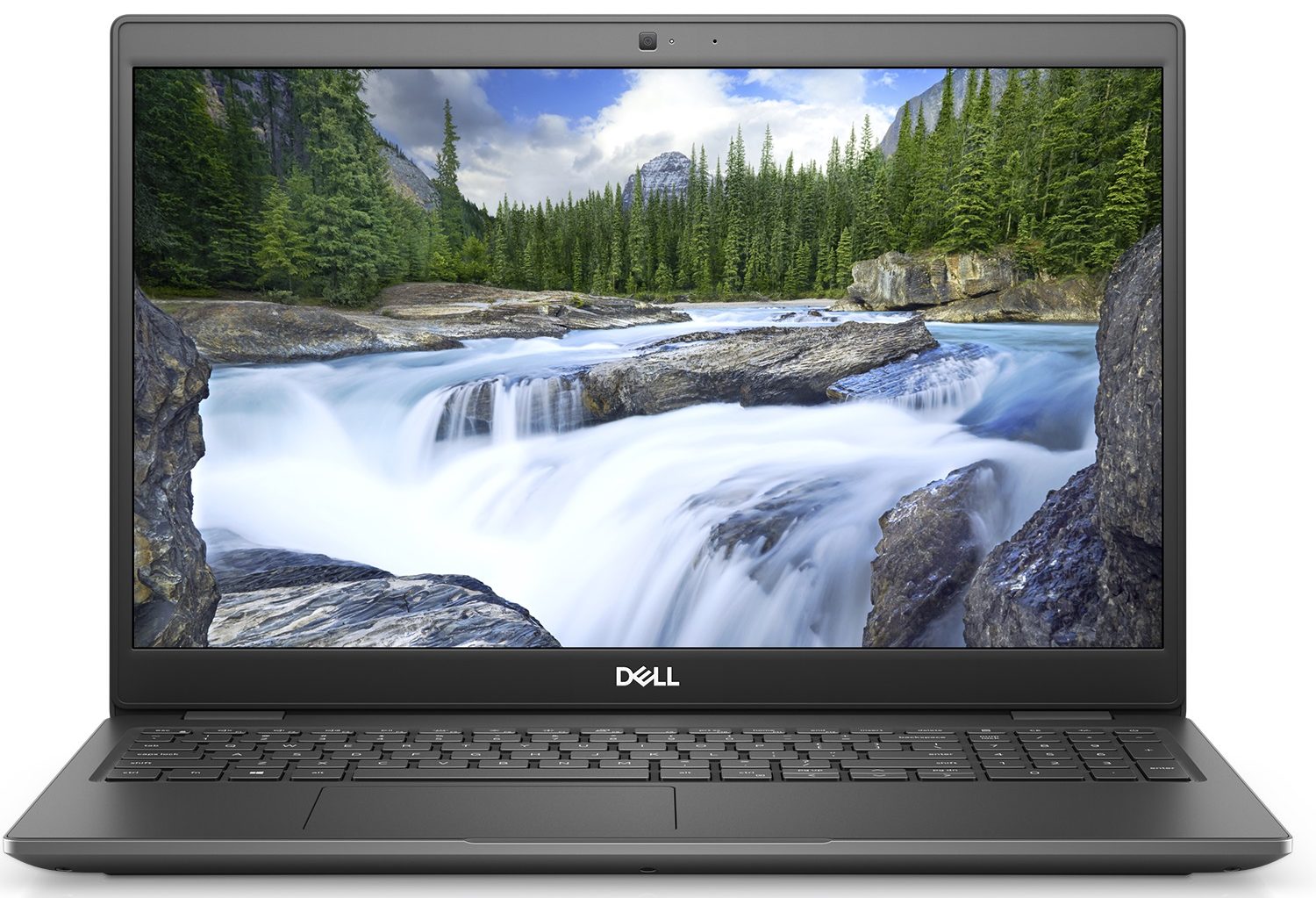
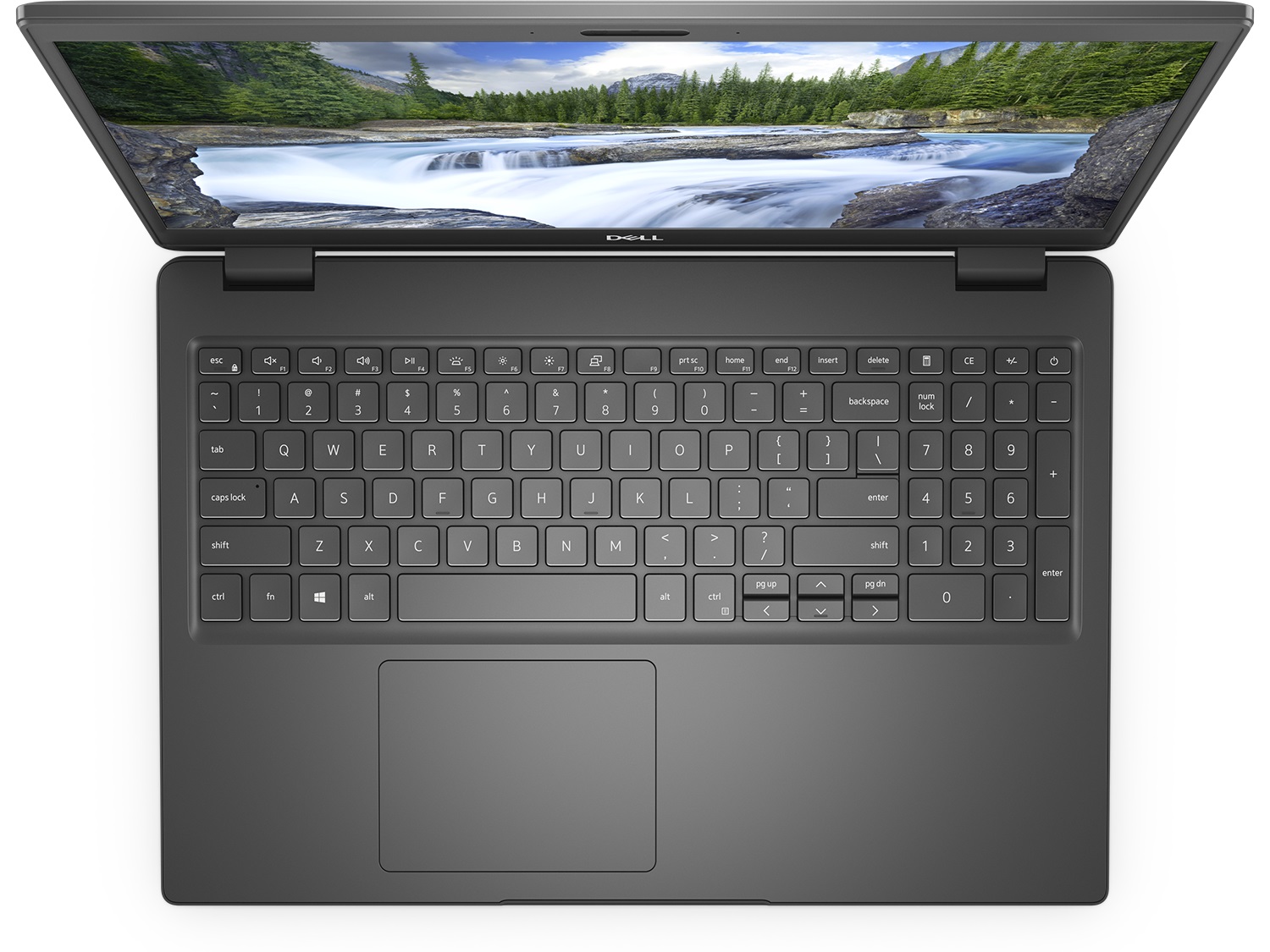
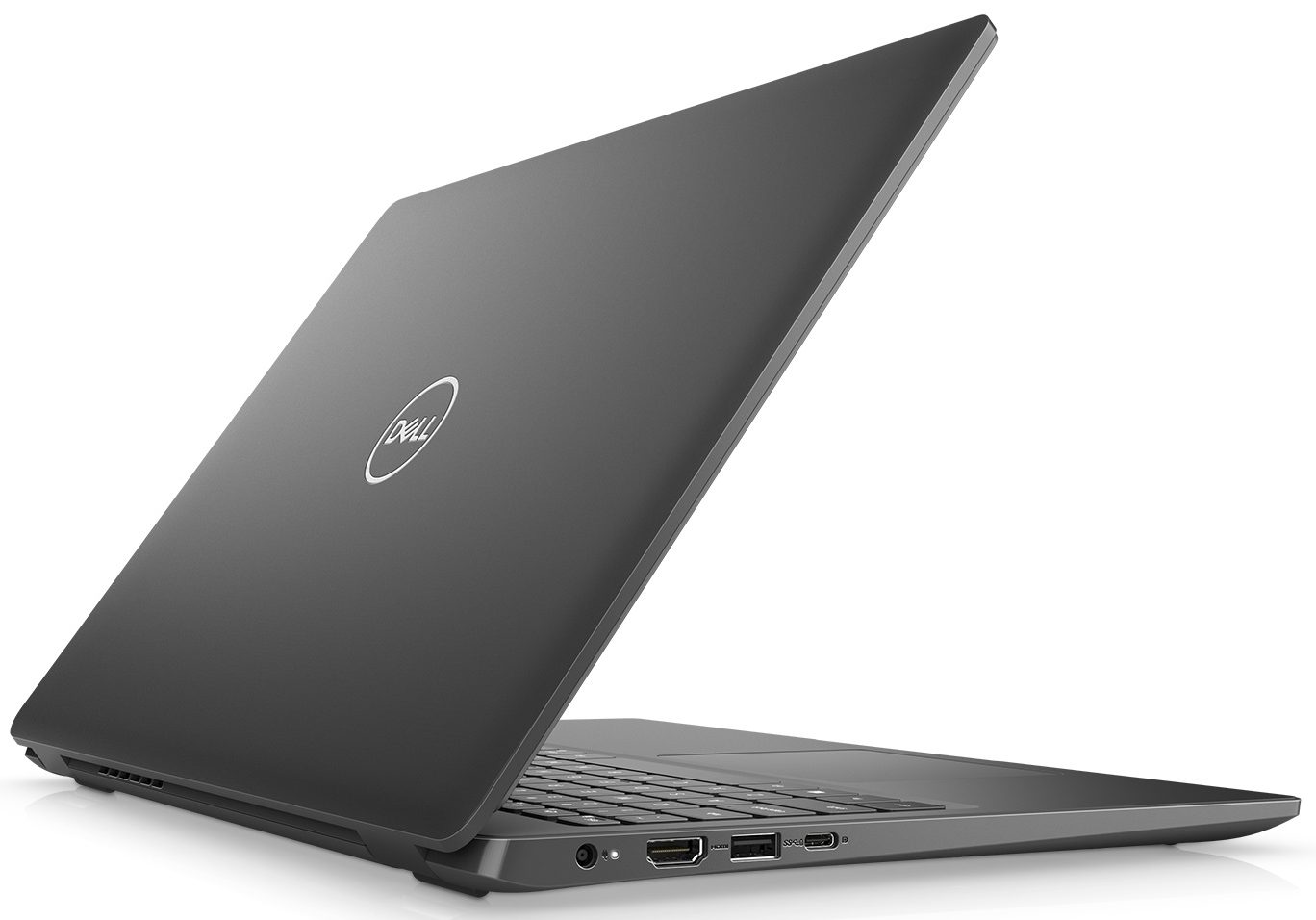
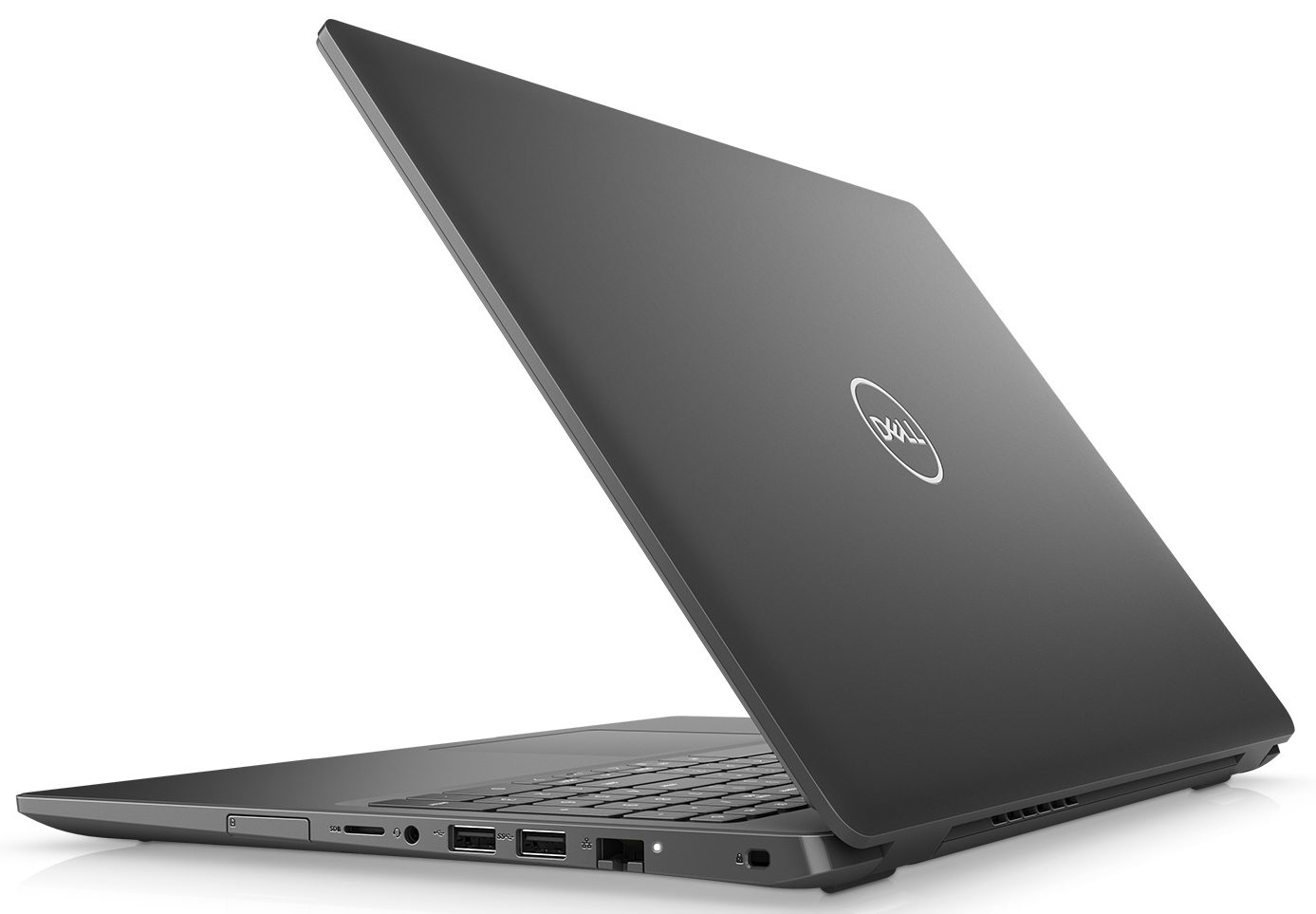

- HDD/SSD
- तक 8000GB SSD + तक 2000GB HDD
- M.2 स्लॉट
- 1x 2280 PCIe NVMe 3.0 x4 फोटो देखें
- RAM
- up to 64GB
- OS
- Windows 10 Pro, Windows 11 Pro, Windows 10 Home, No OS
- बैटरी
- 53Wh, 4-cell, 56Wh, 4-cell, 40Wh, 3-cell, 42Wh, 3-cell
- बॉडी मटीरियल
- Plastic / Polycarbonate
- आयाम
- 361.4 x 247.8 x 18 mm (14.23" x 9.76" x 0.71")
- वजन
- 1.79 kg (3.9 lbs)
- पोर्ट और कनेक्टिविटी
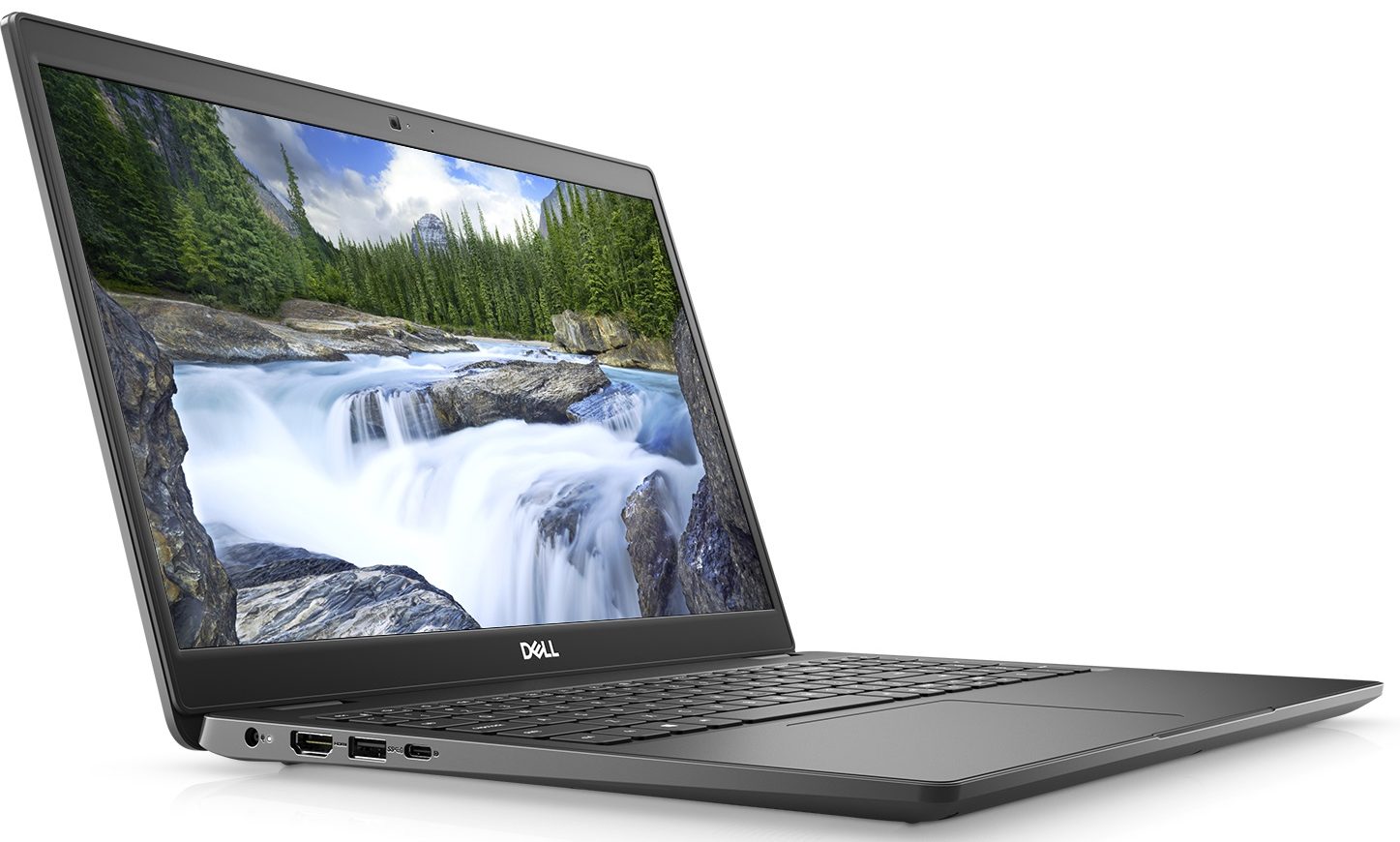
- 1x USB Type-A
- 2.0
- 1x USB Type-A
- 3.2 Gen 1 (5 Gbps)
- 1x USB Type-A
- 3.2 Gen 2 (10 Gbps), Sleep and Charge
- 1x USB Type-C
- Power Delivery (PD), DisplayPort
- HDMI
- 1.4
- कार्ड रीडर
- MicroSD
- ईथरनेट लैन
- 10, 100, 1000 Mbit/s
- वाई-फाई
- 802.11ac/ax
- ब्लूटूथ
- 5.1
- ऑडियो जैक
- 3.5 Combo Jack
- विशेषताएँ
- फिंगरप्रिंट रीडर
- optional
- वेब कैमरा
- HD
- बैकलिट कीबोर्ड
- optional
- माइक्रोफोन
- स्पीकर
- 2x 2W, Stereo Speakers
- ऑप्टिकल ड्राइव
- सुरक्षा लॉक स्लॉट
सभी Dell Latitude 15 3510 कॉन्फ़िगरेशन
इसके लिए हमारी प्रोफाइल खरीदें BOE T1WD3-NV15N3D (BOE0819) / 15.6”, Full HD (1920 x 1080), IPS
कुशल और स्वास्थ्य के अनुकूल प्रोफाइल प्राप्त करने के अलावा, LaptopMedia के उत्पादों को खरीदकर आप हमारी प्रयोगशालाओं के विकास का भी समर्थन करते हैं, जहाँ हम सबसे वस्तुनिष्ठ समीक्षाएँ प्रस्तुत करने के लिए उपकरणों का परीक्षण करते हैं।

Office Work
Office Work का उपयोग ज्यादातर उन उपयोगकर्ताओं द्वारा किया जाना चाहिए जो अपना अधिकांश समय टेक्स्ट के टुकड़ों, तालिकाओं को देखने या सिर्फ सर्फिंग में बिताते हैं। इस प्रोफ़ाइल का उद्देश्य एक फ्लैट गामा वक्र (2.20), मूल रंग तापमान और अवधारणात्मक रूप से सटीक रंगों को रखकर बेहतर विशिष्टता और स्पष्टता प्रदान करना है।

Design and Gaming
यह प्रोफ़ाइल उन डिजाइनरों के लिए है जो पेशेवर रूप से रंगों के साथ काम करते हैं, और गेम और फिल्मों के लिए भी। Design and Gaming डिस्प्ले पैनल को उनकी सीमा तक ले जाता है, जिससे वे वेब और HDTV के लिए sRGB IEC61966-2-1 मानक में, व्हाइट पॉइंट D65 पर यथासंभव सटीक हो जाते हैं।

Health-Guard
Health-Guard हानिकारक पल्स-विड्थ मॉड्यूलेशन (PWM) को समाप्त करता है और नकारात्मक नीली रोशनी को कम करता है जो हमारी आँखों और शरीर को प्रभावित करती है। चूंकि यह प्रत्येक पैनल के लिए कस्टम अनुरूप है, यह रंगों को अवधारणात्मक रूप से सटीक रखने का प्रबंधन करता है। Health-Guard कागज का अनुकरण करता है जिससे आँखों पर दबाव बहुत कम हो जाता है।
33% छूट के साथ सभी 3 प्रोफाइल प्राप्त करें

CPU प्रदर्शन
यहां आप उन सभी CPU के बीच कीमत/प्रदर्शन का अंतर पा सकते हैं जो इसमें आते हैं Dell Latitude 15 3510 सीरीज.
परिणाम Cinebench R23 CPU टेस्ट से हैं (स्कोर जितना अधिक हो, उतना अच्छा)
GPU प्रदर्शन
यहां आप उन सभी GPU के बीच कीमत/प्रदर्शन का अंतर पा सकते हैं जो इसमें आते हैं Dell Latitude 15 3510 सीरीज.
परिणाम 3DMark Time Spy (Graphics) से हैं। उच्चतर बेहतर है।
Dell Latitude 15 3510 गहन समीक्षा
Dell's Latitude or Lenovo's ThinkPad. This is an age-old question, which we are probably not going to answer today. On the other hand, we are going to tell you more about the Latitude 15 3510, and see whether the budget nature of the notebook is something that would attract more people, or the quality of execution will actually drive them away.Interestingly, when you look at the official listing on Dell's website, you will see statements like "World's smallest 15-inch essential business notebook" and mentions of the "Dell Optimizer AI", which contrary to the expectations is not a superhum[...]

पक्ष
- Great upgradability
- Good battery life
- MicroSD card slot and an optional Wi-Fi 6 support
- Optional fingerprint reader
विपक्ष
- Uses aggressive PWM for all brightness levels (our Health-Guard profile fixes that) (BOE T1WD3-NV15N3D)
- Unexpectedly hot under extreme load
- Covers only half of the colors in the sRGB gamut (BOE T1WD3-NV15N3D)
- Soft and mushy keyboard