Acer Nitro 17
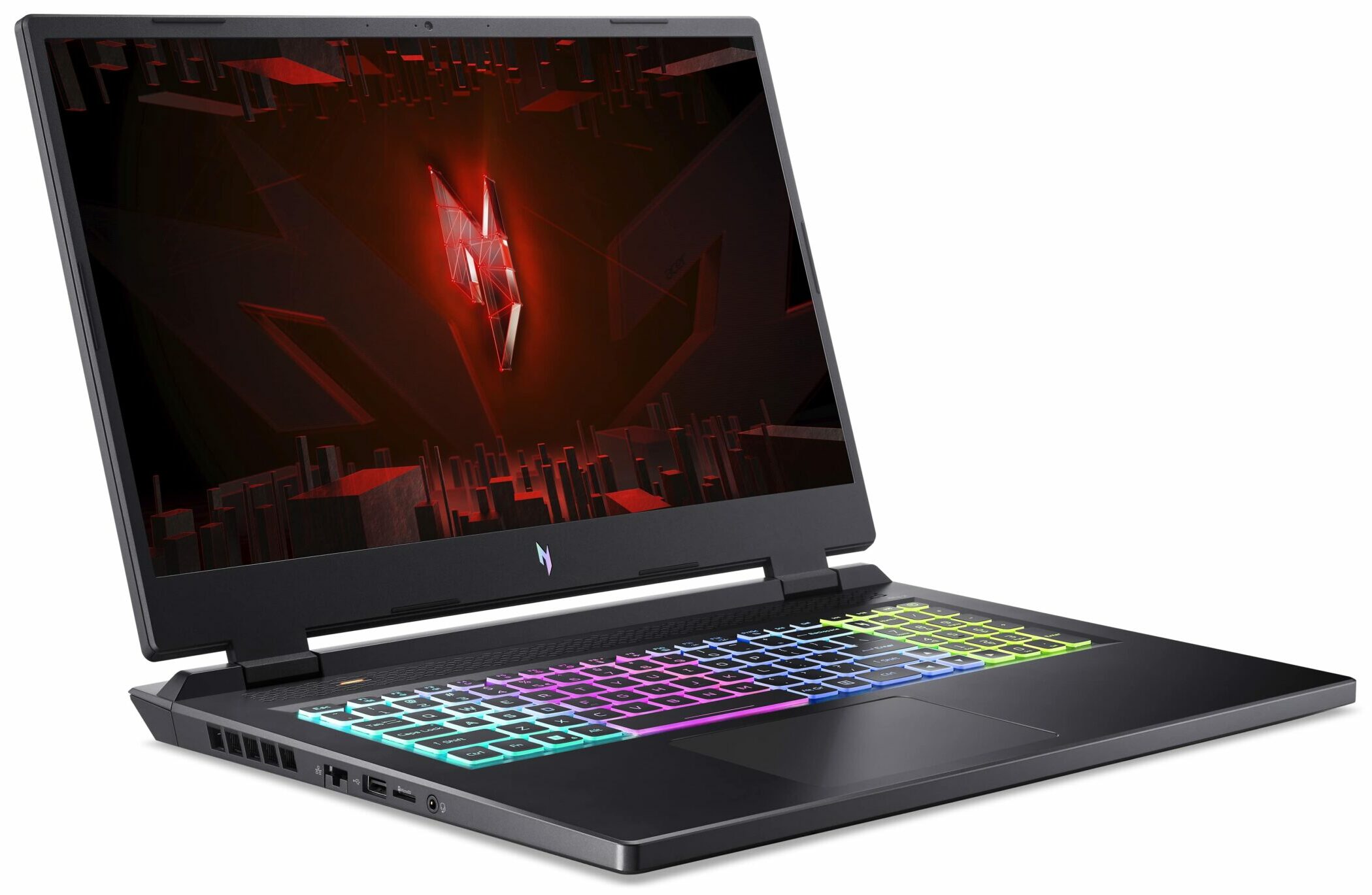

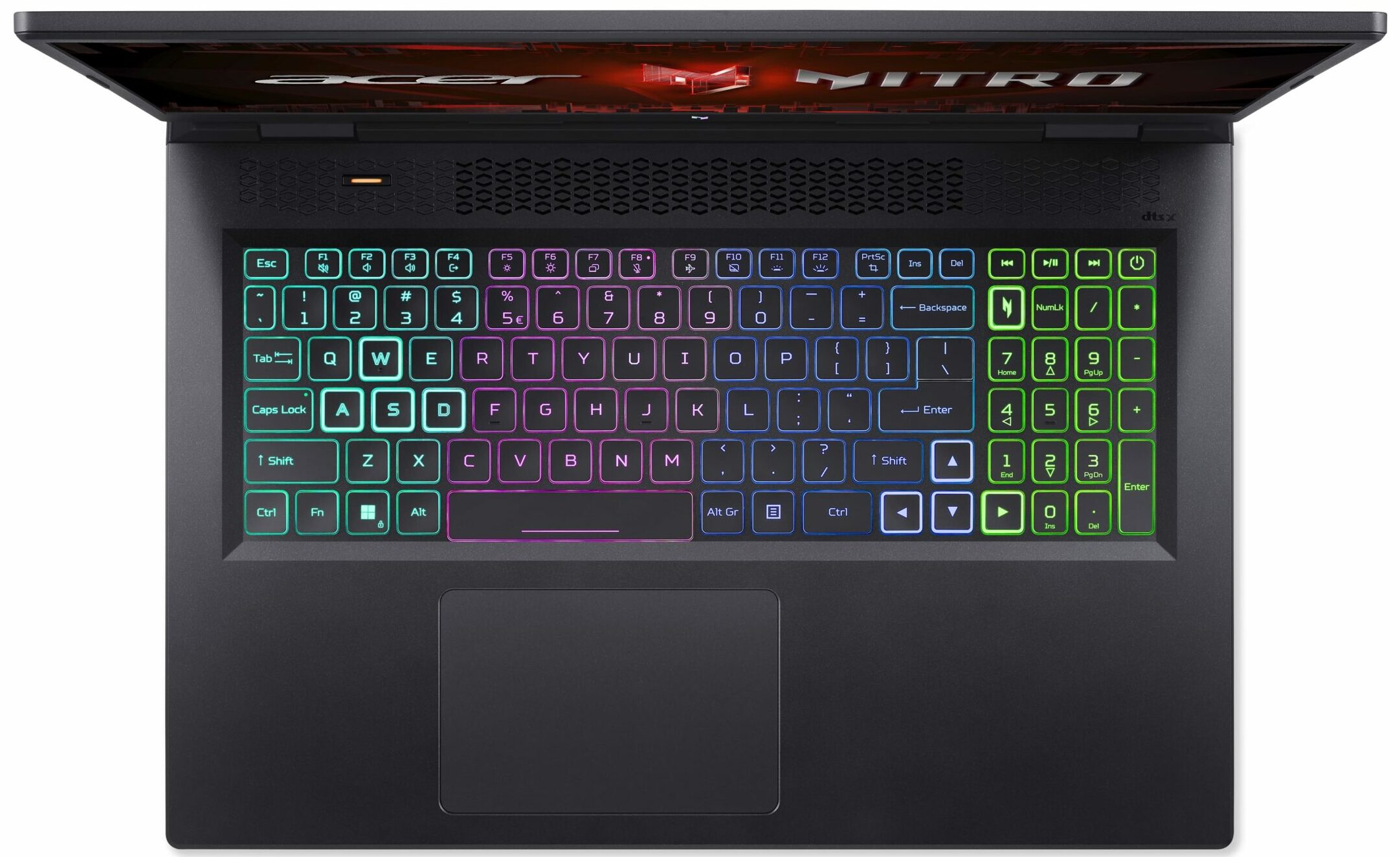
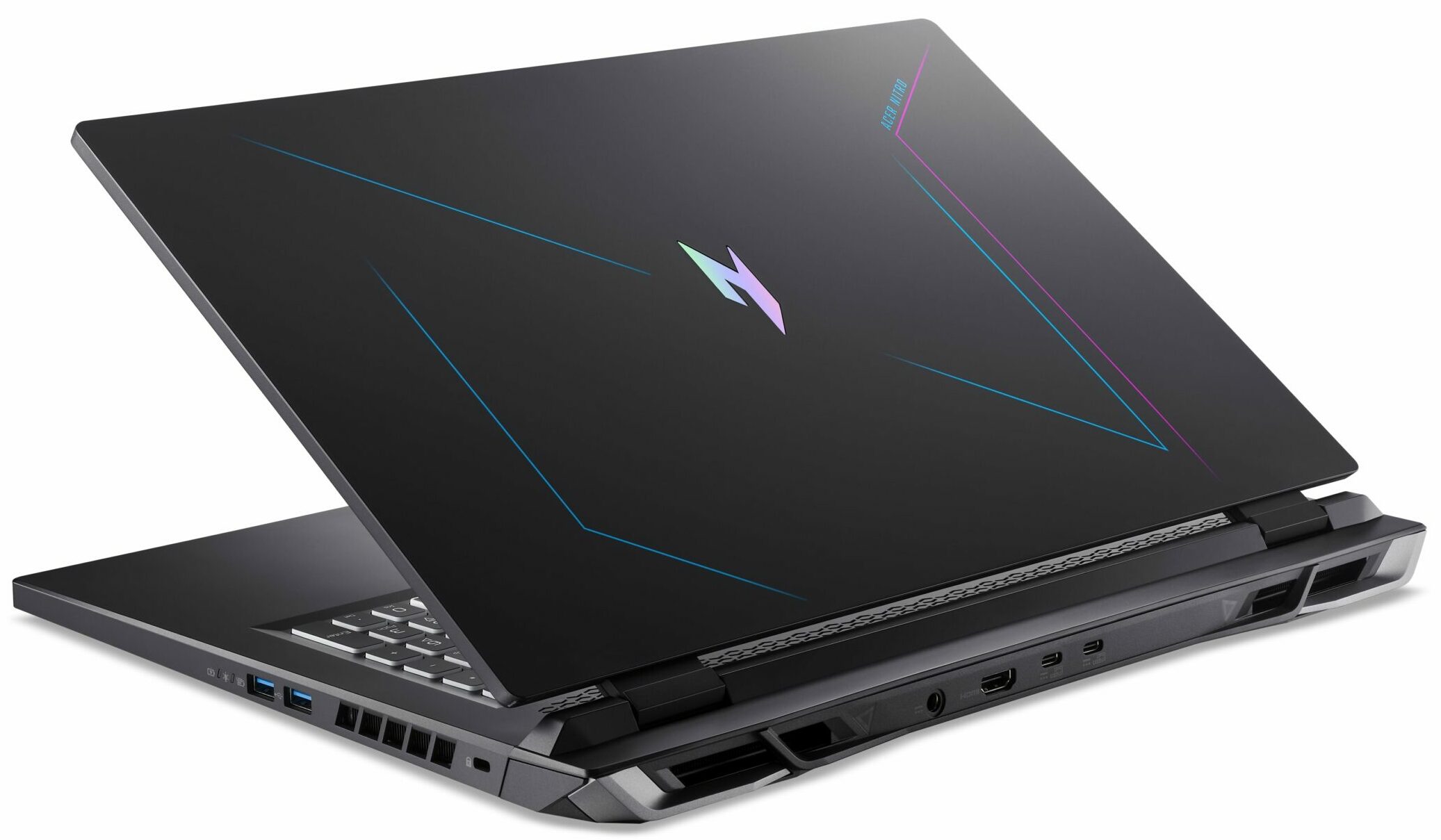
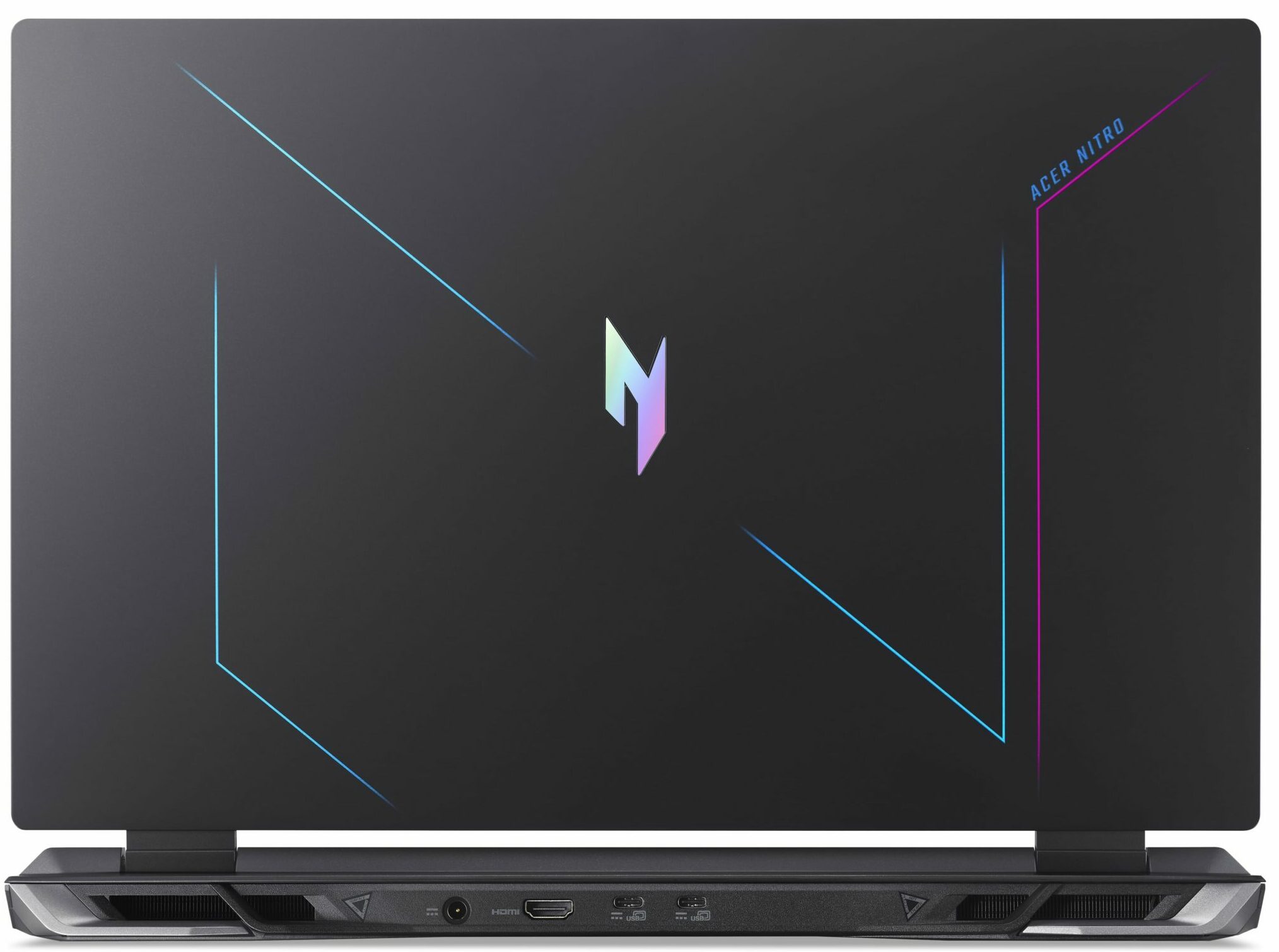
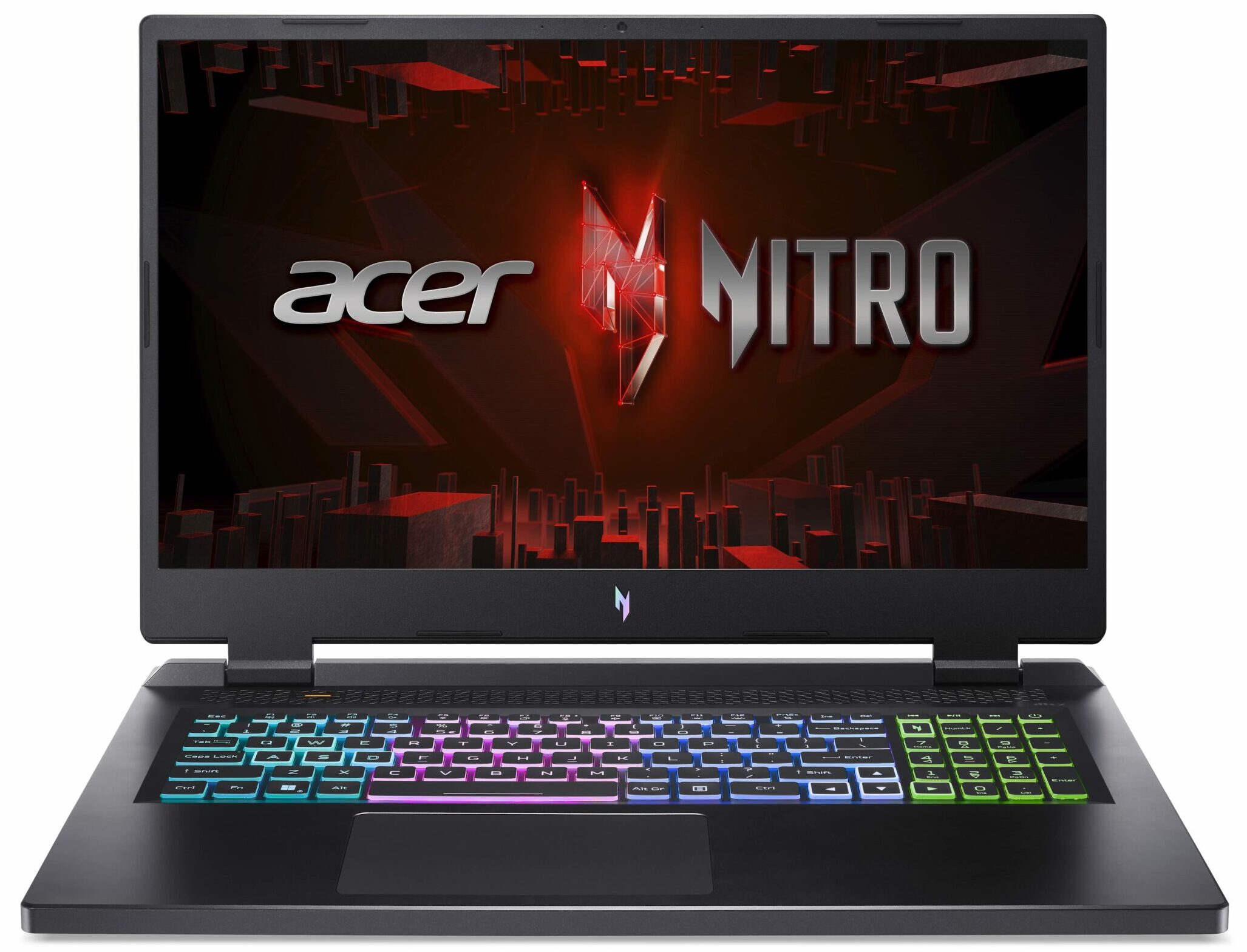
- प्रकाशन तिथि: 11 Oct 2023
- AMD Ryzen 7 7840HS
- NVIDIA GeForce RTX 4060 (Laptop, 140W)
- 17.3", QHD (2560 x 1440), 165 Hz, IPS + G-Sync
- 1000GB SSD
- 24GB DDR5
- 3.10 kg (6.8 lbs)
Acer Nitro 17 (AN17-41) गहन समीक्षा
Since we've already reviewed the Acer Nitro 17 (AN17-71) and the Acer Nitro 17 (AN17-51) now it's time to test the AMD version that is simply called Acer Nitro 17 (AN17-41). This one looks almost exactly the same as the two Intel-based iterations. It's a big 17.3" laptop that can be configured with [...]
पूरी समीक्षा पढ़ें

समीक्षा
Acer Nitro 17 गहन समीक्षा
Since we've already reviewed the Acer Nitro 17 (AN17-71) and the Acer Nitro 17 (AN17-51) now it's time to test the AMD version that is simply called Acer Nitro 17 (AN17-41). This one looks almost exactly the same as the two Intel-based iterations. It's a big 17.3" laptop that can be configured with high-end gaming hardware.This includes AMD Zen 4 CPU options and refreshed Zen 3+ chips. The device can be a modest machine with a Ryzen 5 7535HS or you can transform it into a real beast if you choose the Ryzen 9 7940HS. GPU-wise, you can rely on some of the latest and greatest NVIDIA Ada Lovelace graphics cards. The top-end version is the GeForce RTX 4070 with a hefty TGP.You can choose between two 16:9 IPS G-Sync capable display options. The base one is a 1080p unit with a 165Hz refre[...]
पूरी समीक्षा पढ़ेंपक्ष
- Snappy and efficient Zen 4 CPU
- 2x M.2 Gen 4 slots, 2x DDR5 RAM SODIMM slots + Wi-Fi 6E
- 100% sRGB and 99% DCI-P3 coverage (BOE NE173QHM-NY6 (BOE0B7C))
- Fast display with quick response times (BOE NE173QHM-NY6 (BOE0B7C)
- PWM-free (BOE NE173QHM-NY6 (BOE0B7C))
- G-Sync support + MUX switch and Advanced Optimus
- Modern port selection
- The keyboard feels cool during heavy loads
- The 4-zone RGB keyboard is comfortable for typing and gaming
- Very long battery life
- Good cooling solution and low temperatures under load
- High CPU and GPU clocks and power limits during any kind of stress
- The Acer Nitro Sence app offers 4 performance presets as well as a custom fan curve
विपक्ष
- Plastic build
- Loud fans in "Turbo" mode
- Noticeable RPM fluctuations in the "Performance" mode
- The touchpad is just an average unit
- The GPU performance isn't that impressive
- The lid is a bit flexible
डिसअसेंबली, रखरखाव और अपग्रेड विकल्प
Step 1: Accessing the Internal ComponentsEnsure the Acer Nitro 17 (AN17-41) is powered off and placed on a soft, clean surface to prevent damage. Remove the 11 Phillips-head screws securing the bottom panel. Use a plastic tool to pry the bottom plate off, or carefully lift it by holding the two plastic exhaust vents on the back.Hint: Keep track of the screws to avoid losing them.Step 2: Removing the BatteryLocate the battery's connector on the mainboard. Disconnect the battery by pulling out the connector. Lift the battery away from the chassis, noting t[...]
और पढ़ें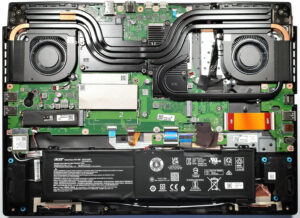
डिस्प्ले: 17.3-inch, 2560 x 1440, IPS + G-Sync
- नाम
- BOE NE173QHM-NY6
- विकर्ण
- 17.3"
- पिक्सेल घनत्व
- 169.78 ppi
- चमक
- 374 cd/m2
- sRGB
- 100%
- पैनल प्रकार
- IPS
- रिज़ॉल्यूशन
- 2560 x 1440
- "रेटिना" बन जाता है
- 20 inches (52 cm)
- कंट्रास्ट
- 1110:1
- dE Color Checker
- 3.0 2.2

इसके लिए हमारी प्रोफाइल खरीदें BOE NE173QHM-NY6
कुशल और स्वास्थ्य के अनुकूल प्रोफाइल प्राप्त करने के अलावा, LaptopMedia के उत्पादों को खरीदकर आप हमारी प्रयोगशालाओं के विकास का भी समर्थन करते हैं, जहाँ हम सबसे वस्तुनिष्ठ समीक्षाएँ प्रस्तुत करने के लिए उपकरणों का परीक्षण करते हैं।

Office Work
Office Work का उपयोग ज्यादातर उन उपयोगकर्ताओं द्वारा किया जाना चाहिए जो अपना अधिकांश समय टेक्स्ट के टुकड़ों, तालिकाओं को देखने या सिर्फ सर्फिंग में बिताते हैं। इस प्रोफ़ाइल का उद्देश्य एक फ्लैट गामा वक्र (2.20), मूल रंग तापमान और अवधारणात्मक रूप से सटीक रंगों को रखकर बेहतर विशिष्टता और स्पष्टता प्रदान करना है।

Design and Gaming
यह प्रोफ़ाइल उन डिजाइनरों के लिए है जो पेशेवर रूप से रंगों के साथ काम करते हैं, और गेम और फिल्मों के लिए भी। Design and Gaming डिस्प्ले पैनल को उनकी सीमा तक ले जाता है, जिससे वे वेब और HDTV के लिए sRGB IEC61966-2-1 मानक में, व्हाइट पॉइंट D65 पर यथासंभव सटीक हो जाते हैं।

Health-Guard
Health-Guard हानिकारक पल्स-विड्थ मॉड्यूलेशन (PWM) को समाप्त करता है और नकारात्मक नीली रोशनी को कम करता है जो हमारी आँखों और शरीर को प्रभावित करती है। चूंकि यह प्रत्येक पैनल के लिए कस्टम अनुरूप है, यह रंगों को अवधारणात्मक रूप से सटीक रखने का प्रबंधन करता है। Health-Guard कागज का अनुकरण करता है जिससे आँखों पर दबाव बहुत कम हो जाता है।





