Alienware 16X Aurora
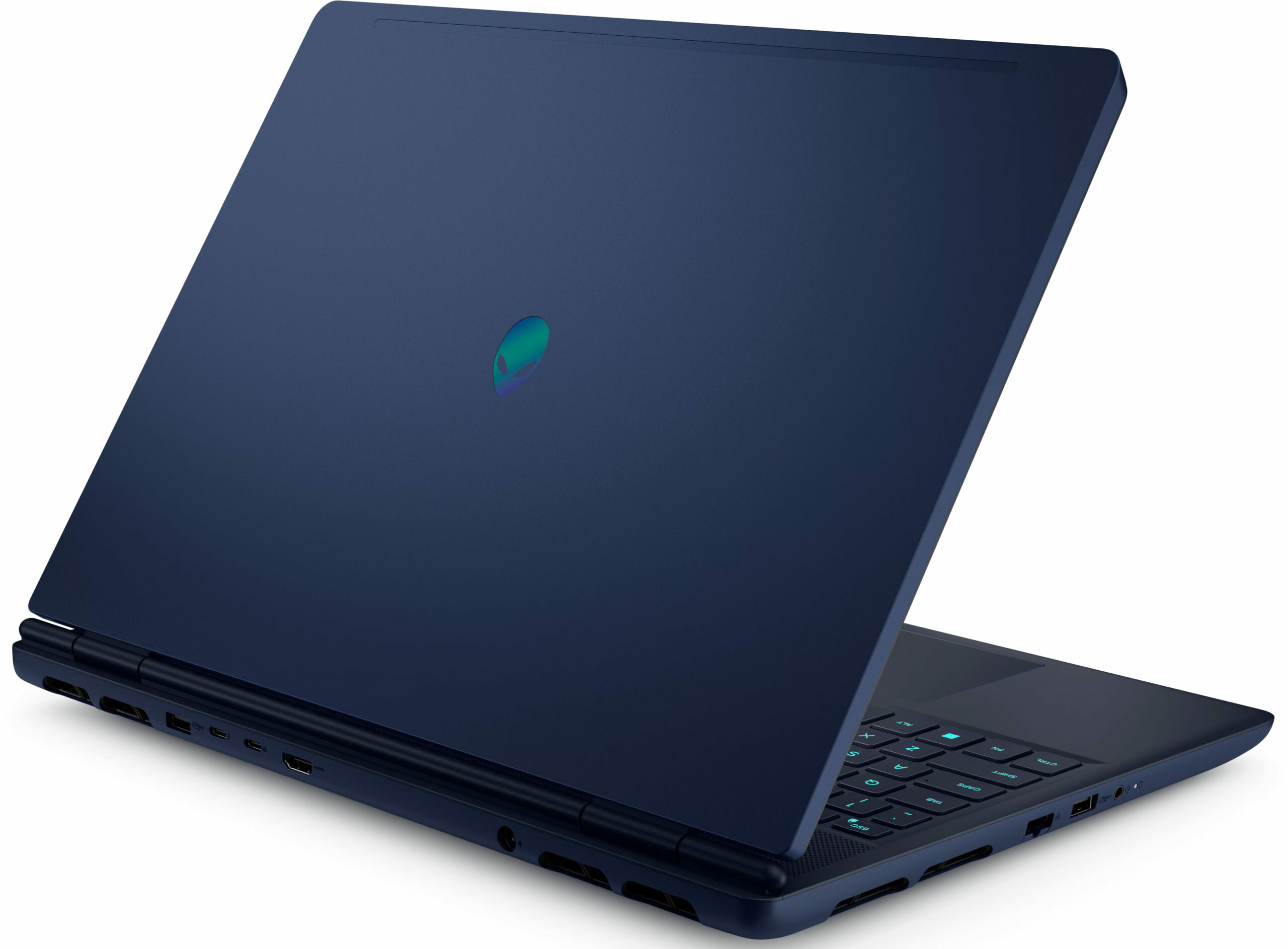
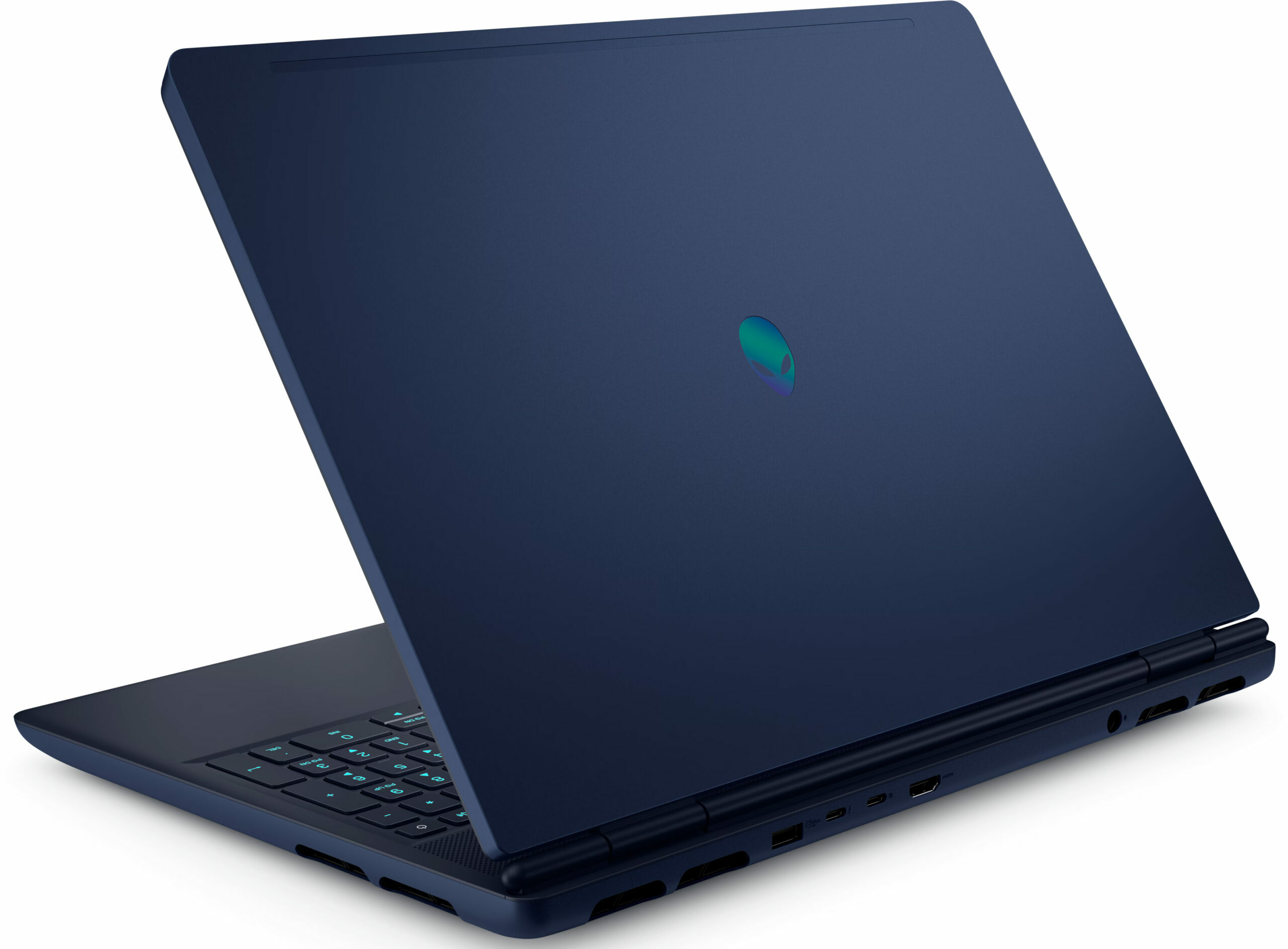
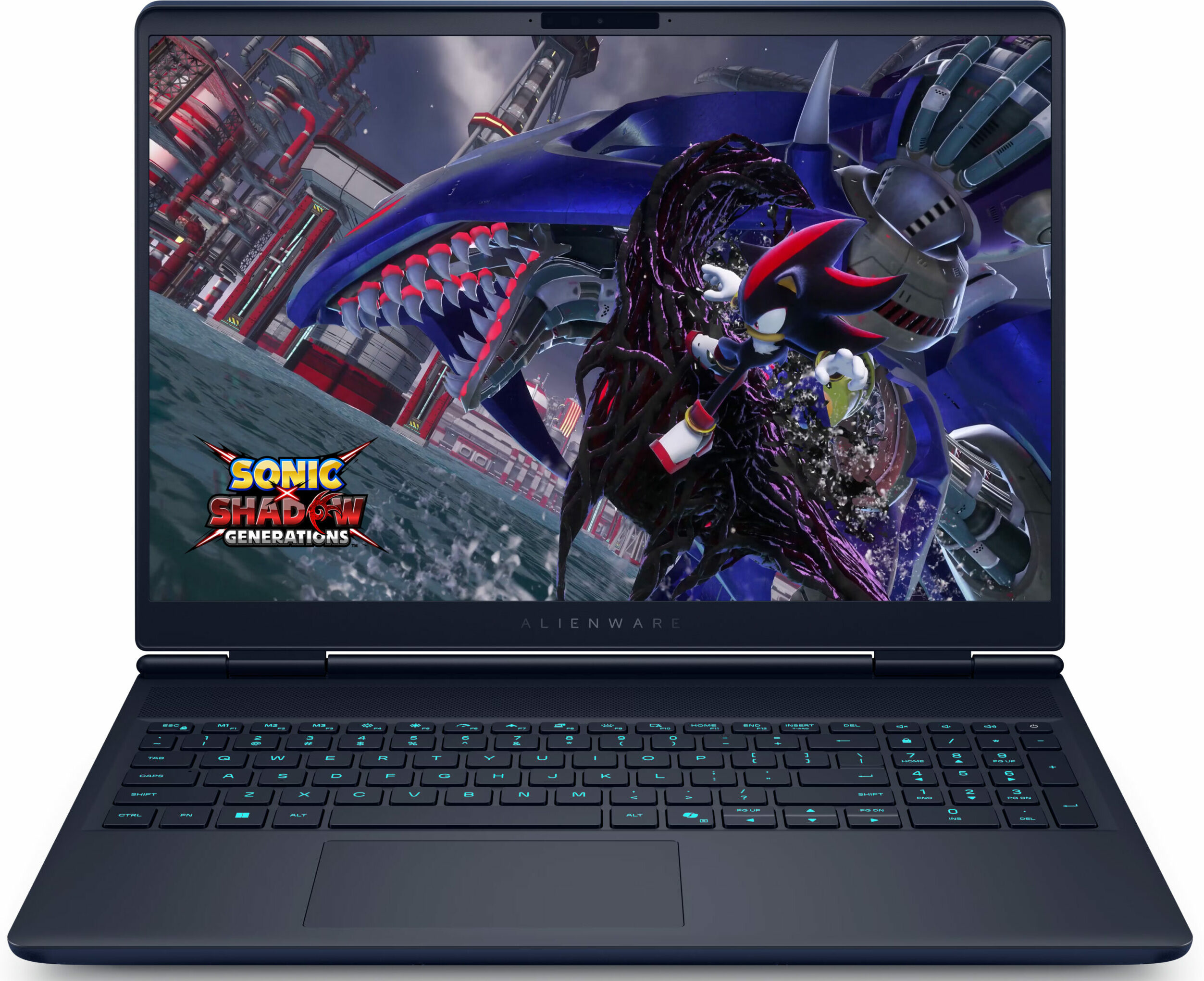
- प्रकाशन तिथि: 18 Aug 2025
- Intel Core Ultra 9 275HX
- NVIDIA GeForce RTX 5070 (Laptop, 8GB GDDR7)
- 16.0", WQXGA (2560 x 1600), 240 Hz, IPS
- 1000GB SSD
- 32GB RAM
- 2.66 kg (5.9 lbs)
समीक्षा
Alienware 16X Aurora गहन समीक्षा
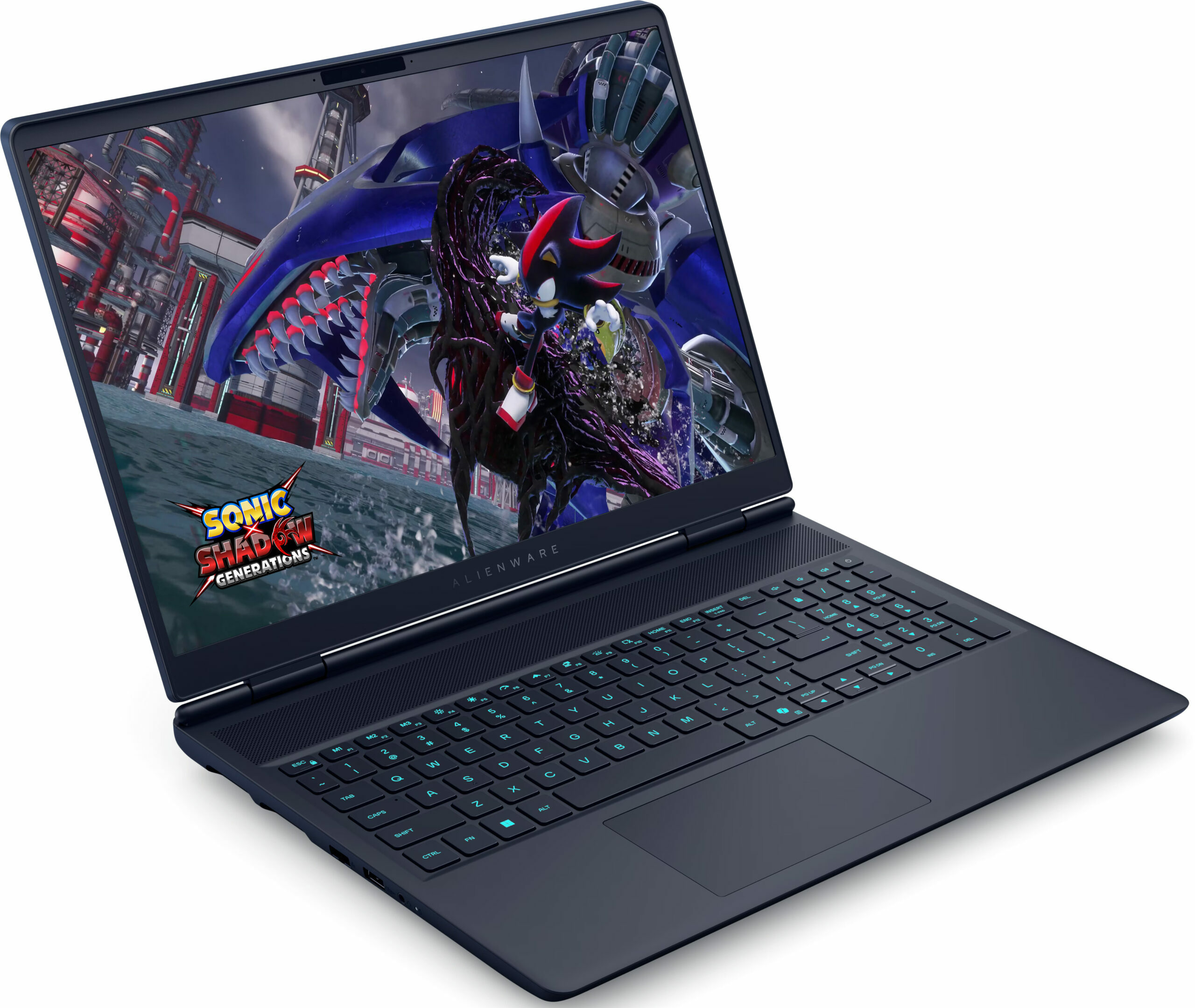
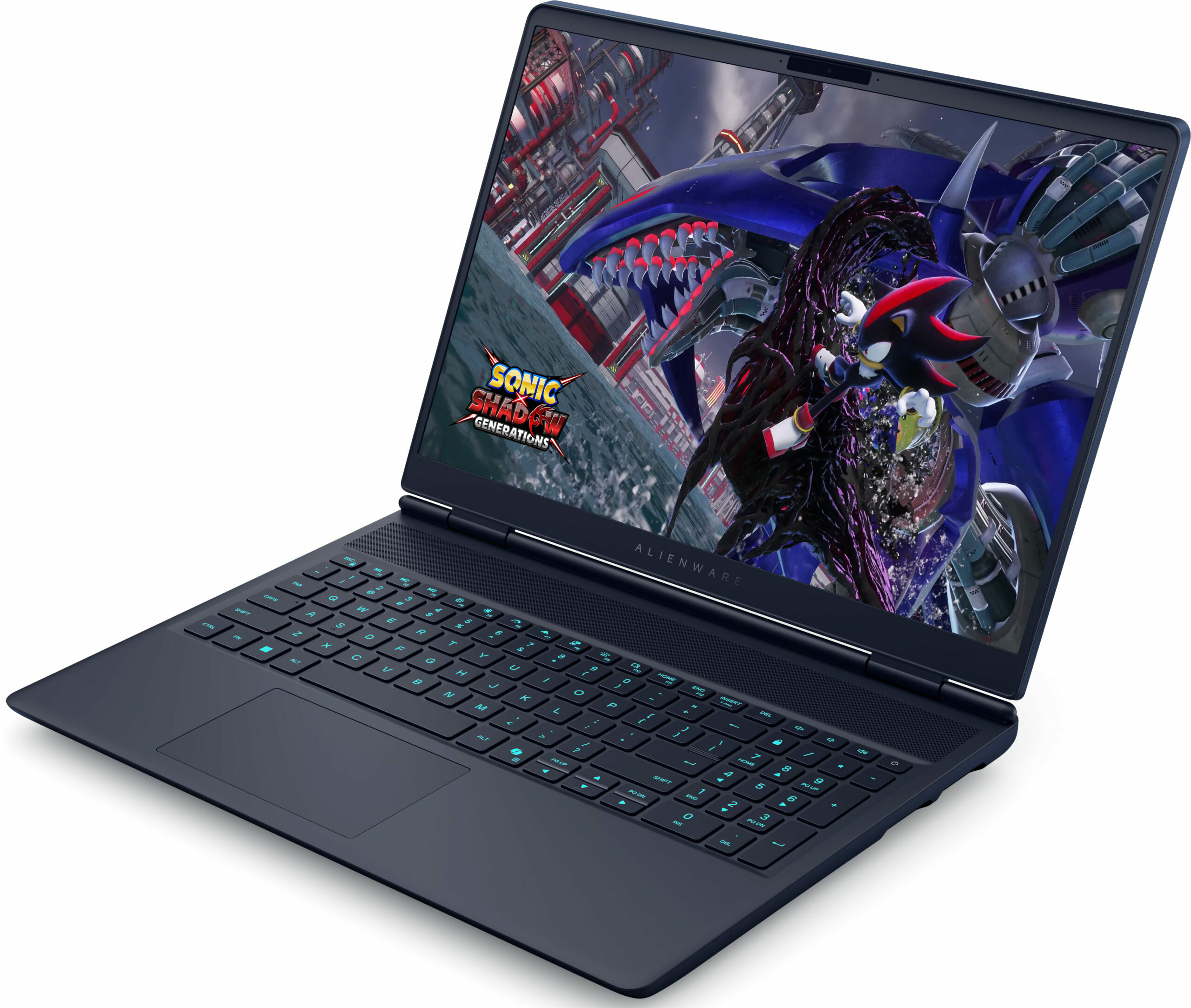
The Alienware 16X Aurora (AC16251) arrives with the confidence of a premium contender, flaunting a sleek aluminium and magnesium chassis that feels every bit as expensive as it looks. It promises a top-tier experience with a stunning 240Hz QHD+ display and powerful internals designed to crush modern games. But as we dug deeper into our testing, a stark contrast emerged. While the exterior is cool and composed, the internal reality is a different story entirely. This is a laptop of extreme highs and lows, where exceptional build quality and display performance clash with thermal management issues that simply cannot be ignored. Should they be a deal-breaker for you? Read on and you'll find out!You can check the prices and configurations in our Specs System: https://laptopmedia.com/se[...]
पूरी समीक्षा पढ़ें
पक्ष
- Premium aluminium and magnesium build with no flex
- Excellent 240Hz QHD+ display with accurate colors and no PWM
- Stable GPU gaming performance with good thermals
- Two user-accessible RAM slots for upgrades
- Modern connectivity with Thunderbolt 4 and Wi-Fi 7
- Distinctive and stylish design
विपक्ष
- CPU runs dangerously hot (100°C+) and throttles heavily
- Storage limited to small M.2 2230 SSDs
- Very poor battery life (approx. 4 hours)
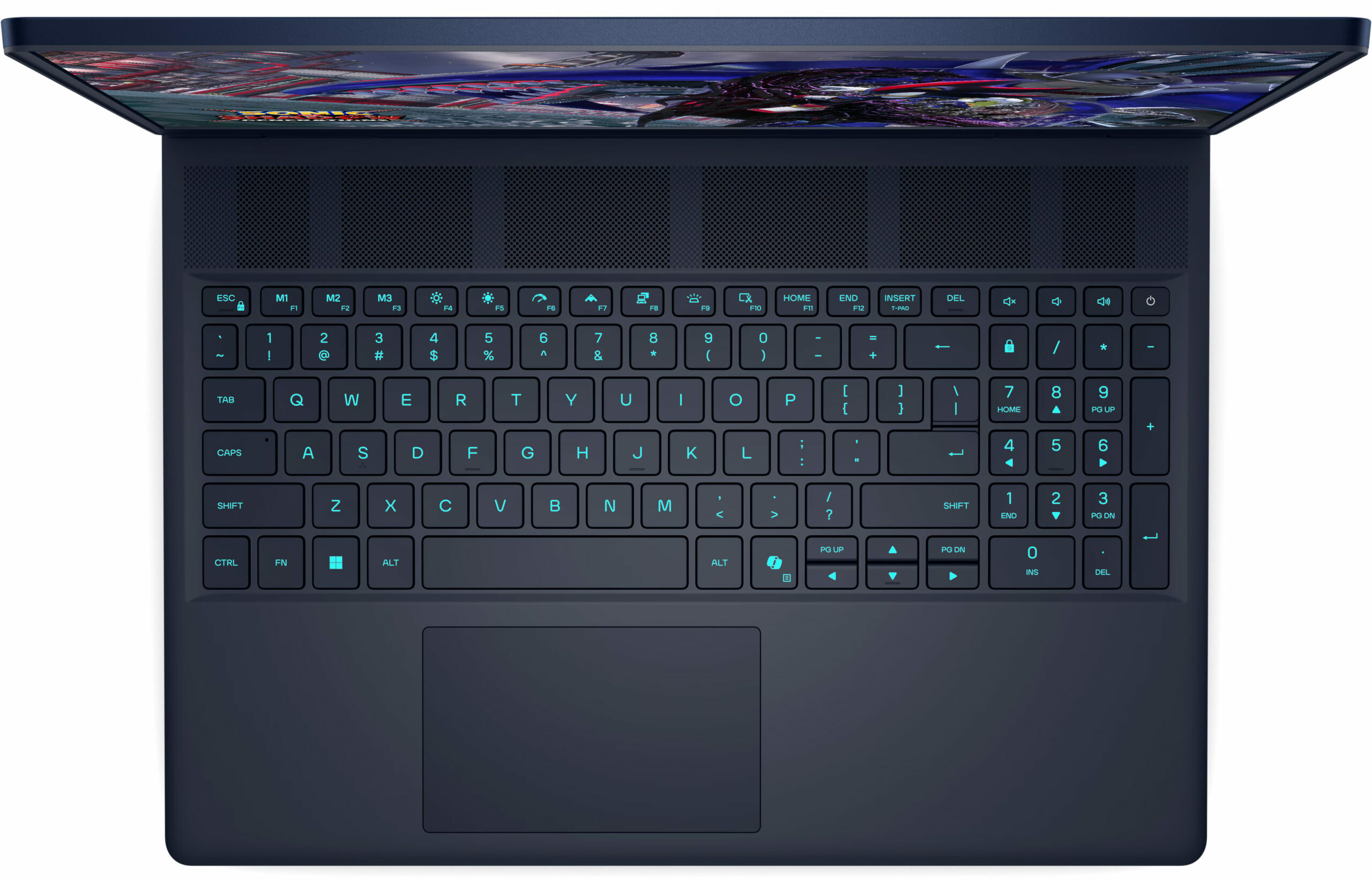
- Half-height arrow keys
- No physical privacy shutter
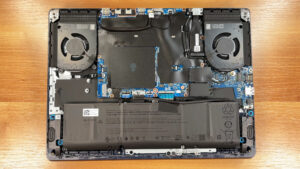
डिसअसेंबली, रखरखाव और अपग्रेड विकल्प
Before you start: Shut the laptop down completely, unplug the charger and peripherals, and hold the power button for a few seconds to discharge residual power. Work on a clean surface and use ESD protection if available. Opening the bottom panelRemove the eight bottom screws. Two are captive and can help lift the panel slightly to create a starting gap. Use a thin plastic pick to release the perimeter clips. Start near the area where the panel naturally lifts. Important: Insert the tool shallowly. Some entry points sit close to the cooling radiators, [...]
और पढ़ें