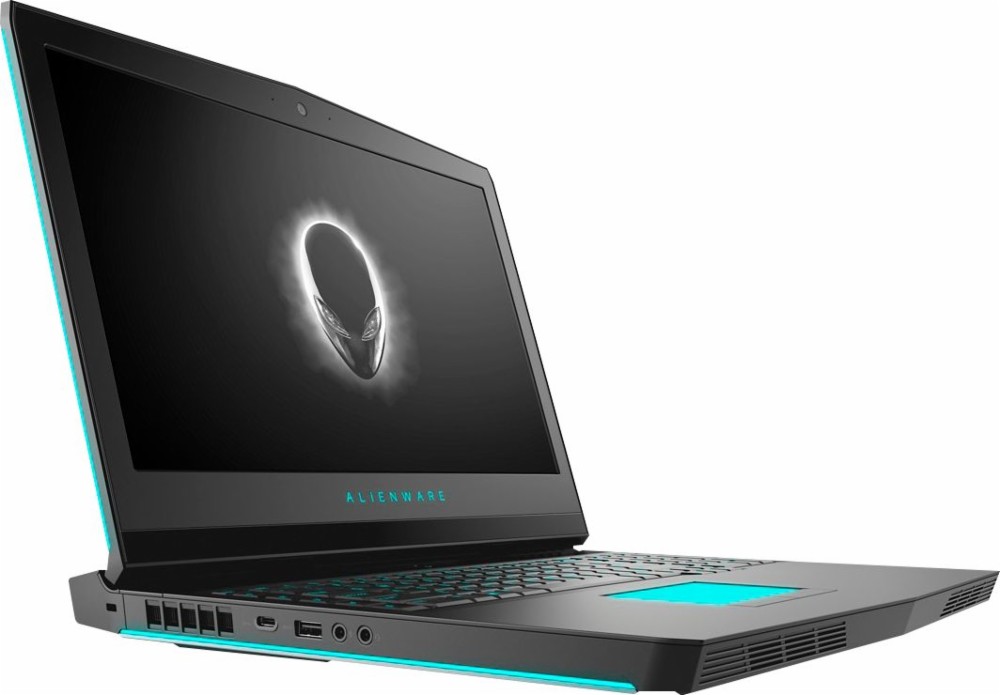
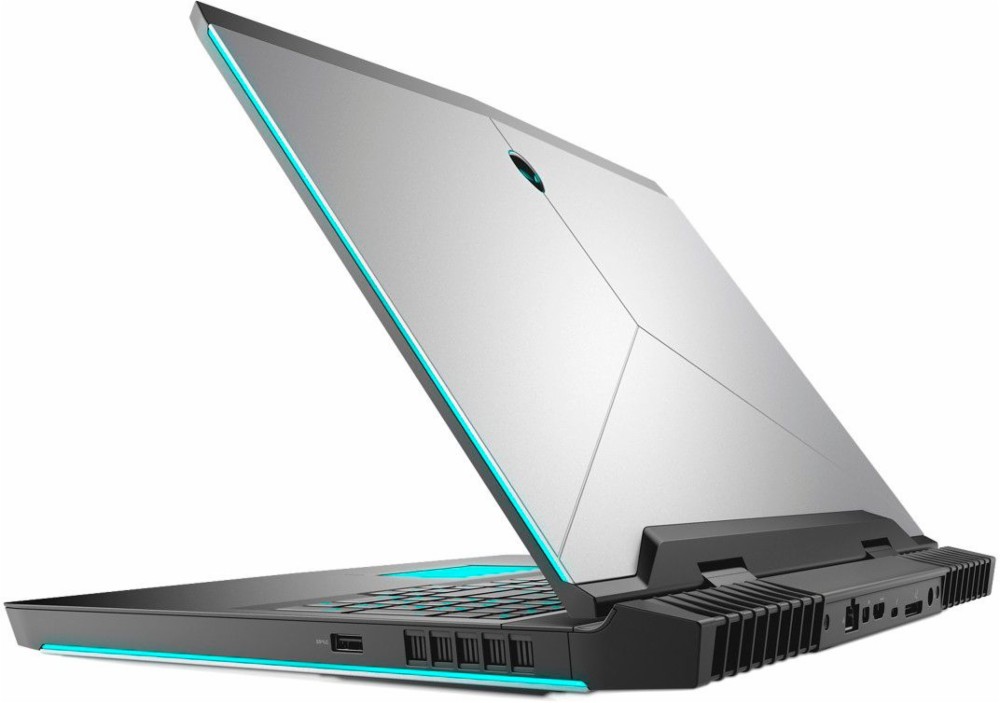
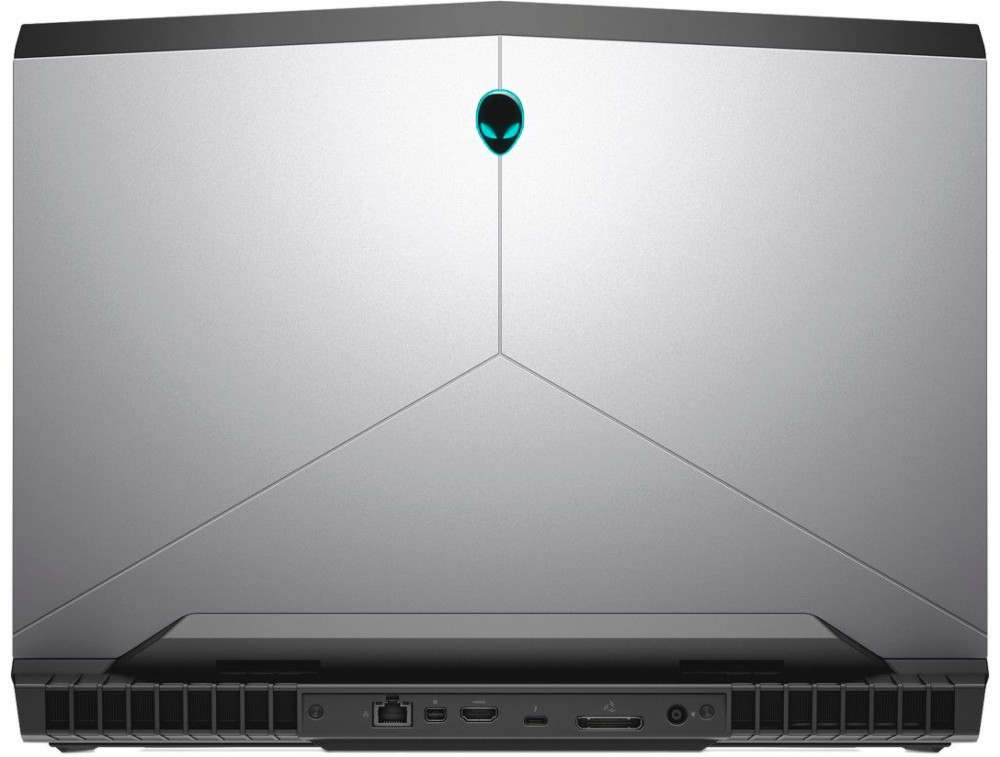
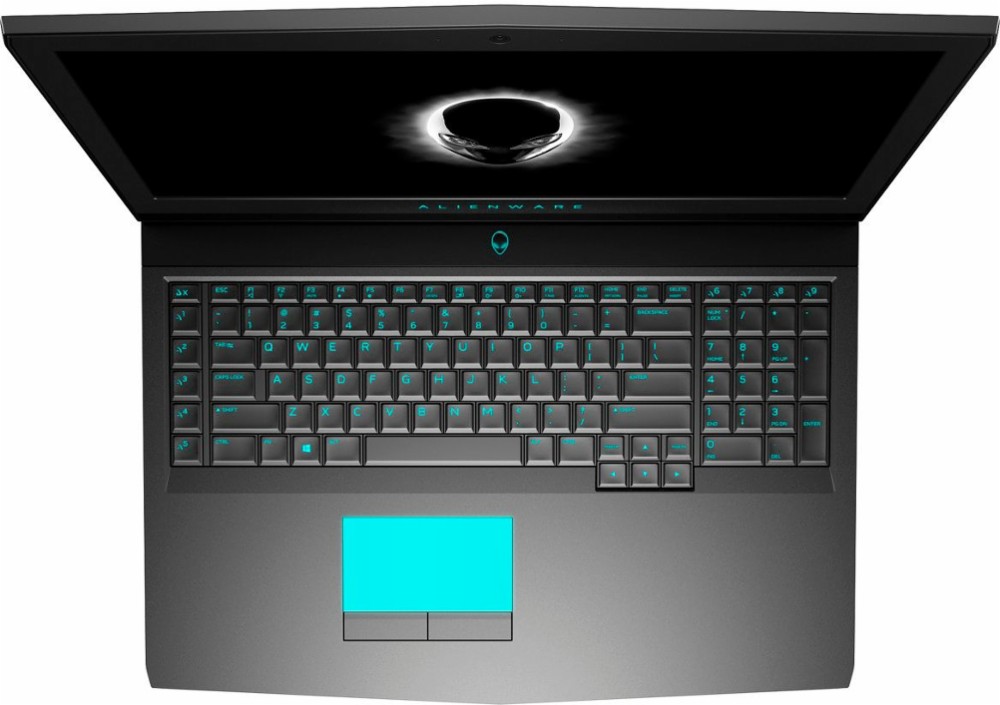
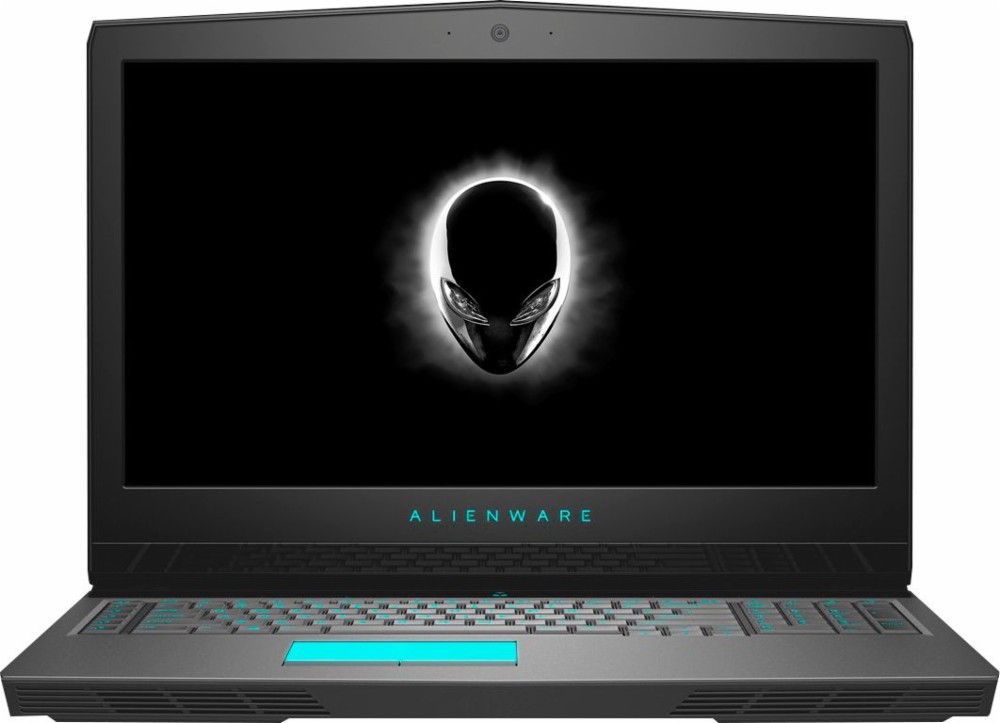
Alienware 17 R5
- प्रकाशन तिथि: 16 Oct 2020
- Intel Core i7-8750H
- NVIDIA GeForce GTX 1070 (8GB GDDR5)
- 17.3”, Full HD (1920 x 1080), IPS
- 128GB SSD
- 12GB DDR4, 2400 MHz
- 4.42 kg (9.7 lbs)
समीक्षा
Alienware 17 R5 गहन समीक्षा
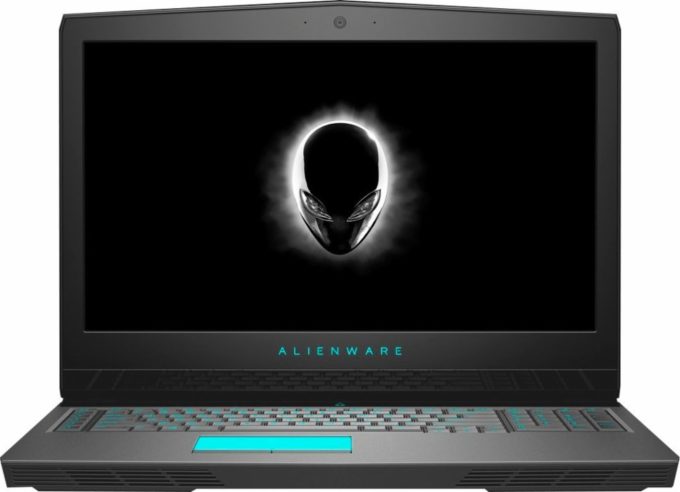
Alienware is an iconic name when it comes to gaming. These notebooks have always aroused attention with their out-of-this-world design and top-notch hardware.Now, in our labs, we have the latest iteration of the Alienware 17. With its 4.42 kg (9.7 lbs) weight it's hard to say that the notebook is easily portable but that's the price you pay for having the latest and greatest hardware inside.This year, the Alienware 17 R5 comes with the new Core i9-8950HK - a CPU unlocked for overclocking up to 5.00 GHz. The Alienware 17 R5 is all about overclocking and getting maximum performance. Even the GPU inside is factory OC - something you rarely find in notebooks.The biggest concern is if the cooling system is going to be able to sustain this hardware. Let's find out if the Alienware 17[...]
पूरी समीक्षा पढ़ें
पक्ष
- Good cooling system
- Lots of upgrade options
- 92% sRGB coverage (1080p AUO139D)
- Great performance (up to Core i9 + GTX 1080)
- Alienware Graphics Amplifier Port - for connecting an external GPU
- Lots of customization options (RGB lights)
- High-quality build and design
विपक्ष
- Quite heavy - 4.42 kg (9.7 lbs)
- High fan noise
डिस्प्ले: 17.3-inch, 1920 x 1080, IPS
- नाम
- AUO B173HAN01.3 (AUO139D) (Alienware 17 R5)
- विकर्ण
- 17.3"
- पिक्सेल घनत्व
- 127.34 ppi
- चमक
- cd/m2
- sRGB
- 92%
- पैनल प्रकार
- IPS
- रिज़ॉल्यूशन
- 1920 x 1080
- "रेटिना" बन जाता है
- 27 inches (69 cm)
- कंट्रास्ट
- dE Color Checker

इसके लिए हमारी प्रोफाइल खरीदें AUO B173HAN01.3 (AUO139D) (Alienware 17 R5)
कुशल और स्वास्थ्य के अनुकूल प्रोफाइल प्राप्त करने के अलावा, LaptopMedia के उत्पादों को खरीदकर आप हमारी प्रयोगशालाओं के विकास का भी समर्थन करते हैं, जहाँ हम सबसे वस्तुनिष्ठ समीक्षाएँ प्रस्तुत करने के लिए उपकरणों का परीक्षण करते हैं।

Office Work
Office Work का उपयोग ज्यादातर उन उपयोगकर्ताओं द्वारा किया जाना चाहिए जो अपना अधिकांश समय टेक्स्ट के टुकड़ों, तालिकाओं को देखने या सिर्फ सर्फिंग में बिताते हैं। इस प्रोफ़ाइल का उद्देश्य एक फ्लैट गामा वक्र (2.20), मूल रंग तापमान और अवधारणात्मक रूप से सटीक रंगों को रखकर बेहतर विशिष्टता और स्पष्टता प्रदान करना है।
Design and Gaming
यह प्रोफ़ाइल उन डिजाइनरों के लिए है जो पेशेवर रूप से रंगों के साथ काम करते हैं, और गेम और फिल्मों के लिए भी। Design and Gaming डिस्प्ले पैनल को उनकी सीमा तक ले जाता है, जिससे वे वेब और HDTV के लिए sRGB IEC61966-2-1 मानक में, व्हाइट पॉइंट D65 पर यथासंभव सटीक हो जाते हैं।

Health-Guard
Health-Guard हानिकारक पल्स-विड्थ मॉड्यूलेशन (PWM) को समाप्त करता है और नकारात्मक नीली रोशनी को कम करता है जो हमारी आँखों और शरीर को प्रभावित करती है। चूंकि यह प्रत्येक पैनल के लिए कस्टम अनुरूप है, यह रंगों को अवधारणात्मक रूप से सटीक रखने का प्रबंधन करता है। Health-Guard कागज का अनुकरण करता है जिससे आँखों पर दबाव बहुत कम हो जाता है।