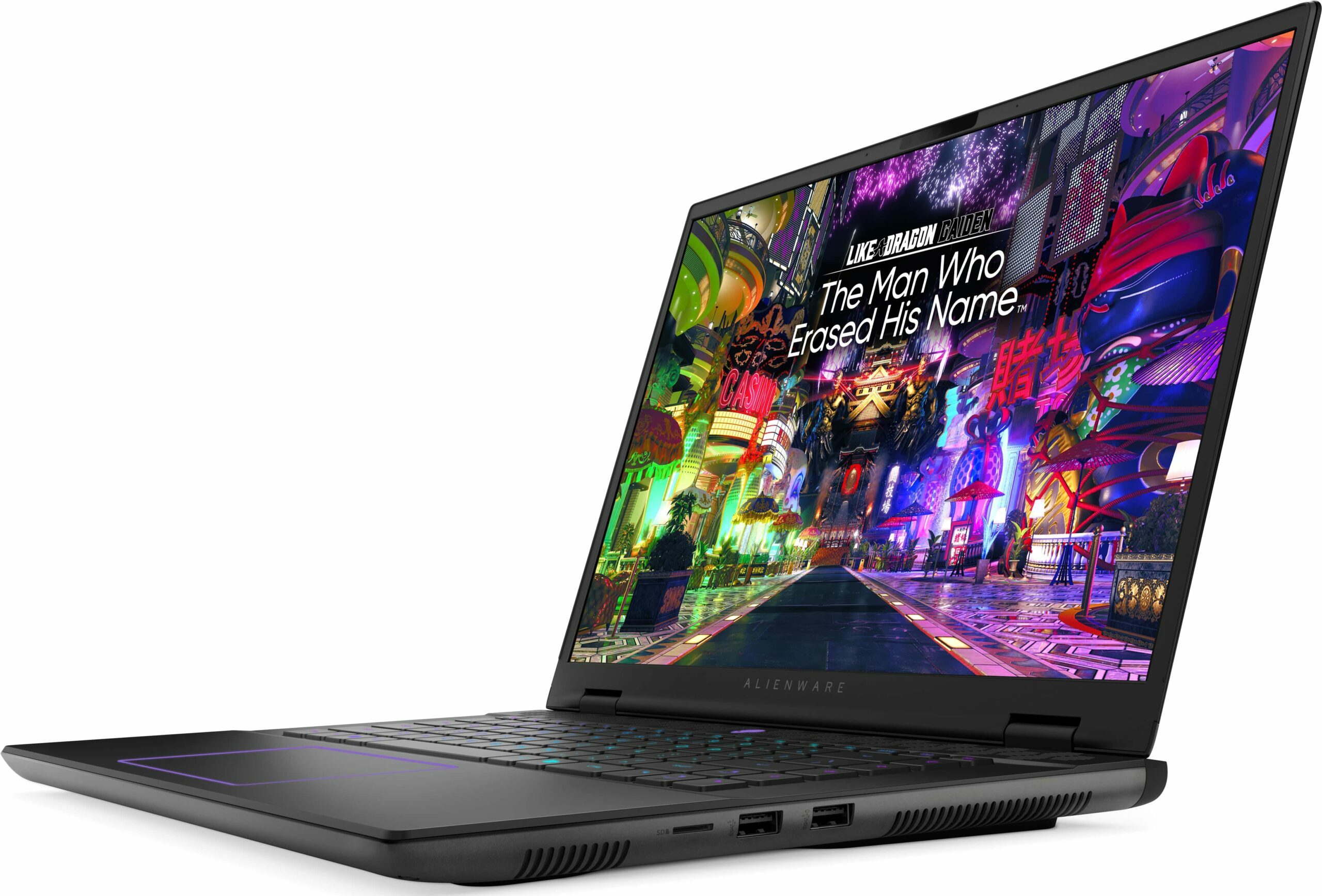
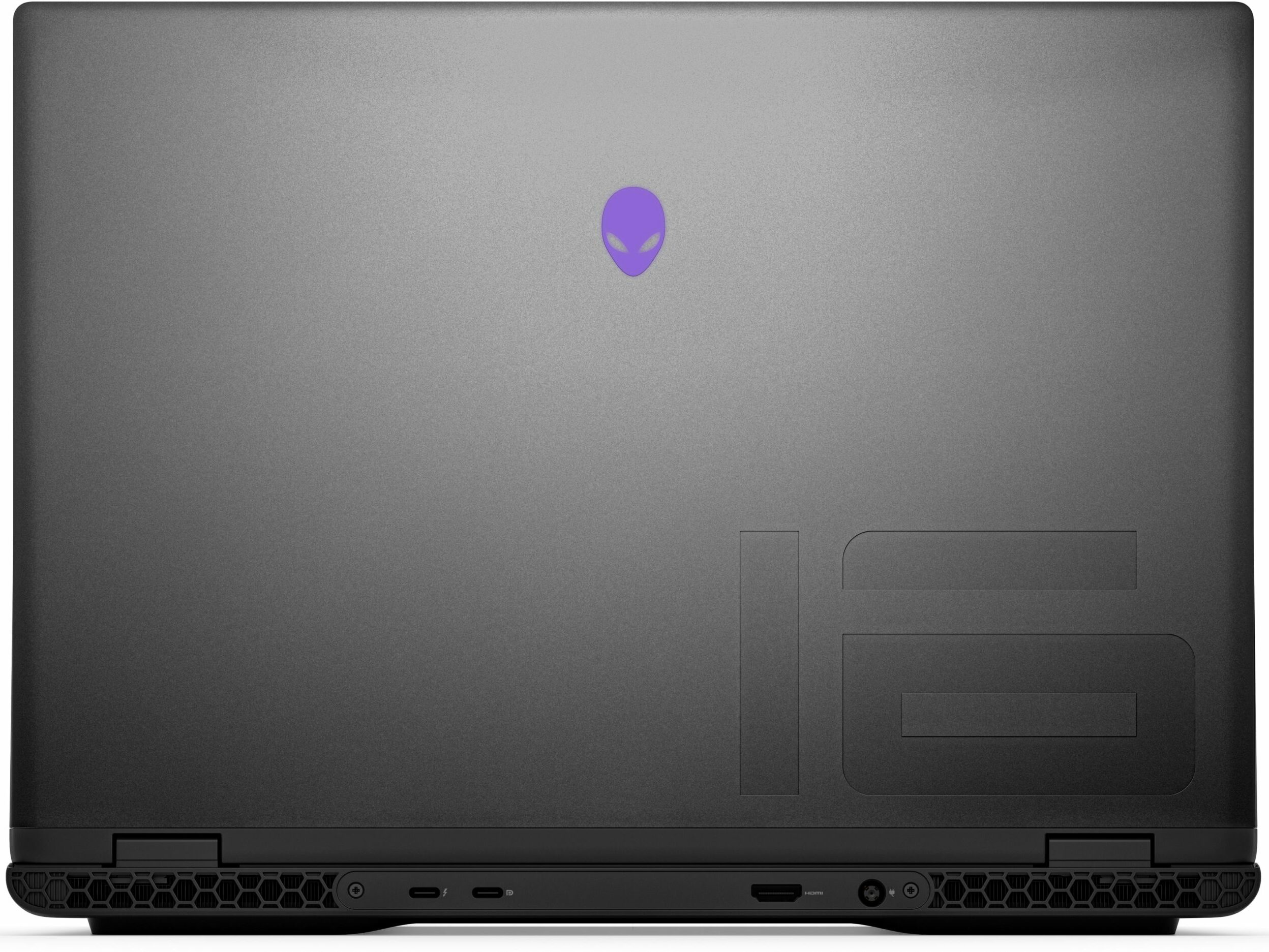
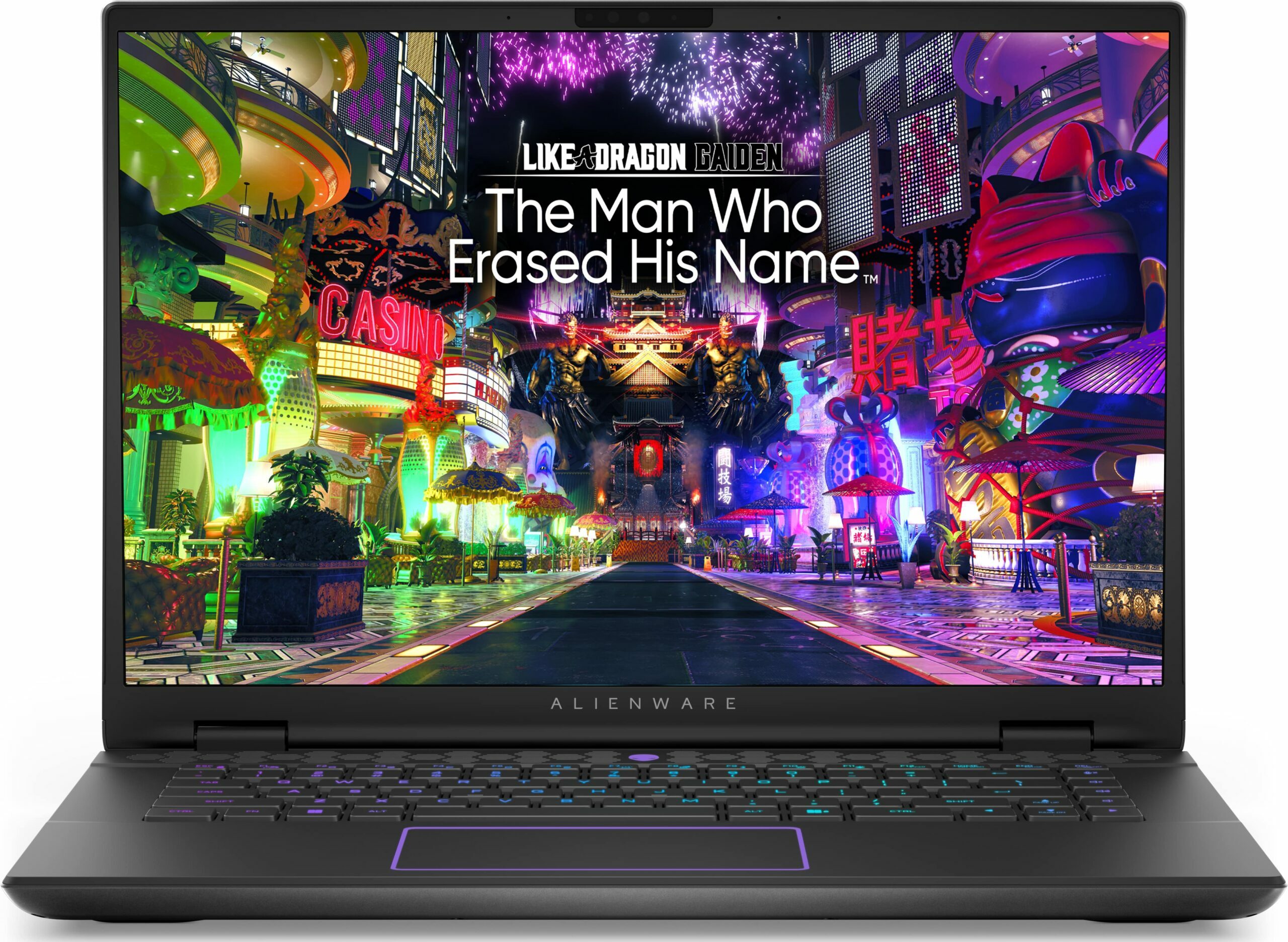
Alienware m16 R2


- प्रकाशन तिथि: 08 Nov 2024
- Intel Core Ultra 9 185H
- NVIDIA GeForce RTX 4070 (Laptop, 140W)
- 16.0", WQXGA (2560 x 1600), 240 Hz, IPS
- 2000GB SSD
- 24GB RAM
- 2.60 kg (5.7 lbs)
समीक्षा
Alienware m16 R2 गहन समीक्षा
These days, 16-inchers are on the rise and some of them (like the ASUS G634 or MSI Vector 16 HX A13V) offer the same performance as their 18-inch versions. The Alienware m16 R2 is the smaller variant of the behemoth-looking Alienware m18 R2. The latter offers great overall power and comfort under load. It'll be interesting to see if the m16 R2 can achieve the same result.For starters, this laptop relies on 28W Intel Meteor Lake chips while the bigger version has Raptor Lake-HX CPU options that are definitely more powerful and thirsty at the same time. Alienware has fitter a big thermal system inside the chassis so we can probably expect good clocks under heavy loads. You can choose from three NVIDIA Ada Lovelace GPUs, the top dog is the RTX 4070 with a max TGP of 140W.The display i[...]
पूरी समीक्षा पढ़ें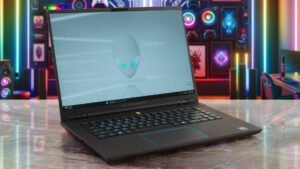
पक्ष
- Rigid premium build
- Thin profile for such hardware
- Capable thermal solution
- High CPU frequencies under max load (3.45 GHz / 2.92 GHz P and E-core clock)
- Wide viewing angles (AUO75AB)
- Snappy pixel response times of 7 ms (AUO75AB)
- PWM-free (AUO75AB)
- 100% sRGB coverage + accurate colors with our "Design and Gaming" profile (AUO75AB)
- 2x SODIMMs + 2x M.2 slots
- Comfortable keyboard
- Good port selection
- The fans aren't loud in "Performance" mode
- Low noise and a 115W GPU TGP in "Balanced" mode
- Decent battery life given the 1600p display and the powerful hardware
- The Alienware Command Center app is full of useful extras
- Offers NVIDIA Advanced Optimus, G-Sync + MUX switch
विपक्ष
- High price
- Some competitors offer HX-series CPUs
- No Gen 5 SSD slots
- The touchpad isn't something special
डिसअसेंबली, रखरखाव और अपग्रेड विकल्प
Opening the DeviceUndo the 8 Phillips-head screws securing the bottom panel. The captive screws in the front corners will slightly raise the panel up, providing a good starting point. Place a thin plastic tool between the base and the panel and start popping the plate slowly, step by step. Avoid prying the back. Lift the front of the metal plate, push it forward, and lift it away from the chassis.More info: Here's how the bottom plate looks on the inside.Battery RemovalPull out the battery connector from the mainboard. Undo the 8 Phillips-head screws se[...]
और पढ़ें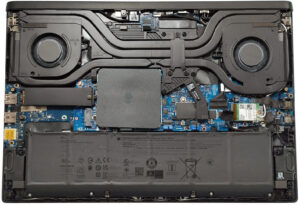
डिस्प्ले: 16.0-inch, 2560 x 1600, IPS
- नाम
- AUO XC0PX-B160QAN (AUO75AB)
- विकर्ण
- 16.0"
- पिक्सेल घनत्व
- 188.68 ppi
- चमक
- 320 cd/m2
- sRGB
- 100%
- पैनल प्रकार
- IPS
- रिज़ॉल्यूशन
- 2560 x 1600
- "रेटिना" बन जाता है
- 18 inches (46 cm)
- कंट्रास्ट
- 1330:1
- dE Color Checker
- 2.3 1.3

इसके लिए हमारी प्रोफाइल खरीदें AUO XC0PX-B160QAN (AUO75AB)
कुशल और स्वास्थ्य के अनुकूल प्रोफाइल प्राप्त करने के अलावा, LaptopMedia के उत्पादों को खरीदकर आप हमारी प्रयोगशालाओं के विकास का भी समर्थन करते हैं, जहाँ हम सबसे वस्तुनिष्ठ समीक्षाएँ प्रस्तुत करने के लिए उपकरणों का परीक्षण करते हैं।

Office Work
Office Work का उपयोग ज्यादातर उन उपयोगकर्ताओं द्वारा किया जाना चाहिए जो अपना अधिकांश समय टेक्स्ट के टुकड़ों, तालिकाओं को देखने या सिर्फ सर्फिंग में बिताते हैं। इस प्रोफ़ाइल का उद्देश्य एक फ्लैट गामा वक्र (2.20), मूल रंग तापमान और अवधारणात्मक रूप से सटीक रंगों को रखकर बेहतर विशिष्टता और स्पष्टता प्रदान करना है।

Design and Gaming
यह प्रोफ़ाइल उन डिजाइनरों के लिए है जो पेशेवर रूप से रंगों के साथ काम करते हैं, और गेम और फिल्मों के लिए भी। Design and Gaming डिस्प्ले पैनल को उनकी सीमा तक ले जाता है, जिससे वे वेब और HDTV के लिए sRGB IEC61966-2-1 मानक में, व्हाइट पॉइंट D65 पर यथासंभव सटीक हो जाते हैं।

Health-Guard
Health-Guard हानिकारक पल्स-विड्थ मॉड्यूलेशन (PWM) को समाप्त करता है और नकारात्मक नीली रोशनी को कम करता है जो हमारी आँखों और शरीर को प्रभावित करती है। चूंकि यह प्रत्येक पैनल के लिए कस्टम अनुरूप है, यह रंगों को अवधारणात्मक रूप से सटीक रखने का प्रबंधन करता है। Health-Guard कागज का अनुकरण करता है जिससे आँखों पर दबाव बहुत कम हो जाता है।