Acer ConceptD 7
- Data di Pubblicazione: 04 Feb 2021
- Intel Core i7-9750H
- NVIDIA GeForce RTX 2080 (Laptop)
- 15.6”, 4K UHD (3840 x 2160), IPS
- 1024GB SSD
- 32GB DDR4
- 2.13 kg (4.7 lbs)
Recensire
Acer ConceptD 7 recensione approfondita
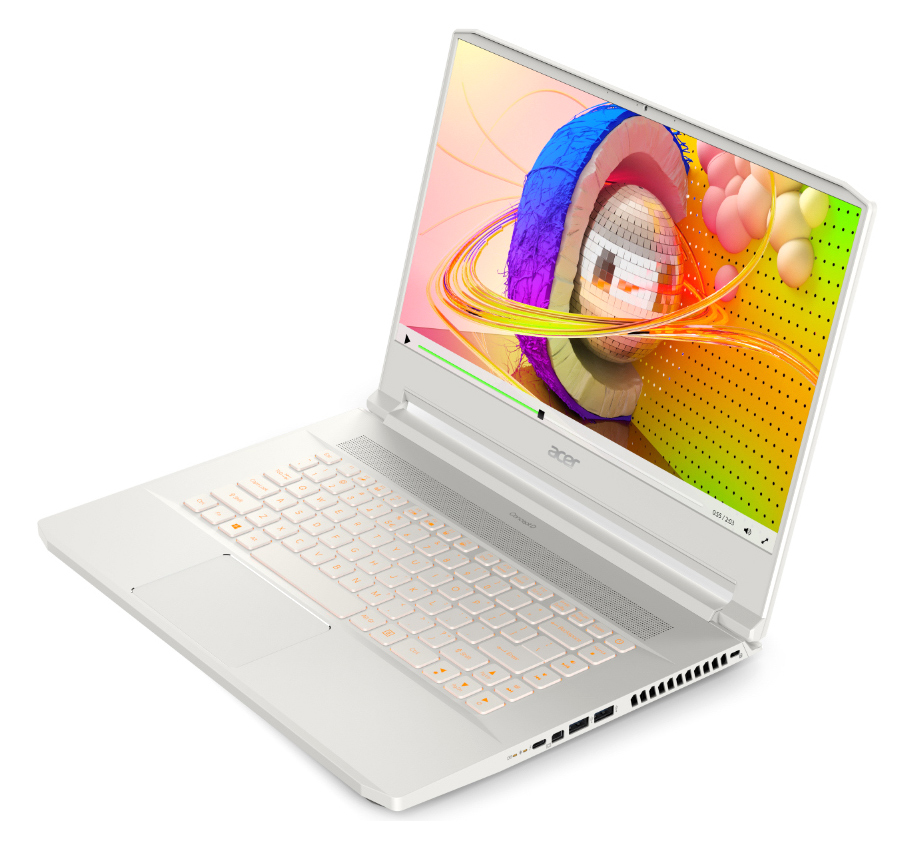
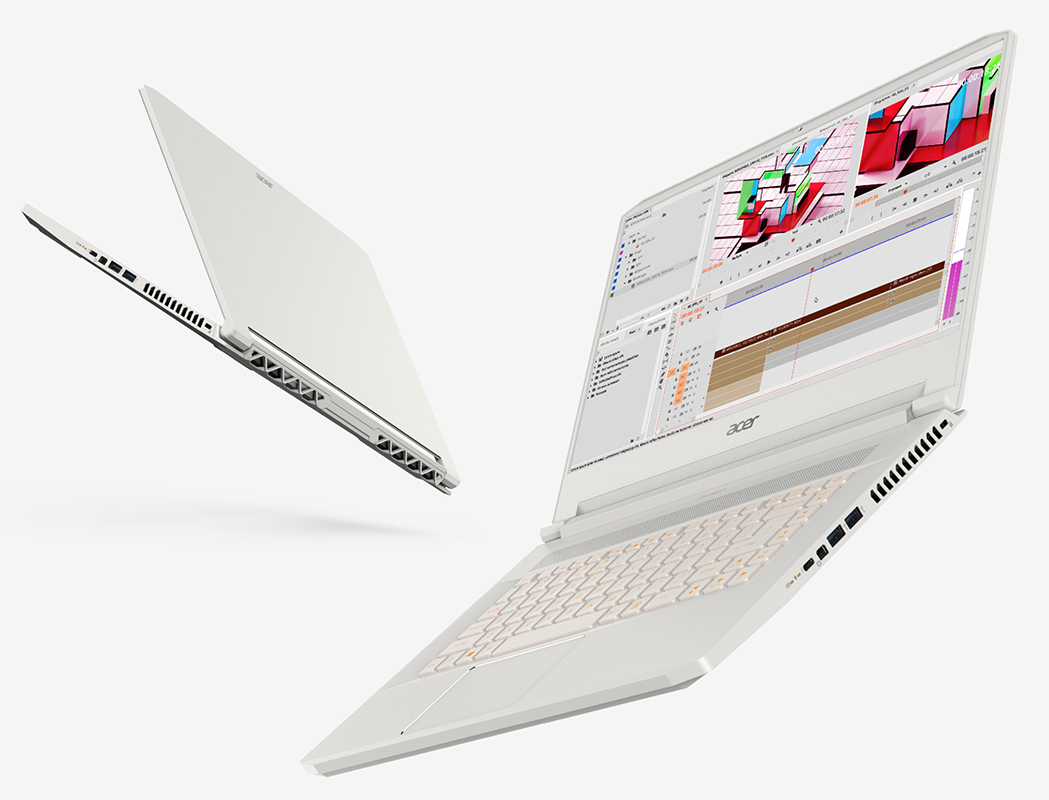
It was all the way back in April when Acer announced their ConceptD devices. If you remember, they are aimed at content creators, professionals and everyone that wants a good performance package inside a very classy outfit. Today we are taking a look at the midranger of the three series. Okay, midrange could lead to the misconception that this laptop is a midranger altogether so let's call it middle-sized.So what does a mid-sized ConceptD laptop looks like? Well, it has a very tight chassis that weighs just over two kilos and can be equipped with 9th Gen Intel Core processors, while on the GPU it maxes out with the GeForce RTX 2080 Max-Q. Screen-wise it comes with a 4K 60Hz panel that according to Acer covers 100% of Adobe RGB and its colors are Pantone Validated.You can check the[...]
Leggi la recensione completa
Pro
- Sleek white design
- Super bright 4K display option (AUO B156ZAN03.1 (AUO31EB))
- Doesn't use PWM to adjust brightnes levels (AUO B156ZAN03.1 (AUO31EB))
- Great battery life
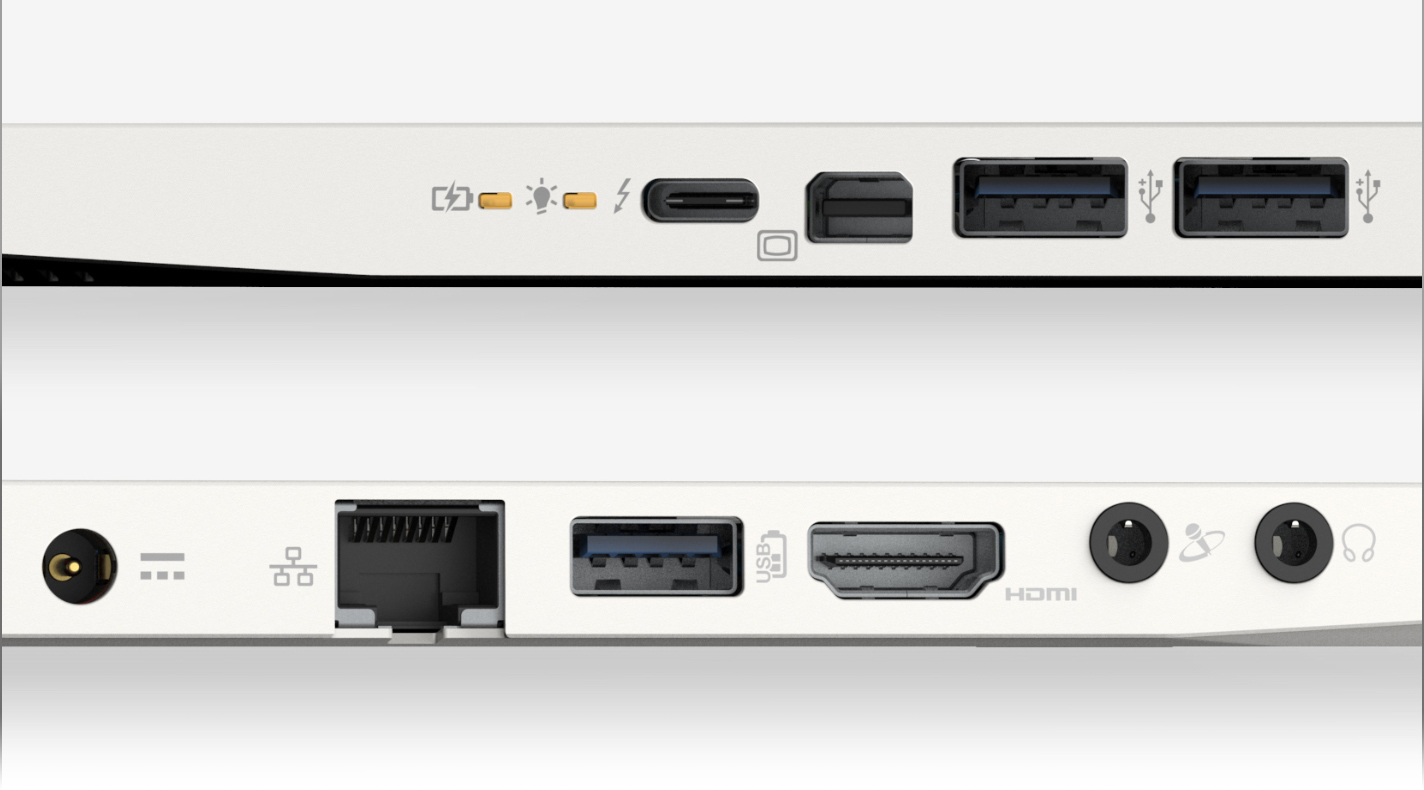
- Supports Thunderbolt
- Two M.2 slots with RAID 0 support
Contro
- No SD card reader
- Gets a little warm on the bottom plate
Opzioni di smontaggio, manutenzione e aggiornamento
Acer ConceptD 7 (CN715-71) uses the same body and chassis as the Predator Triton 500. This makes it a little hard to disassemble, however, this is the price to pay if you want a powerful but thin laptop.Check out all Acer ConceptD 7 (CN715-71) prices and configurations in our Specs System or read more in our In-depth Review.1. Remove the bottom plate Taking the bottom plate away from the device is just the beginning in the rather long way to upgrading your ConceptD 7. After you do that, you have to remove the battery and the Wi-Fi card. Then you can proceed with removing the bla[...]
Leggi di più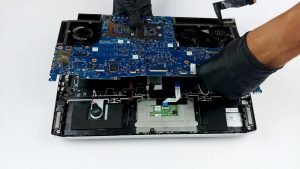
Display: 15.6-inch, 3840 x 2160, IPS
- Nome
- AUO B156ZAN03.1 (AUO31EB)
- Diagonale
- 15.6"
- Densità dei pixel
- 282.42 ppi
- Luminosità
- 386 cd/m2
- sRGB
- 100%
- Tipo di Pannello
- IPS
- Risoluzione
- 3840 x 2160
- Diventa "Retina" da
- 12 inches (31 cm)
- Contrasto
- 1400:1
- dE Color Checker
- 6.0 3.2
Acquista i nostri profili per AUO B156ZAN03.1 (AUO31EB)
Oltre a ricevere profili efficienti e salutari, acquistando i prodotti di LaptopMedia sosterrai anche lo sviluppo dei nostri laboratori, dove testiamo i dispositivi per produrre le recensioni più oggettive possibili.
Office Work
Office Work dovrebbe essere usato principalmente da utenti che passano la maggior parte del tempo a guardare testi, tabelle o semplicemente a navigare. Questo profilo mira a fornire una migliore distinzione e chiarezza mantenendo una curva gamma piatta (2.20), una temperatura colore nativa e colori percettivamente accurati.
Design e Gaming
Questo profilo è rivolto ai designer che lavorano con i colori professionalmente, nonché per giochi e film. Design and Gaming porta i pannelli dei display ai loro limiti, rendendoli il più accurati possibile nello standard sRGB IEC61966-2-1 per Web e HDTV, con punto di bianco D65.

Health-Guard
Health-Guard elimina la dannosa Modulazione di Larghezza d'Impulso (PWM) e riduce la Luce Blu negativa che influisce sui nostri occhi e sul nostro corpo. Essendo personalizzato per ogni pannello, riesce a mantenere i colori percettivamente accurati. Health-Guard simula la carta, quindi la pressione sugli occhi è notevolmente ridotta.