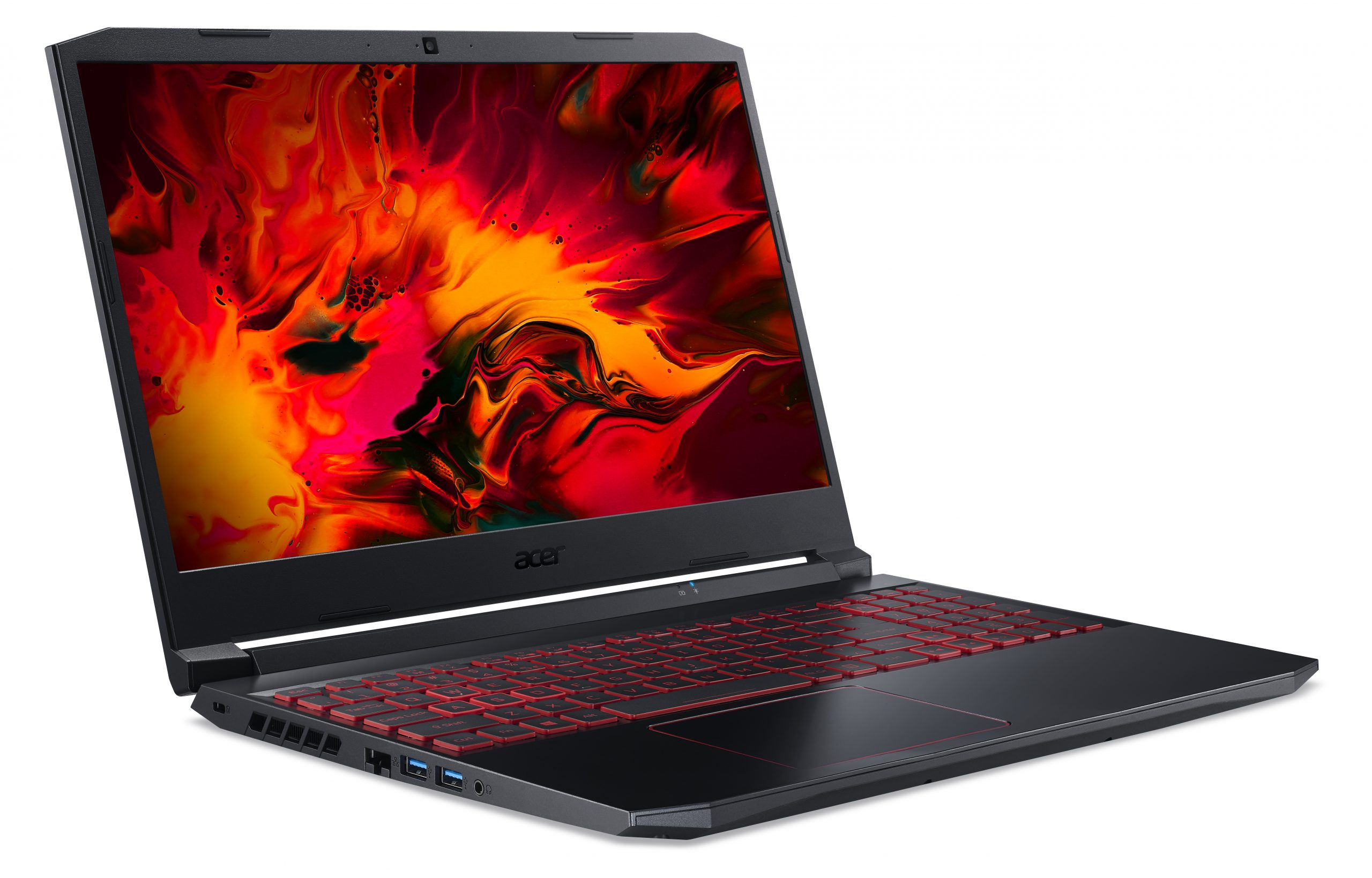
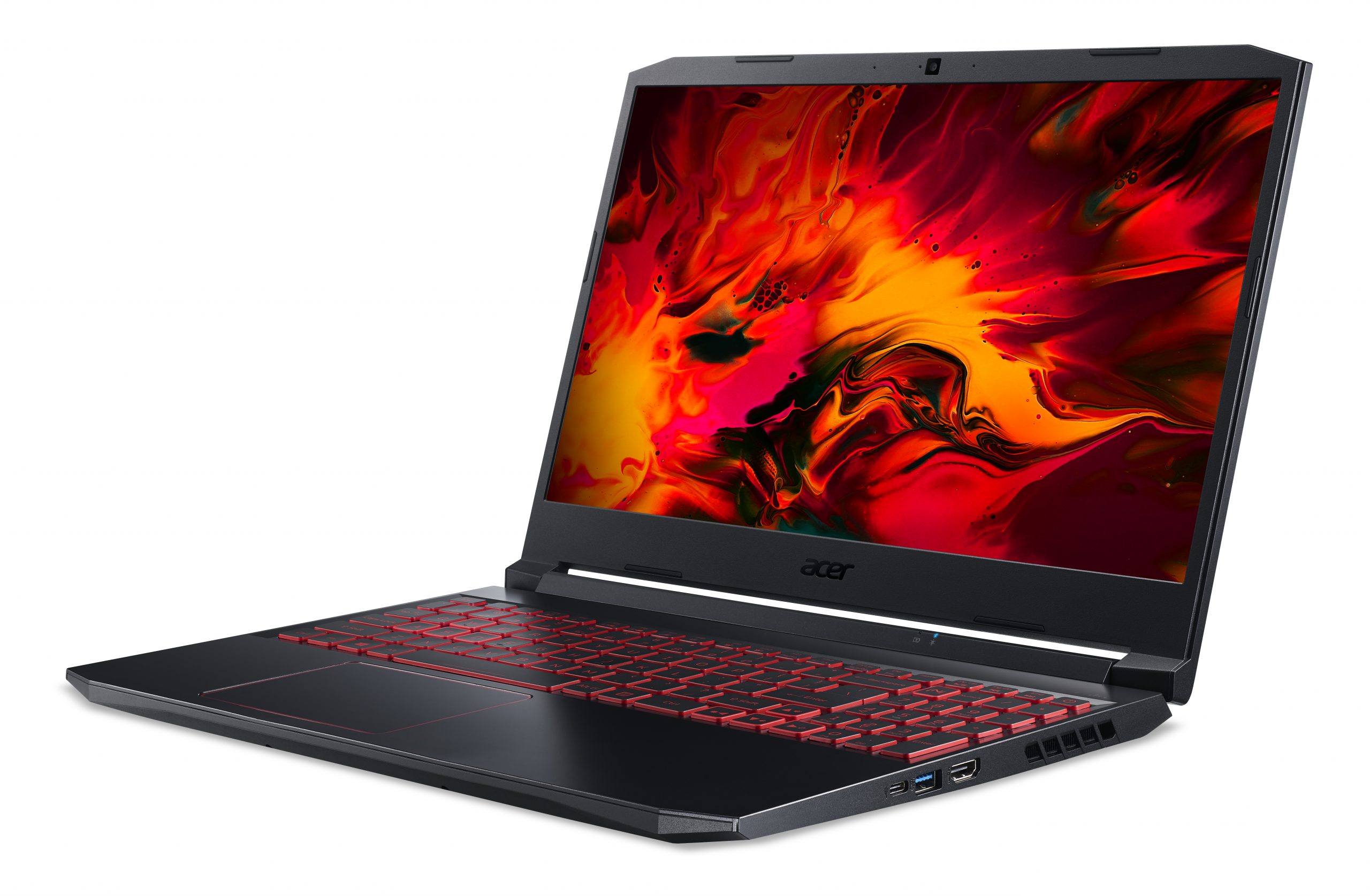
Acer Nitro 5
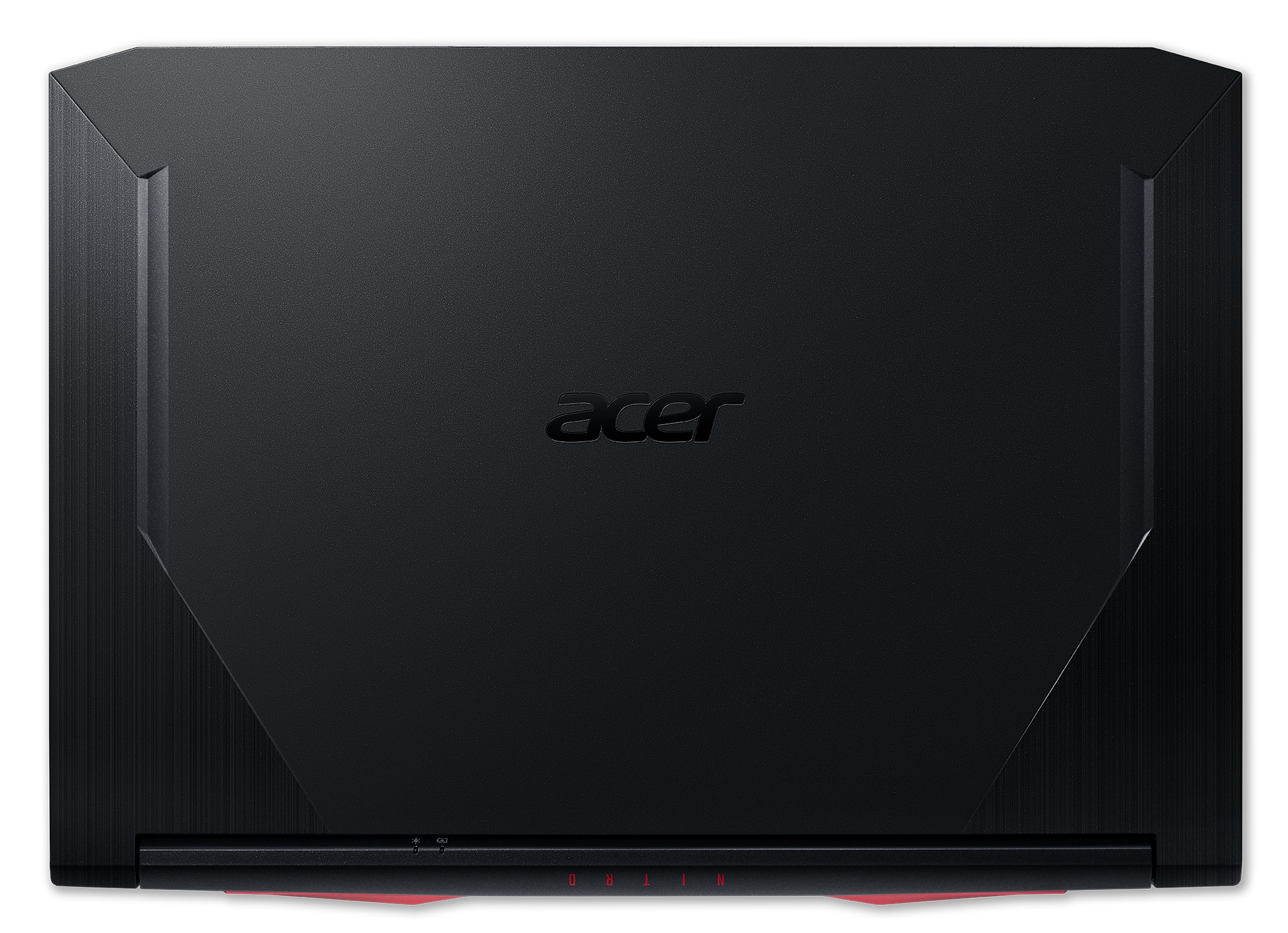
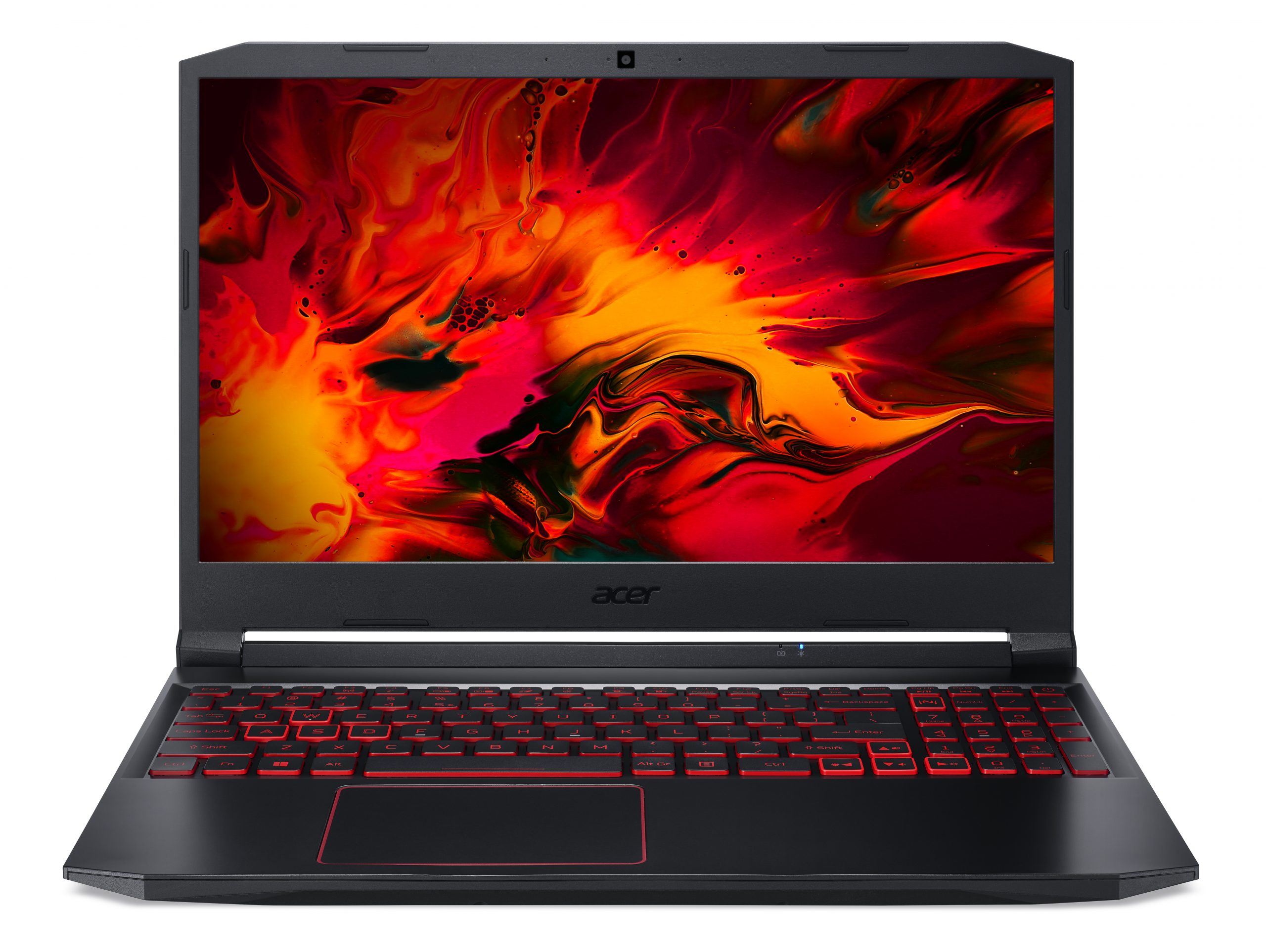
- Data di Pubblicazione: 10 Dec 2023
- Intel Core i5-10300H
- NVIDIA GeForce RTX 3050 (Laptop, 75W)
- 15.6”, Full HD (1920 x 1080), 144 Hz, IPS
- 256GB SSD
- 8GB DDR4
- 2.30 kg (5.1 lbs)
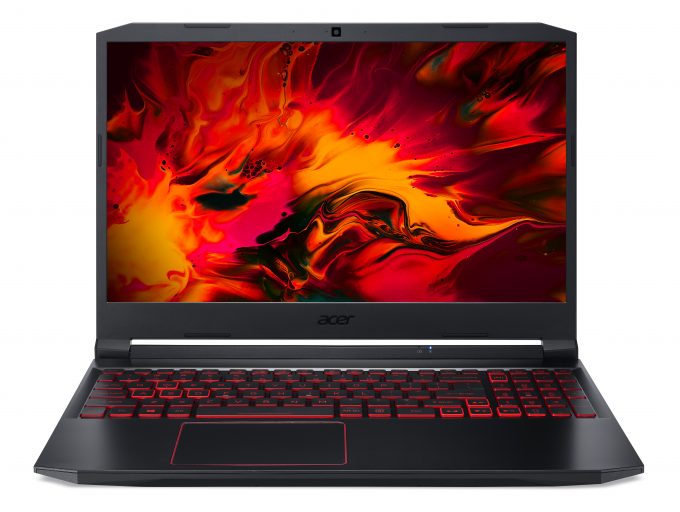
Recensire
Acer Nitro 5 recensione approfondita
Last year, the Nitro 5 was one of the first notebooks to introduce the then newly announced Turing graphics cards from NVIDIA. Now, it is the processors that are upgraded, and with Comet Lake-H, the new Nitro 5 (AN515-55) will try to assault the budget gaming market.However, it has a frightening competitor in the face of the ASUS TUF A15 (FA506) and its crazy fast Ryzen 4000H processors. Thankfully, Acer is planning on AMD-equipped laptops from the Nitro family, as well, but until that happens, we are "stuck" with what Intel has to offer.Despite all of the fuss about them, they proved to be a non-substantial upgrade over the Coffee Lake-HR CPUs, and they produce a lot of excessive heat. It is particularly interesting how the Nitro 5 (AN515-55) will counter this, especially when yo[...]
Leggi la recensione completa
Pro
- One of the best-priced gaming laptops out there
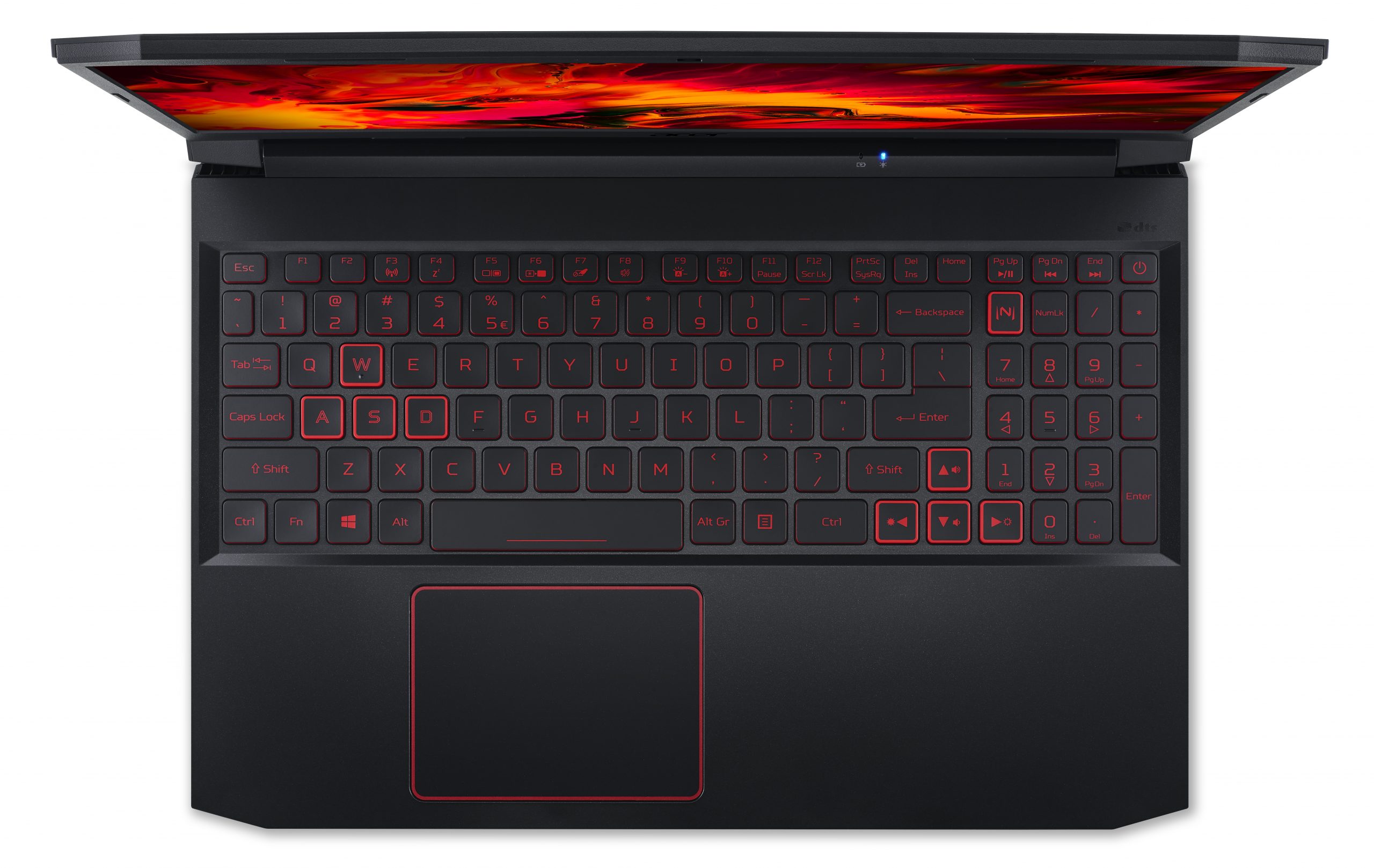
- Good keyboard with decent travel, clicky feedback, and an optional RGB backlight
- Two M.2 slots with RAID 0 support
- The display doesn't flicker at any brightness level (LG LP156WFC-SPD5)
- Has a good contrast ratio and comfortable viewing angles (LG LP156WFC-SPD5)
- 144Hz display option
Contro
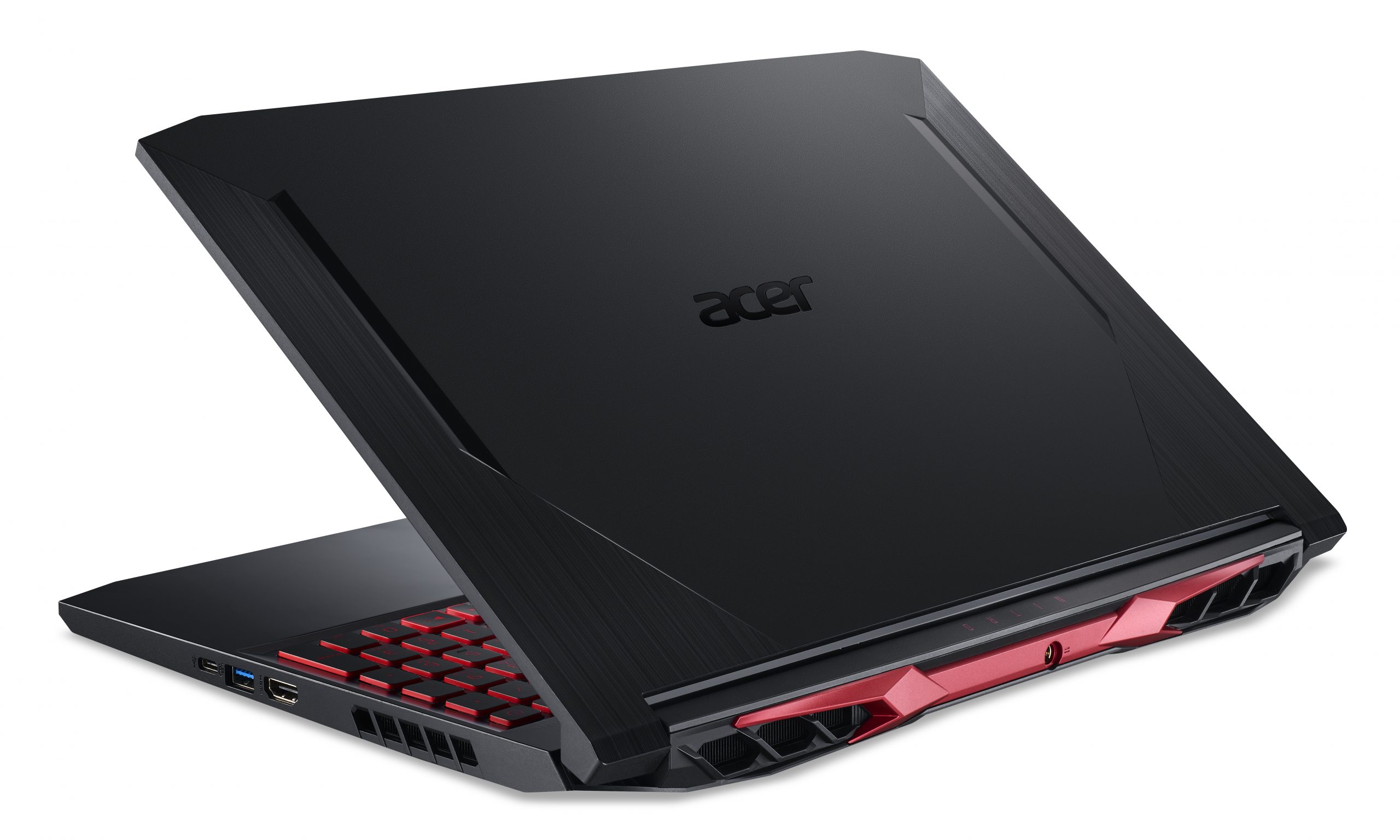
- Lacks an SD card reader and Thunderbolt support
- Hot and loud during gameplay
- Covers only 53% of sRGB (LG LP156WFC-SPD5)
- Subpar CPU performance
Opzioni di smontaggio, manutenzione e aggiornamento
This is another year where we see the Nitro 5 struggle to cool down its components adequately enough. However, it has a decent upgradability package, and Acer provides stickers inside the box, making it great for personalization.Check out all Acer Nitro 5 (AN515-55) prices and configurations in our Specs System or read more in our In-Depth review.1. Remove the bottom plate Since there are no service lids here, you need to remove the entire bottom panel to access the internals. First, remove all 11 Phillips-head screws. Then pry the panel with a plastic tool and lift it away. It'[...]
Leggi di più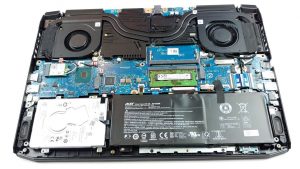


![[Settembre 2026] Le marche di laptop più vendute su Amazon Global – Apple domina il mercato con una quota di fatturato superiore al 70%](https://laptopmedia.com/wp-content/uploads/2026/10/GLOBAL-Best-Brands-400x225.jpg)
![[Settembre 2026] Amazon Global: i 10 laptop più venduti – Il MacBook Neo di Apple conquista il primo posto, mentre i dispositivi economici e di fascia alta dominano la classifica](https://laptopmedia.com/wp-content/uploads/2026/10/Best-Selling-Laptops-GLOBAL-Top-10-400x225.jpg)
![[Settembre 2026] Amazon Global: i 10 laptop da gaming più venduti – L’ASUS ROG Strix G16 domina il mercato con vendite record](https://laptopmedia.com/wp-content/uploads/2026/10/Best-Selling-Gaming-Laptops-GLOBAL-Top-10-400x225.jpg)
![[Settembre 2026] Classifica globale delle GPU per laptop più vendute su Amazon: il chip M5 di Apple surclassa NVIDIA nella fascia premium, ma la RTX 5060 è l’unica GPU dedicata a entrare nella Top 10](https://laptopmedia.com/wp-content/uploads/2026/10/Best-Selling-GPUs-GLOBAL-Top-10-400x225.jpg)
![[Settembre 2026] Classifica globale delle CPU per laptop più vendute su Amazon: l’M5 di Apple sbaraglia Intel, mentre il mercato premium diventa una corsa a senso unico](https://laptopmedia.com/wp-content/uploads/2026/10/Best-Selling-CPUs-GLOBAL-Top-10-400x225.jpg)
