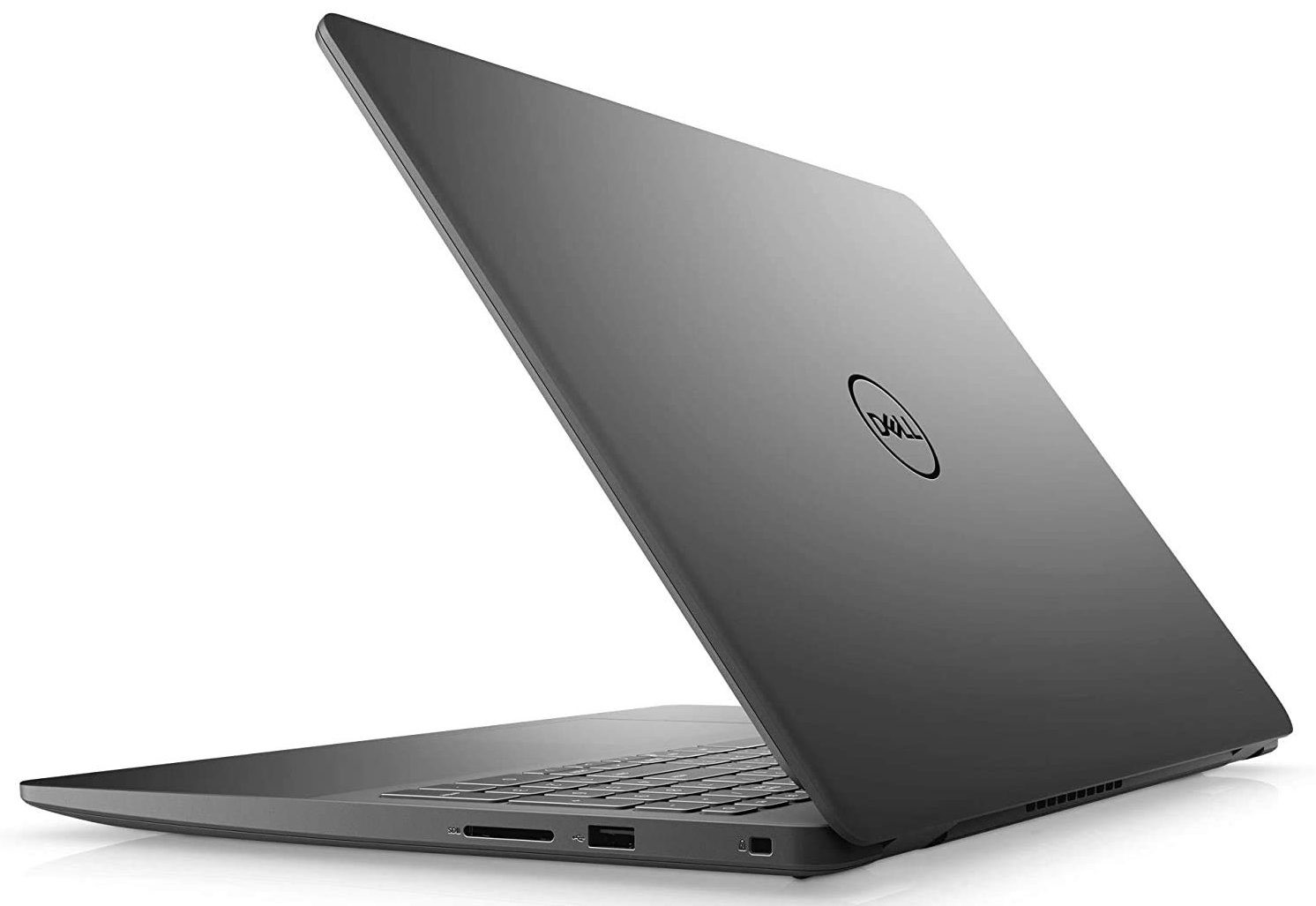
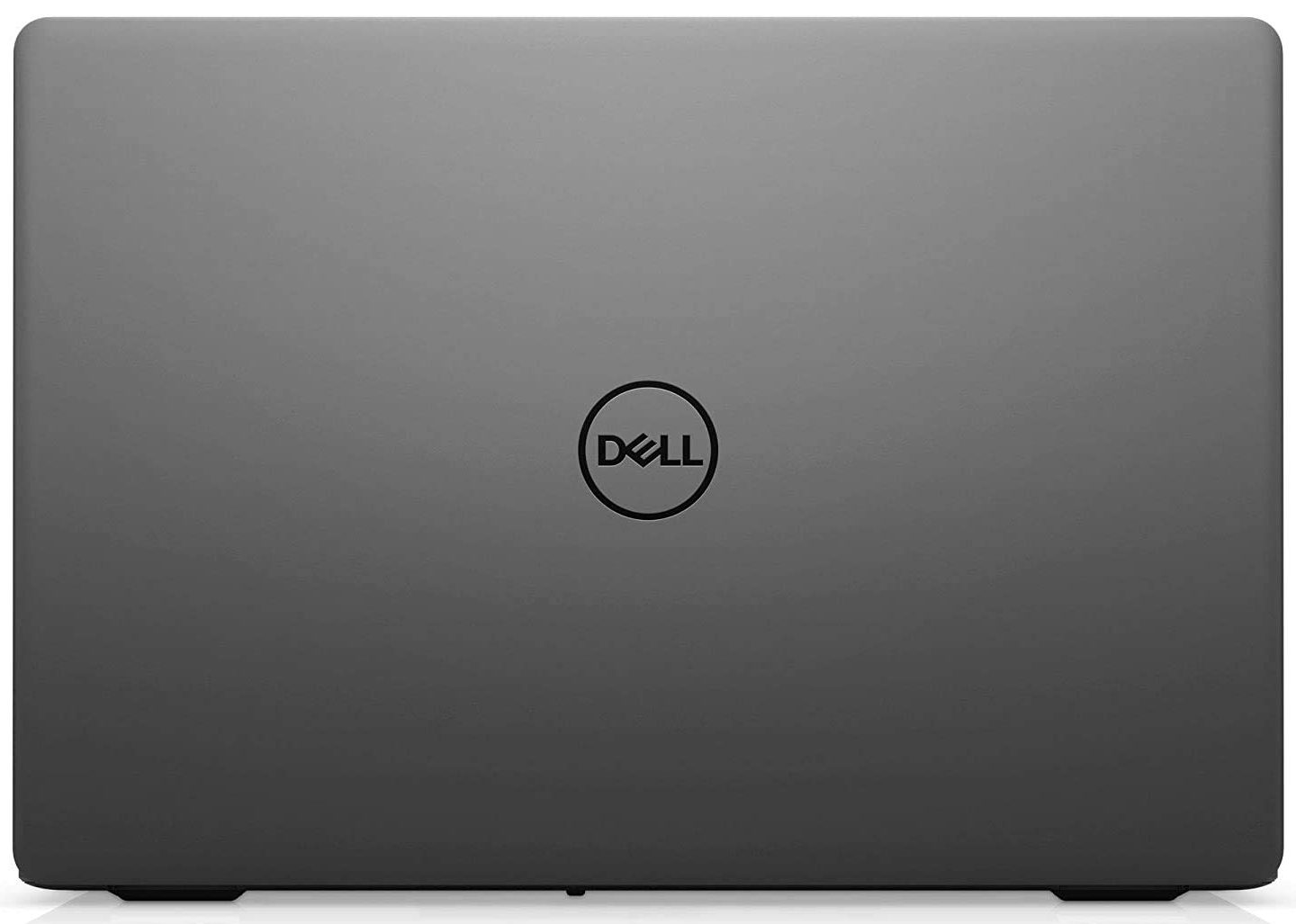
Dell Vostro 3501
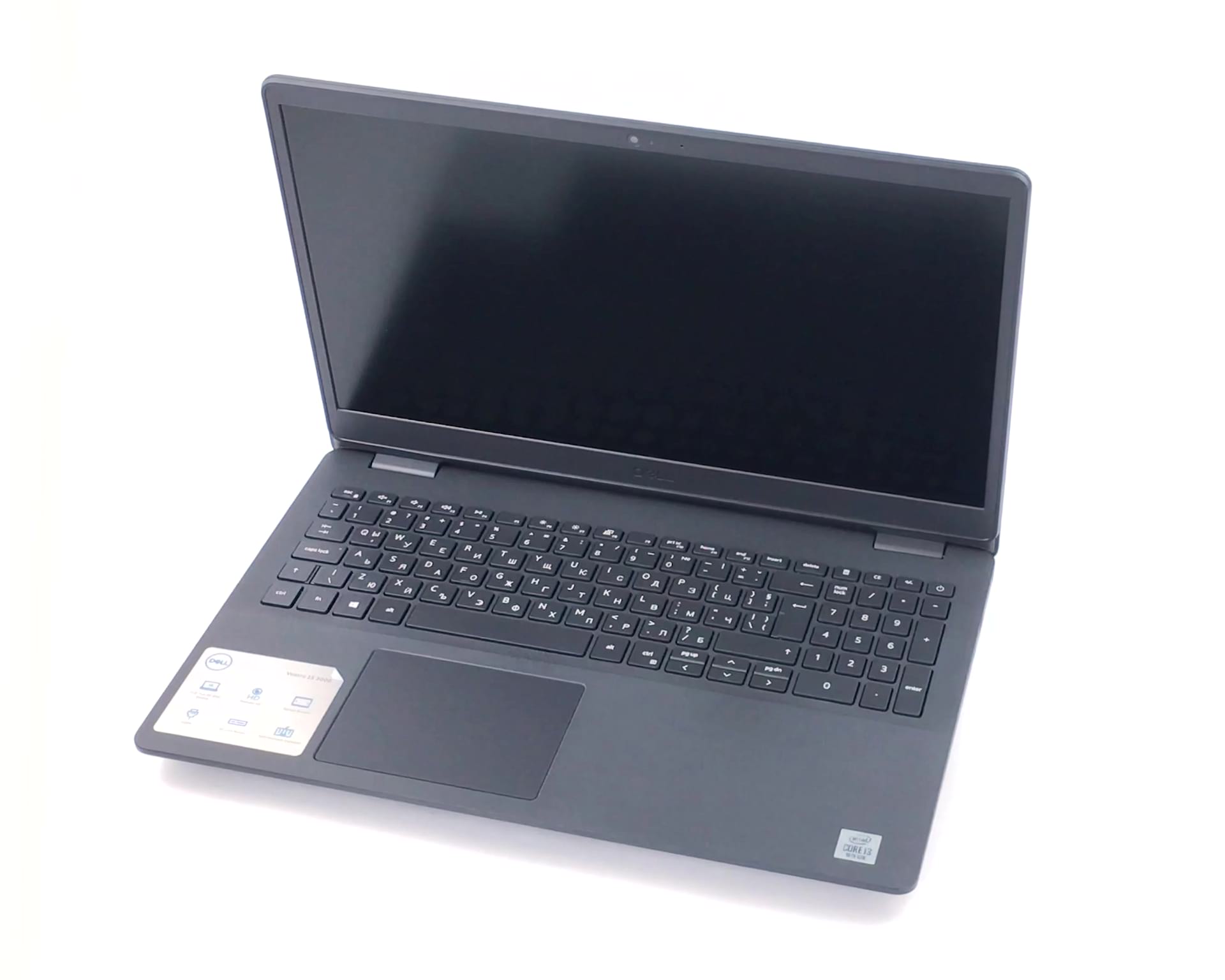

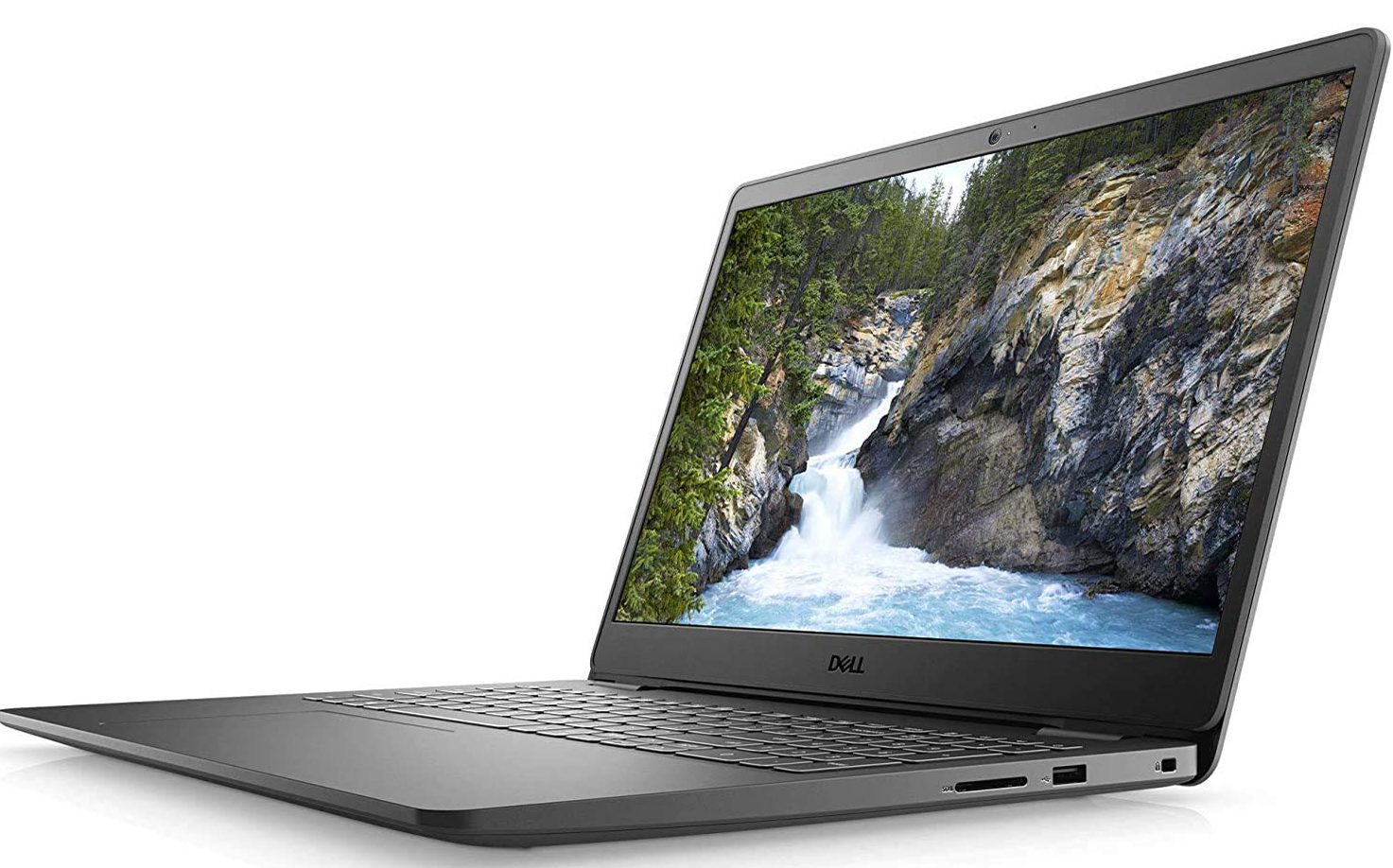
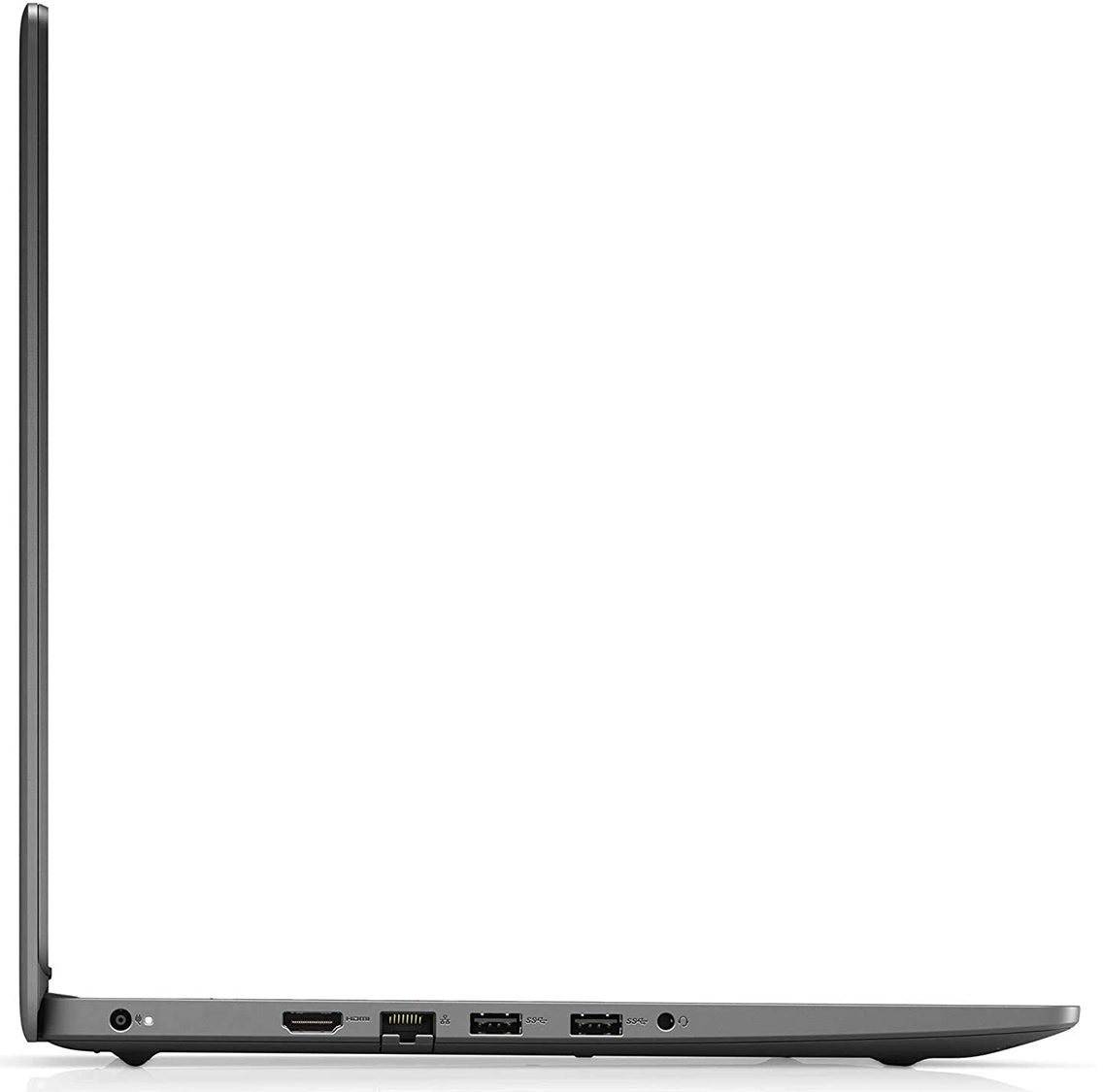
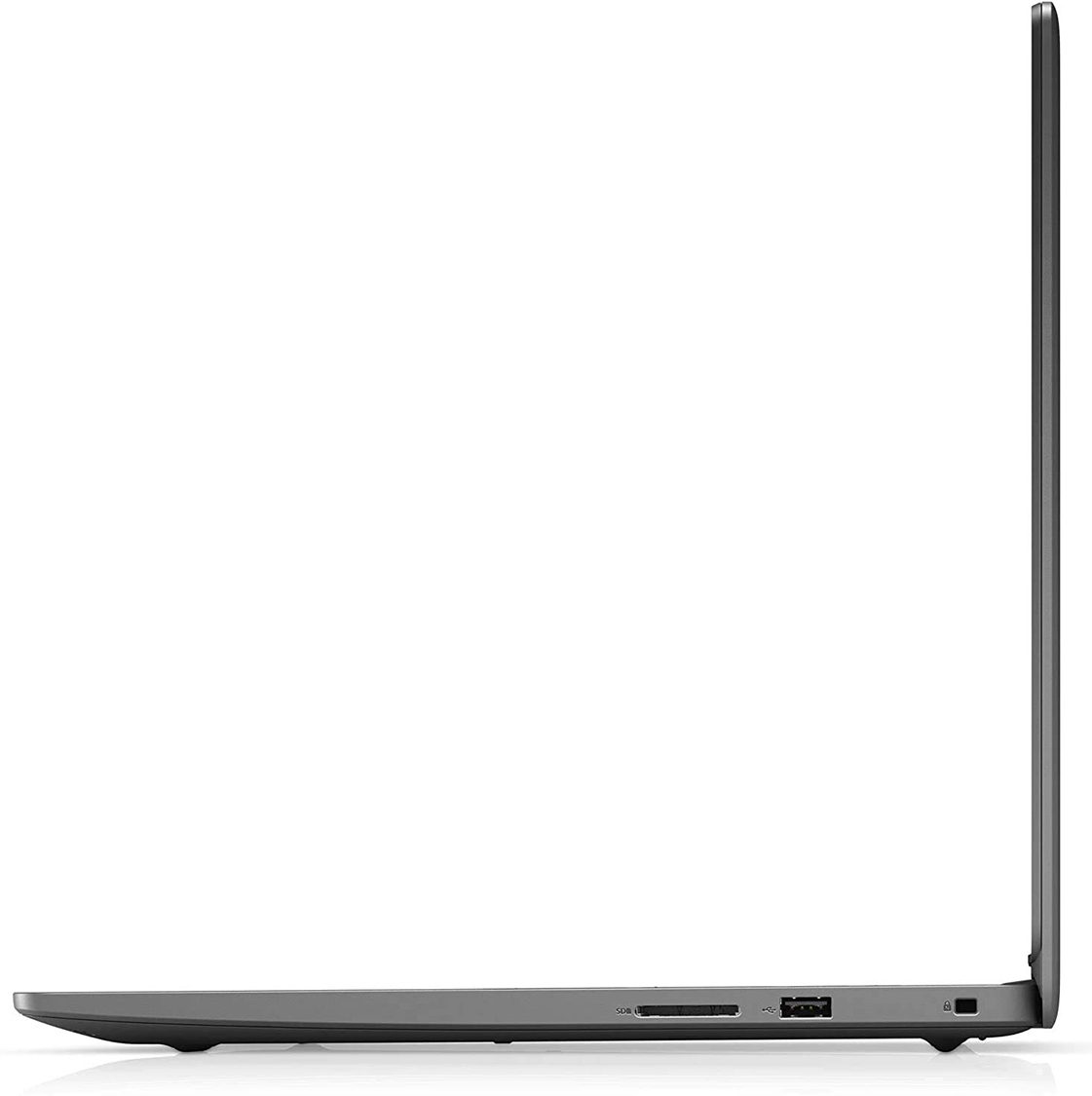

- Data di Pubblicazione: 06 Aug 2021
- Intel Core i5-1035G1
- Intel UHD Graphics G1
- 15.6”, Full HD (1920 x 1080), IPS
- 512GB SSD + 1000GB HDD
- 1x 8GB DDR4 + 16GB DDR4
- 1.90 kg (4.2 lbs)

Recensire
Dell Vostro 3501 recensione approfondita
Today we have a budget business notebook, which can be considered as the embodiment of 2020. This is because one can see cost-cutting measures all around it - the design, the build quality, the performance... However, it is a notebook that has to oil your business' gears, so we have to check it out.One thing we found interesting is that, currently, this laptop is only offered with the Core i3-1005G1 - a very modest Ice Lake CPU, which has only two cores and four threads. This may very well put it on the trailing edge since some of its competitors are being released with AMD Ryzen 4000U processors, which are superior not only in their core count but in average performance and efficiency.In terms of displays, Dell is still trying to sell the terrible 768p TN displays, which becomes [...]
Leggi la recensione completa
Pro
- Upgradability is on point
- Affordable
- Has an SD card reader
- Respectable battery life
- Has comfortable viewing angles and good contrast ratio (BOE T1WD3-NV15N3D)
Contro
- Covers only 50% of sRGB (BOE T1WD3-NV15N3D)
- Uses aggressive PWM for brightness adjustment (our Health-Guard profile deals with the issue) (BOE T1WD3-NV15N3D)
- Questionable build quality
- Doesn't offer a USB Type-C port
Opzioni di smontaggio, manutenzione e aggiornamento
Budget laptops seem to have on point upgradability.Check out all Dell Vostro 15 3501 prices and configurations in our Specs System or read more in our In-Depth review.1. Remove the bottom plate There are 9 Phillips-head screws that need to be undone before you remove the bottom panel. In fact, the two in the back corners are captive, and naturally, lift the edges of the panel, so you can start the prying process from there.2. Battery Battery-wise there is a modest 42Wh unit.3. Memory and storage Thankfully, as a business notebook should - it offers very good upgrad[...]
Leggi di più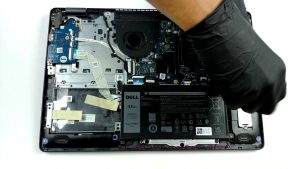
Display: 15.6-inch, 1920 x 1080, IPS
- Nome
- BOE T1WD3-NV15N3D (BOE0819)
- Diagonale
- 15.6"
- Densità dei pixel
- 141.21 ppi
- Refresh rate
- 60 Hz
- Luminosità
- 287 cd/m2
- sRGB
- 50%
- Tipo di Pannello
- IPS
- Risoluzione
- 1920 x 1080
- Diventa "Retina" da
- 24 inches (62 cm)
- Contrasto
- 1140:1
- dE Color Checker
- 5.3 4.0

Acquista i nostri profili per BOE T1WD3-NV15N3D (BOE0819)
Oltre a ricevere profili efficienti e salutari, acquistando i prodotti di LaptopMedia sosterrai anche lo sviluppo dei nostri laboratori, dove testiamo i dispositivi per produrre le recensioni più oggettive possibili.

Office Work
Office Work dovrebbe essere usato principalmente da utenti che passano la maggior parte del tempo a guardare testi, tabelle o semplicemente a navigare. Questo profilo mira a fornire una migliore distinzione e chiarezza mantenendo una curva gamma piatta (2.20), una temperatura colore nativa e colori percettivamente accurati.

Design e Gaming
Questo profilo è rivolto ai designer che lavorano con i colori professionalmente, nonché per giochi e film. Design and Gaming porta i pannelli dei display ai loro limiti, rendendoli il più accurati possibile nello standard sRGB IEC61966-2-1 per Web e HDTV, con punto di bianco D65.

Health-Guard
Health-Guard elimina la dannosa Modulazione di Larghezza d'Impulso (PWM) e riduce la Luce Blu negativa che influisce sui nostri occhi e sul nostro corpo. Essendo personalizzato per ogni pannello, riesce a mantenere i colori percettivamente accurati. Health-Guard simula la carta, quindi la pressione sugli occhi è notevolmente ridotta.