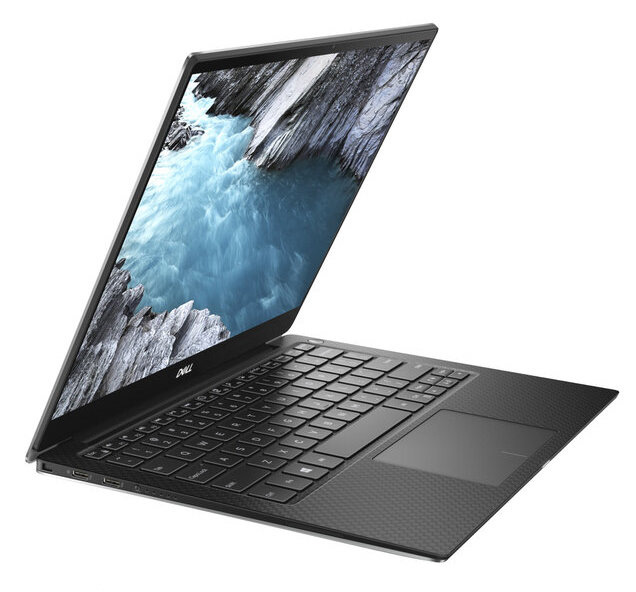
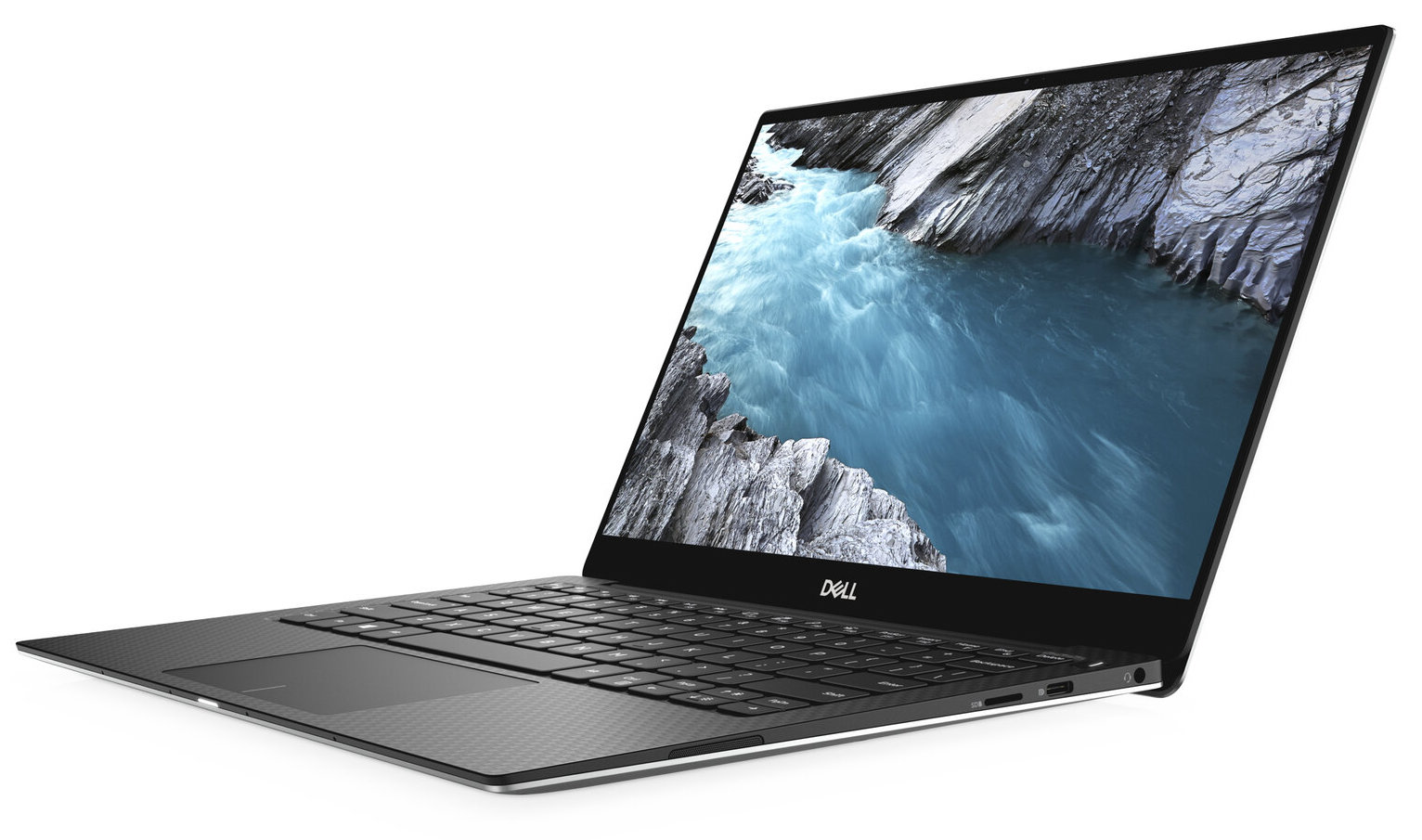
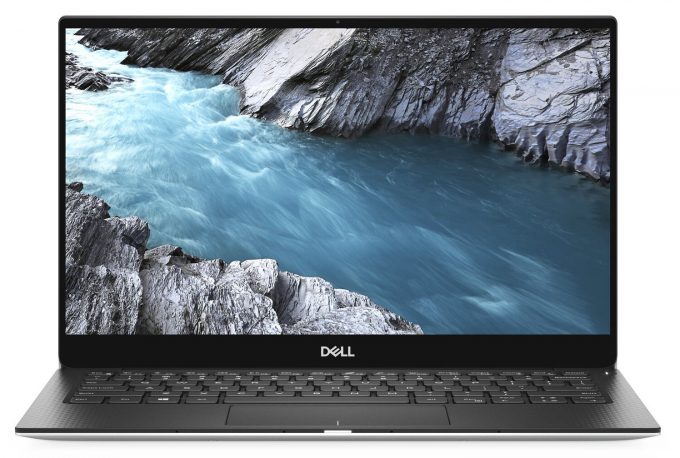
Dell XPS 9380
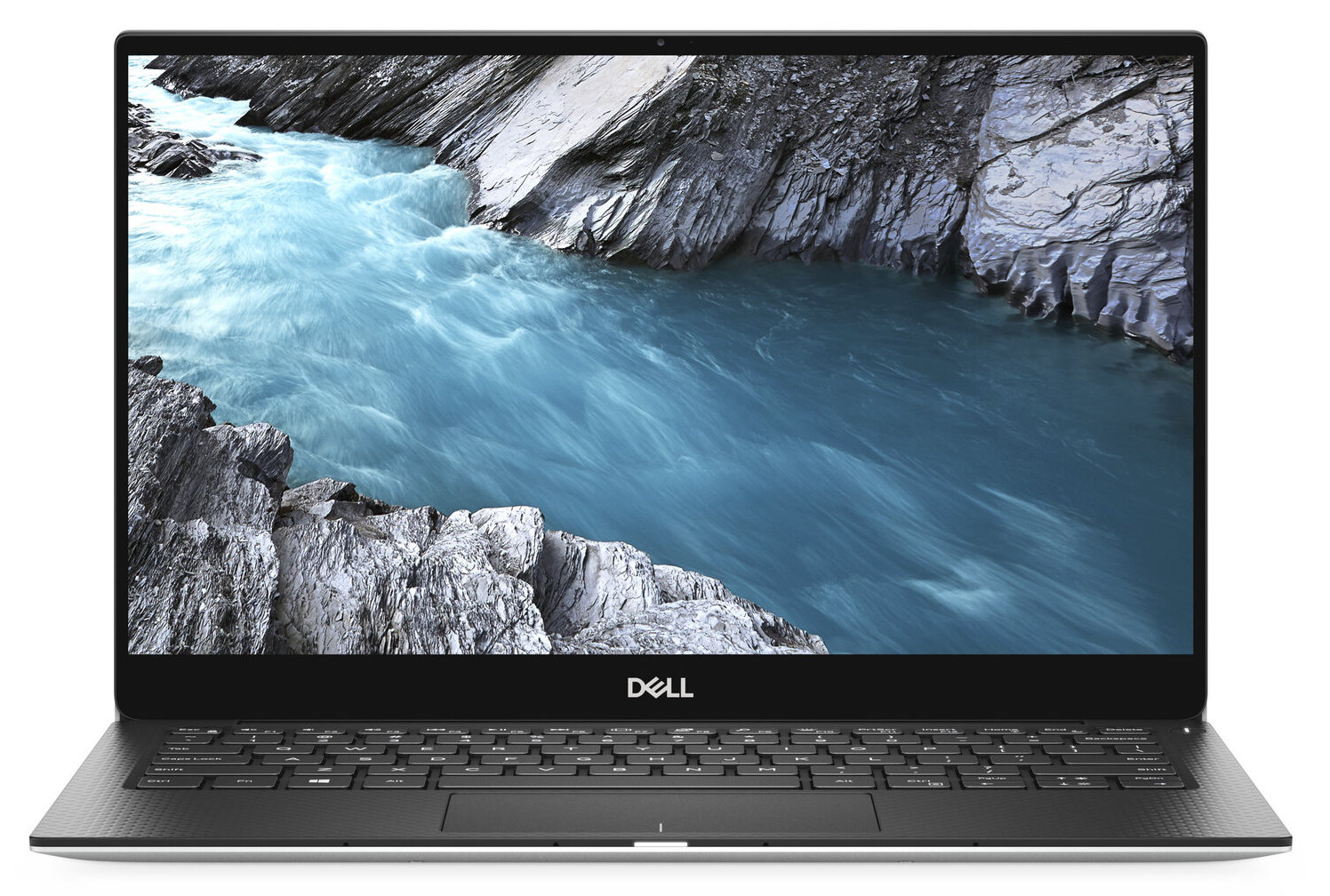
- Data di Pubblicazione: 13 Jul 2019
- Intel Core i5-8265U
- Intel UHD Graphics 620
- 13.3”, 4K UHD (3840 x 2160), IPS
- 256GB SSD
- 8GB RAM
- 1.27 kg (2.8 lbs)
Dell XPS 13 (9380) recensione approfondita
Welcome, to the higher tier of the business notebook market. This is a place home to Apple MacBook Pros, Dell XPS, Lenovo ThinkPad X1 Carbons and more chosen premium level devices. This is a very delicate area of the market because when you are ready to give that large of a buck you have a lot to [...]
Leggi la recensione completa
Specifiche
- Display
- HDD/SSD
- 256GB SSD
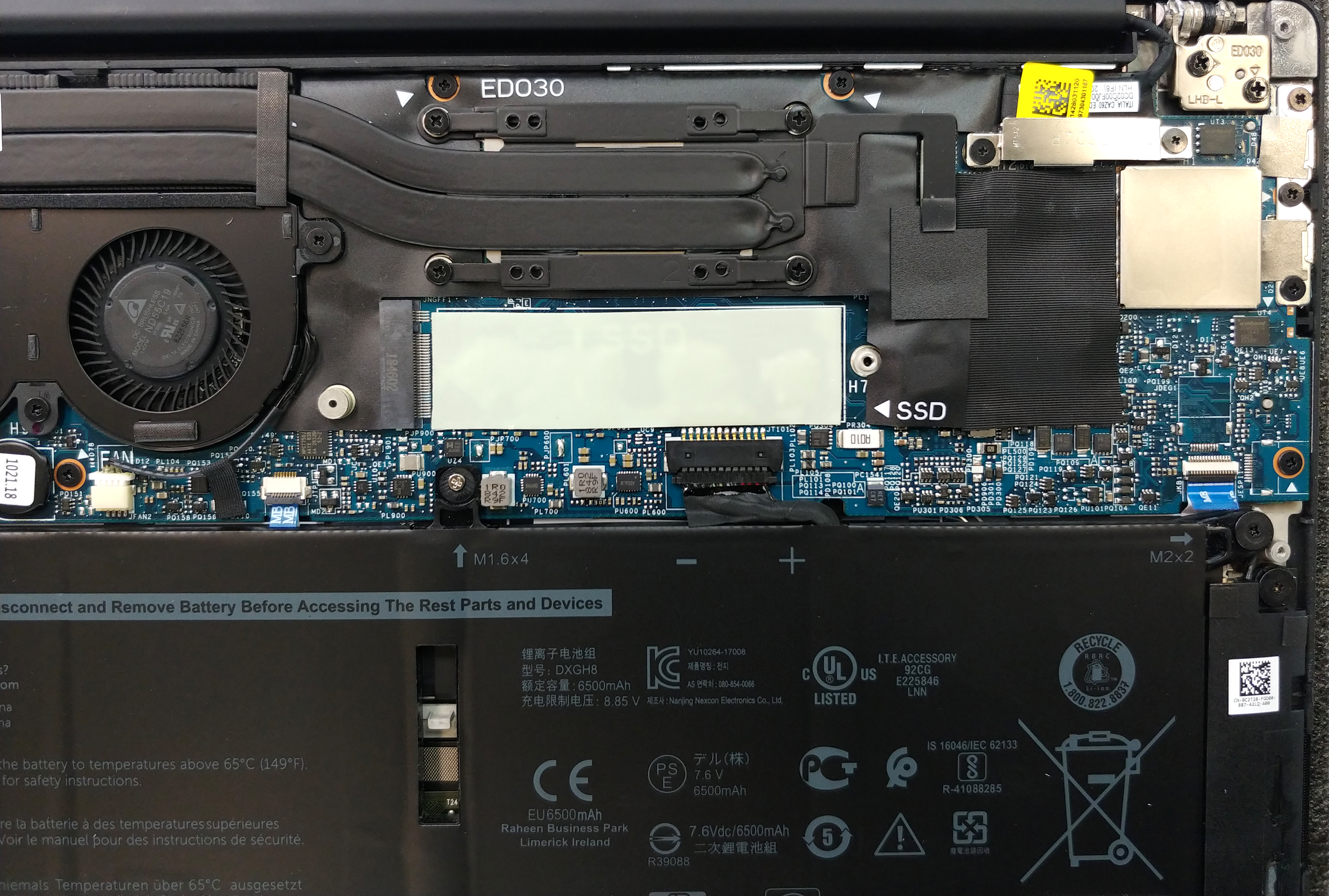
- Slot M.2
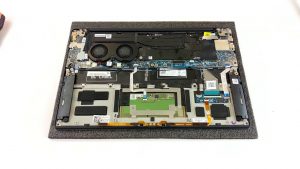
- 1x M.2 SSD PCIe Gen 3x4 NVMe slot Vedi foto
- RAM
- 8GB RAM
- OS
- Windows 10 Pro
- Materiale del corpo
- Alluminio, Carbonio
- Dimensioni
- 302 x 199 x 7.8 - 11.63 mm (11.89" x 7.83" x 0.31")
- Peso
- 1.27 kg (2.8 lbs)
- Porte e connettività
- 2x USB Type-C
- 3.2 Gen 2 (10 Gbps), Thunderbolt 3, Power Delivery (PD), DisplayPort, HDMI
- 1x USB Type-C
- 3.2 Gen 2 (10 Gbps), Power Delivery (PD), DisplayPort
- Lettore di schede
- microSD (mSD/mSDHC/mSDXC)
- Wi-Fi
- 802.11ac (2x2)
- Bluetooth
- 4.2
- Audio jack
- 3.5mm audio jack
- Caratteristiche
- Webcam
- 720p@30fps
- Microfono
- Digital-array microphones
- Altoparlanti
- 2x 2W
- Unità ottica
- Slot per lucchetto di sicurezza
Portabilità
Recensire
Dell XPS 9380 recensione approfondita
Welcome, to the higher tier of the business notebook market. This is a place home to Apple MacBook Pros, Dell XPS, Lenovo ThinkPad X1 Carbons and more chosen premium level devices. This is a very delicate area of the market because when you are ready to give that large of a buck you have a lot to desire. So, we have to be extra harsh on today's device - the Dell XPS 13 9380.Actually, it is not a lot different from its predecessor - the XPS 13 9370, as externally it looks exactly the same. However, the change lays in the internals - newer CPUs (Intel Whiskey Lake) a more orthodox camera position. However, if you are not very familiar with what Dell XPS 13 9380 has to offer, feel free to roam around our in-depth review of this notebook.You can check the prices and configurations in [...]
Leggi la recensione completaPro
- Astonishing battery life
- Very thin profile
- Satisfactory input devices (the keyboard is backlit)
- Very high contrast, 94% sRGB coverage and accurate default settings (AUO B133HAN06VG6 (AUO5B2D))
- Doesn't use PWM for brightness adjusment and reaches above 400 nits (AUO B133HAN06VG6 (AUO5B2D))
- Charges via Type-C
- Supports Thunderbolt
- Blazing fast performance
Contro
- Needs a dongle to expand the I/O
- Gets pretty hot
- Lowers its maximum brightness on battery power
Opzioni di smontaggio, manutenzione e aggiornamento
Dell XPS 13 9380 is the last of the 9000 series XPS devices. After that, we see a rebranding in the number part of the name of these notebooks. Now let's see what's inside a premium ultrabook, shall we?Check out all Dell XPS 13 9380 prices and configurations in our Specs System or read more in our In-Depth review.1. Remove the bottom plate Dell XPS 13 9380's backplate is held in place by 8 Torx-head screws (T5). After you unscrew them be very careful with the prying process since the material underneath it is pretty fragile.2. Battery XPS 13 9380's battery covers half of [...]
Leggi di più