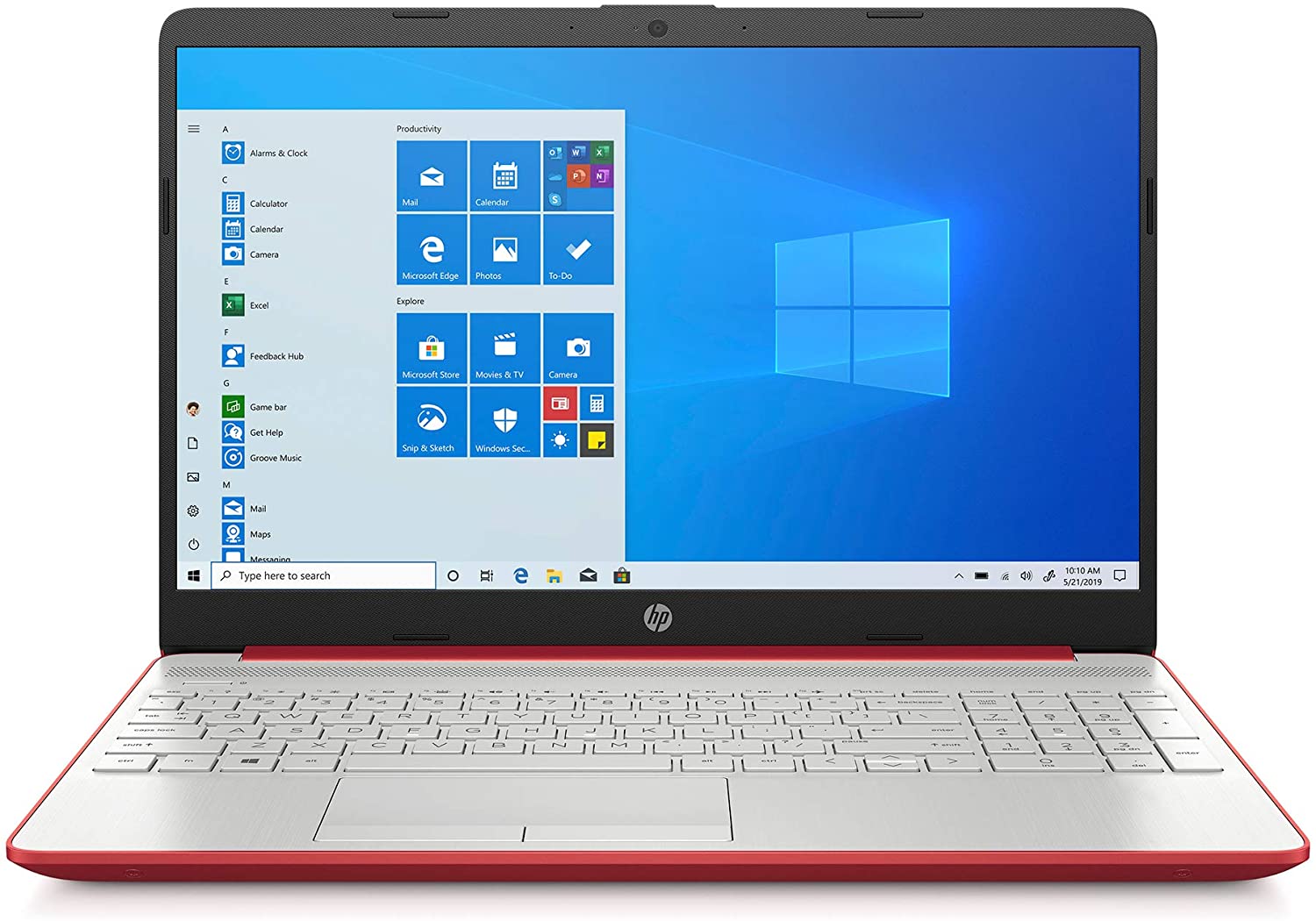
HP 15
- Data di Pubblicazione: 29 Feb 2024
- Intel Pentium Gold 6405U
- Intel UHD Graphics
- 15.6”, HD (1366 x 768), TN
- 4000GB SSD
- 32GB DDR4
- 1.75 kg (3.9 lbs)
HP 15 (15-dw0000, dw1000, dw2000, dw3000, gw0000, gr0000, du0000, du1000, du2000, du3000) recensione approfondita
Updated, refreshed or renewed? Probably all of this at once. The HP 15 (15-dw1000) is a fresh laptop from the American company, which finally provides a sleek look in 2020. Instead of its thick bezels and flimsy plastic design, the company has gone for a tighter package that houses decent hardware [...]
Leggi la recensione completa
Recensire
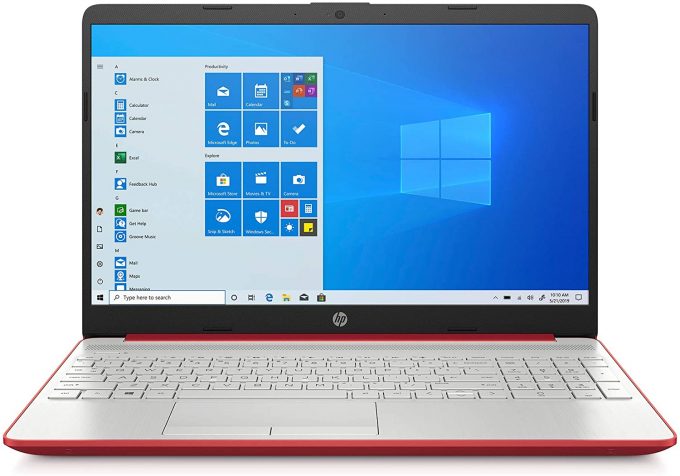
HP 15 recensione approfondita
Updated, refreshed or renewed? Probably all of this at once. The HP 15 (15-dw1000) is a fresh laptop from the American company, which finally provides a sleek look in 2020. Instead of its thick bezels and flimsy plastic design, the company has gone for a tighter package that houses decent hardware and an optional 1080p IPS display.In a way, most of the affordable all-rounders on the market provide a similar experience. However, the differences lie in the details. And more frequently, this refers to the failure to accomplish a good build quality or to provide a decent battery life, mainly because of the cost-cutting measures. How much of a compromise was made with this model? Let's find out.You can check the prices and configurations in our Specs System: https://laptopmedia.com/ser[...]
Leggi la recensione completaPro
- Comfortable keyboard
- Thin and light design
- Decent I/O
- Adequate pricing
- Doesn't use PWM for brightness adjustment
- Comfortable viewing angles and good contrast ratio
- It is equipped with an SD card and has great upgradability
- Has an optional fingerprint reader
Contro
- Plastic is the only material for the body
- Covers only 52% of sRGB
- No keyboard backlight
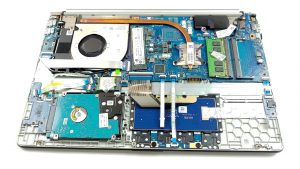
Opzioni di smontaggio, manutenzione e aggiornamento
Surprisingly, this is a laptop that packs a whole lot of features, despite its modest price tag.Check out all HP 15 (15-dw1000) prices and configurations in our Specs System or read more in our In-Depth review.1. Remove the bottom plate Every now and then, HP produces a laptop that has all its screws visible to the naked eye. However, this device is not one of them. In order to unravel all of them, you need to remove both of the rubber feet. They hide five of the seven total Phillips-head screws. Once you've removed all of them, you can start prying the bottom panel. You can eit[...]
Leggi di più