


- Data di Pubblicazione: 25 Feb 2021
- Intel Core i7-10510U
- NVIDIA GeForce MX350 (25W)
- 13.3”, Full HD (1920 x 1080), IPS
- 1000GB SSD
- 16GB DDR4
- 1.31 kg (2.9 lbs)
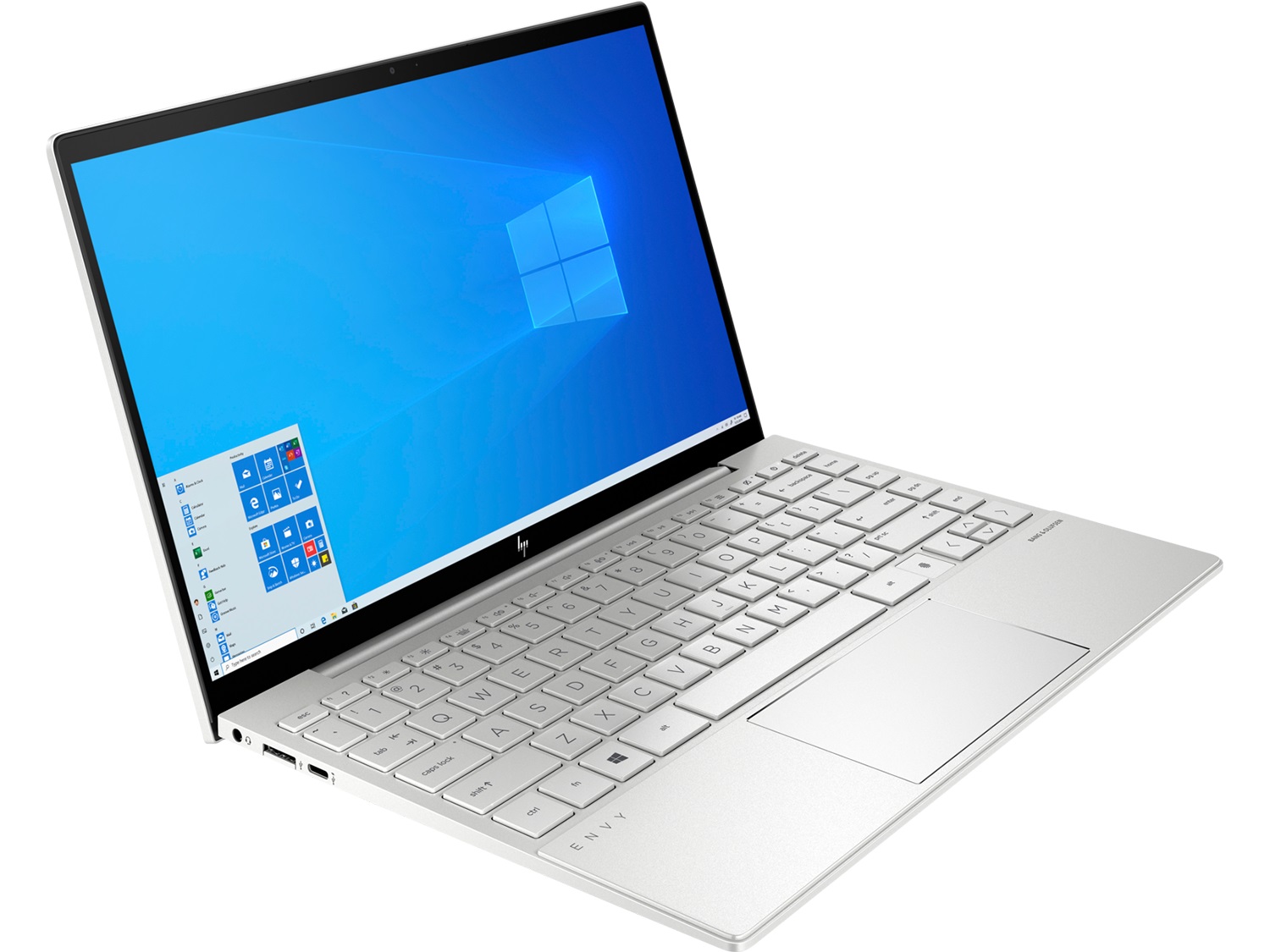
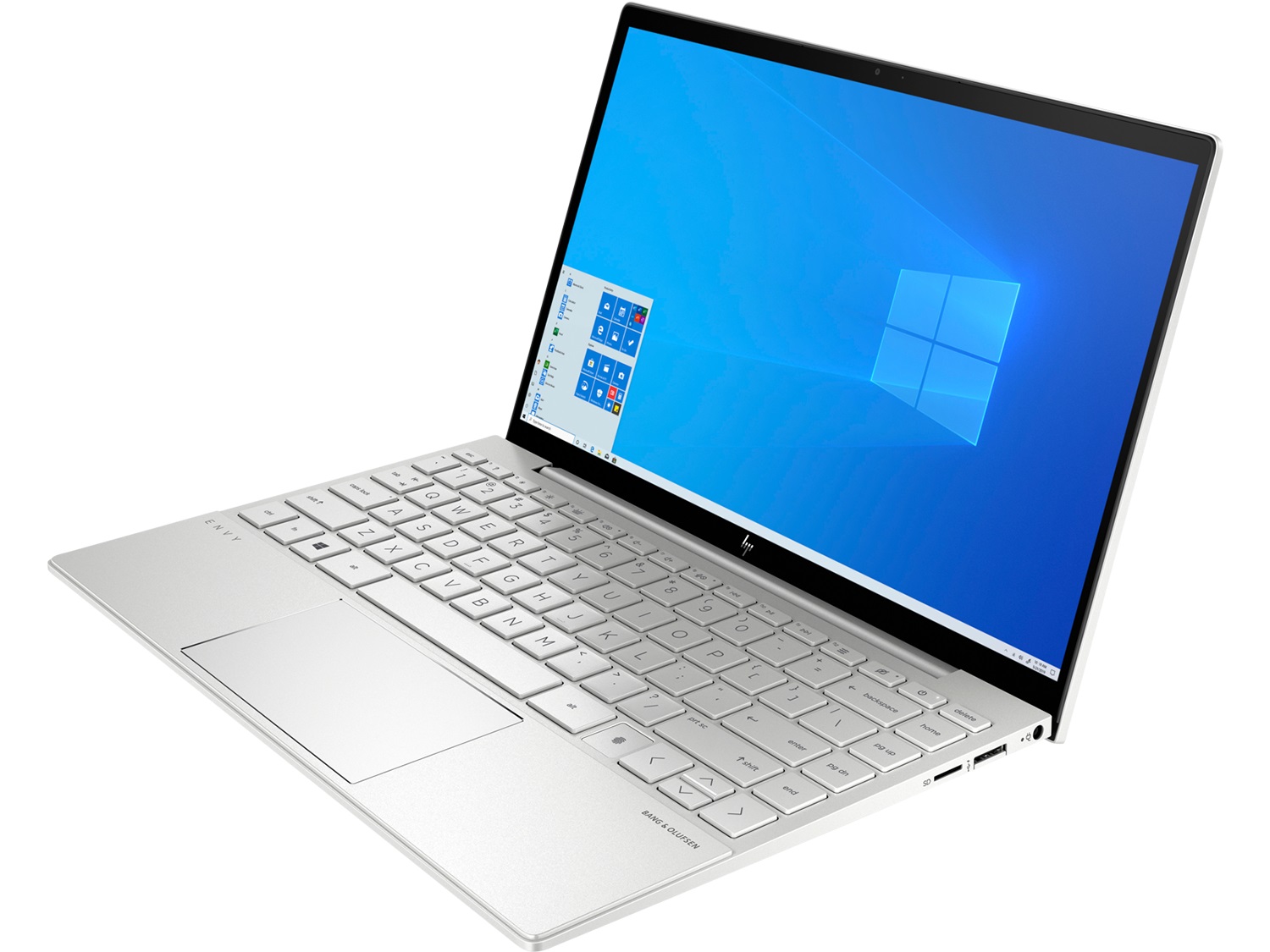
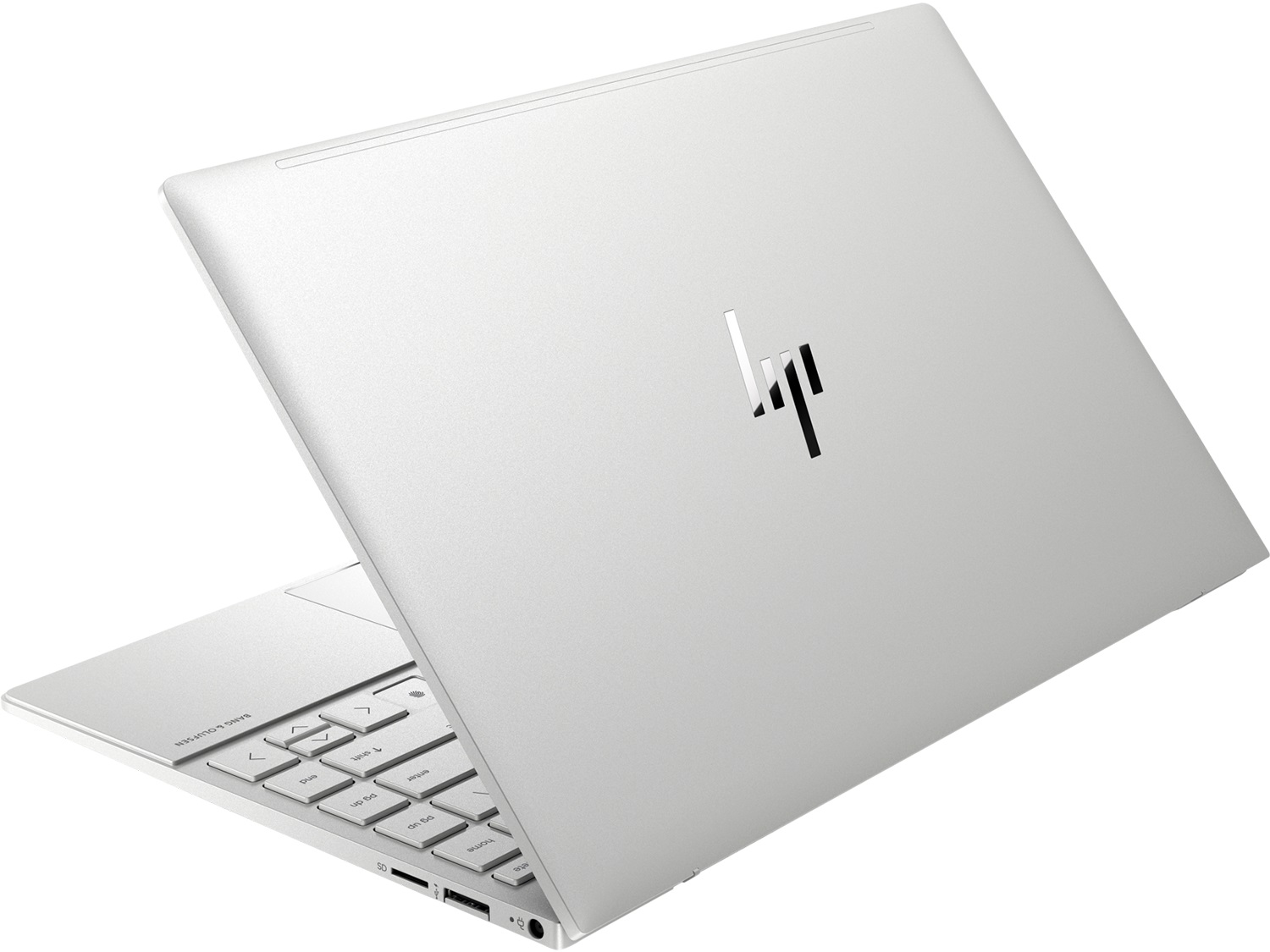
HP ENVY 13 (13-ba0000, ba1000) recensione approfondita
Today, we have an uncharacteristically premium notebook to review. It is the Envy 13 (13-ba0000), and in the configuration we got it, it has a Comet Lake-U Intel, the NVIDIA GeForce MX350, as well as a very interesting display. Actually, we're going to spoil it for a second, by saying that this [...]
Leggi la recensione completa
Recensire
HP ENVY 13 recensione approfondita
Today, we have an uncharacteristically premium notebook to review. It is the Envy 13 (13-ba0000), and in the configuration we got it, it has a Comet Lake-U Intel, the NVIDIA GeForce MX350, as well as a very interesting display.Actually, we're going to spoil it for a second, by saying that this notebook has the exact same 1080p IPS panel as the HP Spectre x360 13 (13-aw0000). Ultimately, this means that it has extremely high maximum brightness, that is needed to incorporate one particular feature - Sure View. The aim of that technology is to prevent unwanted eyes from peeking at your display and seeing your sensible data.One would say, why would you need that on an IPS display, when you can just get a TN panel and live your life. Well, the TN panels naturally have a worse color rep[...]
Leggi la recensione completaPro
- Sure View privacy system
- PCIe x4 support and a MicroSD card reader
- Has a great contrast ratio and a maximum brightness of 1000 nits (IVO M133NVFD R2)
- Great for designers with 99% of sRGB coverage and accurate color representation (thanks to our Gaming and Web design profile) (IVO M133NVFD R2)
- Very fast fingerprint reader
Contro
- RAM is soldered to the motherboard
- Uses aggressive PWM up to the maximum level of brightness (our Health-Guard profile fixes that) (IVO M133NVFD R2)
- Underperforming hardware
- Weird power button location
Opzioni di smontaggio, manutenzione e aggiornamento
What seemed like a potent machine, proved to be an underwhelming cooling disaster.Check out all HP Envy 13 (13-ba0000) prices and configurations in our Specs System or read more in our In-Depth review.1. Remove the bottom plate While HP has once again tried to fool you by hiding two of its screws, it is good to see that there are only four keeping the bottom panel in place. Two of them have Torx heads, while the other two are of a Phillips type. After you undo them, pry the panel with a plastic tool, and you're done.2. Battery In terms of power away from the plug, there i[...]
Leggi di più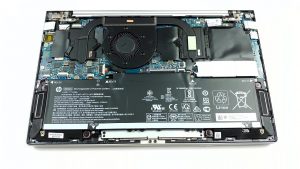
Display: 13.3-inch, 1920 x 1080, IPS
- Nome
- IVO M133NVFD R2 (IVO8584)
- Diagonale
- 13.3"
- Densità dei pixel
- 165.63 ppi
- Refresh rate
- 60 Hz
- Luminosità
- 815 cd/m2
- sRGB
- 91%
- Tipo di Pannello
- IPS
- Risoluzione
- 1920 x 1080
- Diventa "Retina" da
- 21 inches (53 cm)
- Contrasto
- 2360:1
- dE Color Checker
- 3.7 1.0

Acquista i nostri profili per IVO M133NVFD R2 (IVO8584)
Oltre a ricevere profili efficienti e salutari, acquistando i prodotti di LaptopMedia sosterrai anche lo sviluppo dei nostri laboratori, dove testiamo i dispositivi per produrre le recensioni più oggettive possibili.

Office Work
Office Work dovrebbe essere usato principalmente da utenti che passano la maggior parte del tempo a guardare testi, tabelle o semplicemente a navigare. Questo profilo mira a fornire una migliore distinzione e chiarezza mantenendo una curva gamma piatta (2.20), una temperatura colore nativa e colori percettivamente accurati.

Design e Gaming
Questo profilo è rivolto ai designer che lavorano con i colori professionalmente, nonché per giochi e film. Design and Gaming porta i pannelli dei display ai loro limiti, rendendoli il più accurati possibile nello standard sRGB IEC61966-2-1 per Web e HDTV, con punto di bianco D65.

Health-Guard
Health-Guard elimina la dannosa Modulazione di Larghezza d'Impulso (PWM) e riduce la Luce Blu negativa che influisce sui nostri occhi e sul nostro corpo. Essendo personalizzato per ogni pannello, riesce a mantenere i colori percettivamente accurati. Health-Guard simula la carta, quindi la pressione sugli occhi è notevolmente ridotta.





