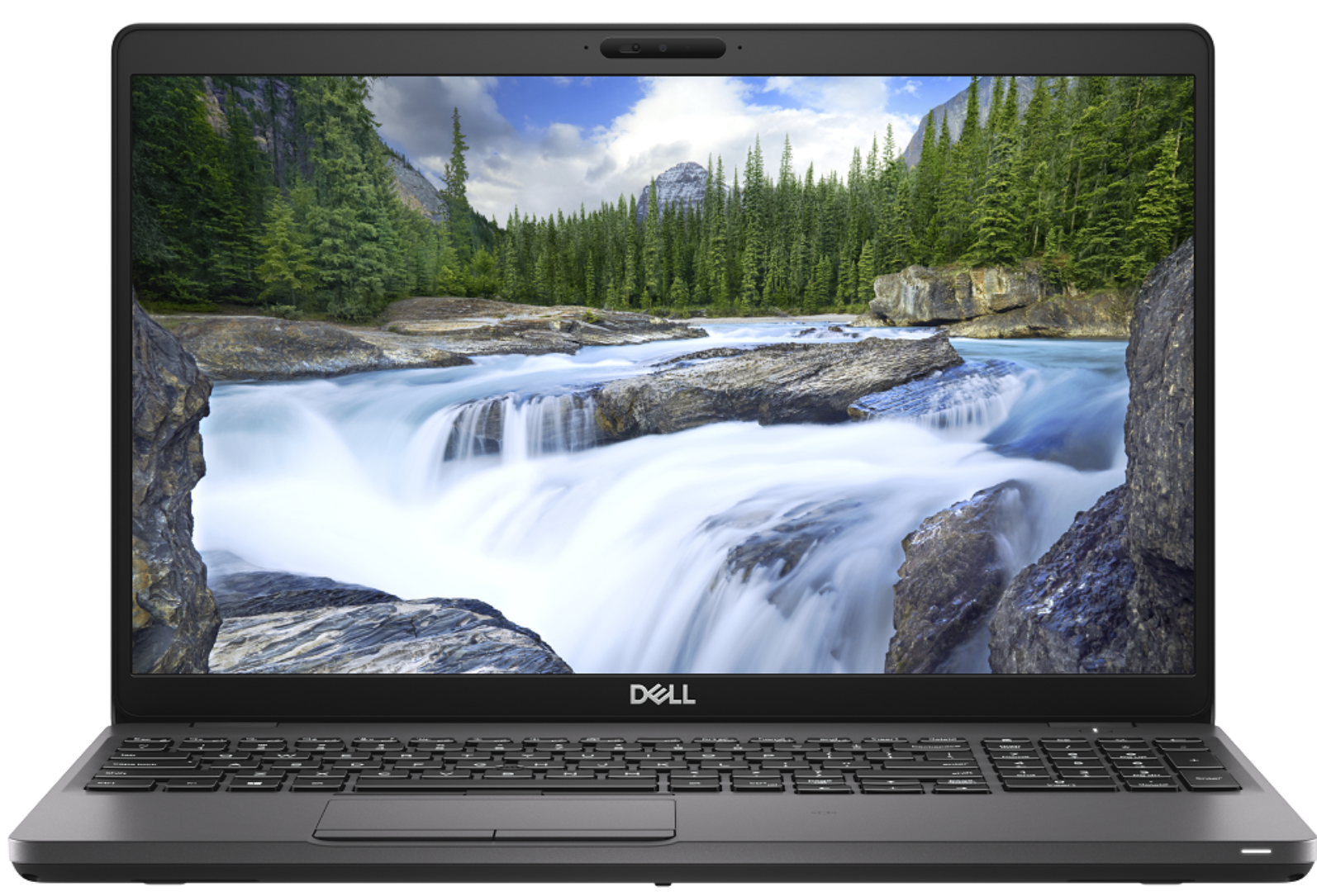
Dell Precision 3540
- 公開日: 29 Nov 2019
- Intel Core i7-8565U
- AMD Radeon Pro WX 2100 (2GB GDDR5)
- 15.6”, Full HD (1920 x 1080), IPS
- 512GB SSD
- 8GB DDR4
- 1.83 kg (4 lbs)
レビュー
Dell Precision 3540 詳細なレビュー
Despite the low number given to it by Dell, the Precision 3540 is a mid-range portable workstation that should satisfy the needs of more than just a handful of professionals. Its dedicated AMD Radeon Pro WX2100 GPU is certified to work with CAD applications, while further enhancing some minor 3D modeling and 2D manipulating tasks.Apart from professionalism, this device breathes to you, it is a laptop. And laptops have a tendency to not be perfect. Some of them are too thick, some of them are too thin but there is also a balance, where compromise is been reduced to a minimum. In the view of architects, this laptop should be super balanced, in order to catch their eyes. Let's dig into the Inspiron 3540 and see what does it have to offer.You can check the prices and configurations in[...]
完全なレビューを読む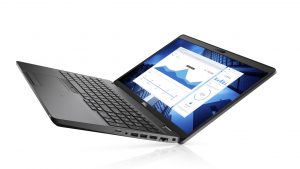
長所
- Strong body
- One of the best keyboards on a laptop
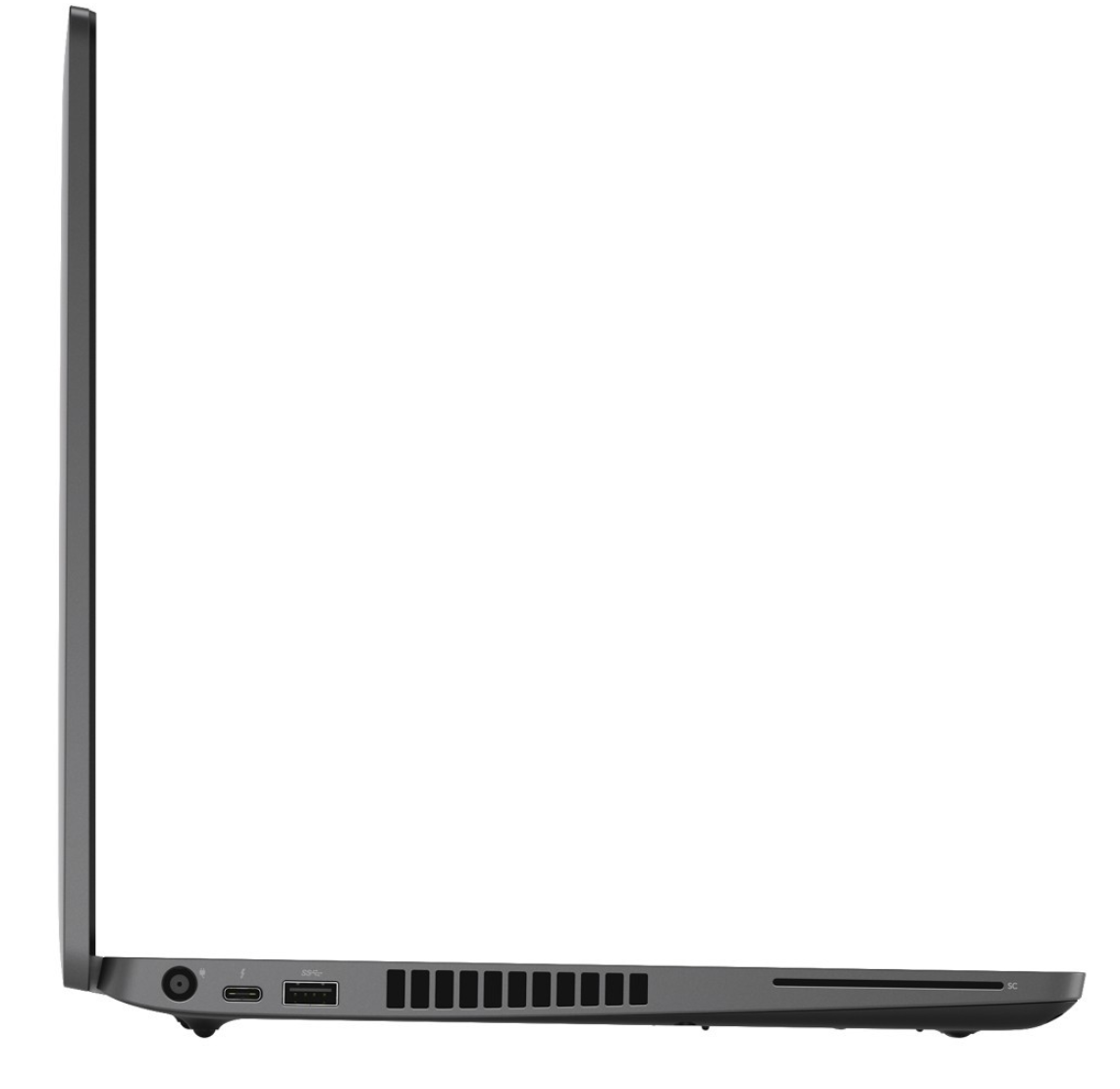
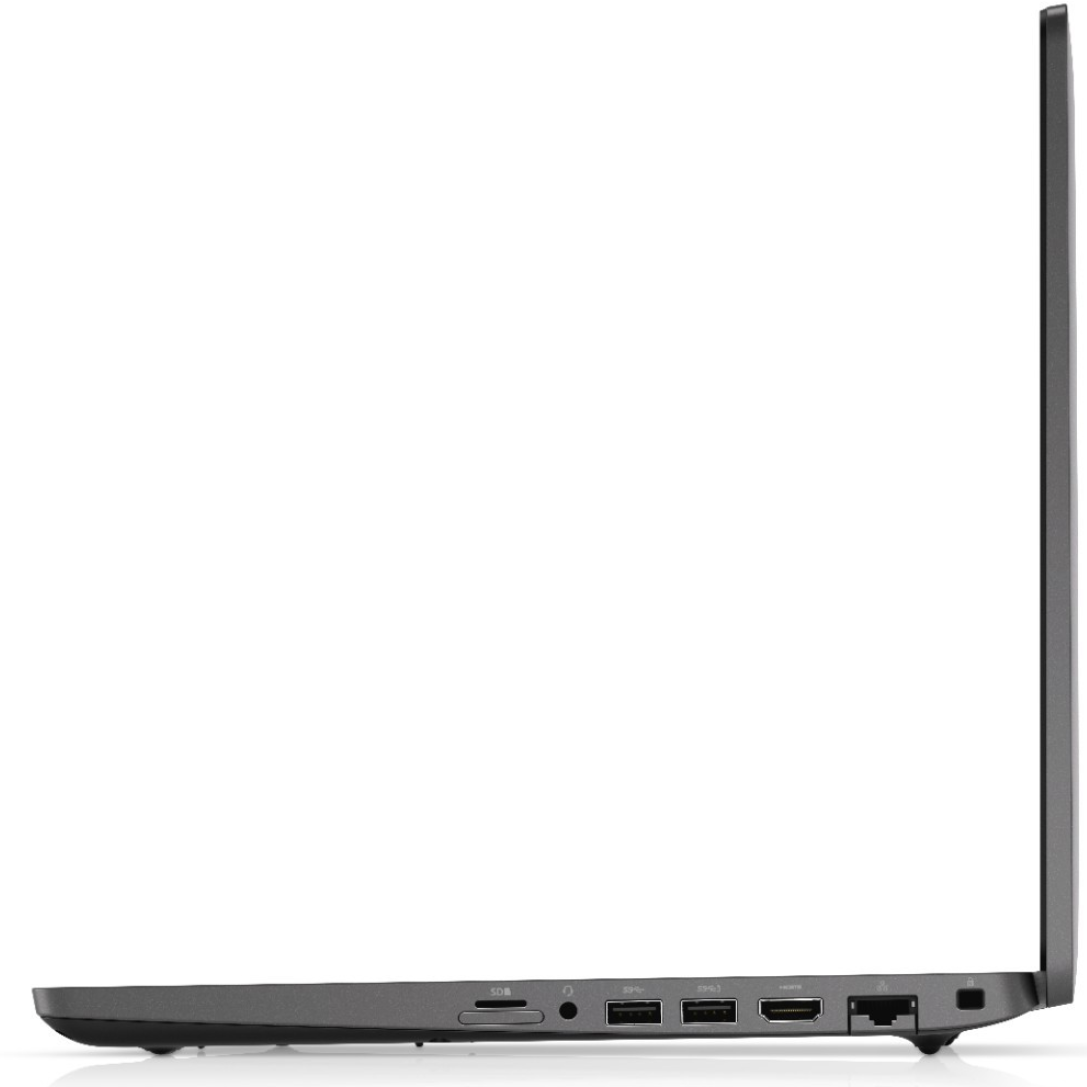
- I/O and upgradability are on point
- Great battery life
- IR face recognition
- Great viewing angles and contrast ratio (BOE NV156FHM-N4H (BOE0869))
- Thunderbolt support and PCIe x4 M.2 slot
- Above-average performance
短所
- A bit pricey
- Covers only 50% of sRGB (BOE NV156FHM-N4H (BOE0869))
- Uses PWM to adjust its brightness (fixed by our Health-Guard profile) (BOE NV156FHM-N4H (BOE0869))
分解、メンテナンス、アップグレードオプション
Recently, we tested the Precision 3540, and we think that it is one of the best mobile workstations you can find there. Of course, given the price tag and the ULV technology inside.Check out all Dell Precision 3540 prices and configurations in our Specs System or read more in our In-Depth review.1. Remove the bottom plate There are 8 screws you need to remove in order to pop the bottom panel open. Thankfully, they stay attached to the plate after you unscrew them, so you will have a hard time losing them.2. Battery In terms of battery, there is a 51Wh package. However, De[...]
続きを読む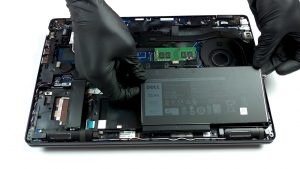
ディスプレイ: 15.6-inch, 1920 x 1080, IPS
- 名前
- BOE NV156FHM-N4H (BOE0869)
- 対角
- 15.6"
- ピクセル密度
- 141.21 ppi
- Refresh rate
- 60 Hz
- 輝度
- 230 cd/m2
- sRGB
- 50%
- パネルタイプ
- IPS
- 解像度
- 1920 x 1080
- ...から「Retina」相当に
- 24 inches (62 cm)
- コントラスト
- 1400:1
- dE Color Checker
- 6.5 4.2

...用のプロファイルを購入 BOE NV156FHM-N4H (BOE0869)
効率的で健康に優しいプロファイルを受け取ることに加え、LaptopMediaの製品を購入することで、可能な限り客観的なレビューを作成するためにデバイスをテストする私たちのラボの開発を支援することにもなります。

Office Work
Office Workは、テキストや表を見たり、ウェブサーフィンにほとんどの時間を費やすユーザーに主に使用されるべきです。このプロファイルは、フラットなガンマカーブ(2.20)、ネイティブな色温度、知覚的に正確な色を維持することで、より良い鮮明さと明瞭さを提供することを目指しています。
Design and Gaming
このプロファイルは、プロとして色を扱うデザイナーや、ゲームや映画向けです。Design and Gamingは、ディスプレイパネルの性能を最大限に引き出し、WebおよびHDTVのsRGB IEC61966-2-1規格(D65ホワイトポイント)で可能な限り正確な色を再現します。