Dell Precision 5540
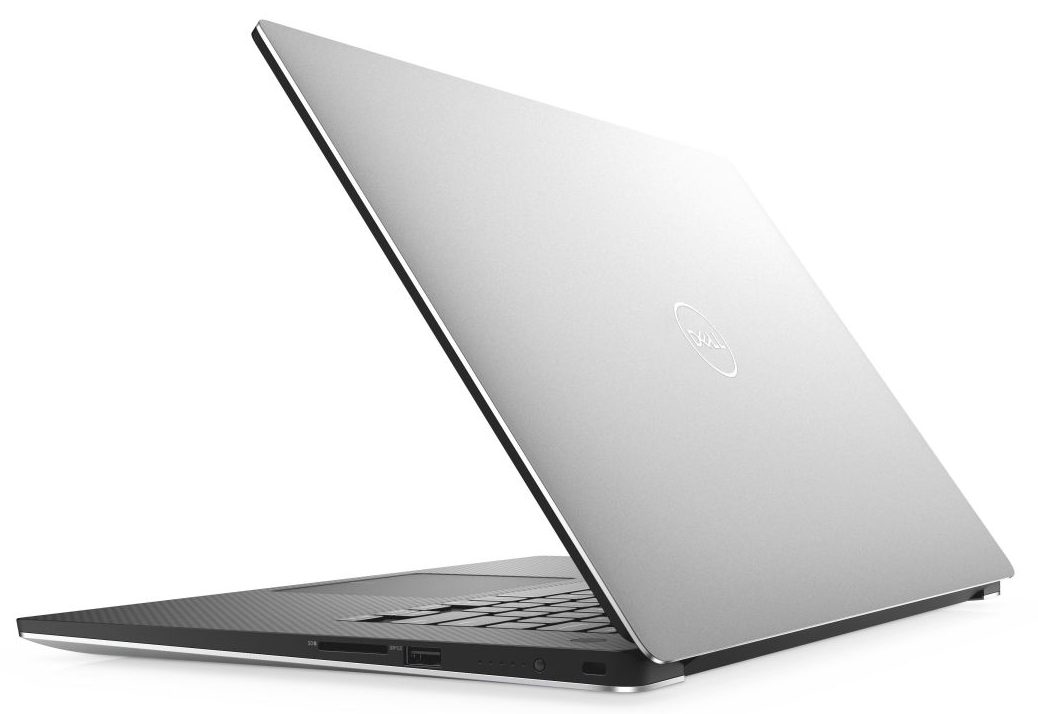
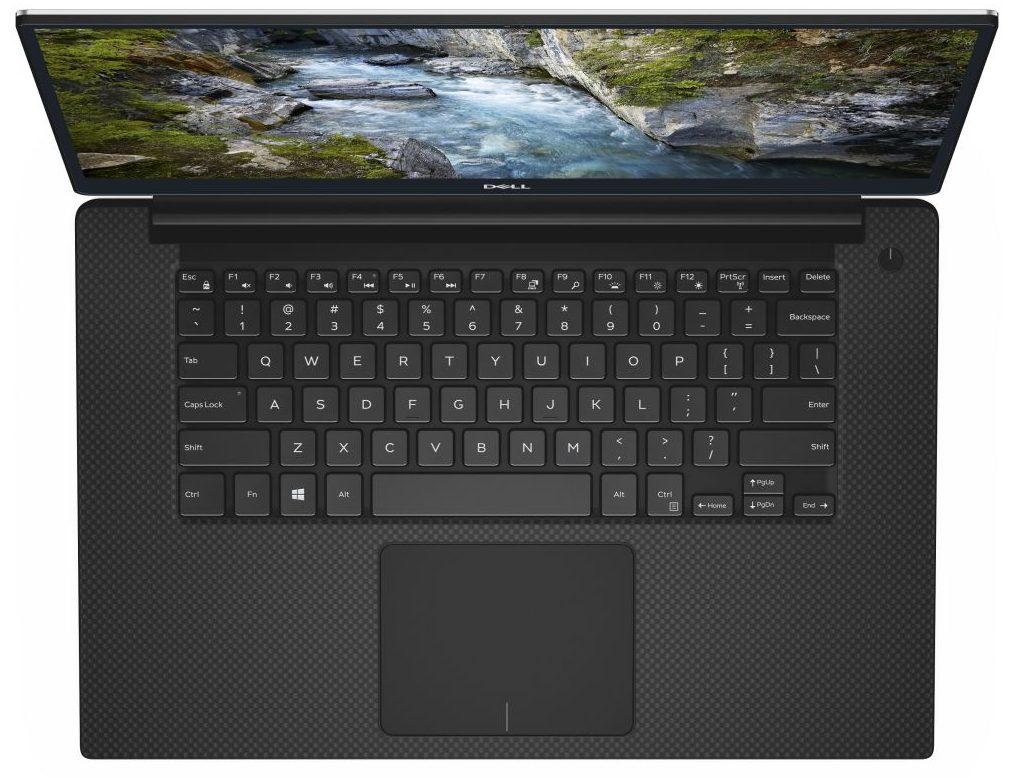
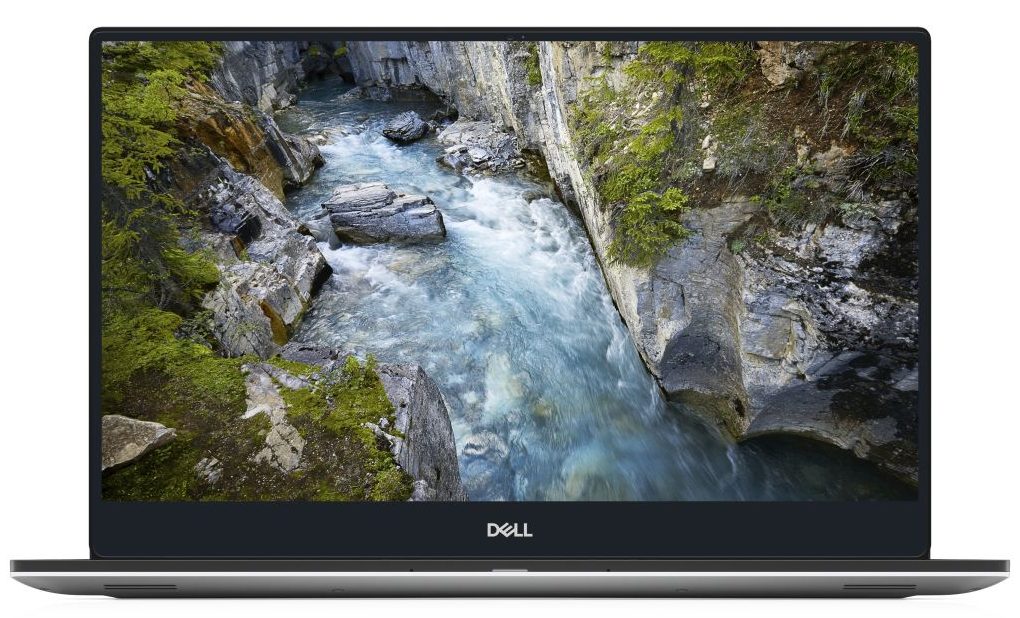
- 公開日: 25 Aug 2020
- Intel Core i7-9850H
- NVIDIA Quadro T1000 (4GB GDDR5)
- 15.6”, Full HD (1920 x 1080), IPS
- 512GB SSD
- 16GB DDR4
- 1.80 kg (4 lbs)
Dell Precision 15 5540 詳細なレビュー
Dell seems to be really proud of its 15-inch XPS laptop design, as they not only used it for the XPS 15 7590 for the fifth year in a row, but they also use it do build the Precision 5540 around it. As they did for the Precision 5520 before that. No need for further ranting, however, because we are [...]
完全なレビューを読む
スペック

- HDD/SSD
- 512GB SSD
- M.2スロット
- 1x 2280 PCIe NVMe 3.0 x4
- RAM
- 16GB DDR4
- OS
- Windows 10 Home
- 本体素材
- アルミニウム, カーボン
- 寸法
- 353 x 235 x 11 mm (13.90" x 9.25" x 0.43")
- 重量
- 1.80 kg (4 lbs)
- ポートと接続性
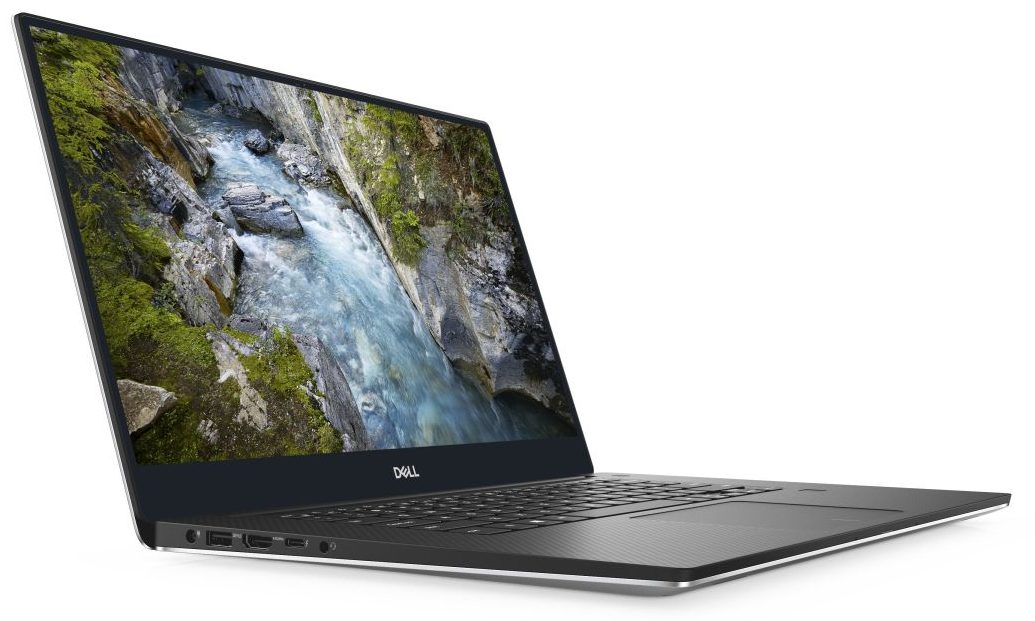
- 2x USB Type-A
- 3.2 Gen 1 (5 Gbps)
- 1x USB Type-C
- 3.2 Gen 2 (10 Gbps), Thunderbolt 3, Power Delivery (PD)
- HDMI
- 2.0b
- カードリーダー
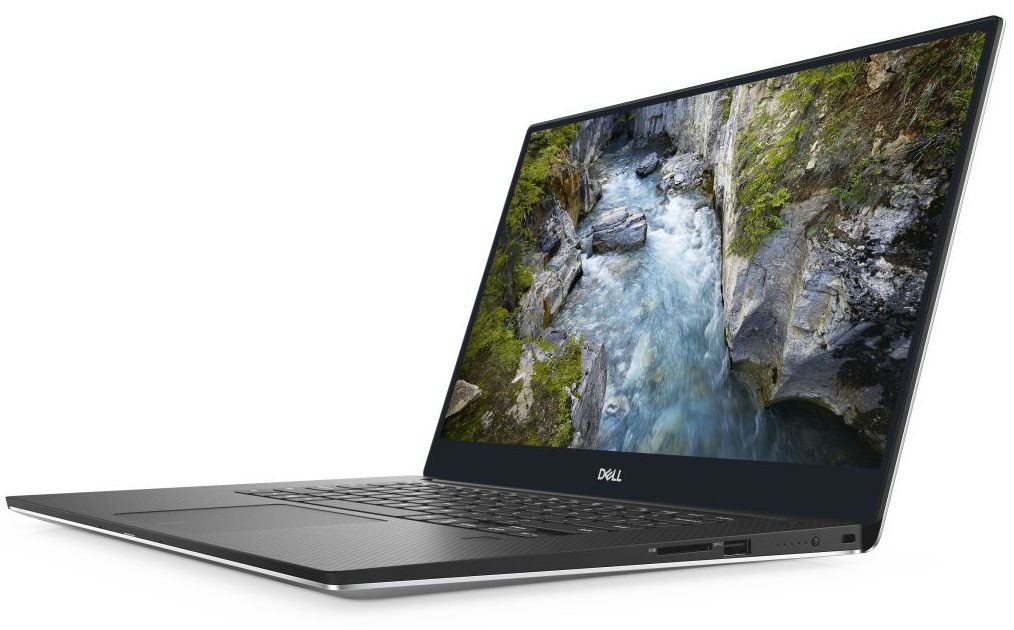
- SD
- Wi-Fi
- 802.11ac
- Bluetooth
- 5.0
- Audio jack
- 3.5 mm combo
- 特徴
- Webカメラ
- HD IR
- マイク
- Dual-Array Microphones
- スピーカー
- 2 Speakers, MaxxAudio Pro
- 光学ドライブ
- セキュリティロックスロット
携帯性
レビュー
Dell Precision 5540 詳細なレビュー
Dell seems to be really proud of its 15-inch XPS laptop design, as they not only used it for the XPS 15 7590 for the fifth year in a row, but they also use it do build the Precision 5540 around it. As they did for the Precision 5520 before that. No need for further ranting, however, because we are not here to discuss the internal politics of manufacturers, but to focus on the specific device and give you our honest take on it.So, what is the Precision 5540 and who is it for? Well, this notebook is a professional tool, for people that work with CAD software, video editors, programmers, designers and much more. It can be configured with a Core i9-9880H or Core i9-9980HK, as well as a Quadro T2000 graphics card. Now if that is not the Thor hammer of thin and light laptops, we don't know [...]
完全なレビューを読む長所
- Sturdy premium design, combining aluminum with carbon fiber
- Powerful hardware and a professional Quadro GPU inside
- M.2 supports PCIe x4 drives
- Easy to upgrade
- Covers 94% of sRGB and our Gaming and Web design profile makes it appropriate for color-sensitive work (SHP14BA (MWP1T-LQ156M1))
- Our Gaming and Web design profile helps it reach an Average dE of 0.7 (SHP14BA (MWP1T-LQ156M1))
- Optional IR face recognition and fingerprint reader
- Has an SD card slot and a Thunderbolt 3 port onboard
短所
- High price
- Gets warm on the outside under heavy load
- Uses aggressive PWM to adjust the brightness until 140 nits (our Health-Guard profile fixes that) (SHP14BA (MWP1T-LQ156M1))
分解、メンテナンス、アップグレードオプション
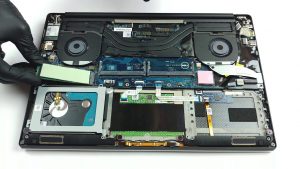
The Precision series has always been a symbol of Dell's workstation machines. However, their latest 5000-devices share the same design as the XPS lineup. So, a question arises - are they the same on the inside as well?Check out all Dell Precision 5540 prices and configurations in our Specs System or read more in our In-Depth review.1. Remove the bottom plate Unsurprisingly, getting inside of this device is pretty much the same job as disassembling the XPS 15 7590. Remove 10 Torx-headed screws, then lift the little lid and remove two Phillips-head ones. After that, gently pry the[...]
続きを読む