Acer Switch 3

- Data publikacji: 16 Feb 2018
- Intel Pentium N4200
- Intel HD Graphics 505 (Apollo Lake)
- 12.2", FHD (1920 x 1200), IPS
- 64GB SSD
- 4GB LPDDR3 RAM
- 0.90 kg (2 lbs)
Recenzja
Acer Switch 3 dogłębna recenzja
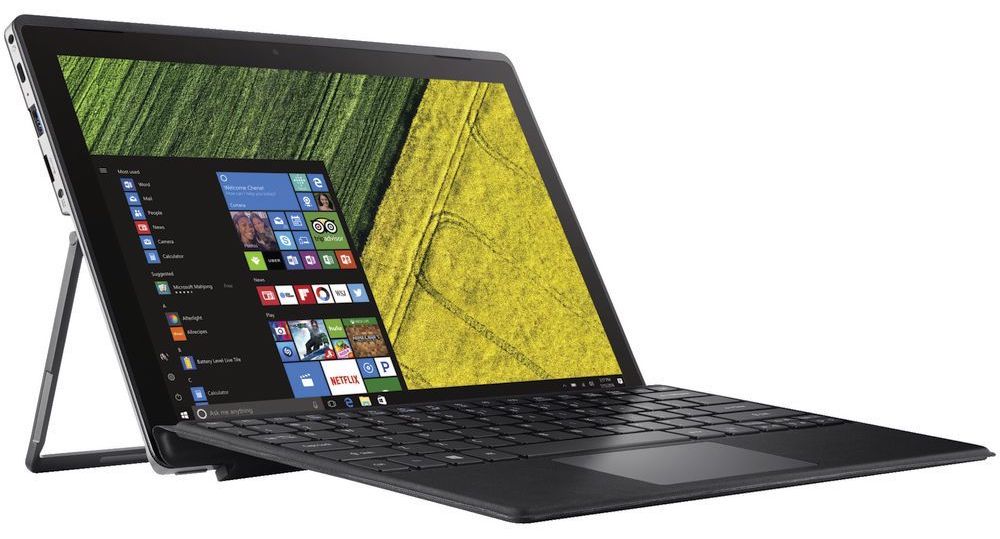
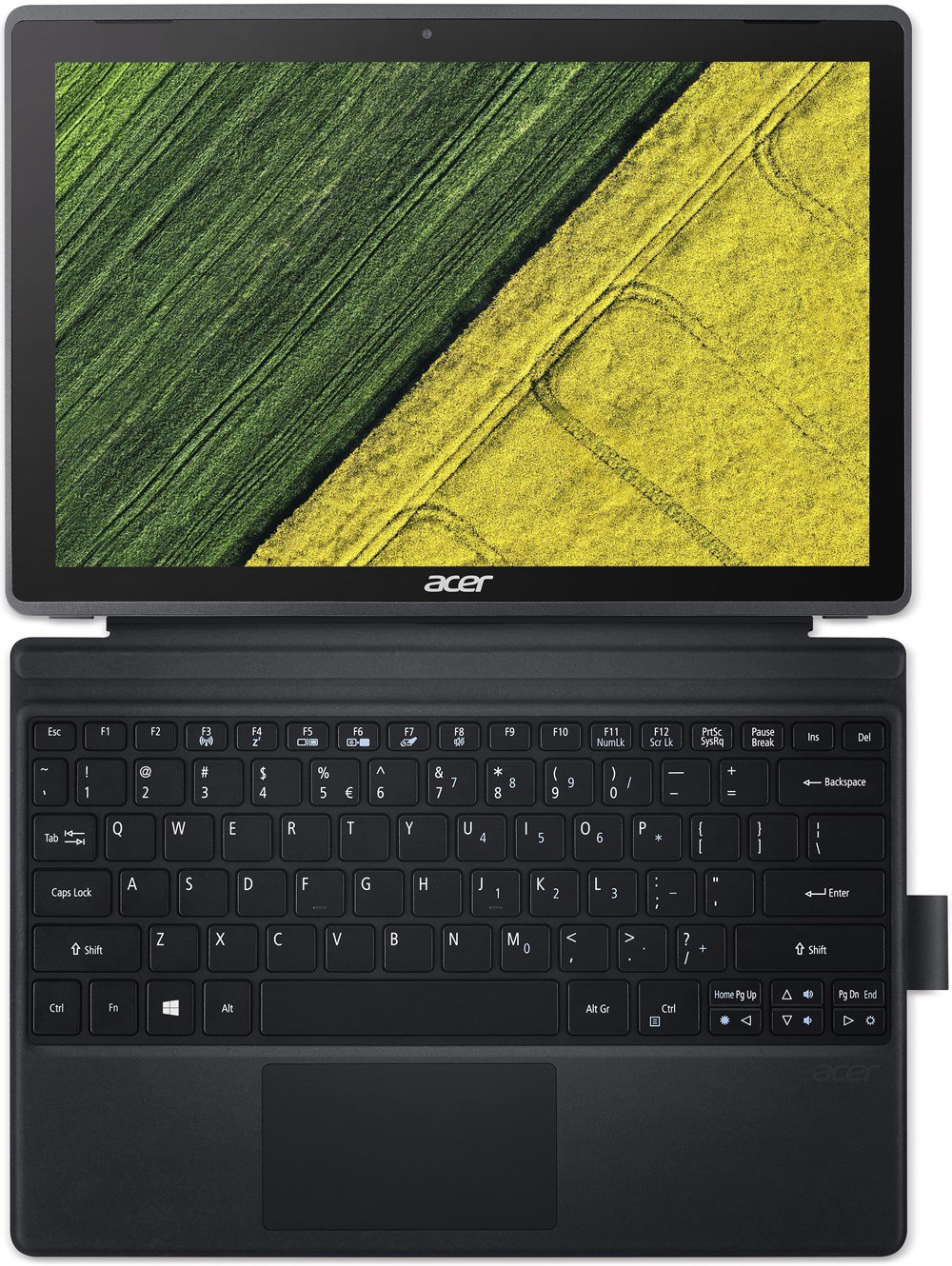
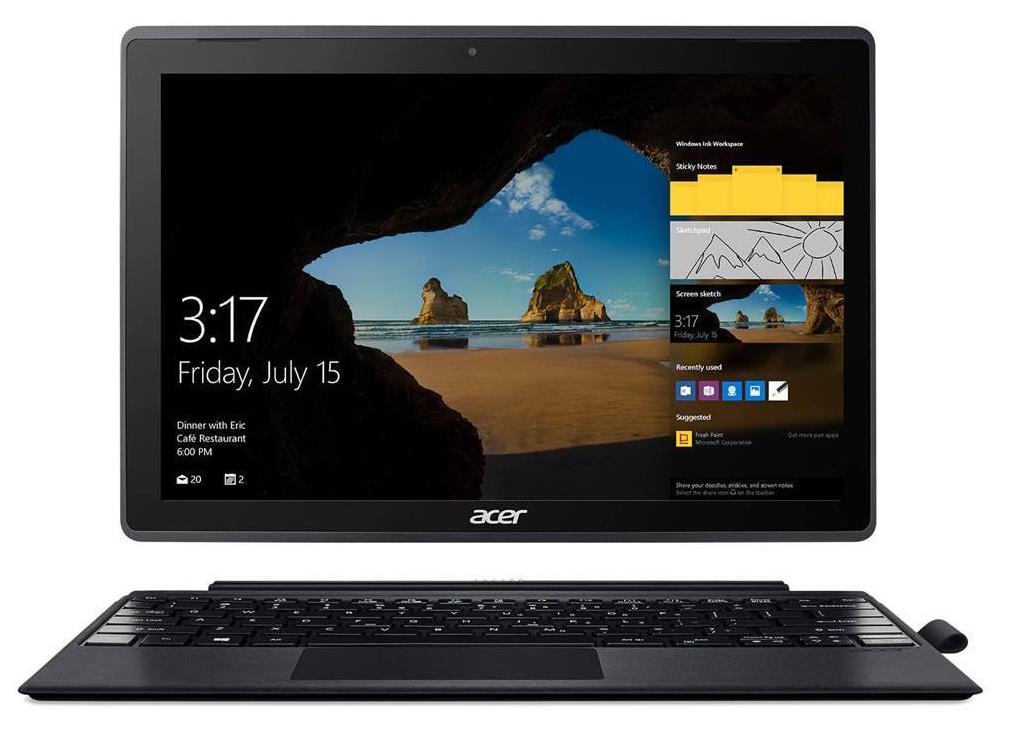
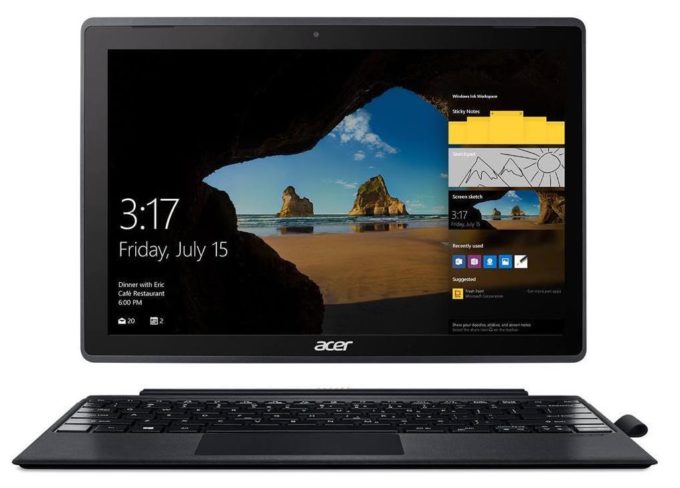
Today we are looking at a more different type of product. A tablet computer, to be more precise. These devices are on the top of the size/portability/versatility table, and that's why we are going to review today a member of the budget Switch series by Acer. Acer Switch 3 (SW312-31) is the exact name of the device. It has a stylish shell that features a mobile chipset, touchscreen and a few presents inside the box.The mobile chipset we're talking about is made by Intel - Pentium N4200 - а four core/four thread CPU, working at a base frequency of 1.10 GHz and a burst frequency of 2.50 GHz. The processor also has 2 MB of L2 cache. Additionally, the Switch 3 (SW312-31) is equipped with 4 GB of LPDDR3 RAM, working on speeds of 1866 MHz. As far as the storage of the device is concerned, we[...]
Przeczytaj pełną recenzję
Pros
- Aluminum design and sturdy chassis
- Bright Full HD IPS panel
- External keyboard and a stylus in the package
- Good battery life
- Almost no sign of thermal throttling
Cons
- Mediocre hardware
- Poor speakers
- Brightness is PWМ-controlled for all levels (fixed by our profiles)
Wyświetlacz: 12.0-inch, 1920 x 1200, IPS
- Nazwa
- KD122N0439A04
- Przekątna
- 12.0"
- Gęstość pikseli
- 188.68 ppi
- Jasność
- 325 cd/m2
- sRGB
- 86%%
- Typ Panelu
- IPS
- Rozdzielczość
- 1920 x 1200
- Staje się "Retina" od
- 18 inches (46 cm)
- Kontrast
- 900:1
- dE Color Checker
- 2.8 2.0
Kup nasze profile dla KD122N0439A04
Oprócz otrzymywania wydajnych i przyjaznych dla zdrowia profili, kupując produkty LaptopMedia, wspierasz również rozwój naszych laboratoriów, w których testujemy urządzenia w celu tworzenia jak najbardziej obiektywnych recenzji.
Office Work
Office Work powinien być używany głównie przez użytkowników, którzy spędzają większość czasu patrząc na teksty, tabele lub po prostu przeglądając internet. Ten profil ma na celu zapewnienie lepszej wyrazistości i klarowności poprzez utrzymanie płaskiej krzywej gamma (2.20), natywnej temperatury barwowej i percepcyjnie dokładnych kolorów.
Design and Gaming
Ten profil jest przeznaczony dla projektantów, którzy pracują z kolorami zawodowo, a także do gier i filmów. Design and Gaming wykorzystuje panele wyświetlaczy do granic ich możliwości, czyniąc je tak dokładnymi, jak to tylko możliwe w standardzie sRGB IEC61966-2-1 dla stron internetowych i telewizji HD, przy punkcie bieli D65.

Health-Guard
Health-Guard eliminuje szkodliwą modulację szerokości impulsu (PWM) i redukuje negatywne niebieskie światło, które wpływa na nasze oczy i ciało. Ponieważ jest on dostosowany do każdego panelu, udaje mu się utrzymać percepcyjnie dokładne kolory. Health-Guard symuluje papier, dzięki czemu nacisk na oczy jest znacznie zmniejszony.