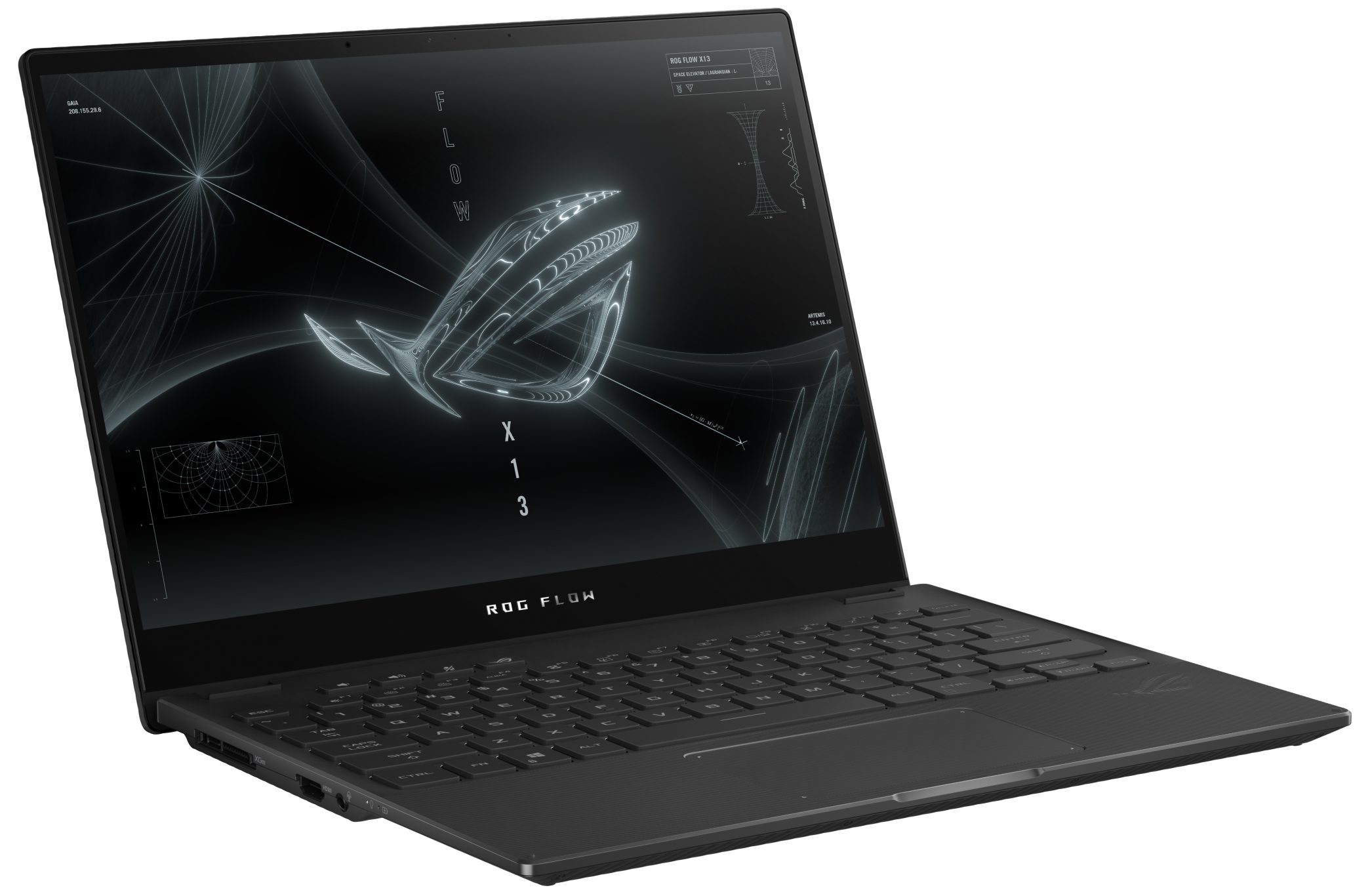
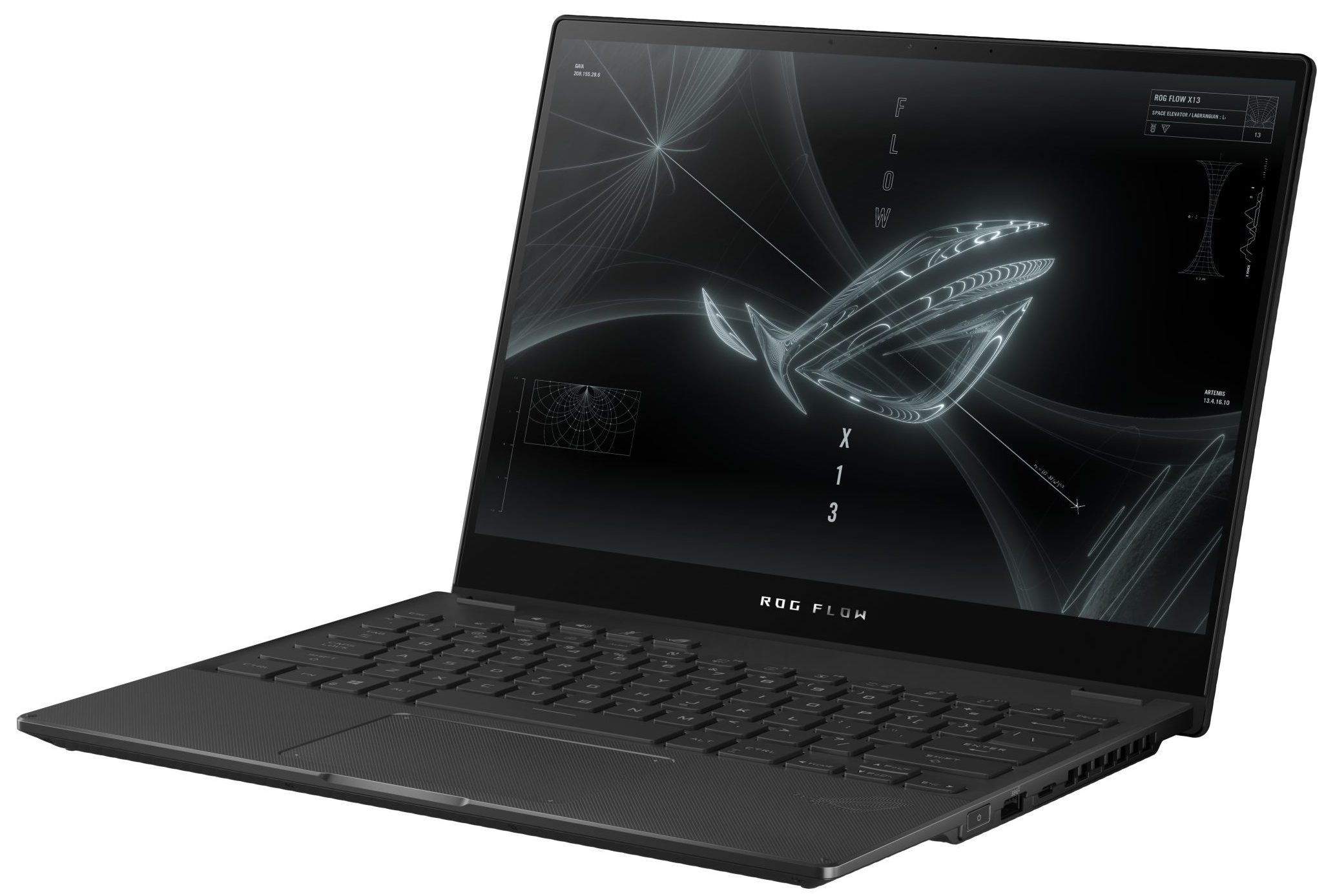
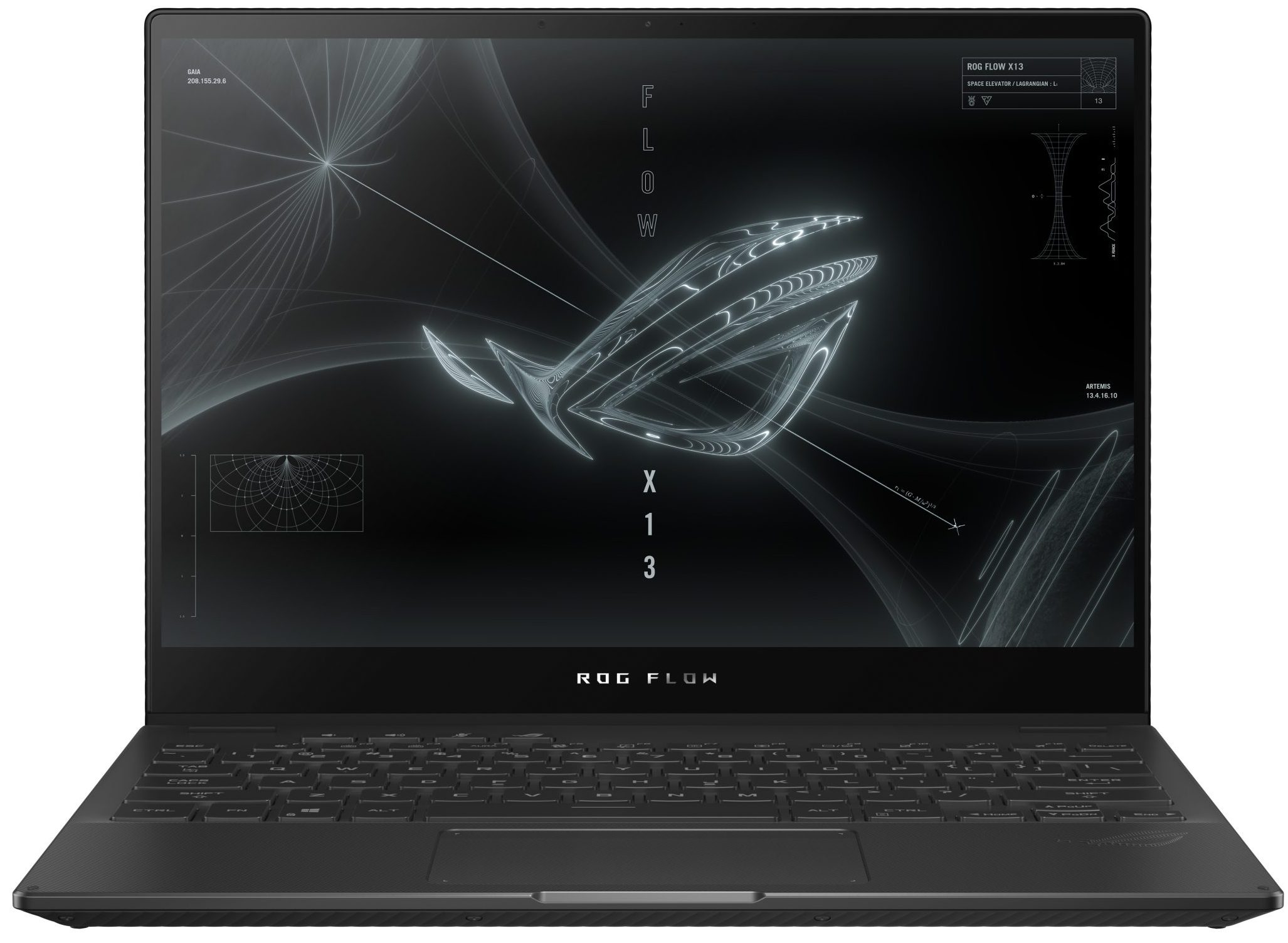
ASUS ROG Flow X13


- Data publikacji: 05 Feb 2021
- AMD Ryzen 9 5900HS
- NVIDIA GeForce GTX 1650 (Laptop, 40W)
- 13.4", FHD+ (1920 x 1200), 120 Hz, IPS + FreeSync
- 1000GB SSD
- 16GB LPDDR4x, 4266 MHz
- 1.30 kg (2.9 lbs)
ASUS ROG Flow X13 (GV301 / PV301) dogłębna recenzja
At this year's CES (2021), ASUS brought a lot of firsts to the world. It was one of the first manufacturers to introduce a mainstream laptop equipped with the Zen 3 processors, as well as the RTX 3000 series graphics cards. However, one of the notebooks there caught our eye. Although they released a [...]
Przeczytaj pełną recenzję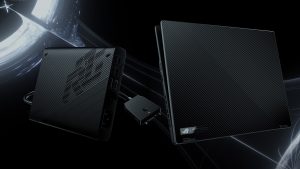
Recenzja
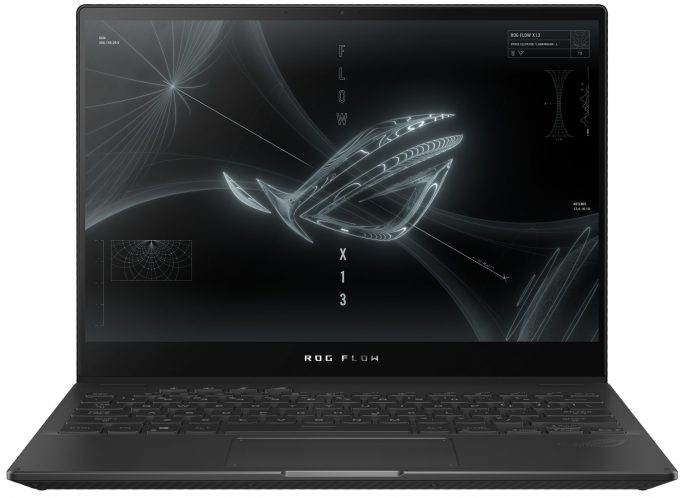
ASUS ROG Flow X13 dogłębna recenzja
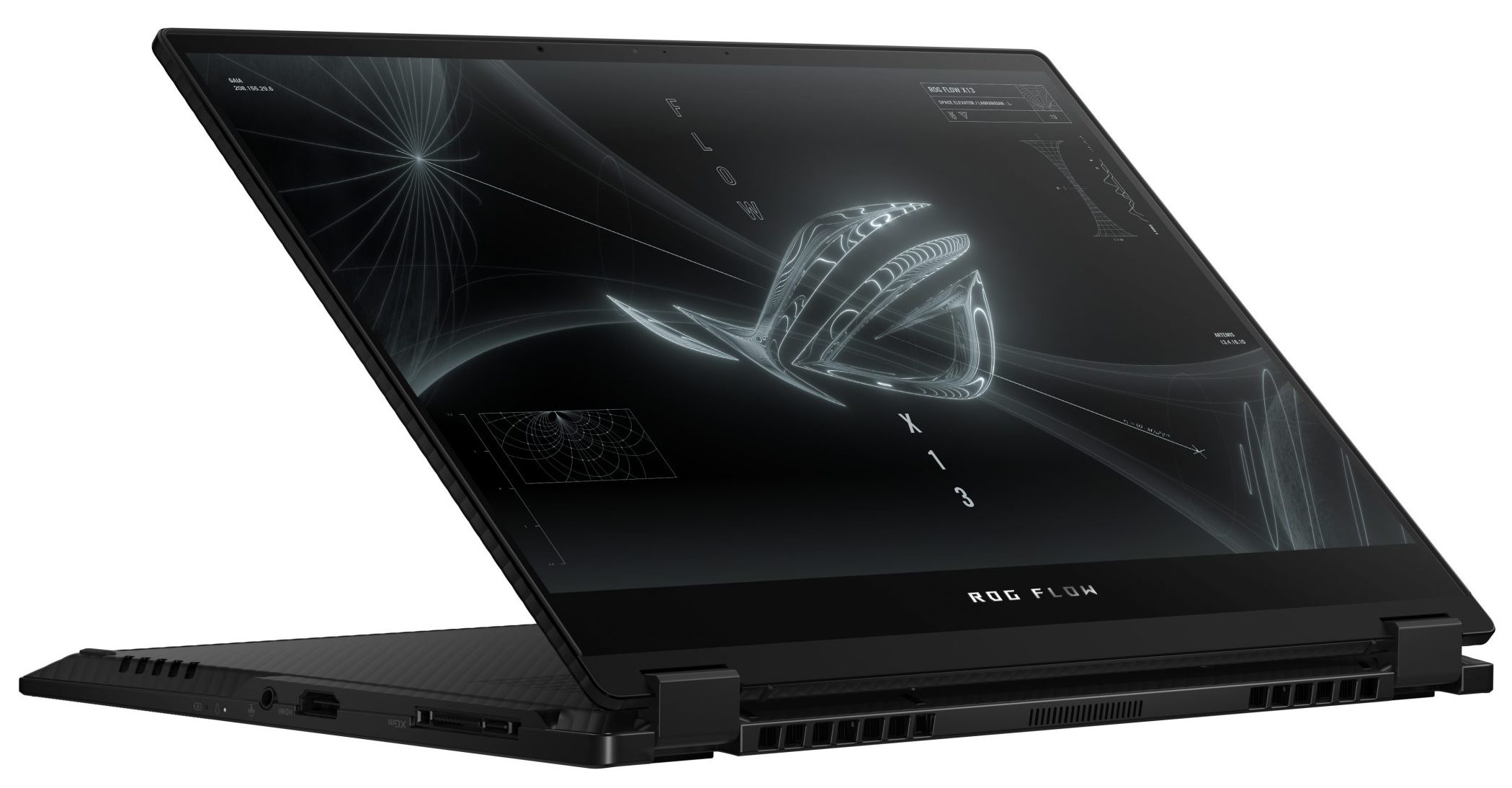
At this year's CES (2021), ASUS brought a lot of firsts to the world. It was one of the first manufacturers to introduce a mainstream laptop equipped with the Zen 3 processors, as well as the RTX 3000 series graphics cards. However, one of the notebooks there caught our eye. Although they released a super-powerful ROG Strix G733 and the ROG Zephyrus Duo, we were interested in their smallest challenger - the ROG Flow X13 (GV301). Why? Because, if it's done right, it might revolutionize the market. Not only the gamer one but the entire laptop world, based on very strong foundations.So, what is so special about this device. Well first, it comes in a convertible form factor. So far we've seen very few 360° gaming machines. Then comes the hardware - you get up to the Ryzen 9 5980HS 35W pro[...]
Przeczytaj pełną recenzjęPros
- The most powerful convertible on the market
- Decent cooling, considering the size of the laptop
- 16:10 aspect ratio is great for work and the 1200p panel has a 120Hz refresh rate (Sharp LQ134N1JW52)
- Covers 97% of sRGB and our Gaming and Web design profile helps it reach an Average dE of <2.0 (Sharp LQ134N1JW52)
- Doesn't use PWM for brightness adjustment (Sharp LQ134N1JW52)
- Optional RTX 3080 (150W) upgrade with an I/O hub
- Great build quality and revolutionary design
- Very high CPU performance
Cons
- Pricey
- Soldered memory
- Limited I/O and no SD card reader
Demontaż, konserwacja i opcje modernizacji
Once again, ASUS has been on the front end of innovation at this year's CES. This laptop has behemoth specs and has the size of a small convertible.Check out all ASUS ROG Flow X13 (GV301) prices and configurations in our Specs System or read more in our In-Depth review.1. Remove the bottom plate There are 11 Phillips head screws keeping the bottom panel in place. After you undo them, pry the panel with a plastic tool and you should be able to lift it from the chassis.2. Battery In terms of battery, this laptop is supplied with a 62Wh unit.3. Memory and storage Unfo[...]
Czytaj więcej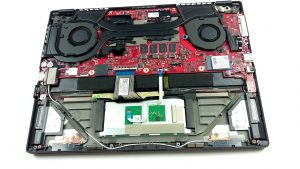
Wyświetlacz: 13.4-inch, 1920 x 1200, IPS + FreeSync
- Nazwa
- Sharp LQ134N1JW52 (SHP151E)
- Przekątna
- 13.4"
- Gęstość pikseli
- 168.97 ppi
- Jasność
- 320 cd/m2
- sRGB
- 98%
- Typ Panelu
- IPS
- Rozdzielczość
- 1920 x 1200
- Staje się "Retina" od
- 20 inches (52 cm)
- Kontrast
- 1800:1
- dE Color Checker
- 1.9 0.9

Kup nasze profile dla Sharp LQ134N1JW52 (SHP151E)
Oprócz otrzymywania wydajnych i przyjaznych dla zdrowia profili, kupując produkty LaptopMedia, wspierasz również rozwój naszych laboratoriów, w których testujemy urządzenia w celu tworzenia jak najbardziej obiektywnych recenzji.

Office Work
Office Work powinien być używany głównie przez użytkowników, którzy spędzają większość czasu patrząc na teksty, tabele lub po prostu przeglądając internet. Ten profil ma na celu zapewnienie lepszej wyrazistości i klarowności poprzez utrzymanie płaskiej krzywej gamma (2.20), natywnej temperatury barwowej i percepcyjnie dokładnych kolorów.

Design and Gaming
Ten profil jest przeznaczony dla projektantów, którzy pracują z kolorami zawodowo, a także do gier i filmów. Design and Gaming wykorzystuje panele wyświetlaczy do granic ich możliwości, czyniąc je tak dokładnymi, jak to tylko możliwe w standardzie sRGB IEC61966-2-1 dla stron internetowych i telewizji HD, przy punkcie bieli D65.

Health-Guard
Health-Guard eliminuje szkodliwą modulację szerokości impulsu (PWM) i redukuje negatywne niebieskie światło, które wpływa na nasze oczy i ciało. Ponieważ jest on dostosowany do każdego panelu, udaje mu się utrzymać percepcyjnie dokładne kolory. Health-Guard symuluje papier, dzięki czemu nacisk na oczy jest znacznie zmniejszony.





