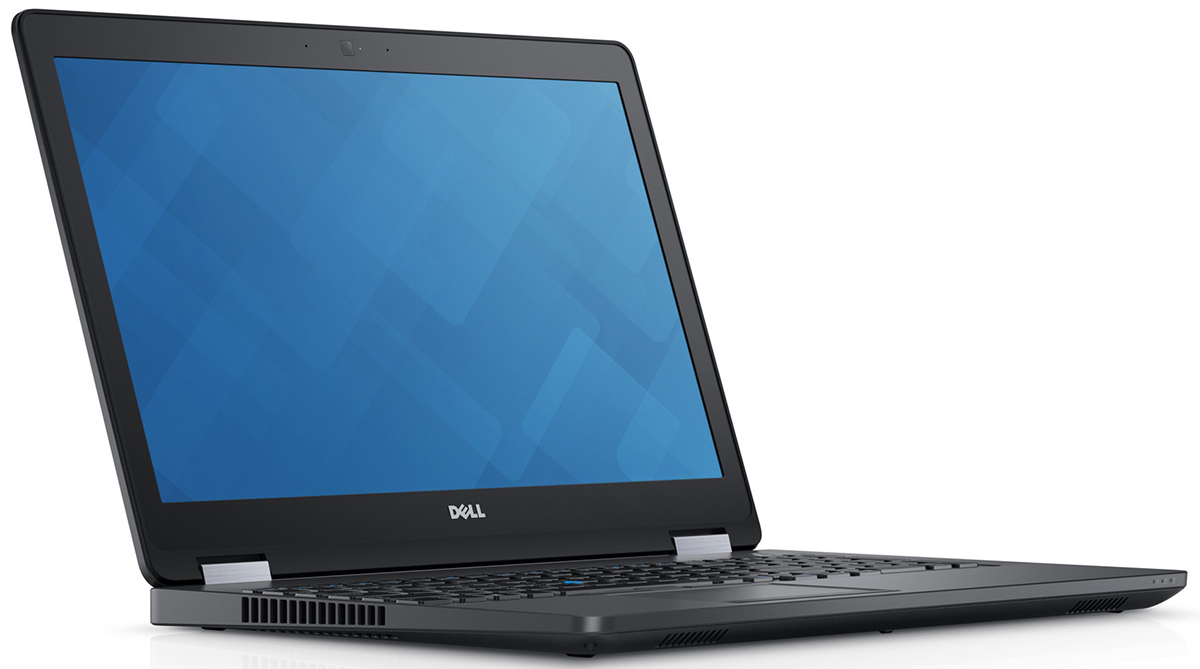
Dell Latitude E5570
- Data publikacji: 12 Dec 2017
- Intel Core i5-6440HQ
- AMD Radeon R7 M360 (2GB GDDR5)
- 15.6”, HD (1366 x 768), TN
- 128GB SSD
- 8GB DDR4
- 2.09 kg (4.6 lbs)
Dell Latitude 15 E5570 dogłębna recenzja
Dell's refreshed Latitude lineup covers a big span of market segments but the E5570's configurations are mostly considered as high-end, although some of the entry-level configurations are quite affordable, especially if you opt for the HDD variants. The last time we reviewed a Latitude E-series [...]
Przeczytaj pełną recenzję

Specyfikacja
- Wyświetlacz
- HDD/SSD
- 128GB SSD
- Gniazdo M.2
- 1x 2280 PCIe NVMe (M key)
- RAM
- 8GB DDR4
- OS
- Windows 10 Pro
- Materiał obudowy
- Plastik
- Wymiary
- 377 x 252 x 24.6 mm (14.84" x 9.92" x 0.97")
- Waga
- 2.09 kg (4.6 lbs)
- Porty i łączność
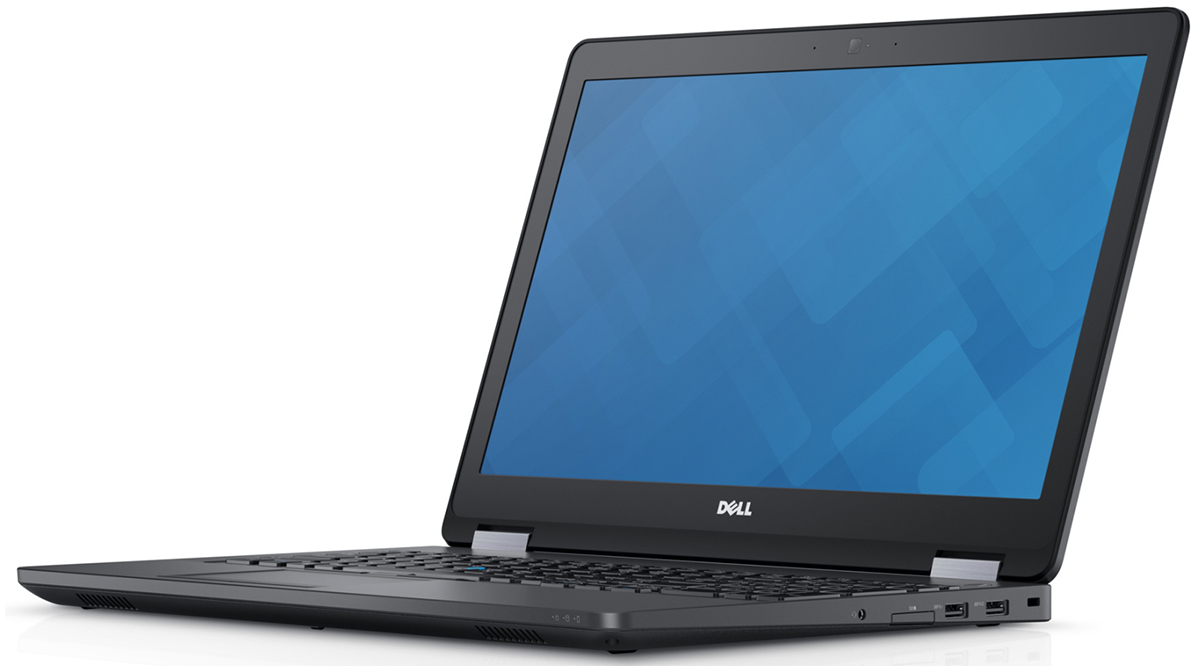
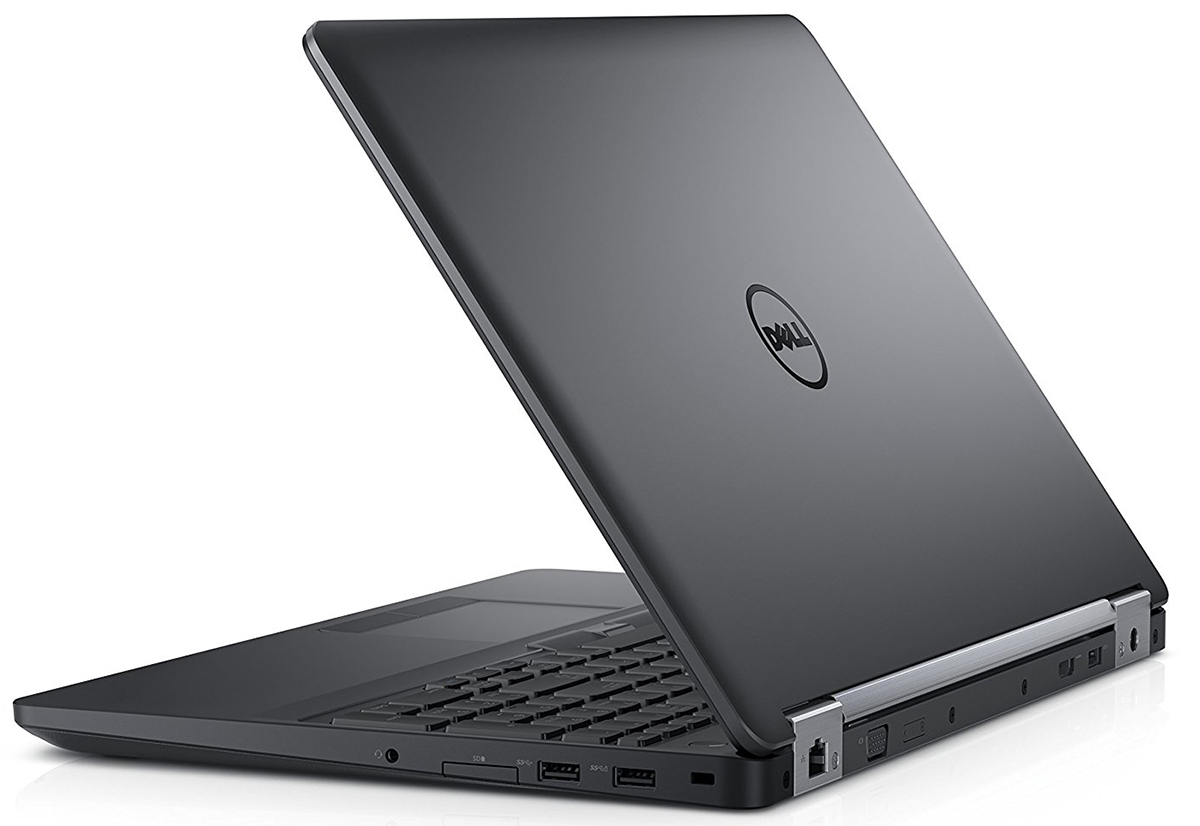
- 3x USB Type-A
- 3.2 Gen 1 (5 Gbps)
- HDMI
- Czytnik kart
- SD
- Ethernet LAN
- Wi-Fi
- 802.11ac
- Bluetooth
- 4.0
- Audio jack
- headphone/microphone
- Cechy
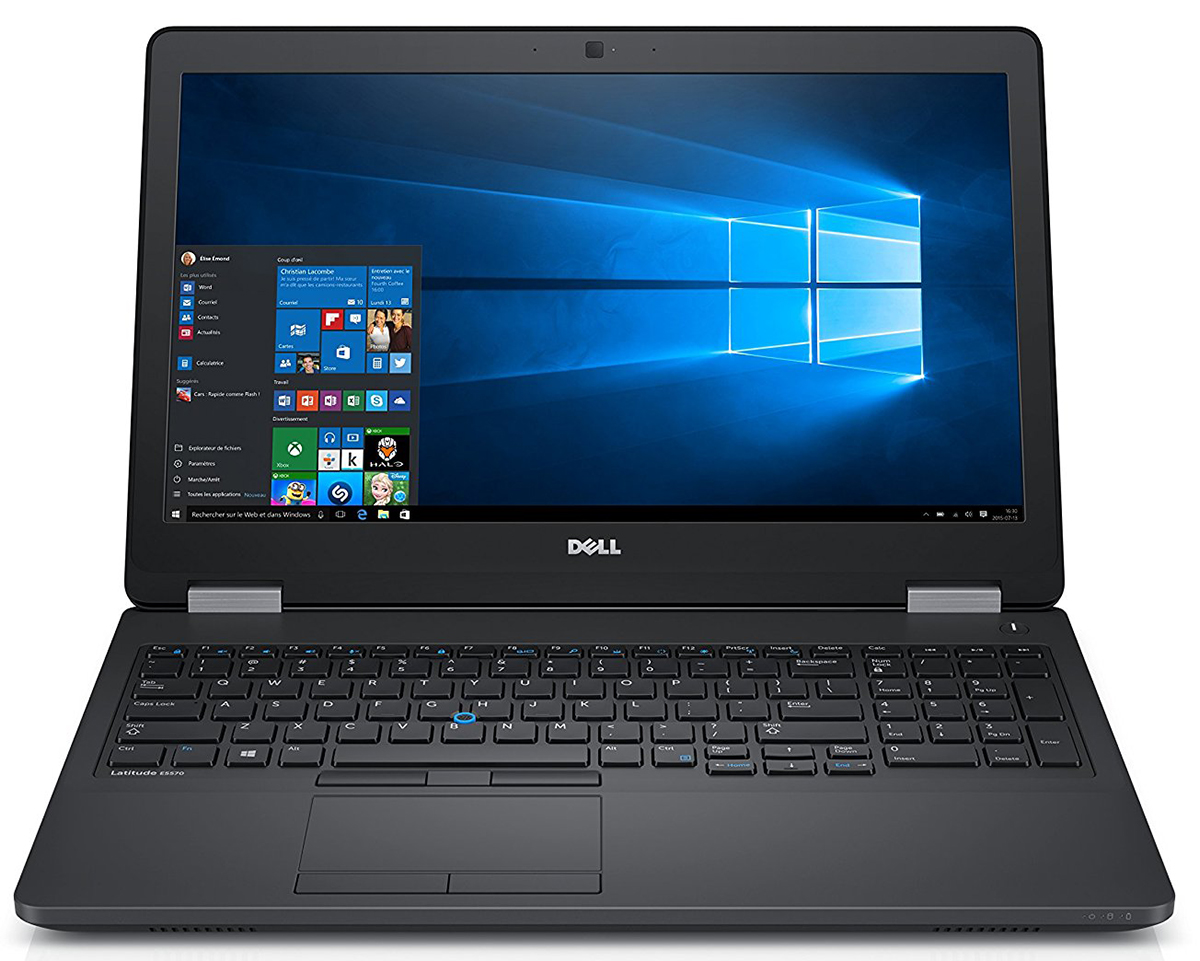
- Kamera internetowa
- Podświetlana klawiatura
- Mikrofon
- Głośniki
- Napęd optyczny
- Gniazdo blokady bezpieczeństwa
Przenośność
Recenzja
Dell Latitude E5570 dogłębna recenzja
Dell's refreshed Latitude lineup covers a big span of market segments but the E5570's configurations are mostly considered as high-end, although some of the entry-level configurations are quite affordable, especially if you opt for the HDD variants. The last time we reviewed a Latitude E-series notebook was more than a year ago and we were left with a generally good impression. The build quality was excellent, input devices were comfortable and accurate while the battery life was more than satisfactory. This sums up all the important aspects of a business-centric machine and we think that the E5570 is an excellent successor to the E5550 we've reviewed last year.The upgrade focuses mainly on the hardware inside without any major changes in the design department nor did Dell add any [...]
Przeczytaj pełną recenzjęPros
- Excellent build quality
- Lightweight
- Excellent input devices (keyboard, touchpad)
- Bright IPS screen with wide sRGB coverage and high contrast
- No PWM across all brightness levels
- Outstanding battery life
- Most configurations should support PCIe NVMe SSDs
Cons
- Lacks USB-C connectivity
- The surface is a fingerprint magnet
- Supports either an M.2 SSD or a 2.5-inch HDD/SSD




