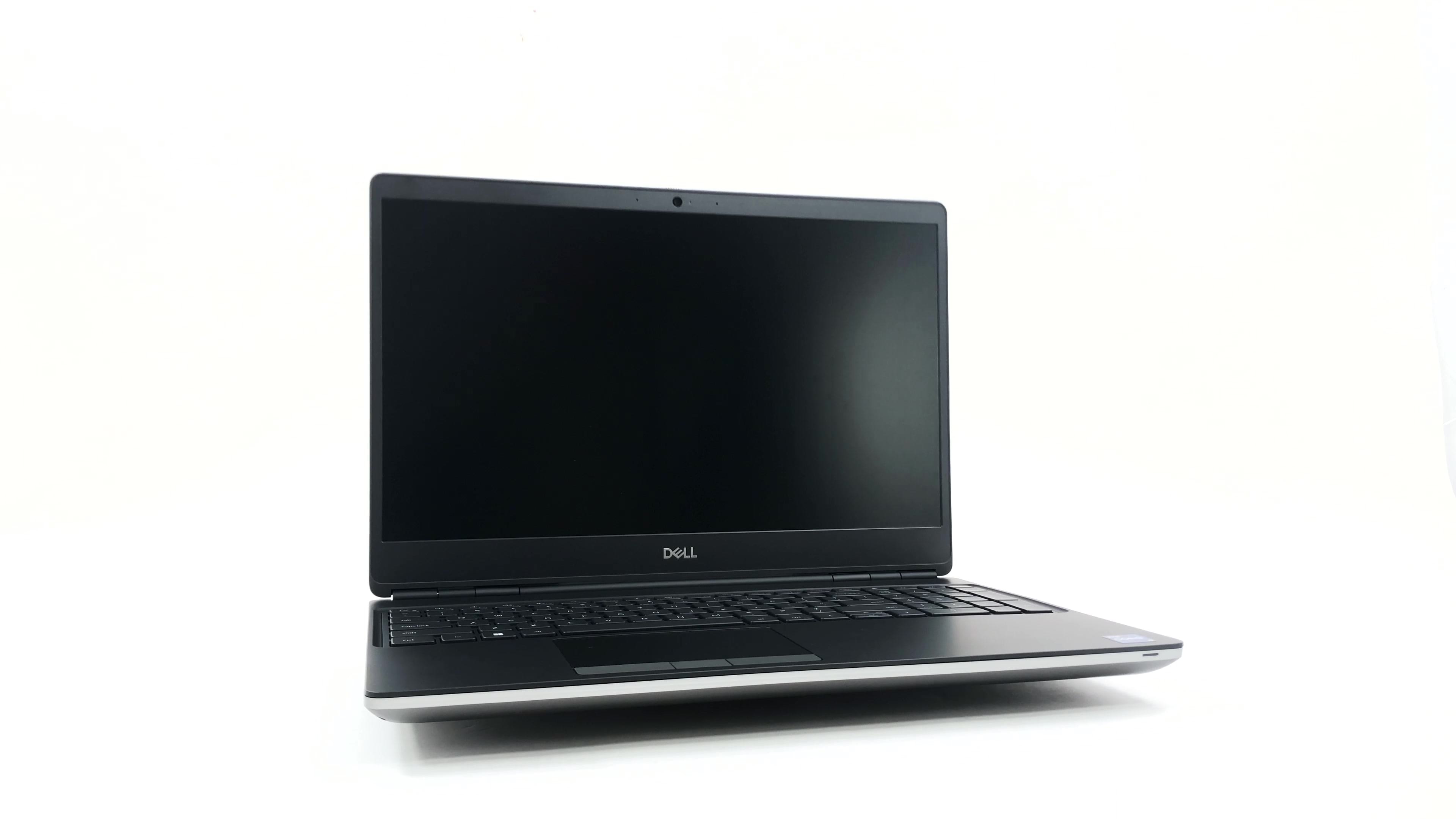
Dell Precision 15 7560

- Data publikacji: 24 Mar 2025
- Intel Core i7-11850H
- NVIDIA T1200
- 15.6”, Full HD (1920 x 1080), IPS
- 2000GB HDD
- 32GB RAM
- 2.49 kg (5.5 lbs)
Recenzja
Dell Precision 15 7560 dogłębna recenzja
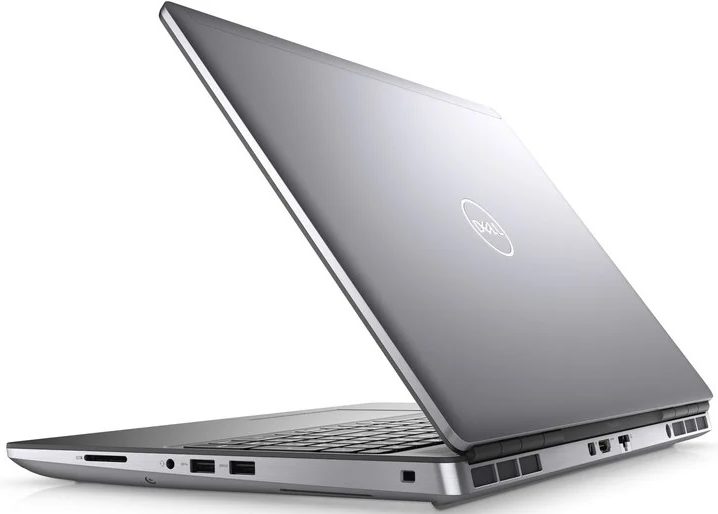
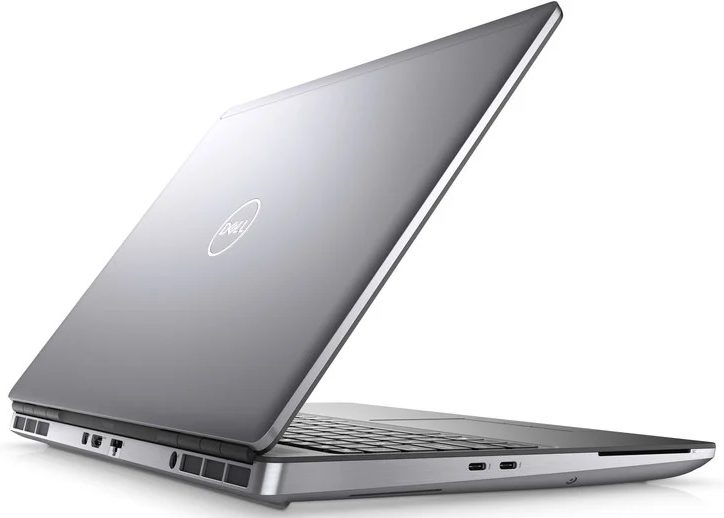
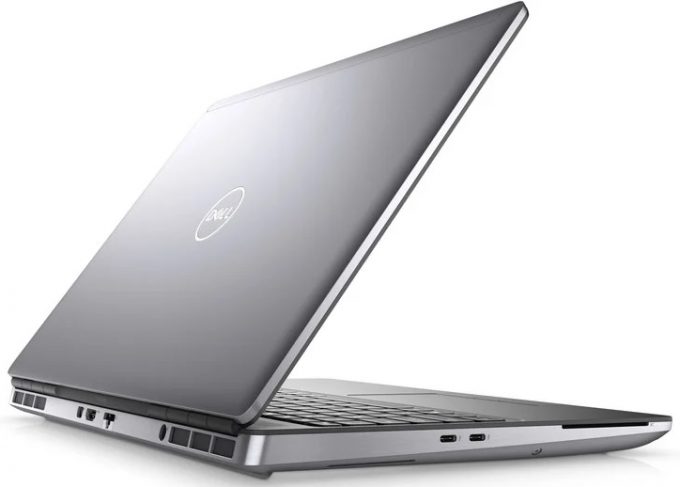
Better late than never, right? We have finally gotten ourselves a proper workstation from Dell. It is called the Precision 15 7560, and it is a very special specimen. For once, it resembles the old-fashion two-color finish and the cylindrical hinges. Yet, it incorporates some modern features like sharp edges and narrow side bezels.On the other hand, it is quite obvious that the visuals are the least important thing about this device. It is meant to do work. To make sure you get the best experience in this regard, Dell provides you with a ton of processor options. They come from the Tiger Lake-H45 family and offer a choice between Core and Xeon processors.Usually, heavy-duty workstations are being used for stuff spanning large data analysis, 3D modeling, or rendering huge files. To[...]
Przeczytaj pełną recenzję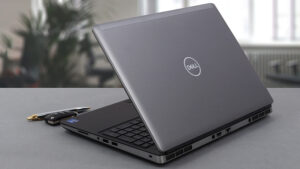
Pros
- Up to 128GB of DDR4 (with ECC support) + three M.2 slots (Up to 10TB max)
- Capable hardware
- Fingerprint reader + optional IR face recognition and 5G connectivity
- SD card reader + 2x Thunderbolt 4 + HDMI 2.1
- Packs good security features
- Great input devices
- Fantastic battery life
Cons
- Slightly larger footprint than usual
- Uses PWM for brightness adjustment
Demontaż, konserwacja i opcje modernizacji
The Precision 15 7560 is a proper workstation. As such, it has a ton of memory and storage expansion potential. Take a look!Check out all Dell Precision 15 7560 prices and configurations in our Specs System or read more in our In-Depth review.1. Service door Interestingly, you can access one of the M.2 ports via a service door. To take the SSD out, flick the security bracket and undo two Phillips-head screws.2. Remove the bottom plate If you need to go even further, undo all 8 captive Phillips-head screws, and pop the bottom panel open.3. Battery Inside, you will s[...]
Czytaj więcej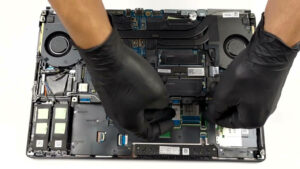
Wyświetlacz: 15.6-inch, 1920 x 1080, IPS
- Nazwa
- BOE 66XPP-NV15N4R (BOE08CF)
- Przekątna
- 15.6"
- Gęstość pikseli
- 141.21 ppi
- Refresh rate
- 60 Hz
- Jasność
- 440 cd/m2
- sRGB
- 99%
- Typ Panelu
- IPS
- Rozdzielczość
- 1920 x 1080
- Staje się "Retina" od
- 24 inches (62 cm)
- Kontrast
- 830:1
- dE Color Checker
- 8.0 2.0

Kup nasze profile dla BOE 66XPP-NV15N4R (BOE08CF)
Oprócz otrzymywania wydajnych i przyjaznych dla zdrowia profili, kupując produkty LaptopMedia, wspierasz również rozwój naszych laboratoriów, w których testujemy urządzenia w celu tworzenia jak najbardziej obiektywnych recenzji.

Office Work
Office Work powinien być używany głównie przez użytkowników, którzy spędzają większość czasu patrząc na teksty, tabele lub po prostu przeglądając internet. Ten profil ma na celu zapewnienie lepszej wyrazistości i klarowności poprzez utrzymanie płaskiej krzywej gamma (2.20), natywnej temperatury barwowej i percepcyjnie dokładnych kolorów.

Design and Gaming
Ten profil jest przeznaczony dla projektantów, którzy pracują z kolorami zawodowo, a także do gier i filmów. Design and Gaming wykorzystuje panele wyświetlaczy do granic ich możliwości, czyniąc je tak dokładnymi, jak to tylko możliwe w standardzie sRGB IEC61966-2-1 dla stron internetowych i telewizji HD, przy punkcie bieli D65.

Health-Guard
Health-Guard eliminuje szkodliwą modulację szerokości impulsu (PWM) i redukuje negatywne niebieskie światło, które wpływa na nasze oczy i ciało. Ponieważ jest on dostosowany do każdego panelu, udaje mu się utrzymać percepcyjnie dokładne kolory. Health-Guard symuluje papier, dzięki czemu nacisk na oczy jest znacznie zmniejszony.