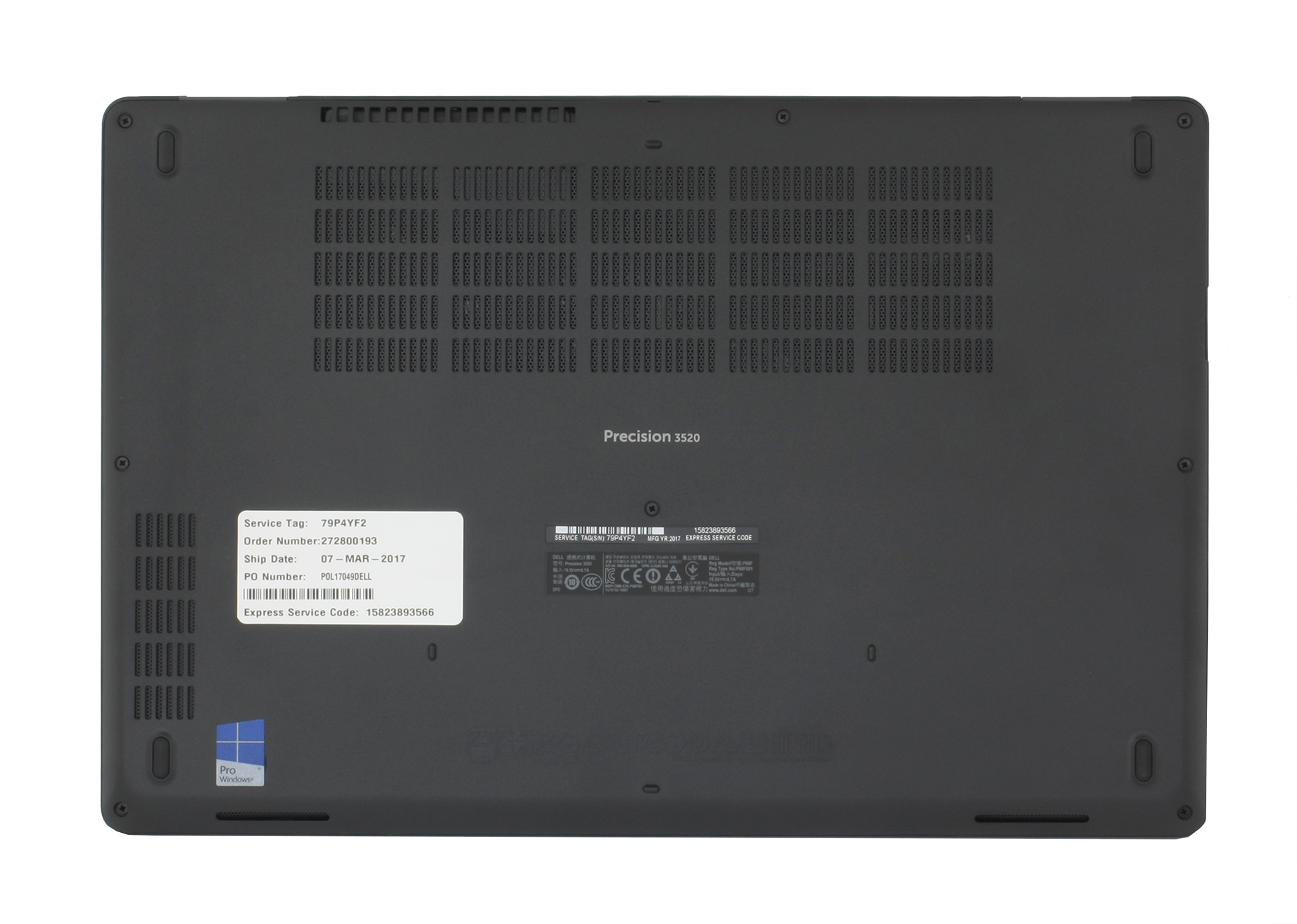
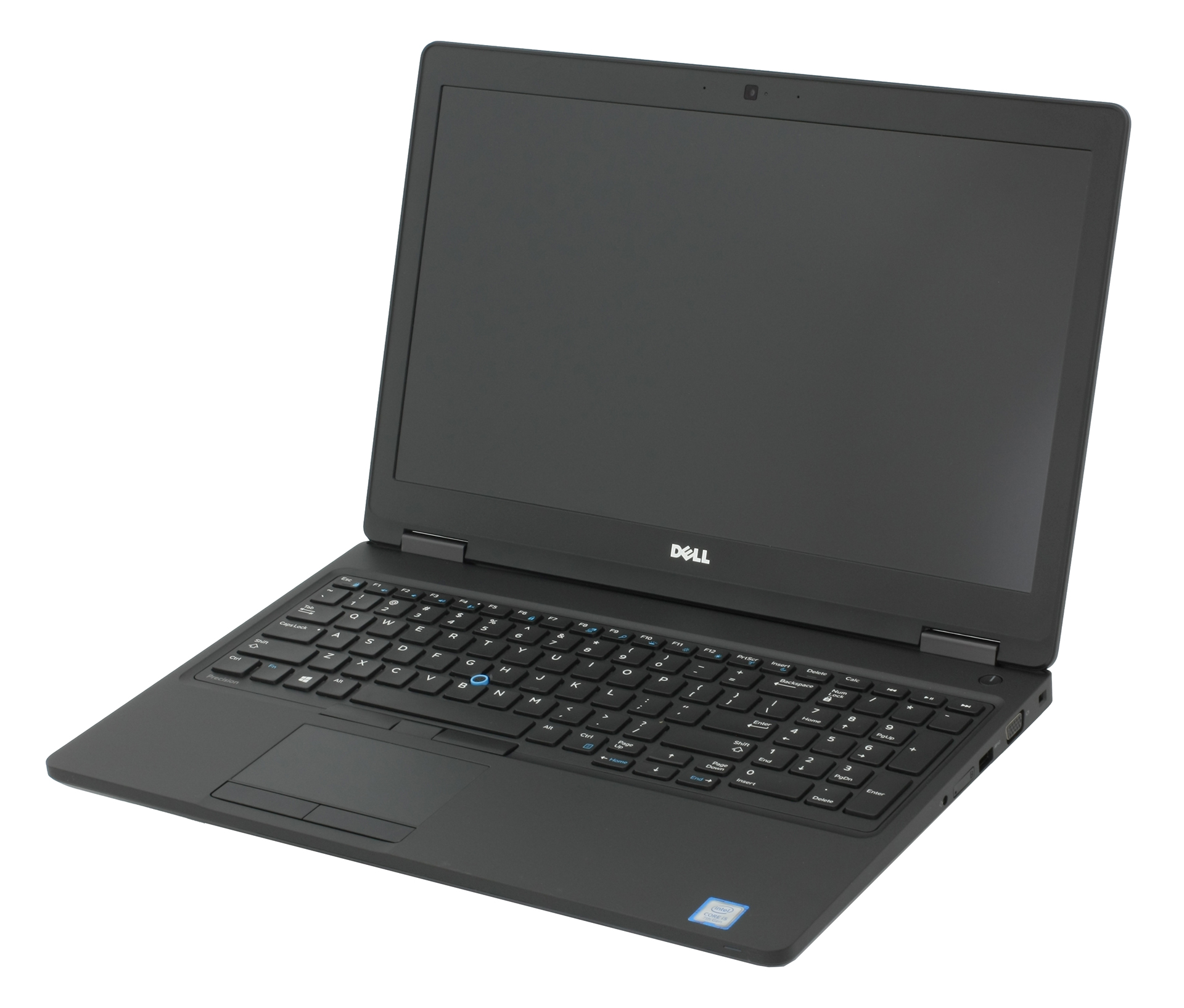
Dell Precision 3520
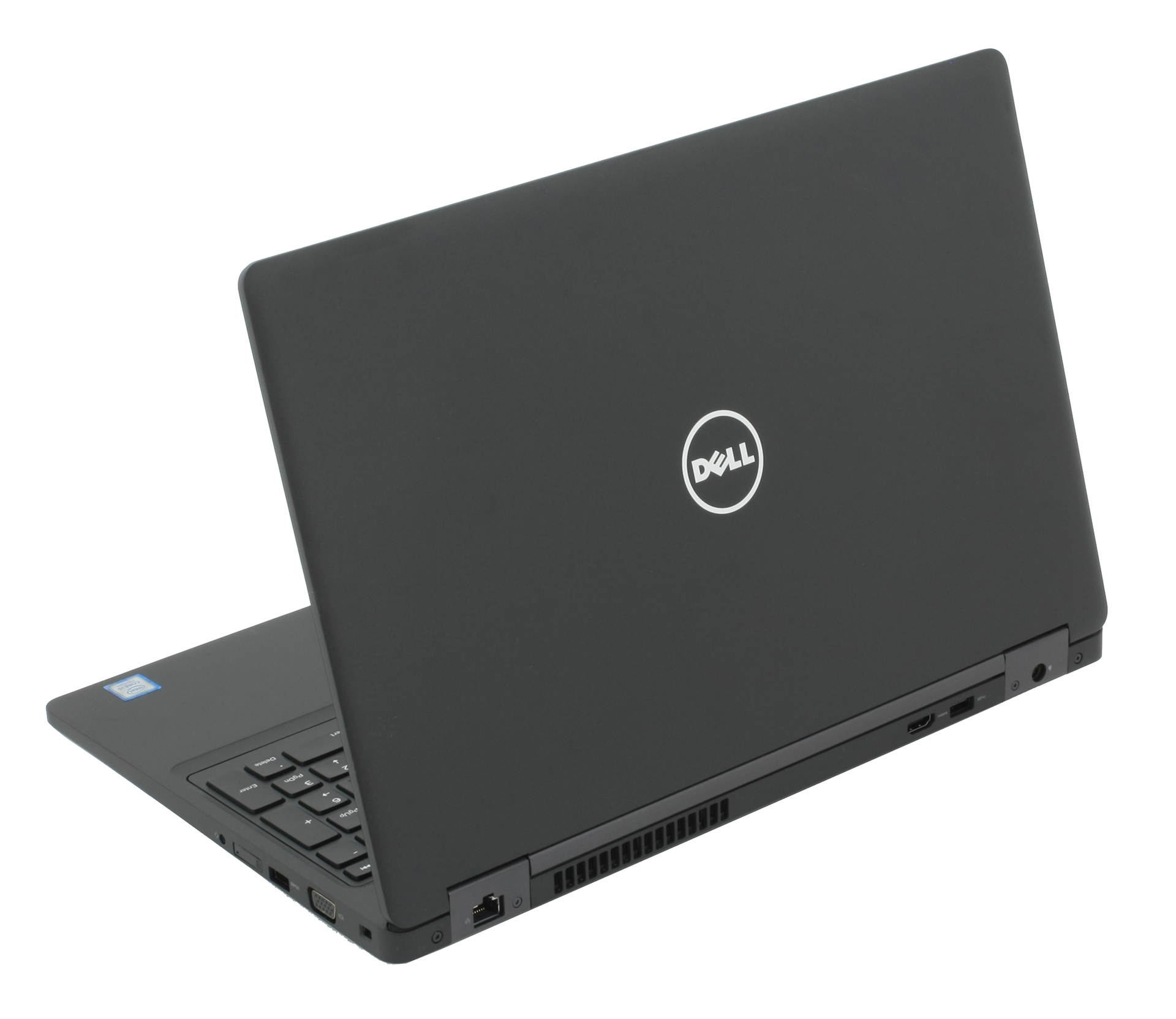
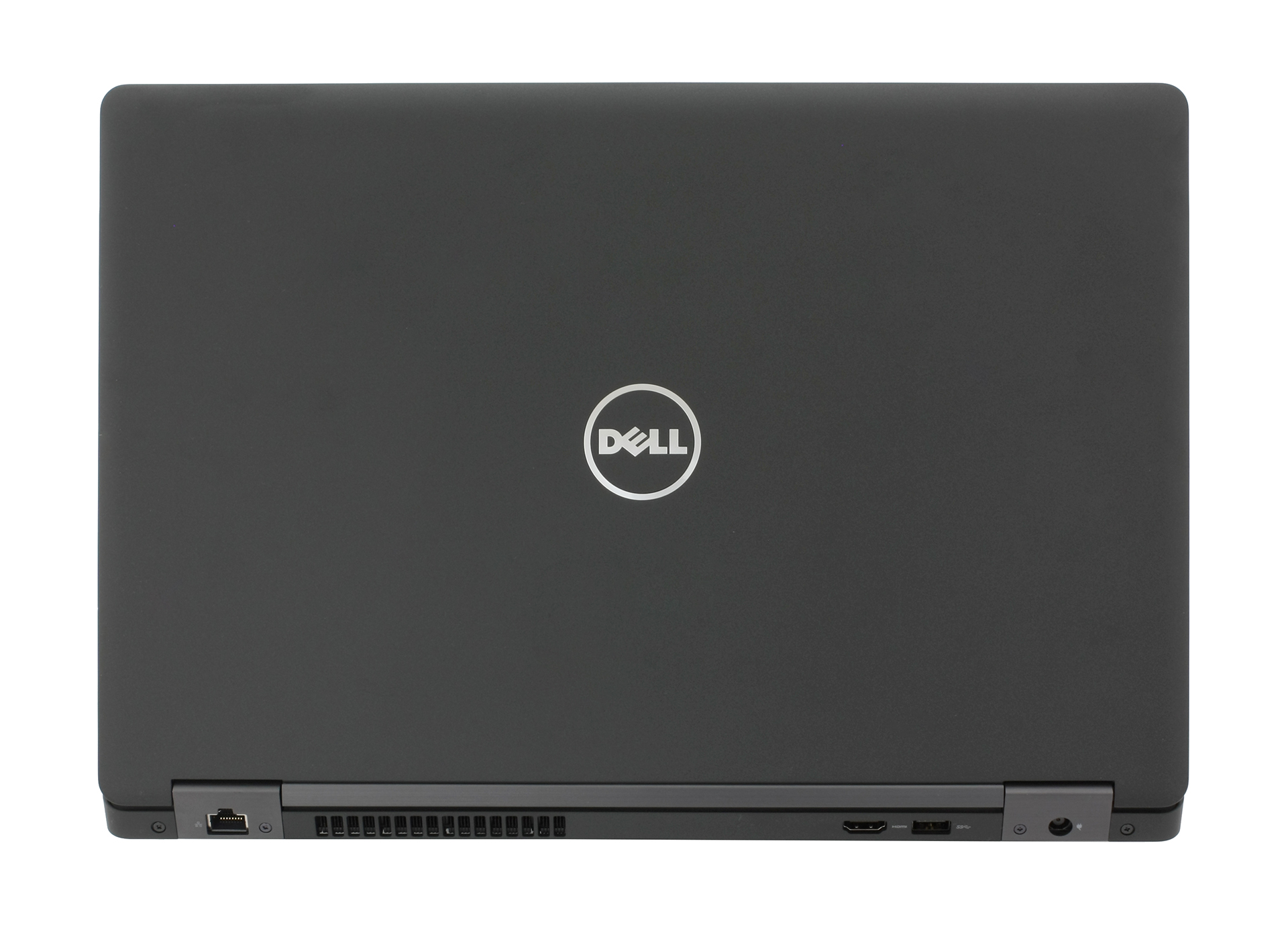
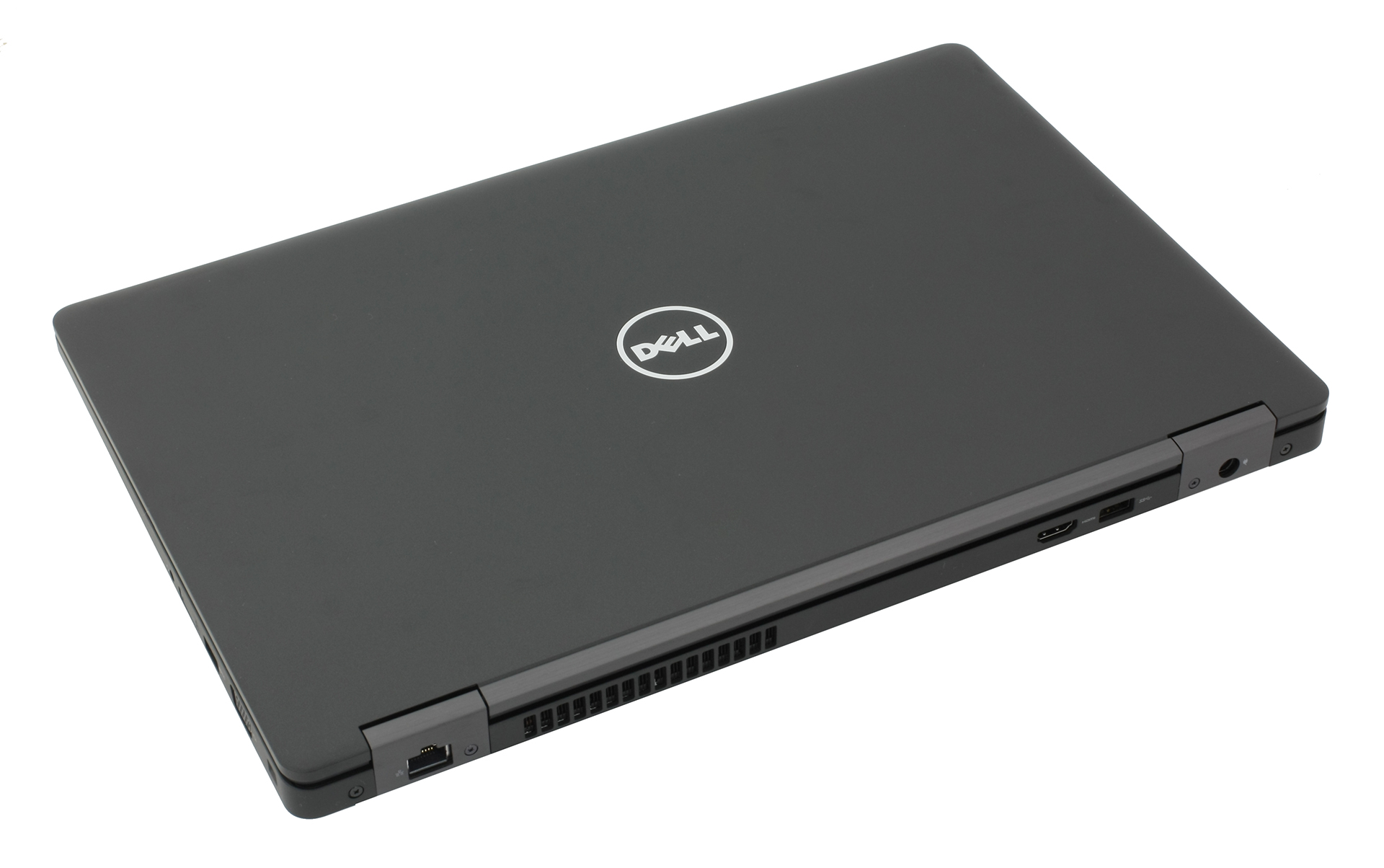
- Data publikacji: 20 Dec 2017
- Intel Core i5-6440HQ
- Intel HD Graphics 530
- 15.6”, Full HD (1920 x 1080), IPS
- 512GB SSD
- 16GB DDR4
- 2.34 kg (5.2 lbs)
Dell Precision 15 3520 dogłębna recenzja
We haven't done a lot of reviews of laptops for professional workstations suitable for CAD, DCC and CGI applications and there are probably a lot of people out there wondering if it's really worth spending so much money on NVIDIA Quadro-powered system or should they stick to the mainstream GeForce [...]
Przeczytaj pełną recenzję
Specyfikacja
- Wyświetlacz

- HDD/SSD
- 512GB SSD
- Gniazdo M.2
- 1x 2280 PCIe 3.0 x4 NVMe (M key)
- RAM
- 16GB DDR4
- OS
- Windows 10 Pro
- Materiał obudowy
- Plastik
- Wymiary
- 377 x 252 x 24.55 mm (14.84" x 9.92" x 0.97")
- Waga
- 2.34 kg (5.2 lbs)
- Porty i łączność
- 3x USB Type-A
- 3.2 Gen 1 (5 Gbps)
- 1x USB Type-C
- 3.2 Gen 2 (10 Gbps), Thunderbolt 3
- HDMI
- Czytnik kart
- SD
- Ethernet LAN
- Wi-Fi
- 802.11ac
- Bluetooth
- 4.1
- Audio jack
- headphone/microphone
- SIM Card Slot
- Cechy
- Kamera internetowa
- Podświetlana klawiatura
- Mikrofon
- Głośniki
- Napęd optyczny
- Gniazdo blokady bezpieczeństwa
Przenośność
Recenzja
Dell Precision 3520 dogłębna recenzja
We haven't done a lot of reviews of laptops for professional workstations suitable for CAD, DCC and CGI applications and there are probably a lot of people out there wondering if it's really worth spending so much money on NVIDIA Quadro-powered system or should they stick to the mainstream GeForce graphics solutions. We explore the pros and cons of such laptop, in this case, the Dell Precision 3520, and see what this laptop is capable of. Do you really need to spend so much money for good performance in CAD and DCC software and will the Precision 3520 fit another profile as well?If you don't know what CAD, DCC and CGI means, then you can skip this review and look for something more mainstream because the Precision 3520 packs some serious power under the hood thanks to the Intel Cor[...]
Przeczytaj pełną recenzjęPros
- Robust chassis, good build quality
- Fairly portable
- Excellent input devices
- Bright IPS panel with high contrast and wide sRGB coverage
- Amazing battery life
Cons
- Thermal throttling under heavy workload
- The panel flickers from 0 to 99% brightness (our Health-Guard profile fixes that)
- You can't insert a 2.5-inch drive and an M.2 SSD at the same time
- The base configuration comes with a TN panel




