Dell Precision 3540
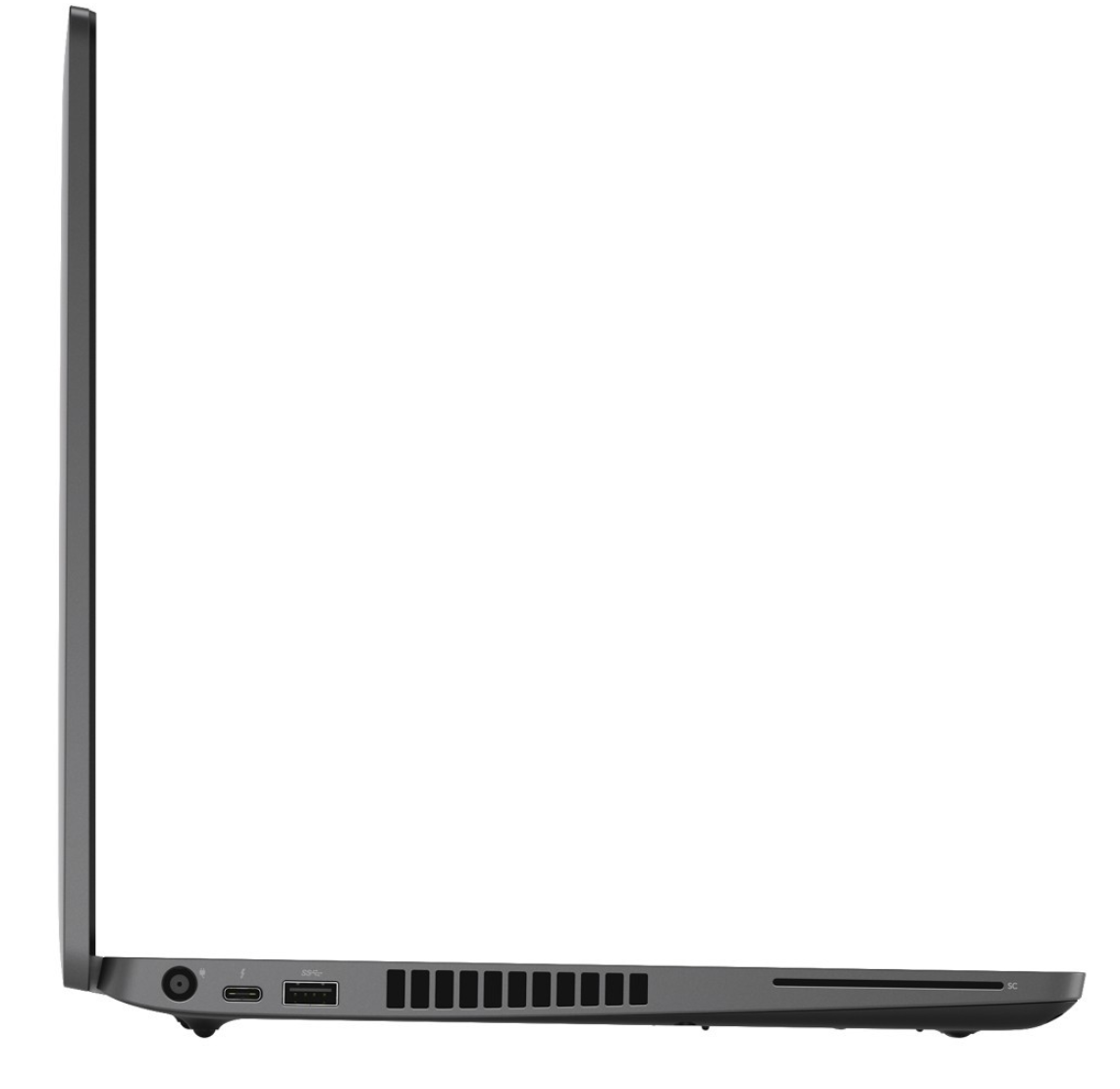
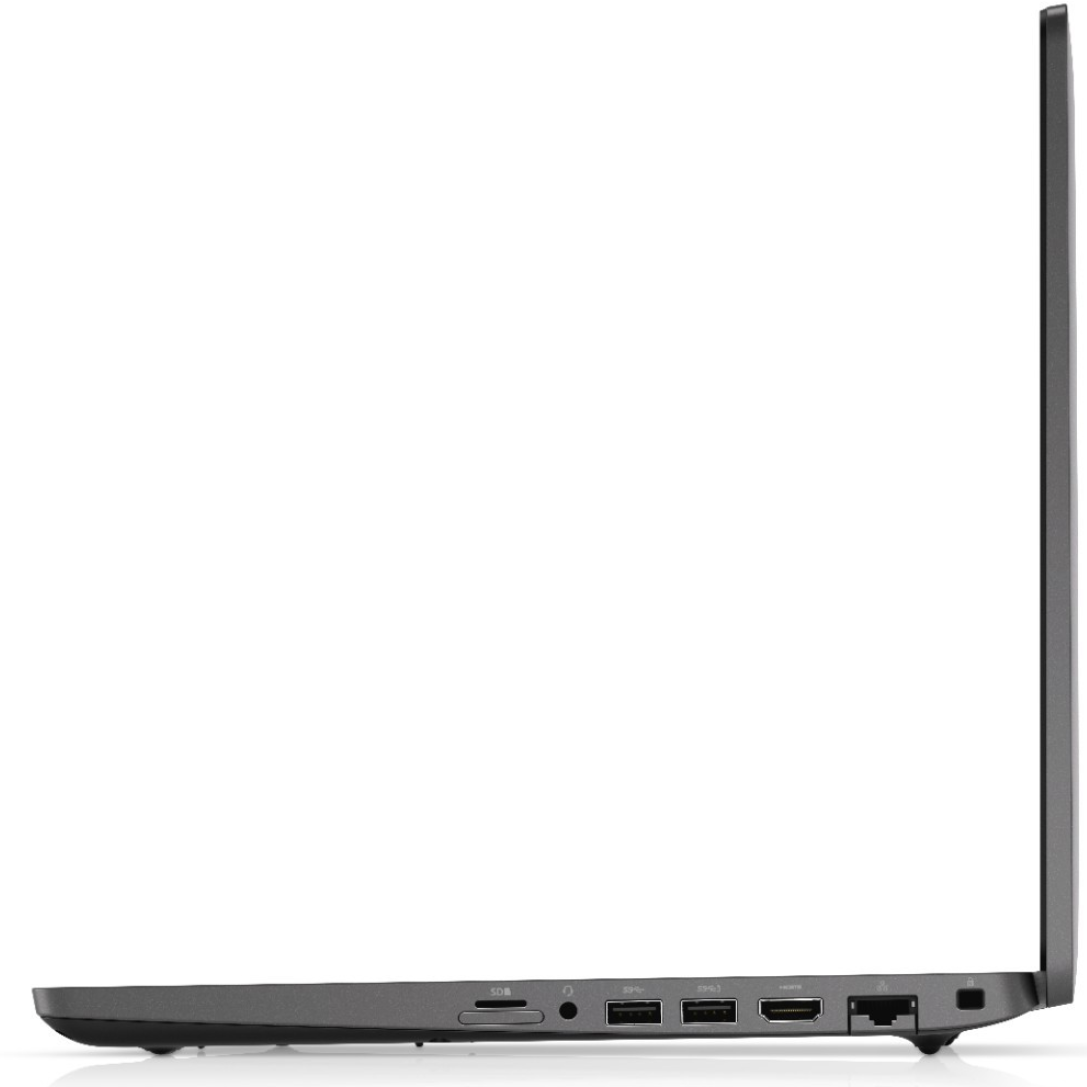
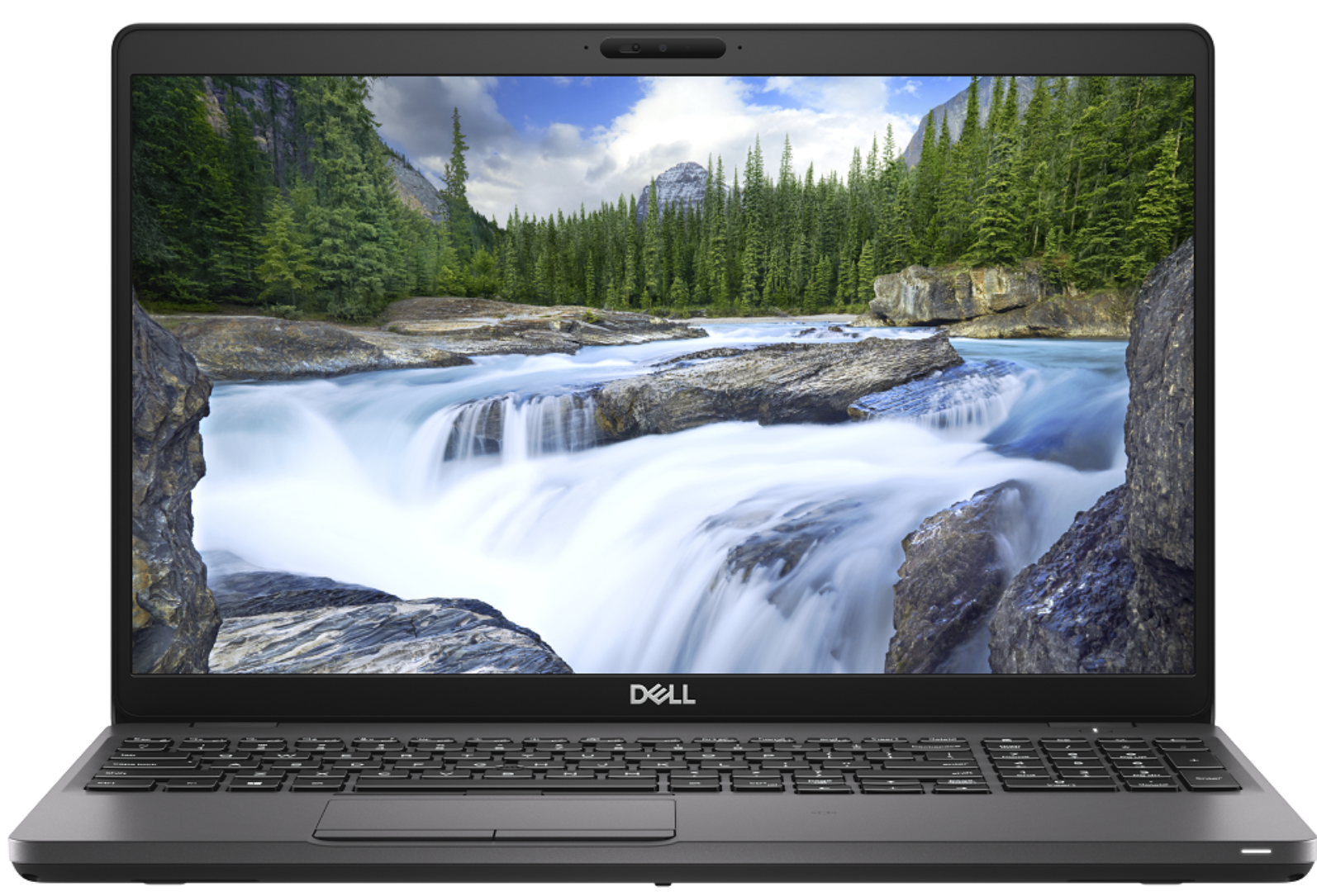
- Data publikacji: 29 Nov 2019
- Intel Core i7-8565U
- AMD Radeon Pro WX 2100 (2GB GDDR5)
- 15.6”, Full HD (1920 x 1080), IPS
- 512GB SSD
- 8GB DDR4
- 1.83 kg (4 lbs)
Recenzja
Dell Precision 3540 dogłębna recenzja
Despite the low number given to it by Dell, the Precision 3540 is a mid-range portable workstation that should satisfy the needs of more than just a handful of professionals. Its dedicated AMD Radeon Pro WX2100 GPU is certified to work with CAD applications, while further enhancing some minor 3D modeling and 2D manipulating tasks.Apart from professionalism, this device breathes to you, it is a laptop. And laptops have a tendency to not be perfect. Some of them are too thick, some of them are too thin but there is also a balance, where compromise is been reduced to a minimum. In the view of architects, this laptop should be super balanced, in order to catch their eyes. Let's dig into the Inspiron 3540 and see what does it have to offer.You can check the prices and configurations in[...]
Przeczytaj pełną recenzję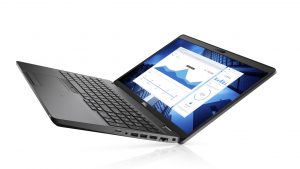
Pros
- Strong body
- One of the best keyboards on a laptop
- I/O and upgradability are on point
- Great battery life
- IR face recognition
- Great viewing angles and contrast ratio (BOE NV156FHM-N4H (BOE0869))
- Thunderbolt support and PCIe x4 M.2 slot
- Above-average performance
Cons
- A bit pricey
- Covers only 50% of sRGB (BOE NV156FHM-N4H (BOE0869))
- Uses PWM to adjust its brightness (fixed by our Health-Guard profile) (BOE NV156FHM-N4H (BOE0869))
Demontaż, konserwacja i opcje modernizacji
Recently, we tested the Precision 3540, and we think that it is one of the best mobile workstations you can find there. Of course, given the price tag and the ULV technology inside.Check out all Dell Precision 3540 prices and configurations in our Specs System or read more in our In-Depth review.1. Remove the bottom plate There are 8 screws you need to remove in order to pop the bottom panel open. Thankfully, they stay attached to the plate after you unscrew them, so you will have a hard time losing them.2. Battery In terms of battery, there is a 51Wh package. However, De[...]
Czytaj więcej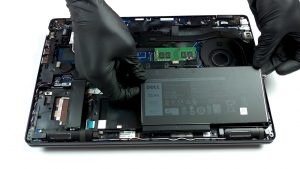
Wyświetlacz: 15.6-inch, 1920 x 1080, IPS
- Nazwa
- BOE NV156FHM-N4H (BOE0869)
- Przekątna
- 15.6"
- Gęstość pikseli
- 141.21 ppi
- Refresh rate
- 60 Hz
- Jasność
- 230 cd/m2
- sRGB
- 50%
- Typ Panelu
- IPS
- Rozdzielczość
- 1920 x 1080
- Staje się "Retina" od
- 24 inches (62 cm)
- Kontrast
- 1400:1
- dE Color Checker
- 6.5 4.2

Kup nasze profile dla BOE NV156FHM-N4H (BOE0869)
Oprócz otrzymywania wydajnych i przyjaznych dla zdrowia profili, kupując produkty LaptopMedia, wspierasz również rozwój naszych laboratoriów, w których testujemy urządzenia w celu tworzenia jak najbardziej obiektywnych recenzji.

Office Work
Office Work powinien być używany głównie przez użytkowników, którzy spędzają większość czasu patrząc na teksty, tabele lub po prostu przeglądając internet. Ten profil ma na celu zapewnienie lepszej wyrazistości i klarowności poprzez utrzymanie płaskiej krzywej gamma (2.20), natywnej temperatury barwowej i percepcyjnie dokładnych kolorów.

Design and Gaming
Ten profil jest przeznaczony dla projektantów, którzy pracują z kolorami zawodowo, a także do gier i filmów. Design and Gaming wykorzystuje panele wyświetlaczy do granic ich możliwości, czyniąc je tak dokładnymi, jak to tylko możliwe w standardzie sRGB IEC61966-2-1 dla stron internetowych i telewizji HD, przy punkcie bieli D65.

Health-Guard
Health-Guard eliminuje szkodliwą modulację szerokości impulsu (PWM) i redukuje negatywne niebieskie światło, które wpływa na nasze oczy i ciało. Ponieważ jest on dostosowany do każdego panelu, udaje mu się utrzymać percepcyjnie dokładne kolory. Health-Guard symuluje papier, dzięki czemu nacisk na oczy jest znacznie zmniejszony.