


- Data publikacji: 25 Feb 2021
- Intel Core i7-10510U
- NVIDIA GeForce MX350 (25W)
- 13.3”, Full HD (1920 x 1080), IPS
- 1000GB SSD
- 16GB DDR4
- 1.31 kg (2.9 lbs)
HP ENVY 13 (13-ba0000, ba1000) dogłębna recenzja
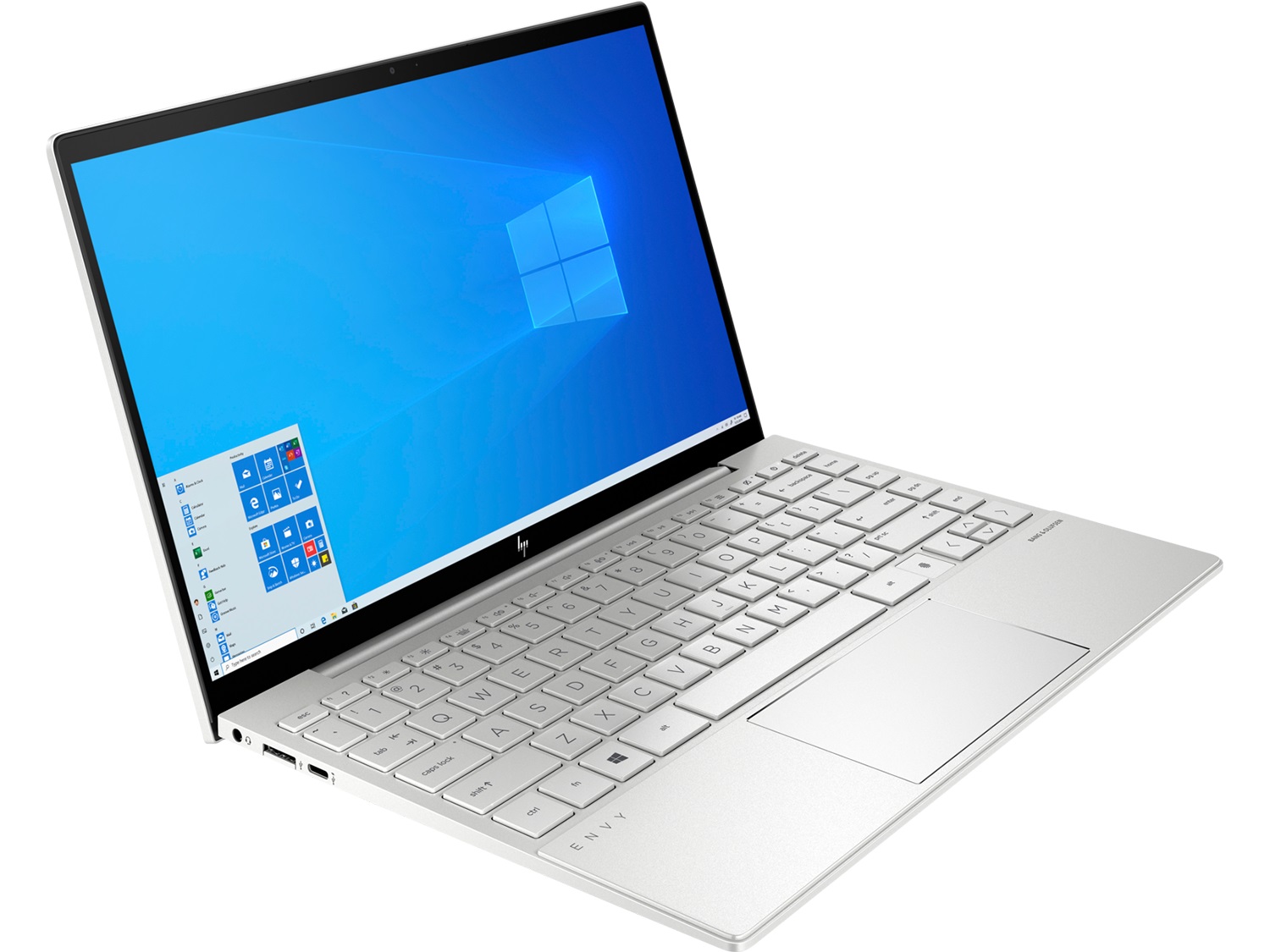
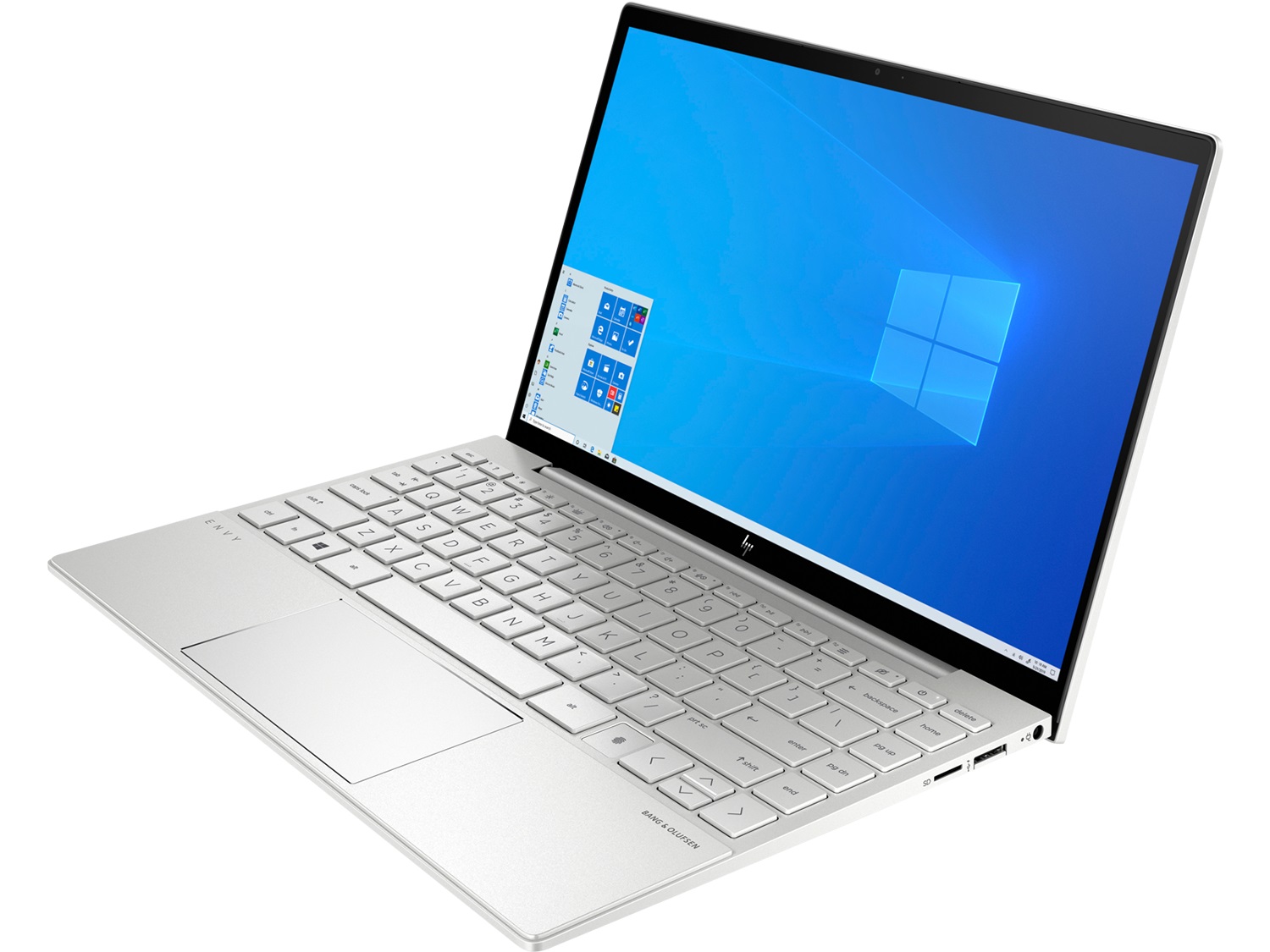
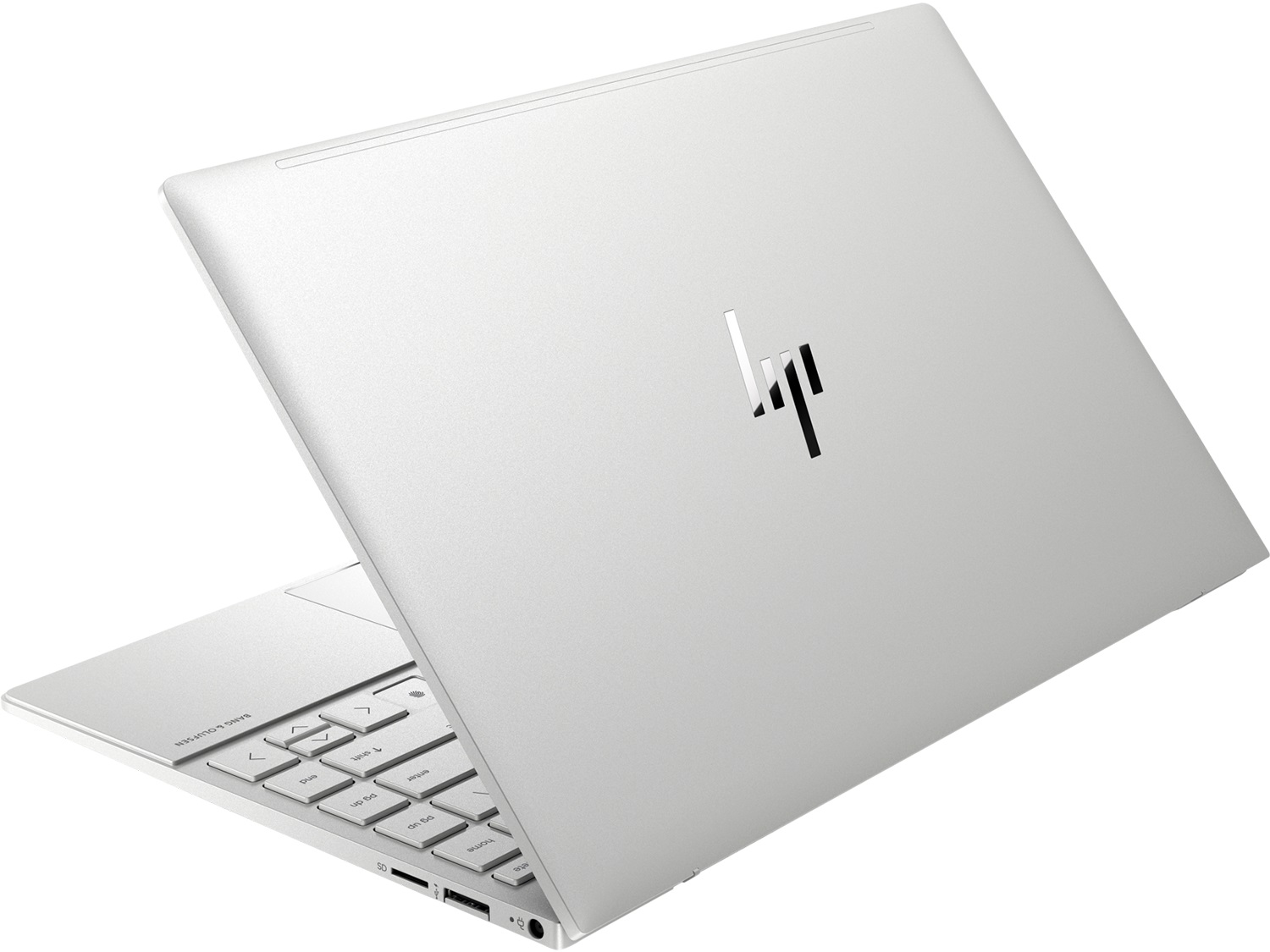
Today, we have an uncharacteristically premium notebook to review. It is the Envy 13 (13-ba0000), and in the configuration we got it, it has a Comet Lake-U Intel, the NVIDIA GeForce MX350, as well as a very interesting display. Actually, we're going to spoil it for a second, by saying that this [...]
Przeczytaj pełną recenzję
Recenzja
HP ENVY 13 dogłębna recenzja
Today, we have an uncharacteristically premium notebook to review. It is the Envy 13 (13-ba0000), and in the configuration we got it, it has a Comet Lake-U Intel, the NVIDIA GeForce MX350, as well as a very interesting display.Actually, we're going to spoil it for a second, by saying that this notebook has the exact same 1080p IPS panel as the HP Spectre x360 13 (13-aw0000). Ultimately, this means that it has extremely high maximum brightness, that is needed to incorporate one particular feature - Sure View. The aim of that technology is to prevent unwanted eyes from peeking at your display and seeing your sensible data.One would say, why would you need that on an IPS display, when you can just get a TN panel and live your life. Well, the TN panels naturally have a worse color rep[...]
Przeczytaj pełną recenzjęPros
- Sure View privacy system
- PCIe x4 support and a MicroSD card reader
- Has a great contrast ratio and a maximum brightness of 1000 nits (IVO M133NVFD R2)
- Great for designers with 99% of sRGB coverage and accurate color representation (thanks to our Gaming and Web design profile) (IVO M133NVFD R2)
- Very fast fingerprint reader
Cons
- RAM is soldered to the motherboard
- Uses aggressive PWM up to the maximum level of brightness (our Health-Guard profile fixes that) (IVO M133NVFD R2)
- Underperforming hardware
- Weird power button location
Demontaż, konserwacja i opcje modernizacji
What seemed like a potent machine, proved to be an underwhelming cooling disaster.Check out all HP Envy 13 (13-ba0000) prices and configurations in our Specs System or read more in our In-Depth review.1. Remove the bottom plate While HP has once again tried to fool you by hiding two of its screws, it is good to see that there are only four keeping the bottom panel in place. Two of them have Torx heads, while the other two are of a Phillips type. After you undo them, pry the panel with a plastic tool, and you're done.2. Battery In terms of power away from the plug, there i[...]
Czytaj więcej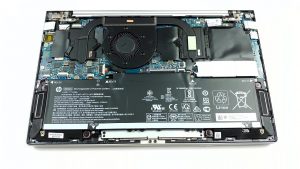
Wyświetlacz: 13.3-inch, 1920 x 1080, IPS
- Nazwa
- IVO M133NVFD R2 (IVO8584)
- Przekątna
- 13.3"
- Gęstość pikseli
- 165.63 ppi
- Refresh rate
- 60 Hz
- Jasność
- 815 cd/m2
- sRGB
- 91%
- Typ Panelu
- IPS
- Rozdzielczość
- 1920 x 1080
- Staje się "Retina" od
- 21 inches (53 cm)
- Kontrast
- 2360:1
- dE Color Checker
- 3.7 1.0

Kup nasze profile dla IVO M133NVFD R2 (IVO8584)
Oprócz otrzymywania wydajnych i przyjaznych dla zdrowia profili, kupując produkty LaptopMedia, wspierasz również rozwój naszych laboratoriów, w których testujemy urządzenia w celu tworzenia jak najbardziej obiektywnych recenzji.

Office Work
Office Work powinien być używany głównie przez użytkowników, którzy spędzają większość czasu patrząc na teksty, tabele lub po prostu przeglądając internet. Ten profil ma na celu zapewnienie lepszej wyrazistości i klarowności poprzez utrzymanie płaskiej krzywej gamma (2.20), natywnej temperatury barwowej i percepcyjnie dokładnych kolorów.

Design and Gaming
Ten profil jest przeznaczony dla projektantów, którzy pracują z kolorami zawodowo, a także do gier i filmów. Design and Gaming wykorzystuje panele wyświetlaczy do granic ich możliwości, czyniąc je tak dokładnymi, jak to tylko możliwe w standardzie sRGB IEC61966-2-1 dla stron internetowych i telewizji HD, przy punkcie bieli D65.

Health-Guard
Health-Guard eliminuje szkodliwą modulację szerokości impulsu (PWM) i redukuje negatywne niebieskie światło, które wpływa na nasze oczy i ciało. Ponieważ jest on dostosowany do każdego panelu, udaje mu się utrzymać percepcyjnie dokładne kolory. Health-Guard symuluje papier, dzięki czemu nacisk na oczy jest znacznie zmniejszony.





