Lenovo ThinkPad E14
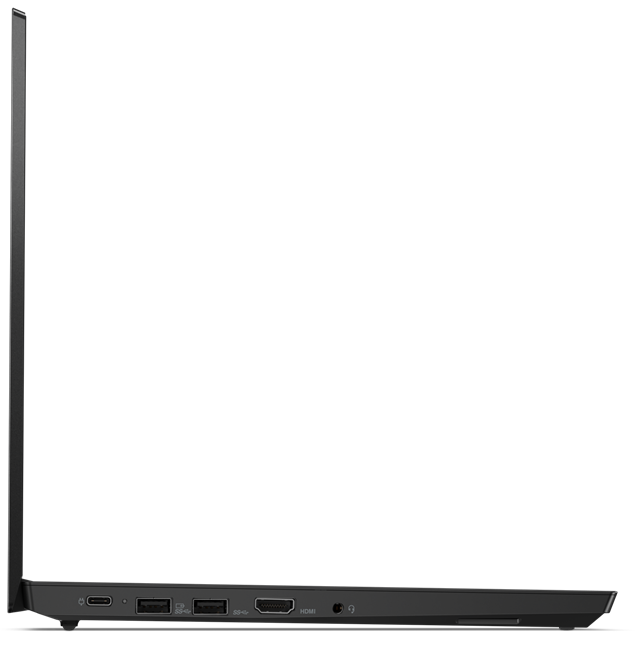
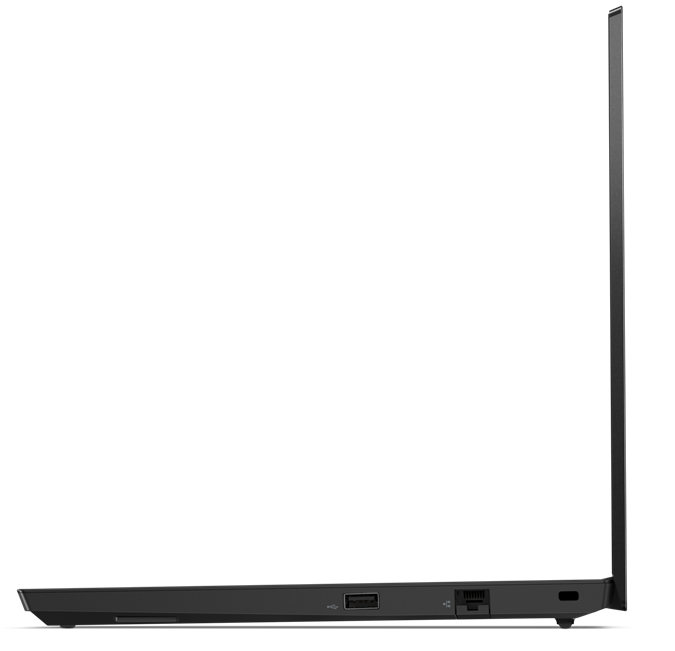
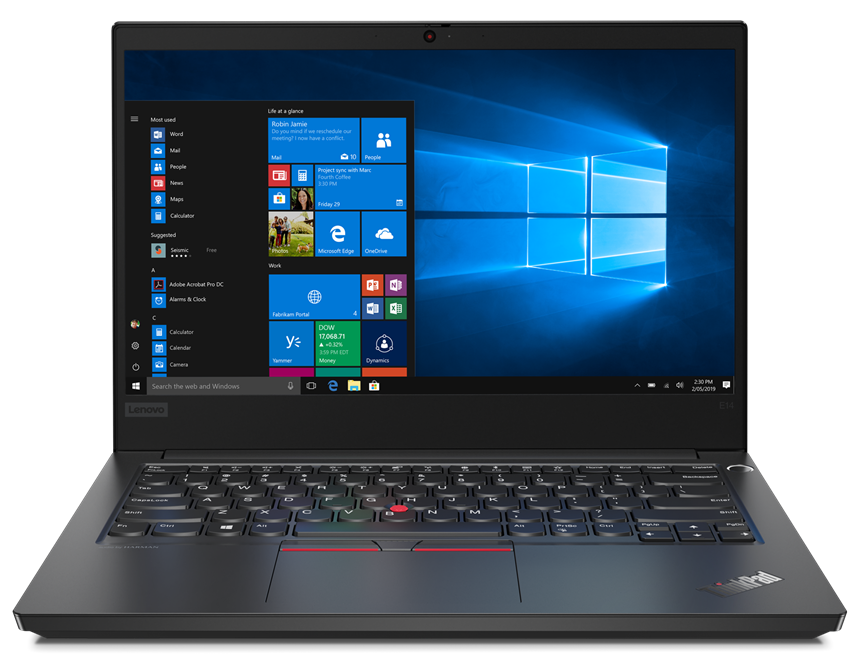
- Data publikacji: 22 Apr 2020
- Intel Core i5-10210U
- Intel UHD Graphics
- 14.0”, Full HD (1920 x 1080), IPS
- 1000GB HDD
- 8GB DDR4
- 1.69 kg (3.7 lbs)
Lenovo ThinkPad E14 dogłębna recenzja
Lenovo is trying to deliver a good performance and decent versatility with its latest business machines. This one, in particular, is the ThinkPad E14 - a successor to the E490. Ultimately, it is the same good old, rigid design that Lenovo fancies to use on their ThinkPad devices. Of course, it is [...]
Przeczytaj pełną recenzję

Recenzja
Lenovo ThinkPad E14 dogłębna recenzja
Lenovo is trying to deliver a good performance and decent versatility with its latest business machines. This one, in particular, is the ThinkPad E14 - a successor to the E490. Ultimately, it is the same good old, rigid design that Lenovo fancies to use on their ThinkPad devices. Of course, it is legacy to the IBM ThinkPad series, and the industrial package is something people look for when shopping for these laptops.Another thing that keeps people attracted, is the security devices all around. You've got a privacy shutter on top of the camera, a fingerprint reader inside of the Power button, a TPM chip soldered to the motherboard, and of course, all of the software goodies Lenovo provides.As of the hardware of the notebook - it comes with a Comet Lake processor, which depending o[...]
Przeczytaj pełną recenzjęPros
- Its keyboard is backlit and great for typing
- Has a Fingerprint reader that stores your finger's print upon pressing the power button
- Good contrast ratio and comfortable viewing angles
- Supports PCIe x4 SSDs, and some models feature a WiFi 6 card
- It is able to maintain its 25W TDP limit for quite a while
- Great battery life
- Charges via USB Type-C
Cons
- Lacks a Thunderbolt connector
- Uses harmful PWM for all brightness levels except the maximum (our Health-Guard profile fixes the issue)
- Covers only 52% of sRGB
- Lacks an SD card reader
Demontaż, konserwacja i opcje modernizacji
This device is equipped with some exciting features, like the Power button/fingerprint reader combo, which stores the print of your finger upon startup, and then sends it towards the OS for seamless logins. However, how easy it is to maintain and upgrade the ThinkPad E14? Let's take a look.Check out all Lenovo ThinkPad E14 prices and configurations in our Specs System or read more in our In-Depth review.1. Remove the bottom plate This device's bottom plate is held up in a place by 7 Phillips-head screws. Fortunately for clumsy people like us, they stay attached to the panel even[...]
Czytaj więcej
Wyświetlacz: 14.0-inch, 1920 x 1080, IPS
- Nazwa
- BOE NV140FHM-N48
- Przekątna
- 14.0"
- Gęstość pikseli
- 157.35 ppi
- Refresh rate
- 60 Hz
- Jasność
- 279 cd/m2
- sRGB
- 54%%
- Typ Panelu
- IPS
- Rozdzielczość
- 1920 x 1080
- Staje się "Retina" od
- 22 inches (56 cm)
- Kontrast
- 1180:1
- dE Color Checker
- 4.4 3.7

Kup nasze profile dla BOE NV140FHM-N48
Oprócz otrzymywania wydajnych i przyjaznych dla zdrowia profili, kupując produkty LaptopMedia, wspierasz również rozwój naszych laboratoriów, w których testujemy urządzenia w celu tworzenia jak najbardziej obiektywnych recenzji.

Office Work
Office Work powinien być używany głównie przez użytkowników, którzy spędzają większość czasu patrząc na teksty, tabele lub po prostu przeglądając internet. Ten profil ma na celu zapewnienie lepszej wyrazistości i klarowności poprzez utrzymanie płaskiej krzywej gamma (2.20), natywnej temperatury barwowej i percepcyjnie dokładnych kolorów.

Design and Gaming
Ten profil jest przeznaczony dla projektantów, którzy pracują z kolorami zawodowo, a także do gier i filmów. Design and Gaming wykorzystuje panele wyświetlaczy do granic ich możliwości, czyniąc je tak dokładnymi, jak to tylko możliwe w standardzie sRGB IEC61966-2-1 dla stron internetowych i telewizji HD, przy punkcie bieli D65.

Health-Guard
Health-Guard eliminuje szkodliwą modulację szerokości impulsu (PWM) i redukuje negatywne niebieskie światło, które wpływa na nasze oczy i ciało. Ponieważ jest on dostosowany do każdego panelu, udaje mu się utrzymać percepcyjnie dokładne kolory. Health-Guard symuluje papier, dzięki czemu nacisk na oczy jest znacznie zmniejszony.





