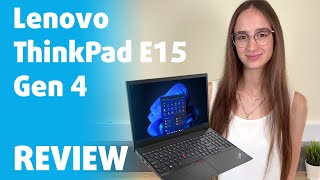
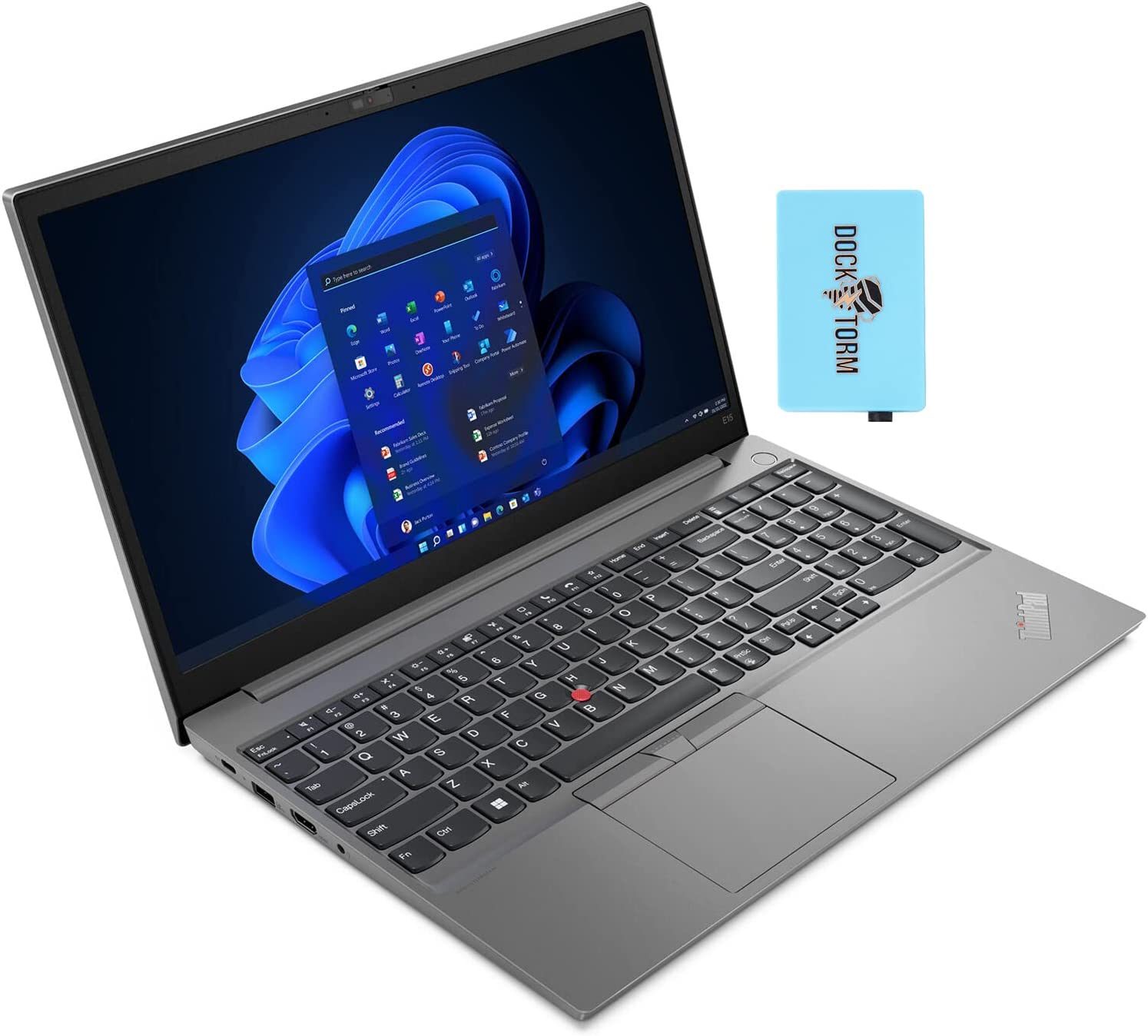
Lenovo ThinkPad E15 Gen 4


- Data publikacji: 02 Mar 2023
- Intel Core i5-1235U
- Intel Iris Xe Graphics G7 (80EU)
- 15.6”, Full HD (1920 x 1080), IPS
- 256GB SSD
- 12GB DDR4
- 1.70 kg (3.7 lbs)
Lenovo ThinkPad E15 Gen 4 (Intel) dogłębna recenzja
The ThinkPad E-series is one of the most popular business notebooks not only in Lenovo's roster but in the market segment in general. There are two reasons for that. First, it is inexpensive, which makes it a perfect choice for corporations, and second - it has proven to be a really solid workhorse. [...]
Przeczytaj pełną recenzję
Recenzja
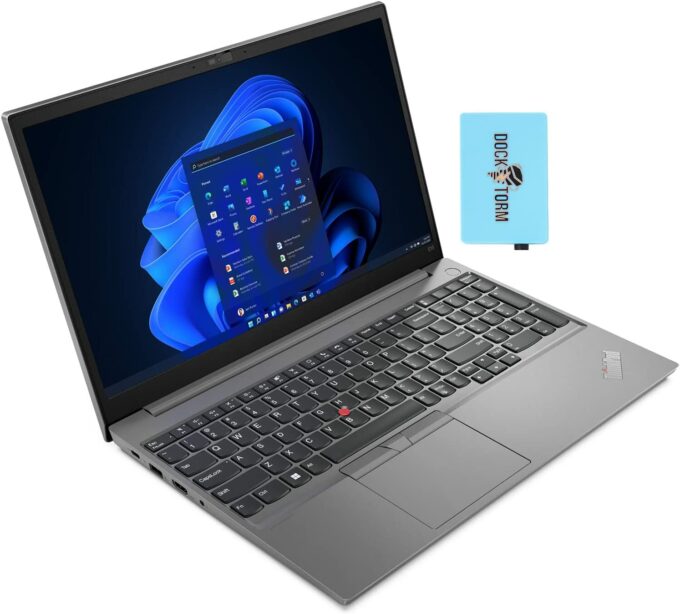
Lenovo ThinkPad E15 Gen 4 dogłębna recenzja
The ThinkPad E-series is one of the most popular business notebooks not only in Lenovo's roster but in the market segment in general. There are two reasons for that. First, it is inexpensive, which makes it a perfect choice for corporations, and second - it has proven to be a really solid workhorse.Usually, it is never a clean sweep for the ThinkPad E-series when they get in our office. Due to the cost-cutting measures, which are inevitable at this price point, the laptop always falls short in one or more categories.One thing we know for sure is that the ThinkPad E15 Gen 4 will not disappoint with performance. It comes with the latest 12th Gen Alder Lake CPUs from Intel, and you have a choice between the U-series and the P-series. Naturally, the former should offer better efficien[...]
Przeczytaj pełną recenzjęPros
- Great spill-resistant keyboard
- Good performance
- No PWM (BOE NV156FHM-N4S (BOE08E2))
- 1x SODIMM slot + 2x M.2 PCIe x4 (one supports Gen 4 drives)
- Optional IR face recognition and fingerprint reader
Cons
- Covers only 52% of sRGB (BOE NV156FHM-N4S (BOE08E2))
- Only two USB Type-A ports, one of which runs at 2.0 speeds
- No SD card reader
Demontaż, konserwacja i opcje modernizacji
The ThinkPad E15 Gen 4 is once more one of the most popular business notebooks out there. It's good to see that Lenovo hasn't neglected the upgradeability.Check out all Lenovo ThinkPad E15 Gen 4 prices and configurations in our Specs System or read more in our In-Depth review.1. Remove the bottom plate To get inside this device, you need to undo 8 captive Phillips-head screws. After that, simply pry the bottom panel, and take it out of your way.2. Battery Here, you see a 57Wh battery pack. It lasts for 11 hours of Web browsing, or 7 hours and 30 minutes of video playback.[...]
Czytaj więcej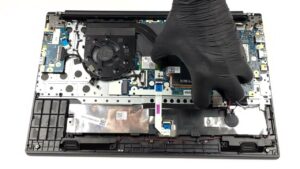
Wyświetlacz: 15.6-inch, 1920 x 1080, IPS
- Nazwa
- BOE NV156FHM-N4S (BOE08E2)
- Przekątna
- 15.6"
- Gęstość pikseli
- 141.21 ppi
- Jasność
- 342 cd/m2
- sRGB
- 52%
- Typ Panelu
- IPS
- Rozdzielczość
- 1920 x 1080
- Staje się "Retina" od
- 24 inches (62 cm)
- Kontrast
- 1090:1
- dE Color Checker
- 5.5 3.7

Kup nasze profile dla BOE NV156FHM-N4S (BOE08E2)
Oprócz otrzymywania wydajnych i przyjaznych dla zdrowia profili, kupując produkty LaptopMedia, wspierasz również rozwój naszych laboratoriów, w których testujemy urządzenia w celu tworzenia jak najbardziej obiektywnych recenzji.

Office Work
Office Work powinien być używany głównie przez użytkowników, którzy spędzają większość czasu patrząc na teksty, tabele lub po prostu przeglądając internet. Ten profil ma na celu zapewnienie lepszej wyrazistości i klarowności poprzez utrzymanie płaskiej krzywej gamma (2.20), natywnej temperatury barwowej i percepcyjnie dokładnych kolorów.

Design and Gaming
Ten profil jest przeznaczony dla projektantów, którzy pracują z kolorami zawodowo, a także do gier i filmów. Design and Gaming wykorzystuje panele wyświetlaczy do granic ich możliwości, czyniąc je tak dokładnymi, jak to tylko możliwe w standardzie sRGB IEC61966-2-1 dla stron internetowych i telewizji HD, przy punkcie bieli D65.

Health-Guard
Health-Guard eliminuje szkodliwą modulację szerokości impulsu (PWM) i redukuje negatywne niebieskie światło, które wpływa na nasze oczy i ciało. Ponieważ jest on dostosowany do każdego panelu, udaje mu się utrzymać percepcyjnie dokładne kolory. Health-Guard symuluje papier, dzięki czemu nacisk na oczy jest znacznie zmniejszony.





