Microsoft Surface Laptop Go


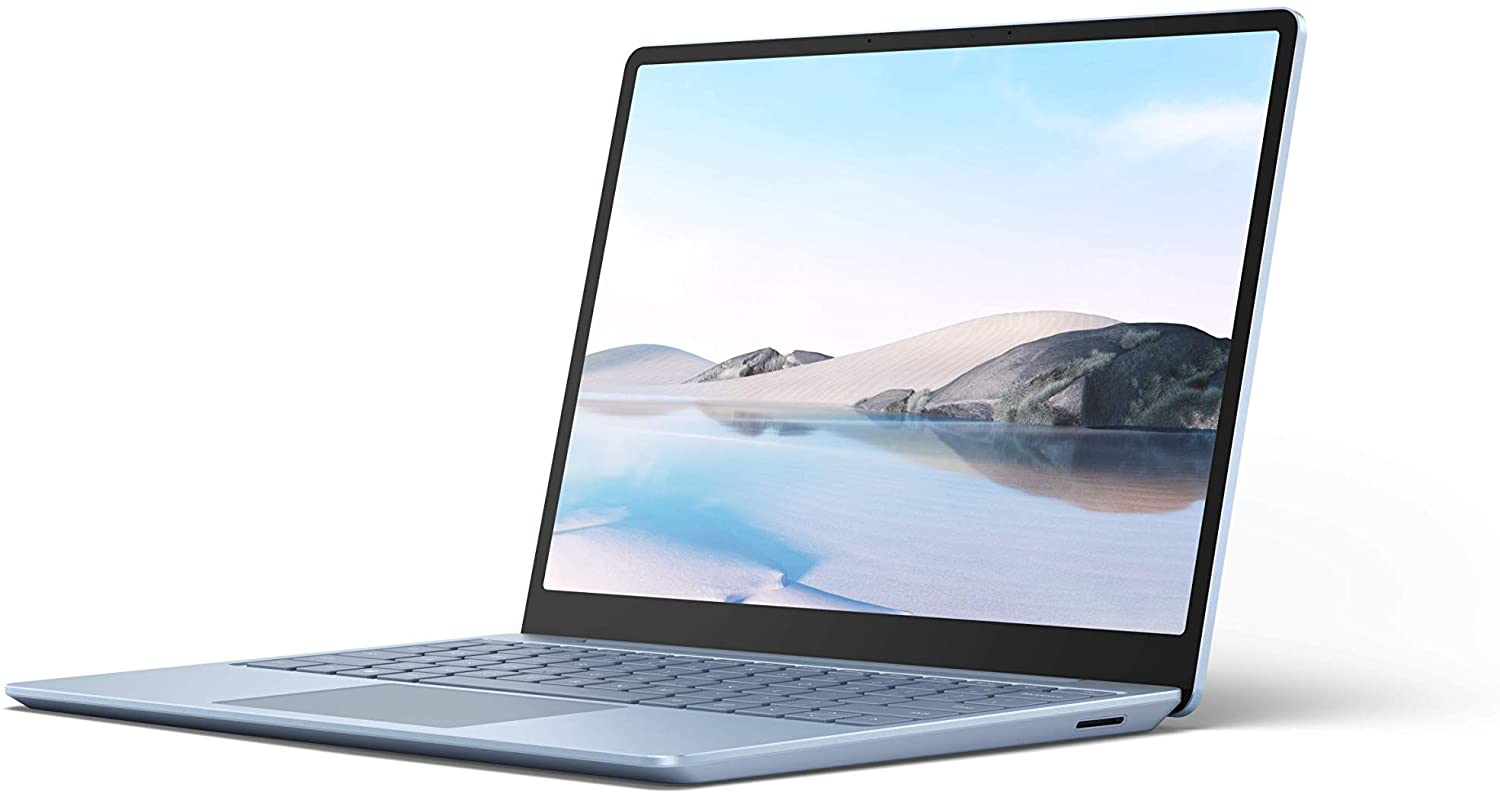
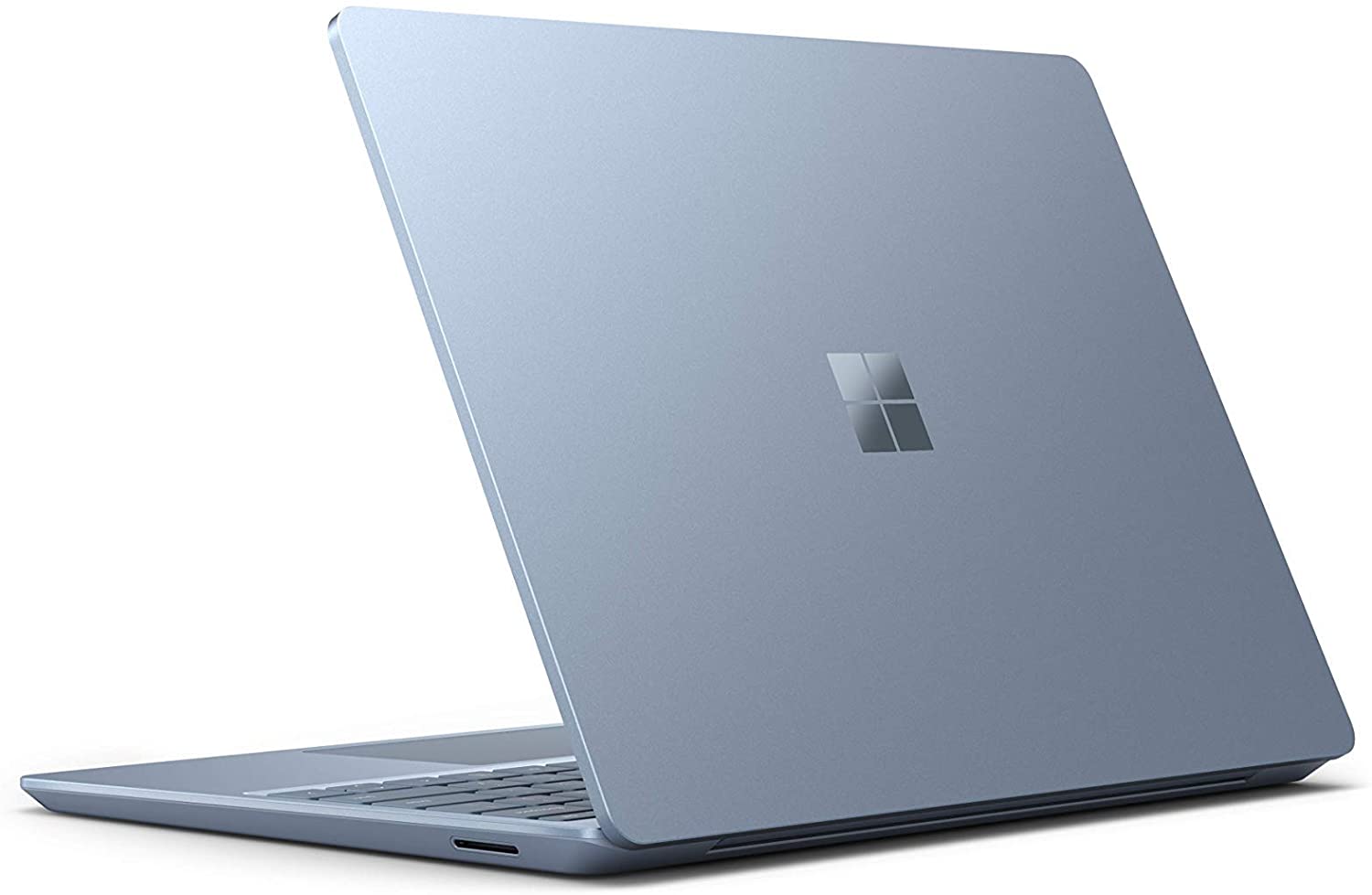


- Data publikacji: 04 Oct 2020
- Intel Core i5-1035G1
- Intel UHD Graphics G1
- 12.4”, PixelSense (1536 x 1024), IPS
- 256GB SSD
- 8GB LPDDR4x
- 1.11 kg (2.4 lbs)

Recenzja
Microsoft Surface Laptop Go dogłębna recenzja
Microsoft is one of the biggest companies in the world. Interestingly, in recent years, the hardware it produces started being synonymous with quality and innovation. Indeed, it can be viewed as the Apple of Windows laptops. Its entire range is made out of very interesting models, some of them including detachable convertibles like the Surface Book 3 (13.5) and (15), more conventional ones, like the Surface Laptop 3, or even tablets with full-blown Windows experience, like the Surface Pro X and Surface Go.Today, however, we got a very basic unit on our hands. It is called the Microsoft Surface Laptop Go and can be simply described as the entry-level to the company's hardware. Its affordable pricing makes it easy to reach for students or people that just need something on the go, yet d[...]
Przeczytaj pełną recenzję
Pros
- Good build quality
- Decent battery life
- Doesn't use aggressive PWM for brightness adjustment
- Covers 96% of sRGB and has accurate-enough color representation with an Average dE of <2.0
- Has a fingerprint reader
Cons
- Modest I/O
- Not very powerful
- 4GB RAM, 64GB eMMC variant is to be avoided
Wyświetlacz: 12.4-inch, 1536 x 1024, IPS
- Nazwa
- LP125WX112403
- Przekątna
- 12.4"
- Gęstość pikseli
- 148.87 ppi
- Jasność
- 340 cd/m2
- sRGB
- 96%
- Typ Panelu
- IPS
- Rozdzielczość
- 1536 x 1024
- Staje się "Retina" od
- 23 inches (59 cm)
- Kontrast
- 1060:1
- dE Color Checker
- 1.9

Kup nasze profile dla LP125WX112403
Oprócz otrzymywania wydajnych i przyjaznych dla zdrowia profili, kupując produkty LaptopMedia, wspierasz również rozwój naszych laboratoriów, w których testujemy urządzenia w celu tworzenia jak najbardziej obiektywnych recenzji.

Office Work
Office Work powinien być używany głównie przez użytkowników, którzy spędzają większość czasu patrząc na teksty, tabele lub po prostu przeglądając internet. Ten profil ma na celu zapewnienie lepszej wyrazistości i klarowności poprzez utrzymanie płaskiej krzywej gamma (2.20), natywnej temperatury barwowej i percepcyjnie dokładnych kolorów.
Design and Gaming
Ten profil jest przeznaczony dla projektantów, którzy pracują z kolorami zawodowo, a także do gier i filmów. Design and Gaming wykorzystuje panele wyświetlaczy do granic ich możliwości, czyniąc je tak dokładnymi, jak to tylko możliwe w standardzie sRGB IEC61966-2-1 dla stron internetowych i telewizji HD, przy punkcie bieli D65.

Health-Guard
Health-Guard eliminuje szkodliwą modulację szerokości impulsu (PWM) i redukuje negatywne niebieskie światło, które wpływa na nasze oczy i ciało. Ponieważ jest on dostosowany do każdego panelu, udaje mu się utrzymać percepcyjnie dokładne kolory. Health-Guard symuluje papier, dzięki czemu nacisk na oczy jest znacznie zmniejszony.