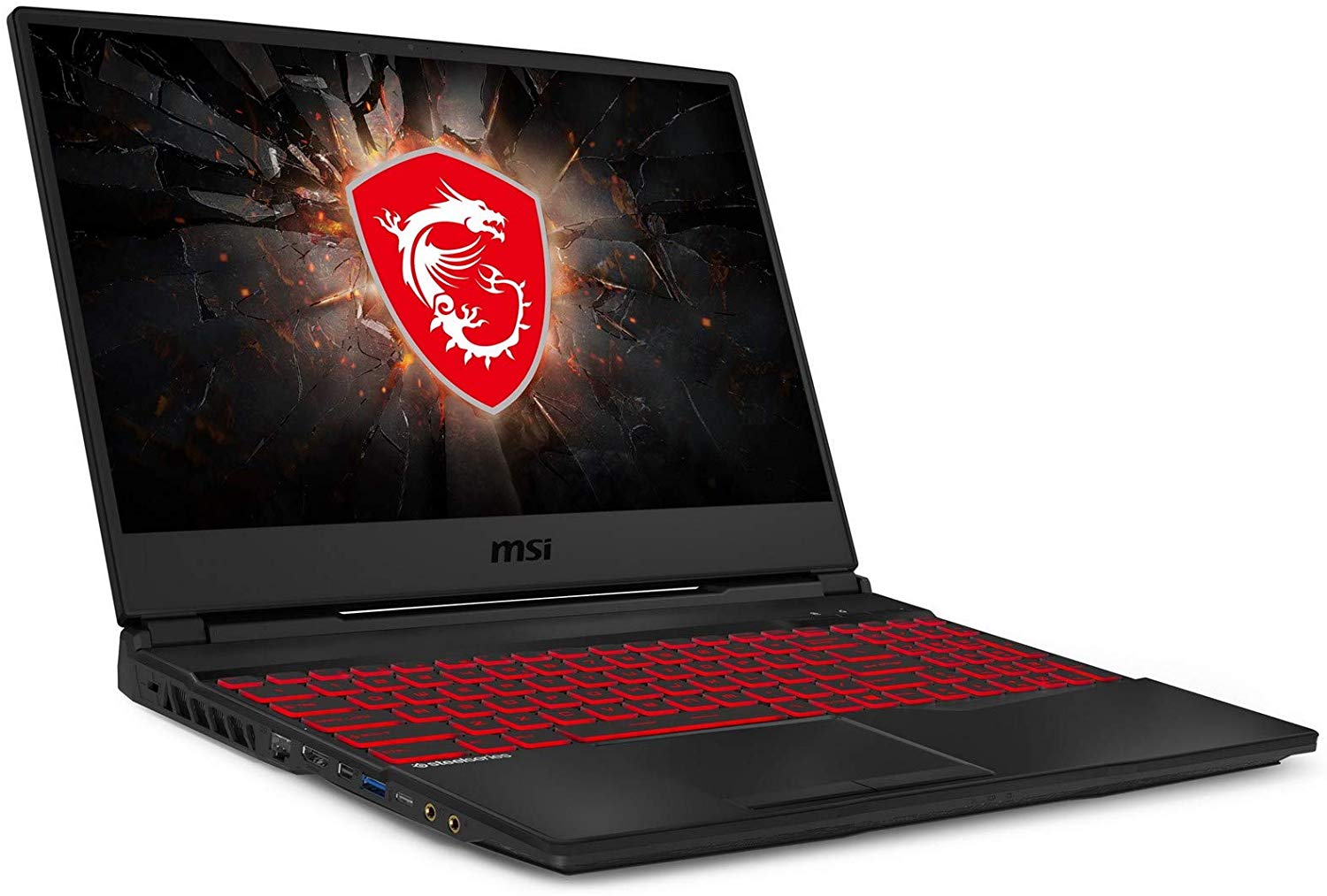
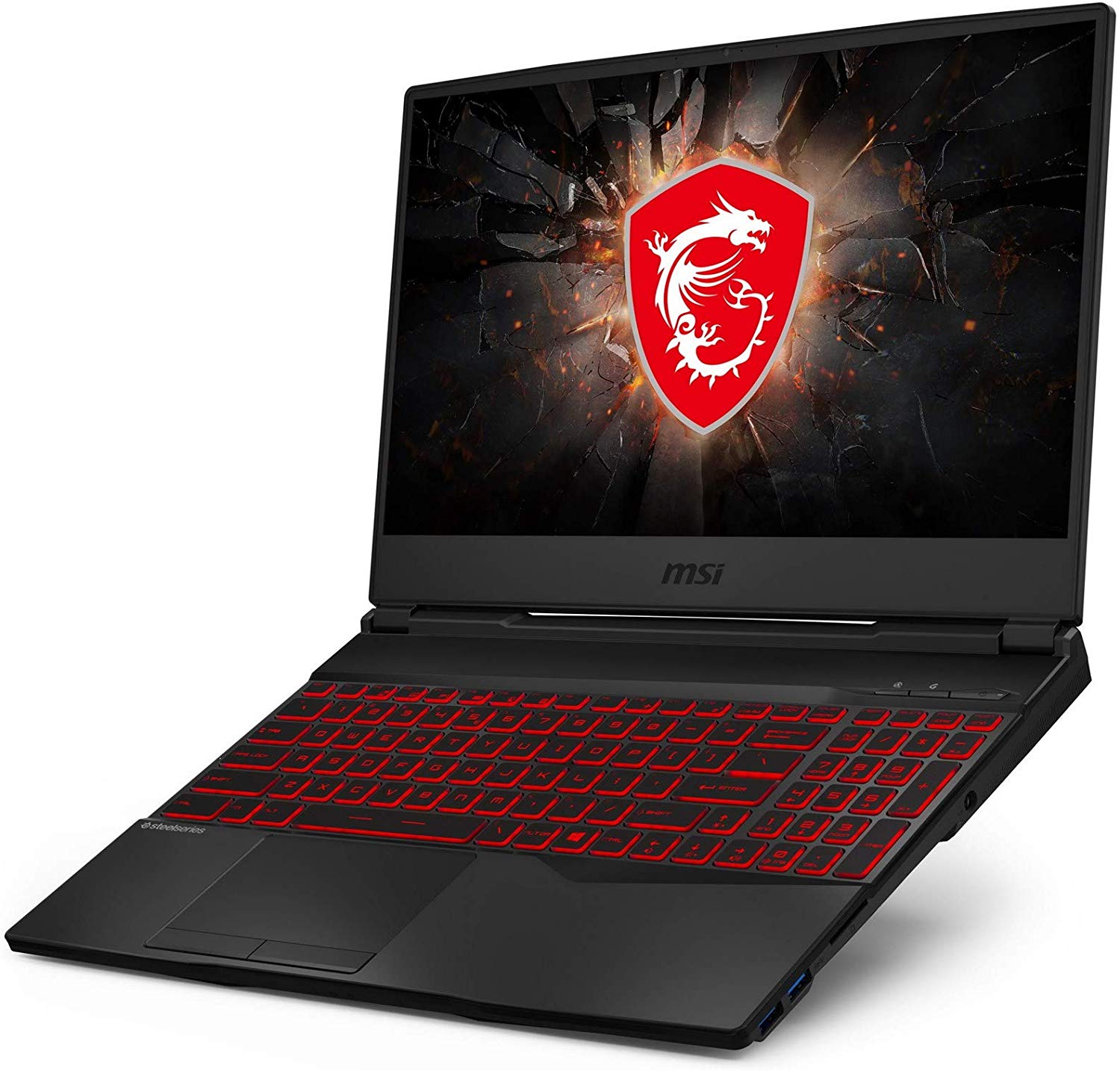
MSI GL65 Leopard 9Sx
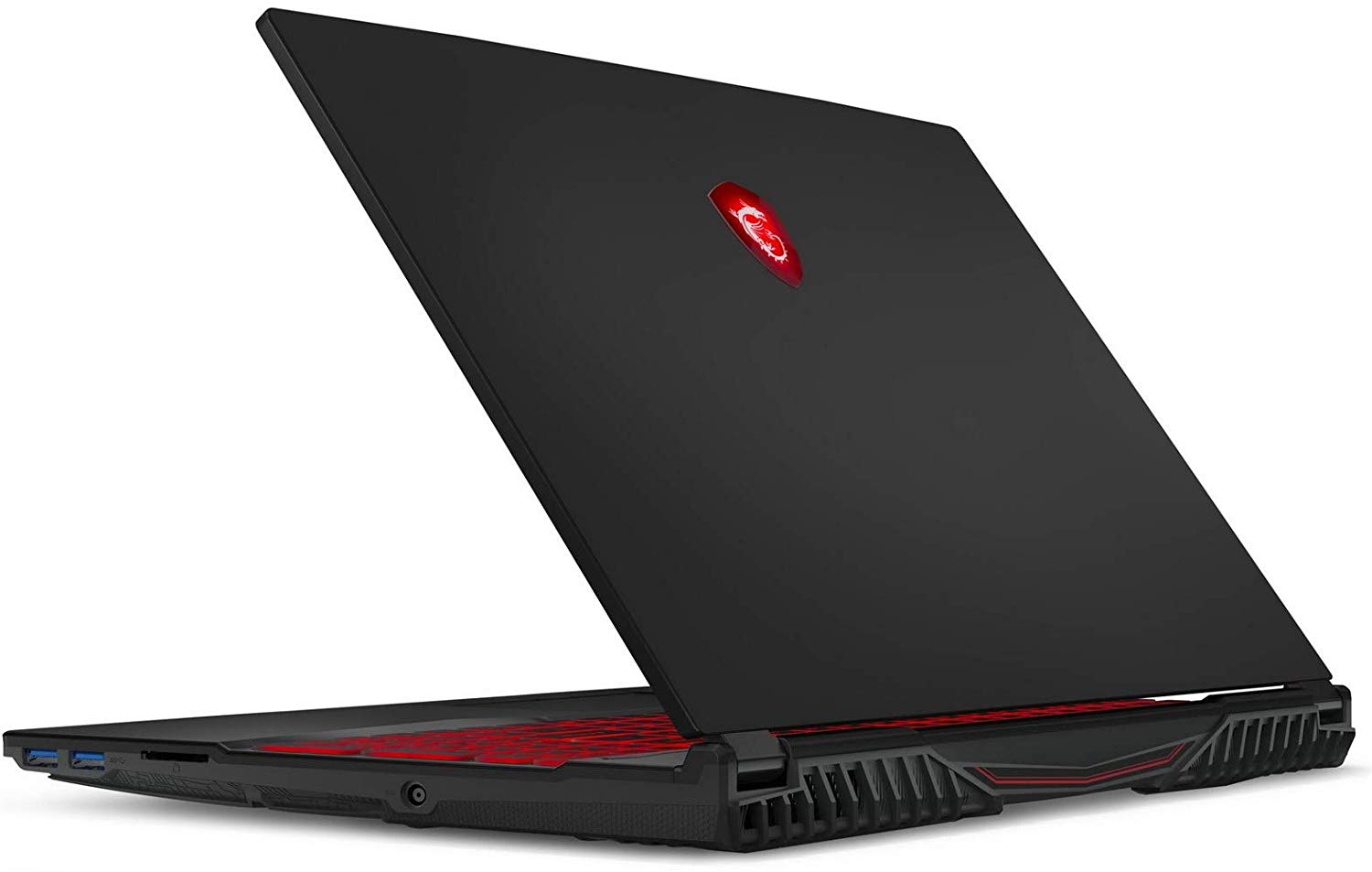
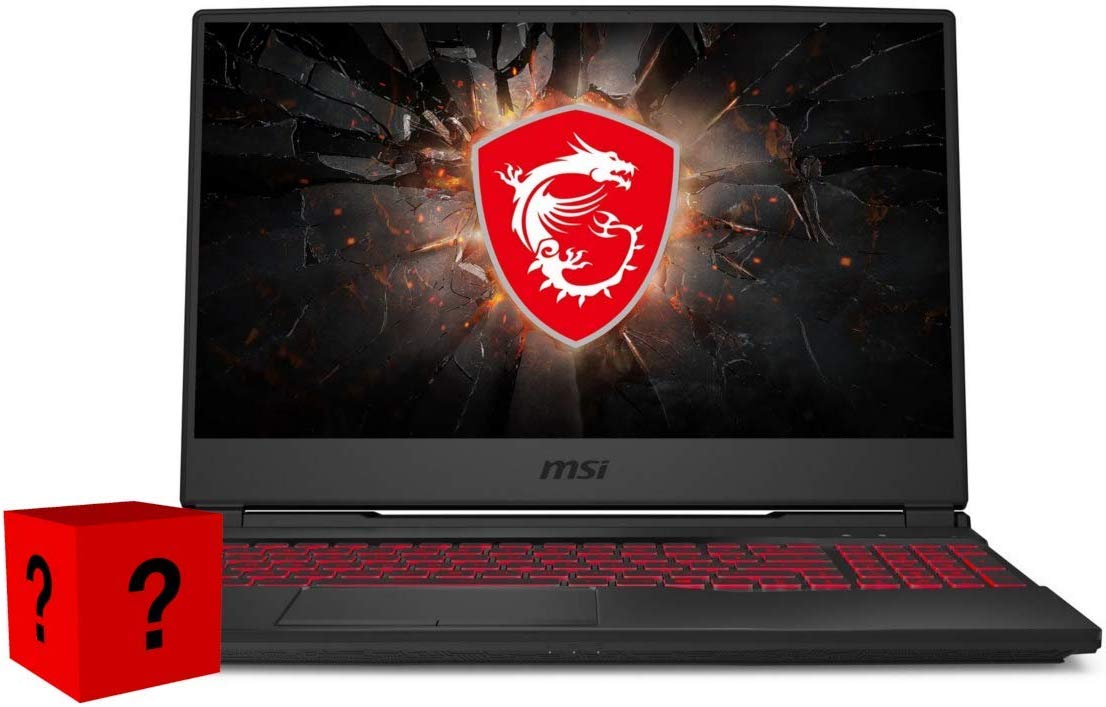
- Data publikacji: 19 Sep 2019
- Intel Core i7-9750H
- NVIDIA GeForce RTX 2060 (Laptop, 90W)
- 15.6”, Full HD (1920 x 1080), 120 Hz, IPS
- 2000GB SSD
- 16GB DDR4, 2666 MHz
- 2.30 kg (5.1 lbs)
Recenzja
MSI GL65 Leopard 9Sx dogłębna recenzja
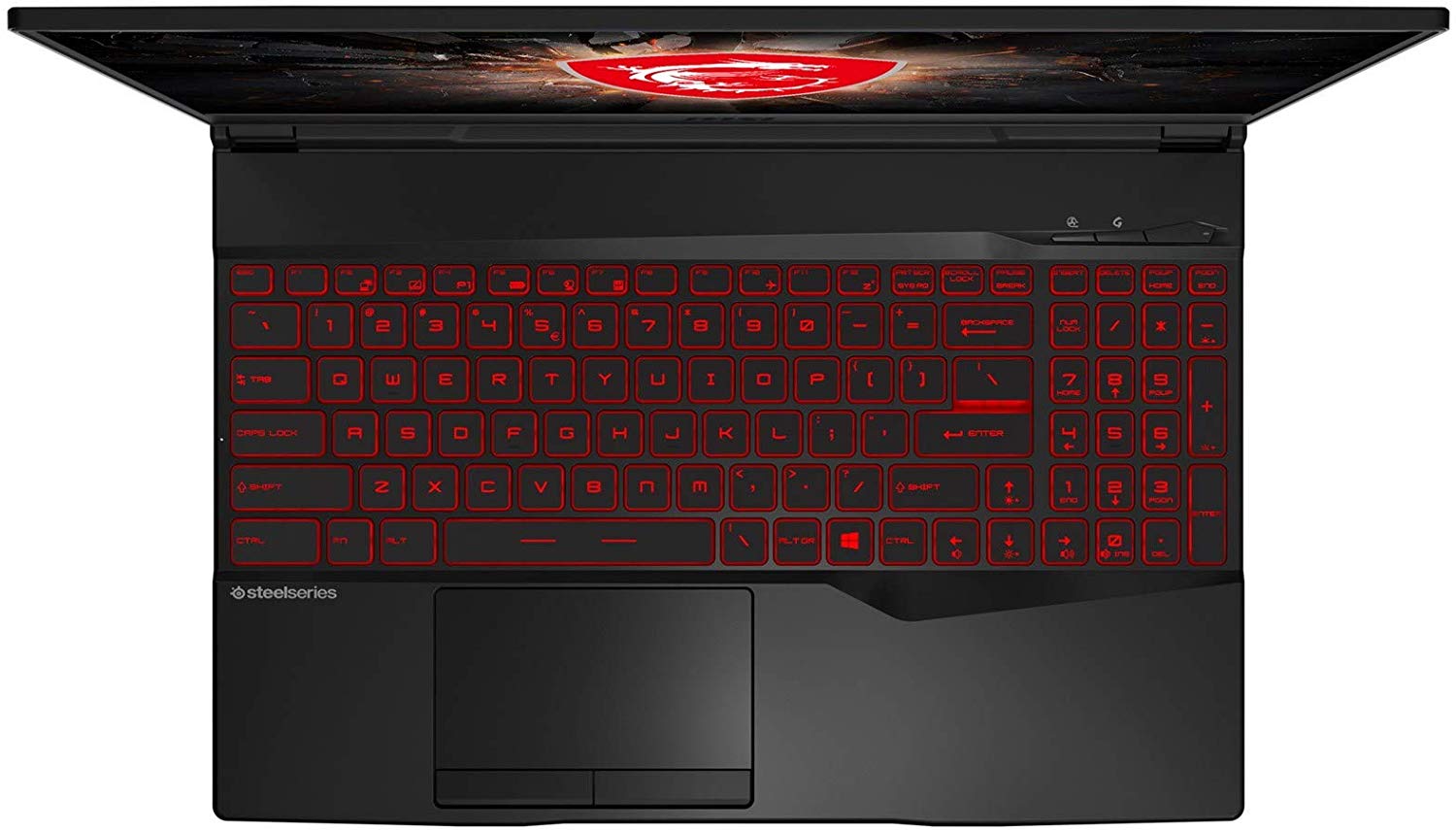
With us today, we have the MSI GL65. It is a solution that is somewhat friendly to your budget and offers a good variety of hardware. It all starts with the Core i5-9300 + GTX 1650, and gradually creeps up to the powerhouse of machine we got - a combo between the Core i7-9750H and the GeForce RTX 2060.Of course, this configuration is not a joke, and it needs a beefy cooling solution. By the looks of the device, we would set high expectations, as there are three heat spreaders around the chassis. Moreover, the laptop is neither super thin, or super light, so, there must be a lot going on on the inside.In addition to that, the laptop comes in two display varieties - a 60Hz 1080p panel, as well as a nimble 120Hz 1080p one. Then, there is the Steelseries keyboard, that can be backlit [...]
Przeczytaj pełną recenzję
Pros
- Exceptional performance
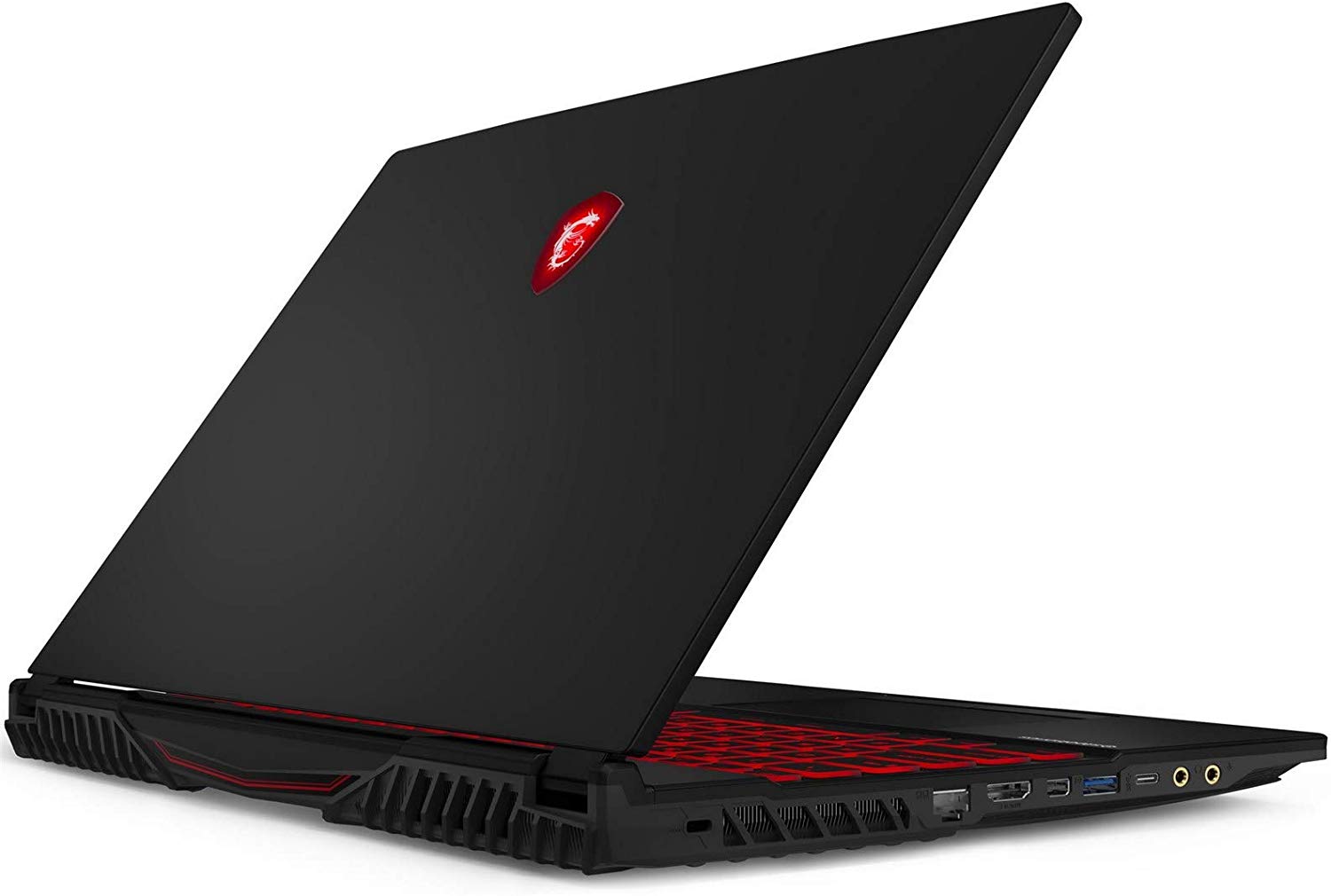
- Great I/O connectivity with an SD card reader
- Optional Per-key RGB backlight
- Lack of PWM (AUO AUOD0ED)
- Capable cooling solution and up to 64GB of DDR4 memory
- Comfortable viewing angles and good contrast ratio
Cons
- Quite bulky for 2020
- Slow response times, despite the 120Hz refresh rate
- Covers only 51% of sRGB (AUO AUO23ED)
Demontaż, konserwacja i opcje modernizacji
So, the MSI GL65 9SE features quite a potent hardware. In our review, we discovered that its cooling is capable of managing the temperatures inside the chassis, very well, despite being a bit too loud on some occasions. Let's see what exactly can we find on the insides, shall we?Check out all MSI GL65 9SE prices and configurations in our Specs System or read more in our In-Depth review.1. Remove the bottom plate In order to open the get to all of the internals, you need to remove the back panel. It is held in place by 12 Phillips-head screws. After you remove them, you'll need [...]
Czytaj więcej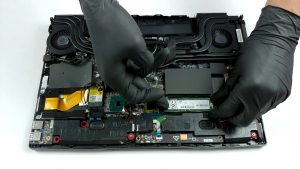
Wyświetlacz: 15.6-inch, 1920 x 1080, IPS
- Nazwa
- AUO B156HAN13.0 (AUOD0ED)
- Przekątna
- 15.6"
- Gęstość pikseli
- 141.21 ppi
- Jasność
- 300 cd/m2
- sRGB
- 51%
- Typ Panelu
- IPS
- Rozdzielczość
- 1920 x 1080
- Staje się "Retina" od
- 24 inches (62 cm)
- Kontrast
- 1500:1
- dE Color Checker
- 4.2 3.8

Kup nasze profile dla AUO B156HAN13.0 (AUOD0ED)
Oprócz otrzymywania wydajnych i przyjaznych dla zdrowia profili, kupując produkty LaptopMedia, wspierasz również rozwój naszych laboratoriów, w których testujemy urządzenia w celu tworzenia jak najbardziej obiektywnych recenzji.

Office Work
Office Work powinien być używany głównie przez użytkowników, którzy spędzają większość czasu patrząc na teksty, tabele lub po prostu przeglądając internet. Ten profil ma na celu zapewnienie lepszej wyrazistości i klarowności poprzez utrzymanie płaskiej krzywej gamma (2.20), natywnej temperatury barwowej i percepcyjnie dokładnych kolorów.

Design and Gaming
Ten profil jest przeznaczony dla projektantów, którzy pracują z kolorami zawodowo, a także do gier i filmów. Design and Gaming wykorzystuje panele wyświetlaczy do granic ich możliwości, czyniąc je tak dokładnymi, jak to tylko możliwe w standardzie sRGB IEC61966-2-1 dla stron internetowych i telewizji HD, przy punkcie bieli D65.

Health-Guard
Health-Guard eliminuje szkodliwą modulację szerokości impulsu (PWM) i redukuje negatywne niebieskie światło, które wpływa na nasze oczy i ciało. Ponieważ jest on dostosowany do każdego panelu, udaje mu się utrzymać percepcyjnie dokładne kolory. Health-Guard symuluje papier, dzięki czemu nacisk na oczy jest znacznie zmniejszony.