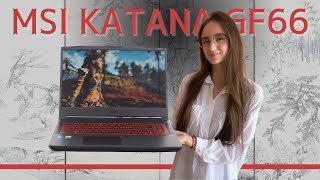
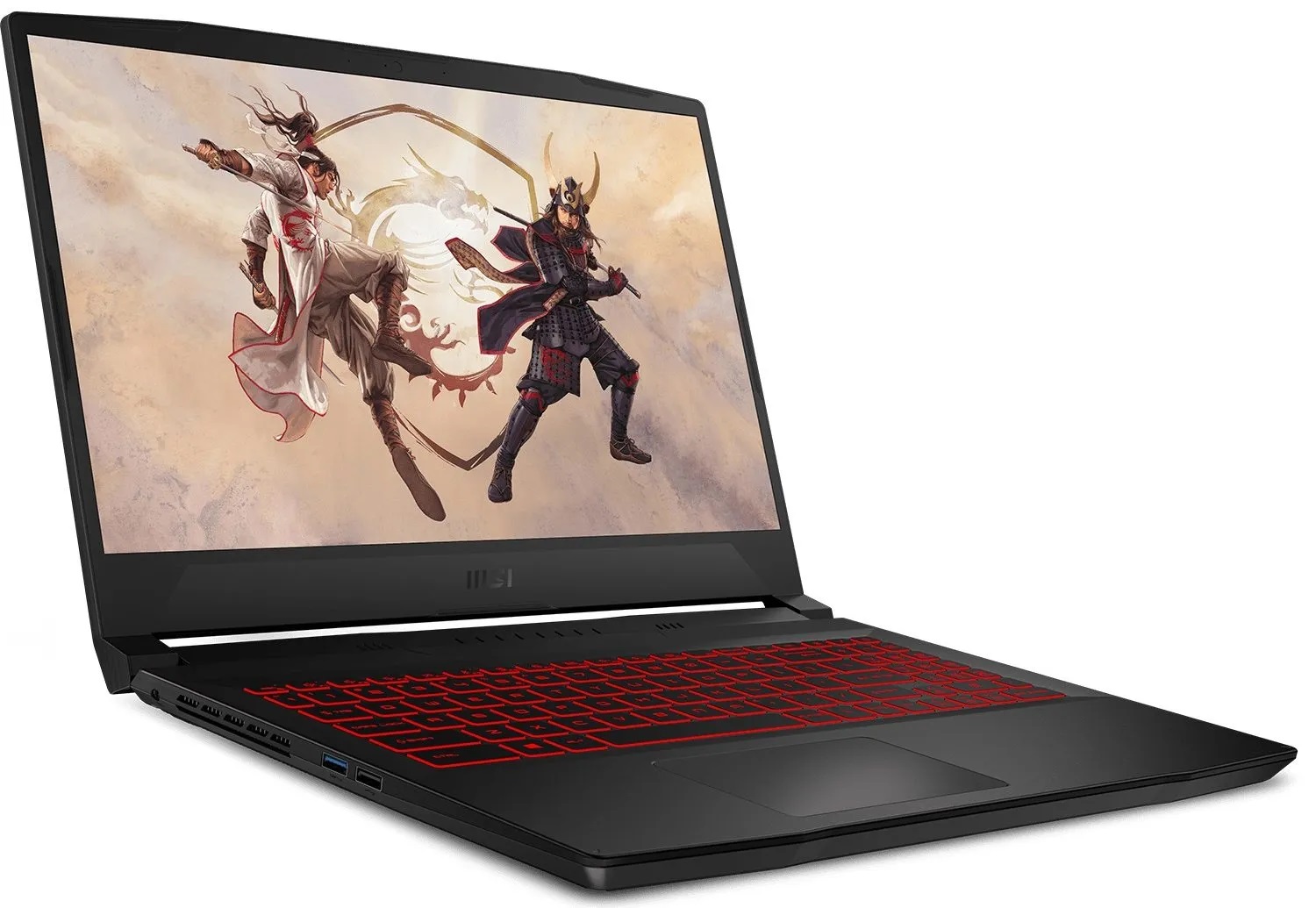
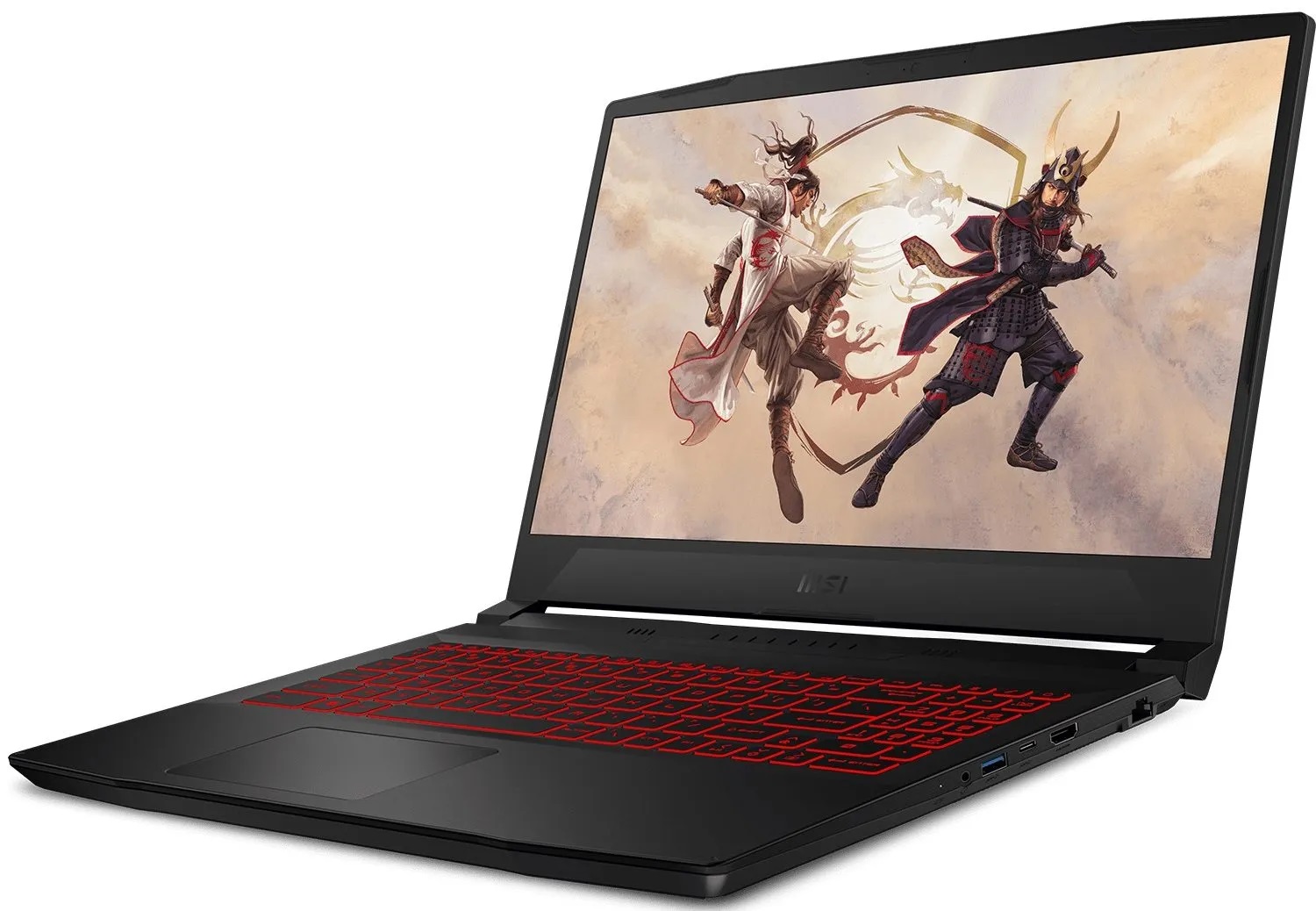
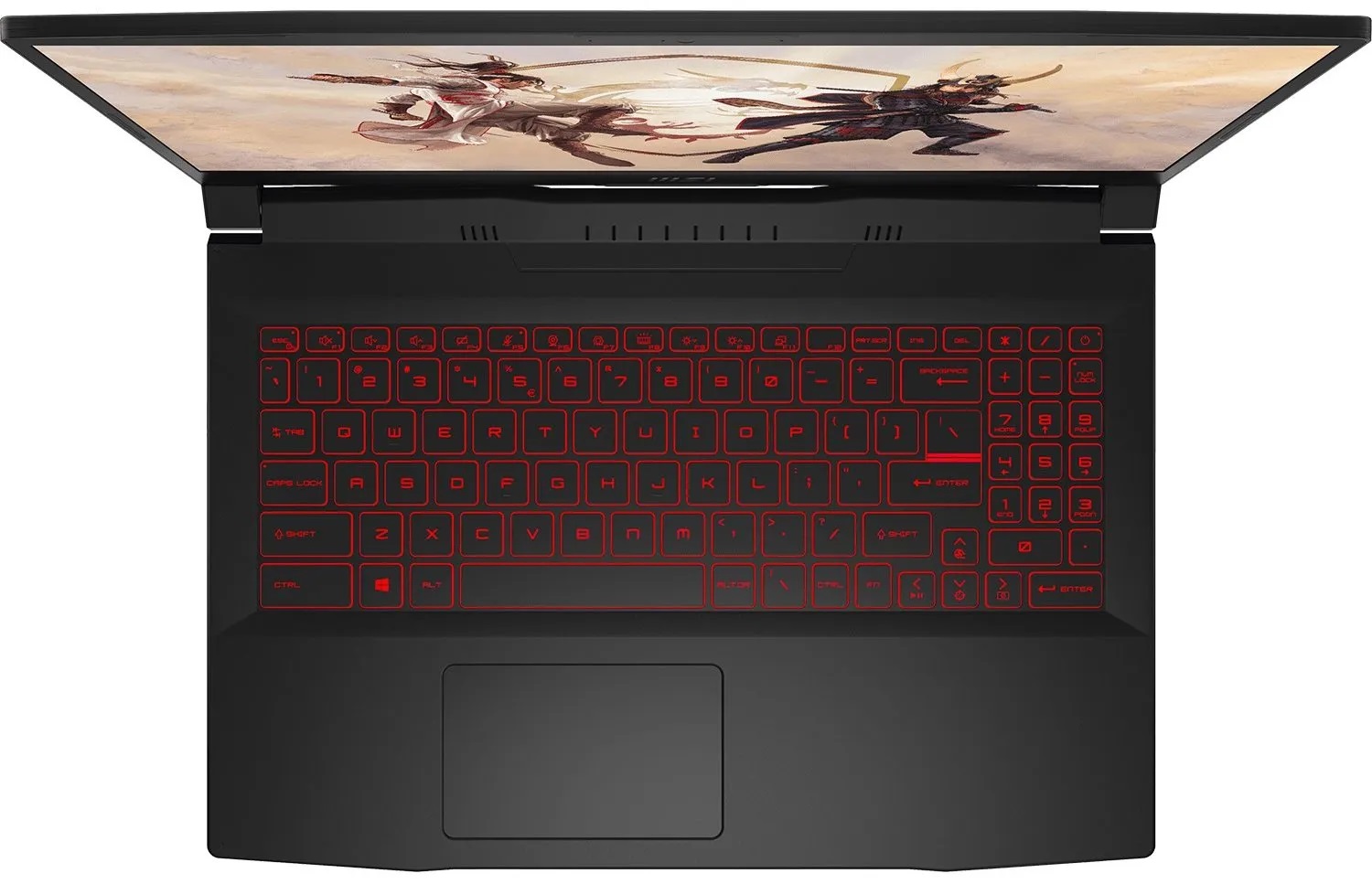
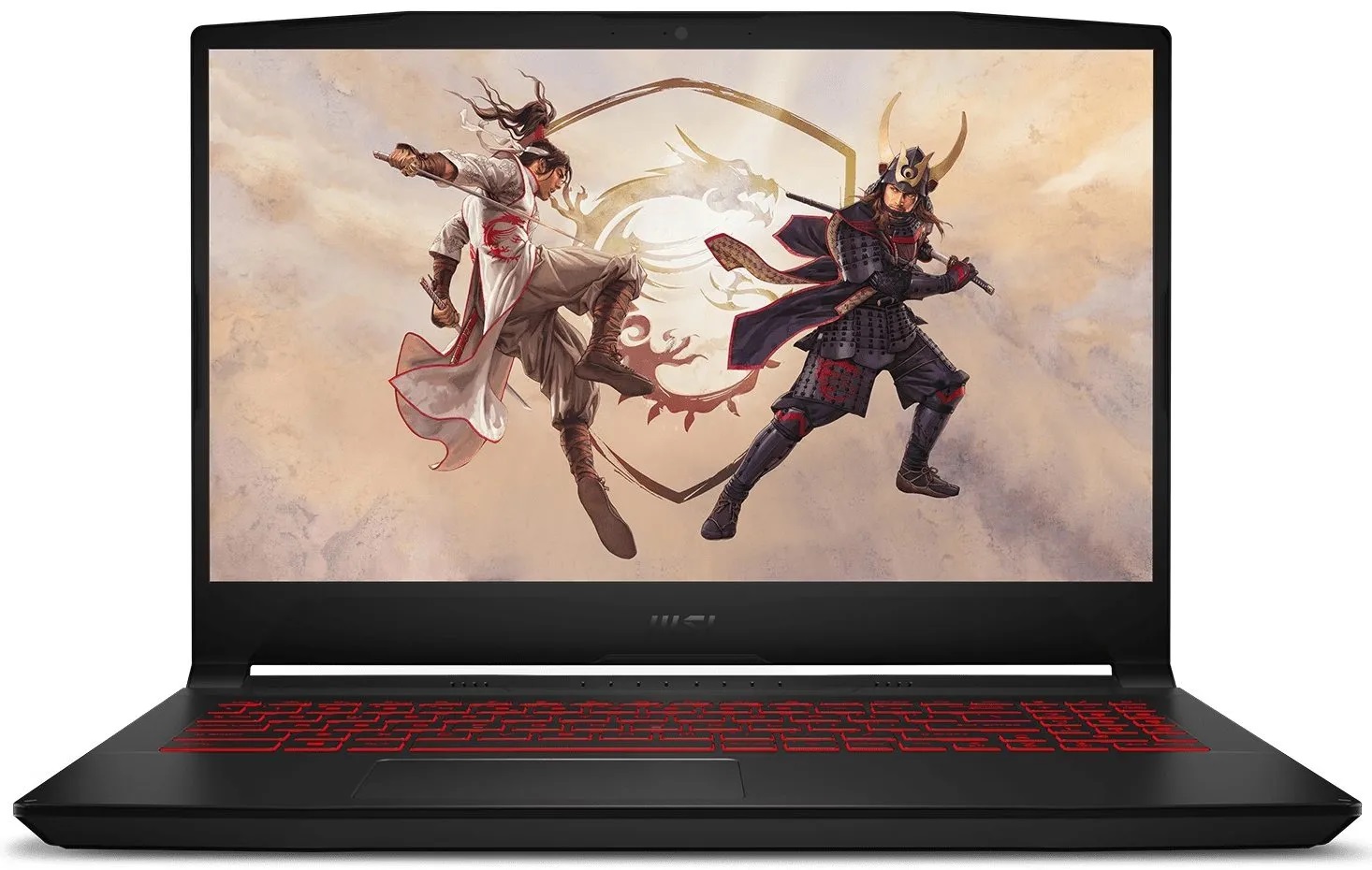
MSI Katana GF66
- Data publikacji: 23 Jun 2024
- Intel Core i7-12650H
- NVIDIA GeForce RTX 3070 Ti (Laptop, 105W)
- 15.6”, Full HD (1920 x 1080), 144 Hz, IPS
- 2000GB SSD
- 32GB RAM
- 2.25 kg (5 lbs)
MSI Katana GF66 (12Ux) dogłębna recenzja
No matter how hard it tries, MSI will always be associated with gaming hardware. However, as with any product out there, you get to choose depending on your budget. And most of the time, your piggy bank is only big enough for a low-end gaming laptop. But what happens, if a low-end device gets [...]
Przeczytaj pełną recenzję
Recenzja
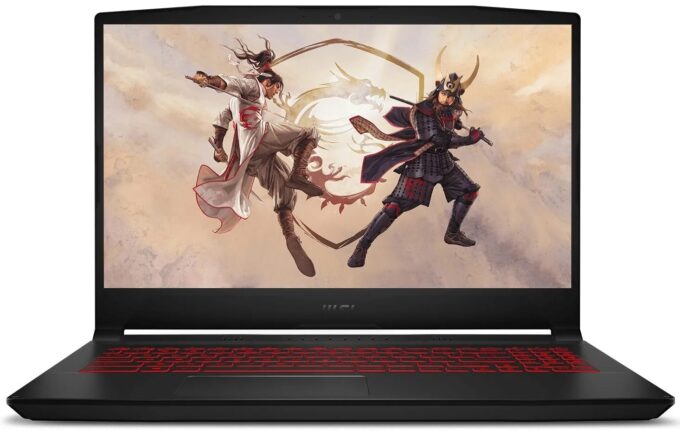
MSI Katana GF66 dogłębna recenzja
No matter how hard it tries, MSI will always be associated with gaming hardware. However, as with any product out there, you get to choose depending on your budget. And most of the time, your piggy bank is only big enough for a low-end gaming laptop. But what happens, if a low-end device gets high-end hardware? Are the compromises around the additional features worth the higher fps when playing games?These are some of the questions we're going to be answering in today's review of the Katana GF66 (12Ux). Yes, you have figured it - we bought ourselves the unit that has the RTX 3070 Ti. It does not come cheap, but it is definitely less expensive than similar listings of the GS66 Stealth for example. So, if you want to keep your wallet happy, you can go all the way down to the RTX 3050, w[...]
Przeczytaj pełną recenzjęPros
- Competitively priced
- Two SODIMM slots, and up to two M.2 PCIe x4 slot with Gen 4 support
- Rigid structure
- Lacks PWM (AUO B156HAN08.4 (AUOAF90))
- 144Hz refresh rate (AUO B156HAN08.4 (AUOAF90))
- Powerful hardware options*
Cons
- 53% sRGB coverage (AUO B156HAN08.4 (AUOAF90))
- Slow pixel response times and low maximum brightness (AUO B156HAN08.4 (AUOAF90))
- No SD card reader and Thunderbolt 4
- *Runs hot and fails to extract the maximum out of the hardware
Demontaż, konserwacja i opcje modernizacji
MSI Katana GF66 (or its twin - the Sword 15) has a pretty decent upgrade options roster.Check out all MSI Katana GF66 (12Ux) prices and configurations in our Specs System or read more in our In-Depth review.1. Remove the bottom plate There are 13 Phillips-head screws holding this laptop's bottom panel in place. After you undo them, pry the panel with a plastic tool, and lift it away from the chassis.2. Battery This laptop comes with a 53.5Wh battery pack. It lasted us nearly 6 hours of Web browsing, or 5 hours and 30 minutes of video playback. To take it out, unplug the b[...]
Czytaj więcej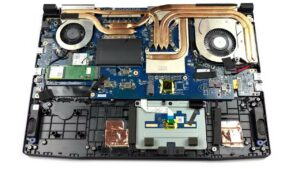
Wyświetlacz: 15.6-inch, 1920 x 1080, IPS
- Nazwa
- AUO B156HAN08.4 (AUOAF90)
- Przekątna
- 15.6"
- Gęstość pikseli
- 141.21 ppi
- Refresh rate
- 144 Hz
- Jasność
- 258 cd/m2
- sRGB
- 53%
- Typ Panelu
- IPS
- Rozdzielczość
- 1920 x 1080
- Staje się "Retina" od
- 24 inches (62 cm)
- Kontrast
- 1000:1
- dE Color Checker
- 3.3 3.4

Kup nasze profile dla AUO B156HAN08.4 (AUOAF90)
Oprócz otrzymywania wydajnych i przyjaznych dla zdrowia profili, kupując produkty LaptopMedia, wspierasz również rozwój naszych laboratoriów, w których testujemy urządzenia w celu tworzenia jak najbardziej obiektywnych recenzji.

Office Work
Office Work powinien być używany głównie przez użytkowników, którzy spędzają większość czasu patrząc na teksty, tabele lub po prostu przeglądając internet. Ten profil ma na celu zapewnienie lepszej wyrazistości i klarowności poprzez utrzymanie płaskiej krzywej gamma (2.20), natywnej temperatury barwowej i percepcyjnie dokładnych kolorów.

Design and Gaming
Ten profil jest przeznaczony dla projektantów, którzy pracują z kolorami zawodowo, a także do gier i filmów. Design and Gaming wykorzystuje panele wyświetlaczy do granic ich możliwości, czyniąc je tak dokładnymi, jak to tylko możliwe w standardzie sRGB IEC61966-2-1 dla stron internetowych i telewizji HD, przy punkcie bieli D65.

Health-Guard
Health-Guard eliminuje szkodliwą modulację szerokości impulsu (PWM) i redukuje negatywne niebieskie światło, które wpływa na nasze oczy i ciało. Ponieważ jest on dostosowany do każdego panelu, udaje mu się utrzymać percepcyjnie dokładne kolory. Health-Guard symuluje papier, dzięki czemu nacisk na oczy jest znacznie zmniejszony.





