Microsoft Surface Pro 8 – Top 5 Pros and Cons
 Every year we get closer and closer to living in a world where desktop or laptop computers become more and more replaceable. Advancements in microprocessors and technologies have allowed us to have very powerful components fit into tablets and smartphones, thus them being able to handle heavier workloads.
While we’re not there just yet, we can have a glimpse of that with the Microsoft Surface Pro 8, which comes with enough performance to emulate some parts of that experience, with its Tiger Lake U-series processors providing enough power for quick video edits and rendering work.
Today we are presenting you with LaptopMedia’s top 5 picks about the Microsoft Surface Pro 8.
Microsoft Surface Pro 8: Full Specs / In-depth Review
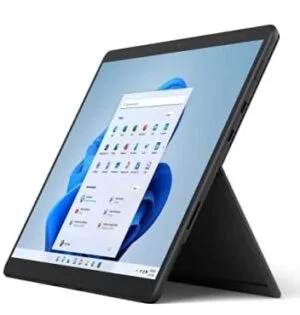
3 reasons to BUY the Microsoft Surface Pro 8
1. Design and build quality
Right from the start, we see improvement in the visual department, which also affects usability. The new notebook has significantly thinner bezels, resulting in a larger working area with a smaller footprint. The sides are rounded towards the display and there are vents around a large part of the perimeter, resulting in good airflow. The device comes with a hybrid aluminum/plastic body since antenna lines can’t travel through metal. Fortunately, the plastic is only used for a small part of the chassis. The design retains the kickstand, which also bears the Microsoft brand. In terms of portability, the device weighs only 0.89 kg and has a profile of 9.3 mm.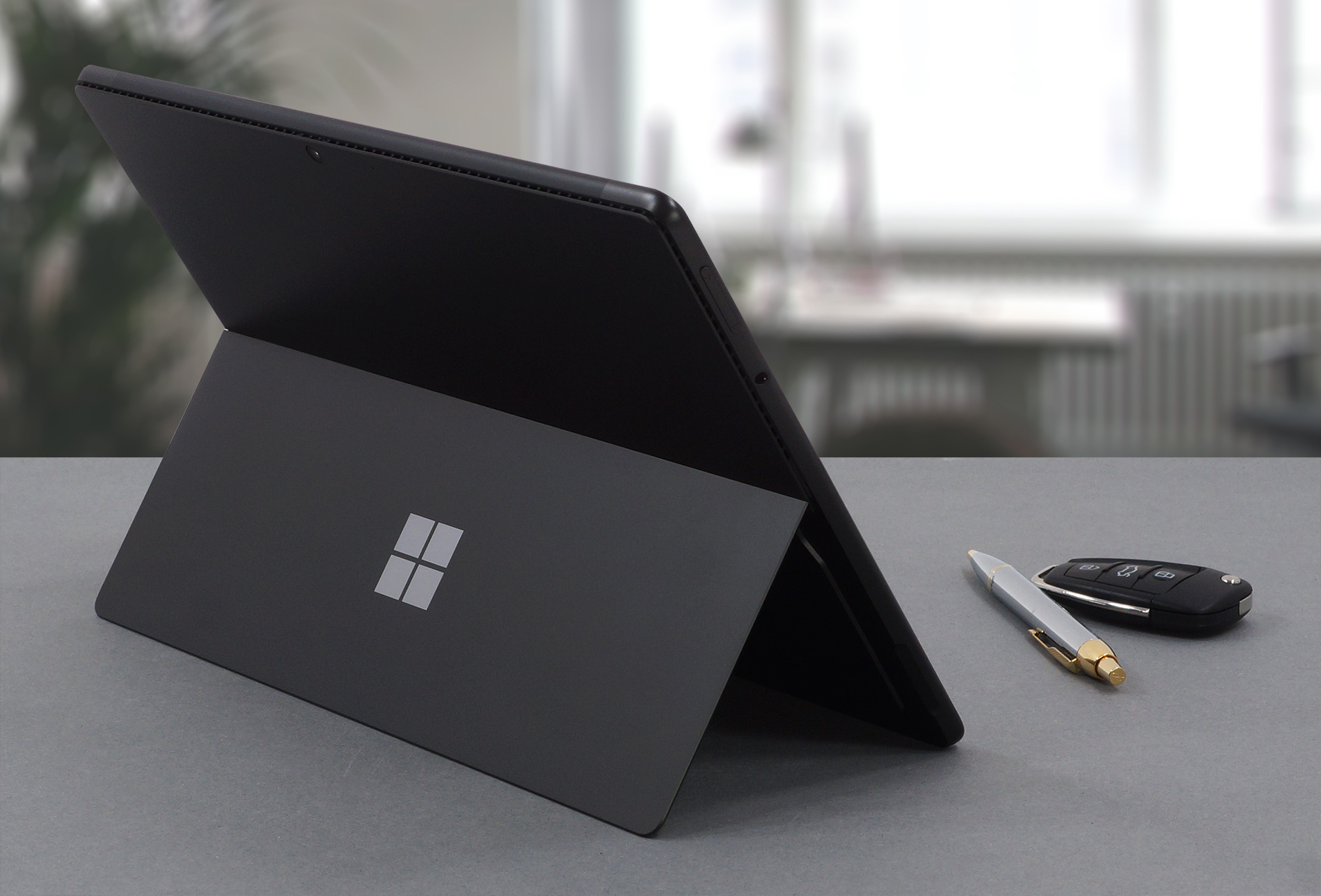
2. Display quality
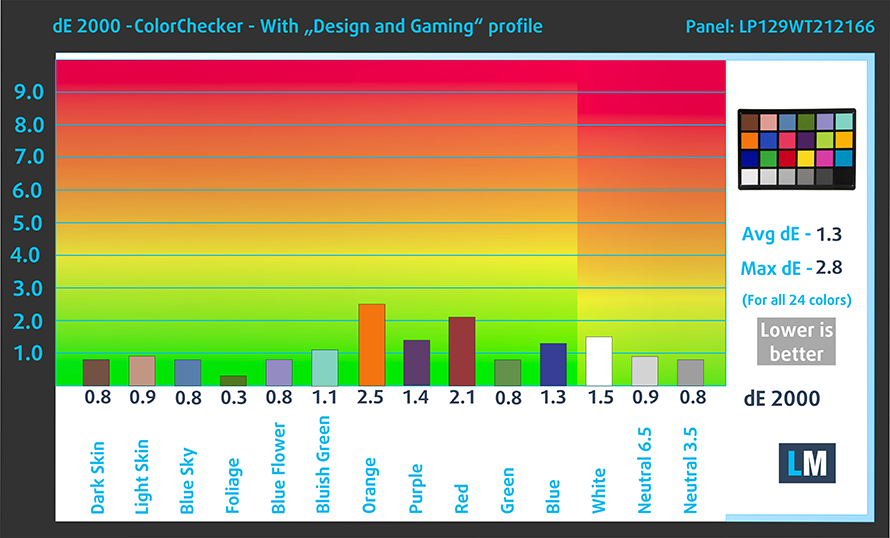
The laptop uses a 12.9-inch IPS Pixelsense display with a resolution of 2880 x 1920. It comes with excellent viewing angles, a max brightness of 464 nits in the middle of the screen and 477 nits as an average for the whole area, with a maximum deviation of 11%. The contrast ratio is also quite high at 1370:1. The panel covers 92% of the sRGB color gamut and reaches very good accuracy with our Design and Gaming profile, delivering a dE value of 1.3.
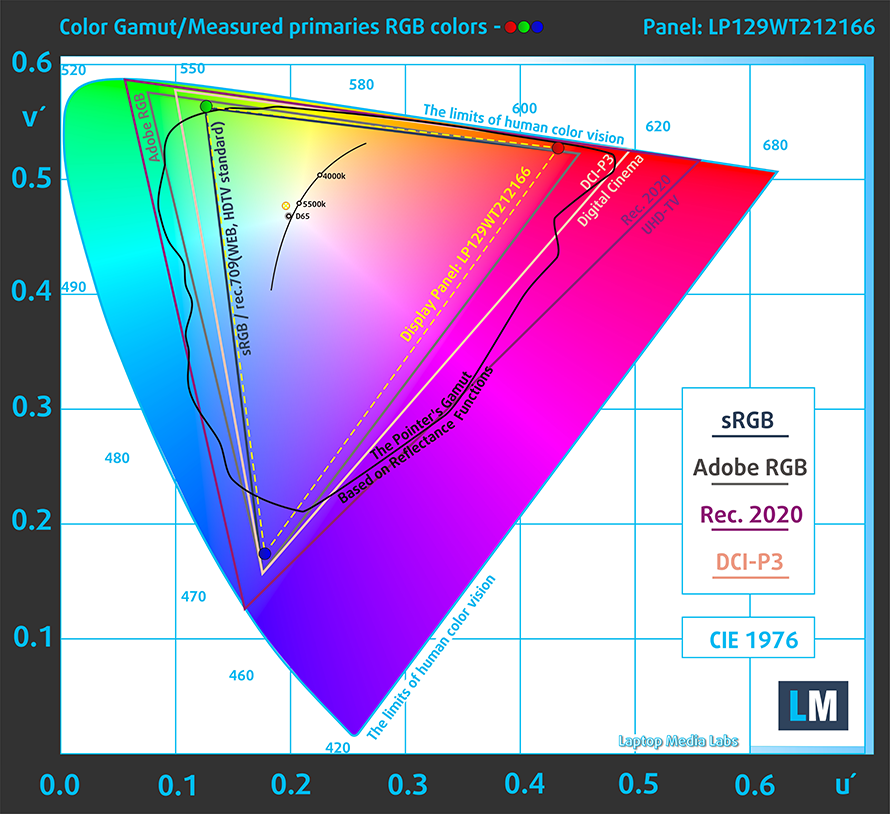
Here are the results of our test with the stock settings (left) and with our profile applied (right).

Buy our profiles
Since our profiles are tailored for each individual display model, this article and its respective profile package are meant for Microsoft Surface Pro 8 configurations with 12.9″ LP129WT212166 (INT3480).
*Should you have problems with downloading the purchased file, try using a different browser to open the link you’ll receive via e-mail. If the download target is a .php file instead of an archive, change the file extension to .zip or contact us at [email protected].
Read more about the profiles HERE.
Pe lângă primirea de profiluri eficiente și prietenoase cu sănătatea, prin cumpărarea produselor LaptopMedia sprijiniți și dezvoltarea laboratoarelor noastre, unde testăm dispozitive pentru a produce cele mai obiective recenzii posibile.

Office Work
Office Work ar trebui folosit în principal de utilizatorii care petrec cea mai mare parte a timpului uitându-se la texte, tabele sau pur și simplu navigând. Acest profil urmărește să ofere o distincție și o claritate mai bună prin menținerea unei curbe gamma plate (2.20), a temperaturii native a culorii și a culorilor perceptiv exacte.

Design and Gaming
Acest profil se adresează designerilor care lucrează profesional cu culorile, precum și pentru jocuri și filme. Design and Gaming duce panourile de afișaj la limitele lor, făcându-le cât mai precise posibil în standardul sRGB IEC61966-2-1 pentru Web și HDTV, la punctul de alb D65.

Health-Guard
Health-Guard elimină modulația dăunătoare a lățimii impulsului (PWM) și reduce lumina albastră negativă care ne afectează ochii și corpul. Deoarece este personalizat pentru fiecare panou, reușește să mențină culorile perceptiv exacte. Health-Guard simulează hârtia, astfel încât presiunea asupra ochilor este redusă considerabil.
Obține toate cele 3 profiluri cu 33% reducere

3. Battery life
The device offers a 51.5Wh battery pack, which is a nice number considering the high-resolution display. With that said, our tests showed that the laptop lasts for 8 hours and 49 minutes of Web browsing, or 7 hours and 56 minutes of video playback. This is done with the Windows Better performance setting turned on, screen brightness adjusted to 120 nits and all other programs turned off except for the one we are testing the notebook with.
Luminozitate: 180 nits; Mod Afișaj: SDR
Timp până la Descărcare Completă: Mai mare este mai bun
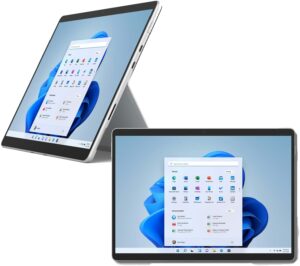
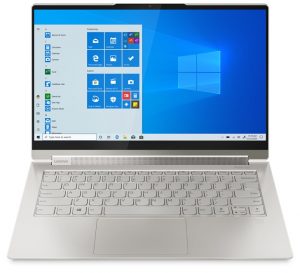
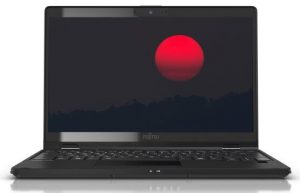
Pentru a simula condiții reale, am folosit propriul nostru script pentru navigarea automată pe web prin peste 70 de site-uri.
2 reasons NOT to buy the Microsoft Surface Pro 8
1. I/O
The I/O comes with two Thunderbolt 4 ports and a 3.5 mm audio jack. There are no expandable storage options.




2. Upgradeability
Since this is a tablet, you can’t disassemble it or upgrade the memory. On the outside, there isn’t a MicroSD card slot, which would have been the minimal effort from Microsoft. However, we have to give it to them for implementing quad-channel LPDDR4x memory.
All Microsoft Surface Pro 8 configurations:
 Author: Severin Kolakov

![[August 2026] Clasamentul global al celor mai bine vândute plăci grafice pentru laptopuri de pe Amazon – Apple domină clasamentul, iar modelul RTX 5060 de la NVIDIA ocupă primul loc în clasamentul dedicat](https://laptopmedia.com/wp-content/uploads/2026/09/Best-Selling-GPUs-GLOBAL-Top-10-400x225.jpg)
![[August 2026] Clasamentul global al celor mai bine vândute procesoare pentru laptopuri de pe Amazon – Apple domină atât segmentul economic, cât și cel premium: A18 Pro și M5 surclasează Intel și AMD în august 2026](https://laptopmedia.com/wp-content/uploads/2026/09/Best-Selling-CPUs-GLOBAL-Top-10-400x225.jpg)
![[August 2026] Amazon Global: Top 10 cele mai vândute laptopuri – Apple MacBook Neo domină clasamentul, în timp ce laptopurile Windows din gama economică și de mijloc se luptă pentru volumul vânzărilor](https://laptopmedia.com/wp-content/uploads/2026/09/Best-Selling-Laptops-GLOBAL-Top-10-400x225.jpg)
![[August 2026] Cele mai vândute mărci de laptopuri pe Amazon Global – Apple domină în ceea ce privește veniturile, în timp ce HP se află pe primul loc în ceea ce privește varietatea de modele](https://laptopmedia.com/wp-content/uploads/2026/09/GLOBAL-Best-Brands-400x225.jpg)
![[August 2026] Amazon Global: Top 10 cele mai bine vândute laptopuri pentru jocuri – HP Victus 15 ocupă primul loc, în timp ce modelele accesibile domină clasamentul](https://laptopmedia.com/wp-content/uploads/2026/09/Best-Selling-Gaming-Laptops-GLOBAL-Top-10-400x225.jpg)
