Inside Lenovo Yoga S740 (14) – disassembly and upgrade options
Yoga S740 (14) – the successor to Lenovo’s thinnest and lightest laptop – the Ideapad 730S. Despite that, this year’s model has quite more space inside of it, in order to house Intel’s latest chipset.
Check out all Lenovo Yoga S740 (14) prices and configurations in our Specs System or read more in our In-Depth review.
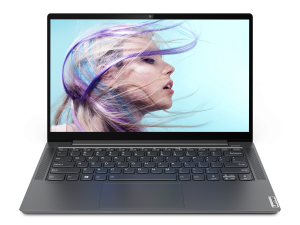
1. Remove the bottom plate
The Yoga S740 (14) has 9 Torx-head screws that hold its bottom plate in place. We recommend starting the prying process from one of the front corners. Make sure you use a plastic tool in order not to scratch the surface of the panel.
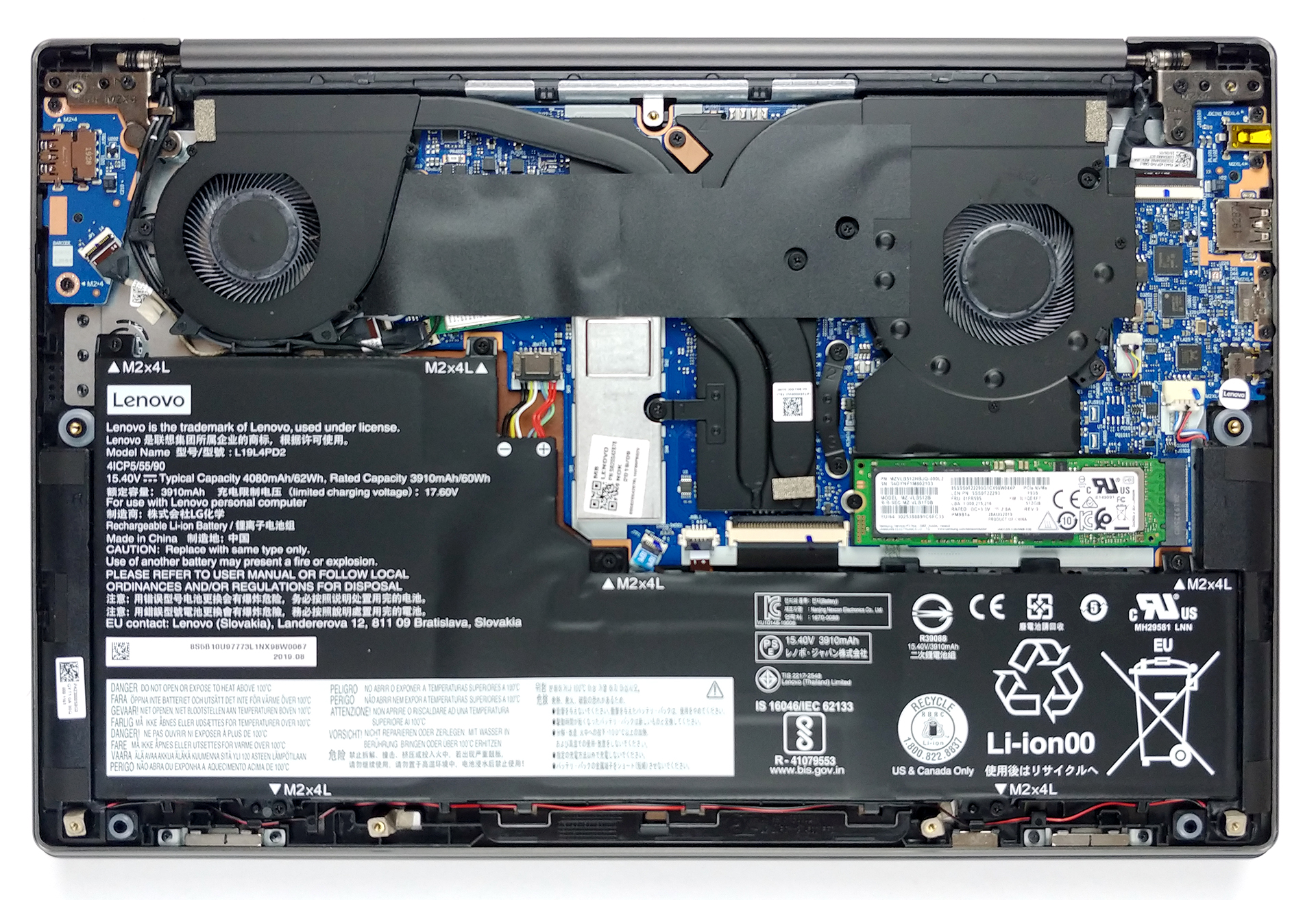
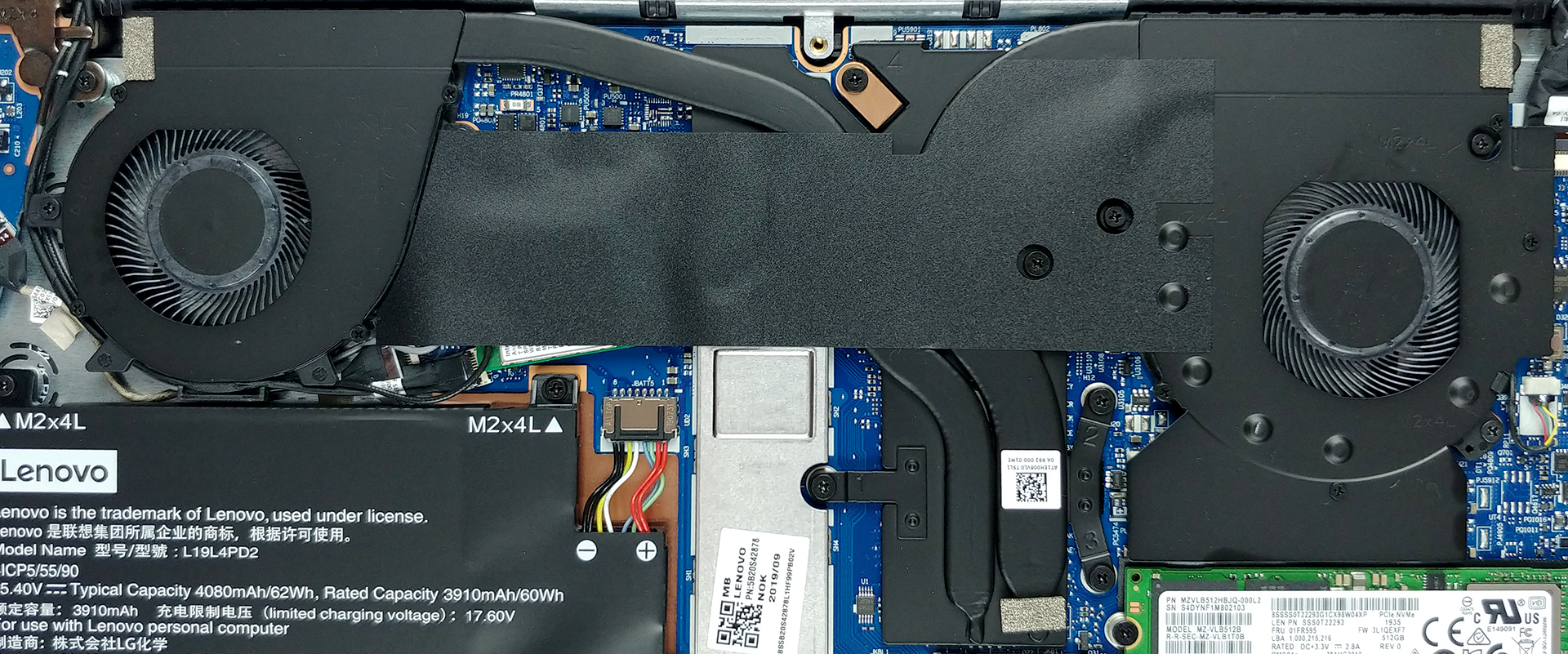
2. Battery and storage
This laptop has a huge 62Wh battery. Especially for its size. This makes it one of the best performing notebooks in terms of battery life. By the way, keep in mind that before you do some upgrading, it would be best to remove the battery connector. Speaking of upgrading – the Yoga S740 (14) doesn’t offer more than a single M.2 NVMe PCIe x4 slot, as all of the memory is soldered. Despite that, we are talking about a 3733 MHz LPDDR4X modules – insane!
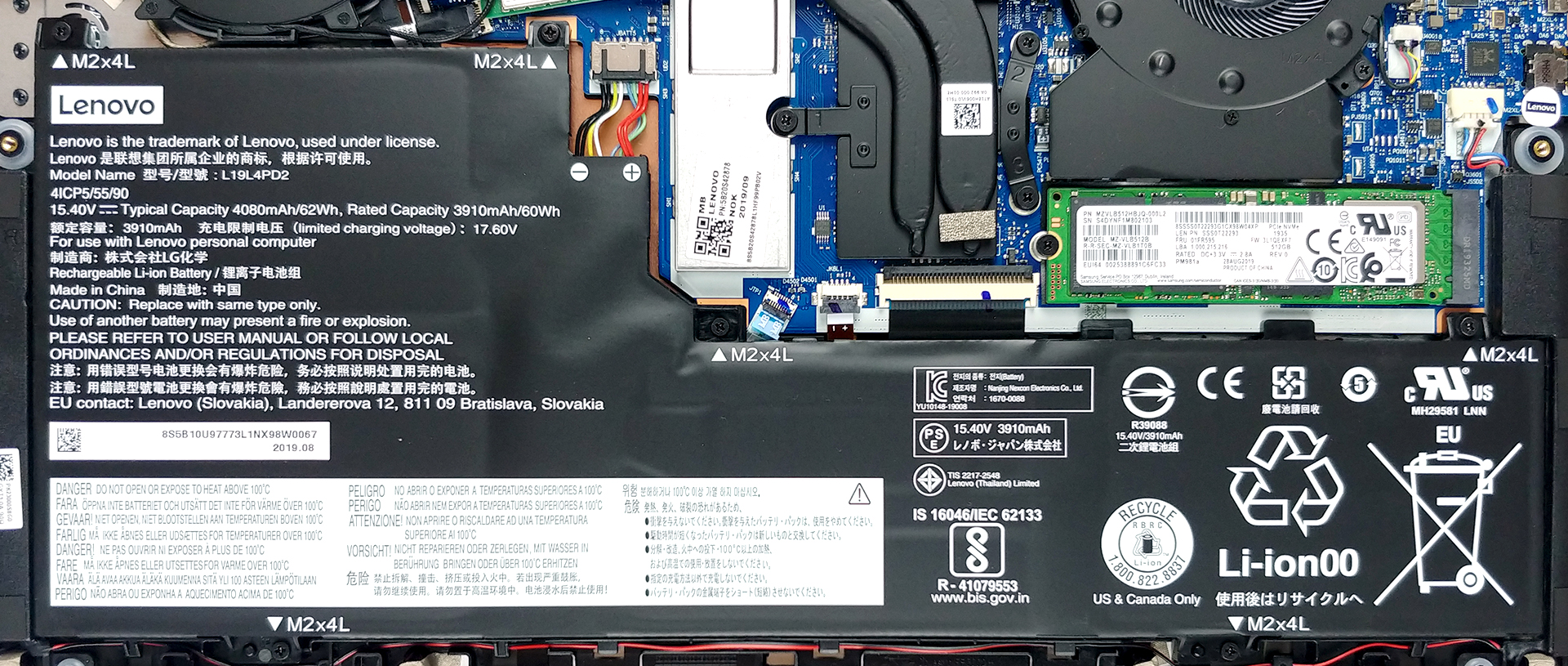
3. Cooling system
In our review we got some controversial results by this rather good-looking cooling solution. And we are not talking about aesthetics. This notebook’s processor is cooled by two heat pipes and two fans, that are placed in either side of the machine. In theory – this should be plenty of headroom for a 15W processor to work with.
Check out all Lenovo Yoga S740 (14) prices and configurations in our Specs System or read more in our In-Depth review.
 Author: Alex Iliev

![[August 2026] Clasamentul global al celor mai bine vândute plăci grafice pentru laptopuri de pe Amazon – Apple domină clasamentul, iar modelul RTX 5060 de la NVIDIA ocupă primul loc în clasamentul dedicat](https://laptopmedia.com/wp-content/uploads/2026/09/Best-Selling-GPUs-GLOBAL-Top-10-400x225.jpg)
![[August 2026] Clasamentul global al celor mai bine vândute procesoare pentru laptopuri de pe Amazon – Apple domină atât segmentul economic, cât și cel premium: A18 Pro și M5 surclasează Intel și AMD în august 2026](https://laptopmedia.com/wp-content/uploads/2026/09/Best-Selling-CPUs-GLOBAL-Top-10-400x225.jpg)
![[August 2026] Amazon Global: Top 10 cele mai vândute laptopuri – Apple MacBook Neo domină clasamentul, în timp ce laptopurile Windows din gama economică și de mijloc se luptă pentru volumul vânzărilor](https://laptopmedia.com/wp-content/uploads/2026/09/Best-Selling-Laptops-GLOBAL-Top-10-400x225.jpg)
![[August 2026] Cele mai vândute mărci de laptopuri pe Amazon Global – Apple domină în ceea ce privește veniturile, în timp ce HP se află pe primul loc în ceea ce privește varietatea de modele](https://laptopmedia.com/wp-content/uploads/2026/09/GLOBAL-Best-Brands-400x225.jpg)
![[August 2026] Amazon Global: Top 10 cele mai bine vândute laptopuri pentru jocuri – HP Victus 15 ocupă primul loc, în timp ce modelele accesibile domină clasamentul](https://laptopmedia.com/wp-content/uploads/2026/09/Best-Selling-Gaming-Laptops-GLOBAL-Top-10-400x225.jpg)

I don’t get it I read the whole page and watched the video and not once do you mention how to upgrade the device only take it apart.
Can i increase the SSD memory to 1tb or can I put a nevida graphics card?
You can clearly see the exposed NVME SSD, so replace that with a 1TB NVME drive (upgrade storage).
The graphics should be soldered on, as with the memory, so not upgrading that unless you’re confident with soldering and alot of other complicated alterations.
Isnt the ram the green one that he removes?