Apple MacBook Pro 15 (661-06375)
Apple MacBook Pro 15 (661-06375) - specs sheet
| Name | Apple MacBook Pro 15 (661-06375) |
|---|---|
| Diagonal | 15.4" |
| Pixel density | 220.53 ppi |
| Brightness | 519 cd/m2 |
| sRGB | 100% |
| PWM frequency | No PWM (Flicker-Free) |
| Panel Type | IPS |
|---|---|
| Resolution | 2880 x 1800 |
| Becomes “Retina” from | 16 inches (40 cm) |
| Contrast | 1300:1 |
| dE Color Checker | 1.7 -> 0.7 |
| PWM Rating | 10.0: (safe) |
Health-Guard
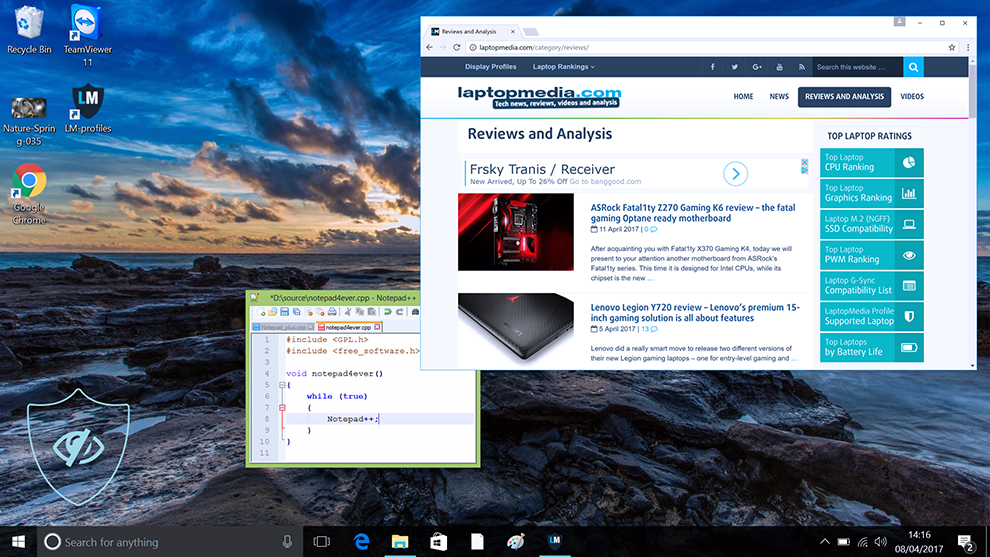
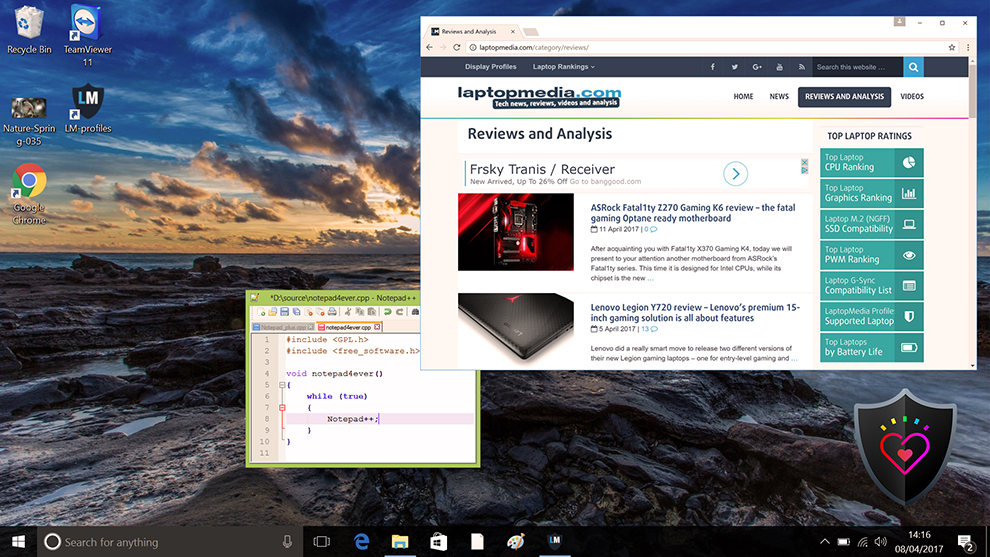
 The first and most important profile (in our opinion) is the Health-Guard – when being used with our LM Profiles application, Health-Guard eliminates the harmful Pulse-Width Modulation (PWM) and reduces the negative Blue Light which affects our eyes and body. Since it’s custom tailored for every panel, it manages to keep the colors perceptually accurate (they may seem strange at first but after a few minutes our brain will start recognizing them as accurate ones – that’s how Health-Guard differs from alternatives like f.lux).
Now the profile has a higher color temperature which makes is suitable for working through the whole day (not only at night) and simulates paper so the pressure on the eyes is greatly reduced.
Pro Tip: As the Health-Guard profile simulates paper and has as accurate as possible colors, it could be a great tool for prepress designers!
Left: No Profile | Drag the slider to see the difference | Right: Health-Guard Profile
Design and Gaming
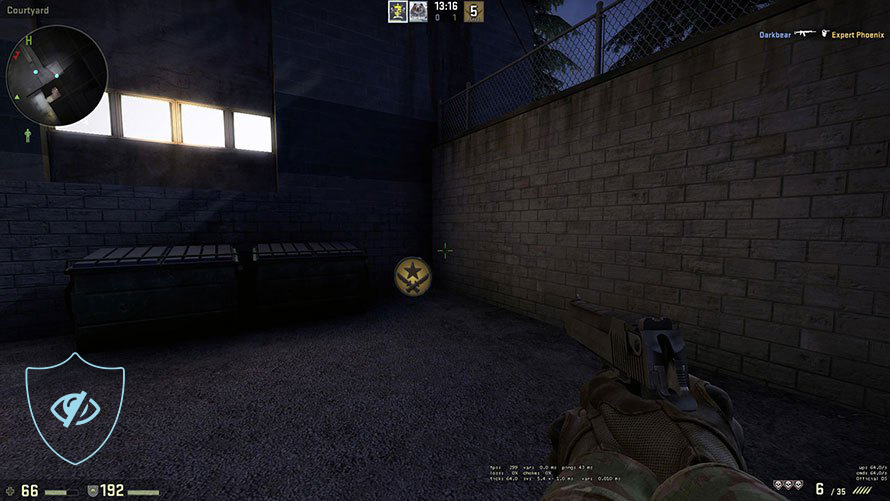
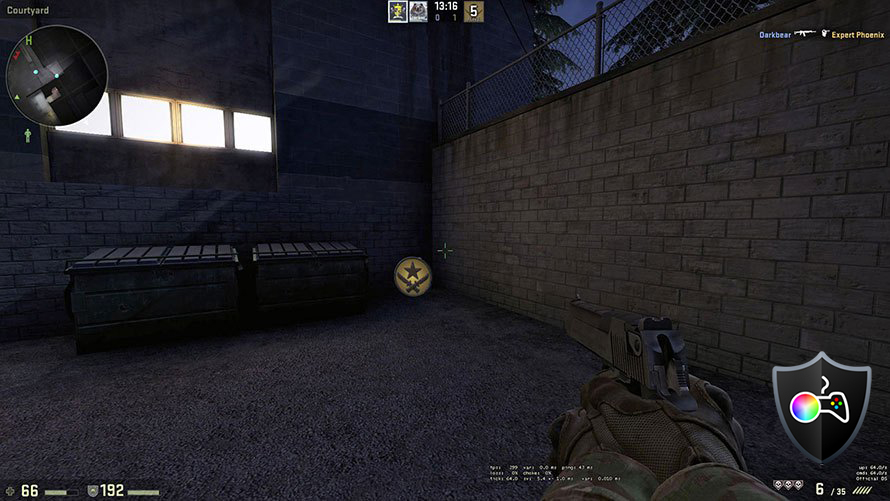
 The second profile type is Design and Gaming – it combines our previous “Web Design” and “Gaming and Movie Nights” profiles in one, so it’s aimed at designers who work with colors professionally, and for games and movies as well (or maybe you’re a designer who likes to relax with some games or movies from time to time?).
“Design and Gaming” takes display panels to their limits, making them as accurate as possible in the sRGB IEC61966-2-1 standard for Web and HDTV, at white point D65.
Left: No Profile | Drag the slider to see the difference | Right: Design & Gaming Profile


Just as our previous Gaming profile, this one also regulates the first steps out of black so you can have even faster reflexes when playing in dark virtual environments…or just see everything in the darkest scenes in movies.
Left: No Profile | Drag the slider to see the difference | Right: Design & Gaming Profile
Office Work
 The third profile is Office Work and it should be used mostly by users who spend most of the time looking at pieces of text, tables or just surfing.
Office Work aims to deliver better distinctness and clarity by keeping a flat gamma curve (2.20), native color temperature and perceptually accurate colors.
Left: No Profile | Drag the slider to see the difference | Right: Office Work Profile
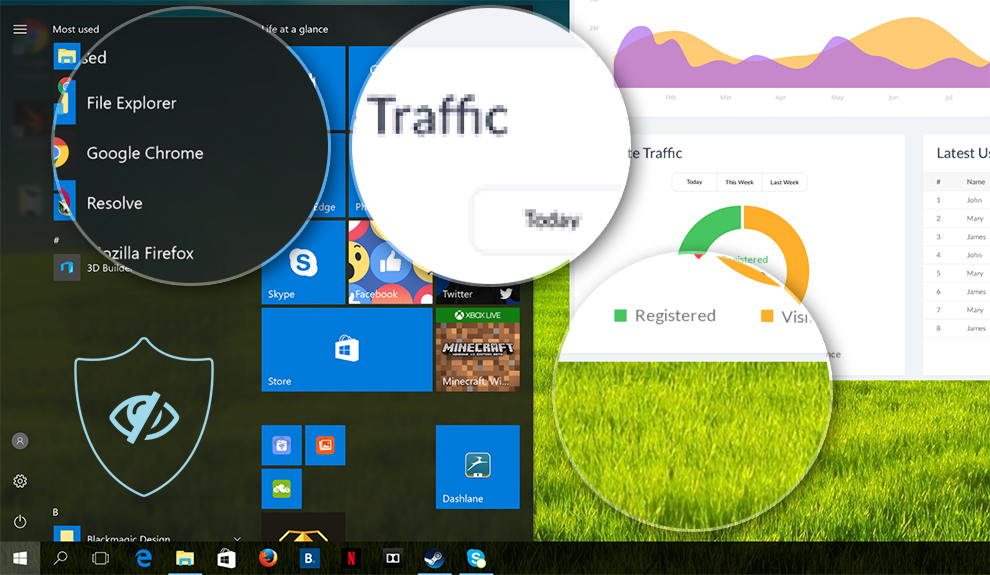
You’ll find more information about the profiles HERE.
Buy our profiles
Since our profiles are tailored for each individual display model, this article and its respective profile package is meant for Apple MacBook Pro 15 (661-06375).
*Should you have problems with downloading the purchased file, try using a different browser to open the link you’ll receive via e-mail. If the download target is a .php file instead of an archive, change the file extension to .zip or contact us at [email protected].
Pe lângă primirea de profiluri eficiente și prietenoase cu sănătatea, prin cumpărarea produselor LaptopMedia sprijiniți și dezvoltarea laboratoarelor noastre, unde testăm dispozitive pentru a produce cele mai obiective recenzii posibile.

Office Work
Office Work ar trebui folosit în principal de utilizatorii care petrec cea mai mare parte a timpului uitându-se la texte, tabele sau pur și simplu navigând. Acest profil urmărește să ofere o distincție și o claritate mai bună prin menținerea unei curbe gamma plate (2.20), a temperaturii native a culorii și a culorilor perceptiv exacte.

Design and Gaming
Acest profil se adresează designerilor care lucrează profesional cu culorile, precum și pentru jocuri și filme. Design and Gaming duce panourile de afișaj la limitele lor, făcându-le cât mai precise posibil în standardul sRGB IEC61966-2-1 pentru Web și HDTV, la punctul de alb D65.

Health-Guard
Health-Guard elimină modulația dăunătoare a lățimii impulsului (PWM) și reduce lumina albastră negativă care ne afectează ochii și corpul. Deoarece este personalizat pentru fiecare panou, reușește să mențină culorile perceptiv exacte. Health-Guard simulează hârtia, astfel încât presiunea asupra ochilor este redusă considerabil.
Obține toate cele 3 profiluri cu 33% reducere

Purchasing, installing and using the profiles
Purchasing the three profiles as a package gets you a major discount, and your investment will go to investing in our lab, so that we can expand and improve our reviews even further. We do this with only one goal in mind - we want our reviews to be as objective and as useful as possible for you, our audience.
The profiles require no installation. However, in order to use them, you should’ve downloaded our LM Profiles application. Just open it and drag & drop the profiles over the app. That’s it. Now you can quickly switch between the profiles and take advantage of all their features.
Since all of our profiles are created for certain display panels, please check whether your screen matches the model number described in our profile package. You can do that with software like HWiNFO (download) or AIDA64 (download).




![[Aprilie 2026] Amazon Global: Top 10 cele mai bine vândute laptopuri – HP 14 domină piața în timp ce unitățile bugetare depășesc motoarele premium](https://laptopmedia.com/wp-content/uploads/2026/05/Best-Selling-Laptops-GLOBAL-Top-10-400x225.jpg)
![[Aprilie 2026] Cele mai bine vândute mărci de laptopuri pe Amazon Global – Apple deține aproape 60% din cota de venit](https://laptopmedia.com/wp-content/uploads/2026/05/GLOBAL-Best-Brands-400x225.jpg)
![[Aprilie 2026] Clasamentul global al celor mai bine vândute GPU-uri pentru laptopuri pe Amazon – Intel domină, dar Apple și NVIDIA domină segmentul premium](https://laptopmedia.com/wp-content/uploads/2026/05/Best-Selling-GPUs-GLOBAL-Top-10-400x225.jpg)
![[Aprilie 2026] Clasamentul global al celor mai bine vândute procesoare pentru laptopuri pe Amazon – Intel domină piața bugetară, dar Apple domină piața premium cu M4](https://laptopmedia.com/wp-content/uploads/2026/05/Best-Selling-CPUs-GLOBAL-Top-10-400x225.jpg)
![[Aprilie 2026] Amazon Global: Top 10 cele mai bine vândute laptopuri de gaming – ASUS ROG Strix G16 preia coroana pe fondul unei creșteri a gamei medii](https://laptopmedia.com/wp-content/uploads/2026/05/Best-Selling-Gaming-Laptops-GLOBAL-Top-10-400x225.jpg)
