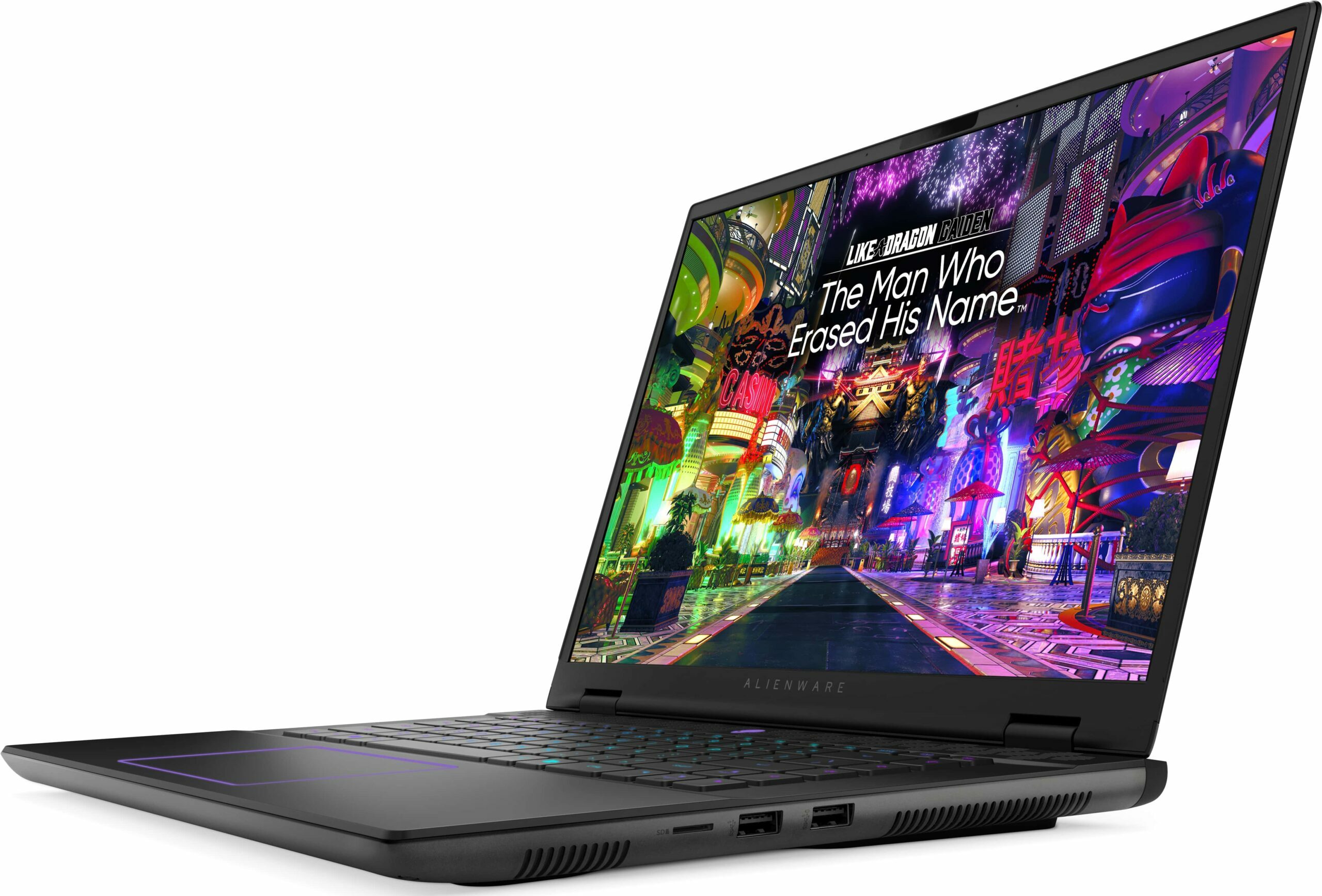
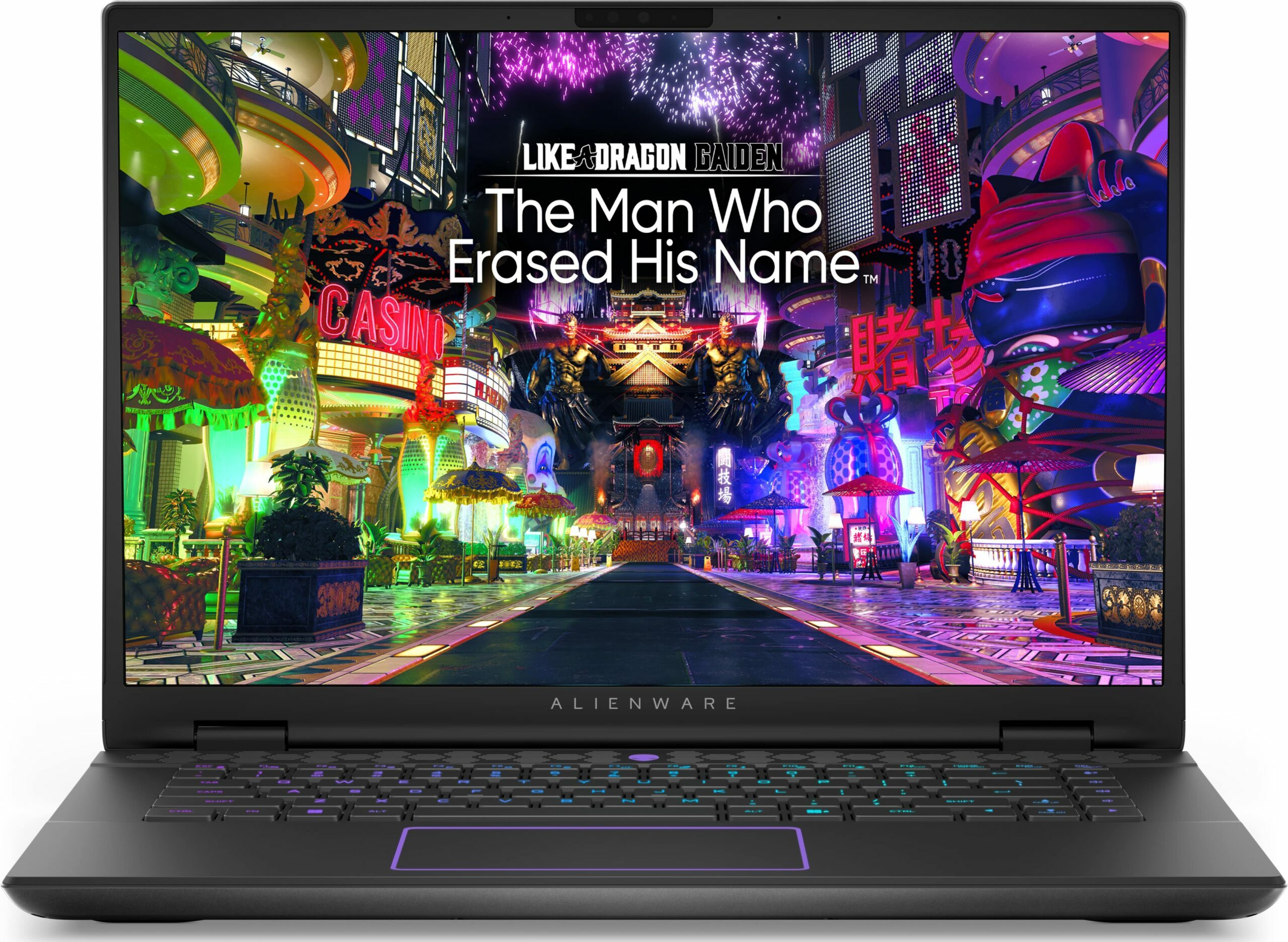
Alienware m16 R2


- Data publicării: 05 Nov 2024
- Intel Core Ultra 7 155H
- NVIDIA GeForce RTX 4070 (Laptop, 140W)
- 16.0", WQXGA (2560 x 1600), 240 Hz, IPS
- 4000GB SSD
- 48GB RAM
- 2.60 kg (5.7 lbs)
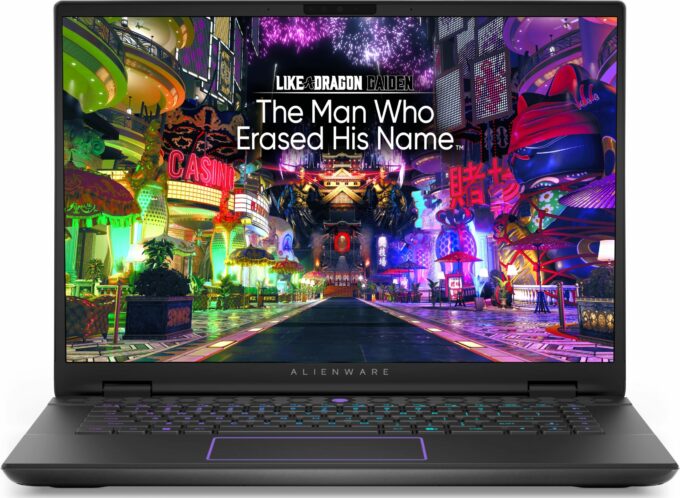
Specificații

- HDD/SSD
- 4000GB SSD
- Slot M.2
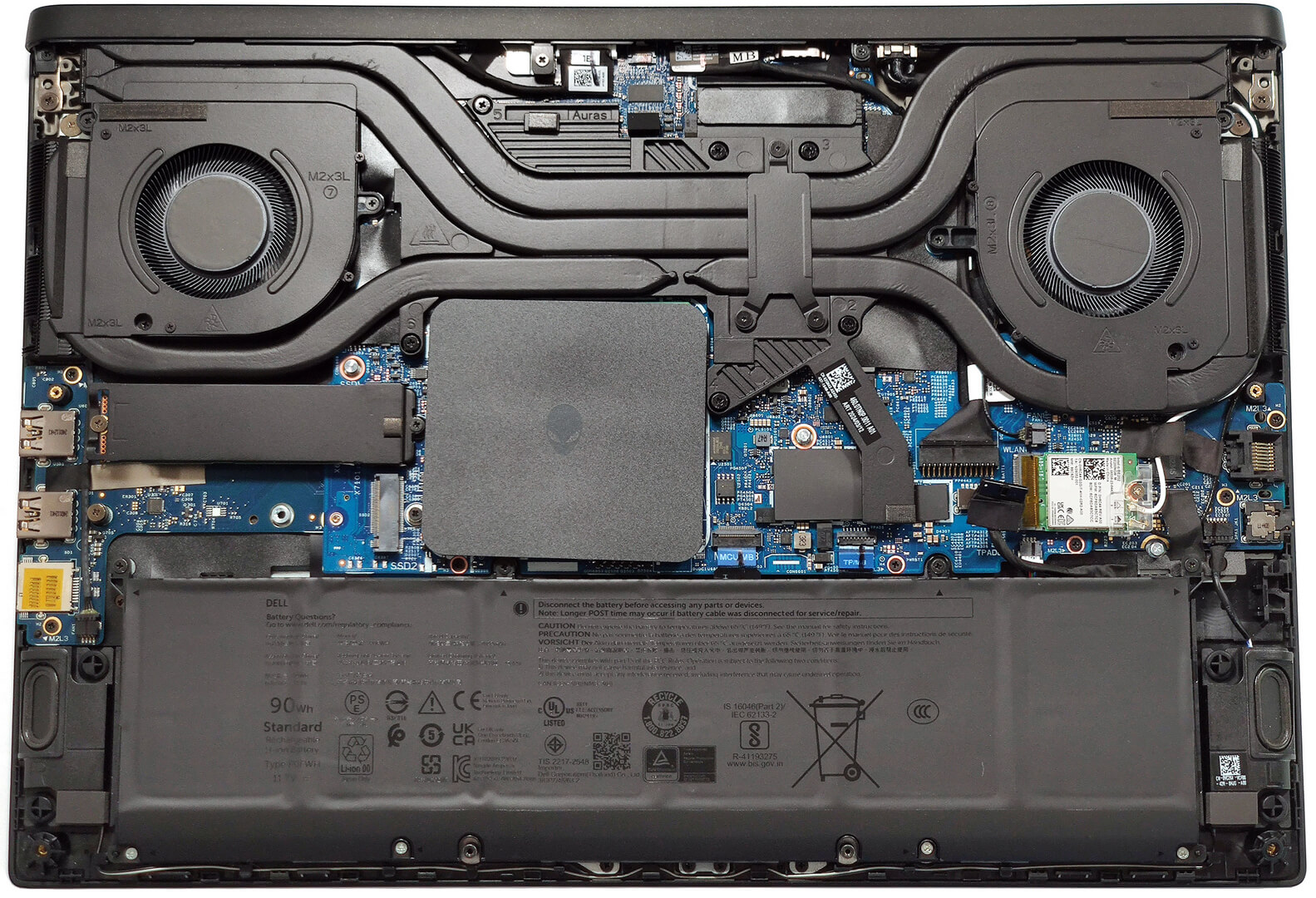
- 2x 2280 M.2 NVMe PCIe 4.0 x4 Vezi foto
- RAM
- 48GB RAM
- OS
- Windows 11 Home
- Material Carcasă
- Plastic / Policarbonat, Aluminiu
- Dimensiuni
- 363.90 x 249.90 x 19.99 - 23.50 mm (14.33" x 9.84" x 0.79")
- Greutate
- 2.60 kg (5.7 lbs)
- Porturi și conectivitate
- 1x USB Type-A
- 3.2 Gen 1 (5 Gbps)
- 1x USB Type-A
- 3.2 Gen 1 (5 Gbps), Sleep and Charge
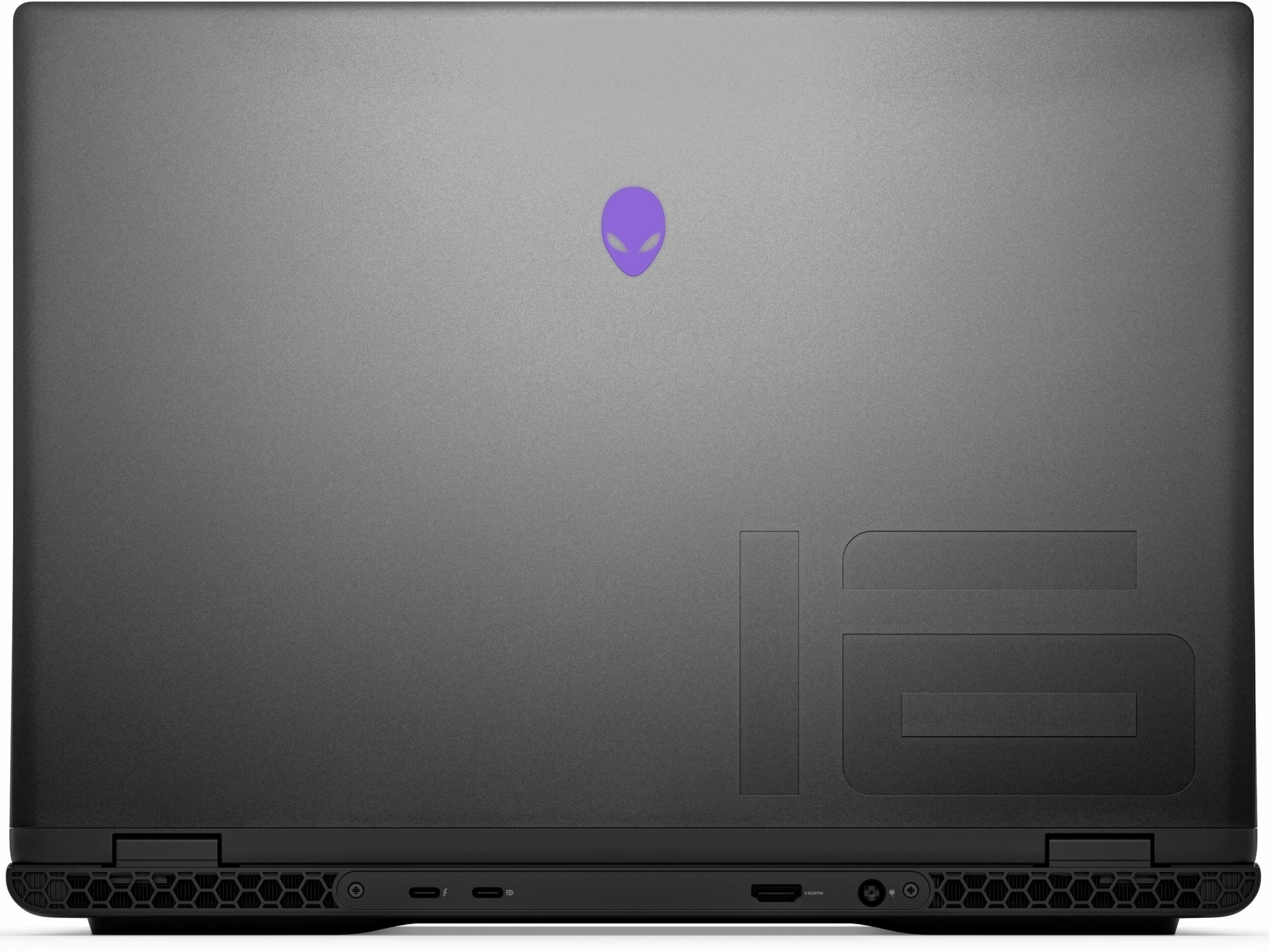
- 1x USB Type-C
- 3.2 Gen 2 (10 Gbps), DisplayPort
- 1x USB Type-C
- 3.2 Gen 2 (10 Gbps), Thunderbolt 4, Power Delivery (PD)
- HDMI
- 2.1
- Cititor de carduri
- microSD (microSD, microSDHC, microSDXC)
- Ethernet LAN
- 10, 100, 1000, 2500 Mbit/s
- Wi-Fi
- 802.11be
- Bluetooth
- 5.4
- Audio jack
- 3.5mm Combo Jack
- Caracteristici
- Cititor de amprente
- Cameră web
- FHD
- Tastatură iluminată
- Microfon
- Digital Array Microphones
- Difuzoare
- 2x 2.5W Stereo Speakers
- Slot blocare securitate
Portabilitate
Recenzie
Alienware m16 R2 recenzie detaliată
These days, 16-inchers are on the rise and some of them (like the ASUS G634 or MSI Vector 16 HX A13V) offer the same performance as their 18-inch versions. The Alienware m16 R2 is the smaller variant of the behemoth-looking Alienware m18 R2. The latter offers great overall power and comfort under load. It'll be interesting to see if the m16 R2 can achieve the same result.For starters, this laptop relies on 28W Intel Meteor Lake chips while the bigger version has Raptor Lake-HX CPU options that are definitely more powerful and thirsty at the same time. Alienware has fitter a big thermal system inside the chassis so we can probably expect good clocks under heavy loads. You can choose from three NVIDIA Ada Lovelace GPUs, the top dog is the RTX 4070 with a max TGP of 140W.The display i[...]
Citește recenzia completă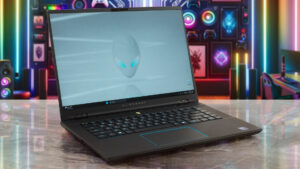
Avantaje
- Rigid premium build
- Thin profile for such hardware
- Capable thermal solution
- High CPU frequencies under max load (3.45 GHz / 2.92 GHz P and E-core clock)
- Wide viewing angles (AUO75AB)
- Snappy pixel response times of 7 ms (AUO75AB)
- PWM-free (AUO75AB)
- 100% sRGB coverage + accurate colors with our "Design and Gaming" profile (AUO75AB)
- 2x SODIMMs + 2x M.2 slots
- Comfortable keyboard
- Good port selection
- The fans aren't loud in "Performance" mode
- Low noise and a 115W GPU TGP in "Balanced" mode
- Decent battery life given the 1600p display and the powerful hardware
- The Alienware Command Center app is full of useful extras
- Offers NVIDIA Advanced Optimus, G-Sync + MUX switch
Dezavantaje
- High price
- Some competitors offer HX-series CPUs
- No Gen 5 SSD slots
- The touchpad isn't something special
Opțiuni de dezasamblare, întreținere și upgrade
Opening the DeviceUndo the 8 Phillips-head screws securing the bottom panel. The captive screws in the front corners will slightly raise the panel up, providing a good starting point. Place a thin plastic tool between the base and the panel and start popping the plate slowly, step by step. Avoid prying the back. Lift the front of the metal plate, push it forward, and lift it away from the chassis.More info: Here's how the bottom plate looks on the inside.Battery RemovalPull out the battery connector from the mainboard. Undo the 8 Phillips-head screws se[...]
Citește mai mult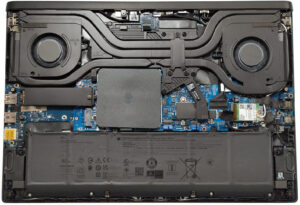


![[Septembrie 2026] Cele mai vândute mărci de laptopuri pe Amazon Global – Apple domină piața cu o cotă de venituri de peste 70%](https://laptopmedia.com/wp-content/uploads/2026/10/GLOBAL-Best-Brands-400x225.jpg)
![[Septembrie 2026] Amazon Global: Top 10 cele mai vândute laptopuri – MacBook Neo de la Apple ocupă locul 1, pe fondul dominanței dispozitivelor din gama economică și a celor premium](https://laptopmedia.com/wp-content/uploads/2026/10/Best-Selling-Laptops-GLOBAL-Top-10-400x225.jpg)
![[Septembrie 2026] Amazon Global: Top 10 cele mai bine vândute laptopuri pentru jocuri – ASUS ROG Strix G16 domină piața cu vânzări record](https://laptopmedia.com/wp-content/uploads/2026/10/Best-Selling-Gaming-Laptops-GLOBAL-Top-10-400x225.jpg)
![[Septembrie 2026] Clasamentul global al celor mai bine vândute plăci grafice pentru laptopuri de pe Amazon – Cipul M5 de la Apple surclasează NVIDIA în segmentul laptopurilor premium, dar RTX 5060 este singura placă grafică dedicată care a reușit să intre în top 10](https://laptopmedia.com/wp-content/uploads/2026/10/Best-Selling-GPUs-GLOBAL-Top-10-400x225.jpg)
![[Septembrie 2026] Clasamentul global al celor mai bine vândute procesoare pentru laptopuri de pe Amazon – M5 de la Apple surclasează Intel, iar piața premium devine o cursă cu un singur concurent](https://laptopmedia.com/wp-content/uploads/2026/10/Best-Selling-CPUs-GLOBAL-Top-10-400x225.jpg)